 ProMapRanker
Best FlipHTML5 Alternatives in 2026


Sales documents and tracked sharing · Pricing starts at: $26 per month
Key takeaways
- FlippingBook is the strongest pick for sales documents and tracked sharing, while Flipsnack suits marketing teams that design in the browser.
- Heyzine offers the lowest paid entry point in this list, which makes it a good test for educators and small creators.
- Issuu gives the widest public distribution, but its paid plans cost more than several focused flipbook tools.
- For retail catalogs, Paperturn and Publuu add product links and catalog features that general flipbook makers lack.
Quick comparison
| Pick | Great for | Pricing starts at | Free tier | |
|---|---|---|---|---|
| FlippingBook | Sales documents and tracked sharing | $26 per month | Free trial | Visit |
 AnyFlip | Free flipbooks and bookshelves | Free | Yes | Visit |
 Issuu | Public magazines and distribution | See website | Yes | Visit |
 Flipsnack | Marketing flipbooks and design | $16 per month | Yes | Visit |
 Publuu | Fast interactive flipbooks | See website | Free trial | Visit |
 Heyzine | Low-cost flipbooks for creators | $4 per month | Yes | Visit |
 Yumpu | Budget magazines and sharing | See website | Yes | Visit |
 Paperturn | Retail catalogs and brochures | $25 per month | Free trial | Visit |
 Joomag | Team publishing and CRM links | See website | Free trial | Visit |
The best fliphtml5 alternatives
We compared official feature pages, pricing pages, and public reviews for tools that turn a PDF into a page-flip publication you can share by link or embed. The core job is the same across the list, but the tools differ on analytics, lead capture, shopping links, branding, and price. Where pricing could not be verified from the vendor page at writing time, we wrote See website.
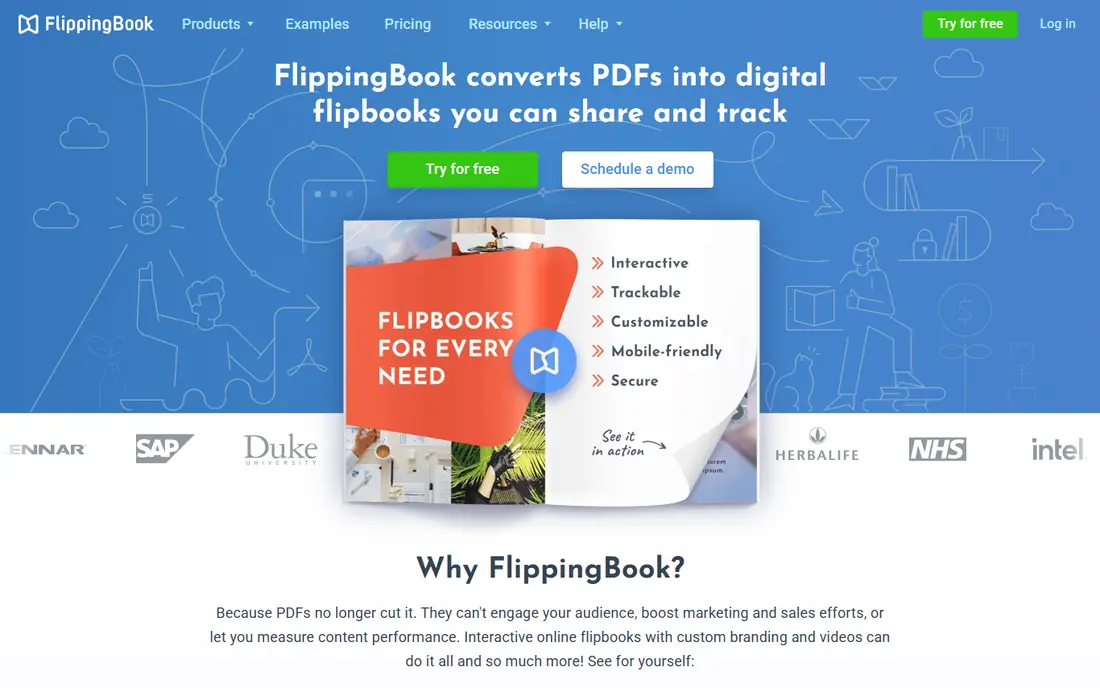
FlippingBook is built for documents that need to be measured, not just published. Sales teams can see who opened a proposal, which pages held attention, and where readers dropped off, which turns a brochure into a follow-up list. Branding, custom domains, and password protection help agencies and firms share client-ready documents without a generic player.
The limit is creation. FlippingBook expects a finished PDF, so teams that want to design pages in the browser will need another tool for layout. If your PDF is ready and the question is who read it, FlippingBook is the most focused answer in this list.
- Per-reader tracking for sales documents
- Strong branding and security controls
- Lead capture forms inside documents
- Works best with finished PDFs rather than as a design tool
- No permanent free plan

AnyFlip is a practical starting point when budget is the main constraint. You can upload a PDF, publish a flipbook, and group publications into a bookshelf without paying, which suits teachers, clubs, and small publishers testing the format. Sharing by link and embedding on a site both work from the free tier.
Paid plans add branding control, more storage, and fuller statistics, so growing publishers will eventually need to upgrade. For a first flipbook, though, AnyFlip lets you learn what readers actually do before spending anything.
- Free plan for basic publishing
- Online bookshelves for collections
- Simple sharing and embedding
- Advanced branding and analytics need paid plans
- Interface feels crowded in places

Issuu is less a private document host and more a publishing platform. Magazines, lookbooks, and catalogs can reach readers who browse Issuu itself, which helps small publishers find an audience without building traffic from zero. The reader is clean on desktop and mobile, and sharing tools are straightforward.
The trade is control and cost. If you mainly share private sales documents, Issuu's public model and higher paid pricing may not fit. If you publish public content and want discovery, Issuu's audience is a genuine advantage that private flipbook tools do not offer.
- Large public audience for magazines and catalogs
- Polished reading experience
- Discovery beyond your own site
- Paid plans are pricier than several rivals
- Branding control is limited on lower tiers
Flipsnack suits marketing teams that want to design inside the tool, not just upload a finished PDF. The editor supports interactive elements, templates, and team workflows, so a catalog or magazine can be built, reviewed, and published in one place. Analytics help marketers see which pages and links perform, rather than guessing from downloads alone.
Lower plans cover the basics, but deeper reports and team controls sit higher up the pricing ladder. For a team that publishes often and designs in-house, that cost is easy to justify. For a one-off PDF, a simpler converter may be enough.
- Browser design studio for interactive pages
- Strong analytics and accessibility features
- Templates for marketing teams
- Some reporting features need higher plans
- Free plan is basic
Publuu is known for speed and a clean conversion flow. Upload a PDF, add hotspots, video, or audio where they help, and publish a link that reads well on phones and desktops. Attention analytics show how readers move through a document, which helps publishers improve layout and calls to action over time.
The trial lets you test the full flow, but ongoing use needs a paid plan, and the most detailed analytics sit on higher tiers. If you publish regularly and care about reader behavior, Publuu is a solid middle option between free converters and enterprise catalog platforms.
- Fast PDF conversion with hotspots and media embeds
- Attention analytics for reader behavior
- Branding and protection options
- No permanent free plan
- Deeper analytics and branding need higher tiers
Heyzine is the budget pick that still feels complete for everyday publishing. Teachers, authors, and small creators can publish a flipbook free, then move to a low-cost paid plan for branding and extra features. The price gap with rivals is large, which matters when a publication earns little direct revenue.
The limits show on larger projects. Lead forms, team controls, and deep analytics are thinner than on marketing-focused tools, so sales teams should look elsewhere. For a newsletter, school magazine, or portfolio, Heyzine gives good value without a long setup.
- Very low paid entry price
- Forever-free basic plan
- Multimedia additions such as video and links
- Lead capture and advanced tools need upgrades
- Smaller feature set than Flipsnack or FlippingBook
Yumpu is a straightforward choice for publishers who want to get a magazine online quickly and cheaply. The free plan supports uploads and sharing, and the reading experience is familiar to anyone who has browsed online magazines. That simplicity suits clubs, local papers, and hobby publishers.
Free publications carry ads, which can distract readers and look less professional for business use. Paid plans remove those limits and add branding, so treat the free tier as a trial for audience building and upgrade when the publication represents your brand.
- Generous free publishing with distribution options
- Simple upload and share flow
- Good for simple magazines
- Ads appear on free publications
- Advanced branding needs paid plans
Paperturn focuses on the retail job: turning a product catalog into a shoppable digital edition. Product hotspots link to store pages, large files are handled well, and the reader is built for browsing rather than linear reading. Support is often praised in public reviews, which helps smaller retail teams without in-house web staff.
For a general magazine or report, Paperturn may feel narrower than Flipsnack or Issuu. For a seasonal catalog, lookbook, or brochure that must drive store visits, its catalog focus is the reason to choose it.
- Catalog features with product links
- Good support and data protection focus
- Accessible reading options
- Less suited to general magazines than catalog work
- Higher tiers are quote-based in some comparisons
Joomag is aimed at larger teams that publish as part of a marketing system, not as a one-off task. It combines flipbook publishing with CRM links, automation, and team roles, so a magazine or catalog can feed leads and campaigns directly. That integration helps marketing departments that already run on a CRM.
Small creators will find Joomag heavy and pricey for simple publishing. The value appears when several people produce content, leads must flow to sales, and publishing volume justifies a platform rather than a converter.
- Team publishing with roles and workflows
- Marketing automation and CRM connections
- Interactive content tools
- Pricing is higher and less transparent than simpler tools
- Setup takes longer for small teams
How we picked these
We compared official feature pages and pricing pages, plus public reviews and published comparisons from 2026. We kept only tools that convert PDFs into shareable flipbooks and are live in October 2026, and we left the named product itself out of the list. Where a vendor price could not be verified, we wrote See website instead of repeating an unconfirmed figure.
What to check before you publish
Start with the reader, not the editor. Open a test flipbook on a phone, check load time, and confirm links, videos, and forms work where readers will tap them. A beautiful desktop edition that stumbles on mobile will lose the audience that matters most for catalogs and magazines.
Next, check what you can measure. Page views alone tell you little, so look for per-page attention, link clicks, and lead forms if sales matter. Finally, confirm branding, domain, and download controls, and keep the original PDF safe. If you switch tools later, the PDF is what lets you rebuild without starting from scratch.
Frequently asked questions
What is the best free flipbook maker?
AnyFlip and Heyzine both offer free plans that cover basic publishing, and Yumpu offers free publishing with ads. For business use, expect to pay for branding removal and fuller analytics, even if the first edition is free.
Which tool is best for a shoppable catalog?
Paperturn is built for retail catalogs with product links, while Publuu and Flipsnack also support hotspots and links. Test product links on mobile before launch, since most catalog readers shop from a phone.
Can readers find my flipbook on Issuu?
Yes, Issuu adds public discovery beyond your own website, which helps magazines and lookbooks reach new readers. Private sales documents are better hosted on FlippingBook or Sprout-style gated tools, where access is controlled.
Do flipbooks work on mobile?
All tools in this list publish HTML5 editions that adapt to phones and tablets, but load time and link placement vary. Always test on a real phone with your actual PDF, not a short sample.
Can I collect leads from a flipbook?
FlippingBook, Flipsnack, and Joomag support lead forms or CRM links, with exact features varying by plan. Heyzine and Yumpu offer lead tools only on higher or paid tiers, so check the plan details before you rely on them.
Should I design in the flipbook tool or upload a finished PDF?
Upload a finished PDF if layout is already set in design software, and use FlippingBook or Publuu for tracking and sharing. Design in Flipsnack if your team builds pages in the browser and wants templates and collaboration in one place.
Sources
See where you really rank - block by block
ProMapRanker scans Google Maps across a grid of your service area. Simple monthly plans from $19, white-label on every plan.
Start freeKeep reading
 zoho books alternatives
Best Zoho Books Alternatives in 2026
Compare the best zoho books alternatives for small business accounting, from QuickBooks Online and Xero to FreshBooks, Wave, and Sage in 2026, with pricing.
Read → zluri alternatives
Best Zluri Alternatives in 2026
Compare zluri alternatives for 2026, with SaaS management platforms for app discovery, spend tracking, renewals, and automation for IT, finance and procurement.
Read → zerobounce alternatives
Best ZeroBounce Alternatives in 2026
Best zerobounce alternatives for list hygiene: compare 8 email verification tools for bulk cleaning, real-time checks and catch-all handling in 2026 today.
Read →