 ProMapRanker
Best Figma Alternatives in 2026

Key takeaways
- Penpot is the strongest free Figma alternative overall, with unlimited files on its free Professional plan and the option to self-host.
- Sketch remains the best paid choice for Mac-based teams that want a native desktop editor and a mature plugin scene.
- Lunacy is the best free desktop option for Windows and Linux designers who want to work offline.
- Framer, Canva, and Visily replace only part of Figma, so match the tool to the job: shipping sites, marketing assets, or wireframes.
- Figma's own free Starter plan is still usable for solo work, but its file and team limits push growing teams toward paid seats or an alternative.
Quick comparison
| Pick | Great for | Pricing starts at | Free tier | |
|---|---|---|---|---|
 Penpot Penpot | free open source design | Free | Yes | Visit |
 Sketch Sketch | Mac-based product teams | $12 per month | No | Visit |
 Lunacy Lunacy | free desktop design | Free | Yes | Visit |
 Framer Framer | turning designs into live sites | $10 per month | Yes | Visit |
 Canva Canva | marketing and social assets | See website | Yes | Visit |
 Affinity Affinity | professional vector and layout work | Free | Yes | Visit |
 Motiff Motiff | Figma-style editing with AI help | See website | Yes | Visit |
 Visily Visily | fast wireframes and mockups | See website | Yes | Visit |
The best Figma alternatives
Figma became the default interface design tool for good reasons, but its seat pricing and file limits leave room for rivals. The eight tools below cover the real reasons people switch: cost, open source, desktop editing, publishing, and simpler workflows.
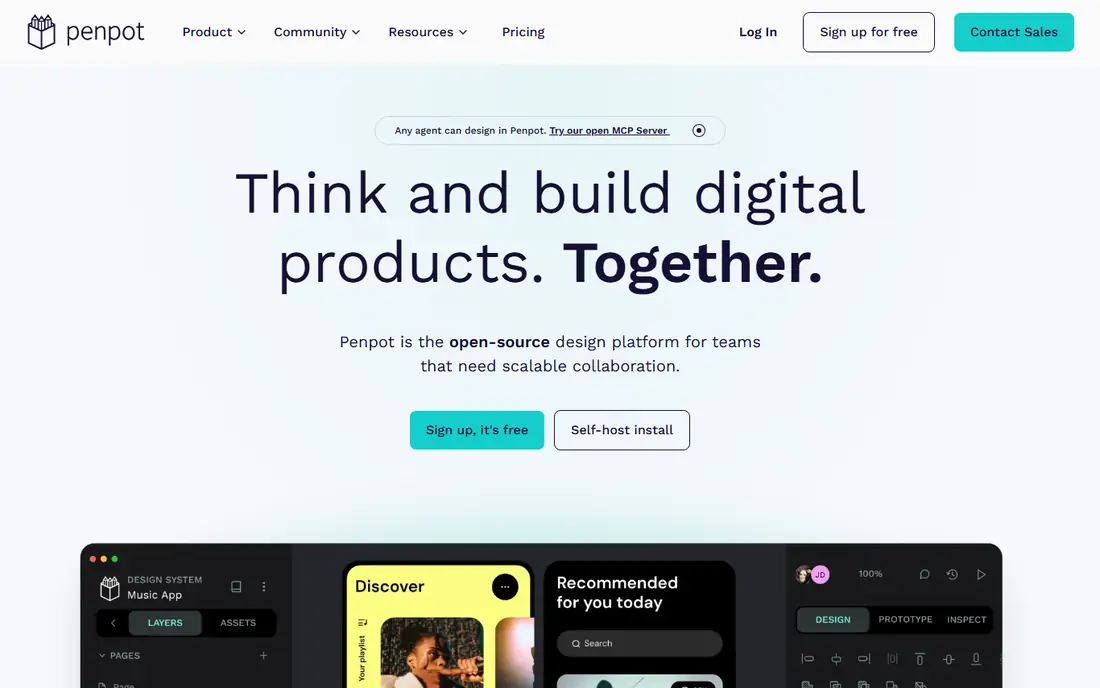
Penpot is our pick for most people looking for a free Figma alternative, because its free plan does not strip out core tools. The Professional plan costs nothing, covers teams of up to 8 members, and includes unlimited files within the storage allowance, which removes the file-count pressure that pushes Figma users toward paid seats. Designs use open SVG-based formats, so your work is not locked to one vendor's file type.
The open source angle matters for more than price. Teams can run Penpot on their own servers, which suits organizations with strict data rules, and the project is backed by a company with paid plans rather than a hobby effort. The gap is the ecosystem: fewer plugins and community files than Figma, and some prototyping workflows feel less polished. If you want a genuine Figma-style editor without a subscription, Penpot is the first tool to try.
- Fully featured free Professional plan
- Open source with open file formats
- Self-hosting available
- Plugin library is smaller than Figma's
- Some advanced prototyping features are still catching up
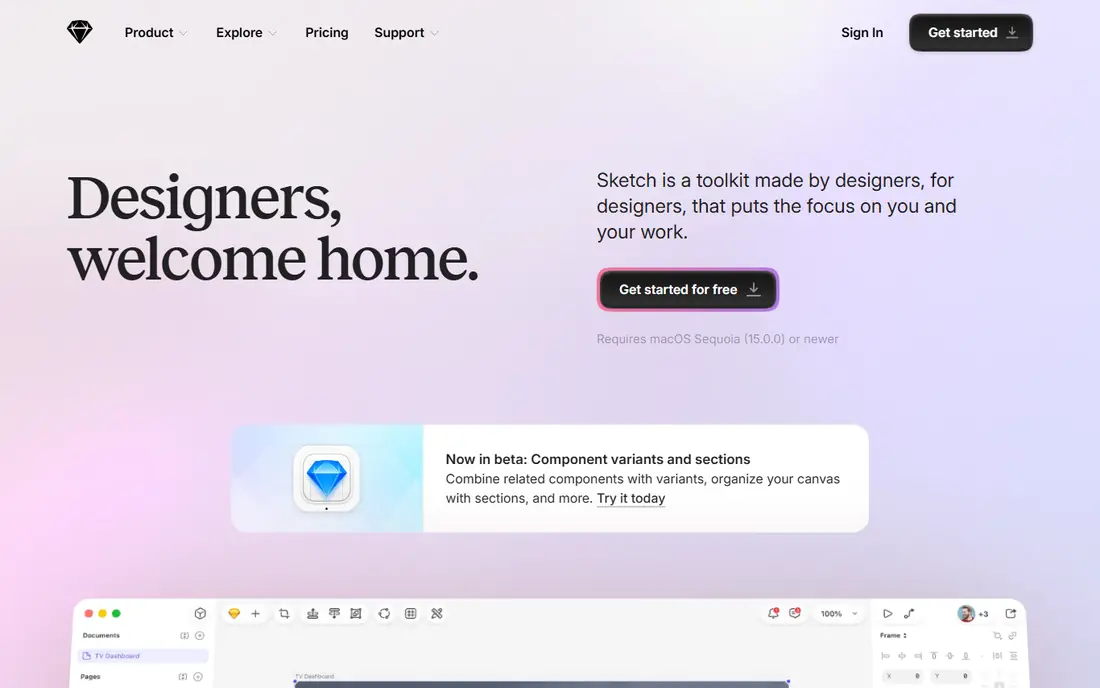
Sketch was the standard interface design tool before Figma, and it remains a strong choice for teams that work on Macs. The native editor feels fast and precise, its symbol and library system handles design systems well, and a long-running plugin community covers many workflows Figma users take for granted. Colleagues on any platform can view and inspect files in a browser without paying.
The limits are clear. There is no Windows or Linux editor, and editing requires a paid seat, listed at $12 per editor per month billed annually, or a one-time Mac-only license. Teams with mixed operating systems will hit that wall fast. Sketch suits Mac-based product teams that value a desktop editor and are happy to pay for it.
- Mature native Mac editor
- Deep plugin and library ecosystem
- Viewers can inspect files free in a browser
- Editor runs only on Mac
- No free editing tier
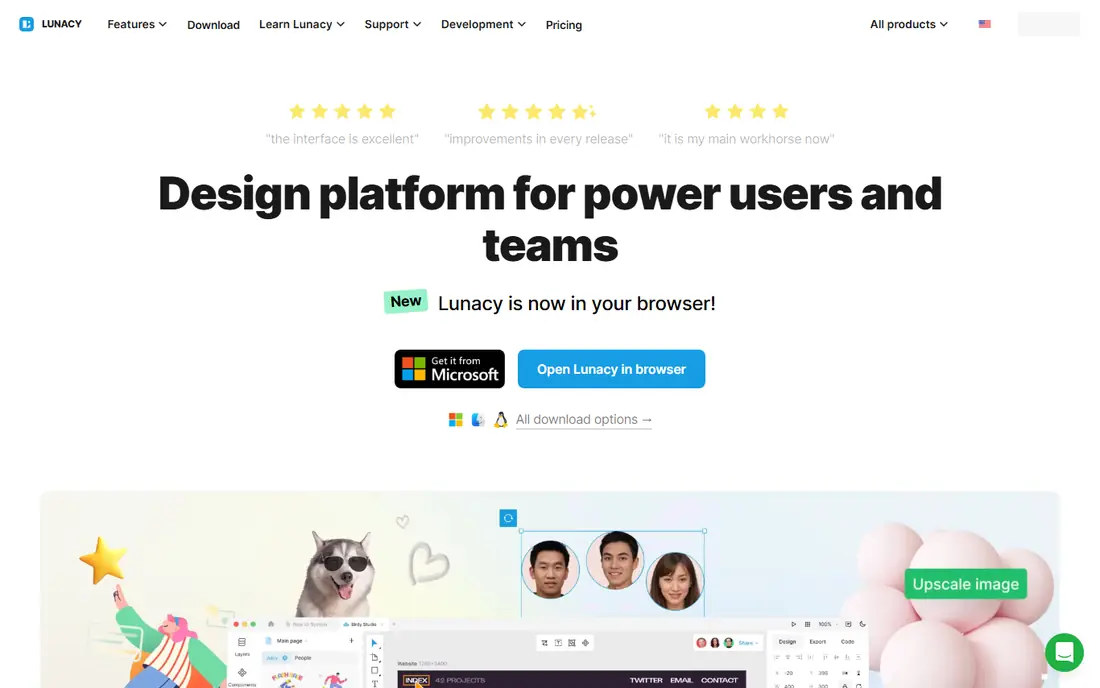
Lunacy, from the team behind Icons8, is a free desktop design app that works on all three major operating systems, which already sets it apart from Sketch. It opens Sketch files, includes a large library of built-in graphics, icons, and photos, and lets designers work offline without a browser tab. For students, solo designers, and Windows or Linux users, that combination is hard to beat at the price of nothing.
The free tier does cap cloud documents, and real-time collaboration is thinner than in Penpot or Figma, so larger teams may feel the limits. A paid Pro plan exists for higher limits and extra features. Lunacy is the best choice when you want a free desktop tool and do not need heavy multiplayer editing.
- Free desktop app for Windows, macOS, and Linux
- Can open and edit Sketch files
- Built-in graphics and icons
- Cloud documents on the free tier are capped
- Collaboration features lag behind browser-based tools
Framer starts where most design tools stop: the design becomes a live, published website without a developer handoff. Its canvas feels familiar to Figma users, its animation tools are strong, and sites can include forms, CMS content, and custom code. For designers who build marketing sites and landing pages, that shortcut is worth a lot.
Pricing needs attention, because Framer charges per site in addition to per editor, with Basic sites listed from $10 per month. A team running several sites should model the total before committing. Framer is less ideal for mobile app interfaces that will be built natively. Pick it when the end goal is a published site, not just a design file.
- Designs publish as real websites
- Strong animation and interaction tools
- Free tier for trying it out
- Bills per site as well as per editor
- Less suited to pure app interface design
Canva is not a Figma clone, and that is the point. It serves the part of Figma's job that involves marketing graphics, social posts, presentations, and documents, with thousands of templates and a drag-and-drop editor that non-designers can learn in an afternoon. Teams can share brand kits, lock templates, and produce on-brand assets without a designer in the loop for every post.
The trade is depth. Canva cannot match Figma or Penpot for detailed interface design, prototyping, or developer handoff, and its best features require a Pro subscription. Pricing varies by plan and region, so check the current pricing page for your country. Canva belongs on this list for marketing teams that need speed and consistency more than pixel-level interface control.
- Huge template library
- Easy for non-designers
- Brand kits and team features on paid plans
- Not built for detailed product interface design
- Advanced features sit behind paid plans
Affinity, now part of Canva, offers professional-grade apps for vector design, photo editing, and page layout, and its core apps are free to use. That makes it a strong pick for designers who need precise illustration or print work alongside screen design, without paying a monthly subscription. The tools are mature, fast, and well regarded by working designers.
Affinity is not a multiplayer interface tool. It lacks Figma-style live collaboration, shared libraries in the same sense, and interactive prototyping, so product teams that live in Figma will feel the gap. Use Affinity as a free professional companion for vector and layout work, or as the main tool for solo designers whose work does not need live collaboration.
- Professional vector, photo, and layout apps
- No subscription for the core apps
- Strong file compatibility
- No real-time multiplayer editing
- Interface design workflow differs from Figma
Motiff aims directly at Figma users, with a canvas, components, and prototyping that feel familiar from the first session, plus AI tools that can generate layouts and speed up routine edits. For teams that want a lower-cost Figma-style editor with modern AI help, it is one of the more convincing newer options, and its free tier lets a team test real work before paying.
Being newer is also the risk. The community, plugin library, and template pool are smaller than Figma's or Penpot's, and pricing details can change as the product matures, so verify the current plans before moving a whole team. Motiff is worth a trial for teams that like Figma's workflow but want AI features and a lower bill.
- Familiar Figma-style canvas
- AI features for generating and editing designs
- Free tier for getting started
- Smaller community and plugin scene
- Long-term pricing still settling as the product grows
Visily solves a narrower problem than Figma: getting from an idea to a presentable wireframe or mockup quickly. Its AI can convert a hand sketch or a screenshot into an editable design, and its templates cover common app screens, dashboards, and landing pages. Product managers, founders, and developers who need to show an idea without learning a full design tool will move fastest here.
The limit is finish. Visily is not built for detailed visual design systems, complex prototyping, or developer handoff at Figma's level, and teams usually move polished work elsewhere. Pricing varies by plan, so check the current page. Pick Visily for speed in the early stages, not as a complete Figma replacement.
- AI turns sketches and screenshots into editable mockups
- Template library for common screens
- Easy sharing
- Not a full interface design replacement
- Finer visual control is limited compared with Figma
How we picked these
We compared official pricing pages, feature lists, platform support, and public reviews, and we excluded tools that are discontinued or in maintenance mode, such as Adobe XD. We favored tools that are actively updated in 2026, that offer a genuinely usable free tier or a clear price advantage, and that cover different reasons for leaving Figma. We did not claim hands-on testing; our findings rest on vendor pages and published reviews.
Choosing the right replacement
Name the job you actually do
If you design product interfaces with a team, Penpot or Sketch is the closest fit. If you publish marketing sites, Framer fits better. If you make social graphics, Canva wins. Buying the wrong kind of tool is the most common switching mistake.
Test file compatibility early
Import a real project before committing, and check that components, fonts, and exports survive the move. Penpot offers a Figma export path, Lunacy handles Sketch files, and other tools vary, so a trial with your own files beats a feature list.
Count the full price
Seat prices, per-site charges, and add-ons stack up. Model the cost at your real team size and file count, and compare it with staying on Figma's cheaper seat types, since a Collab or Dev seat inside Figma sometimes solves the problem for less.
Check collaboration needs
Real-time multiplayer editing, commenting, and developer handoff matter more to product teams than to solo designers. If your team reviews designs together daily, prioritize Penpot or Sketch over desktop-only tools.
Frequently asked questions
What is the best free Figma alternative?
Penpot is the best free Figma alternative for most teams, because its free Professional plan includes full editing features, unlimited files within storage limits, and up to 8 team members. Lunacy is the best free desktop option, especially on Windows and Linux. Both are genuinely free, not time-limited trials.
Are there free Figma alternatives without limits?
No free tool is fully without limits, but Penpot comes closest for browser-based design, since its free plan keeps core features and only caps team size and storage. Lunacy caps free cloud documents, and Figma's own free Starter plan limits team files. Read the current plan details before relying on a free tier for client work.
What is the best Figma alternative for Mac?
Sketch is the best Figma alternative for Mac-based teams that want a native desktop editor, with a mature plugin scene and a one-time license option. Penpot is the better choice if the team also uses Windows or Linux, or if a free plan matters more than a native app.
Can Figma alternatives open Figma files?
Some can, with limits. Penpot has worked on Figma import tooling, Lunacy opens Sketch files rather than Figma files, and most other tools require rebuilding or exporting assets first. Test with a real file before switching, and export key assets in open formats like SVG where possible.
Is Penpot really free?
Yes, Penpot's Professional plan is free and includes the core design features, and the code is open source, so teams can also self-host. Paid plans add storage, history, and admin features, with an Unlimited plan capped at $175 per month for a team. That model is why Penpot leads most free alternative lists.
Why are designers leaving Figma?
The common reasons are seat pricing, limits on the free plan, and a wish for open formats or self-hosting. Figma is still a strong product, and many teams stay, but designers who only need part of what Figma offers often find a cheaper or simpler tool that fits their actual work.
Sources
See where you really rank - block by block
ProMapRanker scans Google Maps across a grid of your service area. Simple monthly plans from $19, white-label on every plan.
Start freeKeep reading
 zeffy payment processor stripe alternatives
Zeffy and Stripe Alternatives for Nonprofits in 2026
Explore zeffy payment processor stripe alternatives for nonprofits. We compare 8 fundraising platforms on fees, donor tools, and nonprofit focus. Check fees.
Read → workday alternatives
Workday Alternatives in 2026
Workday alternatives compared: we review 8 HR and payroll platforms that replace Workday, with pricing, strengths and honest limits for each team size.
Read → what's the best weather app
What's the Best Weather App in 2026
Wondering what's the best weather app? We compare 10 free and paid apps for forecasts, radar, alerts, and Colorado mountain weather for everyday and storm use.
Read →