 ProMapRanker
Best FieldEdge Alternatives for Field Service


large residential and commercial service companies · Pricing starts at: quote only
Key takeaways
- FieldEdge hides its pricing behind a quote, so alternatives that publish a price are easier to budget for.
- Jobber Core at $29 per month billed annually and ServiceM8 Starter at $29 per month are the cheapest entry points in this guide.
- Kickserv Start at $60 per month billed annually covers 5 users, which is the best value for a small crew that needs more than one login.
- ServiceTitan, Workiz, simPRO and mHelpdesk all use quote-only pricing, so request written quotes and compare the same team size on each one.
- Run the free trial on your shortlist first, and move one real week of jobs through it to test dispatch, invoicing and the mobile app.
Quick comparison
| Pick | Great for | Pricing starts at | Free tier | |
|---|---|---|---|---|
| ServiceTitan | large residential and commercial service companies | quote only | No | Visit |
 Jobber | small teams that want clear pricing and a quick start | $29 per month (billed annually) | Free trial (14 days) | Visit |
 Housecall Pro | growing home service teams in HVAC, plumbing and electrical | $59 per month (billed annually) | Free trial (14 days) | Visit |
 Kickserv | small crews that want a low flat monthly fee | $60 per month (billed annually) | Free trial (30 days) | Visit |
 Workiz | urgent-response trades such as HVAC, locksmiths and junk removal | quote only | Free trial (7 days) | Visit |
 simPRO | project-heavy electrical, plumbing, HVAC and fire protection contractors | quote only | No | Visit |
 mHelpdesk | work-order driven service teams that want guided onboarding | quote only | Free trial (7 days) | Visit |
 RazorSync | small to mid-size teams that want a flat monthly fee | $85 per month (billed annually) | Free trial (14 days) | Visit |
 ServiceM8 | high-volume trade businesses that run many short jobs | $29 per month | Yes | Visit |
Best FieldEdge Alternatives
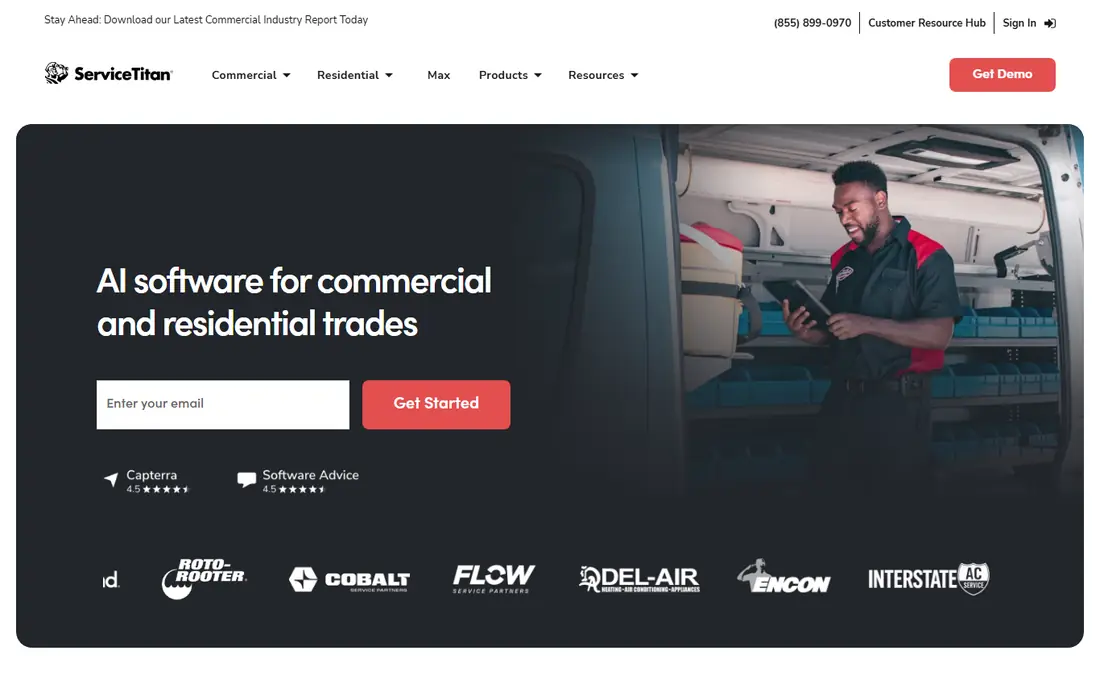
ServiceTitan is the enterprise option in this list, built for larger residential and commercial service companies. Its three tiers, Starter, Essentials and The Works, cover dispatching, scheduling, call booking, invoicing, pricebook management, mobile estimates, payroll and reporting, with the higher tiers adding commission tracking and memberships.
The trade-off is cost and commitment. ServiceTitan does not publish prices, so every quote comes through a sales call, and third-party reports describe per-technician pricing plus implementation fees and 12 to 36 month contracts. That makes it a poor fit for a one-truck shop, and a strong fit for companies with 20 or more technicians.
- Deep reporting and dispatch tools
- Three tiers plus add-on modules for marketing and phones
- No published pricing, so the cost only comes from a sales call
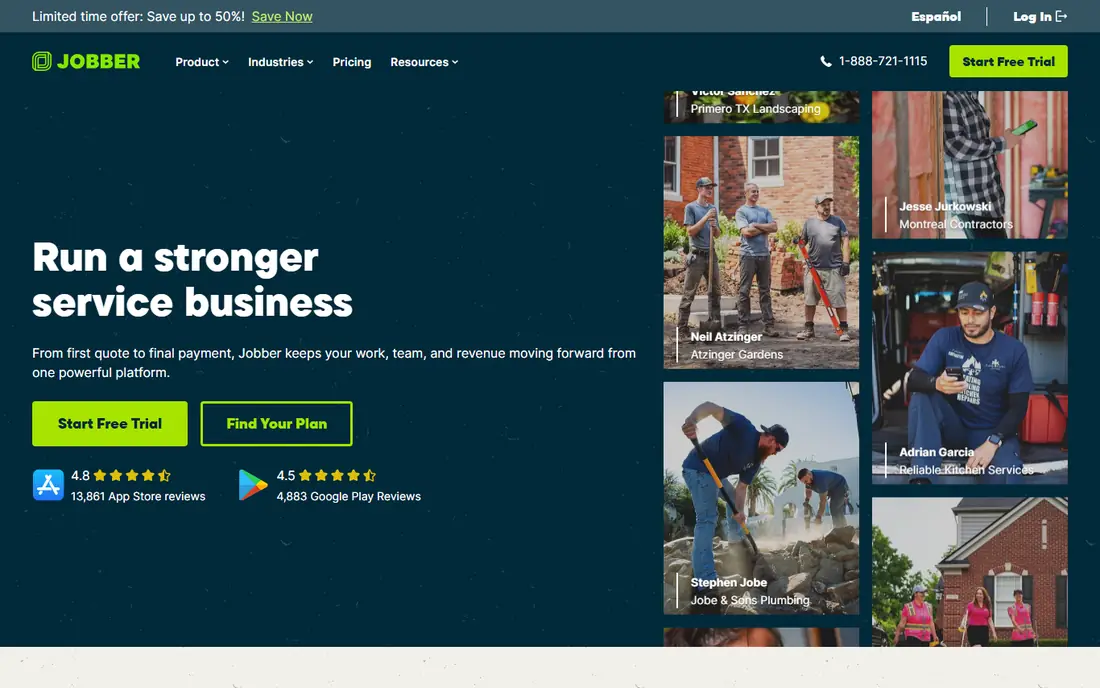
Jobber is the most approachable option here for small teams that want clear pricing and a quick start. Core covers quoting, invoicing, scheduling, a client hub, online booking and reporting for one user. Connect adds automated follow-ups, QuickBooks sync, job forms and GPS tracking, while Grow adds job costing, two-way texting and custom automations. Extra users cost $29 per month each.
Jobber suits owners who want to run the whole job cycle in one place without a sales call. The 14-day trial needs no card, and the price rises in clear steps as the team grows. The main limit is depth: larger commercial operations that need inventory control or complex project costing will find the feature set thin.
- Published prices with no sales call needed
- Strong mobile app and 14-day trial
- Thin feature set for large commercial work, with limited inventory and project costing
Housecall Pro
Great for: growing home service teams in HVAC, plumbing and electrical
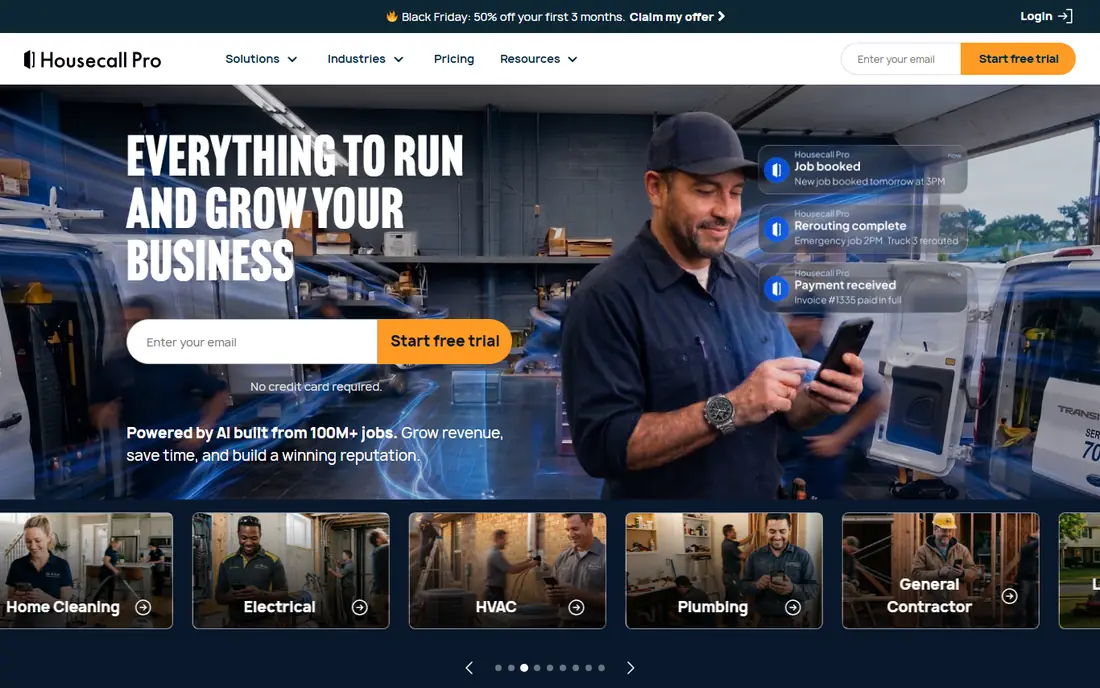
Housecall Pro covers scheduling, dispatch, estimates, invoicing, online booking, payments, a price book, job costing and review management in one system. Basic serves a single user, Essentials adds routes, flat-rate pricing, photo reports, employee GPS tracking and QuickBooks Online sync for up to 5 users, and MAX adds a sales proposal tool, recurring service plans and route optimization for up to 8 users, with extra users at $35 per month each.
It is a good middle ground between Jobber and ServiceTitan, with no long-term contract, and the 14-day trial gives full access to MAX features. The main drawback is that add-ons such as the phone system, payroll and marketing tools sit outside the base price, so the monthly total can climb above the headline plan price once those are added.
- No long-term contract required
- 14-day trial with full access to MAX features
- Phone system, payroll and marketing tools cost extra on top of the plan price
Kickserv prices by team size rather than by user, which makes the bill easy to predict. Start covers 5 users and includes an embeddable contact form, automated email and text reminders, more than 20 business reports, time and expense tracking and QuickBooks Online integration. Run adds dispatch mapping, GPS check-ins and custom reports for 10 users, and Scale adds custom templates and review requests for 20 users. Annual billing saves 20 percent.
Kickserv suits small shops that want a low starting price and a 30-day trial with no long-term contract. The main limits are that dispatch mapping and GPS check-ins start on Run, and QuickBooks Desktop integration costs an extra $50 per month.
- Flat fee by team size with 5 users on the cheapest plan
- 30-day trial with no long-term contract
- Dispatch mapping and GPS check-ins start on the Run plan, not on Start
Workiz is built around communication, with call tracking, recording, two-way texting and AI answering tools alongside scheduling, dispatch, invoicing and online payments. Its three tiers are Standard, Pro and Ultimate. Pro adds performance pay, 10 automations, Genius leads and scheduling, and custom reports, and Ultimate adds service plans, inventory, flat-rate pricing and multi-day jobs.
The platform fits urgent-response trades such as HVAC, locksmiths, junk removal and appliance repair, where the phone drives the work. The main drawback is pricing: the pricing page shows no base price, so the starting figure only comes from a demo or quote, and the phone system is now a separate add-on. A 7-day trial is available with no card required.
- Built-in call tracking, recording and two-way texting
- Genius AI tools for leads and scheduling
- No base price is published, so the starting figure only comes from a demo or quote
simPRO
Great for: project-heavy electrical, plumbing, HVAC and fire protection contractors
simPRO is the project-heavy option in this list, built for electrical, plumbing, HVAC, fire protection and security contractors that run multi-stage work. It covers estimating and quoting, scheduling and dispatch, job execution, invoicing, inventory, maintenance planning, GPS fleet tracking and asset management, with reporting that tracks work in progress and material spend against budget.
The platform suits teams of around 5 technicians and up that need strong job costing and project controls. The main drawbacks are that pricing is quote only, onboarding involves an upfront implementation project, and contracts are typically multi-year with annual price rises.
- Strong job costing, inventory and project controls
- AI tools for reporting and training
- Quote-only pricing with multi-year contracts and an upfront implementation project
mHelpdesk is a long-running field service platform, owned by Angi, that covers work orders, scheduling, dispatch, invoicing, customer management and communication in one system. It suits a broad mix of trades, from HVAC and cleaning to general contracting, and it offers guided onboarding with a personal success coach.
The main drawback is pricing: mHelpdesk does not publish prices, so the figure only comes from a sales conversation, and third-party estimates put entry pricing near $169 per month. Reports of renewal price rises also appear in user reviews, so buyers should get the renewal terms in writing.
- Guided onboarding with a personal success coach
- Work-order focus that suits ticket-based teams
- No published pricing, so the figure only comes from a sales conversation
RazorSync is a straightforward field service tool for small and mid-size service businesses, with scheduling, dispatch, job tracking, recurring scheduling, estimating, invoicing, credit card payments, time cards and a customer portal. Solo covers up to 2 users, Team adds QuickBooks sync plus advanced reporting for up to 7 users, and Pro adds route optimization, inventory management and templates for up to 15 users. Every plan includes the mobile apps and 1-on-1 training.
RazorSync suits owners who want a flat monthly fee tied to team size, with no per-user surprises. The main limits are that QuickBooks sync costs an extra $20 per month on Solo, and some add-ons such as route optimization cost extra on the lower plans, so the headline price is not the whole story.
- Flat fee tied to team size with no per-user surprises
- Every plan includes 1-on-1 training
- QuickBooks sync costs an extra $20 per month on the Solo plan
ServiceM8 prices by the number of new jobs each month, not by headcount, and every plan includes unlimited users. The free plan covers 1 user and 30 jobs a month. Starter covers 50 jobs and adds progress invoicing, Growing covers 150 jobs and adds forms, proposals and asset tracking, and Premium covers 500 jobs and adds job costing and markup billing. Premium Plus covers 1,500 or more jobs at 20 cents per extra job.
ServiceM8 suits high-volume trade businesses that run many short jobs, such as plumbing, electrical and pest control, because adding staff costs nothing extra. The main limits are that the mobile experience is strongest on iOS, and QuickBooks Desktop is not supported, only QuickBooks Online.
- Unlimited users on every plan with pricing by job count, not headcount
- Free plan included
- Mobile experience is strongest on iOS, and QuickBooks Desktop is not supported
How we chose
We compared vendor pricing pages, feature pages and plan documents for each tool, and we checked every homepage on 13 November 2026. We looked at scheduling and dispatch, quoting and invoicing, mobile apps, payment processing, accounting integrations and the cost of adding users. We did not run hands-on tests, and we did not count third-party estimates as vendor prices: where a vendor hides its price, this guide says quote only.
We gave weight to published pricing, because a visible price lets a small business budget before a sales call, and to free trials, since a trial is the fastest way to learn if the mobile app and dispatch board suit your crew. Team size mattered too, because some tools charge per user while others charge a flat fee or by job count.
What to check before you buy
Start with the size of your crew and the number of jobs you run each month, because the cheapest tool on one pricing model can be the most expensive on another. A per-user tool grows with every hire, a flat-fee tool stays steady until you cross a user band, and a per-job tool such as ServiceM8 grows with volume instead of headcount.
| Team size | Best fit | Why it fits | | Solo operator | Jobber Core or ServiceM8 Free | Lowest entry cost, $29 per month or free, with room to grow | | 2 to 5 users | Kickserv Start or Housecall Pro Essentials | 5 users included, dispatch and GPS tools from $60 to $149 per month | | 6 to 15 users | RazorSync Pro or Housecall Pro MAX | Flat fees that cover the whole crew without per-user billing | | 16 or more users | ServiceTitan or simPRO | Deep reporting, project costing and multi-location tools |
Before you sign, confirm four things in writing: the monthly total with every add-on you need, the cost of each extra user, the card processing fee on every invoice, and the contract length with renewal terms. Check that your accounting software is supported, that the mobile app works offline, and that your customer list, job history and open invoices can move across. A trial week with real jobs will show more than any demo call.
Frequently asked questions
Is FieldEdge still a good choice for small HVAC companies?
FieldEdge covers the core work for HVAC teams, including scheduling, dispatch, invoicing and customer records. The main issue for a small shop is that pricing is not published, so the cost only appears after a sales call, and the platform is shaped around larger teams. A solo operator or a two-truck shop will usually get a lower bill and a faster start from Jobber, Housecall Pro or Kickserv, which publish prices and offer trials.
Which FieldEdge alternative is cheapest for a solo operator?
ServiceM8 has a free plan for one user and 30 jobs a month, so it costs nothing to start if the job volume fits. Jobber Core is $29 per month billed annually for one user, and ServiceM8 Starter is $29 per month for 50 jobs with unlimited users. Housecall Pro Basic is $59 per month billed annually. Compare the job count and the features on each plan, not just the headline price, before you pick one.
Do any FieldEdge alternatives offer a free plan?
Yes. ServiceM8 offers a free plan with one user, 30 new jobs a month, scheduling, quoting, invoicing and online payments. The other tools in this guide offer free trials instead: Jobber and Housecall Pro offer 14 days, RazorSync offers 14 days, Kickserv offers 30 days, and Workiz offers 7 days. ServiceTitan and simPRO do not list a free trial, so ask their sales teams about a demo.
What should I check before switching from FieldEdge?
Export your customer list, job history, open invoices and service agreements first, and confirm what the new tool can import. Check the contract end date and any cancellation terms on your current subscription. Then run a trial with real jobs, test the mobile app in the field, and confirm the accounting integration, card processing fees and the cost of extra users before you sign.
Which alternative fits a team of 10 or more technicians?
ServiceTitan and simPRO are built for teams of that size, with deep reporting and project costing, but both use quote-only pricing and longer contracts. RazorSync Pro covers up to 15 users at $439 per month billed annually, and Housecall Pro MAX covers 8 users plus extra seats at $35 per month each. Kickserv Scale covers 20 users at $199 per month billed annually.
Sources
See where you really rank - block by block
ProMapRanker scans Google Maps across a grid of your service area. Simple monthly plans from $19, white-label on every plan.
Start freeKeep reading
 GatherUp alternatives
8 Best GatherUp Alternatives for Local Reviews
Compare 8 GatherUp alternatives for review generation, monitoring and replies, with starting prices, free plans and honest limits, so you can pick the best fit.
Read → Feefo alternatives
8 Best Feefo Alternatives for Reviews
Compare the 8 best Feefo alternatives for collecting and showing customer reviews, with real starting prices, free plans, and the right pick for your store.
Read → EmbedSocial vs Birdeye
EmbedSocial vs Birdeye compared on review widgets, reputation, pricing and scale. See which platform fits your business size, budget and team before you buy.
Read →