 ProMapRanker
Best Duo Alternatives in 2026

Key takeaways
- We focus here on Duo Security, the multi-factor authentication product, not on Google Duo, which folded into Google Meet and is not the subject of this list.
- Free authenticator apps cover personal use well, while larger teams usually need admin controls, single sign-on, and policy settings.
- Hardware keys give the strongest phishing resistance in this group, but they add cost and a physical item to manage.
Quick comparison
| Pick | Great for | Pricing starts at | Free tier | |
|---|---|---|---|---|
 Microsoft Authenticator | Microsoft 365 users | Free | Yes | Visit |
 Google Authenticator | Simple personal codes | Free | Yes | Visit |
 Authy | Backed-up personal codes | Free | Yes | Visit |
 Okta Verify | Workforce identity and MFA | See website | Free trial | Visit |
 PingID | Enterprise MFA and federation | See website | Free trial | Visit |
 RSA SecurID | Hardware and software tokens | See website | No | Visit |
 YubiKey | Hardware security keys | See website | No | Visit |
 LastPass Authenticator | LastPass users | Free | Yes | Visit |
The best Duo Security alternatives
We compared 8 options for this topic, and the notes below explain who each one suits, what stands out, and where it falls short.
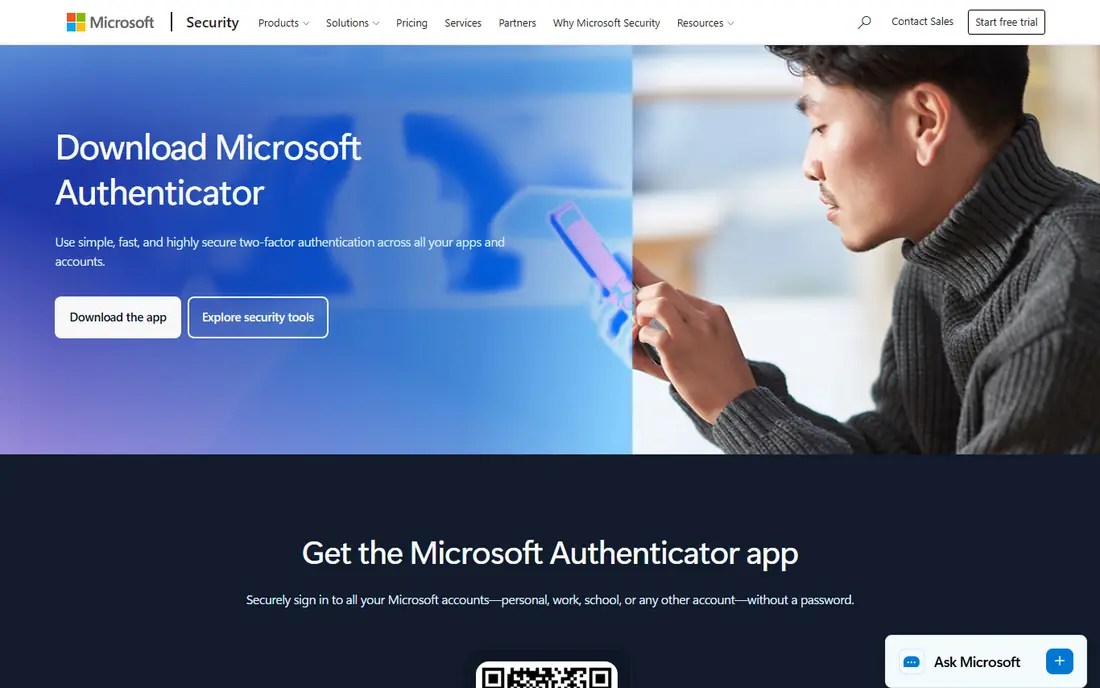
Microsoft Authenticator is the natural first choice for people already using Microsoft 365, Outlook, or Azure, because it fits that sign-in flow with little friction. It is a strong match for microsoft 365 users, and the setup path is clear enough for a small team to follow without a long project plan. We would start here when that use case is the main job, rather than when a wider platform is needed.
Passwordless sign-in and push approvals reduce password use, and the app can hold codes for many accounts in one place, which keeps daily sign-in simple. On its own it is not a full workforce identity platform, so larger teams often pair it with Entra ID for policies, reporting, and device rules. Check the current plan page before you commit, since prices and included methods can change, and confirm that the option you need is included in the tier you plan to buy.
- Free
- Passwordless sign-in
- Works with Microsoft accounts
- Needs a Microsoft account for full use
- Fewer admin controls alone
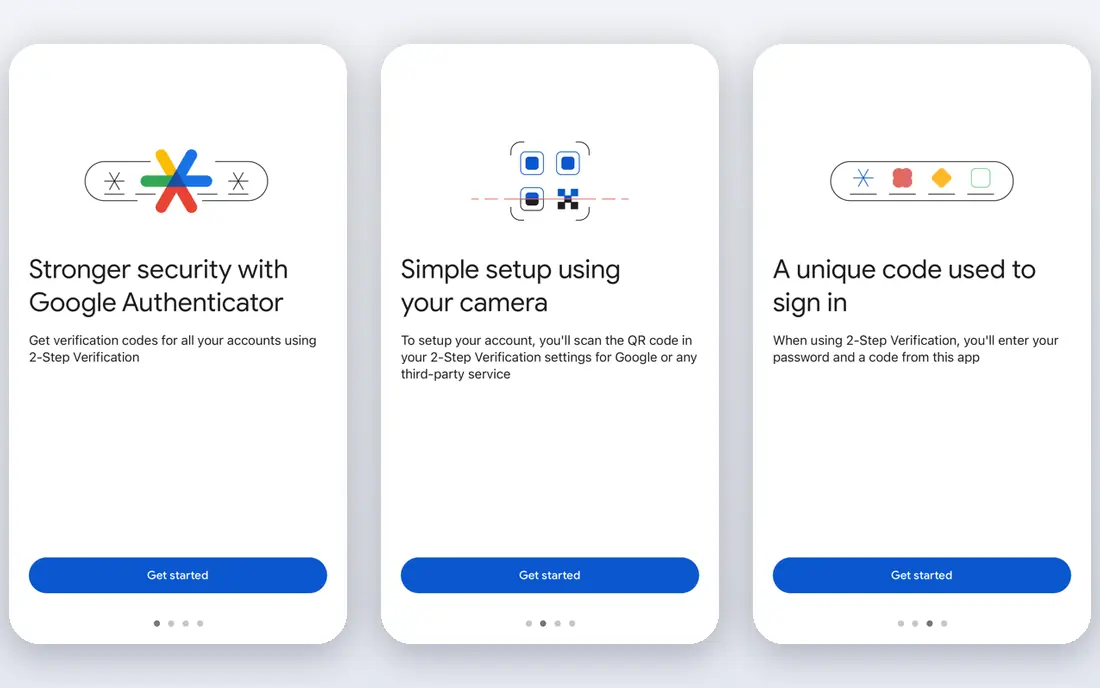
Google Authenticator suits a person who wants plain time-based codes with no account system to manage and no extra cost. It is a strong match for simple personal codes, and the setup path is clear enough for a small team to follow without a long project plan. We would start here when that use case is the main job, rather than when a wider platform is needed.
Codes work offline once an account is added, which helps when travel or poor signal makes push approval hard, and setup is a quick scan of a code. It offers little for team management, so it is a poor fit as a company-wide control on its own, and losing a phone without saved backup codes can lock an account. Check the current plan page before you commit, since prices and included methods can change, and confirm that the option you need is included in the tier you plan to buy.
- Free
- Offline codes
- Simple setup
- No cloud backup by default in older use
- Limited admin features

Authy is a good pick for personal users who want their codes backed up and available on more than one device. It is a strong match for backed-up personal codes, and the setup path is clear enough for a small team to follow without a long project plan. We would start here when that use case is the main job, rather than when a wider platform is needed.
Encrypted backup and multi-device sync reduce the risk of losing every code with one phone, and the app keeps the daily flow close to a plain authenticator. Backup adds a recovery risk if the backup password is lost, and team admin features are thin compared with enterprise MFA platforms in this list. Check the current plan page before you commit, since prices and included methods can change, and confirm that the option you need is included in the tier you plan to buy.
- Free
- Encrypted backups
- Multi-device access
- Desktop support has changed over time
- Owned by Twilio
Okta Verify, used with Okta workforce identity, fits companies that need single sign-on plus MFA across many cloud apps. It is a strong match for workforce identity and mfa, and the setup path is clear enough for a small team to follow without a long project plan. We would start here when that use case is the main job, rather than when a wider platform is needed.
The broad integration catalog makes it easier to bring common business apps under one sign-in policy, and push approval keeps the user step short. Costs and admin effort rise with scale, so a very small team may find a simple authenticator app cheaper and easier to run. Check the current plan page before you commit, since prices and included methods can change, and confirm that the option you need is included in the tier you plan to buy.
- Push approvals
- Single sign-on
- Broad app catalog
- Pricing is quote based for many plans
- Setup takes admin time
PingID fits large organisations with mixed cloud and on-premises systems that need MFA tied to federation and identity rules. It is a strong match for enterprise mfa and federation, and the setup path is clear enough for a small team to follow without a long project plan. We would start here when that use case is the main job, rather than when a wider platform is needed.
Adaptive policies can step up checks when risk looks higher, rather than asking for the same check every time, which helps balance safety and ease of use. Deployment and pricing are aimed at enterprise buyers, so small teams may face more setup work and cost than they need. Check the current plan page before you commit, since prices and included methods can change, and confirm that the option you need is included in the tier you plan to buy.
- Adaptive policies
- Federation support
- Broad protocols
- Enterprise pricing
- Heavier deployment for small teams
RSA SecurID fits regulated or large teams that still want hardware tokens alongside software tokens and central control. It is a strong match for hardware and software tokens, and the setup path is clear enough for a small team to follow without a long project plan. We would start here when that use case is the main job, rather than when a wider platform is needed.
The token model is well understood by security teams, and hardware tokens work without a phone, which suits some staff and sites. Pricing is not published in a simple list, and the experience can feel dated next to modern push apps, so shortlist it for control, not for style. Check the current plan page before you commit, since prices and included methods can change, and confirm that the option you need is included in the tier you plan to buy.
- Long track record
- Hardware token option
- Enterprise controls
- Quote based pricing
- Older feel for some users
YubiKey is a physical security key, not an app, and it fits people who want the strongest practical defence against phishing. It is a strong match for hardware security keys, and the setup path is clear enough for a small team to follow without a long project plan. We would start here when that use case is the main job, rather than when a wider platform is needed.
FIDO based keys resist credential theft in a way that codes alone do not, and one key can protect many supported accounts. Each person needs a key, and a lost key without a spare can cause real trouble, so buy a backup key and register both from the start. Check the current plan page before you commit, since prices and included methods can change, and confirm that the option you need is included in the tier you plan to buy.
- Phishing resistant keys
- Works across many services
- No battery
- You must buy and carry a key
- Loss needs a backup key
LastPass Authenticator fits people who already use LastPass and want codes and passwords kept in a familiar place. It is a strong match for lastpass users, and the setup path is clear enough for a small team to follow without a long project plan. We would start here when that use case is the main job, rather than when a wider platform is needed.
Push approval and code storage sit close to the password vault, which cuts the number of apps a user must open each day. As a standalone team MFA platform it is thinner than Okta or PingID, so companies needing central policy should look higher in this list. Check the current plan page before you commit, since prices and included methods can change, and confirm that the option you need is included in the tier you plan to buy.
- Free
- Pairs with LastPass
- Push approvals
- Best value inside LastPass
- Limited as a standalone platform
How we picked these
We compared official feature pages, pricing pages, and app listings, and we kept only options that are live in October 2026 and that provide MFA or authentication in their own right. We left Duo Security itself out, as this is a list of alternatives, and we left out Google Duo, since that product folded into Google Meet.
Choosing the right MFA option
Start with who must sign in and where. Personal use calls for a free authenticator app. Team use calls for admin control, recovery, and a clear way to remove access when staff leave. Hardware keys suit high risk accounts, shared machines, or staff who should not rely on a phone.
Test recovery before you roll anything out. Add a second method, save backup codes in a safe place, and try the recovery path with a test account. A system that is hard to recover from will cause more lockouts than it prevents. Only use these tools for lawful, authorised access to your own accounts and systems, and never to access an account you do not own or manage.
Price is only part of the cost. Count admin time, help desk calls, and hardware replacement. A free app can be the cheapest choice for a person, while a paid platform can be cheaper for a company once support and policy control are counted.
Frequently asked questions
Is Duo Security the same as Google Duo?
No. Duo Security is a multi-factor authentication product now owned by Cisco. Google Duo was a video calling app that folded into Google Meet. This article covers Duo Security alternatives only, so every pick here is an authentication option.
What is the best free Duo alternative?
For personal use, Microsoft Authenticator, Google Authenticator, and Authy all cover the basics at no cost. Pick the one that fits your accounts and backup habits, and keep backup codes safe.
Do I need a hardware key?
Not always. A hardware key is a strong choice for high value accounts, admin accounts, and people at higher risk of phishing. For most personal accounts, an authenticator app plus a strong password is a solid start.
Can a small business use these tools?
Yes, but the right pick depends on admin needs. A handful of staff can use free authenticator apps. Once you need central policy, joiner and leaver control, or reports, a platform such as Okta or PingID makes more sense.
What happens if I lose my phone?
That depends on backup. With cloud backup or saved backup codes, recovery is often quick. Without them, recovery can be slow or may need admin help, which is why we stress testing recovery before rollout.
Sources
See where you really rank - block by block
ProMapRanker scans Google Maps across a grid of your service area. Simple monthly plans from $19, white-label on every plan.
Start freeKeep reading
 zoho books alternatives
Best Zoho Books Alternatives in 2026
Compare the best zoho books alternatives for small business accounting, from QuickBooks Online and Xero to FreshBooks, Wave, and Sage in 2026, with pricing.
Read → zluri alternatives
Best Zluri Alternatives in 2026
Compare zluri alternatives for 2026, with SaaS management platforms for app discovery, spend tracking, renewals, and automation for IT, finance and procurement.
Read → zerobounce alternatives
Best ZeroBounce Alternatives in 2026
Best zerobounce alternatives for list hygiene: compare 8 email verification tools for bulk cleaning, real-time checks and catch-all handling in 2026 today.
Read →