 ProMapRanker
Docker Alternatives in 2026: 9 Tools Compared

Key takeaways
- Podman is the closest drop-in replacement for Docker, with a Docker compatible command line and a daemonless, rootless design.
- Mac developers should start with OrbStack for speed or Colima for a free command line setup, depending on whether they want a GUI.
- Rancher Desktop is the best free pick for teams that need local Kubernetes as well as containers.
- Most docker container alternatives on this list are free and open source, so the real cost is setup time and team consistency, not licenses.
Quick comparison
| Pick | Great for | Pricing starts at | Free tier | |
|---|---|---|---|---|
 Podman Podman | Drop-in Docker replacement | Free | Yes | Visit |
 Rancher Desktop Rancher Desktop | Local Kubernetes and containers | Free | Yes | Visit |
 OrbStack OrbStack | Fast Mac containers | Free | Yes | Visit |
 Colima Colima | Lightweight Mac CLI containers | Free | Yes | Visit |
 containerd containerd | Production container runtime | Free | Yes | Visit |
 Lima Lima | Mac Linux VMs for containers | Free | Yes | Visit |
 Finch Finch | AWS focused Mac containers | Free | Yes | Visit |
 nerdctl nerdctl | containerd command line | Free | Yes | Visit |
 Buildah Buildah | Building images without a daemon | Free | Yes | Visit |
The best docker alternatives
Docker Desktop changed its licensing for larger companies, which pushed many developers to look for alternatives to docker that keep their Compose files working. We compared official project pages, Docker compatibility, platform support, and cost to find tools for local development, CI, and production runtimes.
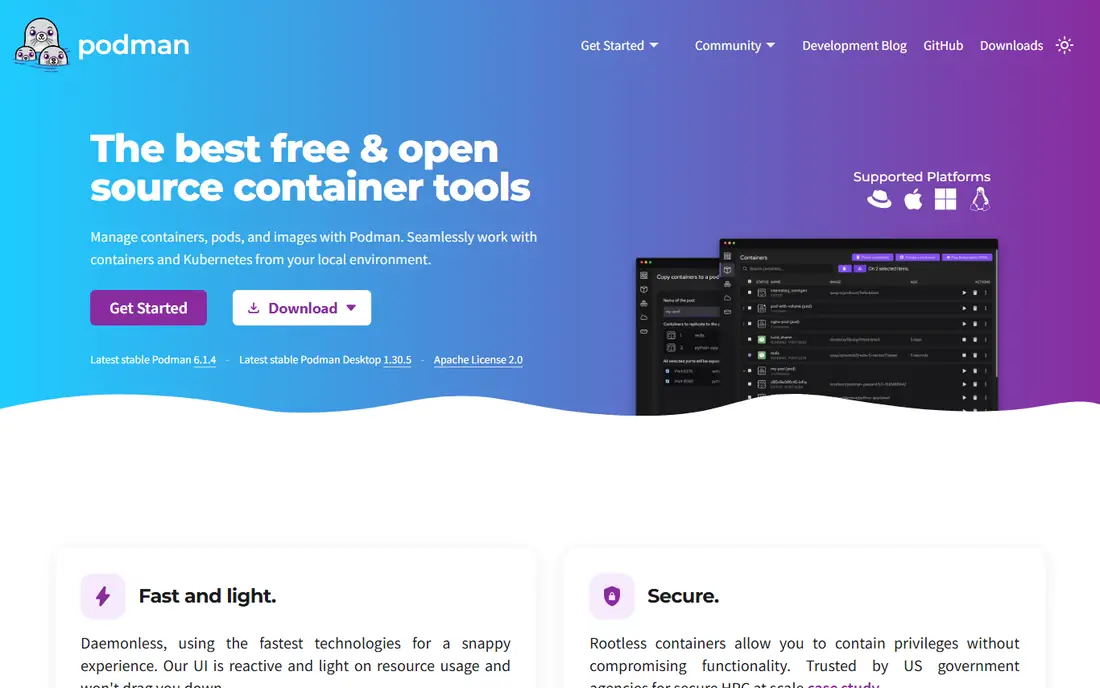
Podman is the first name most developers try when they search for alternatives to docker containers, and for good reason. Its command line mirrors Docker closely, and Podman Compose handles many Compose files without changes. Containers run without a central daemon, which improves security and reduces a single point of failure. Rootless operation lets developers run containers without full admin rights, a real advantage in shared and regulated environments. Edge cases remain in networking and in tools that expect the Docker socket, so test your stacks before a full team switch. For most teams, Podman is the closest free replacement available.
- Docker compatible CLI and API
- Daemonless and rootless by design
- Podman Desktop adds a GUI
- Some tools that assume a Docker daemon need extra setup
- Rootless networking has edge cases
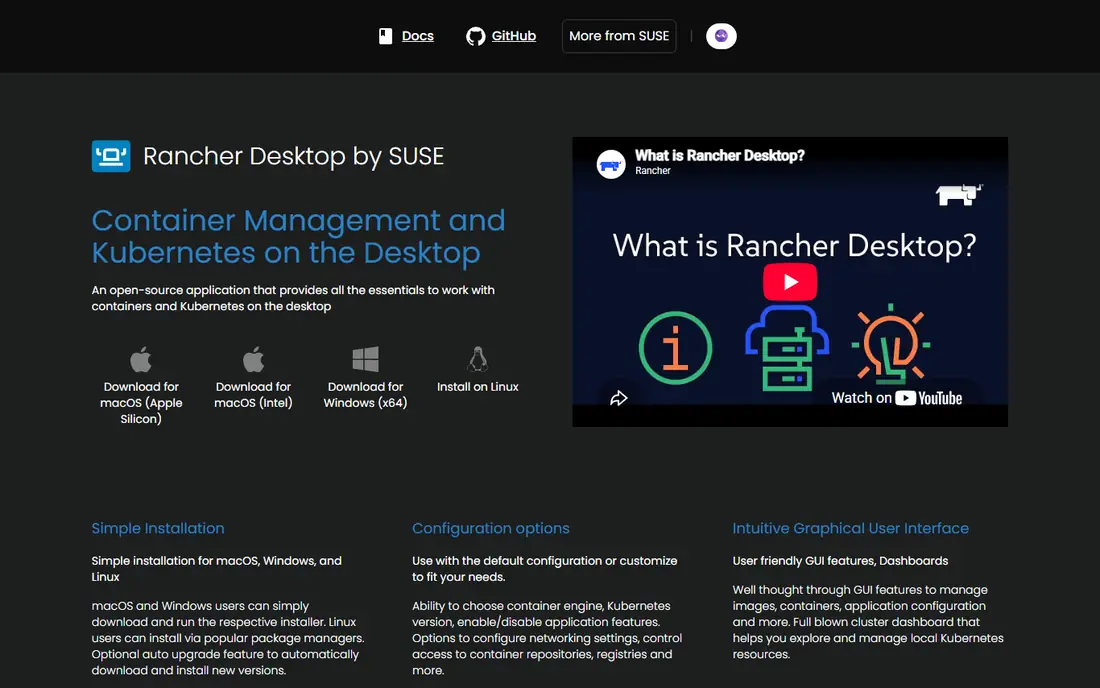
Rancher Desktop suits teams that test Kubernetes manifests locally before deploying to production. It bundles a Kubernetes cluster, a container runtime, and a desktop GUI in one free app. Developers can switch between containerd and dockerd runtimes depending on compatibility needs. That breadth costs resources, and cold start times are slower than lighter Mac tools. If you only need containers, Colima or OrbStack will feel faster. If local Kubernetes is part of your daily work, Rancher Desktop gives you both worlds without a Docker Desktop license.
- Free on Mac, Windows, and Linux
- Built in Kubernetes with a GUI
- Docker compatible through dockerd or containerd
- Heavier than Colima or OrbStack
- Kubernetes focus is overkill for container only work
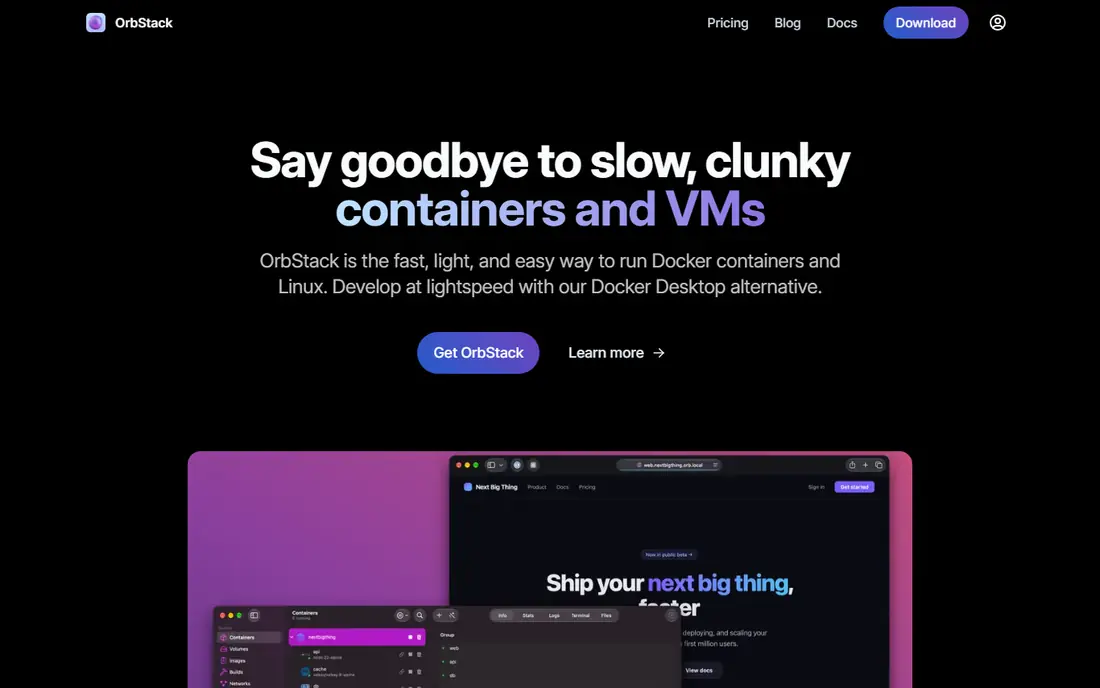
OrbStack is the speed pick for Mac developers. It starts in seconds, uses far less memory than Docker Desktop in common reports, and works with existing Docker commands through the standard socket. File sharing and networking feel native, not bolted on. The free tier covers personal, non-commercial use, while business use requires Pro at $8 per user per month. That still undercuts Docker Desktop team pricing for many companies, but it is not free for commercial use at any size. Solo Mac developers who value speed should try OrbStack first.
- Very fast startup and low resource use
- Native Mac app with Docker compatibility
- Built in Kubernetes and Linux machines
- Mac only
- Business use needs Pro at $8 per user per month, with no company size exemption
Colima is the minimalist answer among docker alternatives for Mac terminal users. It runs containers in a lightweight virtual machine and exposes a Docker compatible socket, so Compose files keep working. Kubernetes through k3s is available when you need it. There is no GUI, so developers who prefer buttons should choose Podman Desktop, Rancher Desktop, or OrbStack. For CLI users who want a fast, free, low overhead setup, Colima is hard to beat. It also pairs well with VS Code remote container workflows once the socket is set.
- Free and open source
- Lightweight CLI setup for Mac and Linux
- Docker and Kubernetes support
- No GUI
- Setup needs command line comfort
containerd is not a Docker Desktop replacement in the desktop sense, but it is the runtime underneath much of modern container infrastructure. Kubernetes clusters use it to pull, run, and manage containers in production. Developers who build platforms should understand it even if they never type its commands directly. Daily use needs a front end, such as nerdctl for Docker style commands or a Kubernetes tool for orchestration. That makes containerd a poor first pick for a solo developer who just wants a GUI. As a production runtime and as the base for other tools on this list, it is essential.
- Industry standard runtime used by Kubernetes
- Free and open source
- Stable and widely supported
- No desktop GUI or developer workflow tools
- Needs a CLI such as nerdctl or crictl for daily use
Lima, short for Linux Machines, gives Mac developers a Linux virtual machine with a container workflow built in. It powers tools such as Colima and nerdctl on Mac, and it can run on its own for developers who want full control. Templates cover common distributions and use cases. Hands on setup is the trade. Lima expects comfort with the command line and with VM configuration, so it suits advanced users more than beginners. If you want to understand or customize the VM behind your containers, Lima is the most flexible free option on this list.
- Free and open source
- Runs Linux VMs on Mac with container support
- Flexible VM templates
- Mac only for most users
- Setup is more hands on than a desktop app
Finch is Amazon open source client for building and running containers on Mac, built on containerd, nerdctl, and Lima. It gives AWS focused teams a Docker style workflow without Docker Desktop, with support for building and pushing images to Amazon registries. The command line feels familiar to Docker users. Community size and third party guides are smaller than for Podman, so troubleshooting may take longer. Finch also targets Mac first, which limits cross platform teams. For AWS heavy Mac developers, it is a clean, free fit that matches their cloud workflow.
- Free open source tool from Amazon
- Docker compatible CLI on Mac
- Built on containerd and Lima
- Mac only in its main form
- Smaller community than Podman or Rancher Desktop
nerdctl is the command line that makes containerd feel like Docker. It supports familiar commands for running, listing, and removing containers, plus Compose files through its compose support. Teams that standardize on containerd in production often use nerdctl on developer machines for consistency. It is not a standalone desktop app. You need containerd running, on Linux directly or through Lima on Mac, before nerdctl becomes useful. For containerd power users and platform teams, nerdctl closes the gap between production runtimes and daily development commands.
- Docker compatible CLI for containerd
- Free and open source
- Supports Compose through nerdctl compose
- No GUI
- Containerd setup is required first, which adds steps
Buildah answers a narrower question than the other docker alternatives here: how do you build images in CI without a privileged Docker daemon? It builds OCI images from Dockerfiles or from shell commands, rootless and without a background service. That design suits secure pipelines and Kubernetes based CI. Buildah does not run containers, so pair it with Podman or containerd for a full workflow. Developers who only need local development can skip it. For CI teams that want safe, daemonless image builds, Buildah is one of the best podman alternatives in spirit, since both projects share the same ecosystem.
- Builds container images without a daemon
- Rootless builds for CI
- Scriptable with shell commands
- Builds images only, it does not run containers
- Learning curve for Dockerfile only users
How we picked these
We compared official project pages, Docker compatibility, platform support, and licensing for tools that truly replace Docker Desktop or the Docker engine. Each product above exists and works today, and its website is its official homepage or official repository. Where a tool is free and open source, we wrote Free rather than inventing a commercial price.
How to choose a Docker alternative
Start with your platform and your team skill level. Mac developers should try OrbStack or Colima, Windows and Linux teams should try Podman Desktop or Rancher Desktop, and platform teams should standardize on containerd with nerdctl or Buildah for CI. One default per team beats five personal setups.
Test Compose and sockets first
Run your real Compose stacks, not a hello world container, before you switch. Check socket paths for VS Code Dev Containers and Testcontainers, volume mount speed for large codebases, and healthcheck behavior. Those three checks catch most migration problems early.
Count the hidden costs
Free tools still cost setup time, server maintenance for self hosted options, and support time when a tool differs from Docker. OrbStack business pricing and Docker Desktop team pricing are the only paid figures that matter for most teams, so compare them against the time your team spends on setup and support.
Frequently asked questions
What is the best docker alternative for most developers?
Podman is the best general pick, thanks to Docker compatible commands, rootless operation, and a free desktop GUI. Mac developers who value speed should also try OrbStack, while Kubernetes teams should try Rancher Desktop. The best choice depends on platform, GUI preference, and if you need local Kubernetes.
Are there podman alternatives if Podman does not fit?
Yes. Rancher Desktop, OrbStack, and Colima all offer Docker compatible workflows with different tradeoffs. Rancher Desktop adds Kubernetes, OrbStack adds Mac speed, and Colima adds a lightweight CLI setup. containerd with nerdctl is the best pick for production focused teams that want the runtime itself.
Is Docker Desktop still free?
Docker Desktop remains free for personal use, education, non-commercial open source work, and small businesses with fewer than 250 employees and less than $10 million in annual revenue, where both conditions must hold. Larger companies and government entities need a paid plan, which is why many teams evaluate alternatives to docker.
Can I use Docker Compose files with these alternatives?
In most cases, yes, with testing. Podman Compose, Rancher Desktop, OrbStack, Colima, and nerdctl compose all aim for Compose compatibility. Check socket paths, volume mounts, healthchecks, and depends_on conditions in your real stacks, since edge cases differ between runtimes.
What are docker container alternatives for production?
containerd and CRI-O are the main production runtimes, with Kubernetes managing them in clusters. Podman also runs containers in production on Linux hosts, while Buildah handles image builds in CI. Local desktop tools are for development, while these runtimes are for servers and clusters.
Sources
See where you really rank - block by block
ProMapRanker scans Google Maps across a grid of your service area. Simple monthly plans from $19, white-label on every plan.
Start freeKeep reading
 zeffy payment processor stripe alternatives
Zeffy and Stripe Alternatives for Nonprofits in 2026
Explore zeffy payment processor stripe alternatives for nonprofits. We compare 8 fundraising platforms on fees, donor tools, and nonprofit focus. Check fees.
Read → workday alternatives
Workday Alternatives in 2026
Workday alternatives compared: we review 8 HR and payroll platforms that replace Workday, with pricing, strengths and honest limits for each team size.
Read → what's the best weather app
What's the Best Weather App in 2026
Wondering what's the best weather app? We compare 10 free and paid apps for forecasts, radar, alerts, and Colorado mountain weather for everyday and storm use.
Read →