 ProMapRanker
Current Best Text to Video AI Tools in 2026

Key takeaways
- Runway and Kling lead for short, directed clips, while Google Veo 3.1 stands out for video with synced audio in one pass.
- Luma, Pika, and Hailuo suit different tastes: Luma for camera motion, Pika for stylized social clips, and Hailuo for expressive character motion.
- Adobe Firefly fits brand work where content credentials and commercial terms matter more than raw clip length.
- Synthesia and InVideo AI fit a different job: turning text into a finished presenter video or a drafted edit, not a single cinematic shot.
- Sora is not listed as a live option, since 2026 reports describe its consumer product as discontinued, so buyers should not plan around it.
Quick comparison
| Pick | Great for | Pricing starts at | Free tier | |
|---|---|---|---|---|
 Runway | Directed shots plus editing | $12 per month | Free trial | Visit |
 Google Veo 3.1 | Realistic clips with audio | See website | Free trial | Visit |
 Kling | Value and human motion | See website | Yes | Visit |
 Luma Dream Machine | Camera motion and restyling | $30 per month | No | Visit |
 Pika | Stylized social clips | $8 per month | Yes | Visit |
 Hailuo | Expressive character motion | See website | Free trial | Visit |
 Adobe Firefly | Brand-safe commercial work | $9.99 per month | Yes | Visit |
 Synthesia | Avatar training videos | See website | Yes | Visit |
 InVideo AI | Prompt to finished draft | $20 per month | Yes | Visit |
The best text to video ai tools
This is a current 2026 list, not a January-only list, and it reflects models and prices reported in September and October 2026. We compared official pricing pages, model pages, and recent roundups, and we left out tools described as discontinued. Clip length, audio, and credit costs matter as much as headline price, so check those before you subscribe.
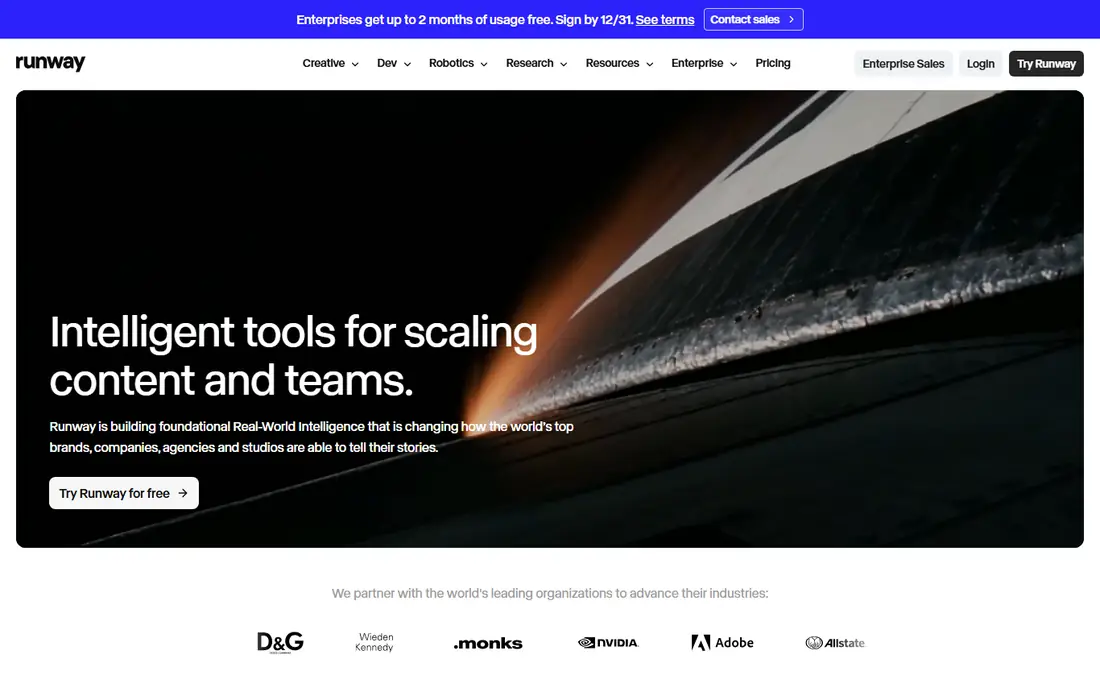
Runway pairs its Gen-4.5 video model with a broader editing suite, so a generated shot can be extended, restyled, or cleaned up without moving to another app. That matters for creators who do more than generate a single clip and post it. The Standard plan is listed at $12 per month on annual billing, with a limited free credit allowance for a first test.
The catch is credits. Published conversions from credits to seconds differ by model and setting, and even recent pricing trackers note variation. Spend the free credits on a prompt close to your real work before committing, and check how many retries a typical shot needs. For directed work with editing around it, Runway remains our pick for most people.
- Gen-4.5 model
- Editing tools in the same workspace
- 4K upscaling on paid plans
- Credit math varies by model and setting
- Learning curve for new editors
Veo 3.1 generates video with sound in the same pass, which is a practical difference from models that need a separate audio step. Dialogue, ambient sound, and music cues can arrive matched to the picture, and that saves a full round of editing for short scenes. It is available through Google tools such as Flow and the Gemini app, depending on plan and region.
Pricing is tied to Google AI plans and API use, so we list it as See website rather than a single figure. Clip length per pass is also limited, so longer scenes need several generations and careful continuity checks. If audio and realism matter most, and you already use Google tools, Veo 3.1 is the first model to test.
- Native synced audio
- Strong realism
- Available through Gemini and Flow
- Access depends on Google plan and region
- Clip length per pass is short
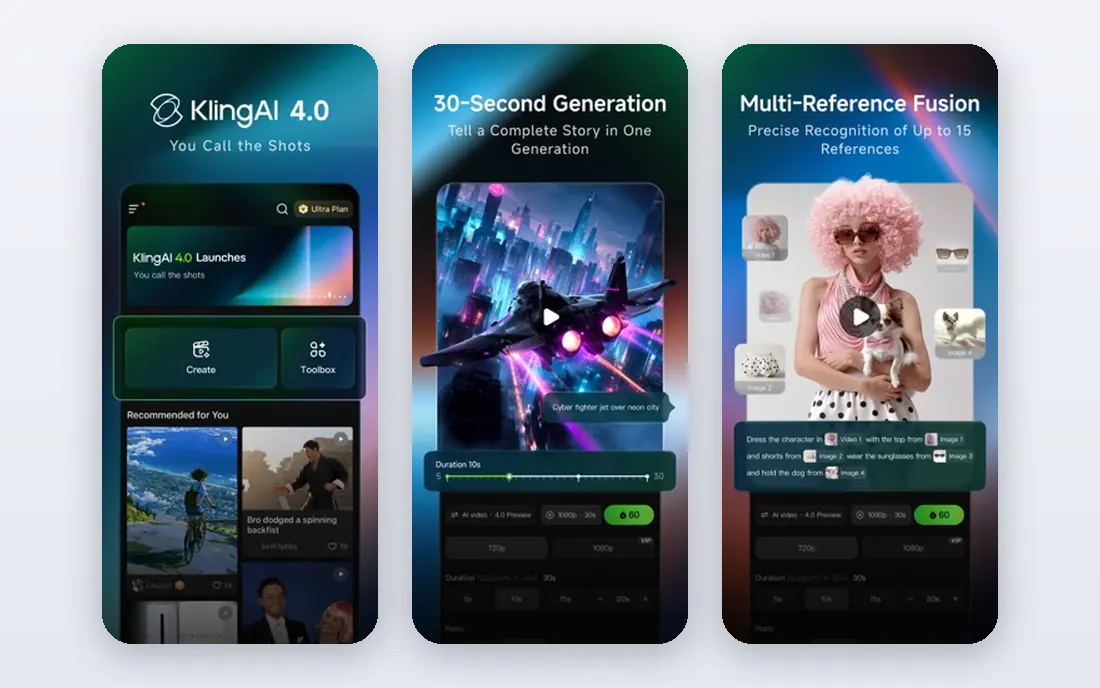
Kling, from Kuaishou, is often cited as the value pick in 2026, with clips reported at 3 to 15 seconds and support for multi-shot sequences. Human motion is a particular strength, which helps for product demos, social scenes, and short narratives where stiff movement would ruin the shot. An element reference system also aims to keep characters and objects consistent across shots.
Pricing has varied with promotions and plan changes, so we list it as See website and suggest checking the current plan page on the day you buy. Free credits are useful for testing motion quality, but free-tier licensing may differ from paid plans. For creators who generate many iterations, Kling offers a strong balance of cost and quality.
- Good value per clip
- Human motion
- Multi-shot sequences
- Free tier limits and licensing terms need checking
- Pricing varies by promotion
Luma Dream Machine is known for smooth camera movement and a cinematic feel, and its current Ray models also support restyling existing footage. The pricing page reported in 2026 starts at the $30 per month Plus plan, with no free individual plan listed, so older reviews that mention a free tier are out of date. That entry price buys a set credit allowance, with larger plans for heavier use.
Luma also lists partner models inside its own system, including Veo and Kling options on some plans, which can be useful if you want to compare models without several subscriptions. The trade-off is cost for light users. If you generate only a few clips a month, a cheaper tool with a free tier will usually make more sense.
- Smooth camera motion
- Ray models
- Partner models inside Luma
- No free individual plan listed in 2026
- Higher entry price
Pika suits social creators who want fast, effect-driven clips rather than long cinematic scenes. Its free plan lets you test prompt style and effects before paying, and paid plans start around $8 per month on annual billing in recent reports. Effects, transformations, and short stylized shots are where it shines, and the interface stays approachable for beginners.
Realism is not its main claim. For a photorealistic human scene, Runway, Veo, or Kling will usually look more convincing. Pika earns its place for memes, product teasers, and stylized content where speed and cost matter more than perfect physics. Check watermark and resolution limits on the free plan before using clips in paid campaigns.
- Free plan for testing
- Effect-driven clips
- Low entry price
- Shorter clips
- Lower ceiling for realism than top models
Hailuo, from MiniMax, is often picked for expressive character motion and lively short clips. It handles image-to-video well, so a still portrait or product shot can become a moving scene with a simple prompt. Trial credits let you test whether its style fits your work before paying, which matters because each model has a distinct look.
Pricing reports vary, so we list it as See website. Audio is also a weaker point than Veo, so plan for a separate sound step if your clip needs dialogue or music. For character-led social clips and playful scenes, Hailuo is a strong second or third tool to keep in rotation.
- Expressive character movement
- Image-to-video strength
- Trial credits to test
- Pricing varies by promotion
- Audio support is limited compared with Veo
Adobe Firefly fits teams that need clear commercial terms and a paper trail for generated work. Content credentials help show how a clip was made, and the Adobe workflow suits designers who already work in Photoshop, Express, or Premiere. Free daily generations are reported on some plans, with paid plans starting around $9.99 per month in recent reports.
It is not the cheapest route to a single clip, and video capability depends on the plan you choose. Firefly makes most sense when brand safety, licensing clarity, and Adobe integration matter more than squeezing the lowest cost per clip. Check the current plan page for video credits before using it for a campaign.
- Content credentials
- Adobe workflow
- Free daily generations reported
- Video features vary by plan
- Credit limits apply
Synthesia solves a different problem from Runway or Kling. You type a script, choose an avatar, and get a presenter video with lip-sync, which is ideal for training, onboarding, and product explainers. It supports many languages, so one script can become several localized versions without booking a studio or a presenter for each one.
It is not the tool for a cinematic outdoor shot or a fictional scene. Avatar videos have a distinct look, and viewers can tell they are generated. For internal training and consistent explainer content, that trade-off is acceptable, and the time saved is large. Check current starter pricing on the vendor page, since reported figures have changed during 2026.
- Realistic avatars
- Lip-sync for scripts
- Many languages
- Not a general cinematic generator
- Pricing varies by plan
InVideo AI turns a text prompt into a fuller draft, with scenes, voiceover, captions, and stock clips assembled for you. That suits marketers and small teams who need a usable video fast and are willing to edit the draft afterward. Paid plans are reported from around $20 per month on annual billing, with a free plan for testing.
The result will rarely be final on the first pass. Stock footage choices and voice pacing often need fixes, and heavy templating can make several videos look similar. Treat InVideo AI as a drafting tool that saves hours of assembly, not as a one-click final edit. For volume content and social drafts, that is still a strong use case.
- Prompt to full draft with voice and captions
- Templates
- Stock media
- Drafts need editing
- Output style can feel templated
How we picked these
We compared official model and pricing pages with recent 2026 roundups and left out models described as discontinued. We favored tools that accept a text prompt today, publish current pricing or credit terms, and cover distinct jobs: cinematic shots, social clips, brand work, avatars, and full drafts. We did not claim hands-on testing, and we used See website where prices varied by plan, region, or promotion.
How to choose without wasting credits
Start with a test prompt you will actually reuse, and run it on two or three tools before paying. Look at motion, hands and faces, text in the scene, and audio sync, since those are where models differ most. Count how many generations it takes to get one usable clip, then work out the true cost per usable clip, not the headline price per month.
Next, check rights and output limits. Paid plans usually allow commercial use, but free tiers may not, and watermarks or resolution caps can rule out a tool for client work. For avatar and training video, check language support and avatar consent rules. For brand work, check content credentials and the vendor terms for your industry. A short trial with real prompts answers these questions faster than any feature list.
Frequently asked questions
What is the current best text to video ai tool?
Runway is our pick for most creators because it combines a strong model with editing tools in one workspace. Google Veo 3.1 is the pick when synced audio matters most, and Kling is the value pick for many short clips. Test all three with the same prompt, since style preferences differ by project.
What is the best ai text to video tool for beginners?
Pika and Adobe Firefly are good starting points because they offer free ways to test and keep the interface simple. InVideo AI also suits beginners who want a full draft rather than a single shot. Start free, learn prompt basics, and only pay when you know how many clips you need each month.
How long can AI text to video clips be?
Most single generations in 2026 run from a few seconds to about 15 seconds, depending on model and plan. Longer videos are usually built from several clips edited together, or from a drafting tool such as InVideo AI or an avatar tool such as Synthesia. Check the model page for the current maximum before planning a long scene.
Do AI text to video tools include audio?
Some do, and some do not. Veo 3.1 is notable for native synced audio, while other models need a separate voice, music, or sound step. Pika and several other tools add sound features, but they vary by plan. Confirm audio support on the plan you intend to buy, not just on the model overview page.
Is Sora still available?
No, not as a live consumer option in the way earlier coverage described it. Reports in 2026 describe the Sora consumer product as discontinued, so we did not list it here. If a site still lists Sora as current, treat that page as out of date and choose a tool you can sign up for today.
Sources
- https://runwayml.com
- https://deepmind.google
- https://klingai.com
- https://lumalabs.ai
- https://pika.art
- https://hailuoai.video
- https://firefly.adobe.com
- https://www.synthesia.io
- https://invideo.io
- https://fluxgrowth.io/best-ai-video-generators-in-2026-15-tools-compared-by-use-case/
- https://aitoolranked.com/blog/best-ai-video-generators-2026
See where you really rank - block by block
ProMapRanker scans Google Maps across a grid of your service area. Simple monthly plans from $19, white-label on every plan.
Start freeKeep reading
 zoho books alternatives
Best Zoho Books Alternatives in 2026
Compare the best zoho books alternatives for small business accounting, from QuickBooks Online and Xero to FreshBooks, Wave, and Sage in 2026, with pricing.
Read → zluri alternatives
Best Zluri Alternatives in 2026
Compare zluri alternatives for 2026, with SaaS management platforms for app discovery, spend tracking, renewals, and automation for IT, finance and procurement.
Read → zerobounce alternatives
Best ZeroBounce Alternatives in 2026
Best zerobounce alternatives for list hygiene: compare 8 email verification tools for bulk cleaning, real-time checks and catch-all handling in 2026 today.
Read →