 ProMapRanker
Best Bloomfire Alternatives in 2026

Key takeaways
- Guru and Tettra suit teams that need verified answers inside Slack and daily workflows, not just a searchable library.
- Confluence, Notion and Slab are the most affordable internal wiki options, with free plans for small teams.
- Document360 and KnowledgeOwl fit customer-facing or permission-heavy knowledge bases better than general wikis.
- Slite and Bit.ai suit small teams that want a clean wiki with AI search without enterprise pricing.
- Bloomfire is enterprise-priced and quote-led, so most small teams will save money and setup time elsewhere.
Quick comparison
| Pick | Great for | Pricing starts at | Free tier | |
|---|---|---|---|---|
 Guru | Verified answers in workflows | See website | Free trial | Visit |
 Confluence | Internal docs in Atlassian teams | $5.42 per user per month | Yes | Visit |
 Notion | Flexible wikis and projects | $10 per member per month | Yes | Visit |
 Document360 | Structured product knowledge bases | See website | Free trial | Visit |
 Slab | Clean dedicated team wiki | $6.67 per user per month | Yes | Visit |
 Slite | Verified internal docs | $10 per user per month | Free trial | Visit |
 Tettra | Slack-centered internal knowledge | $8 per user per month | Free trial | Visit |
 KnowledgeOwl | Permission-heavy knowledge bases | $100 per month | Free trial | Visit |
 Bit.ai | AI documents and team wikis | $8 per user per month | Yes | Visit |
The best Bloomfire alternatives
Bloomfire is built for large organizations with deep video, document and community libraries. That breadth comes with enterprise pricing and a longer rollout. The tools below cover the same core need, finding trusted knowledge fast, but they split by audience: internal teams, customers, support staff and Slack-heavy groups each get a better fit somewhere on this list.

Guru is the closest match if your problem is not storage, but retrieval. Staff ask questions in Slack or a browser, and Guru surfaces a verified card instead of sending them to hunt through folders. Verification workflows assign owners and expiry dates, so stale answers get flagged rather than quietly reused.
Pricing is quote-led on the main site, which makes budgeting harder for small teams. Guru also needs discipline: if no one verifies cards, the library loses trust quickly. For support, sales and operations teams that repeat answers daily, that verified, in-workflow model is often more valuable than another document library.
- Cards surface in Slack and Chrome
- Verification owners and expiry dates
- Search across connected tools
- Quote-led pricing
- Needs an owner for verification to stay useful
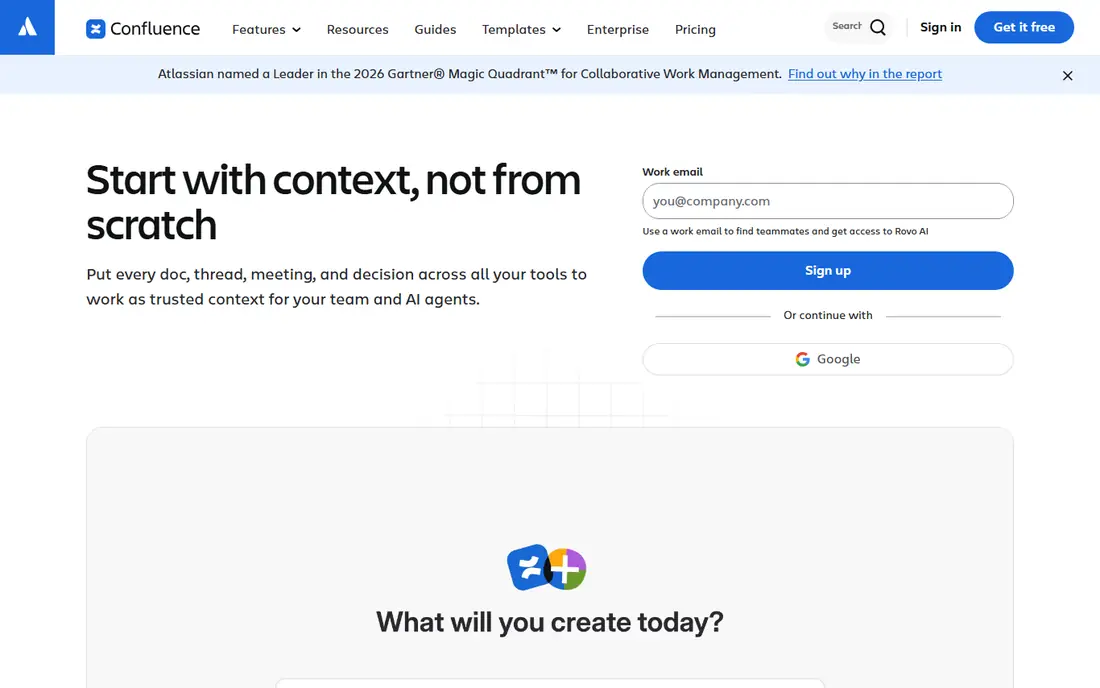
Confluence is a practical Bloomfire alternative for internal knowledge in teams that already use Atlassian tools. Spaces organize docs by team or project, pages link to Jira work, and the Standard plan starts at $5.42 per user per month when billed annually. Small teams can start free with up to 10 users.
It is less of a media-rich community platform than Bloomfire. Video libraries, Q and A communities and deep engagement analytics need other tools or add-ons. For written procedures, product docs and project knowledge, Confluence is affordable, familiar and easy to govern.
- Free plan for up to 10 users
- Strong Jira links
- Templates for common doc types
- Search and structure need care on large sites
- Video and community features are thinner

Notion suits teams that want knowledge next to the work itself. A wiki page can sit beside a project tracker, a database of decisions and a meeting archive, all editable by the same team. The Plus plan starts at $10 per member per month when billed annually, and the free plan covers individuals and small groups.
Governance is the weak point. As workspaces grow, duplicate pages and loose permissions make trusted answers harder to find. Notion AI and search help, but they do not replace verification owners. For a growing team that values flexibility over strict control, Notion is a strong, low-cost start.
- Free plan
- Docs, databases and tasks in one workspace
- Very easy for new contributors
- Permissions grow complex at scale
- Public knowledge base features are limited
Document360 fits teams whose knowledge is mainly product documentation, help articles and structured guides. Its category hierarchy, versioning and review workflows keep large doc sets navigable, and analytics show which articles readers open and where search fails. Public and private bases can live in one account with different permissions.
The main drawback is price opacity, since Document360 now uses quote-based pricing. Small teams should request a quote early and compare it with flat-rate tools such as KnowledgeOwl. If your knowledge base is customer-facing and heavily structured, Document360 gives editors more control than a general wiki.
- Category manager and version control
- Public and private bases
- Analytics on article use
- No public starting price
- AI features sit on higher tiers
Slab is a dedicated wiki that keeps the focus on reading and writing, without turning into a project tool. Topics organize pages clearly, search is fast, and the Startup plan starts at $6.67 per user per month when billed annually. A free plan for up to 10 users helps small teams test it properly.
Teams that want databases, tasks and wikis in one place may find Slab too narrow. AI-powered search and advanced analytics also sit on higher tiers. For a team that mainly needs a trusted internal wiki that people enjoy opening, Slab is one of the cleanest options on this list.
- Clean reading experience
- Free plan for up to 10 users
- Good topic organization
- AI search sits on higher plans
- Fewer project features than Notion
Slite targets the same staleness problem as Guru, but inside a wiki rather than inside chat tools. Pages carry verification status, and owners get reminders to re-check content before it drifts. The Basic plan starts at $10 per user per month when billed annually, with a trial for testing.
It is best for internal docs, not for public support sites or media-rich communities. Integrations are fewer than Confluence or Notion, so check Slack, Drive and ticketing links before you commit. For small teams that want docs to stay current with light process, Slite is a tidy, affordable pick.
- Calm editor
- Verification reminders
- AI search on paid plans
- Smaller integration set
- Not built as a public help center
Tettra is built for teams that live in Slack. When a question appears in Slack, Tettra helps capture the answer as a verified page, so the next person finds it without asking again. That loop suits growing teams where tribal knowledge otherwise stays in chat history. Paid plans start at $8 per user per month on the Scaling plan, with a 30-day trial and a minimum seat count on some tiers.
Public or customer-facing knowledge is out of scope. Tettra is internal only, and its page features are simpler than a full wiki. If Slack is where your team already asks and answers, Tettra turns that habit into a searchable library with less effort than a general wiki rollout.
- Built around Slack questions and answers
- Verification and expert review
- Simple internal pages
- Internal only, not a public knowledge base
- Pricing has a 10-user minimum on some plans
KnowledgeOwl fits organizations that serve several audiences from one knowledge base. Partners, clients and staff can each see different sections, thanks to reader groups and article-level permissions. Pricing starts at $100 per month, with a 30-day trial, and readers are not generally billed per seat.
Design is capable rather than flashy, so teams that want a heavily branded site may need extra styling. The flat price also feels steep for a team with only a few dozen articles. For mixed audiences, regulated content and private sections, the permission model is the reason to pick KnowledgeOwl over a simpler wiki.
- Article-level permissions and reader groups
- SSO support
- Strong search
- Flat $100 monthly price is high for tiny teams
- Themes need work for a highly designed site
Bit.ai blends documents, wikis and client-facing pages in one workspace. Teams can create smart documents with embeds, track who opens them, and organize workspaces by team or client. Paid plans start at $8 per user per month, and a free plan lets small teams test the editor and sharing model.
As a strict internal wiki, it is less proven than Confluence or Slab, and larger teams should test search, permissions and page organization with real content. For small teams, agencies and client-facing knowledge that needs tracking and polish, Bit.ai offers a flexible, low-cost alternative to enterprise platforms.
- Free plan to start
- Smart documents with embeds and tracking
- AI writing help on paid plans
- Less mature as a strict wiki than Confluence or Slab
- Permissions and structure need setup
How we picked these
We compared official feature pages, pricing pages, documentation and public reviews for knowledge management and internal wiki tools. We kept only tools live in October 2026 that help teams store, find and trust knowledge, whether for staff, customers or both. We favored a mix of verified-answer tools, dedicated wikis and structured knowledge bases, and we noted where pricing is quote-led, since that changes the total cost for small teams.
What to check before you switch
Start with how people ask questions today. If answers live in Slack, pick a tool that captures Slack answers, such as Guru or Tettra. If answers live in documents, pick a wiki with strong search and ownership, such as Slab, Slite or Confluence. If customers are the readers, pick a dedicated knowledge base with branding, analytics and permissions.
Next, test search with real questions, not sample content. Import 30 to 50 real pages, then ask five staff members to find answers without help. Watch where search fails, where duplicates appear and where permissions block the right reader. Those results matter more than a feature list.
Finally, assign owners and review dates before launch. Knowledge tools fail when no one owns updates, even if search and AI are strong. A simple rule helps: every page gets an owner, a review date and an archive path. Migrate in sections, starting with the most-asked topics, so early wins build trust in the new system.
Frequently asked questions
What is the best Bloomfire alternative for small teams?
Slab, Slite and Notion are strong small-team options, with free plans or low per-user pricing and fast setup. Confluence is also affordable for teams already using Atlassian tools. Guru and Tettra suit Slack-heavy teams, but they work best with a clear verification owner.
Is there a free Bloomfire alternative?
Yes. Confluence offers a free plan for up to 10 users, Notion has a free plan, Slab offers a free plan for up to 10 users, and Bit.ai has a free tier. Free plans limit users or advanced features, so check AI search, permissions and storage limits before migrating a large library.
How does Guru differ from a traditional wiki?
A wiki expects readers to visit a site and search. Guru brings verified cards into Slack, Chrome and other tools where questions are asked. That in-workflow delivery helps support and sales teams, but it needs verification owners to keep cards current.
Can these tools handle video and documents like Bloomfire?
Document360, Confluence and Notion handle documents well, and most support embedded video. Bloomfire strength in large media libraries and community Q and A is harder to replace with a single wiki. If video and community are central, test media handling and engagement features during a trial.
Do Bloomfire alternatives support AI search?
Many do, including Guru, Slite, Document360 and Notion AI on paid plans. AI features vary: some summarize answers from your docs, some only improve search ranking, and some charge extra credits. Confirm whether AI answers cite sources and whether they stay inside your own content.
Sources
See where you really rank - block by block
ProMapRanker scans Google Maps across a grid of your service area. Simple monthly plans from $19, white-label on every plan.
Start freeKeep reading
 zoho books alternatives
Best Zoho Books Alternatives in 2026
Compare the best zoho books alternatives for small business accounting, from QuickBooks Online and Xero to FreshBooks, Wave, and Sage in 2026, with pricing.
Read → zluri alternatives
Best Zluri Alternatives in 2026
Compare zluri alternatives for 2026, with SaaS management platforms for app discovery, spend tracking, renewals, and automation for IT, finance and procurement.
Read → zerobounce alternatives
Best ZeroBounce Alternatives in 2026
Best zerobounce alternatives for list hygiene: compare 8 email verification tools for bulk cleaning, real-time checks and catch-all handling in 2026 today.
Read →