 ProMapRanker
5 Best YouTube Automation Tools for 2026

Publishing, engagement and analytics for brands · Pricing starts at: See website
Direct answer
This list puts Sprout Social first for publishing, engagement and analytics for brands. Listed starting prices: vidIQ from $16.58 a month, billed yearly, Hootsuite from $99 per user a month and TubeBuddy from $3.00 a month. Alternatives: vidIQ for AI keyword research and content ideas, and Hootsuite for scheduling and social listening in one place. The other 2 tools in the list cover narrower or pricier cases.
If you are comparing YouTube automation tools, this page covers 5 tools in one place: what each is best for, what it costs to start, whether it has a free plan, and the main limit to know about.
Key takeaways
- Sprout Social sits first on this list: publishing, engagement and analytics for brands.
- Only 2 of the 5 tools have a free plan (vidIQ, TubeBuddy), so check the caps.
- TubeBuddy comes with a trade-off: narrower fit outside YouTube.
- Later fits Influencer campaigns and visual scheduling.
Quick comparison
| Pick | Great for | Pricing starts at | Free tier | |
|---|---|---|---|---|
| Sprout Social | Publishing, engagement and analytics for brands | See website | Not stated | Visit |
 vidIQ | AI keyword research and content ideas | $16.58 a month, billed yearly | Yes | Visit |
 Hootsuite | Scheduling and social listening in one place | $99 per user a month | Free trial | Visit |
 TubeBuddy | YouTube SEO and thumbnail optimization | $3.00 a month | Yes | Visit |
 Later | Influencer campaigns and visual scheduling | See website | Not stated | Visit |
YouTube Automation Tools profiles
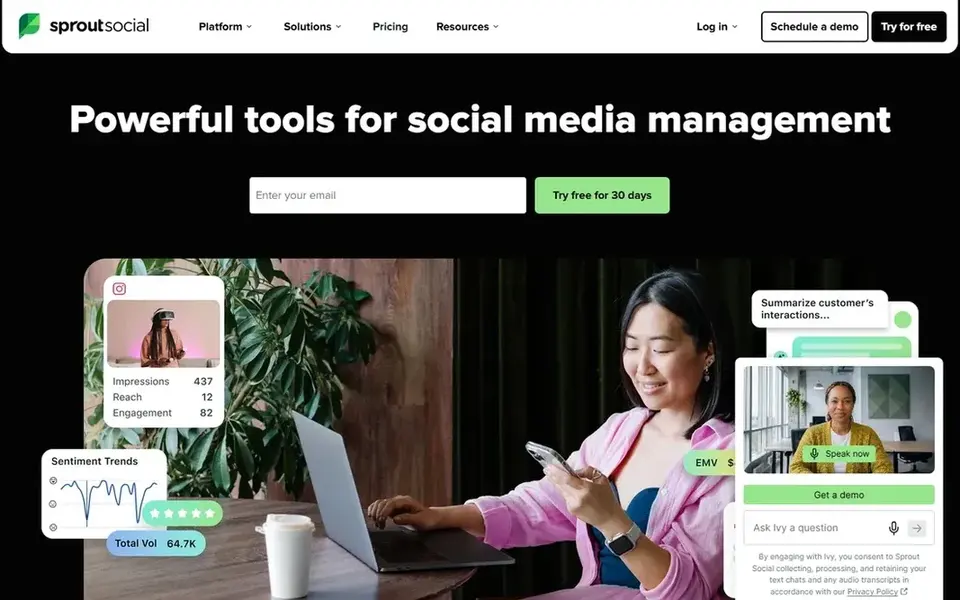
Sprout Social makes the most sense for publishing, engagement and analytics for brands. Sprout Social is a social media management tool that handles publishing, engagement, analytics and influencer marketing.
It is aimed at broader social operations instead of YouTube-specific SEO, and its depth may be more than a single creator needs. Sprout Social does not show a starting price in this comparison, so check the vendor site for current pricing. Trial and free access: Not stated.
Honest limits: Not a YouTube SEO specialist.
- Influencer marketing capabilities
- Engagement and analytics together
- Targeted at organizations instead of solo creators
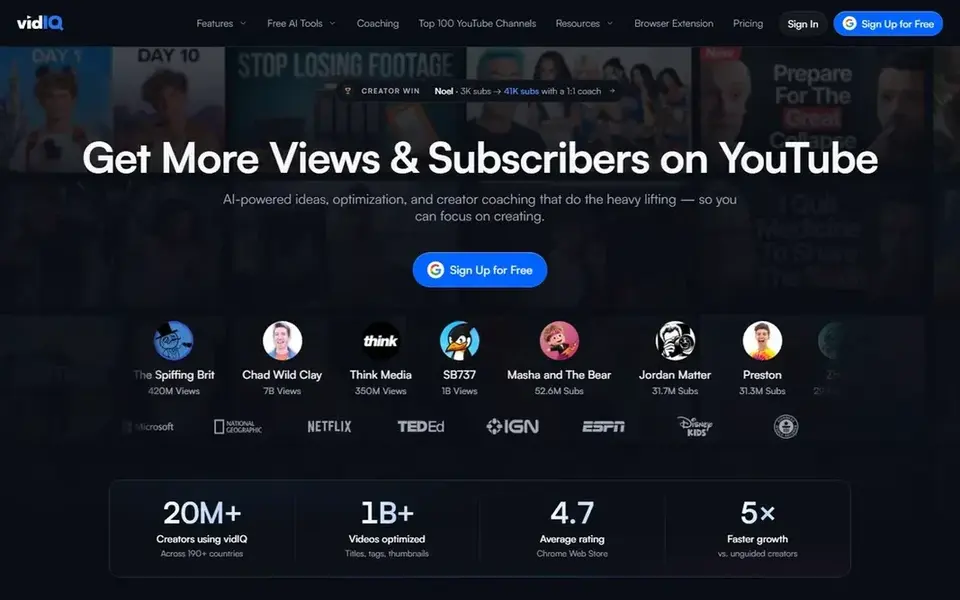
vidIQ is aimed squarely at AI keyword research and content ideas. vidIQ positions itself around quicker YouTube growth through AI keyword research, video SEO, thumbnails and daily content ideas.
Its scope is YouTube growth instead of cross-network scheduling or deep workflow automation. For everyday use, if your bottleneck is publishing calendars across multiple systems or connecting apps together, a social manager or automation product will include more ground. Starting cost for vidIQ: $16.58 per month, billed yearly. A free plan is available with vidIQ.
Where it is weaker: Feature depth can overwhelm new users.
- Daily content ideas for planning
- AI keyword research and video SEO
- Concentrated on YouTube instead of all channels
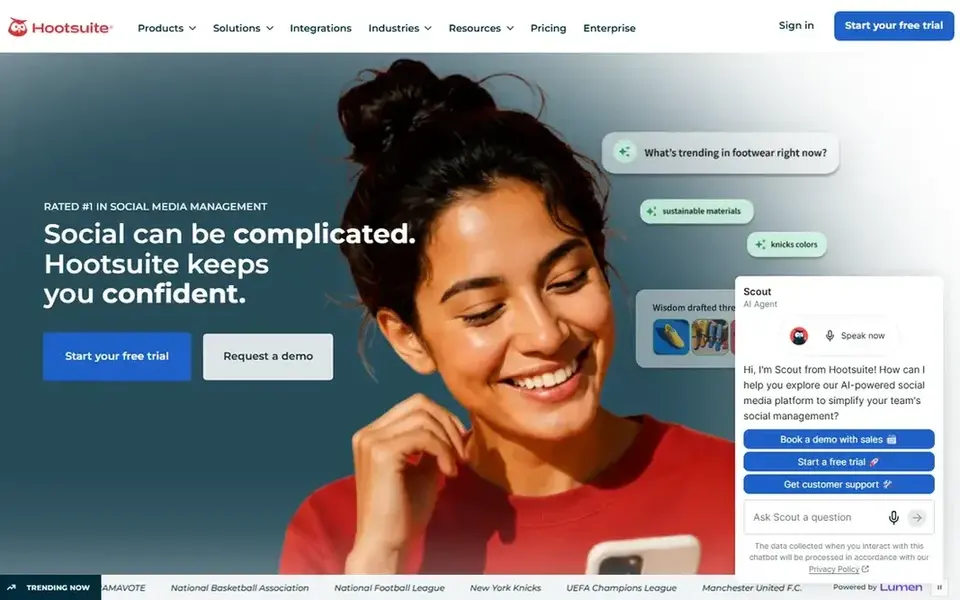
In short, Hootsuite is for scheduling and social listening in one place. It suits teams and creators who publish across multiple networks and want one place to plan posts, watch conversations and review performance rather than juggling separate dashboards.
Points against: Not made for YouTube SEO.
Hootsuite cost at the entry level: $99 per user per month. Free plan details: Free trial.
- Analytics and social listening included
- Scheduling and publishing in one workspace
- Wide feature set can feel heavy
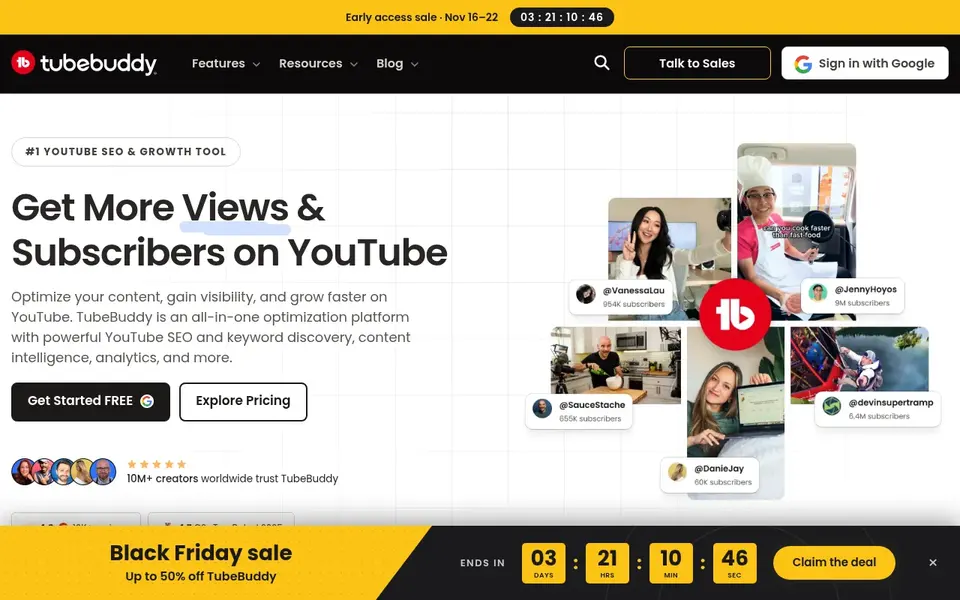
TubeBuddy targets YouTube SEO and thumbnail optimization. TubeBuddy is a YouTube-focused SEO and growth tool targeted at creators who want help with keywords, video SEO and thumbnails. From a buyer's view, choose it when YouTube search and thumbnails are the primary job.
What to check first: Deeper features may need setup time.
Pick a broader scheduler if you also run other networks. Worth adding: since it centers on YouTube, it is not a full social media management suite, so multi-platform publishing needs another tool. Entry price for TubeBuddy: $3.00 per month. A free plan is available with TubeBuddy.
- SEO and keyword tooling designed for YouTube
- Thumbnail tools for testing presentation
- Narrower fit outside YouTube
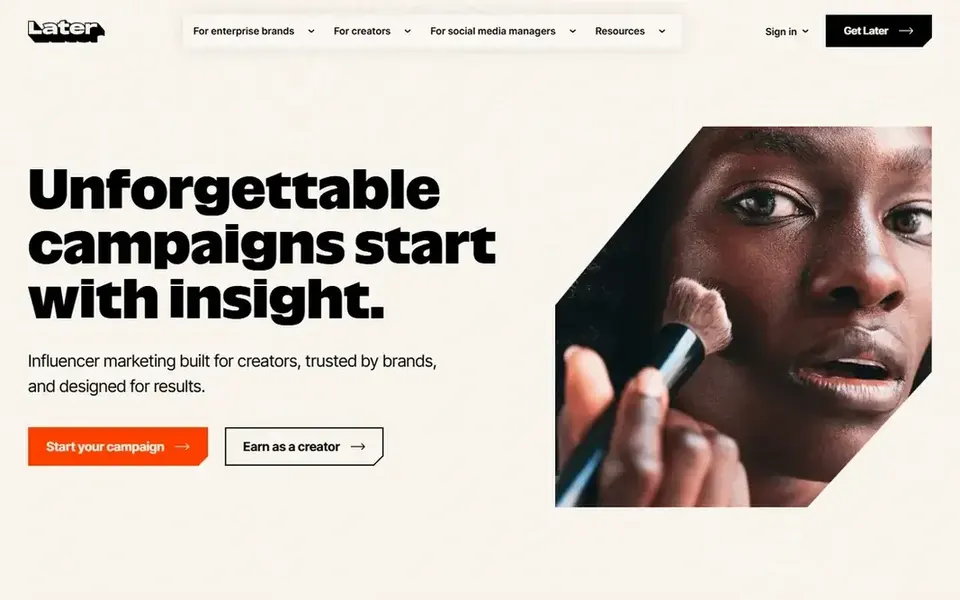
Later works best for Influencer campaigns and visual scheduling. If your priority is video search growth or connecting business apps, a channel-specific tool or an automation system is a better match.
Check the vendor site for Later pricing; none is listed in this comparison. Free plan details: Not stated.
Where it falls short: Less concentrated on YouTube search optimization.
- Influencer marketing support for creators
- AI-powered performance insights
- Campaign features may exceed solo needs
Before you commit
- Confirm the entry price on the vendor page. For Sprout Social and Later that means a quote rather than a fixed price.
- Check what the free option really includes: vidIQ and TubeBuddy offer a free plan, and usage caps differ.
- Use real work to test the free trial from Hootsuite, rather than a demo project.
- Before choosing Sprout Social, weigh its main limit: pitched at organizations instead of solo creators.
- Check the integration list for vidIQ against the tools you run today, and note which ones need a higher plan.
- Confirm you can export your data from Hootsuite, so leaving later does not mean losing records.
Frequently asked questions
What is the cheapest option for YouTube automation tools in this list?
On published monthly entry prices, TubeBuddy is the lowest here at $3.00 per month. Entry price is only part of the cost, because seats, add-ons and billing terms can change the total. All 5 picks in this YouTube automation tools comparison list a starting price, free plan details and the main limits on their cards above.
Is Sprout Social the right pick for everyone comparing YouTube automation tools?
No single tool suits every team. Sprout Social comes first because it fits publishing, engagement and analytics for brands, while vidIQ suits AI keyword research and content ideas and Hootsuite suits scheduling and social listening in one place. Match the tool to your own size, budget and workflow before deciding.
Can these tools be combined?
Yes. Plenty of creators pair a YouTube-focused SEO tool with a social scheduler, and some add a workflow system for repetitive tasks.
Do these tools publish their prices?
Not all of them. Sprout Social and Later publish no starting price, so expect a quote request for those. The rest, vidIQ included, show a starting price, though seats and billing terms still change the final cost.
What counts as YouTube automation?
It typically means automating parts of channel work: keyword research, video SEO, thumbnail testing, scheduling posts, tracking analytics or moving data between apps.
Which options for YouTube automation tools have a free plan?
On this list, vidIQ and TubeBuddy include a free plan. Caps on seats, usage or features are common, so test the free plan against your real workload. One other tool offers a trial instead.
Sources
See where you really rank - block by block
ProMapRanker scans Google Maps across a grid of your service area. Simple monthly plans from $19, white-label on every plan.
Start freeBrowse all guides
← Best Social Media Marketing Companies Software for Startups (2026)TikTok Ads Alternatives in 2026: Prices and Free Plans →
 best social media management tools for gyms
Social Media Management Tools for Gyms: Best Picks of 2026
6 best social media management tools for gyms, with entry costs, free tiers and the buyer each one serves. The catches are listed up front. Updated for 2026.
Read → best social media management tools for engineering firms
5 Best Social Media Management Tools for Engineering Firms (2026)
Compare 5 best social media management tools for engineering firms, with prices, free plans and who each fits. Short verdicts, no fluff. Easy to scan.
Read → best social media analytics software for nonprofits
Best Social Media Analytics Software for Nonprofits in 2026
Best social media analytics software for nonprofits: 5 tools compared on price, free plans and fit. The weak spots sit next to the strengths. Clear verdicts.
Read → best linkedin scraping tools for recruiters
8 LinkedIn Scraping Tools for Recruiters Ranked for 2026
8 products for the best LinkedIn scraping tools for recruiters, ranked by fit, with starting costs and free tiers. The weak spots sit next to the strengths.
Read → best software to download youtube videos
6 Top Software to Download YouTube Videos Compared (2026)
Best software to download YouTube videos in 2026: 6 contenders with entry costs and free tiers. Every pick includes one clear drawback. Compare quickly.
Read → mention alternatives
Best Mention Alternatives in 2026
Searching for the best mention alternatives? We compare 9 brand monitoring and social listening tools on price, coverage, alerts, and reporting quality.
Read →More in Social Media & Creators · All guides A to Z by date · Latest guides