 ProMapRanker
Best Website Developer Software in 2026


Visual building with code export · Pricing starts at: $15 per site/month (Basic, billed annually)
Key takeaways
- Webflow is the best pick for developers who want a visual builder with clean code export and hosting included.
- Visual Studio Code is free and suits almost every web developer, with the largest extension library on this list.
- WebStorm is the strongest full IDE for JavaScript and TypeScript, with a free non-commercial licence.
- Pinegrow and Bootstrap Studio suit developers who want desktop tools that edit standard HTML and CSS files.
- Dreamweaver is the only Adobe option here, and it makes sense only inside a Creative Cloud subscription.
Quick comparison
| Pick | Great for | Pricing starts at | Free tier | |
|---|---|---|---|---|
| Webflow | Visual building with code export | $15 per site/month (Basic, billed annually) | Yes | Visit |
 Pinegrow | Desktop editing of standard files | $99 per user/year | Yes | Visit |
 Bootstrap Studio | Bootstrap sites with one-time pricing | $29 one-time | No | Visit |
 Adobe Dreamweaver | Developers inside Creative Cloud | $22.99 per month | Free trial (7 days) | Visit |
 JetBrains WebStorm | JavaScript and TypeScript IDE | $69 per user/year (individual, first year) | Yes | Visit |
 Sublime Text | Fast, light text editing | $80 one-time | Yes | Visit |
 Visual Studio Code | Free editor for every stack | $0 | Yes | Visit |
 Framer | Design-led sites with code output | $5 per site/month (Basic, billed annually) | Yes | Visit |
 Nova | Mac-native coding with a one-time licence | $99 one-time | Free trial (30 days) | Visit |
The best website developer software
Website developer software covers two kinds of tool: visual builders that generate code, and code editors and IDEs where developers write it by hand. This list covers both, because a freelance developer may need Webflow for a client site on Monday and WebStorm for a React app on Tuesday. Prices below were read from vendor pricing pages in November 2026.
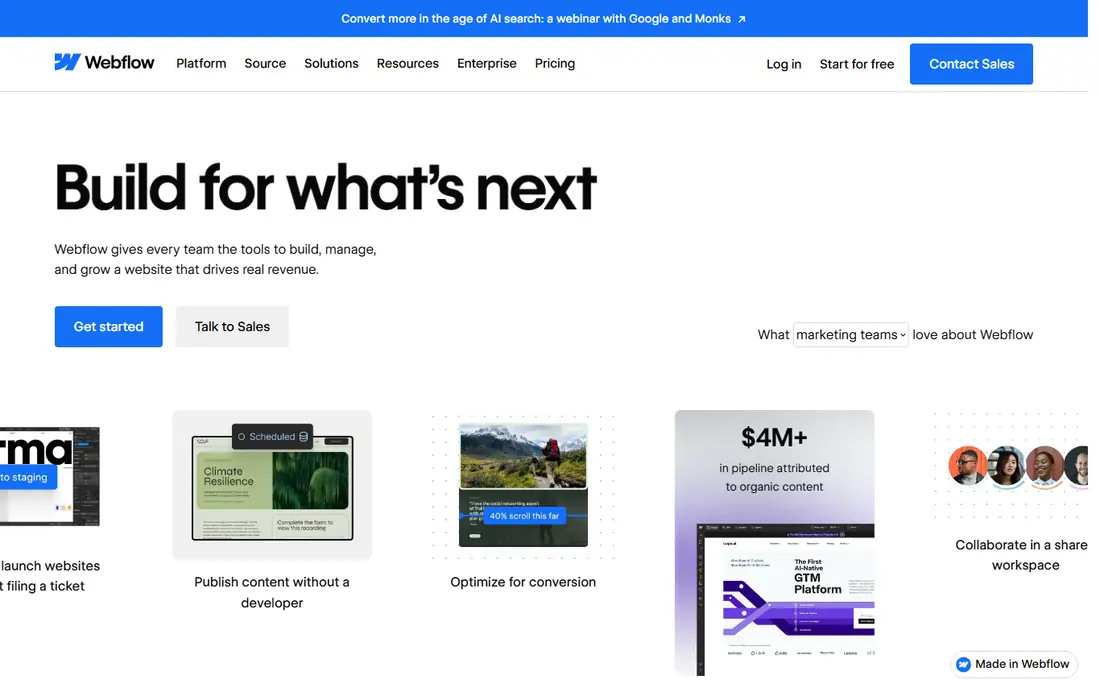
Webflow is a cloud platform where developers build responsive sites in a visual designer, with a CMS, hosting and ecommerce in the same account. The Basic site plan costs $15 a month billed annually, or $25 a month billed monthly, and the Premium plan costs $25 a month billed annually with 20,000 CMS items. Workspace plans start with a free Core tier, and extra full seats cost $39 a month each billed yearly. A free Starter site lets a developer learn the tool before paying.
The strength is the combination: design, content, hosting and a global CDN in one place, plus code export for developers who want to take the output elsewhere. Webflow added AI credits and AEO tooling in 2026, and its Premium plan replaced the old CMS and Business plans. The limits are cost and lock-in. A site with a CMS, extra seats, extra languages and add-ons can cost several times the headline price, and the design files live in Webflow unless exported. For agencies building marketing sites for clients, it is still the most capable visual tool on this list.
- Visual designer with CMS, hosting and code export
- Free Starter plan to learn on
- Costs rise with CMS, seats and add-ons
- Designs live in Webflow unless you export
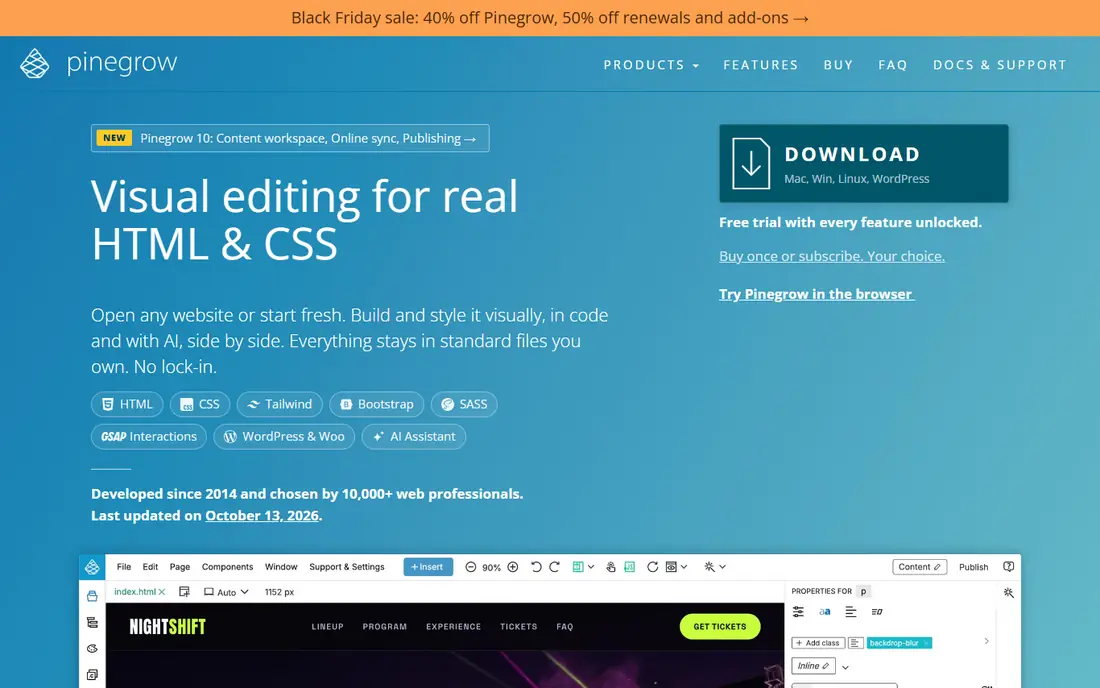
Pinegrow is a desktop web editor for Windows, macOS and Linux that works directly on standard HTML and CSS files. That matters for developers who want a visual tool without being locked into a host: the files Pinegrow edits are ordinary files, and they can go into any version control system or hosting setup. It has built-in support for Bootstrap, Foundation and Tailwind, plus a WordPress theme builder that turns static designs into dynamic themes without writing PHP.
Pricing starts at $99 per user per year, and a free plan is available to try the tool. The trade-offs are add-ons and community size. Some features come as extra purchases, so the total cost depends on which add-ons a developer needs, and the community is smaller than the one around Visual Studio Code or Webflow, which means fewer tutorials and extensions. For a developer who wants a desktop visual editor that respects plain files, Pinegrow is the most flexible option here.
- Edits standard HTML and CSS files
- Built-in Bootstrap, Foundation and Tailwind support
- Some features cost extra as add-ons
- Smaller community than the big editors
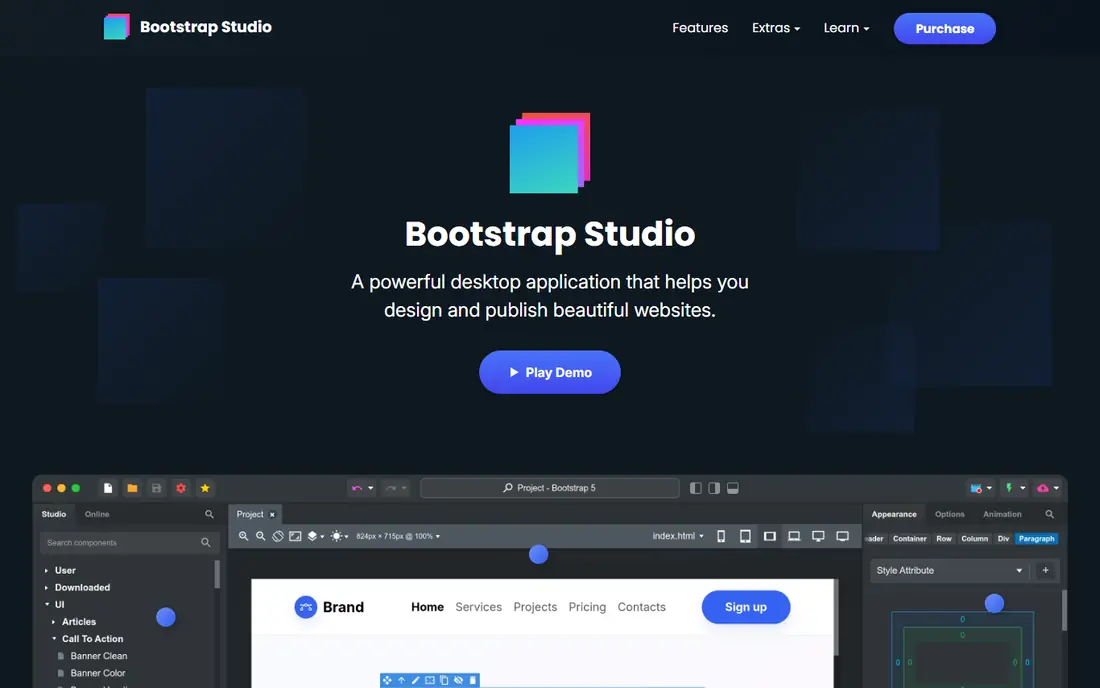
Bootstrap Studio is a focused desktop builder for responsive sites built on the Bootstrap framework. It gives developers drag-and-drop components, responsive controls and live preview, while the output stays clean Bootstrap HTML and CSS. The price is $29 as a one-time purchase, which makes it the cheapest tool on this list for a developer who builds Bootstrap sites regularly and wants no monthly bill.
The limit is scope. Bootstrap Studio is built around Bootstrap, so a developer working with Tailwind, plain CSS or another framework will find it a poor fit. There is no free plan, so the $29 is a blind buy, although the price is low enough that the risk is small. It also lacks the collaboration and hosting features of a cloud tool such as Webflow. For a solo developer or a small shop that ships Bootstrap sites, the one-time price and the responsive controls make it an easy pick.
- One-time price with no subscription
- Strong responsive controls for Bootstrap
- Tied to the Bootstrap framework
- No free plan to try first
Adobe Dreamweaver is a desktop web development tool included with Adobe Creative Cloud. It combines a visual design view with a code editor, and it works with HTML, CSS, JavaScript and server-side languages. The single-app price is $22.99 a month with a seven-day free trial, or it comes with Creative Cloud at $69.99 a month for 20 plus apps. That bundle is the real reason to choose it: a designer who already pays for Photoshop and Illustrator gets Dreamweaver as part of the same subscription.
The drawbacks are the subscription model and the pace of development. Dreamweaver has changed less than its rivals in recent years, and modern editors such as Visual Studio Code and WebStorm offer better extensions, better Git integration and faster performance for the same kind of work. For a developer who lives inside Adobe tools and wants one app for design and code, Dreamweaver still does the job. For anyone else, the free or cheaper editors on this list are better value.
- Part of Creative Cloud with Photoshop and Illustrator
- Visual and code views in one app
- Subscription only
- Feels dated next to modern editors
WebStorm is JetBrains' integrated development environment for JavaScript and TypeScript, and it is the deepest IDE on this list for front-end work. It handles refactoring, Git merge conflicts, renaming across files and debugging with a few clicks, and it understands modern frameworks such as React, Vue and Angular. The individual licence costs $69 per user per year in the first year, with lower renewal prices in later years, and the commercial licence costs $199 per user per year. WebStorm is free for non-commercial use.
The strength is the depth of the tooling: the IDE catches errors, suggests fixes and automates refactors that a text editor leaves to the developer. The cost is the subscription model and the price for commercial use, which is higher than a free editor. A solo developer on a hobby project can use it free, while a commercial team pays per seat every year. For professional JavaScript and TypeScript work, WebStorm is the most capable IDE here, and the free non-commercial licence makes it easy to try.
- Deep JavaScript and TypeScript support
- Free for non-commercial use
- Commercial licences cost more
- Subscription only, no one-time purchase
Sublime Text is a fast, light text editor from Sublime HQ in Sydney, and it has been a favourite of web developers for years. It starts instantly, handles large files without slowing down, and offers Goto functions, multiple selections and a large package library for languages and tools. The licence costs $80 as a one-time purchase, and the editor can be evaluated free with no fixed time limit.
The appeal is speed and simplicity. Sublime Text does less than WebStorm out of the box, but it does it faster, and many developers prefer a light editor plus a terminal over a heavy IDE. The limits are the smaller built-in feature set and the variable quality of community packages, which means a developer configures more by hand. For quick edits, large files and a machine where every second counts, Sublime Text remains a strong pick at a one-time price.
- Extremely fast startup and editing
- One-time licence with free evaluation
- Fewer built-in features than a full IDE
- Package quality varies
Visual Studio Code is Microsoft's free code editor, and it is the default choice for most web developers. It supports HTML, CSS, JavaScript, TypeScript, Python and dozens more languages, with Git integration, debugging and a terminal built in. The extension marketplace is the largest of any editor, so a developer can add framework support, linters, formatters and AI assistants in a few clicks. The price is $0, and the editor runs on Windows, macOS and Linux.
The trade-off is that Visual Studio Code is an editor, not a full IDE. The deep refactoring and framework awareness of WebStorm come only through extensions, and the quality of those extensions varies. Microsoft also collects telemetry by default, which some developers switch off in settings. For most web development work, the free editor plus a few extensions covers everything, and the price cannot be beaten. It is the safest default pick on this list.
- Free with the largest extension library
- Strong Git and debugging built in
- Needs extensions for full IDE features
- Microsoft telemetry needs switching off
Framer is a design-led website builder that lets developers and designers publish responsive sites with CMS content, animations and hosting. The Basic site plan costs $5 a month billed annually, and there is a free Mini plan for learning and prototyping. Higher plans add more CMS items, analytics and collaboration features. Workspace members with edit access cost extra: $20 a month for additional editors and $10 a month for content editors on Basic and Pro, while viewers are free.
Framer suits a developer who works closely with designers and wants the design tool and the published site in one place. The limit is that it is a design tool first: a developer who wants full control over code, frameworks or a custom build will find Webflow or a code editor a better fit. Editor seat pricing also adds up on a team, so the headline $5 a month is only part of the bill. For small design-led sites and landing pages, Framer is the cheapest hosted option on this list.
- Design-led builder with a free plan
- Low starting price for a published site
- Editor seats cost extra
- More design tool than developer tool
Nova is Panic's native code editor for the Mac, and it is built for developers who want a fast, Mac-first tool with no subscription. It covers HTML, CSS, JavaScript, PHP and more, with built-in Git, a terminal, remote publishing and an extension library. The licence costs $99 as a one-time purchase, and a 30-day free trial is available.
The appeal is the Mac-native feel: Nova follows macOS design conventions, starts fast and stays out of the way. The limits are platform and ecosystem. Nova runs only on the Mac, so a team on mixed operating systems cannot standardise on it, and the extension library is smaller than the one around Visual Studio Code. For a Mac-only developer who dislikes subscriptions and wants a polished native editor, Nova is a good pick. For cross-platform teams, Visual Studio Code or WebStorm fit better.
- Native Mac app with a clean interface
- One-time licence, no subscription
- Mac only
- Smaller extension library than Visual Studio Code
How we chose
We compared vendor pricing pages, product pages and independent pricing roundups read in November 2026, and we recorded the price each vendor publishes for its entry plan. We kept only tools with a live product page and a real developer user base, and we checked that each homepage loaded. We did not invent prices, ratings or test results, and we made no hands-on testing claim. The ranking favours tools that fit real developer workflows, from visual building to full IDE work, and that price in a way a buyer can verify before the purchase.
Setup-effort table
| Tool | Install or cloud | Code export | Learning curve | | Webflow | Cloud | Yes | Medium, visual designer to learn | | Pinegrow | Desktop install | Yes, plain files | Medium, framework knowledge helps | | Bootstrap Studio | Desktop install | Yes, Bootstrap output | Low, if you know Bootstrap | | Adobe Dreamweaver | Desktop install | Yes, plain files | Low for Adobe users | | JetBrains WebStorm | Desktop install | Not applicable, code editor | Medium, IDE depth takes time | | Sublime Text | Desktop install | Not applicable, code editor | Low, fast to start | | Visual Studio Code | Desktop install | Not applicable, code editor | Low, extensions as needed | | Framer | Cloud | Limited | Low, design-led | | Nova | Desktop install, Mac only | Not applicable, code editor | Low for Mac users |
Cloud tools need no install and update themselves, while desktop tools need a download and occasional updates. Code export matters most for visual builders: Webflow, Pinegrow and Bootstrap Studio all let you take the output elsewhere, while Framer export is more limited.
What to check before you buy
Decide first whether you need a visual builder or a code editor, because the two kinds of tool solve different problems. Check code export in writing if you use a visual builder, and test the exported code in your own hosting before you commit. For an IDE or editor, check extension support for your framework and language, and confirm whether the licence is per user, per seat or per machine. Check renewal pricing, since subscription tools often cost less in year one than in year two. Finally, try the free plan or trial on a real project, not a demo file, because the daily workflow matters more than the feature list.
Frequently asked questions
Which website developer software is best for a beginner?
Visual Studio Code is the best starting point, because it is free, well documented and used by most web developers. A beginner can add extensions as skills grow, and the same editor scales to professional work. Webflow is the best visual option for a beginner who wants to publish a site without writing code first.
Do I need to pay for a code editor?
No. Visual Studio Code is free and covers most web development work, and Sublime Text can be evaluated free. WebStorm is free for non-commercial use. The tools worth paying for are the ones that save time: a full IDE such as WebStorm, or a visual builder such as Webflow that includes hosting and a CMS.
What is the difference between Webflow and a code editor?
Webflow is a visual builder that generates code from a design, and it includes hosting and a CMS. A code editor such as Visual Studio Code or WebStorm is a blank canvas where a developer writes code by hand. Webflow suits marketing sites and client work, while a code editor suits custom apps, frameworks and anything that needs hand-written logic.
Can I export my code from Webflow?
Yes, Webflow offers code export on Workspace plans that include export, and the exported HTML, CSS and JavaScript can be hosted elsewhere. The CMS content and some dynamic features do not export in the same way, so a site that depends heavily on the Webflow CMS is harder to move.
Is Dreamweaver still worth using in 2026?
Dreamweaver is worth using if you already pay for Creative Cloud and you want one app for design and code. It is not the best editor for most developers, because Visual Studio Code is free and faster, and WebStorm is deeper for JavaScript work. Buy Dreamweaver for the bundle, not for the editor alone.
Sources
See where you really rank - block by block
ProMapRanker scans Google Maps across a grid of your service area. Simple monthly plans from $19, white-label on every plan.
Start freeKeep reading
 Chatmeter vs Birdeye
Chatmeter vs Birdeye compared on price, review monitoring, listings and local search, so you can pick the platform that fits your locations and budget.
Read → Chatmeter alternatives
10 Best Chatmeter Alternatives in 2026
Chatmeter alternatives for multi-location brands: review, listings and local search tools with real prices, honest limits and the best fit for your team.
Read → callfire alternatives
CallFire Alternatives: 8 Tools Compared
Compare callfire alternatives for SMS and voice campaigns, with entry prices, credit rules and honest limits, so your team can pick the right texting platform.
Read →