 ProMapRanker
Best Webinar Platform for Social Media Streaming in 2026

Enterprise collaboration environments · Pricing starts at: See website
Direct answer
Webex Webinars leads the list, best for enterprise collaboration environments. Listed starting prices: Livestorm from €2.50 per attendee and Restream from $239 per month. Livestorm is the stronger choice for marketing teams running branded events, while vMix suits professional Windows live production. Details, prices and limits for the rest of the 6 tools are below.
This ProMapRanker guide covers 6 options for webinar platform for social media streaming. Each profile lists a starting price, free plan details, strengths and drawbacks, so you can drop poor fits quickly.
Key takeaways
- This list starts with Webex Webinars, which is built for enterprise collaboration environments.
- Restream is the one to check for Multistreaming to numerous social channels.
- Just one of the 6 tools, Webex Webinars, has a free plan.
- A fair warning about Livestorm: not a multistreaming tool.
Quick comparison
| Pick | Great for | Pricing starts at | Free tier | |
|---|---|---|---|---|
| Webex Webinars | Enterprise collaboration environments | See website | Yes | Visit |
 Livestorm | Marketing teams running branded events | €2.50 per attendee | Not stated | Visit |
 vMix | Professional Windows live production | See website | Not stated | Visit |
 Zoom Webinars | Teams already using Zoom | See website | Not stated | Visit |
 StreamYard | Browser-based social live production | See website | Free trial | Visit |
 Restream | Multistreaming to numerous social channels | $239 per month | Not stated | Visit |
Webinar Platform for Social Media Streaming, one by one
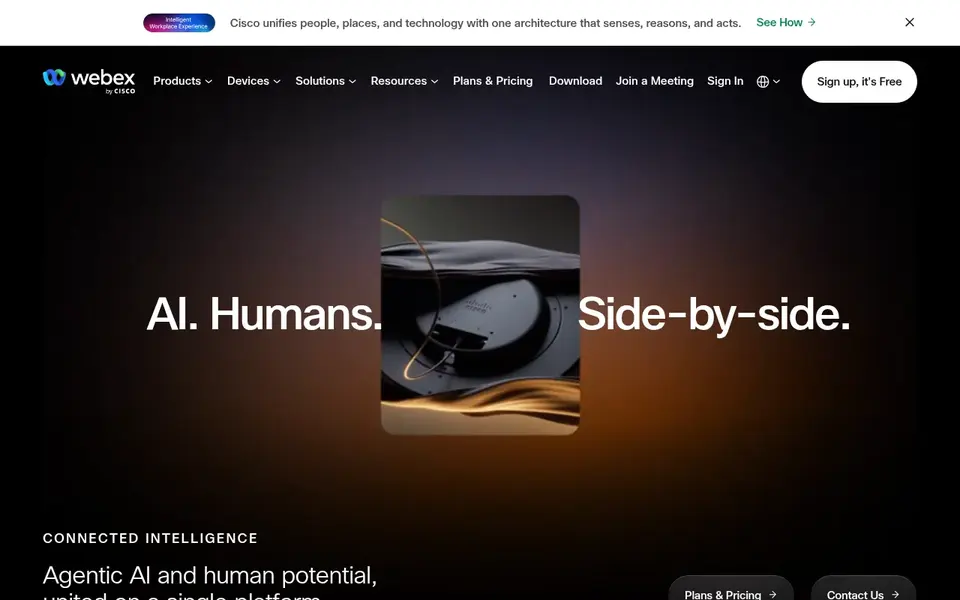
Webex Webinars makes the most sense for enterprise collaboration environments. Webex Webinars is part of Cisco's AI-powered collaboration and customer experience platform, which spans meetings, devices, and system options for large organizations.
What to check first: Social streaming needs additional tools.
For everyday use, smaller teams or solo creators may find a lighter streaming studio simpler to adopt. Webex Webinars shows no starting price here, so confirm the cost on the vendor site. Free access exists with Webex Webinars.
- AI-powered system features
- Backed by Cisco collaboration stack
- Heavier setup for small teams
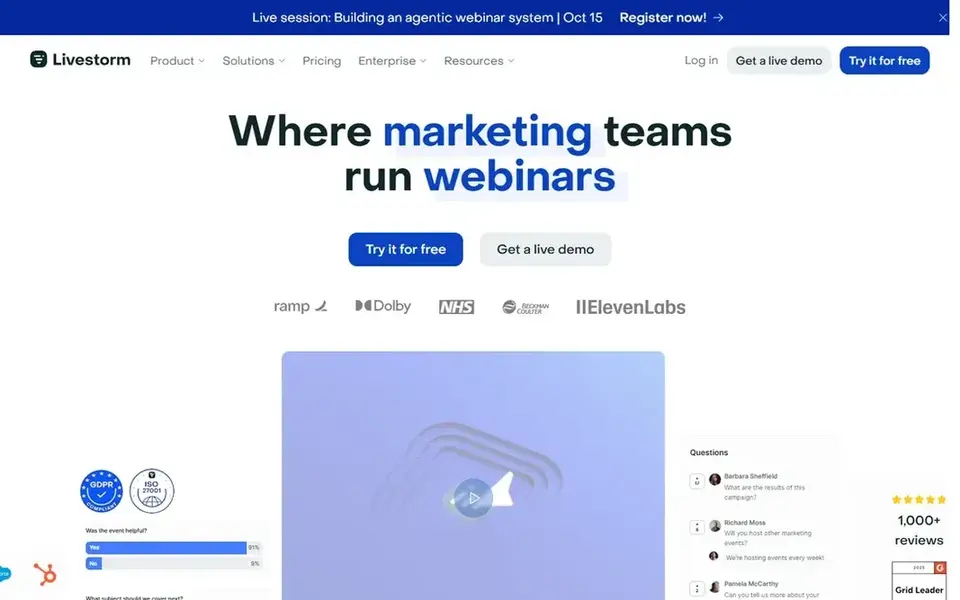
Livestorm is designed for marketing teams running branded events. It suits marketing groups that treat webinars as part of a pipeline strategy and want registrant and engagement data to flow into their customer systems.
Drawbacks to consider: Social distribution is secondary.
Starting cost for Livestorm: €2.50 per attendee. As for free access: Not stated.
- Engagement insights and CRM sync
- Branded event experience
- Not a multistreaming tool
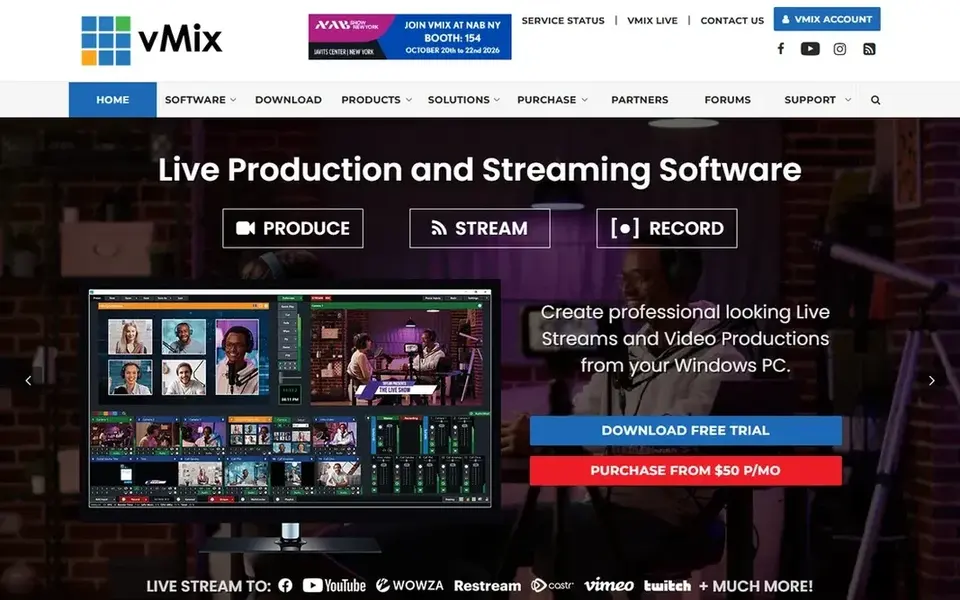
vMix is built with professional Windows live production in mind. vMix is live streaming and live production software that acts as a video mixer and switcher for Windows, letting users produce, record, and live stream professional-looking content from a PC.
Beyond that, vMix is a production tool instead of a webinar platform, so registration, attendee management, and marketing analytics are outside its scope. This comparison lists no price for vMix; ask the vendor. Trial and free access: Not stated.
Downsides: Steeper ramp-up time.
- Full video mixer and switcher
- Records and streams from a PC
- Windows only
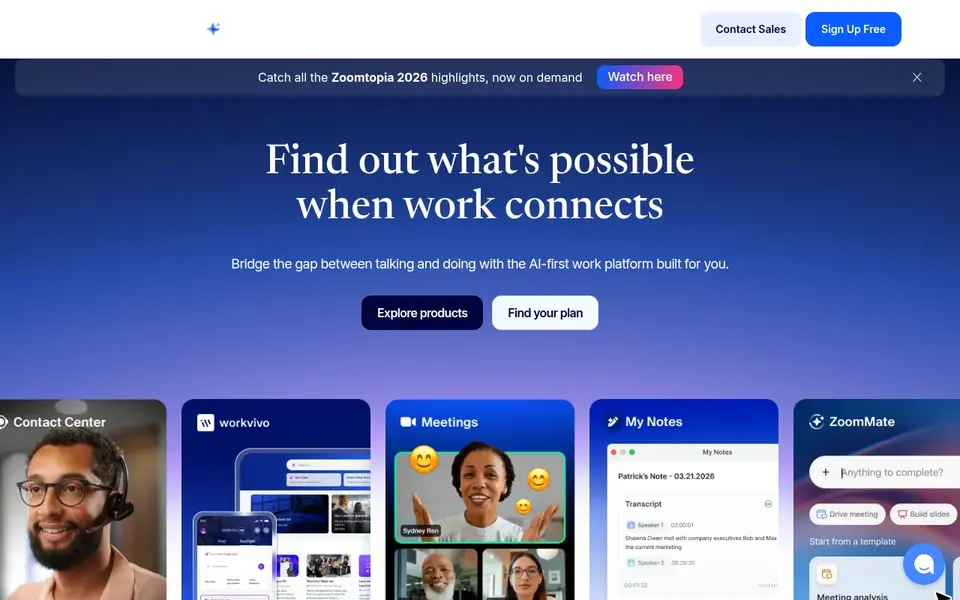
Where Zoom Webinars fits: teams already using Zoom. For social media streaming specifically, Zoom is not built as a multistreaming tool, so pushing a session to multiple social channels typically needs extra software.
Pricing for Zoom Webinars is not stated here, so ask the vendor for current figures. Free plan details: Not stated.
The main drawbacks: Advanced production needs additional tools.
- Familiar meeting interface
- Broadcast and event features
- Social multistreaming is restricted
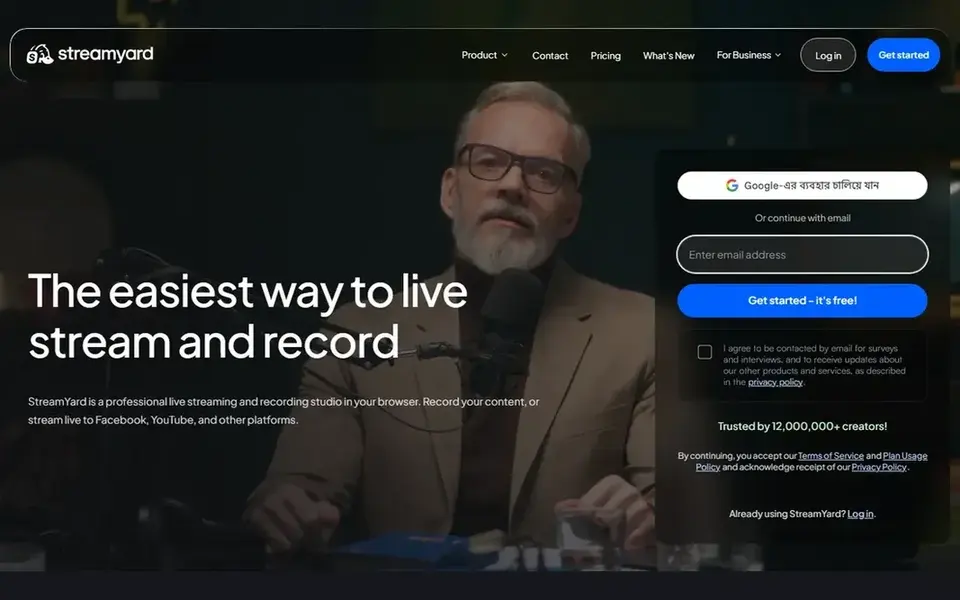
StreamYard targets browser-based social live production. StreamYard presents itself as a professional live streaming and recording studio that runs in your browser, letting you record content or stream live to Facebook, YouTube, and other products.
Since it works in the browser, teams can produce shows from ordinary laptops. Pricing for StreamYard is not stated here, so ask the vendor for current figures. Free options: Free trial.
Drawbacks to consider: Restricted webinar registration features.
- Runs in the browser
- Streams to Facebook, YouTube, others
- Relies on browser performance
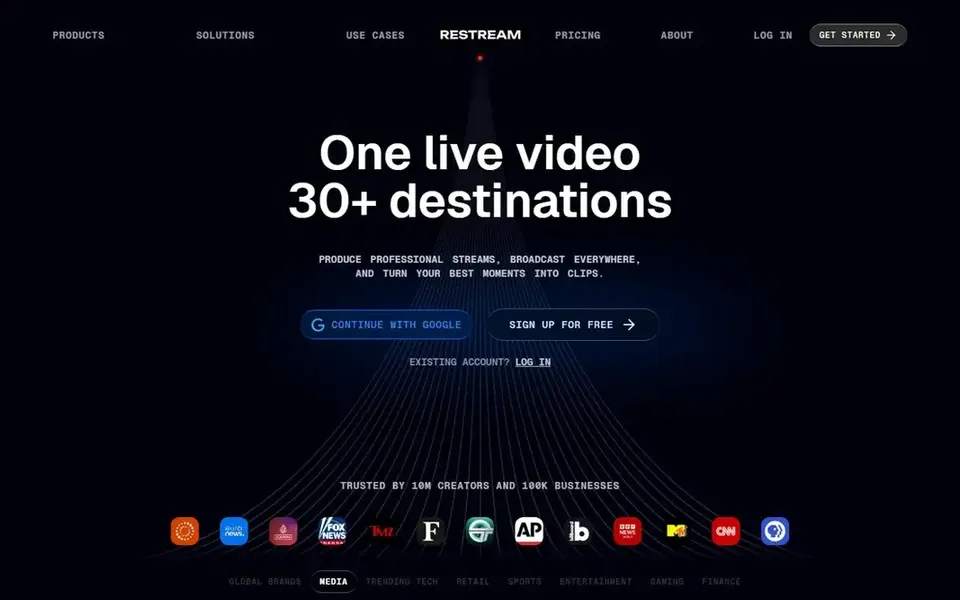
Restream is designed for Multistreaming to plenty of social channels. Restream is not a full webinar product, so registration, attendee management, and structured engagement reporting are limited compared to dedicated webinar tools.
Restream is a live video system concentrated on helping users build refined videos and multistream them to their favorite channels. Restream pricing: $239 per month. Free plan details: Not stated.
What to check first: Registration features are restricted.
- Straightforward live video workflow
- Multistreams to several channels
- Less structured webinar tooling
Things to verify first
- Ask Webex Webinars, vMix, Zoom Webinars and StreamYard for a written quote, since no starting price is shown.
- Test the free plan from Webex Webinars against your real workload before relying on it.
- Take the trial from StreamYard and push a live task through it before you pay.
- Before choosing Webex Webinars, weigh its main limit: heavier setup for small teams.
- Get the contract term, renewal terms and any onboarding fees from Zoom Webinars in writing.
- Before you load data into Livestorm, check what an export looks like and who can run it.
Frequently asked questions
Which options for webinar platform for social media streaming have a free plan?
Webex Webinars is the only tool in this list with a free plan. Free plans usually cap users, projects or features, so check the limits on the vendor page. One other tool offers a trial instead.
How are the tools for webinar platform for social media streaming ordered?
Webex Webinars sits first and Restream last because the order follows typical fit for webinar platform for social media streaming, then price clarity and free access. It is a judgement call, so read each profile for fit and limits.
Is Webex Webinars the right pick for everyone comparing webinar platform for social media streaming?
No single tool suits every team. Webex Webinars comes first because it fits enterprise collaboration environments, while Livestorm suits marketing teams running branded events and vMix suits professional Windows live production. Match the tool to your own size, budget and workflow before deciding.
Do I need production software like vMix for social streaming?
Not necessarily. vMix fits producers who want camera switching and layered scenes from a Windows PC. More straightforward presents can be handled by browser-based studios or webinar products with built-in broadcast features.
Can I try these tools before paying?
Often, yes. Webex Webinars has a free plan and StreamYard offers a free trial. Use your own data and a real task during the test, and check what the free tier or trial limits before you rely on it.
Sources
See where you really rank - block by block
ProMapRanker scans Google Maps across a grid of your service area. Simple monthly plans from $19, white-label on every plan.
Start freeBrowse all guides
← Best UGC Collection Platforms for Social Proof (2026)Best Affiliate Tracking Software for Course Creators in 2026 →
 best subtitle editing software for content creators
Best Subtitle Editing Software for Content Creators in 2026
6 best subtitle editing software for content creators, with entry costs, free tiers and the buyer each one serves. Short verdicts, no fluff. Prices included.
Read → best social media publishing software for global brands
5 Best Social Media Publishing Software for Global Brands for 2026
Compare 5 best social media publishing software for global brands, with prices, free plans and who each fits. The catches are listed up front. Start here.
Read → best social media management tools for contractors
Best Social Media Management Tools for Contractors in 2026
Compare 5 best social media management tools for contractors, with prices, free plans and who each fits. Each entry gets a plain verdict. Numbers first.
Read → best peer to peer recognition software
Best Peer to Peer Recognition Software in 2026
Compare the best peer to peer recognition software for points, rewards and social praise, with current pricing and fit for teams of every size for today.
Read → best tools for social media crm
6 Tools for Social Media CRM Options Ranked for 2026
6 options for the best tools for social media CRM, with entry costs, free tiers and the buyer each one serves. With pricing notes and limits. Easy to scan.
Read → planoly alternatives
Best Planoly Alternatives in 2026
Compare the best planoly alternatives for Instagram planning, scheduling, and analytics, with pricing for creators, brands, and teams in 2026 for you today.
Read →More in Social Media & Creators · All guides A to Z by date · Latest guides