 ProMapRanker
Best Web Security Software in 2026

Key takeaways
- Bitdefender Total Security and Norton 360 offer the broadest bundles, pairing malware protection with a VPN, password manager, and parental controls.
- McAfee Total Protection stands out for households with many devices, since its main plans cover an unlimited number of devices.
- Malwarebytes Premium is the lightest choice here for people who mainly want strong malware removal without a large bundle.
- Renewal prices often rise after the first year, so check the renewal figure on the vendor page before you buy.
Quick comparison
| Pick | Great for | Pricing starts at | Free tier | |
|---|---|---|---|---|
 Norton 360 Norton 360 | All-around home protection | See website | No | Visit |
 Bitdefender Total Security Bitdefender Total Security | Strong value for families | See website | No | Visit |
 McAfee Total Protection McAfee Total Protection | Many devices | See website | No | Visit |
 Kaspersky Premium Kaspersky Premium | Privacy and parental controls | See website | No | Visit |
 Avast Premium Security Avast Premium Security | Simple protection for mixed devices | See website | No | Visit |
 ESET Home Security Premium ESET Home Security Premium | Lightweight protection | See website | No | Visit |
 Malwarebytes Premium Malwarebytes Premium | Malware removal focus | See website | No | Visit |
 Trend Micro Maximum Security Trend Micro Maximum Security | Straightforward family cover | See website | No | Visit |
The best web security software
We compared official feature pages, pricing pages, app store listings, privacy policies, and public reviews for these suites. The picks below cover Windows, Mac, Android, and iOS in most cases, though exact device limits vary by plan.
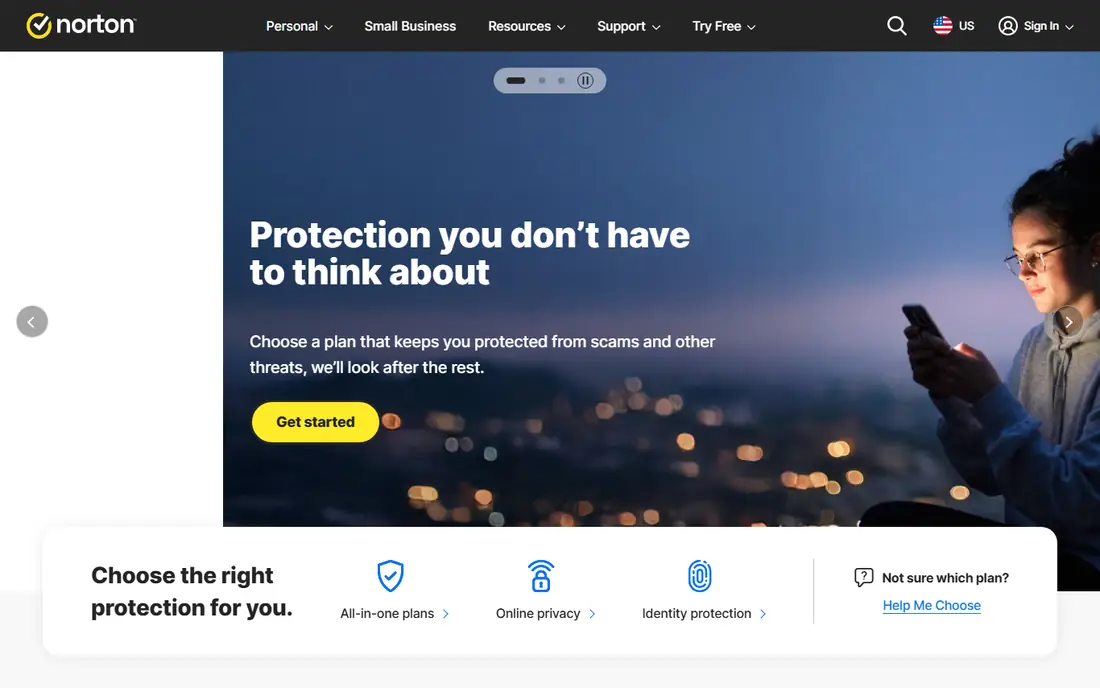
Norton 360 is the pick for households that want one subscription to cover most security jobs. It pairs malware protection with a VPN, a password manager, dark web monitoring, and parental controls, so there is less need to buy separate tools. The bundle also includes cloud backup on several plans, which helps if a device is lost or hit by ransomware.
The trade-off is price discipline. Introductory prices look friendly, but renewal prices are often much higher, so set a reminder before renewal and compare the new price with rivals. Some features also differ by region, which means the exact bundle on the sales page matters more than a general review. For most families, though, the breadth here is hard to beat.
- Broad bundle
- VPN included
- Dark web monitoring
- Cloud backup on many plans
- Renewal price can rise sharply
- Some features vary by country
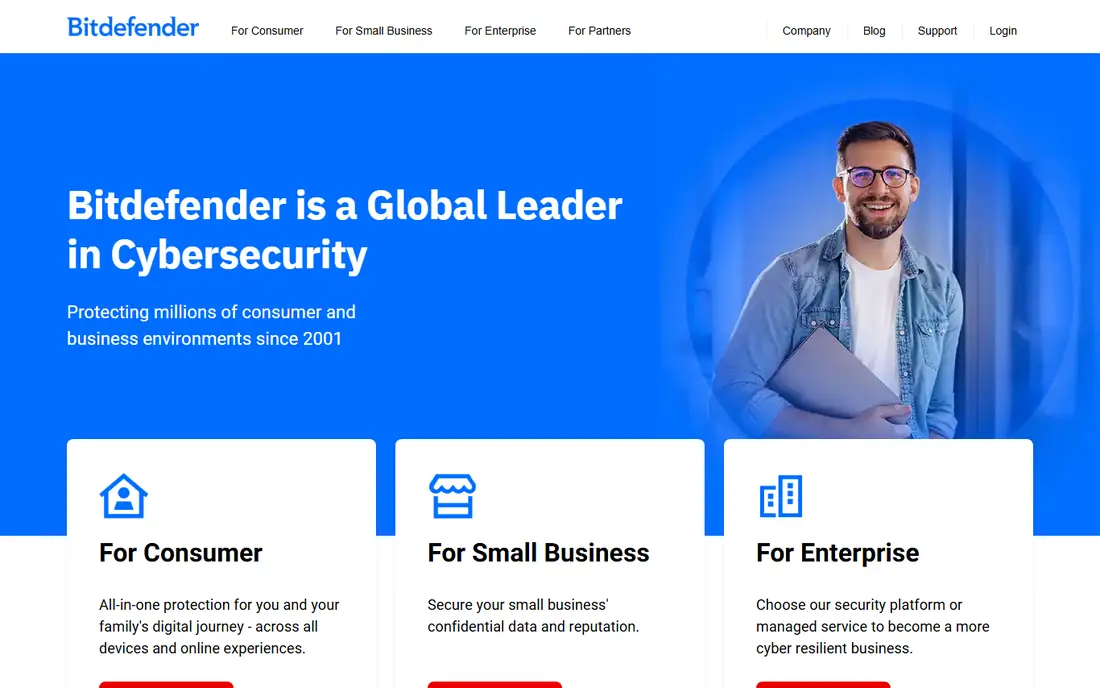
Bitdefender Total Security earns its place through steady protection and a generous feature set for the price. Independent testing labs have rated its malware detection highly over several years, and the suite adds a firewall, anti-tracker tools, webcam protection, and parental controls. It covers Windows, Mac, Android, and iOS, which suits mixed-device homes.
The main catch is the VPN allowance. The base plan includes only a limited daily amount of VPN data, so heavy VPN users will need an upgrade. The dashboard also packs in a lot of options, and new users may need a short while to find the settings they want. Still, for balanced protection at a fair price, this is our pick for most people.
- Strong malware scores in independent tests
- VPN and parental controls included
- Covers five devices on the main plan
- VPN data is capped on the base plan
- Interface can feel busy
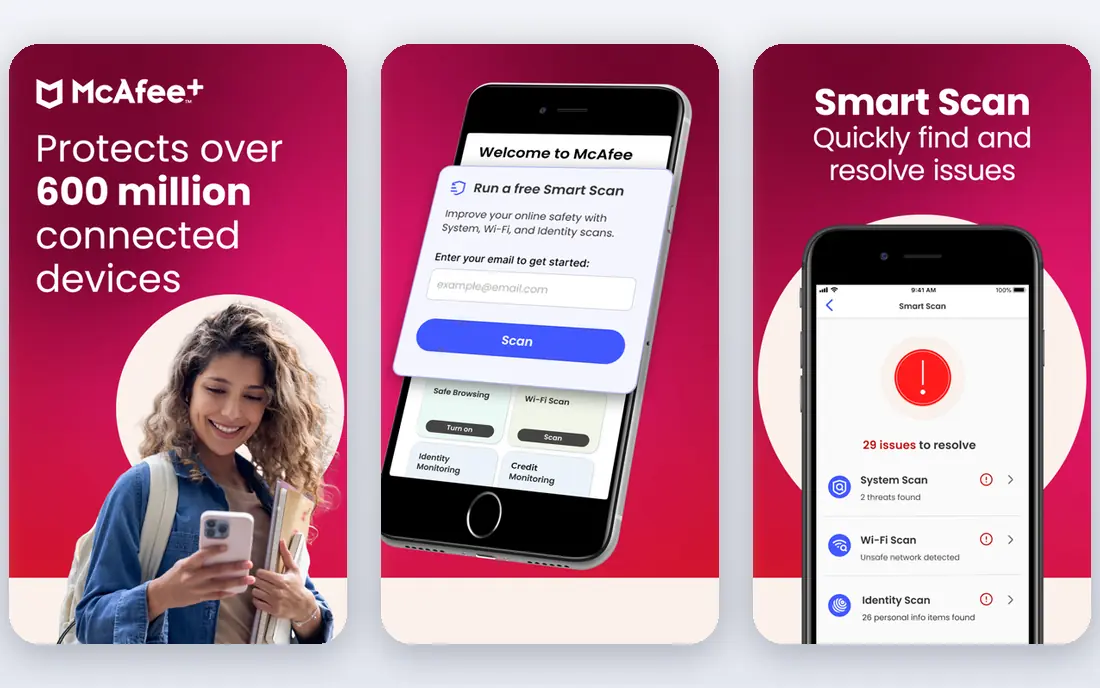
McAfee Total Protection makes sense when device count is the deciding factor. Its main plans cover an unlimited number of devices, which is rare among the big suites and useful for families with phones, tablets, laptops, and desktops. It also includes a VPN, a password manager, and identity monitoring on higher tiers.
The downside is feel rather than protection. Some users report that scans and background tools slow older machines, and the app can prompt often about extra features. Renewal prices also deserve a close look before purchase. If your household has more than five devices, however, the unlimited-device model can save real money compared with buying extra seats elsewhere.
- Unlimited devices on main plans
- VPN included
- Identity monitoring on higher plans
- Interface can feel heavy
- Renewal pricing needs checking
Kaspersky Premium is a strong technical product with a clear focus on privacy tools. It offers malware protection, a firewall, webcam and microphone controls, a password manager, and parental controls that give parents useful detail about screen time and web use. The interface is tidy, and scheduled scans are easy to set up.
The honest catch is trust, not technology. Some buyers and organisations prefer vendors based elsewhere, and that preference is worth respecting when you choose. VPN data limits on lower tiers are another point to check. If those points do not trouble you, Kaspersky offers a well-rounded suite that competes with the best on detection and everyday usability.
- Strong detection
- Good parental controls
- VPN and password manager included
- Some buyers have concerns about the company origin
- VPN limits apply on some plans
Avast Premium Security suits people who want solid protection without a long setup process. Installation is quick, the main dashboard is easy to read, and the suite adds a ransomware shield, webcam protection, and a sandbox for suspicious files. It works across the main platforms, so a household with different devices can stay on one plan.
The weakness is sales pressure inside the product. Avast has a history of prompting users about add-ons, and that can grate over time. VPN access also varies by plan and region, so check whether it is included before you assume it is. For straightforward malware protection with a friendly interface, Avast remains a sound choice.
- Easy setup
- Webcam and ransomware shields
- Covers Windows, Mac, Android, and iOS
- Extra upsell prompts
- VPN is a separate product in some regions
ESET Home Security Premium is built for users who notice slowdowns and want them gone. It is known for light system impact, which matters on older laptops and on machines used for gaming or video work. Protection covers malware, ransomware, phishing sites, and network attacks, and the premium plan adds a password manager and file encryption.
The look is more functional than polished, and the extras list is shorter than the big bundles. There is no full VPN in the same way Norton or McAfee include one, so VPN fans will need a separate service. If low impact and steady detection matter more than a long extras list, ESET is a strong, quiet performer.
- Low system impact
- Strong detection
- Password manager and encryption tools included
- Interface looks dated
- Fewer extras than Norton or Bitdefender
Malwarebytes Premium takes a narrower path, and that focus is its strength. It is widely used as a second-opinion scanner and as a real-time guard against malware, ransomware, and malicious websites. The interface is clean, scans are fast, and it runs well alongside many other security tools without much conflict.
The limit is scope. Malwarebytes does not try to match the full bundles here, so it lacks a firewall, parental controls, and some identity tools found elsewhere. For users who already use built-in system firewalls and want the best malware layer they can add, that trade is fine. For a one-tool household, a broader suite may fit better.
- Strong at catching and removing malware
- Light on system resources
- Simple interface
- No full firewall or parental controls
- Best paired with other tools for some users
Trend Micro Maximum Security is a good fit for families that want clear, simple management. It protects Windows, Mac, Android, and iOS, blocks phishing sites and malicious downloads, and includes parental controls for filtering web content. The online console makes it easy to check device status from one place.
The catch is that some extras are thinner than rival bundles. VPN data is limited unless you upgrade, and power users may miss the deeper privacy tools found in Bitdefender or Kaspersky. Still, Trend Micro does the core job well, and its straightforward design suits households that do not want to spend time tuning settings.
- Easy to manage across devices
- Good phishing protection
- Parental controls included
- VPN is limited on the base plan
- Fewer advanced extras than rivals
How we picked these
We compared official feature pages and pricing pages, app store listings, privacy policies, and public reviews for each suite. We looked at malware protection, phishing blocking, device coverage, VPN and password tools, parental controls, system impact, and renewal pricing. We did not claim hands-on lab testing, and we left out products whose official pages were unclear about current plans or device support.
What to check before you buy
Start with device count and platforms, since that decides which plan makes sense. A five-device plan works for many homes, but larger households should check unlimited-device options or the cost of extra seats. Next, look at what you already have. Many operating systems now include a firewall and basic malware tools, so the value of a paid suite lies in its extras, such as VPN data, identity monitoring, and parental controls.
Check renewal pricing, not just the first-year price. Vendors often discount the first term heavily, then charge more on renewal, so read the renewal figure on the checkout page and set a calendar reminder. Also check whether the VPN, password manager, and backup tools are included or sold separately, since bundles differ by plan and region. A short trial or money-back period, where offered, is a good way to test system impact on your own machine.
Frequently asked questions
What is the best web security software for most people?
Bitdefender Total Security is our pick for most people, because it pairs strong malware protection with a VPN, parental controls, and multi-device cover at a fair price. Norton 360 is close behind for households that want the broadest bundle. The best choice depends on device count, VPN needs, and renewal price.
What is the best cybersecurity software for a family?
A suite with parental controls, multi-device cover, and a password manager works best for families. Bitdefender, Norton, and Trend Micro all include parental controls, while McAfee helps when the device count is high. Check the parental control features on the vendor page, since depth varies by plan.
Is free antivirus enough?
Free antivirus can catch common malware, but it usually lacks a VPN, identity monitoring, parental controls, and full ransomware tools. For a single careful user on one device, free protection plus built-in system tools may be enough. For families, shared devices, or anyone handling sensitive work, a paid suite adds useful layers.
What is the best rated internet security software?
Independent labs such as AV-TEST and AV-Comparatives regularly rate Bitdefender, Norton, Kaspersky, and ESET highly for protection and low false alarms. Ratings change each year, so check the latest lab results for the exact product version you plan to buy. Lab scores are a useful guide, but system impact on your own device matters too.
Do I still need a VPN with web security software?
A VPN helps on public Wi-Fi and hides browsing from local networks, but many bundled VPNs cap data on base plans. If you use a VPN daily, check the data allowance and speed, or buy a standalone VPN. If you mainly work from home, the bundled VPN may be enough for occasional use.
How often should I run a full scan?
A weekly full scan is a sensible habit for most home users, with real-time protection left on at all times. Most suites also offer scheduled scans, so you can set one for a quiet time. Run a manual scan after installing new software from an unfamiliar source or after clicking a suspicious link.
Sources
See where you really rank - block by block
ProMapRanker scans Google Maps across a grid of your service area. Simple monthly plans from $19, white-label on every plan.
Start freeKeep reading
 zeffy payment processor stripe alternatives
Zeffy and Stripe Alternatives for Nonprofits in 2026
Explore zeffy payment processor stripe alternatives for nonprofits. We compare 8 fundraising platforms on fees, donor tools, and nonprofit focus. Check fees.
Read → workday alternatives
Workday Alternatives in 2026
Workday alternatives compared: we review 8 HR and payroll platforms that replace Workday, with pricing, strengths and honest limits for each team size.
Read → what's the best weather app
What's the Best Weather App in 2026
Wondering what's the best weather app? We compare 10 free and paid apps for forecasts, radar, alerts, and Colorado mountain weather for everyday and storm use.
Read →