 ProMapRanker
Best VoIP Phone Service in 2026

Key takeaways
- Ooma Telo offers the lowest ongoing home cost for many US households, since the basic service costs only taxes and fees after buying the device.
- Vonage home plans suit households that want a simple monthly plan without buying a separate adapter first.
- Google Voice and similar app-based services suit people who mainly call from a phone or computer, not from a traditional home handset.
- Always add taxes, fees, device costs, and international rates to the headline price, because those extras change the real monthly total.
Quick comparison
| Pick | Great for | Pricing starts at | Free tier | |
|---|---|---|---|---|
 Ooma Telo Ooma Telo | Lowest home cost | Free | Yes | Visit |
 Vonage Home Vonage Home | Simple home plan | $9.99 per month | No | Visit |
 Google Voice Google Voice | App-based calling | Free | Yes | Visit |
 magicJack magicJack | Low-cost home adapter | See website | No | Visit |
 Phone.com Phone.com | Small home office | See website | No | Visit |
 Grasshopper Grasshopper | Home business line | $14 per month | No | Visit |
 RingCentral RingCentral | Full home office system | $20 per user per month | No | Visit |
 Nextiva Nextiva | Reliable home office | $15 per user per month | No | Visit |
The best voip phone services
Home VoIP replaces a traditional landline with calls over your internet connection, usually through a small adapter or an app. The best service for home use is not always the cheapest business system, because home users care about simple setup, a normal handset, and low monthly fees. We compared official feature pages, pricing, and public reviews for services available in October 2026.
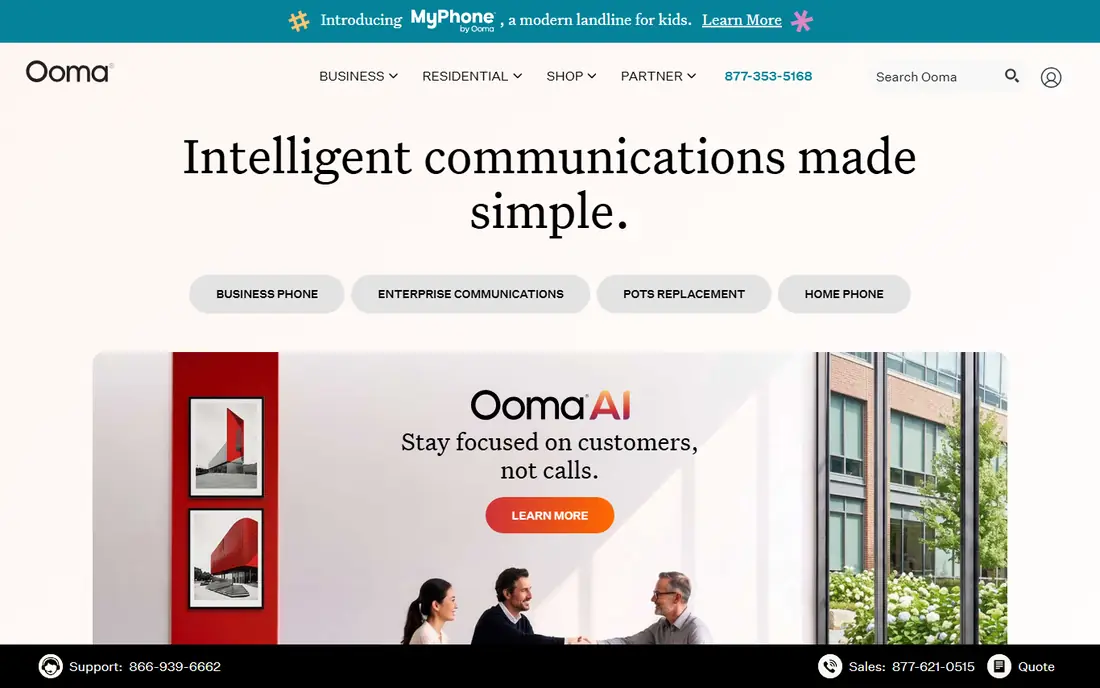
Ooma Telo is the classic home VoIP pick for a reason: buy the adapter once, plug it into your router and a normal phone handset, and basic service costs only monthly taxes and fees, often $6 to $9. Unlimited US calling, voicemail, caller ID, and call waiting come with that basic tier. For a household that wants to keep a home number without a landline bill, that math is compelling.
Premier, at $9.99 per month, adds call forwarding, voicemail to email, multi-ring, and enhanced privacy tools. Households that only need basic calling can skip it. Check 911 service details for your address and confirm taxes for your area, since those fees vary. For low ongoing cost, Ooma remains hard to beat.
- Basic service costs only taxes and fees after device purchase
- Unlimited US calling
- Voicemail and caller ID included
- Device costs around $99.99 upfront
- Premier features cost $9.99 per month extra
- Taxes and fees vary by location
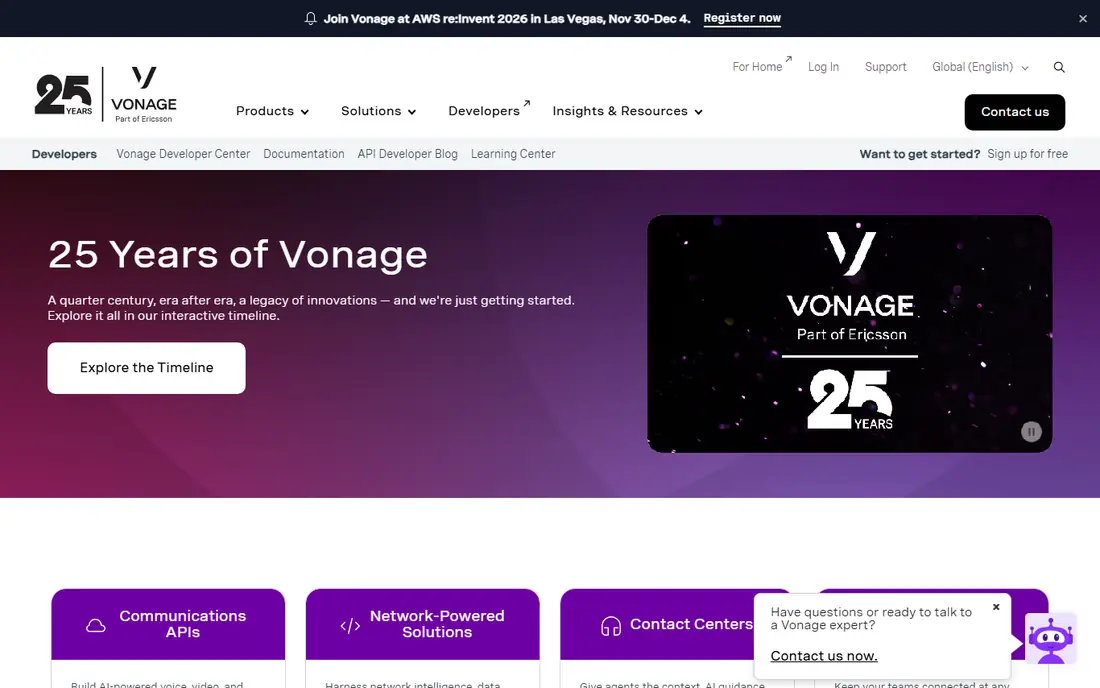
Vonage home service suits households that prefer a straightforward monthly plan over buying hardware first. Plans in public comparisons range from $9.99 to $14.99 per month plus taxes and fees, with unlimited calling in the US on most tiers. Setup uses an adapter or app, depending on the plan, and standard features such as voicemail and caller ID are included.
The monthly total will exceed Ooma basic, since Ooma basic charges only taxes and fees after the device purchase. Vonage may still win for households that dislike upfront hardware costs or want a plan that is easy to cancel and move. Compare the full monthly total, including taxes, before choosing.
- Simple monthly home plans
- Unlimited US calling on most plans
- Voicemail and caller features included
- Monthly cost is higher than Ooma basic
- Taxes and fees sit on top
- Plan prices vary by offer
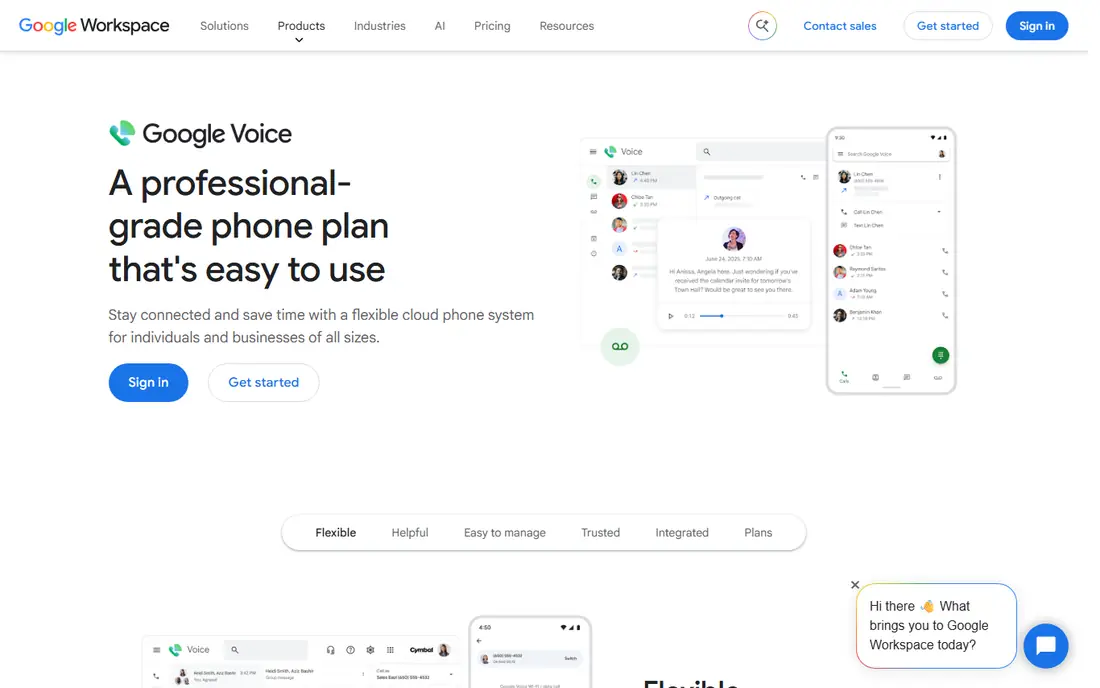
Google Voice gives personal users a free US number for calls and texts from an app or browser, with voicemail transcription included. That suits people who mainly call from a mobile phone or computer and want a second number for home, work, or online listings. Porting an existing number is possible, subject to Google terms.
It is not a direct replacement for a traditional home phone unless you add compatible hardware, and it lacks some home phone features out of the box. Business use needs Google Voice for Workspace, which starts at $10 per user per month in business comparisons. For free, flexible, app-based calling, Google Voice is a strong option.
- Free for personal US calling
- Works on phone, computer, and browser
- Voicemail transcription
- Not a full home handset replacement without extra hardware
- Business features need Google Workspace
- Support is limited
magicJack follows a similar idea to Ooma: plug a small device into your router, connect a handset, and call over the internet. Its plans have long been marketed as low-cost, with unlimited calling in the US and Canada. For a household that wants a simple adapter and a low annual cost, that model remains appealing.
Buyers should read renewal terms carefully, since device and service pricing can change at renewal, and the app experience is simpler than a full business phone system. Check the official site for the current device price and yearly service cost before ordering. For a basic home line at a low price, magicJack deserves a comparison with Ooma.
- Low-cost adapter model
- Unlimited US and Canada calling on plans
- Simple plug-in setup
- Pricing and renewal terms should be checked at checkout
- App experience varies
- Fewer advanced features than Ooma Premier
Phone.com suits a home office that needs more than a single line, such as call routing, extensions, and a professional greeting. It offers app and desk phone options, so a home worker can answer on a computer during the day and a handset in the evening. That flexibility helps freelancers who take client calls from home.
For a household that only wants a family phone, Phone.com adds complexity and cost that may not be needed. Pricing should be checked on the official site, since plans vary by features and user count. Choose it when home office features matter, not when low cost alone is the goal.
- Home office features in a small plan
- Voicemail, call routing, and extensions
- App and handset options
- Pricing is per user and varies by plan
- More business-focused than a simple home line
- Setup takes more steps
Grasshopper gives a home business a separate business number that rings on a mobile phone you already own. That suits a sole trader who works from home and wants to keep personal and business calls apart without buying office hardware. Voicemail, greetings, and extensions help a small operation sound professional.
It is not a traditional home phone service, since it relies on your mobile rather than a handset on a desk. Texting and call features vary by plan, so check limits before signing up. At $14 per month for a flat-rate solo plan in business comparisons, it is a tidy option for a home-based business line.
- Flat monthly rate for a business line
- Works with your existing mobile phone
- Voicemail and extensions
- No desk phone hardware included
- Texting limits vary by plan
- Not a traditional home handset service
RingCentral is a full business phone system that also works well for a serious home office. It combines calling, video meetings, and team messaging in one app, with integrations for common business tools. For a home worker who joins a larger team system, that completeness matters.
For a simple family home phone, RingCentral is overkill and overpriced at $20 per user per month on annual billing for its core plan. It earns its place here for home offices that need a professional system, not for households that only want to keep a landline number. Compare it with Phone.com and Grasshopper before paying business rates.
- Full phone, video, and messaging system
- Strong app support
- Wide integration options
- Price is high for a single home line
- Features exceed most home needs
- Setup is business-oriented
Nextiva is known for reliable voice quality and human support, which matters when a home office depends on calls for income. Its core plan, at $15 per user per month on annual billing in business comparisons, includes standard business features such as an auto attendant, voicemail, and a mobile app. Small home-based teams can run a professional phone system without office hardware.
Like RingCentral, Nextiva costs far more than Ooma basic or Vonage home for a single household line. It fits a home office where call reliability and support justify a business price. For a family phone alone, a home-focused service will save money each month.
- Reliable calling and support reputation
- Voicemail, auto attendant, and mobile app
- Good for small teams
- Price exceeds home-only services
- Business plans assume multiple users
- Contract terms vary
How we picked these
We compared official feature pages, pricing pages, app store listings, and public reviews for VoIP services available in October 2026. We kept services that offer US home or home office calling, with a current product and clear pricing or a device model. Where a price could not be verified on the vendor site, we wrote See website rather than guessing. We did not claim hands-on testing, and we treated review scores as a guide, not as proof.
How to choose a home VoIP service
Start with how you actually call. If you want a normal handset in the kitchen, choose an adapter service such as Ooma or magicJack. If you mainly call from a mobile phone, an app service such as Google Voice or Grasshopper may fit better. If you run a business from home, a small business system such as Phone.com, Nextiva, or RingCentral offers routing and greetings that a family service lacks.
Next, work out the true monthly cost for a year. Add the device price, monthly plan, taxes and fees, and any premium add-ons you actually need. A service that looks cheap per month can cost more after a device purchase, while a service with only taxes and fees can win over time. Check international rates too, since calls to family abroad can add up fast.
Finally, test 911, voicemail, and call quality before you cancel an old landline. Register your home address for emergency calling where the service asks for it, and test a call to a friend during peak evening hours. Keep your old service active until the new number ports and works well, so you never lose a working home phone during the switch.
Frequently asked questions
What is the best VoIP service for home?
Ooma Telo suits many households on ongoing cost, since basic service costs only taxes and fees after buying the device. Vonage home suits households that prefer a simple monthly plan without an upfront device purchase. Choose by total first-year cost, not by headline monthly price alone.
What is the best home VoIP service with no monthly fee?
No service is fully free after setup, because taxes, fees, and device costs still apply. Ooma basic comes closest for many US households, with only taxes and fees each month after the adapter purchase. Google Voice is free for personal US calling from an app, but it is not a full handset replacement.
Can I keep my existing home phone number with VoIP?
In most cases, yes, through number porting, but timing and eligibility vary by provider and number type. Ask the new provider to confirm porting before you cancel the old service, and keep the old account active until the port completes. Porting usually takes days, not minutes.
Does VoIP work during a power cut?
VoIP needs power and internet, so a power cut can stop calls unless you have backup power for your router and adapter. A mobile phone remains the safest backup for emergencies. Ask your provider about 911 registration and test your setup so you know its limits.
Do I need fast internet for home VoIP?
Most home connections handle VoIP easily, since a call uses far less bandwidth than video streaming. Call quality suffers more from unstable Wi-Fi or a congested network than from raw speed alone. Use a wired connection for the adapter where possible, and test calls at busy times of day.
Sources
See where you really rank - block by block
ProMapRanker scans Google Maps across a grid of your service area. Simple monthly plans from $19, white-label on every plan.
Start freeKeep reading
 zeffy payment processor stripe alternatives
Zeffy and Stripe Alternatives for Nonprofits in 2026
Explore zeffy payment processor stripe alternatives for nonprofits. We compare 8 fundraising platforms on fees, donor tools, and nonprofit focus. Check fees.
Read → workday alternatives
Workday Alternatives in 2026
Workday alternatives compared: we review 8 HR and payroll platforms that replace Workday, with pricing, strengths and honest limits for each team size.
Read → what's the best weather app
What's the Best Weather App in 2026
Wondering what's the best weather app? We compare 10 free and paid apps for forecasts, radar, alerts, and Colorado mountain weather for everyday and storm use.
Read →