 ProMapRanker
Best Video Editing Software for Social Media Managers (2026)

Text-based editing of talking video · Pricing starts at: $16 per person a month
Direct answer
If you need text-based editing of talking video, Descript is the first tool to look at here. Listed starting prices: Descript from $16 per person a month. For a different need, Adobe Premiere Rush covers editing and sharing from mobile and Filmora covers approachable timeline editing with AI features. Prices, free plans and limits for all 5 tools follow.
If you are comparing video editing software for social media managers, this page covers 5 tools in one place: what each is best for, what it costs to start, whether it has a free plan, and the main limit to know about.
Key takeaways
- Descript sits first on this list: text-based editing of talking video.
- For professional editing and postproduction work, Adobe Premiere Pro is worth a look.
- Descript has the lowest monthly starting price in this list: $16 per person per month.
- Only 2 of the 5 tools have a free plan (Descript, CapCut), so check the caps.
- Filmora comes with a trade-off: advanced controls trail pro suites.
Quick comparison
| Pick | Great for | Pricing starts at | Free tier | |
|---|---|---|---|---|
| Descript | Text-based editing of talking video | $16 per person a month | Yes | Visit |
 Adobe Premiere Rush | Editing and sharing from mobile | See website | Not stated | Visit |
 Filmora | Approachable timeline editing with AI features | See website | Not stated | Visit |
 CapCut | Quick social edits with templates and AI | See website | Yes | Visit |
 Adobe Premiere Pro | Professional editing and postproduction work | See website | Not stated | Visit |
The best video editing software for social media managers
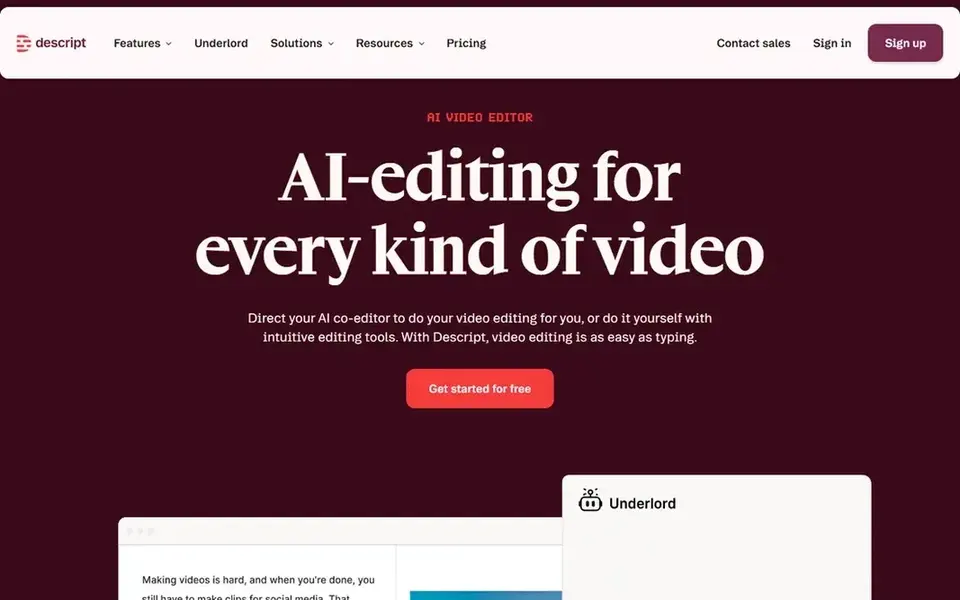
Descript makes the most sense for text-based editing of talking video. Teams whose posts rely on heavy visual styling may prefer a timeline editor, whereas Descript remains solid for spoken content.
The text-first approach is less natural for motion graphics, complex transitions or in-depth color work. Descript starts at: $16 per person per month. Descript has a free plan.
Where it shines: Edit by editing transcribed text. Where it falls short: Less suited to effects-heavy edits.
- Manages video and audio together
- Edit and publish in one tool
- Text-first workflow takes adjustment
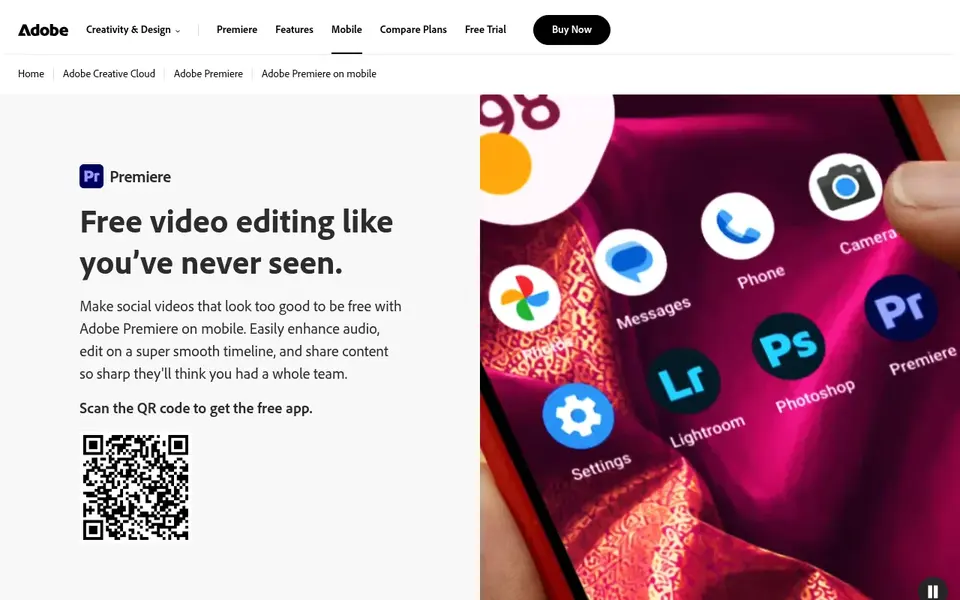
Adobe Premiere Rush targets editing and sharing from mobile. It fits social media managers who capture content at events or on location and have to publish rapidly without returning to a desktop workstation.
Also, mobile editing limits precision for complicated timelines, multi-track audio and in-depth effects. Adobe Premiere Rush shows no starting price here, so confirm the cost on the vendor site. Free access: Not stated.
Honest limits: Small-screen editing limits precision.
What users get: edit and share on mobile.
- All-in-one app for fast videos
- Works anywhere you post
- Less capable than desktop suites
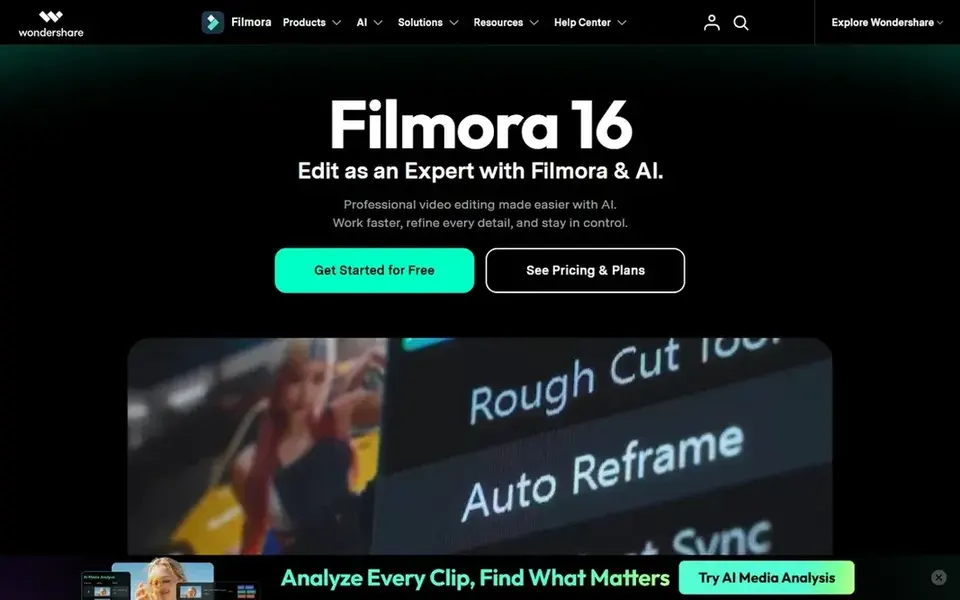
Filmora is aimed squarely at approachable timeline editing with AI features. Managers handling broadcast-level projects may need a more advanced application, whereas Filmora includes most day-to-day social edits.
The main drawbacks: Feature set can feel busy.
In daily use, Filmora is AI-powered video editing software for desktop and mobile with easy-to-learn timeline tools, AI features, effects, captions and audio. Filmora does not show a starting price in this comparison, so check the vendor site for current pricing. As for free access: Not stated.
- Easy-to-learn timeline tools
- AI features
- Advanced controls trail pro suites
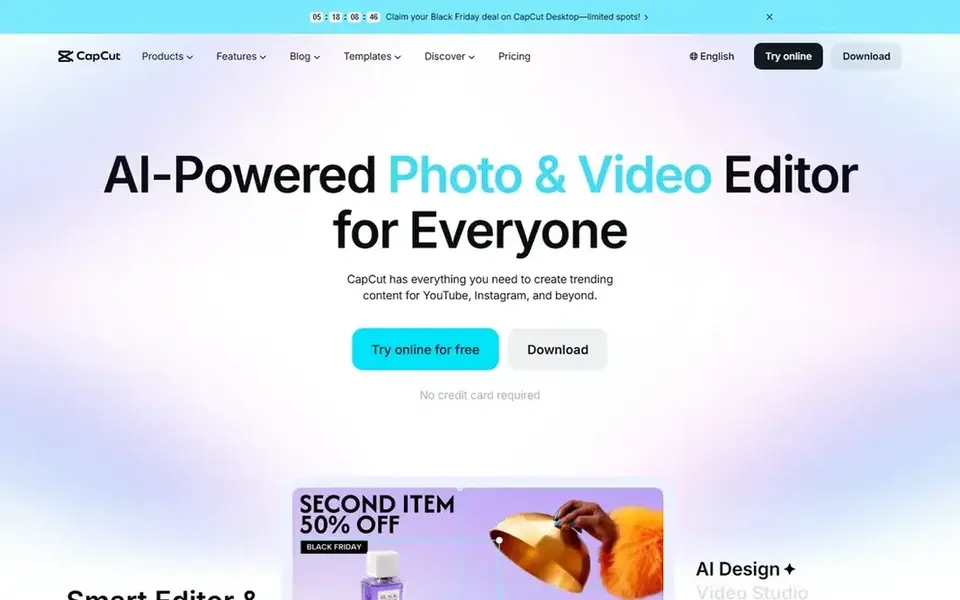
CapCut works best for quick social edits with templates and AI. Managers producing complicated brand films or in-depth color work may want a fuller editor alongside it.
Trade-offs to know: Fewer deep postproduction controls.
CapCut does not show a starting price in this comparison, so check the vendor site for current pricing. CapCut includes a free tier.
- AI-powered editing tools
- Mobile and online editing
- Template look can feel repetitive
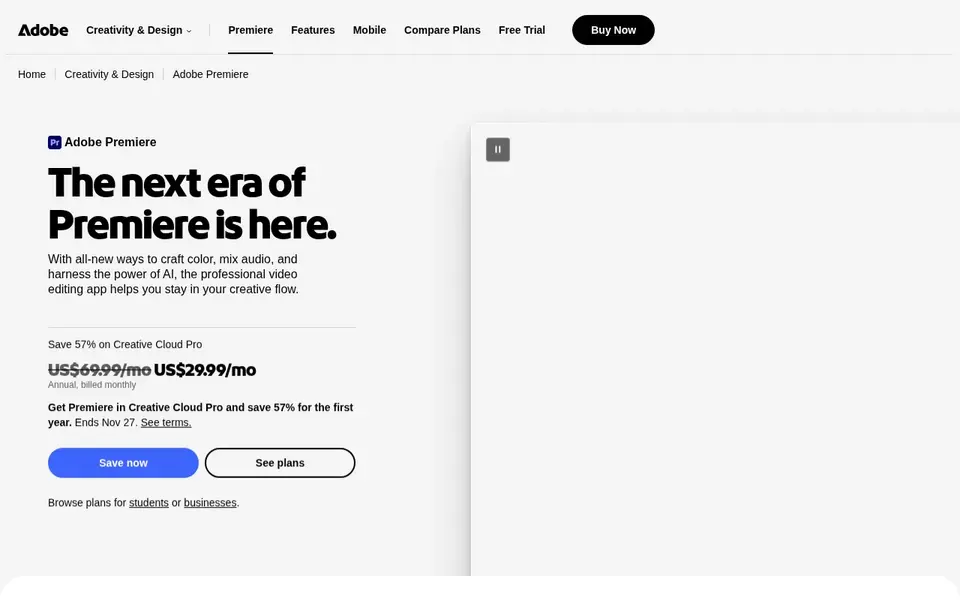
Think of Adobe Premiere Pro for professional editing and postproduction work. Adobe Premiere Pro is professional video editing and postproduction software for editing and trimming footage, adding effects, mixing audio and extending video.
In daily use, editors who chiefly resize clips and add captions may prefer a lighter tool, whereas those balancing advanced work and fast turnarounds can pair it with a more straightforward editor. No starting price is listed for Adobe Premiere Pro here; confirm pricing on the vendor site. Trial and free access: Not stated.
Where it falls short: Steeper ramp-up time.
- Effects and audio mixing built in
- Deep editing and trimming controls
- Heavier than quick-edit tools
Pre-purchase checklist
- Ask Adobe Premiere Rush, Filmora, CapCut and Adobe Premiere Pro for a written quote, since no starting price is shown.
- Look at free plan limits closely: Descript and CapCut have one, and the caps decide whether it is usable for real work.
- Read the limits listed for Descript first: less suited to effects-heavy edits.
- Add up seats, add-ons and usage charges for Adobe Premiere Rush before comparing it with cheaper entries.
- Ask Filmora how an export works before you move any records in; an easy exit lowers the risk.
Frequently asked questions
What is the cheapest option for video editing software for social media managers in this list?
On published monthly entry prices, Descript is the lowest here at $16 per person per month. Entry price is only part of the cost, because seats, add-ons and billing terms can change the total. All 5 picks in this video editing software for social media managers comparison list a starting price, free plan details and the main limits on their cards above.
Can I try these tools before paying?
Often, yes. Descript and CapCut have a free plan. Use your own data and a real task during the test, and check what the free tier or trial limits before you rely on it.
How are the tools for video editing software for social media managers ordered?
The order follows typical fit for video editing software for social media managers, with Descript first and Adobe Premiere Pro last, then price clarity and free access. It is editorial judgement, not a score, so another team could rank the tools differently.
Do these tools publish their prices?
Not all of them. Adobe Premiere Rush, Filmora, CapCut and Adobe Premiere Pro publish no starting price, so expect a quote request for those. The rest, Descript included, show a starting price, though seats and billing terms still change the final cost.
Sources
See where you really rank - block by block
ProMapRanker scans Google Maps across a grid of your service area. Simple monthly plans from $19, white-label on every plan.
Start freeBrowse all guides
← Social Proof Software: Best Picks of 20266 Best AI Social Media Marketing Companies Software for 2026 →
 best social media suites software for startups
5 Best Social Media Suites Software for Startups in 2026
Best social media suites software for startups in 2026: 5 tools with starting prices, free plans and limits. Concise write-ups of every option. Compare quickly.
Read → best social media management tools for consultants
Best Social Media Management Tools for Consultants (2026)
5 best social media management tools for consultants, compared on pricing, free plans and best-fit use. The catches are listed up front. Pick by budget.
Read → best social media graphics software
2026 Guide to the Best Social Media Graphics Software
Need the best social media graphics software? We compare 5 tools on cost, free access and who each suits. Read the caveats before you buy. See the full list.
Read → best social commerce platforms
7 Top Social Commerce Platforms Compared (2026)
Need the best social commerce platforms? We compare 7 tools on cost, free access and who each suits. Honest caveats for every entry. Skim the table first.
Read → suno alternatives
Best Suno Alternatives in 2026
Compare the best Suno alternatives for AI music generation, with vocals, stems, licensing and current pricing for creators, producers and video makers.
Read → best influencer platforms for creators
7 Influencer Platforms for Creators Compared on Price and Fit
Best influencer platforms for creators, compared. 7 tools with published prices, free plans and limits. Verdicts stay brief and factual. Updated for 2026.
Read →More in Social Media & Creators · All guides A to Z by date · Latest guides