 ProMapRanker
Best UCaaS Providers for Business: 8 Compared


deep CRM integration and a large app catalog · Pricing starts at: $20 per user/month (Core, billed annually)
Key takeaways
- The cheapest published entry prices are $15 per user per month at Dialpad and Nextiva on annual billing, with Zoom Phone at $16.
- RingCentral Core costs $20 per user per month billed annually, or $30 month to month, and caps SMS at 25 messages per user per month on Core.
- 8x8 and GoTo Connect do not publish per-seat prices, so budget time for a sales quote before you compare them with the rest.
- Microsoft Teams Phone costs $10 per user per month plus a Teams license, or $17 with a US Calling Plan, so the real cost depends on your Microsoft stack.
- Regulatory fees and taxes add a few dollars per seat on top of the headline price, so ask for a full quote that includes them.
Quick comparison
| Pick | Great for | Pricing starts at | Free tier | |
|---|---|---|---|---|
| RingCentral | deep CRM integration and a large app catalog | $20 per user/month (Core, billed annually) | Free trial (14 days) | Visit |
 Dialpad | AI transcription and summaries on every call | $15 per user/month (Standard, billed annually) | Free trial (14 days) | Visit |
 Zoom Phone | teams already running Zoom Workplace | $16 per user/month (US and Canada Unlimited, billed annually) | No | Visit |
 Nextiva | growing teams that want strong live support | $15 per user/month (Core, billed annually) | No | Visit |
 8x8 | international calling and global teams | quote only | Yes (Express, up to 10 users) | Visit |
 Vonage | simple cloud calling with a low entry tier | $19.99 per user/month (Premium) | No | Visit |
 Ooma Office | no-contract phone service for small offices | $19.95 per user/month (Essentials) | Free trial (30 days) | Visit |
 Microsoft Teams Phone | companies already standardised on Microsoft Teams | $10 per user/month (plus Teams license) | No | Visit |
The best ucaas providers
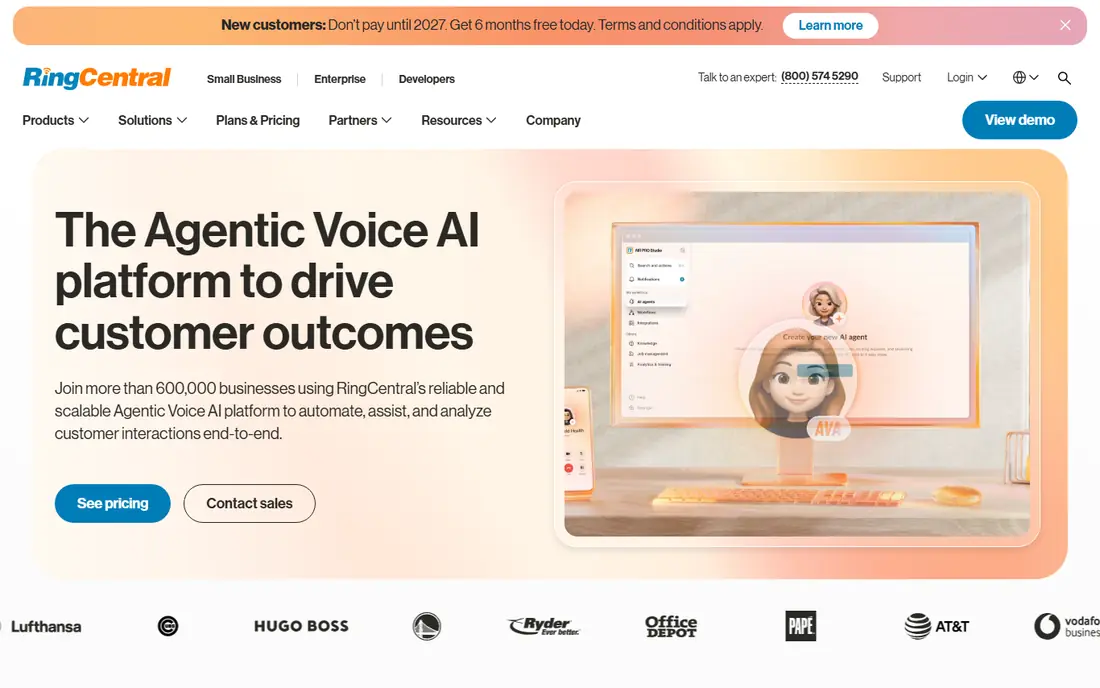
RingCentral is the default recommendation in UCaaS for a reason. RingEX Core combines cloud calling, team messaging, video meetings and SMS in one app, and the integration catalog covers Salesforce, HubSpot, Microsoft 365, Google Workspace and most major CRMs. Core costs $20 per user per month on annual billing, Advanced is $25 and Ultra is $35, while monthly billing runs $30, $35 and $45. A 14-day trial lets a team test call quality and the mobile app before signing. The contact center add-on, RingCX, starts at $65 per user per month for teams that need queues and agent tools.
The limits are in the fine print. Core caps SMS at 25 messages per user per month, which support teams can burn through in a week, and Advanced raises the cap to 100 while Ultra raises it to 200. AI features are an add-on on the lower tiers, so a team that wants transcription and summaries across the board pays more than the headline rate. RingCentral still suits teams that need deep CRM integration and a platform that scales from a small office to a large enterprise without a change of vendor.
- Deep CRM integrations with 200-plus apps
- Full UCaaS with contact center options
- Core caps SMS at 25 per user per month
- AI features cost extra on lower tiers
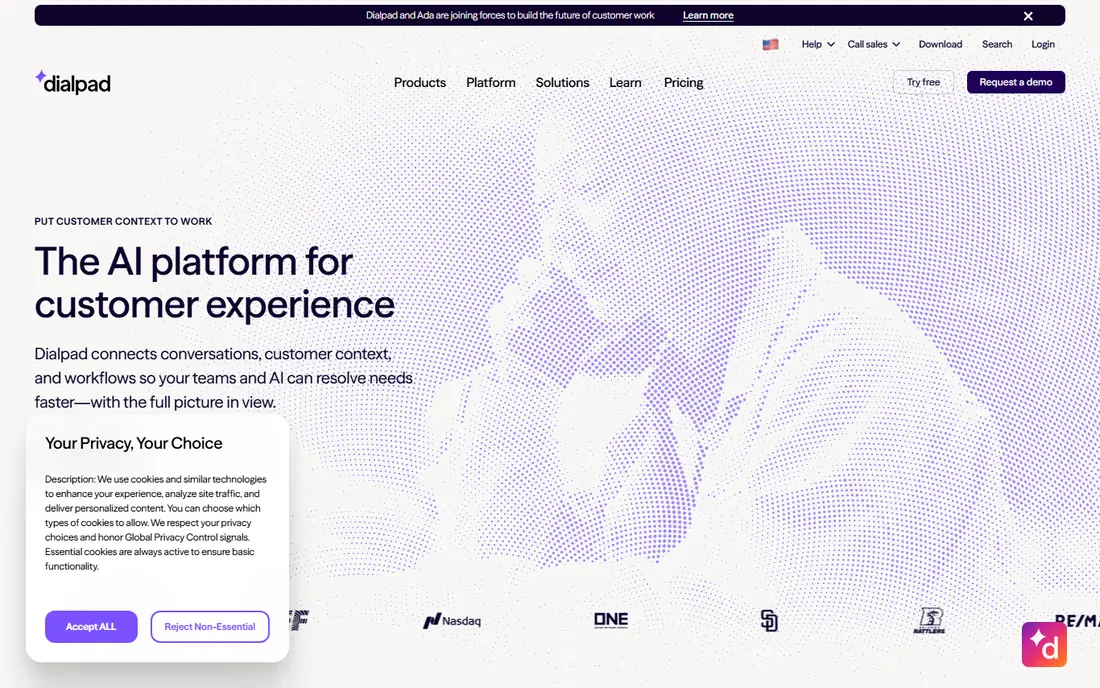
Dialpad is the AI-first UCaaS option. Every plan includes real-time transcription, call summaries and sentiment analysis, so sales and support teams get notes and coaching cues without buying a separate AI add-on. Standard costs $15 per user per month on annual billing and includes unlimited calling, messaging, video and AI transcription, while Pro is $25 and adds wallboard reporting and advanced call routing, and Enterprise is quoted. Setup is quick, with number porting and a mobile app that mirrors the desktop experience, and a 14-day trial covers the entry plans.
The main watch-out is the billing gap. Monthly billing for Standard jumps to $27 per user, which is 80 percent above the annual rate, so a team that will not commit to a year pays far more. Pro also carries a three-user minimum, which matters for very small teams. Dialpad is the best pick for teams that want AI on every call from day one, and the $15 annual entry price undercuts RingCentral while including features RingCentral charges extra for.
- AI transcription and summaries on every plan
- Clean interface with fast setup
- Monthly billing jumps to $27 per user
- Pro needs a 3-user minimum
Zoom Phone adds cloud calling to the Zoom Workplace app most remote teams already use, so staff make and take calls without learning a second interface. The US and Canada Unlimited plan costs $16 per user per month on annual billing, or $18 month to month, with unlimited calling, SMS and MMS, call recording and post-call summaries. A metered plan at $10.50 per user per month suits light users who make few outbound calls, and Zoom Phone works with existing desk phones and headsets through standard SIP support.
The catch is the bundle. Zoom Phone is most valuable inside a Zoom Workplace subscription, so a team that does not already pay for Zoom should price the full stack, not the phone line alone. There is no permanent free plan, and advanced features such as call queues and detailed analytics sit on higher plans. For a remote team that already lives in Zoom meetings, though, Zoom Phone is the simplest and cheapest way to add a business phone system, and the $16 entry price beats most rivals.
- Cheapest credible entry for Zoom shops
- Unlimited US and Canada calling
- Needs a Zoom Workplace plan for full value
- No permanent free plan
Nextiva is a cloud phone system aimed at growing small and mid-size businesses, with calling, messaging, video and a simple admin panel in one product. Core costs $15 per user per month on annual billing, Engage is $25 and Power Suite is $35, while monthly billing starts at $23. The company is known for live support that picks up fast, which matters for a small team with no in-house phone admin, and the setup wizard walks a new admin through number porting, auto attendants and call routing in an afternoon.
The trade-offs are price shape and depth. Monthly billing at $23 per user is far above the $15 annual rate, so a team that will not commit to a year should compare the monthly figure, not the headline. There is no permanent free plan, and the integration catalog is smaller than RingCentral, so teams with unusual CRM or help desk stacks should check the integration list before buying. For a growing team that wants a reliable phone system with a human on the end of the support line, Nextiva is a strong value pick.
- Strong live support with a simple admin panel
- Low entry price on annual billing
- Monthly billing is $23 per user
- No permanent free plan
8x8 is an established UCaaS and contact center vendor with a strong record in global deployments. Its platform covers cloud calling, video, team messaging and contact center tools, with unlimited calling to dozens of countries on the higher plans and a Teams integration for companies that run Microsoft. Third-party guides cite historical estimates of about $24 per user per month for the X2 plan and $44 for X4 on annual billing, but 8x8 does not publish plan prices, so every deal is quoted. An Express edition is free for up to 10 users with phone-only features, which gives a tiny team a way to test call quality.
The quote-only model is the main drawback. A buyer cannot compare 8x8 with RingCentral or Dialpad on price without a sales conversation, and the quote will depend on headcount, countries and contract length. That friction suits larger buyers who expect negotiation, but it frustrates small teams that want a number before a call. For a multinational team that needs reliable international calling and a vendor with global carrier depth, 8x8 is worth the quote process, and the free Express tier is a useful trial.
- Unlimited international calling to many countries
- Strong global coverage
- No published prices
- Sales process needed for a quote
Vonage Business Communications is a straightforward cloud phone system with calling, messaging and video in one app. Mobile costs $13.99 per user per month, Premium is $19.99 and Advanced is $29.99, with the higher tiers adding integrations, call recording and multi-level auto attendants. The mobile app is solid, which suits remote and field staff who take business calls on personal phones, and number porting and setup are handled through a guided process. Vonage also sells APIs for teams that want to embed calling or messaging in their own products.
The limits are in the lower tier. Mobile at $13.99 is light on features, so most teams land on Premium at $19.99, which is above the $15 entry points at Dialpad and Nextiva. There is no permanent free plan, and the integration catalog is narrower than RingCentral. Vonage suits a small business that wants a simple phone system from a known brand, with a clear path from Mobile to Premium to Advanced as the team grows.
- Simple plans with a clear upgrade path
- Good mobile app for remote staff
- Entry Mobile plan is light on features
- No permanent free plan
Ooma Office is a cloud phone system aimed at small offices that want a real business phone without a contract. Essentials costs $19.95 per user per month and includes a virtual receptionist, call transfer, voicemail and a mobile app, with Pro at $24.95 and Pro Plus at $29.95 adding call recording, video meetings and more integrations. There is no contract on the entry plan, and a 30-day trial lets a team test the service before committing. Setup is simple, with desk phones that plug in and work, and the admin panel is friendly to non-technical owners.
The trade-off is scale. Ooma is built for small teams, so large deployments will miss the admin controls, analytics and contact center depth of RingCentral or 8x8, and the higher tiers climb fast for what they add. At $19.95, Essentials also costs more than the $15 entry points at Dialpad and Nextiva. For a small office, a retail shop or a clinic that wants a reliable phone system with no contract and a virtual receptionist from day one, Ooma Office is a good fit.
- No contract needed on Essentials
- Virtual receptionist included
- Higher tiers climb fast
- Fewer enterprise admin controls
Microsoft Teams Phone
Great for: companies already standardised on Microsoft Teams
Microsoft Teams Phone adds cloud calling to Teams, so staff call from the same app they use for chat and meetings. The Teams Phone licence costs $10 per user per month on top of a Teams licence, and a US Calling Plan brings the total to about $17 per user per month, with Operator Connect and Direct Routing as alternatives for teams that prefer their own carrier. Admin controls are strong, with call queues, auto attendants, compliance recording and policy controls that suit regulated industries and large enterprises.
The cost depends on the Microsoft stack. A company already licensed for Microsoft 365 and Teams pays only the $10 add-on plus a calling option, which is cheap, but a company without Teams pays for the licence, the phone add-on and the calling plan together, which changes the comparison. Setup also needs more admin skill than a self-serve UCaaS product, since number porting, policies and routing run through the Teams admin center. For a Microsoft shop, Teams Phone is the obvious pick, and it keeps calling inside the tool staff already open all day.
- Native calling inside Teams
- Strong enterprise admin controls
- Needs a Teams license plus a calling plan
- $17 per user with a US Calling Plan
How we chose
We compared vendor pricing pages, product documentation and plan feature lists, and we checked prices in November 2026. Every price in this guide comes from the vendor's own pricing page, and where a vendor publishes no price we say quote only instead of repeating a number from a third party. We favoured providers with published plans, real calling coverage and a clear free trial or free tier, and we kept the list to services a buyer can evaluate today. We did not claim hands-on testing, and we did not count review scores as test results. Pick by team size: under 10 users, start with Zoom Phone, Dialpad or Ooma; from 10 to 100, RingCentral or Nextiva cover most needs; above 100, RingCentral, 8x8 or Teams Phone are the realistic choices.
What to check before you buy
Check the annual versus monthly gap before you sign, because the same plan can cost 50 to 80 percent more month to month, and a team that will not commit to a year should compare monthly figures. Confirm what is included in the headline price, since SMS caps, call recording, AI transcription and number porting are often capped or charged separately. Ask for a quote that includes regulatory fees and taxes, which add a few dollars per seat, and confirm porting timelines for your existing numbers. Test call quality from the locations your team actually works in, not only from the office.
| Team size | First pick | Why | Monthly cost at 10 users | | Under 10 users | Dialpad | AI on every plan, $15 per user | $150 | | 10 to 100 users | RingCentral | Deepest integrations, $20 per user | $200 | | Over 100 users | 8x8 or Teams Phone | Global coverage or Teams fit | Quote only |
Frequently asked questions
What is a UCaaS provider?
A UCaaS provider delivers calling, messaging, video meetings and SMS as a cloud service, so a business gets a full phone system without hardware on site. Staff use one app on a desk phone, computer or mobile, and the admin manages numbers, call routing and users from a web panel. Most providers bill per user per month, with annual billing cheaper than monthly billing.
How much does UCaaS cost per user?
Published entry prices in this guide run from $15 per user per month at Dialpad and Nextiva to $20 at RingCentral, all on annual billing, with Zoom Phone at $16 and Ooma at $19.95. Microsoft Teams Phone costs $10 per user per month plus a Teams licence, and 8x8 is quote only. Taxes and regulatory fees add a few dollars per seat, so ask for a full quote.
Which UCaaS provider is cheapest?
Dialpad and Nextiva share the lowest published entry price at $15 per user per month on annual billing, with Zoom Phone close behind at $16. Zoom Phone also offers a metered plan at $10.50 per user per month for light users. The cheapest headline is not always the cheapest bill, since SMS caps, AI add-ons and monthly billing gaps change the total, so price the plan your team will actually use.
Do I need new phones for UCaaS?
No, most teams do not need new phones. Staff can call from a computer or mobile app, and most providers support existing SIP desk phones and headsets. A team that wants physical desk phones can buy supported models from the provider or bring its own. Check the supported device list before ordering hardware, and test the softphone app first, since many teams drop desk phones entirely.
Can I keep my business number when switching?
Yes, number porting is standard across UCaaS providers. You submit a port request with your current carrier details, and the new provider moves the number, usually in one to three weeks. Keep the old service active until the port completes, and check that toll-free numbers, fax lines and SMS on the same number are covered, since each may port on a different schedule.
Sources
- https://www.ringcentral.com/office/plansandpricing.html
- https://www.dialpad.com/pricing/
- https://www.zoom.com/en/products/voip/
- https://www.nextiva.com/pricing.html
- https://www.8x8.com/products/pricing
- https://www.vonage.com/business/pricing/
- https://www.ooma.com/small-business-phone-systems/pricing/
- https://www.microsoft.com/en-us/microsoft-teams/voice-calling
See where you really rank - block by block
ProMapRanker scans Google Maps across a grid of your service area. Simple monthly plans from $19, white-label on every plan.
Start freeKeep reading
 Chatmeter vs Birdeye
Chatmeter vs Birdeye compared on price, review monitoring, listings and local search, so you can pick the platform that fits your locations and budget.
Read → Chatmeter alternatives
10 Best Chatmeter Alternatives in 2026
Chatmeter alternatives for multi-location brands: review, listings and local search tools with real prices, honest limits and the best fit for your team.
Read → callfire alternatives
CallFire Alternatives: 8 Tools Compared
Compare callfire alternatives for SMS and voice campaigns, with entry prices, credit rules and honest limits, so your team can pick the right texting platform.
Read →