 ProMapRanker
Best Travel Apps for Planning in 2026

Key takeaways
- Wanderlog is the strongest all-round planner for building a trip on a map, especially for road trips with many stops.
- TripIt remains the best organiser for trips that are already booked, because it turns confirmation emails into one itinerary.
- Roadtrippers suits US road trips with route-specific planning, while Tripsy suits Apple users who want a clean timeline.
- Free plans cover a lot, but offline maps, route optimisation, and flight alerts often sit on paid tiers, so check before you travel.
Quick comparison
| Pick | Great for | Pricing starts at | Free tier | |
|---|---|---|---|---|
 Wanderlog Wanderlog | Map-based planning | Free | Yes | Visit |
 TripIt TripIt | Booked trips | Free | Yes | Visit |
 Roadtrippers Roadtrippers | Road trips | Free | Yes | Visit |
 Tripsy Tripsy | Apple timeline planning | Free | Yes | Visit |
 Google Maps Google Maps | Lists and navigation | Free | Yes | Visit |
 Polarsteps Polarsteps | Trip journals | Free | Yes | Visit |
 Lambus Lambus | Group trips | Free | Yes | Visit |
 Kayak Trips Kayak Trips | Booked trip alerts | Free | Yes | Visit |
The best travel apps for planning
Planning and organising are two different jobs, and the best app depends on which one you need. Some apps help you decide where to go and in what order, while others tidy up bookings you already hold. We compared official feature pages, pricing, app store listings, and public reviews to sort the planners from the organisers.
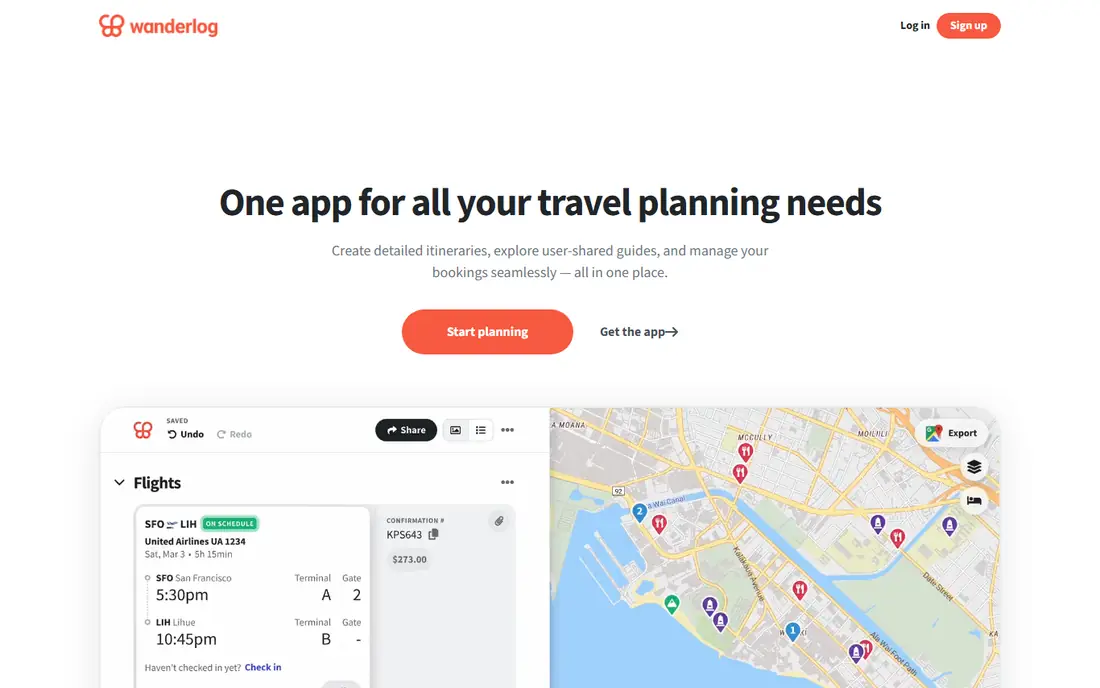
Wanderlog is our pick for most trip planners because it keeps the map and the day plan in step. Add places, drag them into days, and the route order stays visible, which helps a lot on multi-stop trips. Friends can edit the same plan at the same time, and budget tools help a group track shared costs without a separate spreadsheet.
The free plan already covers the core planning job, which makes it easy to test on a real trip. Pro adds offline access, route optimisation, Google Maps export, and automatic inbox scanning, at $39.99 per year. Travellers who mainly need flight alerts may still want a second app, but for building the trip itself, Wanderlog is hard to beat.
- Map and itinerary views work together
- Live group editing
- Route and budget tools
- Offline access and route optimisation need Pro
- Pro costs $39.99 per year
- Flight alerts are not its main strength
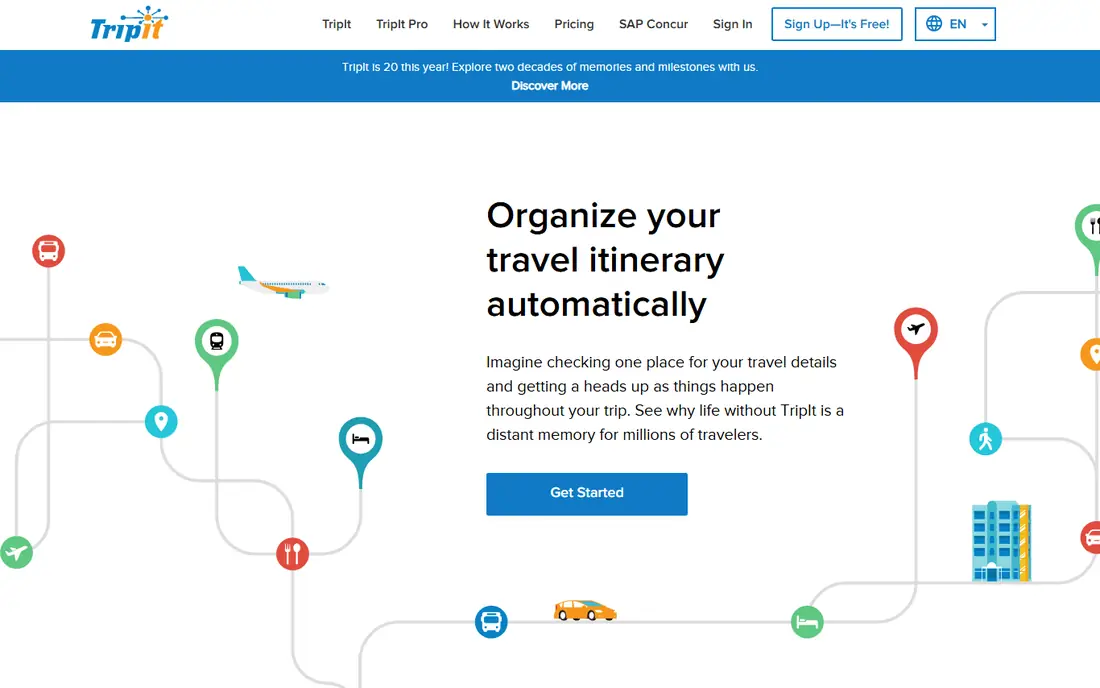
TripIt solves the mess that follows booking: flights in one inbox, hotels in another, car hire somewhere else. Forward confirmations or connect an inbox, and TripIt builds a single timeline with times, addresses, and booking references. Calendar sync and sharing make it easy for family or colleagues to follow the same plan.
Where TripIt is weaker is in the early planning stage. It does not help you choose stops or order a road trip day as well as a map planner does. Pro adds flight alerts, fare monitoring, seat tracking, and airport help at $49 per year. Use TripIt to run the trip you booked, and pair it with Wanderlog if you still need to design the days.
- Turns confirmation emails into an itinerary
- Calendar sync
- Airport maps and sharing
- Pro costs $49 per year
- Planning tools are lighter than Wanderlog
- Best value comes after booking
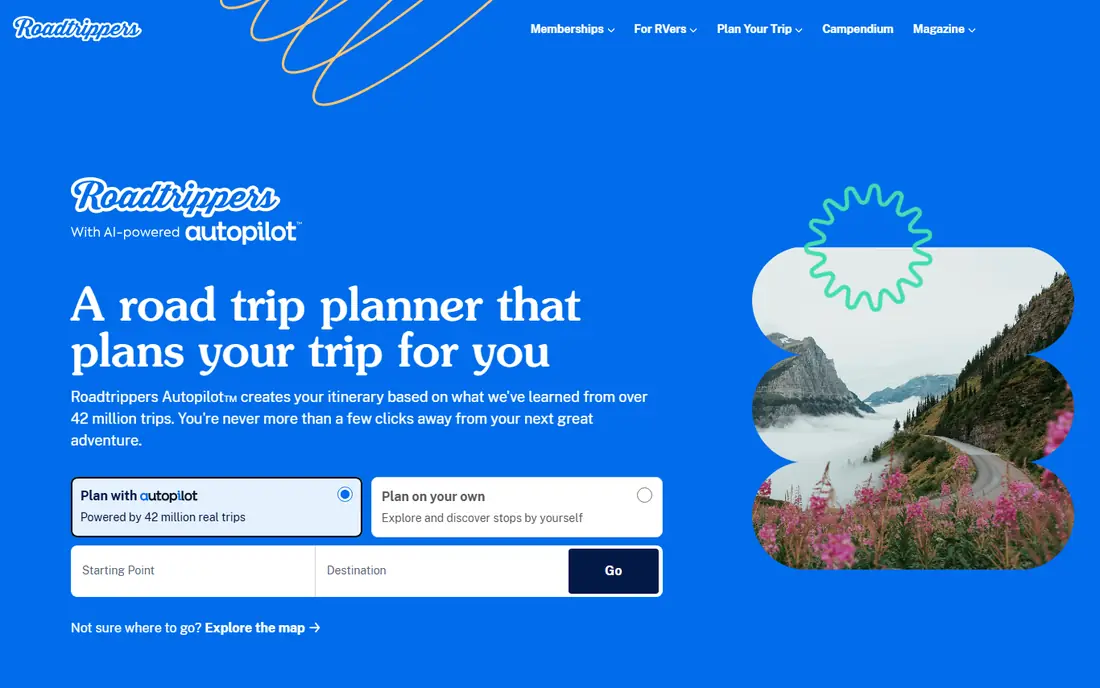
Roadtrippers is built around the drive itself. Plot a route, add stops for food, fuel, sights, and stays, and the app keeps distance and timing in view. That focus makes it a natural pick for a US road trip, where the order of stops shapes the whole holiday. Paid tiers add more stops, offline use, and RV-safe routing for US routes.
The free plan works for a short trip, but a long multi-stop drive will hit its limits. International coverage is also narrower than a general map app, so travellers outside its core countries should test place coverage first. For a classic American road trip, though, few planners match its route-first design.
- Route planning with stops and attractions
- RV and vehicle options on paid tiers
- Large place database for US trips
- Free plan limits stops
- Premium tiers cost more for full features
- Coverage is strongest in the US and a few other countries
Tripsy appeals to Apple users who want a trip to look as tidy as it feels. Bookings, places, and days sit in a clean timeline, and the app can import trips from other sources, including TripIt. That makes it a pleasant second home for a plan that started elsewhere, with maps and documents close at hand.
The catch is platform fit. Tripsy is strongest on Apple devices, and Android users will find a thinner experience. Pro, at $59 per year, adds fuller import and extra features, which is a step up from Wanderlog and TripIt pricing. For an Apple household planning together, the design and import tools can justify that cost.
- Clean timeline design
- Imports bookings
- Works well across Apple devices
- Pro costs $59 per year
- Android support is limited
- Some imports need Pro
Google Maps is not a dedicated trip planner, yet it handles a surprising share of the job for free. Save places into lists, share a list with travel partners, download offline maps, and navigate between stops without switching apps. For a simple city break, that may be all you need.
Its limits show on complex trips. There is no day-by-day itinerary builder with the same structure as Wanderlog, no shared budget tracking, and no booking import like TripIt. Think of Google Maps as the navigation layer under your plan, not the plan itself. Pair it with a dedicated planner for multi-day or group trips.
- Free and already installed for most users
- Saved lists and shared lists
- Strong navigation and offline maps
- Not a full itinerary builder
- Group planning tools are basic
- Trip budgeting is not included
Polarsteps shines once the trip starts. It can track your route automatically, turn photos and notes into a mapped journal, and let friends follow along without constant updates. That makes it a lovely record of a road trip or a long journey, especially when you want to remember where each photo was taken.
As a planner, it is lighter. You can outline a trip, but detailed day planning, stop ordering, and group budgeting are not its focus. Travellers who want both a planner and a journal may use Wanderlog before the trip and Polarsteps during it. For a beautiful trip record, Polarsteps is a strong, free starting point.
- Automatic travel tracking
- Photo journals and maps
- Easy sharing with friends and family
- Planning tools are lighter than Wanderlog
- Route editing is less detailed
- Some features need a paid tier
Lambus is built for the group chat trip that keeps growing: different arrival times, shared costs, documents, and a long list of maybe-places. It pulls itinerary, expenses, and files into one workspace, so the plan does not scatter across messages, spreadsheets, and emails. That structure helps when several people are deciding together.
Its user base is smaller than Wanderlog, so friends may need a nudge to join, and Pro pricing should be confirmed on the official page or store listing before paying. For a complex group trip, though, the all-in-one workspace can save real arguments. It is a thoughtful pick when coordination matters as much as the route.
- Group planning in one workspace
- Itinerary, expenses, and documents together
- Good for complex group trips
- Paid Pro price should be checked at checkout
- Smaller user base than Wanderlog
- Some features need the paid tier
Kayak Trips is a free organiser that turns bookings into a timeline and adds flight updates along the way. For travellers who do not want to pay $49 a year for Pro alerts elsewhere, that free alert layer is genuinely useful. It also sits inside the wider Kayak search tool, so comparing flights and hotels stays close to the trip plan.
It will not design a road trip day or manage a group budget like Wanderlog or Lambus. Treat Kayak Trips as a booking companion: useful for tracking what you booked and when it changes, but not a replacement for a map planner. For a free, low-effort organiser, it earns its place here.
- Free trip organisation
- Flight delay and gate updates
- Works with bookings from many sources
- Planning tools are limited
- It is an organiser, not a day planner
- Features vary by booking source
How we picked these
We compared official feature pages, pricing pages, app store listings, and public reviews for travel planning apps available in October 2026. We kept apps that help with trip design, booking organisation, road trip routing, or group planning, and we favoured a mix of free and paid options. Where a price could not be verified on the vendor site, we wrote See website rather than guessing. We did not claim hands-on testing, and we treated review scores as a guide, not as proof.
How to plan a trip without app overload
Start with one planner and one organiser, not five apps doing the same job. For most trips, that means a map planner for the days and a booking organiser for tickets and stays. Add a navigation app you already trust, and stop there unless a specific need appears, such as RV routing or group expense tracking. Fewer apps mean fewer places for a booking reference to hide.
Next, build the plan in order: dates, must-see stops, route, stays, then details. Put places on a map first, then group them by day, then check driving times before booking anything non-refundable. Share the plan early with travel partners, and agree on who can edit what, so the itinerary does not fork into competing versions.
Finally, prepare for offline gaps. Download maps for the areas you will visit, save booking references outside the app, and screenshot key addresses and times. Check if your planner needs a paid tier for offline access before you leave, not at the airport. A simple backup, such as a shared document with the core plan, can rescue a trip when a phone dies or signal drops.
Frequently asked questions
What is the best travel planning app overall?
Wanderlog is our pick for most travellers, because its map and day plan work together and its free plan covers core planning. TripIt is better if your trip is already booked and you mainly need organisation. Many travellers use both, one for design and one for bookings.
What is the best road trip app?
Roadtrippers suits US road trips with many stops, thanks to its route-first design and place database. Wanderlog is also strong for road trips, especially when stops need grouping by day and sharing with a group. Check stop limits and offline access on the free tier before a long drive.
What is the best app for trip planning with friends?
Wanderlog and Lambus both support group planning, with Wanderlog offering live co-editing and Lambus offering a combined itinerary, expense, and document workspace. Wanderlog suits most groups, while Lambus suits complex trips with shared costs and many documents. Pick the one your whole group will actually open.
Is there a good free travel planning app?
Yes. Wanderlog, TripIt, Google Maps, and Kayak Trips all offer useful free plans. Free tiers usually limit offline access, route optimisation, or flight alerts, so read the plan details for the features you need most. For a simple trip, a free plan is often enough.
How do I plan a road trip with multiple stops in order?
Put every stop on a map first, then group nearby stops into days, then check driving times between each stop. A route planner such as Roadtrippers or Wanderlog helps by showing distance and order together. Avoid booking stays before the route order is settled, since a late change can add hours of backtracking.
Sources
See where you really rank - block by block
ProMapRanker scans Google Maps across a grid of your service area. Simple monthly plans from $19, white-label on every plan.
Start freeKeep reading
 zeffy payment processor stripe alternatives
Zeffy and Stripe Alternatives for Nonprofits in 2026
Explore zeffy payment processor stripe alternatives for nonprofits. We compare 8 fundraising platforms on fees, donor tools, and nonprofit focus. Check fees.
Read → workday alternatives
Workday Alternatives in 2026
Workday alternatives compared: we review 8 HR and payroll platforms that replace Workday, with pricing, strengths and honest limits for each team size.
Read → what's the best weather app
What's the Best Weather App in 2026
Wondering what's the best weather app? We compare 10 free and paid apps for forecasts, radar, alerts, and Colorado mountain weather for everyday and storm use.
Read →