 ProMapRanker
Best Tools for Web Development in 2026


everyday coding in any language · Pricing starts at: Free
Key takeaways
- Visual Studio Code remains the default free editor for most web developers, thanks to its extension library and support for nearly every language.
- Cursor and other AI editors change how fast you can draft code, but their pricing and model lineups have shifted during 2026, so check the current plan before paying.
- Hosting platforms like Vercel and Netlify let small teams ship without managing servers, while Supabase covers the database and login pieces behind an app.
- Free tiers are generous across this list, so a solo developer can build and launch a real project before spending anything.
- The best stack is the smallest one that covers editing, version control, hosting, and testing, since extra tools add cost and upkeep.
Quick comparison
| Pick | Great for | Pricing starts at | Free tier | |
|---|---|---|---|---|
| Visual Studio Code | everyday coding in any language | Free | Yes | Visit |
 Cursor Cursor | AI-assisted editing | See website | Yes | Visit |
 GitHub GitHub | version control and collaboration | Free | Yes | Visit |
 Vercel Vercel | hosting modern web apps | $20 per month | Yes | Visit |
 Netlify Netlify | hosting static and Jamstack sites | $19 per month | Yes | Visit |
 Supabase Supabase | database, login, and backend | $25 per month | Yes | Visit |
 Postman Postman | building and testing APIs | $14 per month | Yes | Visit |
 Tailwind CSS Tailwind CSS | styling sites quickly | Free | Yes | Visit |
The best tools for web development
Web development covers a lot of ground, from writing code to shipping it and keeping it running, so no single tool does everything. The eight tools below cover the core jobs: editing, AI help, version control, hosting, backend, APIs, and styling.
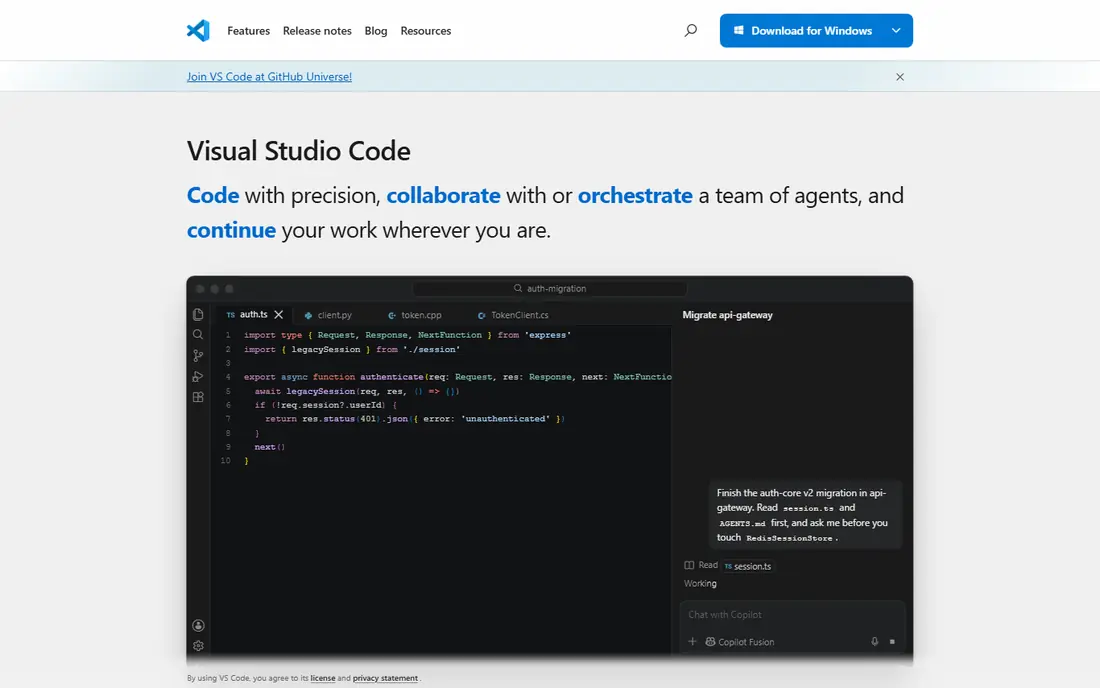
Visual Studio Code, usually called VS Code, is the editor most web developers open first, and the reason is simple: it handles HTML, CSS, JavaScript, TypeScript, Python, and dozens of other languages without a license fee. Extensions add framework support, linting, formatting, themes, and live previews, so two developers can shape the same editor into very different tools. The built-in terminal and Git panel mean routine work rarely forces a switch to another app.
The trade is that VS Code starts fairly bare. A new user must pick extensions, and a badly chosen set can slow the editor or cause conflicting suggestions. Very large codebases can also strain it compared with heavier paid IDEs. Even so, for most web projects, VS Code is the safest starting point, and it costs nothing to find out whether it fits your workflow.
- Free and open source
- Huge extension library
- Built-in terminal, debugger, and Git support
- Can feel slow on very large projects
- Setup takes time because so much comes from extensions
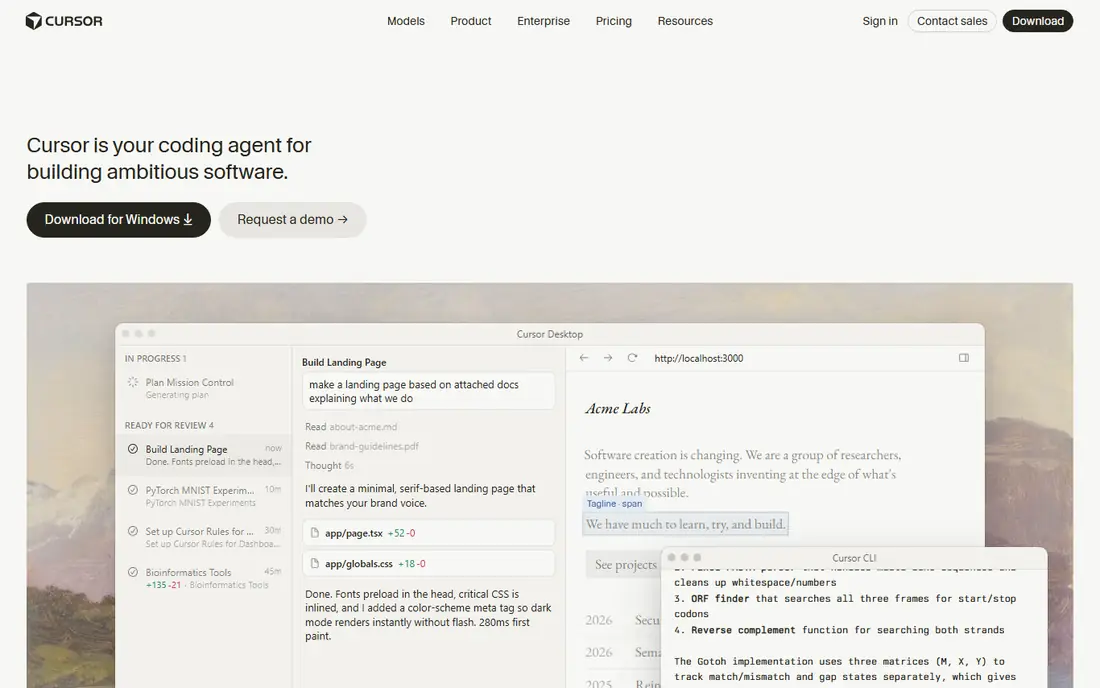
Cursor takes the VS Code experience and builds AI assistance into the editor itself, so you can ask it to explain code, refactor across several files, or draft a new feature from a description. Developers who like VS Code's layout tend to settle in quickly, since keyboard shortcuts, extensions, and settings carry over. The free Hobby tier lets you test the agent features before committing to a paid plan.
Pricing deserves a careful look before you subscribe. Cursor reshaped its plans during 2026, closing older tiers to new signups and shifting which models are included, so a price quoted in an old review may no longer apply. AI usage can also add up, since agent work bills against limits or credits depending on the plan. Cursor is a strong pick if you want AI help inside your editor, but confirm the current plan details on its pricing page first.
- AI agent can edit across files
- Built on the familiar VS Code interface
- Free Hobby tier for trying it out
- Pricing and model availability changed during 2026
- Heavy AI use can raise costs fast
GitHub is where most web code lives, and it is much more than a place to store files. It hosts Git repositories, tracks every change, and lets teams review code through pull requests before anything reaches production. GitHub Actions can run tests, check formatting, and deploy a site on every push, which turns the repository into the center of a team's workflow.
The free tier covers unlimited public and private repositories for individuals and small teams, which is enough for most personal projects. Paid Team plans, listed at $4 per user per month, add protected branches, code owners, and extra Actions minutes. The main catch is that costs can creep up through Actions minutes and storage on busy projects. For version control and collaboration, though, GitHub is close to a standard, and starting free makes it an easy choice.
- Free public and private repositories
- Pull requests and code review built in
- Actions automate testing and deploys
- Advanced team features cost extra
- Large files and heavy Actions use can add charges
Vercel turns a Git push into a live site within minutes, with preview links for every pull request so a team can review changes before merging. It is the company behind Next.js, so that framework gets first-class support, but React, Vue, Svelte, and static sites deploy well too. The Hobby tier is free for personal projects, which makes it easy to launch a portfolio or side project at no cost.
The Pro plan starts at $20 per month and adds team features, higher limits, and commercial use, but usage-based billing means a traffic spike can raise the bill. Teams should watch bandwidth and function execution figures in the dashboard. Vercel is our pick for developers building modern framework apps who want deploys to feel automatic.
- Fast deploys from Git
- Strong support for Next.js and other frameworks
- Global edge network
- Pro plan costs add up for small teams
- Usage-based charges can surprise on busy sites
Netlify helped popularize the Jamstack approach, where a site is built ahead of time and served from a global network, with dynamic pieces handled by serverless functions. Connect a repository, set a build command, and every push deploys automatically, with instant rollbacks if something breaks. Built-in form handling and identity tools cover common needs without a separate backend.
The Pro plan starts at $19 per month and suits commercial sites and small teams that need more builds, bandwidth, and collaboration features. Netlify is less natural for apps that need long-running servers or heavy backend work, where a platform like Supabase or a traditional host may fit better. For marketing sites, blogs, documentation, and front-end projects, Netlify is one of the simplest paths from code to a live URL.
- Simple Git-based deploys
- Built-in forms, functions, and identity tools
- Generous free tier for personal sites
- Less suited to heavy server-side apps
- Add-ons and bandwidth overages add cost
Supabase gives a web app its backend without asking the developer to run servers: a Postgres database, user login, file storage, and edge functions, all reachable through auto-generated APIs. It is open source, so teams can self-host if they ever want full control, and its dashboard makes tables, policies, and users easy to inspect. That combination has made it a popular alternative to Firebase for developers who prefer SQL.
The Pro plan starts at $25 per month and raises the limits that matter as an app grows, such as database size and bandwidth. The free tier is fine for learning and small projects, but an app with real traffic should budget for Pro early. Developers who have never used Postgres may face a learning curve on row-level security rules, which control who can read or change each row. For most new web apps, Supabase covers the backend in one place.
- Open source Postgres database
- Built-in login and file storage
- Auto-generated APIs
- Free tier limits can bite growing apps
- Postgres knowledge helps for complex queries
Postman is the standard tool for working with APIs: build a request, send it, inspect the response, and save it in a collection your team can reuse. Collections double as documentation, and automated tests can check that an API still behaves after a change. That workflow saves hours compared with testing endpoints by hand or from scattered scripts.
The free plan covers individual use and small collections, while the Basic paid plan starts at $14 per month per user and adds more collaborators and runs. Teams that only test an endpoint now and then may find a lighter tool or a code-based client enough. But for any project where an API is a central piece, Postman keeps requests, tests, and docs in one shared place.
- Easy request building and testing
- Shared collections for teams
- Automatic documentation from collections
- Paid plans needed for larger team features
- Can feel heavy for a single quick request
Tailwind CSS takes a different approach to styling: instead of writing custom CSS classes, you apply small utility classes directly in your HTML, such as padding, color, and layout helpers. That sounds messy at first, but it removes the need to invent class names and keeps spacing and colors consistent across a site. It pairs well with component frameworks, where the markup and styling live together.
The downside is visual noise. A heavily styled element can carry a long string of classes, which some developers find hard to read, and learning the naming system takes a few days of practice. Tailwind is free and open source, with an optional paid UI component library sold separately. For developers who want to style fast without maintaining a large custom stylesheet, it is one of the best tools in this list.
- Utility classes speed up styling
- Consistent design tokens
- Works with any framework
- HTML gets crowded with class names
- Learning the class system takes time
How we picked these
We compared official feature pages, pricing pages, app store and repository listings, and public reviews, focusing on tools that are actively maintained and widely used in 2026. We favored tools with a usable free tier, clear documentation, and a distinct job in the workflow, rather than listing several tools that do the same thing. We did not claim hands-on testing; our comparison rests on what the vendors publish and what developers report in public reviews.
Building your stack without overspending
Start with the core four
An editor, GitHub, a hosting platform, and a testing tool cover most projects. Add a backend service like Supabase only when the app needs accounts or stored data, and add an API tool like Postman when the project talks to external services.
Watch the free tier limits
Free plans are generous but not unlimited. Check build minutes, bandwidth, database size, and API calls before launch, and set up billing alerts where the platform offers them. A surprise bill usually comes from a limit nobody read.
Match the tool to the project type
A static marketing site needs Netlify or Vercel, not a full backend. A data-heavy app needs Supabase or a similar service from day one. Picking the heavier tool for a light project costs money and time, while picking the lighter one for a heavy project forces a painful move later.
Keep AI costs visible
AI editors and assistants bill by usage, seats, or credits, and those models change often. Review usage dashboards monthly, turn off features you do not use, and compare the current pricing page before renewing a plan.
Frequently asked questions
What is the best tool for web development?
There is no single winner, because web development spans editing, hosting, and backend work. Visual Studio Code is the best starting editor for most developers, GitHub covers version control, and Vercel or Netlify covers hosting. The best web development platform for a given project depends on whether the site is static, framework-based, or data-driven.
What is the best software for web development for beginners?
Visual Studio Code plus GitHub is the most beginner-friendly combination, since both are free and both have huge tutorial libraries. Add Netlify for hosting a first site, since its Git-based deploys need little setup. Beginners should avoid paying for AI tools or advanced platforms until a project actually needs them.
What is the best web app development platform?
For a full web app with accounts and stored data, Supabase paired with Vercel or Netlify is a strong, low-cost combination. It covers the database, login, and hosting without managing servers. Teams that need a more traditional server setup may prefer a cloud provider, but that adds setup and upkeep.
Is Visual Studio Code really free?
Yes, Visual Studio Code is free and open source, with no paid tier for the editor itself. Microsoft sells related services, but the editor, its extension marketplace, and its built-in Git and debugging tools cost nothing. That is a large part of why it is the default choice for so many developers.
Do I need to pay for web development tools?
Not at first. Every tool on this list has a free tier or is entirely free, so a solo developer can build and launch a project without paying. Costs arrive as a project grows: more team members, more traffic, larger databases, or heavier AI use. Start free, then pay for the specific limit you hit.
How do I choose between Vercel and Netlify?
Both deploy from Git and offer generous free tiers, so the choice often comes down to framework and features. Vercel fits Next.js and dynamic framework apps best, while Netlify fits static and Jamstack sites with its built-in forms and identity tools. Try both free tiers on the same project and compare build speed, limits, and pricing at your traffic level.
Sources
See where you really rank - block by block
ProMapRanker scans Google Maps across a grid of your service area. Simple monthly plans from $19, white-label on every plan.
Start freeKeep reading
 zeffy payment processor stripe alternatives
Zeffy and Stripe Alternatives for Nonprofits in 2026
Explore zeffy payment processor stripe alternatives for nonprofits. We compare 8 fundraising platforms on fees, donor tools, and nonprofit focus. Check fees.
Read → workday alternatives
Workday Alternatives in 2026
Workday alternatives compared: we review 8 HR and payroll platforms that replace Workday, with pricing, strengths and honest limits for each team size.
Read → what's the best weather app
What's the Best Weather App in 2026
Wondering what's the best weather app? We compare 10 free and paid apps for forecasts, radar, alerts, and Colorado mountain weather for everyday and storm use.
Read →