 ProMapRanker
Best Tools for UX Design in 2026

Key takeaways
- Figma remains the default for product teams, with real-time collaboration, prototyping, and developer handoff in one browser tool.
- Sketch suits Mac-first teams that want a fast native editor, while Penpot suits open-source and self-hosted teams.
- Framer suits teams where the design becomes the website, since it publishes production sites directly.
- Axure RP and ProtoPie win when prototypes need logic, conditions, or realistic device interactions.
Quick comparison
| Pick | Great for | Pricing starts at | Free tier | |
|---|---|---|---|---|
 Figma Figma | Team collaboration | Free | Yes | Visit |
 Sketch Sketch | Mac-native design | See website | No | Visit |
 Framer Framer | Design to published site | Free | Yes | Visit |
 Penpot Penpot | Open-source design | Free | Yes | Visit |
 Axure RP Axure RP | Logic-heavy prototypes | See website | No | Visit |
 ProtoPie ProtoPie | High-fidelity interactions | See website | Yes | Visit |
 Balsamiq Balsamiq | Low-fidelity wireframes | See website | No | Visit |
 Miro Miro | Flows and workshops | Free | Yes | Visit |
The best tools for UX design
We compared official feature pages, pricing pages, app store listings, privacy policies, and public reviews. These tools cover different stages, from early wireframes to high-fidelity prototypes and developer handoff, so pick by stage and team setup, not by popularity alone.
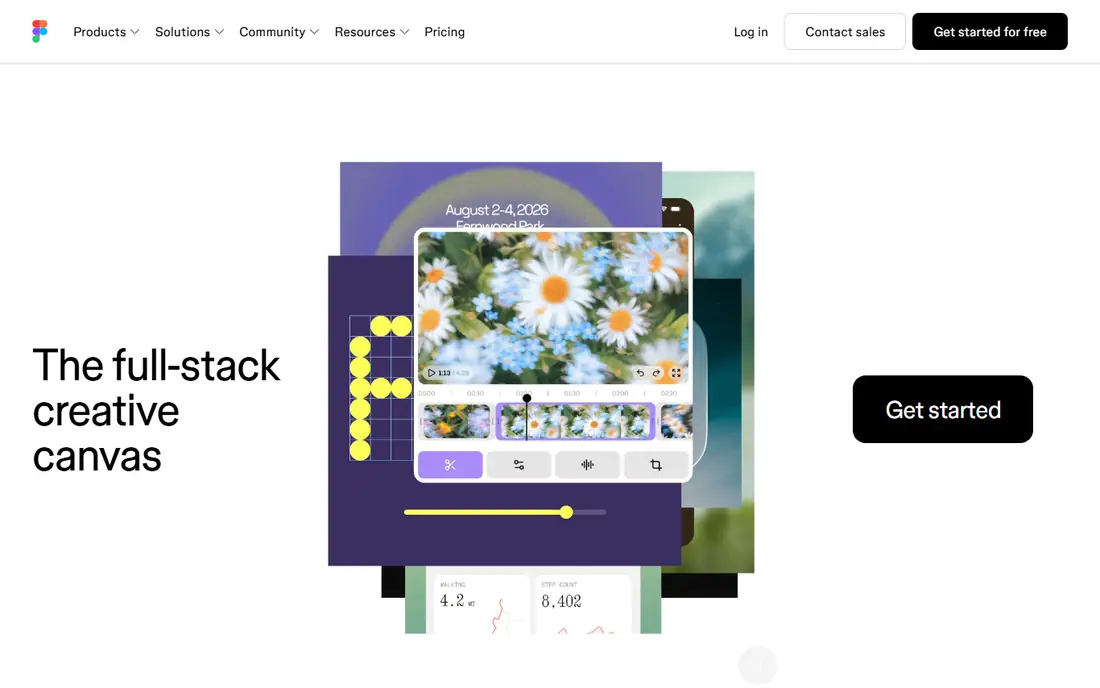
Figma is the default for most product teams because design, prototyping, and handoff live in one browser tool. Multiple people can edit the same file at once, with comments and version history built in. Components, variables, and design systems help teams keep interfaces consistent across many screens.
The cost is per editor, so large teams should budget for every designer, not just viewers. Very large files can also feel slower on older machines. For most teams, though, Figma offers the best mix of collaboration, prototyping, and handoff, and its plugin library extends it further.
- Real-time collaboration
- Strong prototyping
- Design systems and developer handoff
- Per-editor pricing adds up
- Large files can slow on weaker machines
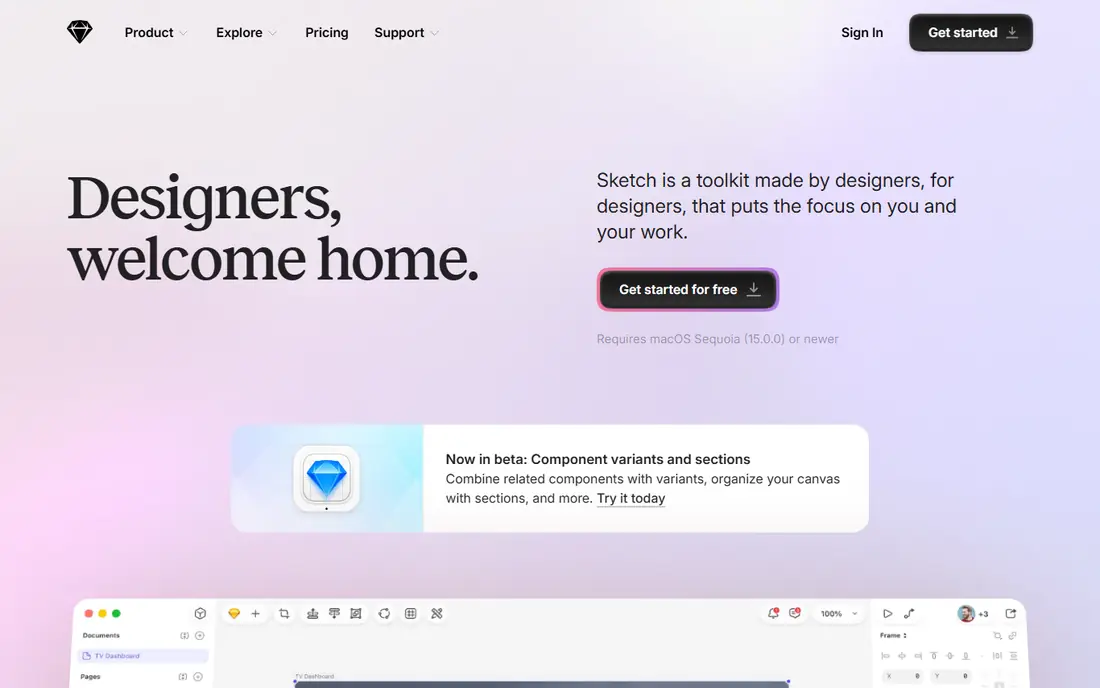
Sketch remains the best native Mac experience for interface design. The desktop editor is fast, symbols and libraries support design systems, and web tools let stakeholders view and comment without a Mac. Many long-running Mac teams still prefer its speed and focus.
The limit is platform. There is no Windows or Linux editor, so mixed-OS teams cannot all design in Sketch. Paid editing also starts from a subscription or licence, with no free editing tier. For Mac-only teams that value a native app, Sketch is still excellent.
- Fast native Mac editor
- Mature component system
- Web collaboration for viewers
- Mac-only editor
- No free editing tier
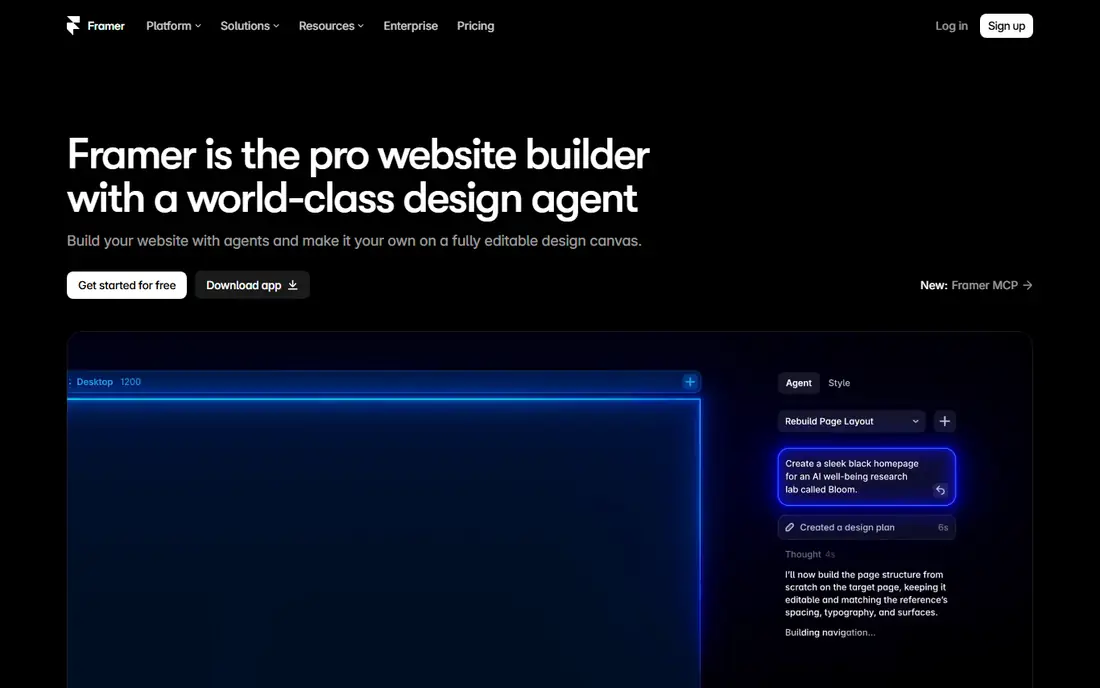
Framer suits teams where the design is the website. You design pages with interactions and animations, then publish them as production sites without a separate build step. That speed helps marketing sites, landing pages, and portfolio sites, where time to publish matters.
Pricing needs care, since Framer bills per site and per editor on some plans, which can add up for many sites. It is also less focused on native app design systems than Figma. For web products and marketing sites, Framer offers a direct path from design to live page.
- Publishes real websites
- Strong animation tools
- AI layout help
- Bills per site and per editor
- Less suited to native app design systems
Penpot is the strongest open-source alternative for teams that want control over their tools and data. It runs in the browser, supports real-time collaboration, and can be self-hosted. Its CSS-first approach helps developers translate designs into code with less guesswork.
The trade-off is ecosystem size. Penpot has fewer plugins and templates than Figma, and some advanced features are still maturing. For budget-conscious teams, public-sector work, or self-hosted setups, Penpot offers a capable, free foundation.
- Free and open source
- Self-hosting option
- CSS-first export for developers
- Smaller plugin library
- Fewer templates than Figma
Axure RP is built for prototypes that behave like real software. Conditions, variables, and repeaters let designers test complex flows, forms, and data states before code exists. Documentation tools help teams record decisions and specs alongside the prototype.
The learning curve is real, and visual design in Axure feels less refined than in Figma or Sketch. Teams usually use Axure for validation, then hand visual design to another tool. For enterprise UX research and complex flows, Axure remains unmatched.
- Conditions, variables, and data-driven prototypes
- Detailed documentation tools
- Steeper learning curve
- Visual design is less polished than Figma
ProtoPie creates prototypes that feel like real apps, with touch, sensor, and device interactions that simpler click-through tools cannot match. Designers can build logic without code, test on real phones, and share prototypes for user testing. That realism helps teams validate gestures and micro-interactions early.
The limit is scope. ProtoPie is a prototyping tool, not a full visual design system, so most teams import screens from Figma or Sketch. Team features also sit on higher plans. For mobile interaction testing, ProtoPie is a strong specialist pick.
- Sensor and device interactions
- No-code logic
- Good for mobile prototypes
- Less suited to full visual design
- Higher plans needed for team features
Balsamiq keeps early design honest. Its hand-drawn style stops teams from debating colours and fonts before the structure is right, which speeds up early feedback. Wireframes are quick to build, easy to share, and simple to revise in workshops.
The trade-off is clear: Balsamiq is not a high-fidelity UI tool, and its prototyping is basic click-through only. Teams move to Figma or Sketch once structure is settled. For early wireframes and stakeholder alignment, Balsamiq is fast and focused.
- Fast low-fidelity sketching
- Keeps focus on structure, not polish
- Simple pricing per project
- Not for high-fidelity UI
- Limited prototyping depth
Miro is the canvas where UX work starts, with user flows, journey maps, sitemaps, and workshop boards. Teams can map a whole product journey, run remote workshops, and link research notes to flows in one place. Real-time collaboration makes it useful for distributed teams.
The limit is output. Miro does not replace a UI design tool, and developer handoff needs a separate step in Figma or Sketch. Use Miro for discovery, flows, and alignment, then move to a design tool for screens and prototypes.
Testing a tool with a real file matters more than watching a demo. Import an existing project, try a prototype with a colleague, and hand the file to a developer for feedback on specs and exports. That short test reveals slowdowns, missing features, and handoff gaps that a feature list hides. Also check accessibility tools, such as contrast checks and focus order, since those features affect real users. A tool that supports accessible design from the start saves rework later, and it helps teams meet standards without a separate audit step.
- Infinite canvas for flows and maps
- Workshop templates
- Real-time collaboration
- Not a UI design tool
- Handoff to developers is limited
How we picked these
We compared official feature pages and pricing pages, app store listings, privacy policies, and public reviews. We required current availability in October 2026 and a clear UX stage, from wireframes to prototyping and handoff. We weighed collaboration, prototyping depth, design systems, developer handoff, pricing, and platform support. We did not claim hands-on testing beyond that comparison. We also checked whether each tool still offers a current plan and clear pricing in October 2026.
How to choose a UX design tool
Start with your stage and team. Early discovery suits Miro and Balsamiq. Screen design and collaboration suit Figma, Sketch, or Penpot. Interaction testing suits ProtoPie or Axure RP. Web publishing suits Framer. Most teams use two tools: one for flows and one for screens.
Check pricing for editors, viewers, and sites, not just the headline plan. Figma charges per editor, Framer charges per site and editor, and Sketch is Mac-only, all of which change total cost. Test handoff with a real developer, since clean specs, tokens, and export formats matter more than a pretty canvas.
Frequently asked questions
What is the best UX design tool overall?
Figma is our pick for most product teams, because it combines collaboration, prototyping, design systems, and handoff in one tool. Sketch suits Mac-first teams, while Penpot suits open-source teams. The best tool depends on platform, team size, and handoff needs.
What is the best UX software for beginners?
Balsamiq and Miro are the easiest starting points for flows and wireframes, while Figma has a free plan and many templates for screen design. Beginners should start with one tool for flows and one for screens, rather than learning every tool at once.
What is the best tool for UI UX design on a budget?
Penpot is the best budget pick, since it is free and open source with self-hosting. Figma also offers a free plan for individuals, and Framer offers a free tier for sites. Check editor limits and export options before committing a team to a free plan.
Is Sketch still worth using in 2026?
Yes, Sketch remains worth using for Mac-only teams that want a fast native editor and mature component tools. Mixed-OS teams will find Figma or Penpot easier, since Sketch has no Windows or Linux editor. Sketch web tools help viewers, but editors need a Mac.
What is the difference between Figma and Framer?
Figma is a general interface design and prototyping tool for apps and websites, with strong collaboration and handoff. Framer is focused on designing and publishing real websites, with animations and live publishing built in. Many teams design in Figma and build marketing sites in Framer.
Do I need Axure RP if I use Figma?
Not always. Figma prototyping covers most click-through flows and basic interactions. Axure RP is worth adding when prototypes need logic, conditions, data states, or detailed documentation for complex enterprise flows.
Sources
See where you really rank - block by block
ProMapRanker scans Google Maps across a grid of your service area. Simple monthly plans from $19, white-label on every plan.
Start freeKeep reading
 zeffy payment processor stripe alternatives
Zeffy and Stripe Alternatives for Nonprofits in 2026
Explore zeffy payment processor stripe alternatives for nonprofits. We compare 8 fundraising platforms on fees, donor tools, and nonprofit focus. Check fees.
Read → workday alternatives
Workday Alternatives in 2026
Workday alternatives compared: we review 8 HR and payroll platforms that replace Workday, with pricing, strengths and honest limits for each team size.
Read → what's the best weather app
What's the Best Weather App in 2026
Wondering what's the best weather app? We compare 10 free and paid apps for forecasts, radar, alerts, and Colorado mountain weather for everyday and storm use.
Read →