 ProMapRanker
Best Tools for Online Teaching in 2026


Simple assignments and classes · Pricing starts at: Free
Key takeaways
- Google Classroom is the simplest free starting point for schools already using Google Workspace, while Canvas suits larger institutions.
- Zoom, Microsoft Teams and Google Meet cover live teaching, but meeting limits and host prices differ by plan.
- Moodle offers a free open source route for schools that can host and manage it, while Kahoot, Nearpod and Edpuzzle add engagement to lessons.
- No single tool covers live classes, assignments, grading and engagement well, so most teachers pair a classroom platform with a live video tool.
Quick comparison
| Pick | Great for | Pricing starts at | Free tier | |
|---|---|---|---|---|
| Google Classroom | Simple assignments and classes | Free | Yes | Visit |
 Canvas LMS Canvas LMS | Full courses for institutions | See website | Free trial | Visit |
 Zoom Zoom | Live classes and meetings | $14.16 per user per month | Yes | Visit |
 Microsoft Teams Microsoft Teams | Schools using Microsoft 365 | $4 per user per month | Yes | Visit |
 Google Meet Google Meet | Simple browser video classes | $7 per user per month | Yes | Visit |
 Moodle Moodle | Free open source courses | Free | Yes | Visit |
 Kahoot Kahoot | Quizzes and classroom games | Free | Yes | Visit |
 Nearpod Nearpod | Interactive lessons | Free | Yes | Visit |
 Edpuzzle Edpuzzle | Video lessons with questions | Free | Yes | Visit |
The best tools for online teaching
Online teaching needs more than video. Teachers need a place for materials, assignments and grades, plus tools that keep students active. These nine tools cover those jobs in different combinations.
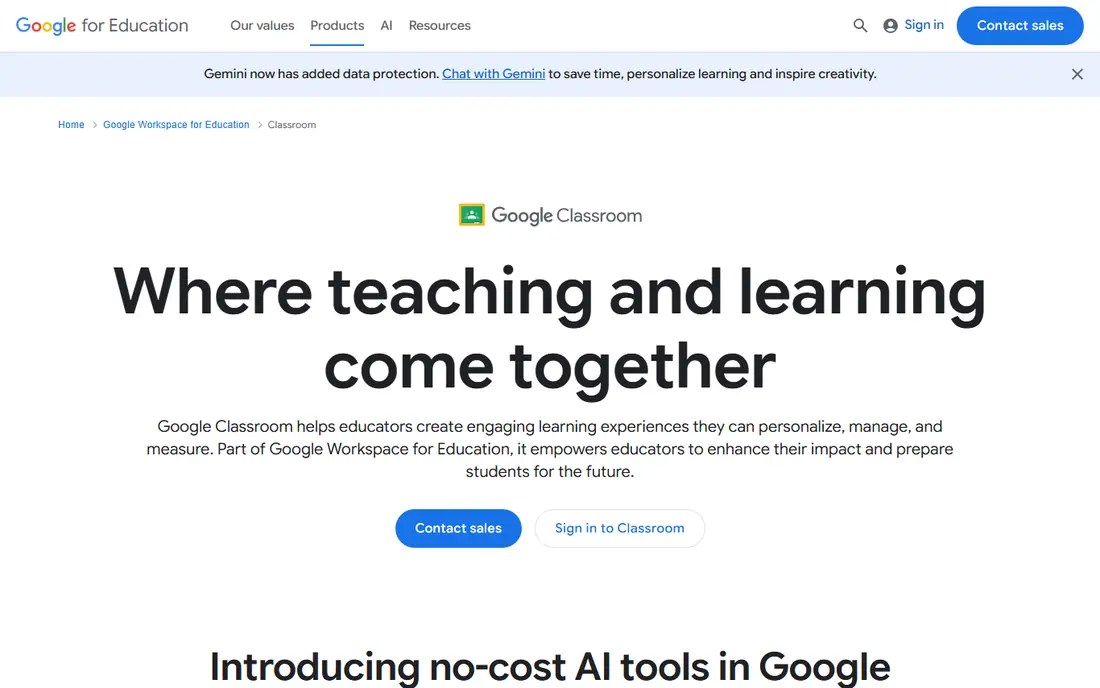
Google Classroom is the fastest way to move a class online. Teachers create a class, post materials, set assignments, and give feedback in one stream. The link to Google Docs, Drive, Slides and Meet means most daily work stays inside tools students already know.
The limit is depth. For advanced grading schemes, learning outcomes tracking and complex course structures, a full LMS such as Canvas or Moodle offers more. For K-12 classes and smaller courses, Classroom simplicity is a strength, not a flaw.
- Free for qualifying schools
- Links to Docs, Drive and Meet
- Quick setup for teachers
- Less depth than a full LMS for grading and outcomes
- Relies on Google Workspace
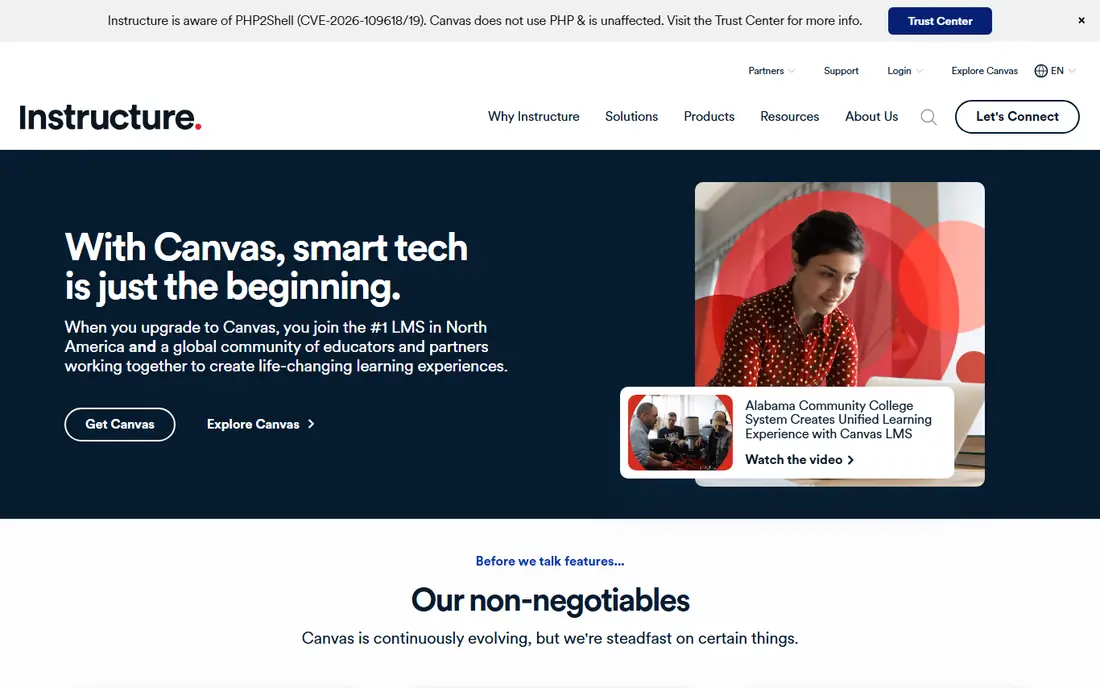
Canvas LMS is a full learning management system, built for structured courses with modules, rubrics, quizzes and outcomes. Universities and larger schools use it to run many courses under one system, with consistent grading and reporting. Its integration library connects to video, proctoring and content tools.
That power needs planning. Pricing is set by institution, and setup, migration and teacher training take longer than Classroom. Individual teachers should check the current free or lite options, since older free teacher accounts have changed, and full Canvas is mainly an institution product.
- Strong grading and outcomes tools
- Large integration library
- Widely used in higher education
- Institution pricing is quote based
- Setup and training take time
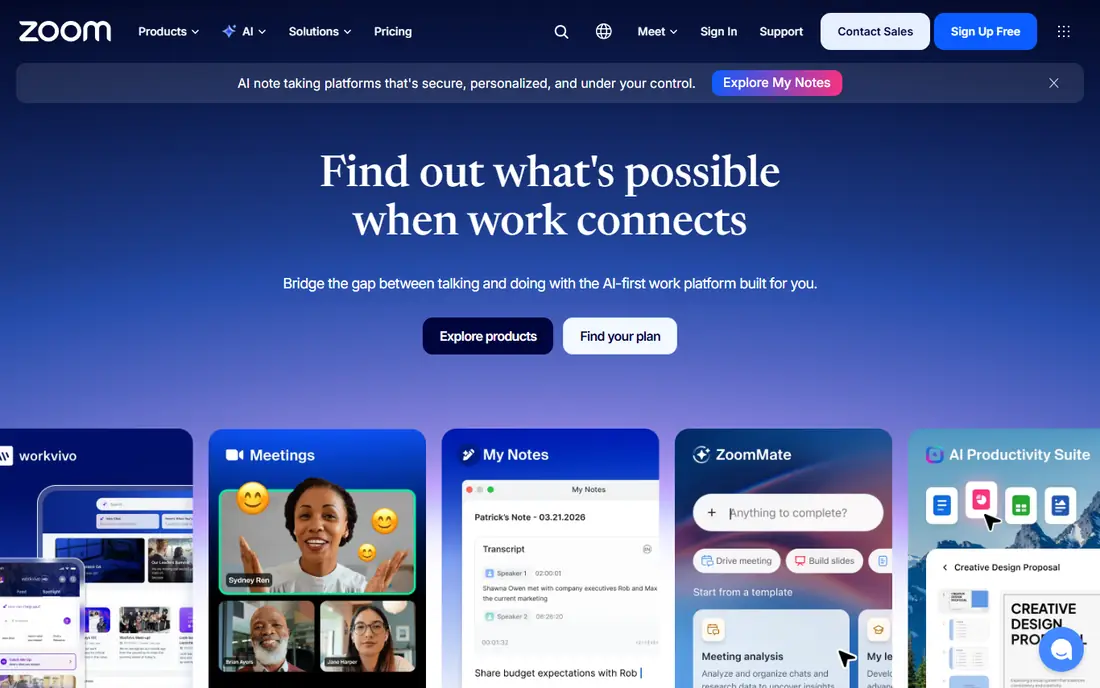
Zoom remains the default for live online teaching for many tutors and course creators. Breakout rooms, polls, chat and recording help a live session feel like a class, not just a call. Host controls and waiting rooms help teachers manage larger groups.
The free plan limits group meetings to 40 minutes, so regular classes need a paid host license. Schools that already pay for Microsoft 365 or Google Workspace may find Teams or Meet cheaper, since video is included in those bundles.
- Reliable live video for large classes
- Breakout rooms and polls
- Recording and whiteboard tools
- Free meetings limit group calls to 40 minutes
- Paid price is per host
Microsoft Teams suits schools and training firms already on Microsoft 365. Class teams combine chat, files, assignments and video meetings, so teachers do not need a separate tool for each job. The starting price for paid plans is low, and many schools already have access through education licensing.
Teams can feel crowded at first, with many channels, tabs and apps competing for attention. Teachers should set up a simple team structure and hide tools they do not use, rather than turning on every feature at once.
- Included in many Microsoft 365 plans
- Class teams and assignments
- Chat, files and video in one place
- Interface can feel busy
- Best value only inside Microsoft 365
Google Meet is the simplest live video option for Google schools. Students join from a browser link, teachers schedule through Calendar, and Classroom ties assignments to the same class. The free tier covers group calls up to 60 minutes, which suits shorter lessons and tutoring.
For larger or longer classes, paid Workspace plans raise limits and add recording, breakout rooms and attendance tools. Teachers who need deep live class controls may still prefer Zoom, but Meet wins for speed and simplicity.
- Runs in a browser with no install
- Free group calls up to 60 minutes
- Links to Classroom and Calendar
- Fewer teaching controls than Zoom
- Larger meeting features need paid Workspace plans
Moodle is the free open source alternative to Canvas. Schools can host it themselves, customize courses, quizzes, forums and grading, and add plugins for video, badges and reporting. For schools with technical staff and a tight budget, it offers full LMS depth at no license cost.
Hosting and upkeep are the real cost. Updates, backups, security and support need staff time or a paid hosting partner. Schools without that capacity should compare the total cost against Classroom or a hosted Canvas plan before choosing Moodle.
- Free open source LMS
- Highly customizable
- Large plugin library and community
- Needs hosting and technical setup
- Interface feels dated without theme work
Kahoot turns review into a game. Teachers launch a quiz, students answer on phones or laptops, and a leaderboard keeps energy up. The ready made library saves prep time, and teachers can build their own quizzes for a specific lesson in minutes.
Kahoot is best for engagement and quick checks, not for formal grading or deep assessment. Paid plans raise limits and add question types, but the free plan is enough to test if game based review suits your class.
- Fun live quizzes that boost participation
- Large library of ready made games
- Works on any device
- Free plan limits question types and player counts
- Better for review than deep assessment
Nearpod turns a slide deck into an interactive lesson. Teachers add polls, quizzes, open questions, videos and virtual field trips, then run the lesson live or let students work through it at their own pace. Reports show who answered and where students struggled.
Free limits apply to storage and lesson size, so heavy users need a paid plan. For teachers who want one tool to make passive slides active, Nearpod is a strong addition to Classroom, Canvas or Moodle.
- Interactive slides, polls and quizzes in one lesson
- Student paced and live modes
- Large content library
- Free plan limits storage and lesson size
- Some content needs a paid school plan
Edpuzzle solves a common video lesson problem: students press play and zone out. Teachers take a video, add questions at key points, and see who watched, who answered, and where they got stuck. That data helps teachers follow up with the right students.
It is a video tool, not a live class or full LMS. Pair it with Classroom, Canvas or Moodle for assignments and grades, and use it for homework, flipped lessons and review rather than live sessions.
- Add questions to any video
- Track who watched and answered
- Large video library for schools
- Free plan limits video storage
- Best for video lessons, not live teaching
How we picked these
We compared official pricing and feature pages, app store listings and public reviews for teaching tools available in October 2026. We kept tools that schools and tutors actually use for live classes, course management or lesson engagement, and that offer a free tier, trial or clear education pricing. We left out tools that had closed, that only covered one subject, or that required an enterprise quote with no public starting point.
How to build a teaching setup that works
Start with the job you do most, then add one engagement tool at a time. A stack that teachers actually use will beat a large bundle that no one opens.
Pick a home base first
Choose one place for materials, assignments and grades: Classroom for simplicity, Canvas or Moodle for depth, or Teams if your school runs Microsoft 365. Put everything there, so students always know where to look. A second home base will confuse students and double your admin work.
Add live video that fits your school
If your school already pays for Microsoft 365 or Google Workspace, use Teams or Meet before buying Zoom. If you tutor independently or run public courses, Zoom offers the most familiar live class experience for students. Test breakout rooms, recording and screen sharing during a real lesson, not just a demo call.
Add one engagement tool, then stop
Kahoot, Nearpod and Edpuzzle all boost participation, but using all three in one week will overwhelm students. Pick the one that fits your subject: Kahoot for quick review games, Nearpod for interactive slides, Edpuzzle for video homework. Master it, then add another only if a clear gap remains.
Frequently asked questions
What are the best online teaching platforms?
Google Classroom is the best simple platform for schools on Google Workspace, while Canvas LMS suits larger institutions that need full course and grading tools. Moodle offers a free open source platform for schools that can host it. Most teachers pair a platform with a live video tool such as Zoom, Teams or Meet.
What is the best online teaching platform for elementary teachers?
Google Classroom and Nearpod suit elementary teachers well, since both are simple to set up and easy for younger students to follow. Kahoot adds fun review games for younger classes. Keep the tool count low, use clear instructions, and test the student view before the first lesson.
What are the best apps for online teaching?
Zoom, Google Meet and Microsoft Teams cover live teaching, while Kahoot, Nearpod and Edpuzzle cover engagement and video lessons. Google Classroom and Canvas cover assignments and course management. The best app depends on if you need live video, assignments, or interactive lessons most.
Is Google Classroom free?
Google Classroom is free for qualifying schools using Google Workspace for Education, with paid Workspace plans adding more storage and admin controls. Individual teachers should check current education eligibility, since free access depends on school status and plan.
Is Canvas free for teachers?
Full Canvas LMS is mainly sold to institutions with quote based pricing, and older free teacher accounts have changed in recent years. Individual teachers should check the current Canvas Lite or trial options on the official site before planning a course around a free account.
What is the best platform for online teaching live classes?
Zoom offers the most complete live class controls here, including breakout rooms, polls and recording. Microsoft Teams and Google Meet are strong if your school already uses those systems, since video is included and students already have accounts.
Sources
See where you really rank - block by block
ProMapRanker scans Google Maps across a grid of your service area. Simple monthly plans from $19, white-label on every plan.
Start freeKeep reading
 zeffy payment processor stripe alternatives
Zeffy and Stripe Alternatives for Nonprofits in 2026
Explore zeffy payment processor stripe alternatives for nonprofits. We compare 8 fundraising platforms on fees, donor tools, and nonprofit focus. Check fees.
Read → workday alternatives
Workday Alternatives in 2026
Workday alternatives compared: we review 8 HR and payroll platforms that replace Workday, with pricing, strengths and honest limits for each team size.
Read → what's the best weather app
What's the Best Weather App in 2026
Wondering what's the best weather app? We compare 10 free and paid apps for forecasts, radar, alerts, and Colorado mountain weather for everyday and storm use.
Read →