 ProMapRanker
Best Tools for Motion Design in 2026


Video motion and compositing · Pricing starts at: $22.99 per month
Key takeaways
- Adobe After Effects remains our pick for most video motion work, thanks to its plugin system, compositing tools, and studio familiarity.
- Blender is the best free option for 3D motion, while Rive is the best pick for interactive animation in apps and websites.
- Cavalry and Jitter suit fast 2D and data driven work, while Cinema 4D suits broadcast 3D with a gentler learning curve than some rivals.
- No single tool covers every job well, so many designers pair a video tool with an interactive or 3D tool.
Quick comparison
| Pick | Great for | Pricing starts at | Free tier | |
|---|---|---|---|---|
| Adobe After Effects | Video motion and compositing | $22.99 per month | Free trial | Visit |
 Blender Blender | Free 3D motion | Free | Yes | Visit |
 Cinema 4D Cinema 4D | Broadcast 3D motion | See website | Free trial | Visit |
 Rive Rive | Interactive animation | Free | Yes | Visit |
 Cavalry Cavalry | Procedural 2D motion | Free | Yes | Visit |
 Jitter Jitter | Fast browser motion | Free | Yes | Visit |
 DaVinci Resolve Fusion DaVinci Resolve Fusion | Node compositing | Free | Yes | Visit |
 Synfig Studio Synfig Studio | Free 2D vector animation | Free | Yes | Visit |
The best tools for motion design
Motion design splits into video, 3D, and interactive work, and each tool below leads in a different slice. Pick by delivery format first, then by budget and learning time.
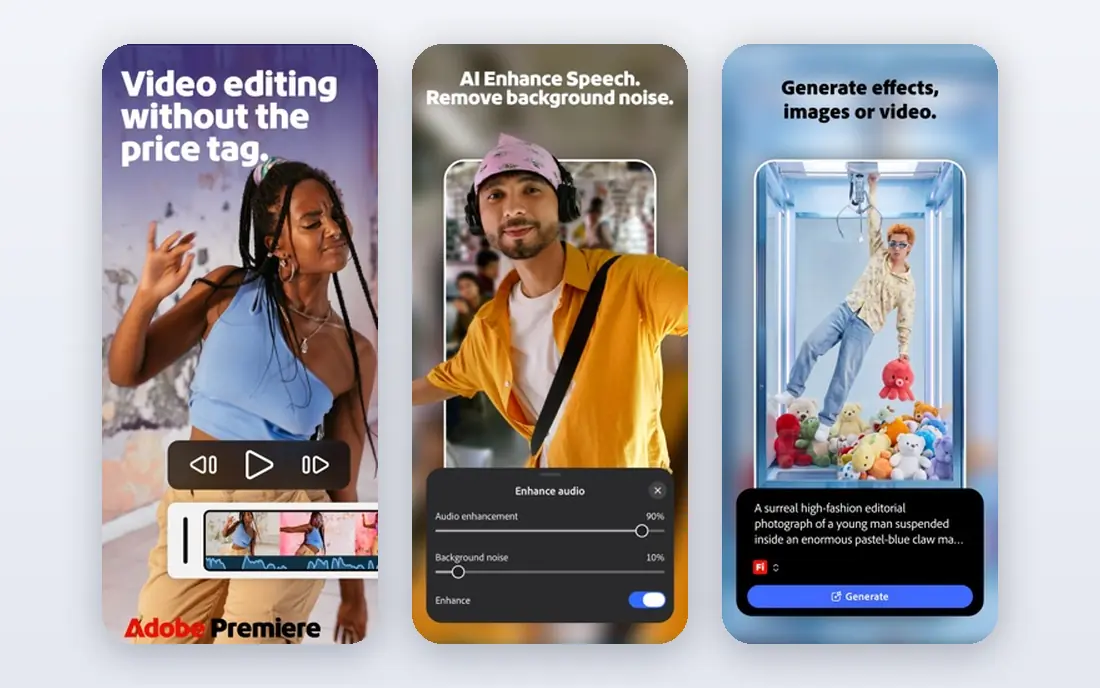
After Effects is still the default for title sequences, explainer videos, social cuts, and broadcast graphics. Its layer based timeline feels familiar to video editors, and the plugin and template market covers almost any effect you can name. Studios expect it, which makes collaboration and hiring easier.
The cost is ongoing, and heavy projects with many effects can slow down even on strong hardware. After Effects also needs other Adobe apps for the full pipeline, such as Premiere Pro for editing. For most video motion work, it remains the safest first investment.
- Industry standard toolset
- Huge plugin and template system
- Strong compositing
- Subscription cost adds up
- Performance can lag on large projects
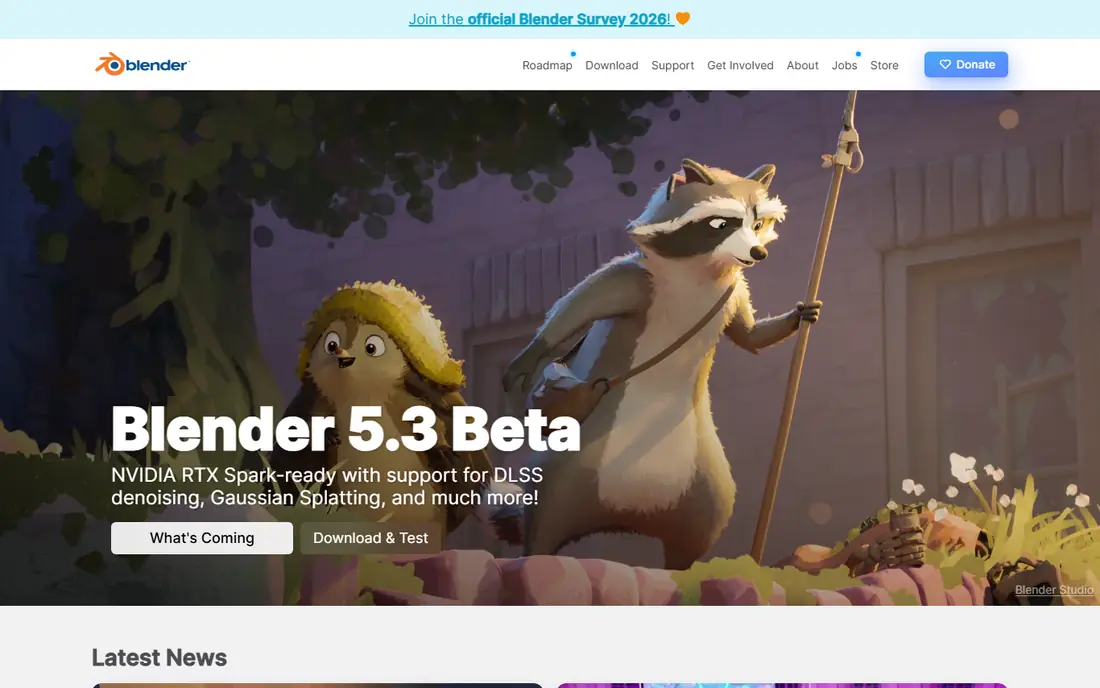
Blender gives you modeling, rigging, animation, simulation, and rendering in one free app. That breadth is unmatched at any price, and the community produces tutorials for almost every technique. For product visuals, character animation, and cinematic motion, Blender can carry a whole project.
Learning takes time, and the interface can overwhelm a beginner. It is also less direct than After Effects for simple 2D title work, where layers and keyframes are faster. Blender fits designers who want 3D depth without a license fee and who will invest weeks in learning.
- Full 3D suite for free
- Modeling, animation, and rendering in one app
- Large community
- Steep learning curve
- 2D motion graphics workflow is less direct
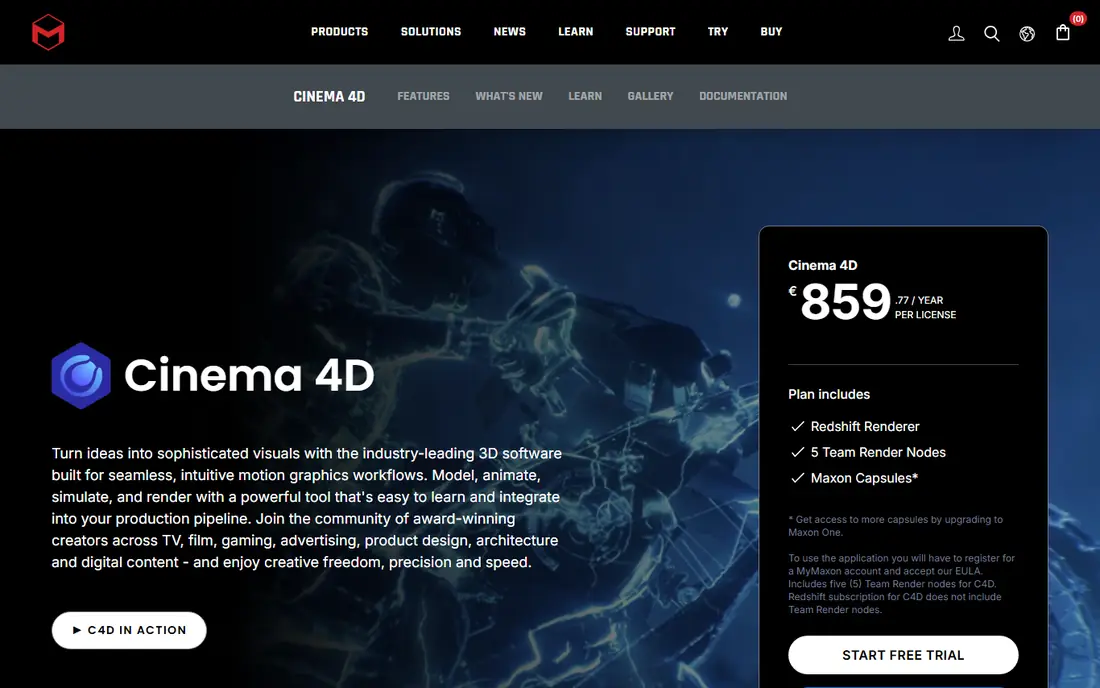
Cinema 4D has long been the broadcast choice for 3D motion graphics, thanks to tools such as MoGraph for clones, text, and procedural animation. The interface feels more approachable than many 3D apps, and integration with After Effects makes a two app pipeline smooth. Studios use it for title work, product spots, and event visuals.
Pricing is the main barrier for solo designers, since Maxon sells it as part of a bundle or subscription. Rendering at high quality may also need a separate engine or cloud service. Cinema 4D fits working motion designers who earn from 3D broadcast work.
- Intuitive 3D workflow
- Strong motion graphics tools
- Good Adobe integration
- License cost is high for solo users
- Rendering can need extra tools
Rive is built for animation that reacts: buttons that morph, characters that respond to input, and app screens that move with state changes. Its state machine system lets designers define how an animation shifts between states, and the runtime files stay small on web, iOS, and Android. That makes Rive ideal for product teams.
Rive does not replace a video tool. You would not cut a broadcast spot or a social video in it. The editor is free to start, with paid plans for teams and extra features. If your motion ships inside an app or a site, Rive deserves a close look.
- State machines for interactive motion
- Tiny runtime files
- Works across platforms
- Not a video editor
- Learning state logic takes time
Cavalry takes a different approach to 2D motion: you build animation from data, expressions, and procedural rules rather than keyframing every frame by hand. That makes it fast for animated charts, infographics, and social templates that update with new data. Since April 2026, individuals can use all features for free, which lowers the barrier sharply.
The trade off is a smaller community and fewer plugins than After Effects. Cavalry also does not try to be a full video editor or a 3D suite. It fits designers who make lots of data driven 2D motion and want to automate repetitive work.
- Procedural and data driven animation
- Fast for infographics
- Free for individuals
- Smaller plugin market
- 3D and video editing are limited
Jitter runs in the browser and focuses on speed. You can import from Figma, animate UI screens and social cuts, and export video or Lottie files without installing desktop software. That makes it useful for product designers who need motion quickly and for teams that work across devices.
Depth is the limit. Complex compositing, 3D work, and long form video still belong in desktop tools. Paid plans open fuller export and team features, so check the plan that matches your output needs. Jitter fits fast, short form motion rather than broadcast projects.
- Runs in the browser
- Fast for UI and social motion
- Easy Figma handoff
- Less depth than desktop tools
- Paid plans needed for full exports
Fusion lives inside DaVinci Resolve, so you get editing, color, audio, and compositing in one free app. The node based workflow suits complex effects shots, where you can see how each effect feeds the next. For editors who already use Resolve, Fusion removes the need to round trip to another app.
Node graphs can confuse designers used to layers, and the template market is smaller than After Effects. The Studio version adds extra tools for a one time price. Fusion fits editors and compositors who want a full pipeline without a subscription.
- Free version is strong
- Node based compositing
- Full editing and color in one app
- Node workflow has a learning curve
- Motion graphics templates are fewer
Synfig Studio is a free, open source tool for 2D vector animation. Its tweening system generates in between frames from your key poses, which cuts the manual work of frame by frame animation. That makes it useful for character work, explainer clips, and hobby projects on a zero budget.
The interface feels dated next to modern tools, and tutorials are fewer than for After Effects or Blender. Export and workflow quirks can also slow a first project. Synfig fits students, hobbyists, and small teams who need free 2D animation and can learn its ways.
- Free and open source
- Vector tweening cuts manual work
- Good for character animation
- Interface feels dated
- Smaller community and fewer tutorials
How we picked these
We compared official feature pages, pricing pages, documentation, and public reviews for motion tools available in October 2026. We favored tools with a current release, a clear delivery format, and a real user base. We left out tools that had closed, tools that only generate video from text prompts without timeline control, and tools with no clear motion export.
How to choose the right stack
Start with where your motion will play. Video and social work points to After Effects or Fusion. Interactive app work points to Rive. Broadcast 3D points to Cinema 4D or Blender. Data driven social graphics point to Cavalry or Jitter.
Budget and learning time
Free tools such as Blender, Cavalry, Fusion, and Synfig remove license cost but add learning time. Paid tools such as After Effects and Cinema 4D cost more each month but offer more tutorials, templates, and studio familiarity. Weigh both costs, not just the subscription price.
Test with a real project
Make a short, real deliverable in each finalist: a title card, a product loop, or an app interaction. That test reveals export quirks, render speed, and workflow friction far better than a feature list. Pick the tool that finishes that project with the least friction.
Render and export test
Before you commit to a tool, export a short test in the exact format your client or platform needs, and check file size, quality, and playback on a phone. Export quirks, such as color shifts or large files, often appear only at this stage. A tool that exports cleanly for your delivery format will save rework on every project.
Frequently asked questions
What are the best motion design tools for beginners?
Jitter and Cavalry are good beginner friendly starts for 2D work, while Blender is the best free start for 3D if you accept a longer learning curve. After Effects is also learnable, thanks to its huge tutorial library, but it needs a subscription.
What is the best free motion design tool?
Blender is the best free tool for 3D motion, and Cavalry is a strong free pick for procedural 2D motion. DaVinci Resolve Fusion is also free and strong for compositing, while Synfig Studio covers free 2D vector animation.
Is After Effects still the best tool for motion design?
For video motion graphics and compositing, After Effects remains the most widely used and best supported tool. For interactive animation, Rive is better, and for free 3D work, Blender is better, so the best tool depends on the job.
What tool should I use for UI animation?
Rive is our pick for interactive UI animation, thanks to state machines and small runtime files. Jitter is a faster choice for simple UI motion and social cuts, especially when you already work in Figma.
Do I need Cinema 4D if I use Blender?
Not always. Blender covers most 3D motion needs for free. Cinema 4D earns its price when you work in broadcast studios that use it, when MoGraph tools save hours, or when After Effects integration matters for your pipeline.
Sources
See where you really rank - block by block
ProMapRanker scans Google Maps across a grid of your service area. Simple monthly plans from $19, white-label on every plan.
Start freeKeep reading
 zeffy payment processor stripe alternatives
Zeffy and Stripe Alternatives for Nonprofits in 2026
Explore zeffy payment processor stripe alternatives for nonprofits. We compare 8 fundraising platforms on fees, donor tools, and nonprofit focus. Check fees.
Read → workday alternatives
Workday Alternatives in 2026
Workday alternatives compared: we review 8 HR and payroll platforms that replace Workday, with pricing, strengths and honest limits for each team size.
Read → what's the best weather app
What's the Best Weather App in 2026
Wondering what's the best weather app? We compare 10 free and paid apps for forecasts, radar, alerts, and Colorado mountain weather for everyday and storm use.
Read →