 ProMapRanker
Best Tool to Unblur Photos for Free in 2026

Key takeaways
- Google Photos Photo Unblur is the best free first try for a slightly soft phone photo, when it is available on your device.
- PicWish and Fotor are the strongest free web options, with daily free downloads or credits that suit occasional fixes.
- Remini is the best free app for faces and old portraits, but its free tier is limited and results can look artificial on some faces.
- No free tool can fully rescue a badly blurred photo, since AI must guess detail that was never captured; keep the original and check faces closely.
Quick comparison
| Pick | Great for | Pricing starts at | Free tier | |
|---|---|---|---|---|
 Google Photos Google Photos | Quick free unblur on a phone | Free | Yes | Visit |
 PicWish PicWish | Free web unblur with daily downloads | Free | Yes | Visit |
 Fotor Fotor | Free web sharpening plus editing | Free | Yes | Visit |
 Remini Remini | Free face and old photo restoration | Free | Yes | Visit |
 VanceAI VanceAI | Free unblur with blur-type models | Free | Yes | Visit |
 Picsart Picsart | Free app sharpening plus editing | Free | Yes | Visit |
 Pixelbin Pixelbin | Free web deblur with credits | Free | Yes | Visit |
 Adobe Express Adobe Express | Free web sharpening with manual control | Free | Yes | Visit |
The best tools to unblur photos for free
We compared free tools that sharpen or unblur photos, with attention to free limits, face handling, and what happens to a photo that is badly blurred rather than just soft.
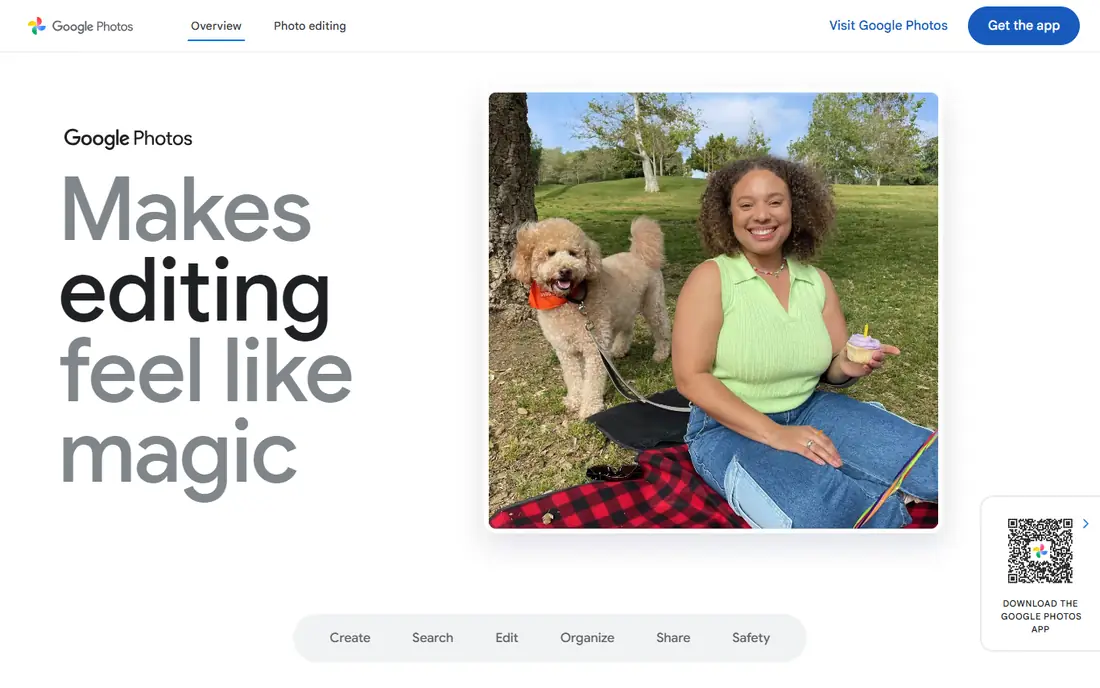
Google Photos is the first tool to try because many readers already have it. Open a photo, tap Edit, and look for Enhance and the Photo Unblur tool, which can sharpen a soft shot and reduce noise in one step. It is fast, free, and keeps the photo in the same library, so there is no upload to a new service and no new account to manage.
The limit is scope. Photo Unblur works best on a photo that is slightly soft or a little noisy, not on a photo where a moving subject is a streak. Availability also varies, so not every phone or account shows the same tools. If Google Photos does not fix it, move to a web tool below rather than pushing sharpening until the photo looks harsh.
- Built into Google Photos on many phones
- Photo Unblur tool for soft shots
- No extra app needed in many cases
- Availability varies by device and account
- Best for mild blur, not severe motion blur
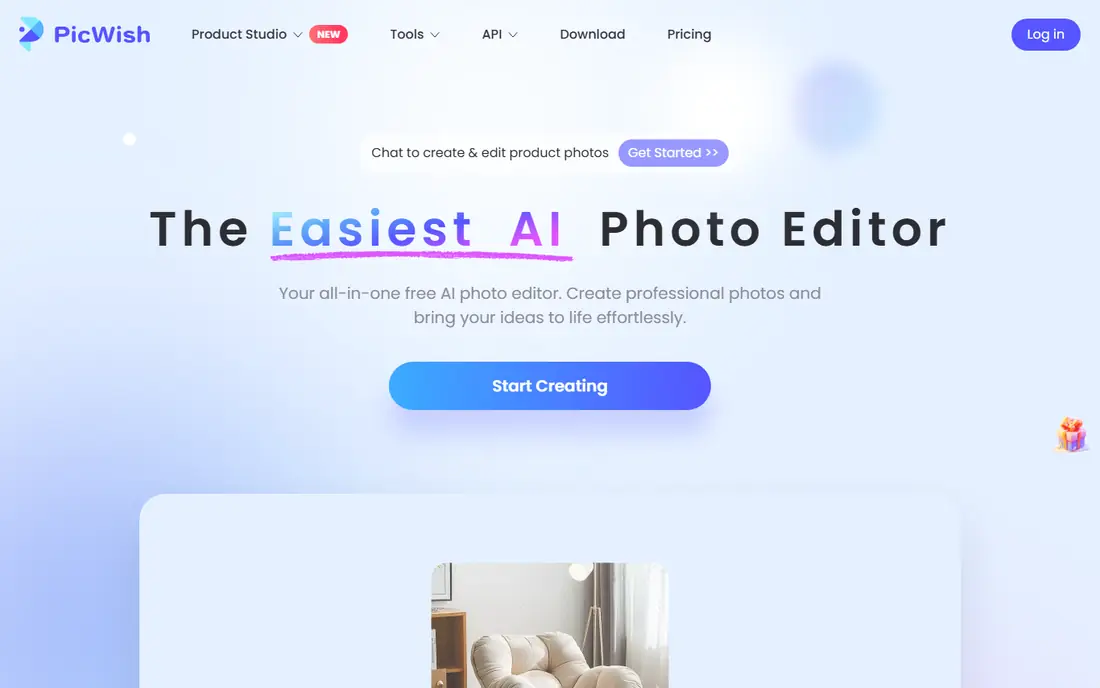
PicWish is a strong free web choice for portraits, product photos, and old family shots. Upload a photo, run the unblur tool, and download a sharper version, with support for common formats such as JPG and PNG. The site states 5 free daily downloads, which is enough for occasional fixes, and it can batch edit up to 30 images at a time for everyday work.
The cap is the main limit. A seller with many product photos will run through free downloads quickly and need a paid plan or another tool. PicWish also cannot invent detail that is missing from a badly blurred original, so check the result at full size before you replace the original file.
- Online unblur tool with batch options
- Free daily downloads without watermarks on the free tier as stated
- Works in mobile browsers
- Free downloads are capped per day
- Sign-up needed for further refining
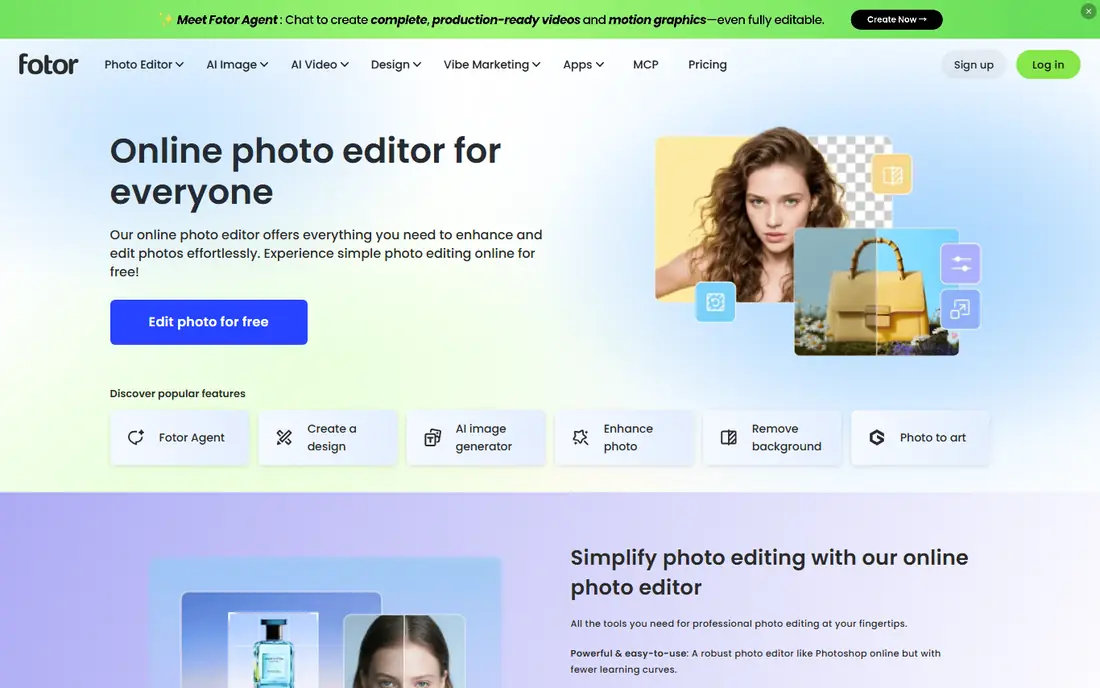
Fotor suits people who want to unblur a photo and then keep editing it. The AI photo enhancer can sharpen portraits and product images, and the same account offers cropping, filters, background removal, and design templates. That breadth helps a small business owner who fixes photos for a store or a social post in one session.
Free use has limits on AI capacity, and heavy batch work needs a paid plan. Results on heavily blurred images are partial, while moderate blur is handled more consistently. Use Fotor for a soft or low-resolution photo, and keep expectations modest for a photo that was badly out of focus.
- AI enhancer and sharpener in the browser
- Wider editing tools in the same account
- New users get free credits and a trial as stated
- Free AI capacity is limited
- Paid plans add batch work and higher capacity
Remini is the best free app for faces. It is known for restoring old, low-resolution portraits, sharpening eyes and skin texture, and giving a faded photo a cleaner look. For a family photo or a social portrait, it often goes further than a general sharpener, and the mobile app makes the process a single tap.
Free use is limited, and the result needs a close check. AI restoration guesses facial features, so a restored face can look plausible but different from the original person, especially on a very blurred photo. Keep the original, compare before and after at full size, and do not use a restored photo as an identity record.
- Strong face restoration for portraits and old photos
- Simple one-tap enhance
- Mobile app and web tool
- Free tier is limited per day
- AI can change facial details on some photos
- Video and volume features need a paid plan
VanceAI gives more control than a one-button tool, since it offers different unblur models for different kinds of blur. A soft portrait, a motion-blurred street shot, and a lens-blurred product photo may each respond better to a different model. Batch processing also helps when several photos share the same problem.
Free use needs sign-in for watermark-free downloads, and file size limits apply, so very large photos may need resizing first. As with other AI tools, a badly blurred photo will improve only in part. Try each model on the same photo and keep the version that looks most natural, not the sharpest one.
- Separate models for soft, motion, and lens blur
- Batch processing
- Upscaling and denoise tools
- Sign-in needed to download watermark-free results
- File size limits apply on free use
Picsart is a good free pick for social creators who want to fix a photo and finish it in the same app. The AI enhancement can sharpen a soft shot, and the editor adds filters, cropping, stickers, and text without moving to another tool. That workflow suits phone photos meant for social posts, where speed matters more than print quality.
The free tier is broad but not unlimited, and some AI features sit behind a paid plan or show ads. For a badly blurred photo, Picsart will sharpen edges but cannot restore lost detail. Use it for mild blur and for finishing a photo, not as a rescue tool for a ruined shot.
- AI blur removal and enhancement in a full editing app
- Filters, cropping, and text tools
- Mobile and web versions
- Free tier includes ads and limits on some AI features
- Paid plan adds full AI capacity
Pixelbin offers a web-based AI blur remover with a free plan that includes monthly credits and storage, as stated on its site. Upload a photo, run deblur or enhancement, and download the result without installing software. It handles blurry, low-resolution, and old photos, and it sits beside other image tools in the same platform.
Credits are the limit. Free monthly credits cover occasional fixes, but a large batch will need a paid plan. Results also vary by blur type, so a photo that fails in Pixelbin may improve in PicWish or VanceAI. Try one photo first, check the credit cost, and keep the original before you run a batch.
- Web-based deblur and enhancement
- Free monthly credits as stated
- Storage and format support for common image types
- Credit system limits free volume
- Results vary by blur type
Adobe Express is the careful free choice for people who want manual control. Instead of a single AI guess, you can adjust sharpening and other edits, preview the result, and export a finished image. That control helps when an AI tool over-sharpens a face or adds a plastic look to skin.
It is not the strongest free tool for heavy blur. Adobe's deeper restoration features sit in paid tools, and the free tier covers casual use. Use Adobe Express when you want a light, controlled sharpening job, or when you already use Adobe tools and want to stay in that account.
- Free tier with image editing and enhancement
- Manual sharpening control
- Trusted Adobe account and storage links
- Free AI features are more limited than paid Adobe tools
- Best for mild sharpening, not heavy restoration
How we picked these
We compared official product pages, help pages, and public tool comparisons, and we checked that each homepage loads and belongs to the product named. We kept only tools with a real free tier or free credits in October 2026 that can sharpen or unblur photos. We favored tools with clear free limits, face handling notes, and a download step that does not force a paid plan for a single fix. Where a free limit could not be verified at the time of writing, we described it in general terms rather than inventing a number.
What free unblur tools can and cannot do
A free unblur tool works best on mild problems: a slightly soft focus, light camera shake, low resolution, or compression noise. In those cases, AI sharpening and upscaling can make a photo look cleaner and more usable for social posts or small prints. The tool is guessing detail from patterns it has learned, not recovering data that was in the original scene.
A badly blurred photo is different. If a face is a smear, a license plate is unreadable, or a moving subject is a streak, no free tool can reliably restore the true detail. The result may look sharper, but it may also invent eyes, text, or textures that were not there. That is why you should keep the original, check faces and text at full size, and never use an AI-restored photo as proof of identity or as a legal record. For a photo that matters, retake it if you can, or accept a softer but honest version.
How to get a better free result
Start with the best original you have, not a compressed copy from a chat app, since compression removes detail before the tool even starts. Try two tools on the same photo, since each model handles blur differently, and pick the most natural result, not the sharpest. Avoid maximum sharpening at once, since it adds halos and noise. Save the enhanced photo as a copy, keep the original untouched, and check privacy settings before uploading a sensitive photo to any online service.
Frequently asked questions
What is the best app to unblur photos free?
Google Photos is the best free first try for a slightly soft phone photo, when Photo Unblur is available on your device. For faces and old portraits, Remini goes further on free use, while PicWish and Fotor are strong free web options.
What is the best free tool to unblur photos online?
PicWish is a strong free web pick, with daily free downloads as stated and batch options for everyday photos. Fotor and VanceAI are also good free web choices, with different strengths for editing and blur-type control.
Can a free tool fix a badly blurred photo?
Only in part. A free tool can improve a mildly blurred photo, but it cannot reliably restore detail that was never captured in a badly blurred original. Expect a cleaner image, not a perfect one, and check faces and text closely.
Is it safe to upload photos to a free unblur site?
It is safe for ordinary photos on a known service, but check the privacy policy before uploading sensitive or personal photos. Use a phone tool such as Google Photos for private images, and keep a copy of the original.
Do free unblur tools add watermarks?
Some free tiers add watermarks or limit watermark-free downloads, while others, such as PicWish as stated, offer free downloads without watermarks within the daily cap. Check the export step before you run a batch, so a watermark does not ruin a finished photo.
Sources
See where you really rank - block by block
ProMapRanker scans Google Maps across a grid of your service area. Simple monthly plans from $19, white-label on every plan.
Start freeKeep reading
 zeffy payment processor stripe alternatives
Zeffy and Stripe Alternatives for Nonprofits in 2026
Explore zeffy payment processor stripe alternatives for nonprofits. We compare 8 fundraising platforms on fees, donor tools, and nonprofit focus. Check fees.
Read → workday alternatives
Workday Alternatives in 2026
Workday alternatives compared: we review 8 HR and payroll platforms that replace Workday, with pricing, strengths and honest limits for each team size.
Read → what's the best weather app
What's the Best Weather App in 2026
Wondering what's the best weather app? We compare 10 free and paid apps for forecasts, radar, alerts, and Colorado mountain weather for everyday and storm use.
Read →