 ProMapRanker
Best Tool to Merge PDFs in 2026

Key takeaways
- For most people, a free online tool such as PDF24 Tools or iLovePDF handles a one-off merge in minutes, with no install needed.
- If you merge sensitive documents, an offline tool such as PDFsam Basic keeps your files on your own computer.
- Paid plans make sense only when you merge often, need larger files, or want editing, signing, and conversion in the same place.
- Adobe Acrobat is the most complete option, but it is also the most expensive choice on this list for merging alone.
Quick comparison
| Pick | Great for | Pricing starts at | Free tier | |
|---|---|---|---|---|
 iLovePDF iLovePDF | Quick online merges | $4 per month | Yes | Visit |
 Smallpdf Smallpdf | Simple online workflow | $10 per month | Yes | Visit |
 Sejda Sejda | Occasional merges with no account | $7.50 per month | Yes | Visit |
 PDF24 Tools PDF24 Tools | Unlimited free merging | Free | Yes | Visit |
 PDFsam Basic PDFsam Basic | Offline batch merging | Free | Yes | Visit |
 Adobe Acrobat Adobe Acrobat | Full PDF suite for professionals | $19.99 per month | Free trial | Visit |
 Foxit PDF Editor Foxit PDF Editor | Cheaper Acrobat alternative | $10.99 per month | Free trial | Visit |
 PDFelement PDFelement | One-time purchase fans | $79.99 per year | Free trial | Visit |
The best tool to merge pdfs
Merging PDFs should be a two minute job, not a project. We compared official feature pages, pricing pages, and free tier limits to find tools that work for quick jobs, private files, and daily office work.
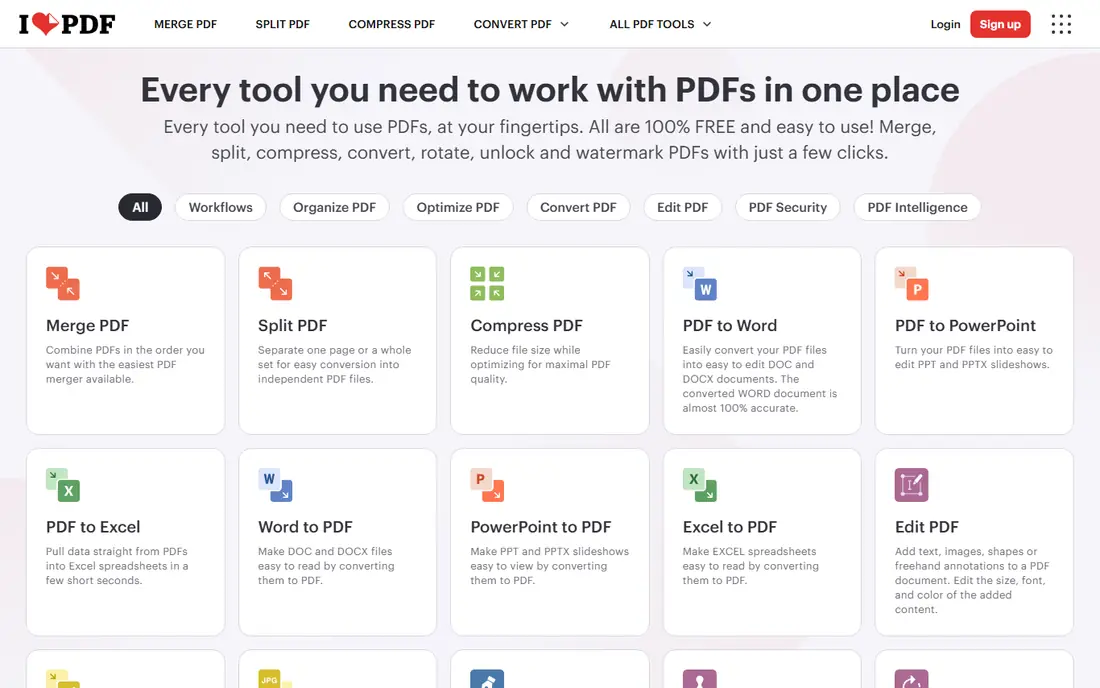
iLovePDF is our pick for most people who need the best pdf merge software for occasional use. Upload your files, drag pages into order, and download one combined file. The interface stays simple even when you merge many documents at once. Premium removes the tighter free limits and adds desktop and mobile apps, larger files, and batch work. That matters if you merge reports, applications, or course material every week. For a single merge, start free and only pay if you hit a limit.
- Clear merge tool with page reordering
- Desktop and mobile apps on paid plans
- Free tier covers many one-off jobs
- Free tier has file size limits
- Some tools are limited without Premium
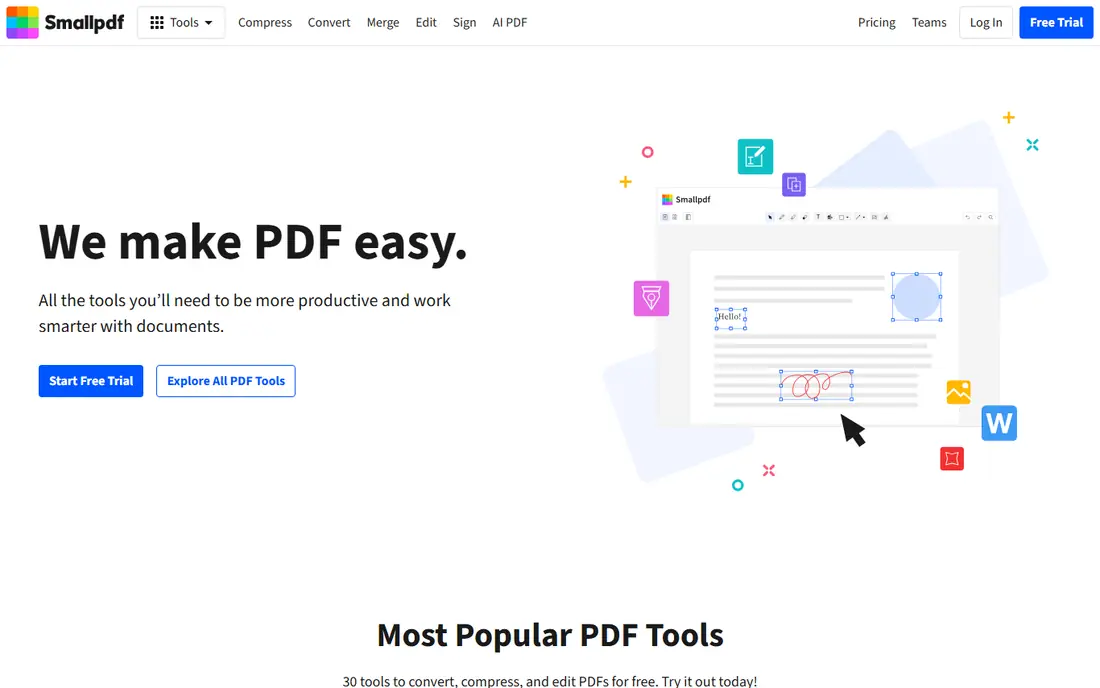
Smallpdf suits readers who want the best online tool to merge pdfs without reading a manual. The merge page accepts files from your computer or cloud storage, and you can reorder pages before you combine them. Everything feels guided, which helps first time users. The catch is the free daily task limit. Two merges in a day can be enough for a casual user, but a busy office will hit the cap fast. Pro adds unlimited style processing and more tools, so judge it on your weekly volume, not on one merge.
- Polished interface that is easy to learn
- Merge, compress, and convert in one account
- Works on any browser
- Free tier limits daily tasks
- Pro costs more than some rivals for merging alone
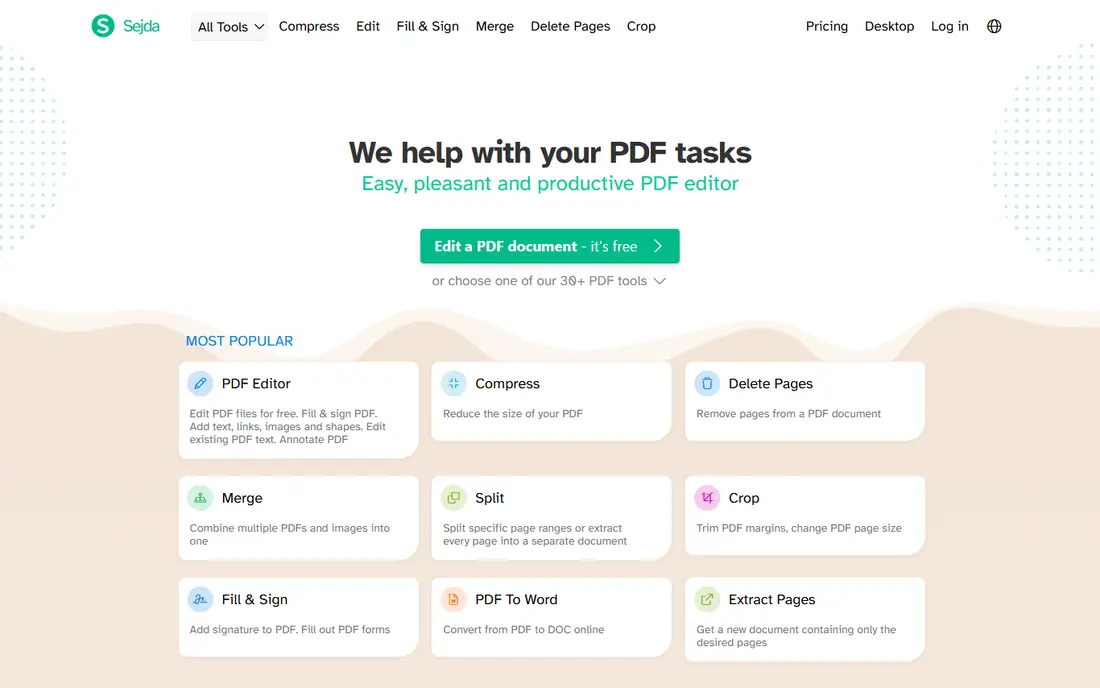
Sejda is a good middle ground between a quick website and a full desktop editor. You can merge in the browser without creating an account, which is handy on a shared computer. Page ranges, bookmarks, and outlines are available when you need more control. The desktop app is the privacy advantage here, since files stay on your machine. Free use is limited by tasks per hour and by file size, so heavy users should look at the week pass or the annual plan. For occasional, careful merges, Sejda is hard to fault.
- No account needed for basic merges
- Desktop app processes files locally
- Clear file and page limits
- Free tier caps tasks per hour
- Larger files need a paid plan
PDF24 Tools is the best free answer to the best tool to merge pdfs question for most casual users. There is no account wall for the web merge tool, and the Windows Creator app covers offline work. If cost is your main filter, start here. The trade is polish and privacy. Uploaded files go to a server for online processing, so keep contracts and medical forms for an offline tool. For school forms, scanned pages, and everyday documents, PDF24 does the job without a subscription.
- Free with no task counter on the web tools
- Windows app for offline work
- Wide set of PDF tools
- Interface is plainer than paid rivals
- Online merges upload files to PDF24 servers
PDFsam Basic is the tool we point privacy minded readers toward first. It runs on Windows, Mac, and Linux, and it never needs to upload your file. Batch merging is straightforward, and you can mix pages from several files into one output. It will not win a design contest, and it does not try to be a full editor. That focus is the point. When the document matters more than the interface, PDFsam Basic gives you control without cost and without an account.
- Free and open source
- Merges, splits, and rotates offline
- No watermarks on output
- No online version
- Interface looks plain next to web tools
Adobe Acrobat is the reference point for the best pdf merge tools, even if it is overkill for a single merge. The Combine Files tool handles PDFs, images, and Office files, and the result opens cleanly in any reader. Editing, redaction, and e-signing sit in the same app. Price is the honest barrier. At $19.99 per month on an annual plan billed monthly for Pro, you pay for a professional suite, not just a merge button. Choose Acrobat when PDF work is a daily part of your job, not when you merge twice a year.
- Combine files with editing, signing, and conversion in one app
- Strong mobile and cloud access
- Trusted file handling
- Expensive for merging alone
- Many features go unused by casual users
Foxit PDF Editor gives office users most of the Acrobat workflow at a lower monthly price. You can combine files, edit text, add comments, and fill forms without switching apps. That breadth matters when merging is one step in a longer document process. The learning curve is modest but real, since the menus carry many options. A free trial helps you check whether the layout suits your team before you pay. For small offices that want a proper editor without Acrobat pricing, Foxit is a sensible middle option.
- Lower subscription price than Acrobat
- Full editing and combining tools
- Windows, Mac, and mobile versions
- Some advanced features sit in higher tiers
- Interface takes a little learning
PDFelement appeals to readers who dislike endless subscriptions. The annual plan starts at $79.99 per year, and a perpetual license is also listed, which suits people who want to pay once and keep the version they bought. Merging is simple, with page order and range controls. The free trial is useful for checking the interface, but watermarked output means it is not a long term free tool. If you merge, edit, and annotate PDFs every week, PDFelement offers a strong balance of price and features.
- Combine, edit, convert, and sign in one app
- Perpetual license option
- Good value for regular users
- Trial output carries a watermark
- Some features need the Pro version
How we picked these
We compared official pricing pages, free tier limits, and feature lists for tools that truly merge PDFs, and we left out converters that only handle single files. Each product above exists and works today, and its website is its official homepage. Where we could not confirm a current price from the vendor, we used See website instead of guessing.
How to choose the right PDF merge tool
Start with how often you merge and how sensitive the file is. A free web tool is fine for a public flyer or a school form, while an offline tool is the safer pick for contracts, tax forms, and health records. Check the free limits before you commit, since task caps and file size caps are the most common surprise.
Match the tool to the job
For one merge a month, use a free web tool and move on. For weekly merges, a paid plan or a free offline app saves repeated limit errors. For office work, pick a full editor that also handles signing and conversion, so merging is not a separate chore.
Check output quality before you trust it
Merge a test file first and open every page. Look for missing pages, rotated scans, and broken bookmarks, especially with scanned documents. A tool that merges fast but scrambles page order will cost more time than it saves.
Frequently asked questions
What is the best tool to merge pdfs for free?
PDF24 Tools and PDFsam Basic are the strongest free picks. PDF24 works in a browser with no install, while PDFsam Basic runs offline and suits private files. Both merge without a watermark, which sets them apart from many free trials.
What is the best pdf merge software for Windows and Mac?
PDFsam Basic, Foxit PDF Editor, and Adobe Acrobat all run on Windows and Mac. PDFsam Basic is free and offline, Foxit costs less than Acrobat, and Acrobat offers the widest feature set. Your budget and your need for editing should decide between them.
What are the best pdf merge tools for sensitive documents?
Offline tools such as PDFsam Basic and the Sejda desktop app keep files on your computer instead of uploading them. That matters for contracts, financial forms, and personal records. Always check a vendor privacy page before uploading a sensitive file to any web tool.
What is the best online tool to merge pdfs without an account?
Sejda and PDF24 Tools both allow basic online merges without forcing an account. Sejda limits free tasks per hour, while PDF24 has no task counter on its web tools. For a quick merge on a shared computer, either one works well.
Do I need to pay to merge PDFs?
No, for most one-off merges. Free tools cover basic combining, page order, and downloads. Pay only when you need larger files, batch processing, desktop apps, or extra tools such as editing, OCR, and e-signing in the same subscription.
Sources
See where you really rank - block by block
ProMapRanker scans Google Maps across a grid of your service area. Simple monthly plans from $19, white-label on every plan.
Start freeKeep reading
 zeffy payment processor stripe alternatives
Zeffy and Stripe Alternatives for Nonprofits in 2026
Explore zeffy payment processor stripe alternatives for nonprofits. We compare 8 fundraising platforms on fees, donor tools, and nonprofit focus. Check fees.
Read → workday alternatives
Workday Alternatives in 2026
Workday alternatives compared: we review 8 HR and payroll platforms that replace Workday, with pricing, strengths and honest limits for each team size.
Read → what's the best weather app
What's the Best Weather App in 2026
Wondering what's the best weather app? We compare 10 free and paid apps for forecasts, radar, alerts, and Colorado mountain weather for everyday and storm use.
Read →