 ProMapRanker
Best Time Clock App in 2026: 9 Apps Compared

Key takeaways
- Homebase is our top pick for hourly teams at one location, thanks to a free plan for up to 10 employees plus scheduling and payroll links.
- Jibble offers a free time clock for teams of any size, with GPS and facial recognition features that many paid rivals charge for.
- Connecteam suits deskless teams that want a time clock, scheduling, chat and forms in one mobile app.
- QuickBooks Time is the best choice for businesses already running QuickBooks Online, despite its higher base fee.
- Clockify and Toggl Track are better for project and billable-hour tracking than for shift-based clocking with a kiosk.
Quick comparison
| Pick | Great for | Pricing starts at | Free tier | |
|---|---|---|---|---|
 Homebase | Hourly teams at one location | Free | Yes | Visit |
 Deputy | Shift-based scheduling and compliance | $5 per user per month | Free trial | Visit |
 Clockify | Free project time tracking | Free | Yes | Visit |
 Toggl Track | Polished timer for knowledge work | Free | Yes | Visit |
 Hubstaff | Remote teams with payroll needs | $4.99 per user per month | Free trial | Visit |
 QuickBooks Time | QuickBooks Online users | $20 per month plus $10 per user | Free trial | Visit |
 Connecteam | Deskless teams in one app | Free | Yes | Visit |
 When I Work | Shift scheduling with time tracking | $2.50 per user per month | Free trial | Visit |
 Jibble | Free clock-ins for any team size | Free | Yes | Visit |
The best time clock app
A time clock app should match how your team works: a kiosk at a shop counter, a phone app for field crews, or a timer for office and project work. We compared official pricing pages and current October 2026 summaries, and we kept only apps that operate now. Pay attention to free user limits, kiosk rules and payroll links, since those details change the real cost.
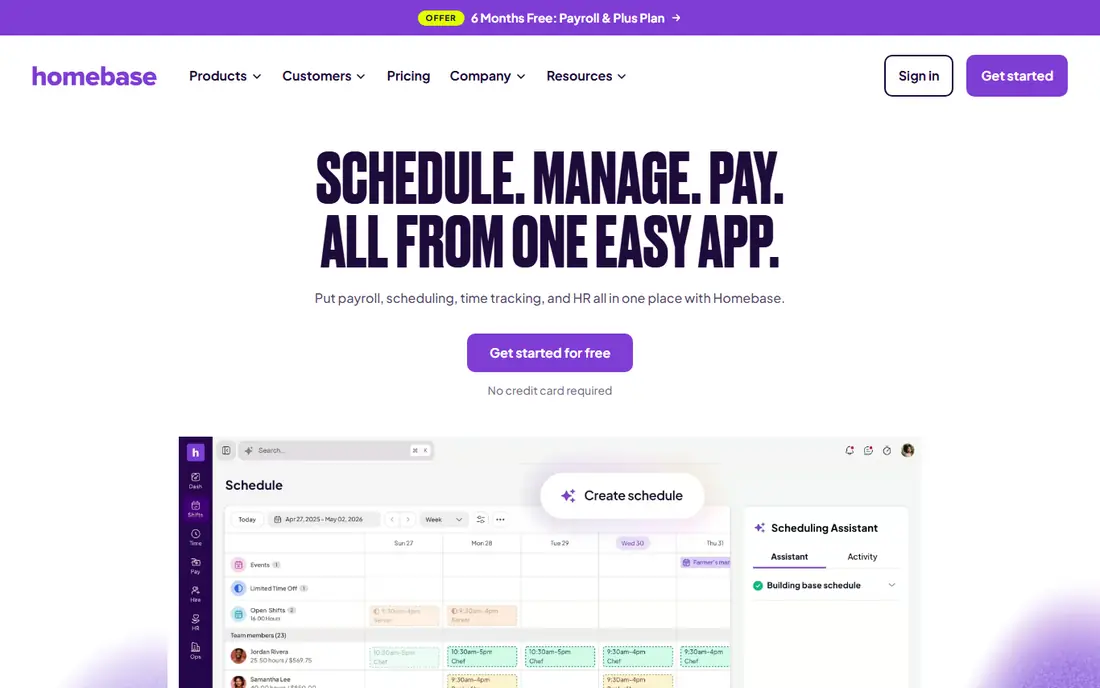
Homebase is our top pick for restaurants, retail shops and salons with hourly staff at one site. The free Basic plan covers time clock, scheduling and basic team tools for up to 10 employees at one location, which is enough for many small businesses to start without a monthly bill. Paid plans add hiring, payroll and more control, all in the same app.
Per-location pricing is the catch. A second site means a second paid plan, so multi-location businesses should price the full estate, not just one shop. Even so, for a single-location hourly team, Homebase gives the most complete free starting point in this list, with a clear upgrade path as you grow.
- Free Basic plan for one location and up to 10 employees
- Scheduling, time clock and payroll in one app
- Photo capture and location features on paid plans
- Paid plans are priced per location
- Free plan limits features and locations
- Advanced payroll needs a higher tier
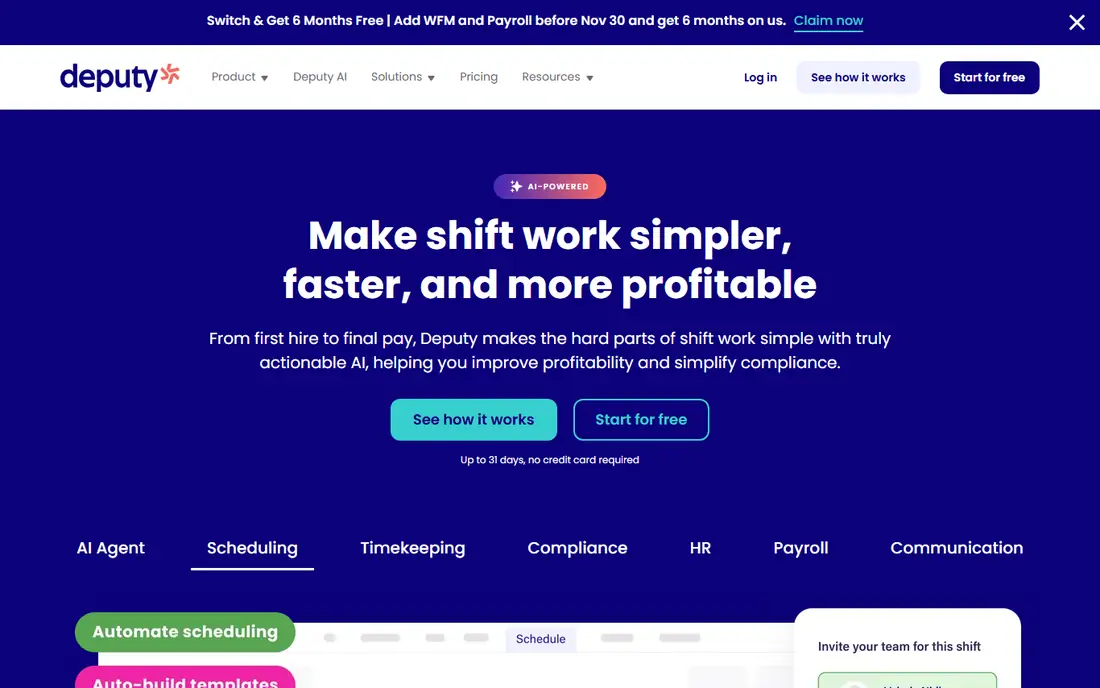
Deputy suits cafes, retail stores and healthcare teams where scheduling and compliance matter as much as clocking in. Managers can build rosters, staff can swap shifts from a phone, and time data flows into payroll with overtime and break rules applied. That scheduling depth is why Deputy often beats a simple timer for shift-based work.
The price is per user, so a large hourly team should model the monthly total carefully. There is no permanent free plan, though the trial is long enough to test real rosters. If scheduling is your main pain, Deputy is worth that cost. If you only need a clock, a free tool may do the same job cheaper.
- Strong scheduling and shift swapping
- Time clock with compliance controls
- Long free trial for testing
- No permanent free plan
- Costs rise with team size
- Some advanced features need higher tiers
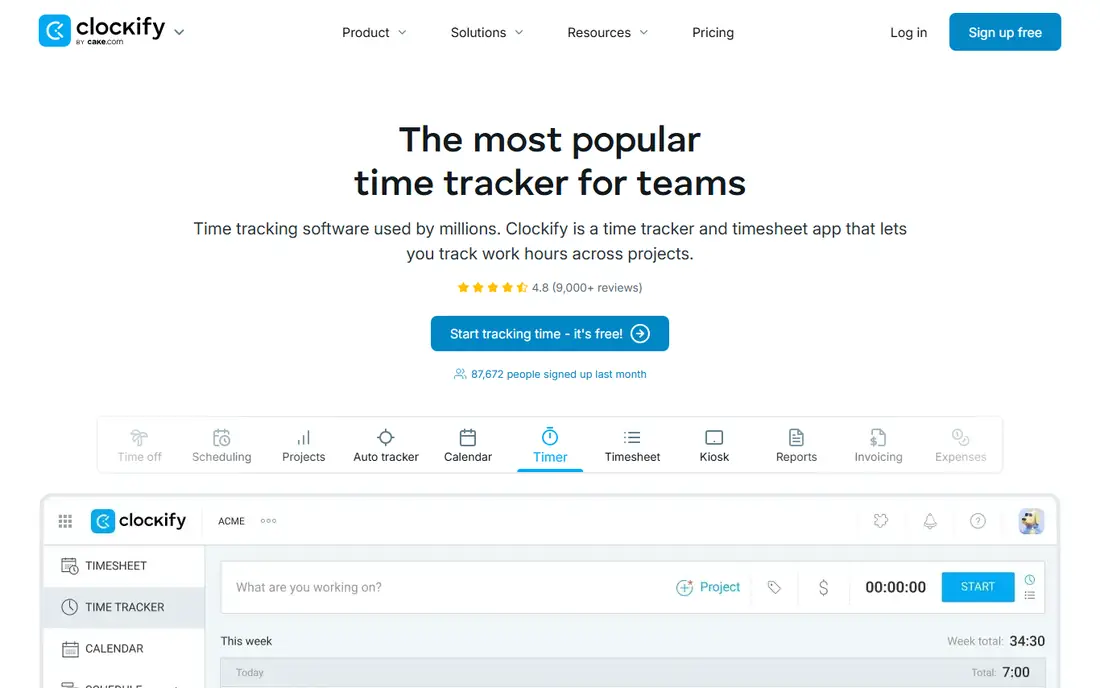
Clockify is the best free starting point for small project teams that track billable hours rather than shifts. The free plan covers up to 5 users with timers, manual time entry, projects and reports, which is enough for freelancers and small agencies. Paid plans add kiosk mode, GPS, approvals and more control for larger teams.
Shift-based employers should read the plan limits first. The free plan does not include a kiosk, and GPS features sit on paid tiers, so a shop that needs a shared clock at the counter will need to pay. For office and project work, though, Clockify is simple, generous and easy to adopt.
- Free plan for up to 5 users
- Simple timer and manual entry
- Exports for payroll and invoicing
- Kiosk features need a paid plan
- GPS tracking needs a higher tier
- Less shift scheduling than Homebase or Deputy
Toggl Track is our pick for small knowledge-work teams that want a polished timer without learning a full workforce system. Starting and stopping a timer takes seconds, reports show billable time by client and project, and the free plan covers up to 3 users. That simplicity helps consultants, designers and agencies track time accurately without extra admin.
It is not a shift clock. Toggl Track has no kiosk for hourly staff at a counter, and payroll handling comes through integrations rather than native payroll. Choose Toggl Track when your team works on projects and bills by the hour, and choose Homebase, Deputy or Connecteam when you manage shifts.
- Clean, fast timer
- Free plan for up to 3 users
- Strong reports for billable work
- Not built as a shift kiosk
- Free plan user limit is small
- Payroll features need integrations
Hubstaff suits small businesses managing remote or field staff who also need payroll and invoicing links. Time tracking, GPS location, activity levels and project budgets sit in one dashboard, and approved time can flow into payroll or client invoices. That combination helps agencies and service companies that bill clients for remote work.
Activity monitoring is a sensitive point. Some teams welcome visibility, while others find screenshots or activity scores intrusive, so set a clear policy before you turn those features on. There is no permanent free plan, though a trial lets you test the workflow. For remote teams that need proof of work plus pay, Hubstaff is a practical choice.
- Time tracking with activity and location options
- Payroll and invoicing links
- Good fit for remote and field teams
- No permanent free plan
- Activity monitoring may not suit every workplace
- Setup needs clear team policies
QuickBooks Time, formerly TSheets, is the best time clock for businesses already paying for QuickBooks Online. Hours flow directly into payroll and invoices, managers can approve time in the same system, and both paid plans include a kiosk for shared clocking. Elite adds geofence reminders and mileage tracking for field teams.
The base fee is the catch. At $20 per month plus $10 per user for Premium, a small team pays more than with Homebase or Jibble, and QuickBooks Online is billed separately. If you already run QuickBooks, that integration saves enough admin time to justify it. If you do not, a cheaper standalone clock is better value.
- Tightest QuickBooks Online integration
- Kiosk mode on both paid plans
- Geofence and mileage features on Elite
- Needs a QuickBooks Online account
- Higher base fee than rivals
- Only good value inside the QuickBooks ecosystem
Connecteam is the best all-in-one app for deskless teams that need more than a clock. Field crews, cleaners, delivery staff and retail workers can clock in with GPS, see schedules, chat with managers, complete forms and read company updates in one mobile app. The free plan covers up to 10 users, which lets a small crew test the full workflow.
Paid pricing is based on user blocks, so a growing team should check the next tier before committing. Advanced geofence features also need higher plans. Even with those limits, Connecteam is a strong choice when communication and scheduling matter as much as time tracking itself.
- Free plan for up to 10 users
- Time clock plus scheduling, chat and forms
- GPS clock-in and kiosk mode
- Paid plans are priced for blocks of users
- Advanced GPS and geofence features need higher tiers
- Pricing can feel complex for larger teams
When I Work suits shift-heavy businesses that care most about scheduling, with time tracking as a useful extra. Managers can publish rosters, staff can claim open shifts and swap with colleagues, and team messaging keeps everyone updated. The entry price for scheduling is low, which makes it easy to try for a small hourly team.
Check the add-on cost before you compare it with Homebase or Deputy. Time tracking sits on top of the scheduling plan, so the total for a full time clock setup is higher than the headline price. If scheduling is your main need and time tracking is secondary, When I Work is a good fit. If clocking is the priority, start with a dedicated time clock app.
- Low entry price for scheduling
- Shift swaps and team messaging
- Time tracking as an add-on
- Time tracking is an add-on, not the core plan
- No permanent free plan
- Payroll links depend on integrations
Jibble stands out because its free plan covers unlimited users, which is rare in this category. Staff can clock in by phone or kiosk with GPS and facial recognition, which helps prevent buddy punching, and managers can export time data for payroll. For a small business that only needs reliable clock-ins, Jibble removes the usual free-plan user cap.
Paid plans add approvals, advanced scheduling, integrations and more control, so larger or more complex teams will still need to pay. Setup also needs care, especially for facial recognition and location rules, so test it with a small group first. For free, unlimited clock-ins, though, Jibble is the strongest option in this list.
- Free plan with unlimited users
- GPS and facial recognition clock-ins
- Payroll exports and integrations
- Advanced features need paid plans
- Interface and support depth vary by plan
- Some features need careful setup
How we picked these
We compared official pricing pages and current October 2026 summaries for time clock and time tracking apps, and we kept only apps that operate now and truly fit clocking, scheduling or billable tracking. We mixed free kiosk tools with shift scheduling apps and project timers, so different team types can shortlist realistically. Where free limits or pricing changed recently, we used the most recent published terms and wrote See website only where needed.
What to check before you choose
Start with how your team clocks in: a shared kiosk, a personal phone app, or a desktop timer. Then check free limits, GPS and geofence rules, overtime and break handling, and how time flows into payroll or invoicing. Also ask about offline clocking for field crews, photo or facial recognition to prevent buddy punching, and how managers approve and edit time.
Test the app with a small group for a full pay period before you roll it out. Check the final bill for your headcount and locations, not just the headline per-user price, and set clear policies for location tracking and activity monitoring. A time clock only works if staff trust it and managers actually review the data each week.
Frequently asked questions
What is the best free time clock app?
Homebase is best for hourly teams at one location with up to 10 employees, while Jibble offers free clock-ins for teams of any size. Connecteam is also free for up to 10 users and adds scheduling and chat, while Clockify is free for up to 5 project users.
What is the best time clock software for small business?
Homebase leads for hourly small businesses, Deputy leads for shift scheduling, and QuickBooks Time leads for QuickBooks users. Jibble is the cheapest way to start if you only need clock-ins, and Connecteam is best for deskless teams that need more than a clock.
What is the best app for daily schedule and time tracking?
When I Work and Deputy are strongest for daily schedules and shift rosters, while Toggl Track and Clockify are better for daily project timers. Choose a scheduling app for shifts, and a timer app for billable project work.
What is the best employee time off tracking software?
Deputy, Homebase and Connecteam all include time off requests and approvals alongside time clock features, which keeps leave and worked hours in one place. Check whether time off balances, approval chains and payroll links match your policy before you choose.
Do free time clock apps include GPS tracking?
Some do, with limits. Jibble includes GPS clock-ins on its free plan, Connecteam includes GPS clock-in with geofences on higher plans, and Clockify puts GPS on paid tiers. Check the exact plan terms, since GPS and geofence features often move between free and paid tiers.
Sources
See where you really rank - block by block
ProMapRanker scans Google Maps across a grid of your service area. Simple monthly plans from $19, white-label on every plan.
Start freeKeep reading
 steamunlocked alternatives
Best SteamUnlocked Alternatives in 2026
Looking for steamunlocked alternatives? These 8 legal game stores and subscriptions offer licensed PC games, sales, and cloud play without piracy risks.
Read → mangools alternatives
Best Mangools Alternatives in 2026
Looking for mangools alternatives? We compare 8 SEO tools for keyword research, rank tracking, and site audits, from Semrush and Ahrefs to Keysearch today.
Read → lemlist alternatives
Best Lemlist Alternatives in 2026
Looking for lemlist alternatives? We compare 9 cold email and outreach tools for 2026, covering pricing, deliverability, inboxes, and multichannel steps.
Read →