 ProMapRanker
Best Team Collaboration Software in 2026

Key takeaways
- Slack leads for chat and integrations, while Microsoft Teams wins for teams already paying for Microsoft 365.
- Asana, monday.com and ClickUp cover task collaboration best, with timelines, ownership and automation in one place.
- Notion and Google Workspace suit document-centred teams, with wikis, shared docs and real-time editing.
- Trello remains the simplest visual board for small teams, and Zoom Workplace adds meetings and chat to the same app.
- Most tools on this list offer a usable free plan, so test with a real project before paying for a full rollout.
Quick comparison
| Pick | Great for | Pricing starts at | Free tier | |
|---|---|---|---|---|
 Slack Slack | Team chat and integrations | $7.25 per user per month | Yes | Visit |
 Microsoft Teams Microsoft Teams | Microsoft 365 teams | $4 per user per month | Yes | Visit |
 Asana Asana | Workflow and project collaboration | $10.99 per user per month | Yes | Visit |
 monday.com monday.com | Visual team planning | $9 per user per month | Yes | Visit |
 ClickUp ClickUp | All-in-one tasks, docs and goals | $7 per user per month | Yes | Visit |
 Notion Notion | Wikis, docs and databases | $10 per user per month | Yes | Visit |
 Google Workspace Google Workspace | Shared docs, mail and meetings | $7 per user per month | Free trial | Visit |
 Trello Trello | Simple visual boards | $5 per user per month | Yes | Visit |
 Zoom Workplace Zoom Workplace | Meetings, chat and whiteboards | $14.16 per user per month | Yes | Visit |
The best team collaboration software
We compared official pricing pages, feature documentation and public reviews for tools that teams use daily in October 2026. Chat, task and document tools solve different problems, so this list mixes all three types. Pick the layer that hurts most first, then add a second tool only if the first leaves a clear gap.
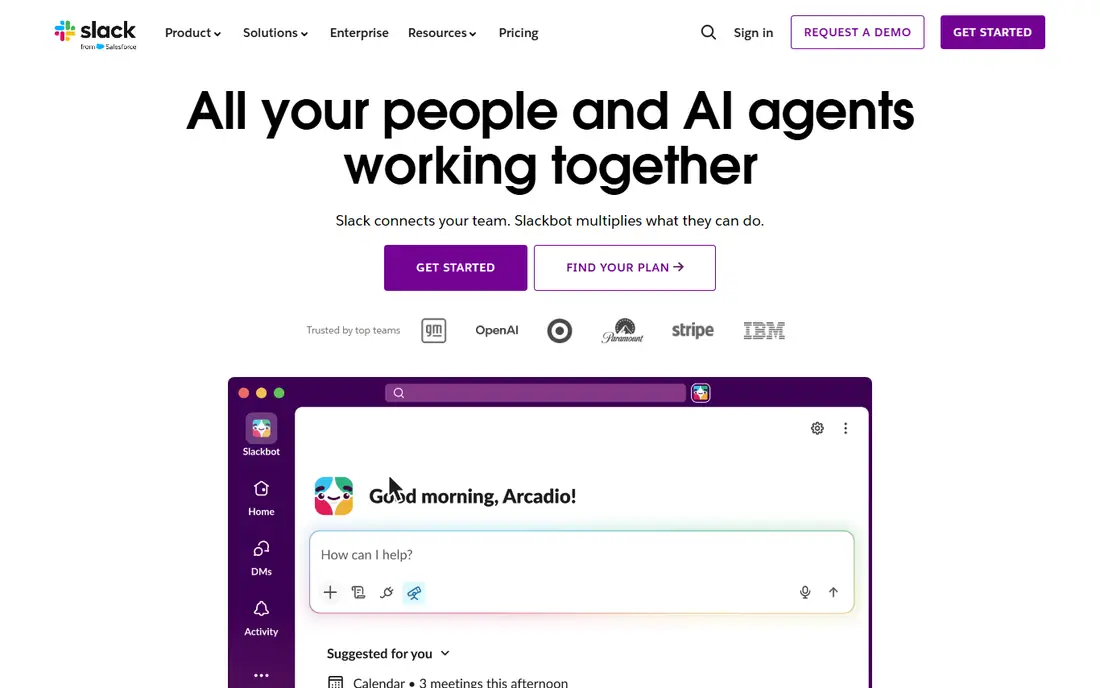
Slack remains the clearest chat-first collaboration tool. Channels separate projects, clients and topics, threads keep replies attached to the right message, and search helps new joiners find past decisions. Integrations with tools such as Asana, Google Drive, GitHub and Zoom mean updates land where people already work.
The free plan works for small teams, but the 90-day history limit pushes growing teams to paid plans. Noise is a real risk too, since every channel can demand attention. Teams that set channel rules and use threads well get far more from Slack than teams that treat it as an open group chat.
- Channels keep conversations organised
- Very large integration catalogue
- Huddles and canvases support quick work
- Free plan limits message history to 90 days
- Costs add up for large teams
- Chat can become noisy without channel rules
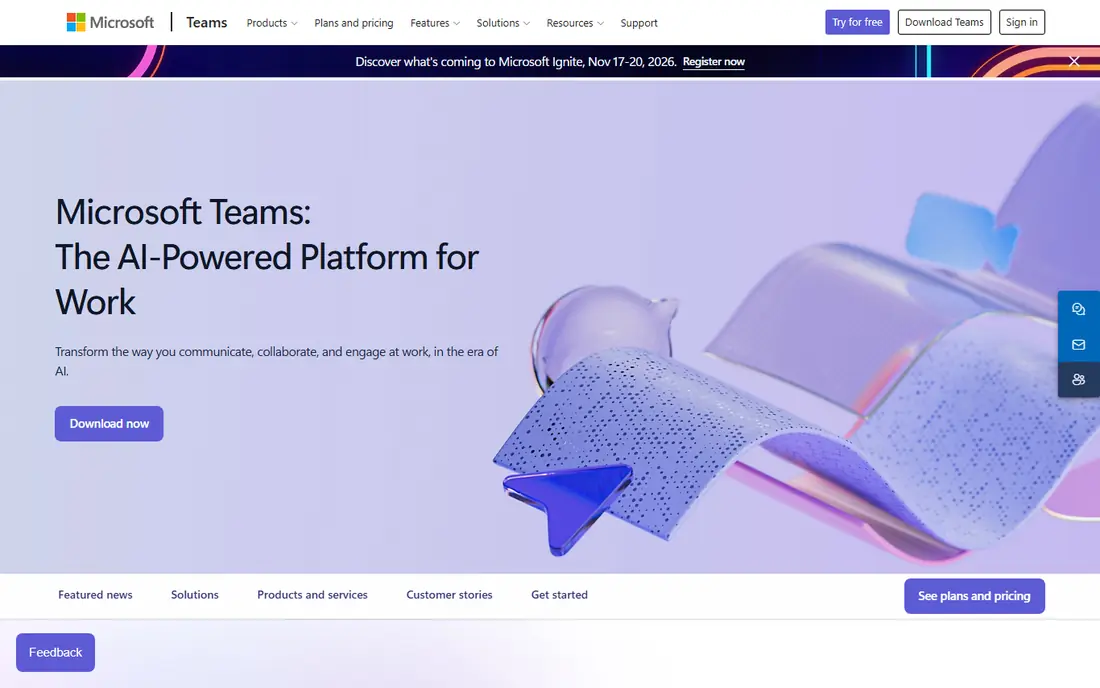
Teams makes most sense when your documents already live in OneDrive and SharePoint. You can chat, meet, co-edit a Word document and track Planner tasks without leaving the app. For companies already paying for Microsoft 365, Teams often costs little extra, which makes it hard to beat on value.
The interface packs a lot into one window, and new users may need time to find chats, teams and files. Standalone Teams pricing also differs from bundled pricing, so check what your current Microsoft plan already includes. If your stack is Microsoft-first, Teams is the natural pick.
- Chat, meetings and files in one app
- Deep Microsoft 365 integration
- Strong value when bundled with Office apps
- Interface can feel busy
- Best value needs a Microsoft 365 plan
- Guest access setup takes care

Asana turns collaboration into accountable work. Each task has an owner, a due date and a clear status, and timelines show how work connects across a project. Portfolios and goals help managers see progress without asking for status updates in chat. Automation can move tasks, assign owners and notify people when work changes stage.
Smaller teams may find Asana more structured than they need, and the free plan has limits on team size and features in current terms. For cross-team launches, client work and recurring workflows, that structure is the point. Start with one real project, not a company-wide rollout, to learn the workflow.
- Clear task ownership and deadlines
- Timelines, portfolios and goals
- Automation rules reduce manual updates
- Free plan suits only small teams
- Advanced features need higher tiers
- Can feel formal for very small groups
monday.com suits teams that think in boards and colour. You can build a board for sales, content, hiring or product work, add status columns, dates and owners, and view the same work as a timeline, calendar or dashboard. That flexibility helps teams that do varied work in one tool.
The trade-off is cost and setup time. A simple board works in minutes, but a polished workflow with automations needs planning. The free plan covers only a small team, so larger groups should budget for a paid tier. For visual planners, the clarity is worth that setup effort.
- Highly visual boards and dashboards
- Flexible columns for many workflows
- Automations and integrations included on paid plans
- Pricing rises with higher tiers
- Free plan covers only a few users
- Setup can take time for complex workflows
ClickUp tries to replace several tools at once, and for many small teams it succeeds. Tasks, documents, whiteboards, time tracking and goals live in the same workspace, so work does not scatter across apps. The free plan is generous, which makes it a low-risk way to test an all-in-one approach.
Depth is also the drawback. New users face many settings, views and options, and a workspace without rules can grow messy. Teams that agree on a simple structure first, then add features slowly, get the best result. If you want one tool for most collaboration, ClickUp deserves a trial.
- Tasks, docs, whiteboards and goals in one place
- Generous free plan
- Many views including list, board and calendar
- Feature depth can overwhelm new users
- Performance can dip on very large workspaces
- Setup needs discipline
Notion is the best team collaboration platform for knowledge work. Teams build a wiki for decisions, a database for content or clients, and shared docs for plans, all linked together. Templates help new teams start fast, and real-time editing keeps documents current without endless email attachments.
Notion is weaker as a standalone project tracker for complex dependencies, though it pairs well with Asana or monday.com for that layer. Offline access is also limited compared with some rivals. For documentation, onboarding and shared knowledge, few tools match its flexibility.
- Flexible pages, wikis and databases
- Strong templates for teams
- Real-time collaboration on shared docs
- Less suited to heavy project management alone
- Offline use is limited
- Large workspaces need organisation
Google Workspace remains the standard for real-time document collaboration. Multiple people can edit a document at once, comment in context, and meet over video without switching vendors. Gmail, Calendar and Drive tie the workflow together, and sharing controls are simple for most teams.
Project tracking is the gap. Google Tasks and Sheets can cover simple work, but teams with complex projects usually add Trello, Asana or ClickUp. Storage and admin features also vary by plan, so check the tier that matches your team size. For document-first teams, Workspace is a strong, familiar base.
- Real-time Docs, Sheets and Slides
- Gmail and Meet included
- Simple sharing and permissions
- No single project tracker as strong as Asana
- Admin controls need higher tiers
- Storage limits vary by plan
Trello is the simplest board tool on this list. You create lists, add cards, drag work from to-do to done, and everyone sees the same board. That clarity suits small teams, freelancers and simple workflows where a full project platform would be overkill. Butler automation handles repetitive card moves without manual work.
Complex projects with dependencies, portfolios and detailed reporting will outgrow Trello sooner than Asana or monday.com. Paid plans add those features, but at that point a dedicated project tool may fit better. For straightforward visual tracking, Trello is fast to adopt and hard to misuse.
- Very easy to learn
- Visual Kanban boards
- Power-Ups add calendar, automation and integrations
- Limited for complex projects
- Reporting needs paid plans
- Large boards can become hard to scan
Zoom Workplace has grown beyond video calls into a broader collaboration app. Team Chat, whiteboards, docs and meeting summaries sit alongside reliable video, which suits hybrid teams that meet often. Meeting recordings, transcripts and AI summaries help absent colleagues catch up without another meeting.
The starting paid price is higher than Slack or Trello, and the free plan limits group meeting length. Teams that mainly need chat or tasks may find Zoom more than they need. For meeting-centred teams, though, keeping chat, whiteboards and calls in one app reduces switching.
- Reliable video meetings
- Team Chat and whiteboards included
- AI Companion summaries on paid plans
- Higher starting price than chat-only tools
- Meeting-heavy culture risk
- Full value needs paid plans
How we picked these
We compared official pricing pages, feature documentation and public reviews for tools in active use in October 2026. We included chat, task, document and meeting tools because teams rarely solve collaboration with one type alone. We favoured tools with a clear strength, a usable free or trial tier, and a track record with small and mid-size teams. Prices reflect annual billing summaries where vendors publish them, and we wrote See website in other cases. We did not claim hands-on testing.
What to check before you choose
Name the main pain before you compare features. If messages get lost, start with chat. If deadlines slip, start with task tracking. If the same questions keep returning, start with a wiki or shared docs. Buying all three layers at once often leads to low adoption, while fixing one pain well builds trust for the next tool.
Run a trial with a real project and a real deadline. Check mobile apps, guest access, permissions and integrations with tools you already use. Count total cost per user across the whole stack, since overlapping tools are a common waste. The best team collaboration system software is the one your team actually opens every day, not the one with the longest feature list.
Frequently asked questions
What is the best team collaboration software for a small team?
Slack or Trello suit very small teams for chat and simple boards, while ClickUp and Notion cover more work in one free plan. Microsoft Teams suits small firms already on Microsoft 365. Start free, test with one project, and pay only when a limit blocks real work.
What are the best free online collaboration tools?
Slack, Trello, ClickUp, Notion, Asana and Zoom Workplace all offer free plans with real limits. Slack limits history, Asana limits team features, and Zoom limits group meeting length on free plans. Compare those limits against your team size and project count before choosing.
Are best collaboration tools for teams better as one app or several?
One app reduces switching and cost, which suits small teams. Larger teams often need a chat tool plus a task tool plus a docs tool, since no single app leads every layer. A common setup is Slack or Teams for chat, Asana or monday.com for tasks, and Notion or Google Workspace for docs.
How do best team collaboration apps handle remote work?
Chat, video, shared docs and task boards together cover remote work, but async habits matter as much as tools. Use threads, clear task owners and written decisions so colleagues in other time zones can follow work without a live meeting. Zoom, Slack and Teams all support async chat and recorded meetings.
Is Microsoft Teams or Slack better?
Teams wins for Microsoft 365 users because of bundling and Office integration. Slack wins for standalone chat and broad third-party integrations. If your documents and mail already live in Microsoft, Teams usually costs less overall. If your stack is mixed, Slack often fits better.
What should we check about security in collaboration software?
Check single sign-on, two-factor authentication, guest permissions, data retention and admin controls before rollout. Paid plans usually add stronger controls than free plans. Confirm where data is stored and how long deleted messages and files are retained, especially for client work.
Sources
See where you really rank - block by block
ProMapRanker scans Google Maps across a grid of your service area. Simple monthly plans from $19, white-label on every plan.
Start freeKeep reading
 zeffy payment processor stripe alternatives
Zeffy and Stripe Alternatives for Nonprofits in 2026
Explore zeffy payment processor stripe alternatives for nonprofits. We compare 8 fundraising platforms on fees, donor tools, and nonprofit focus. Check fees.
Read → workday alternatives
Workday Alternatives in 2026
Workday alternatives compared: we review 8 HR and payroll platforms that replace Workday, with pricing, strengths and honest limits for each team size.
Read → what's the best weather app
What's the Best Weather App in 2026
Wondering what's the best weather app? We compare 10 free and paid apps for forecasts, radar, alerts, and Colorado mountain weather for everyday and storm use.
Read →