 ProMapRanker
Best Tax Software for Professional Preparers in 2026

Key takeaways
- Drake Tax is our pick for value-focused small and mid-size firms because its published pricing is clear and its support reputation is strong.
- Lacerte suits firms with complex, high-value returns that need Intuit's deepest professional forms coverage, at a higher price.
- ProSeries fits 1040-focused firms that want Intuit software without Lacerte's price or learning curve.
- UltraTax CS and CCH Axcess Tax suit larger firms already using those vendors' wider suites, but both are priced by quote.
- Match the pricing model to your return count first, because pay-per-return, bundle, and unlimited plans fit very different volumes.
Quick comparison
| Pick | Great for | Pricing starts at | Free tier | |
|---|---|---|---|---|
 Drake Tax Drake Tax | Value-focused firms | $299.99 per year | Free trial | Visit |
 Lacerte Lacerte | Complex returns | $599 per year | Free trial | Visit |
 ProSeries ProSeries | 1040-focused firms | $539 per year | Free trial | Visit |
 UltraTax CS UltraTax CS | Firms in the CS suite | See website | No | Visit |
 CCH Axcess Tax CCH Axcess Tax | Cloud-first larger firms | See website | No | Visit |
 TaxAct Professional TaxAct Professional | Budget unlimited filing | $169.99 per year | Free trial | Visit |
 TaxSlayer Pro TaxSlayer Pro | High-volume 1040 offices | $1,395 per year | Free trial | Visit |
 ATX ATX | Small firms at a published price | $939 per year | Free trial | Visit |
The best tax software for professionals
Professional tax software is not consumer tax software with a new label. It must handle many clients, many states, e-filing, diagnostics, and review workflows, and it must stay current through a long tax season. We compared official pricing pages and published plan details for eight tools that US firms use in 2026. This article is general information only and is not tax advice. Tax law and pricing change often, so confirm plan terms and forms coverage with the vendor before you buy.
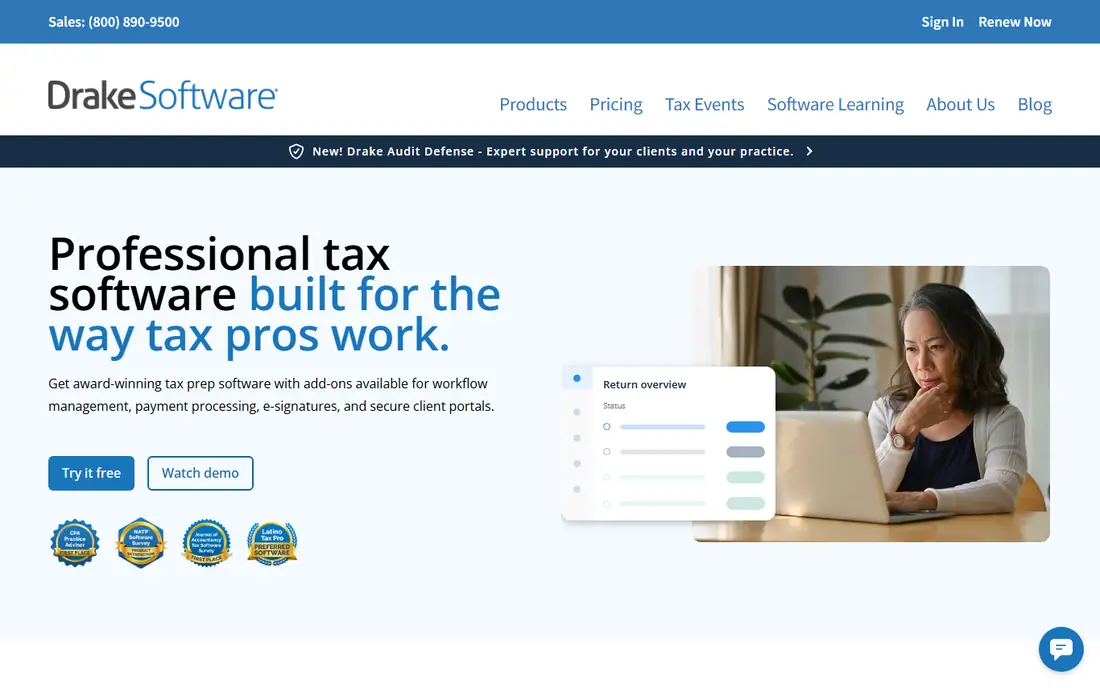
Drake Tax is the value pick for many small and mid-size firms. Its cloud option starts near 299.99 dollars for a first user, and its desktop unlimited packages give a predictable annual cost for firms that file many individual returns. The interface is form-based, which experienced preparers often like, because it keeps the return itself front and center.
The limits show up around integration. Drake scores lower than some rivals on connections to other firm tools, and its forms library, while broad, should be tested against your ten strangest returns before you commit. For firms that want a fair price, solid support, and a fast desktop workflow, Drake is a strong starting point.
- Clear published pricing
- Unlimited options for larger firms
- Strong support reputation
- Integration with other tools is weaker than some rivals
- Forms coverage should be tested for specialist returns
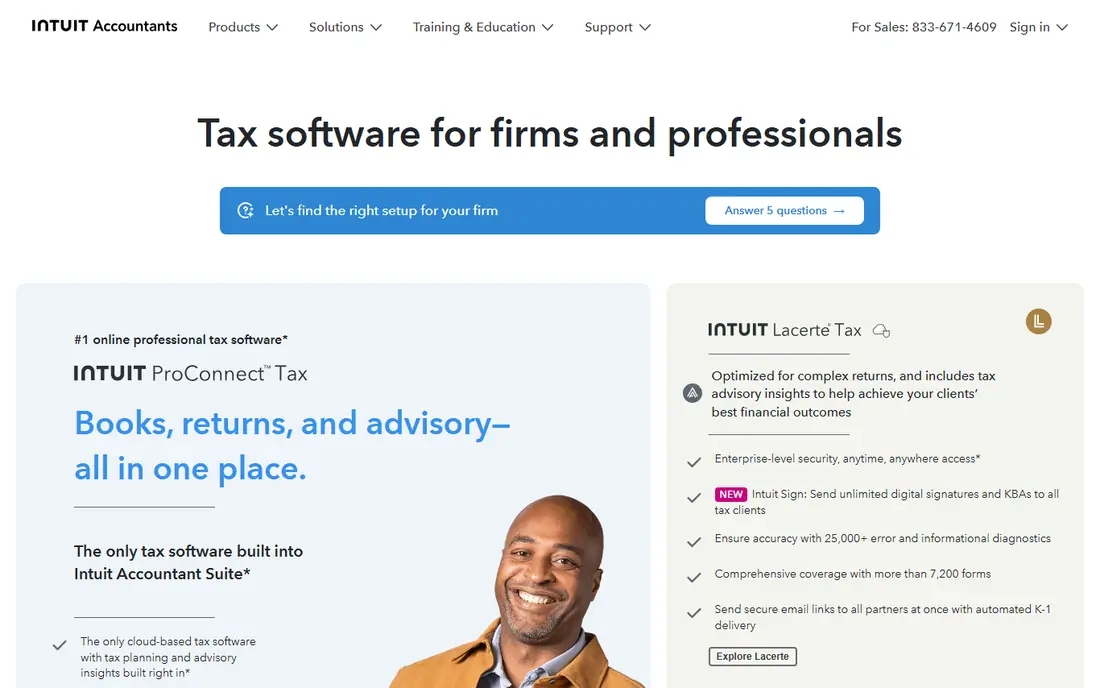
Lacerte is Intuit's deepest professional tax engine, and it shows in complex work. Firms that handle multi-state returns, pass-through entities, and specialist forms will find coverage that smaller tools may lack. Its diagnostics help catch errors before filing, and its input-based workflow suits preparers who think in terms of source documents rather than forms.
The entry license price is not the full cost, because return charges apply on top of the pay-per-return license. That model fits high-value firms, but it can surprise a firm that files many low-fee returns. If your work is complex and your fees support the cost, Lacerte is the tool to beat.
- Deep forms coverage
- Strong diagnostics
- Input-based workflow for complex work
- Higher total cost once return charges are added
- Steeper learning curve for new staff
ProSeries gives firms much of Intuit's professional workflow at a lower entry price than Lacerte. It is well suited to 1040-focused practices, where preparers move quickly through routine returns and value a clear, form-driven interface. Many sole practitioners use ProSeries, and its ease of use is often named as a top strength by users.
Coverage is the check to run. A meaningful share of users report missing forms they needed, so test ProSeries against your specialist work before tax season. If your practice is mainly individual returns, and you want Intuit software without Lacerte's cost, ProSeries is a sensible middle path.
- Easier to learn than Lacerte
- Strong ease of use for routine 1040 work
- Intuit ecosystem fit
- Some specialist forms are missing compared with Lacerte
- Modular pricing can add up
UltraTax CS is the enterprise-grade choice for firms already running Thomson Reuters CS products. Its strength is depth: multi-state allocation, related entities, and a wide forms library that suits firms with varied clients. When the whole firm runs on CS tools, UltraTax fits into document, workflow, and practice systems in a way that a standalone tool cannot match.
Pricing is by quote, based on users, return volume, and states, so budget planning needs a sales conversation. Implementation also takes time, and new staff face a learning curve. For a firm that is already committed to the CS suite, UltraTax is the natural pick. For a small firm starting fresh, it is usually more than you need.
- Deep multi-state and entity coverage
- Strong fit with other CS Professional Suite tools
- Related-entity handling
- Quote-only pricing
- Learning curve and implementation effort are high
CCH Axcess Tax suits growing and multi-office firms that want a cloud tax platform rather than a desktop install. It works best when a firm also uses other CCH Axcess products, because the shared cloud environment supports collaboration across offices and staff. For firms that have outgrown desktop tools, that cloud structure is a real advantage.
The cost is harder to pin down, because Wolters Kluwer sells Axcess Tax in packages after a consultation. Documents, workflow, and firm management are separate products, so the total bill depends on the full stack. Ask for a full quote that includes every module you need, and compare it with a desktop bundle on total cost, not headline price alone.
- Cloud-based workflow
- Fits firms using other Axcess products
- Built-in tools for multi-office work
- Quote-only pricing
- Separate products for documents, workflow, and firm management
TaxAct Professional is a budget option that still offers unlimited filing bundles. Its pay-per-return entry starts at 169.99 dollars a year, and its complete bundles cover unlimited 1040 and business filing at prices below several rivals. For a small practice that wants unlimited returns without paying Drake or Lacerte prices, that structure is attractive.
It is less common in large firms, so peer support and third-party integrations may be thinner. As with any budget tool, test forms coverage for your client mix before you rely on it in season. If the forms fit, TaxAct Professional offers strong value for the price.
- Low pay-per-return entry price
- Unlimited bundles available
- Clear published bundle pricing
- Smaller market share among large firms
- Check forms coverage for specialist work
TaxSlayer Pro fits seasonal and high-volume 1040 offices that want a flat annual price. Its Classic, cloud, and Premium plans all include unlimited 1040 filing, which removes the per-return math that makes budgeting hard in a busy season. The cloud option suits offices with remote preparers or multiple locations.
The entry price is higher than a pay-per-return tool, so low-volume firms may pay for capacity they do not use. Very complex entity work may also fit better in Lacerte or UltraTax. For an office that files many individual returns each season, TaxSlayer Pro gives predictable costs and a straightforward workflow.
- Unlimited 1040 filing on all main plans
- Desktop and cloud options
- Flat annual pricing
- Higher entry price than pay-per-return tools
- Less suited to very complex entity work
ATX suits sole practitioners and small firms that want a Wolters Kluwer tool at a published price. Its pay-per-return option starts at 939 dollars for six returns, and its larger packages cover more work at clear prices. The forms library is a strength, which matters for firms that handle varied individual and business returns.
ATX is desktop focused, and its interface feels dated compared with cloud-first rivals. Firms that need browser access or deep cloud collaboration should look at ProConnect Tax or CCH Axcess Tax instead. For a small firm that wants a proven desktop tool with clear pricing, ATX remains a solid choice.
- Deep forms library on a Wolters Kluwer product
- Published pricing
- Pay-per-return option available
- Desktop-focused workflow
- Interface feels dated next to cloud rivals
How we picked these
We compared official pricing pages, published plan details, and public survey and review summaries for professional tax tools, and we favored tools that are widely used by US firms in 2026 and that publish enough plan detail to compare fairly. We included desktop, cloud, pay-per-return, and unlimited models, so firms of different sizes can see the trade-offs. We did not claim hands-on testing, and where pricing was quote-only, we said so rather than inventing a number. This article is not tax advice, and firms should confirm current forms, e-filing, and pricing with each vendor.
How to choose professional tax software
Start with return volume and client mix, not with brand loyalty. A firm that files 50 individual returns needs a different pricing model than a firm that files 2,000 returns across many states and entity types. List your return count, your states, and your specialist forms, then check each vendor against that list.
Match the pricing model to your volume
Pay-per-return suits low-volume and seasonal firms, because you pay for what you file. Unlimited bundles suit high-volume firms, because the per-return cost falls as volume rises. Quote-only tools suit larger firms that need a custom mix of users, states, and modules. Run last season's return count through each model before you sign.
Test your strangest returns first
Forms coverage is where a cheap tool can become expensive. Before you buy, prepare your ten most unusual returns from last season in a trial, including multi-state, pass-through, and specialist forms. If a tool misses a form you need, the price advantage disappears, because you will pay for a second tool or manual workarounds.
Plan for training and support
A new tax tool costs staff time as well as money. Ask about training, support hours during tax season, and how updates are delivered. A tool with strong support can save a firm days of lost time in March and April, which is often worth more than a lower license fee.
Frequently asked questions
What is the best professional tax software?
Drake Tax is the best value pick for many small and mid-size firms, while Lacerte suits complex work and UltraTax CS suits firms in the CS suite. The best tool depends on your return volume, forms needs, and budget.
What is the best tax software for tax professionals on a budget?
Drake Tax and TaxAct Professional offer the clearest budget paths, with published entry prices and unlimited options. Low-volume firms should also compare pay-per-return plans from ProSeries and ATX.
What are the top 10 tax software options for professionals?
The leading options include Drake Tax, Lacerte, ProSeries, UltraTax CS, CCH Axcess Tax, TaxAct Professional, TaxSlayer Pro, ATX, ProConnect Tax, and GoSystem Tax RS. This guide covers eight of them in depth, and ProConnect Tax and GoSystem Tax RS suit cloud-first and large-firm needs.
Is cloud or desktop tax software better for a firm?
Cloud software suits multi-office and remote teams, while desktop software suits firms that want local control and a proven workflow. Many vendors now offer both, so pick based on how your staff actually works.
How much does professional tax software cost?
Entry prices in this guide range from 169.99 dollars a year for TaxAct Professional pay-per-return to quote-only pricing for UltraTax CS and CCH Axcess Tax. Total cost depends on return volume, states, users, and add-ons.
Can I try professional tax software before tax season?
Most vendors in this guide offer a free trial or demo, including Drake Tax, Lacerte, ProSeries, TaxAct Professional, TaxSlayer Pro, and ATX. Use the trial to test your strangest returns, not just a simple 1040.
Sources
See where you really rank - block by block
ProMapRanker scans Google Maps across a grid of your service area. Simple monthly plans from $19, white-label on every plan.
Start freeKeep reading
 zeffy payment processor stripe alternatives
Zeffy and Stripe Alternatives for Nonprofits in 2026
Explore zeffy payment processor stripe alternatives for nonprofits. We compare 8 fundraising platforms on fees, donor tools, and nonprofit focus. Check fees.
Read → workday alternatives
Workday Alternatives in 2026
Workday alternatives compared: we review 8 HR and payroll platforms that replace Workday, with pricing, strengths and honest limits for each team size.
Read → what's the best weather app
What's the Best Weather App in 2026
Wondering what's the best weather app? We compare 10 free and paid apps for forecasts, radar, alerts, and Colorado mountain weather for everyday and storm use.
Read →