 ProMapRanker
Best Software for Tracking Marketing ROI (2026)

Visual analysis of marketing performance data · Pricing starts at: $15 per user a month
Direct answer
If you need visual analysis of marketing performance data, Tableau is the first tool to look at here. Listed starting prices: Tableau from $15 per user a month and Databox from $79 a month. For a different need, Adobe Analytics covers enterprises with complicated multi-touchpoint digital journeys and Databox covers consolidated cross-channel performance dashboards. The other 2 tools in the list cover narrower or pricier cases.
ProMapRanker compared 5 tools for software for tracking marketing ROI. The goal is a practical shortlist: published prices, free plan facts, best-fit use cases and honest limits for every entry.
Key takeaways
- The list opens with Tableau, aimed at visual analysis of marketing performance data.
- Starting prices begin at $15 per user per month with Tableau.
- For baseline site and campaign measurement, Google Analytics 4 is worth a look.
- Tableau stands alone as the one tool in this list with a free plan.
Quick comparison
| Pick | Great for | Pricing starts at | Free tier | |
|---|---|---|---|---|
| Tableau | Visual analysis of marketing performance data | $15 per user a month | Yes | Visit |
 Adobe Analytics | Enterprises with complicated multi-touchpoint digital journeys | See website | Not stated | Visit |
 Databox | Consolidated cross-channel performance dashboards | $79 a month | Free trial | Visit |
 HubSpot Marketing Hub | Teams running campaigns and reporting in one place | See website | Not stated | Visit |
 Google Analytics 4 | Baseline site and campaign measurement | See website | Not stated | Visit |
Software for Tracking Marketing ROI compared in detail
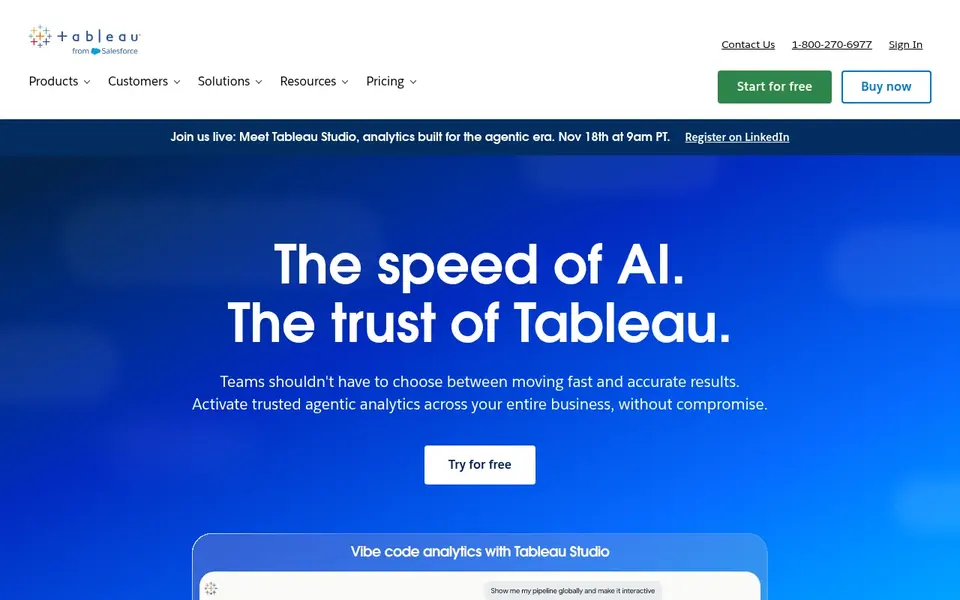
Choose Tableau for visual analysis of marketing performance data. In marketing ROI work it serves as the analysis layer, letting teams blend spend, campaign and revenue data into visuals that reveal which programs return the most.
Downsides: Ramp-up time for advanced analysis.
Also, Tableau visualizes data instead of collecting it, so you still need dependable sources and preparation. Tableau starts at: $15 per user per month. Tableau has a free plan.
- Links to almost any database
- Simple sharing of finished views
- Requires data preparation upstream
Adobe Analytics
Great for: Enterprises with complicated multi-touchpoint digital journeys
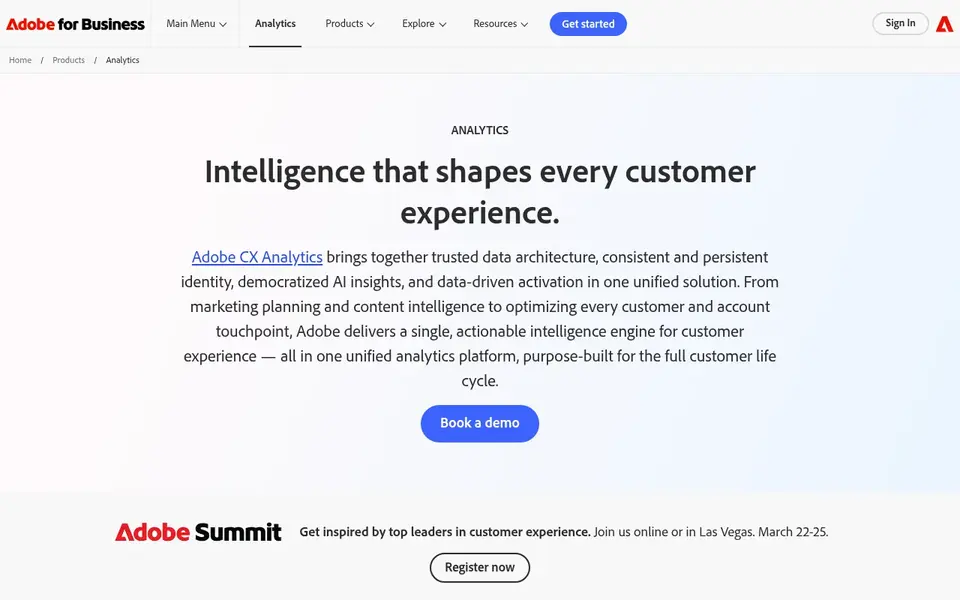
Adobe Analytics is built with enterprises with complicated multi-touchpoint digital journeys in mind. The system assumes a mature analytics operation, so smaller teams may find it heavy relative to their needs.
Points against: Enterprise focus can mean a steeper setup.
Adobe Analytics is an enterprise digital experience analytics product that brings together customer data, measures digital marketing performance and helps optimize journeys with AI-powered insights. Pricing for Adobe Analytics is not stated here, so ask the vendor for current figures. Free plan details: Not stated.
- AI-powered insights for journey optimization
- Built for enterprise digital experience analytics
- Needs analytics expertise to use completely
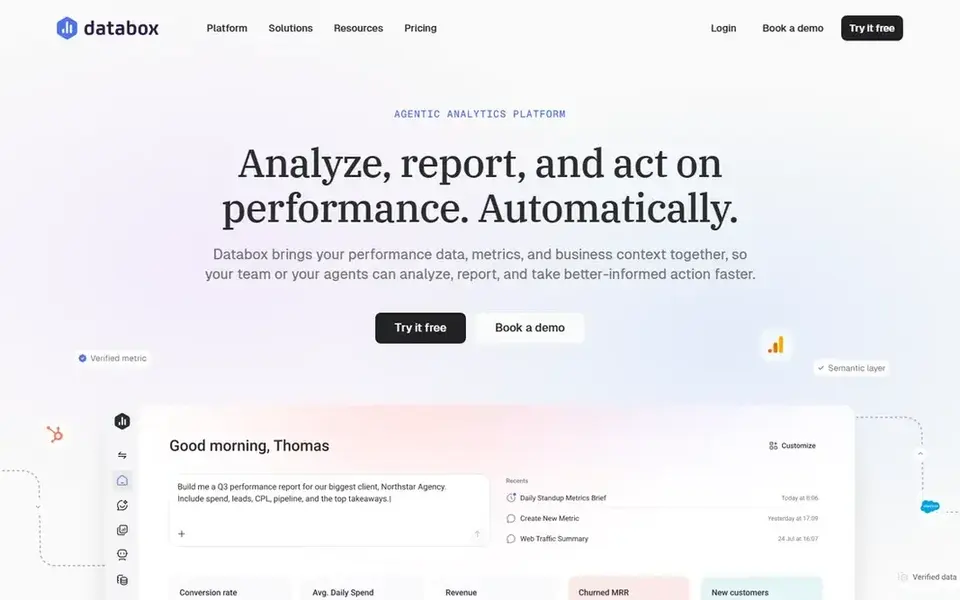
For consolidated cross-channel performance dashboards, Databox is a natural candidate. Its output is only as decent as the sources connected to it, and it is not a replacement for a full analytics warehouse.
Price to start with Databox: $79 per month. Free plan details: Free trial.
Where it falls short: Relies on connected data sources.
- Brings performance data and context together
- Designed for agencies and teams
- Less suited to deep custom modeling
HubSpot Marketing Hub
Great for: Teams running campaigns and reporting in one place
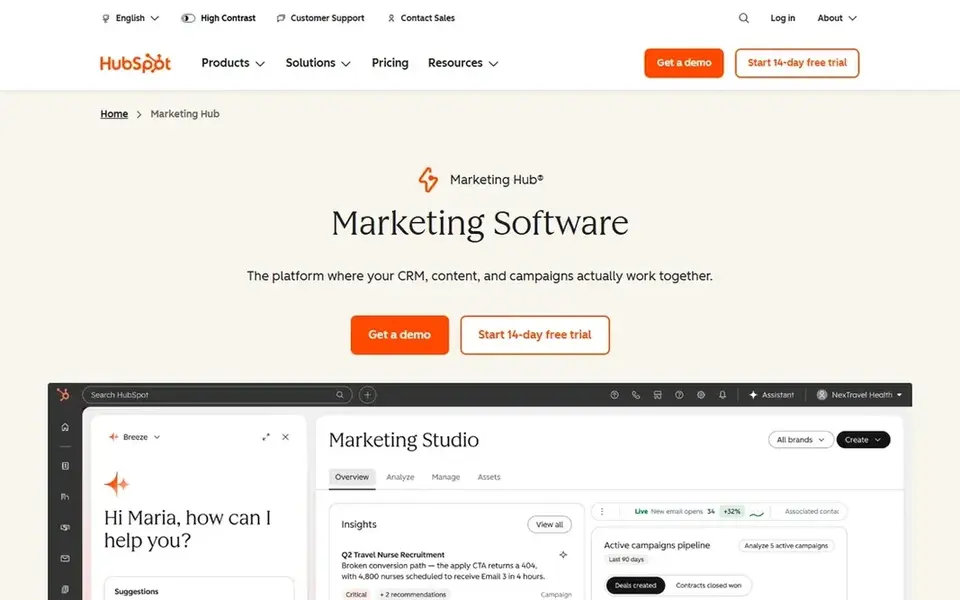
HubSpot Marketing Hub makes the most sense for teams running campaigns and reporting in one place. HubSpot Marketing Hub is a marketing system built to grow and convert demand, with campaign execution and reporting in one environment.
Its reporting is strongest when campaigns run inside the system, so teams with tools spread across plenty of vendors may find coverage incomplete. HubSpot Marketing Hub shows no starting price here, so confirm the cost on the vendor site. Free options: Not stated.
Drawbacks to consider: Full value depends on adopting the wider suite.
- Supports demand generation workflows
- Campaign tools and reporting together
- Complicated setups may need dedicated admin time
Google Analytics 4
Great for: Baseline site and campaign measurement
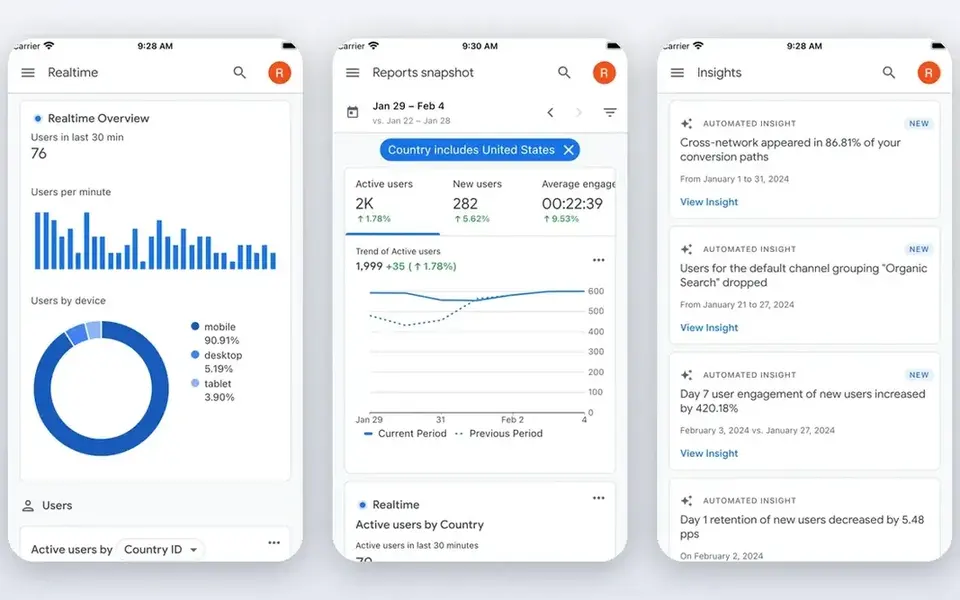
Choose Google Analytics 4 for baseline site and campaign measurement. Google Analytics 4 provides teams tools to understand customers and act on insights, like improving the website or building tailored audience lists.
It measures digital behavior well but does not capture offline spend or full revenue context on its own. No starting price is listed for Google Analytics 4 here; confirm pricing on the vendor site. Free options: Not stated.
Points against: Needs careful configuration to be steady.
- Audience and behavior insights
- Widely used web analytics foundation
- Attribution across channels has limits
How we built this list
ProMapRanker looked at what each vendor publishes: pricing, plan limits, feature coverage for software for tracking marketing ROI and stated drawbacks. No hands-on testing is claimed. Seat minimums, billing terms and add-ons can move the real cost, so the starting prices here are a guide and not a quote. The order reflects how well each tool fits the most common buying scenario for software for tracking marketing ROI, then price clarity, then free plan access. It is a starting point, not a verdict.
What to confirm before you sign up
- Ask Adobe Analytics, HubSpot Marketing Hub and Google Analytics 4 for a written quote, since no starting price is shown.
- Look at the free plan from Tableau closely: its caps decide whether it is usable for real work.
- Take the trial from Databox and push a live task through it before you pay.
- Before choosing Tableau, weigh its main limit: needs data preparation upstream.
- Look at the help docs and support options for Google Analytics 4 before you commit.
- Confirm that HubSpot Marketing Hub connects to the apps your team already uses, on the plan you would actually buy.
Frequently asked questions
What should marketing ROI tracking software link to?
At minimum it should link to your ad systems, web analytics, CRM and spend records so costs and outcomes can be matched. For everyday use, confirm native connectors for the sources you depend on, plus export choices for anything not covered.
How are the tools for software for tracking marketing ROI ordered?
The order follows typical fit for software for tracking marketing ROI, with Tableau first and Google Analytics 4 last, then price clarity and free access. It is editorial judgement, not a score, so another team could rank the tools differently.
Is Tableau the right pick for everyone comparing software for tracking marketing ROI?
No single tool suits every team. Tableau comes first because it fits visual analysis of marketing performance data, while Adobe Analytics suits enterprises with complex multi-touchpoint digital journeys and Databox suits consolidated cross-channel performance dashboards. Match the tool to your own size, budget and workflow before deciding.
What is the cheapest option for software for tracking marketing ROI in this list?
On published monthly entry prices, Tableau is the lowest here at $15 per user per month. Entry price is only part of the cost, because seats, add-ons and billing terms can change the total. Each of the 5 options in this software for tracking marketing ROI guide has its own card above with the price, free plan and limits.
Which options for software for tracking marketing ROI have a free plan?
Tableau is the only tool in this list with a free plan. Free plans usually cap users, projects or features, so check the limits on the vendor page. One other tool offers a trial instead.
Sources
See where you really rank - block by block
ProMapRanker scans Google Maps across a grid of your service area. Simple monthly plans from $19, white-label on every plan.
Start freeBrowse all guides
← Best Push Notification Software for Media Publishers in 2026Best User-Generated Content Ugc Platforms (2026) →
 best marketing automation tools for lifecycle campaigns
5 Best Marketing Automation Tools for Lifecycle Campaigns for 2026
5 best marketing automation tools for lifecycle campaigns, with entry costs, free tiers and the buyer each one serves. Short verdicts, no fluff. Start here.
Read → best etl software for marketing data teams
Best ETL Software for Marketing Data Teams (2026)
Best ETL software for marketing data teams: 6 tools compared on price, free plans and fit. Every pick includes one clear drawback. Built for quick decisions.
Read → best content marketing software for saas companies
Best Content Marketing Software for SaaS Companies in 2026
Compare 6 best content marketing software for SaaS companies, with prices, free plans and who each fits. Every tool lists pros and cons. Updated November 2026.
Read → best referral management software
Top 7 Referral Management Software Options for 2026, Compared
Comparing the best Referral management software? 7 contenders, each with entry cost, free tier and best-fit buyer. Real limits included. Full profiles inside.
Read → best marketing company private equity
Best Marketing Company Private Equity in 2026
Compare the best marketing company private equity options for portfolio growth, with SEO, paid media, multi-location marketing, and revenue reporting.
Read → best brand asset management software
Best Brand Asset Management Software in 2026
6 options for the best brand asset management software, with entry costs, free tiers and the buyer each one serves. Strengths and gaps are listed per tool.
Read →More in Marketing Software · All guides A to Z by date · Latest guides