 ProMapRanker
Best Receipt Scanner App in 2026


Expense reports and card matching · Pricing starts at: $5 per user per month
Key takeaways
- Expensify suits teams that need receipt scanning plus expense reports and card matching in one app.
- Dext suits accountants and bookkeepers who need high-accuracy capture across many clients.
- Shoeboxed is unique for mail-in scanning, which helps people with large paper backlogs.
- Zoho Expense and Wave offer genuinely useful free tiers for small teams and freelancers.
- QuickBooks Online, Ramp, Neat and Hubdoc suit users who want capture inside accounting or card workflows they already use.
Quick comparison
| Pick | Great for | Pricing starts at | Free tier | |
|---|---|---|---|---|
| Expensify | Expense reports and card matching | $5 per user per month | Yes | Visit |
 Dext Dext | Accountant-grade capture | See website | Free trial | Visit |
 Shoeboxed Shoeboxed | Mail-in paper receipt scanning | $8 per month | Free trial | Visit |
 Zoho Expense Zoho Expense | Free team expense tracking | Free | Yes | Visit |
 QuickBooks Online QuickBooks Online | Receipt capture inside accounting | $38 per month | Free trial | Visit |
 Ramp Ramp | Corporate card expense management | Free | Yes | Visit |
 Wave Wave | Free bookkeeping with capture | Free | Yes | Visit |
 Neat Neat | Tax-focused document capture | $17 per month | Free trial | Visit |
 Hubdoc Hubdoc | Auto-fetching bills and receipts | $12 per month | Free trial | Visit |
The best receipt scanner apps
We compared official pricing pages, feature documentation and public reviews for apps that scan receipts in October 2026. Some tools focus on scanning alone, while others bundle scanning into expense or accounting software. Pick by where the data must end up, since a clean export to your accounting system matters more than scan speed alone. This is general information, not tax advice, and tax rules vary by location.
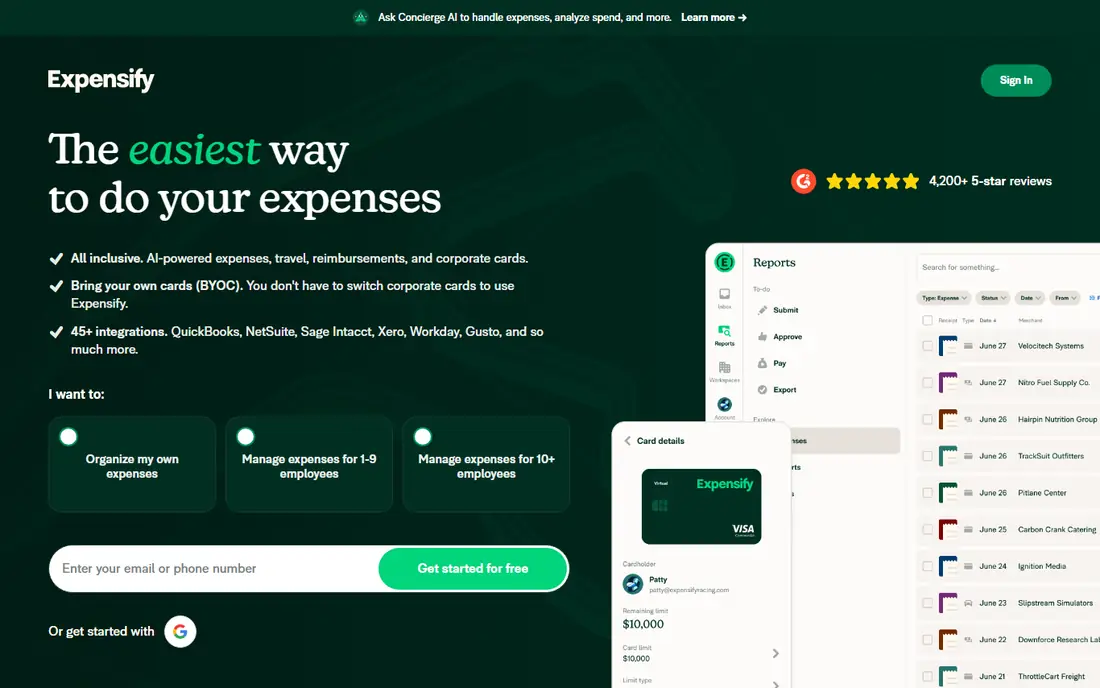
Expensify is the most complete receipt-to-report app for teams. You photograph a receipt, SmartScan extracts the key details, and the expense can match a card transaction and flow into an approval report. That chain saves time for travellers and managers who otherwise chase paper at month end.
Solo users may find the team features unnecessary, and the free individual tier has limits. For a business with several travellers or reimbursements, the workflow pays off quickly. Check the current Collect and Control plan details, since per-user pricing changes with features.
- SmartScan OCR reads vendor, date and amount
- Card matching reduces manual entry
- Approval workflows for teams
- Higher tiers cost more per user
- Full feature set can feel heavy for solo users
- Pricing varies by plan
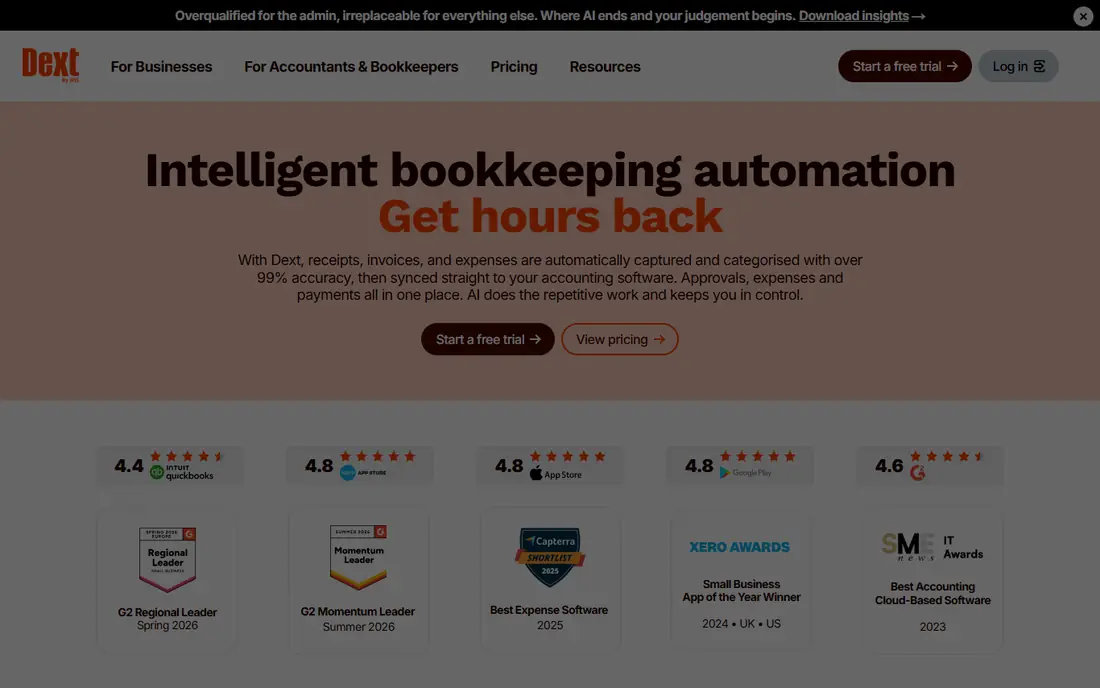
Dext, formerly Receipt Bank, is built for accountants and bookkeepers first. Capture is accurate, supplier rules learn from past documents, and data publishes to accounting software with little manual cleanup. Firms that handle many clients benefit most, since the same workflow scales across client files.
Small businesses with a handful of receipts may find Dext more than they need, and pricing depends on volume and plan. If your bookkeeper already uses Dext, joining their workflow is often simpler than picking a different scanner. Confirm the current plan price before signing, since published summaries vary.
- Strong data extraction for receipts and invoices
- Supplier rules and auto-categorisation
- QuickBooks and Xero sync
- Pricing is quoted and varies by volume
- Best value for firms with many clients
- Setup needs accounting mapping
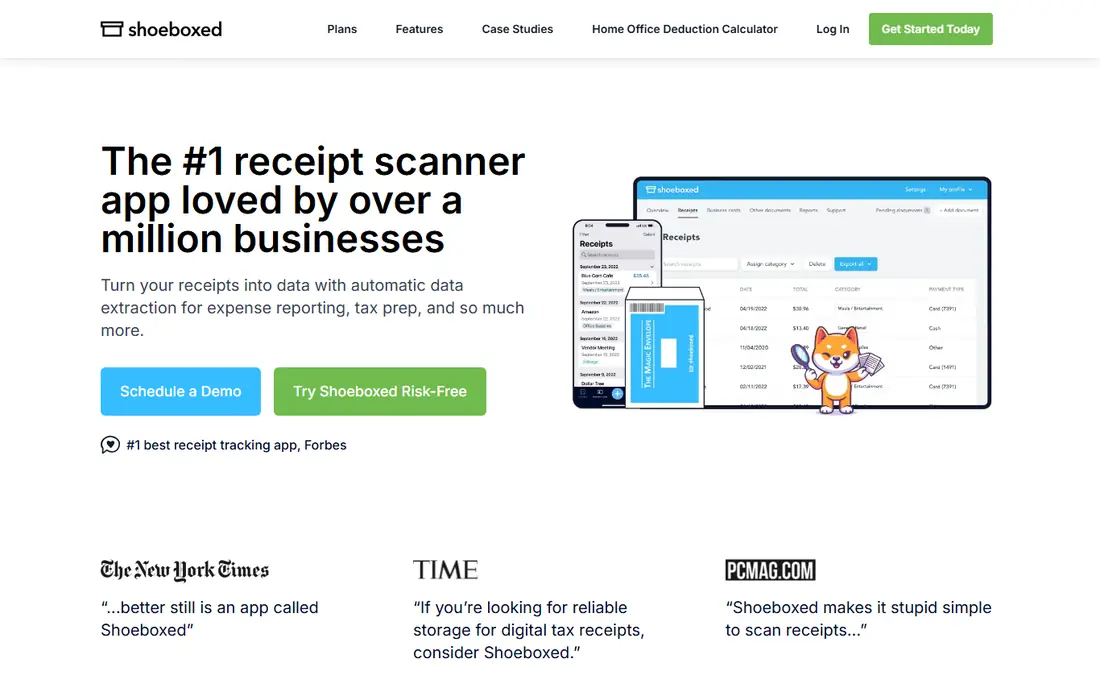
Shoeboxed solves the backlog problem. Instead of scanning hundreds of paper receipts one by one, you stuff them in a prepaid envelope, mail them in, and receive digitised, categorised records. The mobile app also handles new receipts as they arrive, so the backlog does not return.
Mail-in scanning is slower than phone scanning, so urgent receipts still need the app. Accounting integrations are also less deep than specialist expense tools. For a business owner with boxes of paper, Shoeboxed is still the best receipt scanner app for clearing that backlog with least effort.
- Magic Envelope mail-in service
- Mobile app scanning as well
- IRS-accepted digital copies for records
- Mail-in turnaround takes days
- Higher tiers cost more
- Accounting sync is more limited than Dext or Expensify
Zoho Expense offers one of the strongest free tiers in this category. Small teams can scan receipts, create expense reports and track mileage without paying, up to the free user limit. Autoscan reads receipt details, and the app connects to Zoho Books for accounting.
Teams outside Zoho still get value, but the deepest integrations sit inside Zoho products. Larger teams will need a paid plan for more users and advanced controls. For a small business testing expense software at no cost, Zoho Expense is a smart first trial.
- Free tier for up to 3 users
- Autoscan in many languages
- Integrates with Zoho Books and other accounting tools
- Paid features need higher tiers
- Best value inside the Zoho ecosystem
- Advanced approval rules vary by plan
QuickBooks Online suits businesses that already keep books in QuickBooks. Receipt capture is included, so a photo becomes a transaction, a category and a report without exporting between apps. That single-system flow reduces errors and saves reconciliation time at tax season.
Buying QuickBooks only for scanning is poor value, since the price covers full accounting. New users also face a learning curve across invoicing, payroll and reporting features. If QuickBooks is already your accounting home, use its capture tool before adding another app.
- Capture flows straight into your books
- Receipt matching to transactions
- Strong reporting and tax categories
- Full accounting price, not a scanner-only price
- Learning curve for new users
- Higher tiers add cost
Ramp combines corporate cards with expense management, and receipt scanning is part of that system. When an employee spends on a Ramp card, the app prompts for a receipt and matches it to the transaction in real time. That design cuts the chasing and manual matching that slows finance teams.
Ramp is less suited to solo users who just want to scan personal receipts, since the value comes from cards and controls together. Companies that already issue cards or plan to do so will get the most benefit. Check current card and platform terms, since Ramp pricing tiers change over time.
- Receipts auto-match to corporate card transactions
- No per-user fee on core tier
- Expense controls and approvals built in
- Best value needs Ramp cards
- Mid-market focus, not solo scanning
- Some features need higher tiers
Wave is a strong free starting point for freelancers and very small businesses. Receipt capture feeds Wave Accounting, so income, expenses and invoices stay together without a subscription. The interface is simple, which helps owners who do their own books.
Advanced approval workflows and multi-client accounting features are weaker than Expensify or Dext. Wave also works best when you adopt Wave for bookkeeping, not as a standalone scanner. For a solo operator on a tight budget, Wave covers the basics well at no cost.
- Free receipt capture and bookkeeping
- Simple interface for freelancers
- Invoicing and accounting in one place
- Receipt features sit inside Wave accounting
- Limited advanced expense workflows
- Support options vary
Neat focuses on turning receipts and documents into tax-ready records. Scanning, categorisation and reporting are organised around tax preparation, which helps small businesses and sole traders at filing time. Integrations with tax software reduce retyping at year end.
The ecosystem is smaller than major accounting platforms, so check your accountant software compatibility first. The price is also higher than free options such as Wave and Zoho Expense. For owners whose main goal is clean tax records, Neat offers a focused workflow.
- Document capture organised for tax preparation
- Receipt and invoice scanning
- Tax software integrations
- Smaller ecosystem than QuickBooks or Xero
- Pricing higher than free rivals
- Best for tax-focused users
Hubdoc goes beyond phone scanning by fetching documents automatically. It can pull bank statements, bills and receipts from connected online portals, then sync them to Xero or QuickBooks. That automation suits businesses with many recurring suppliers and monthly statements.
Standalone pricing applies if you do not subscribe to Xero, while Xero subscribers often receive Hubdoc at no extra cost. Some portal connections need periodic reconnection, which adds light maintenance. For document collection across many sources, Hubdoc saves more time than a scan-only app.
- Auto-fetches statements and bills from online portals
- Mobile and email capture
- Syncs to Xero and QuickBooks
- Free for Xero subscribers, paid standalone
- Interface is functional rather than polished
- Some portals need reconnection
How we picked these
We compared official pricing pages, feature documentation and public reviews for apps that scan receipts in October 2026. We favoured apps with real OCR capture, accounting or expense integration, and a current free tier or trial. We excluded discontinued apps and tools that only scan without extracting data. Prices reflect vendor pricing summaries at the time of writing, and we wrote See website where pricing is quoted by volume. We did not claim hands-on testing. This article is general information, not tax or accounting advice.
What to check before you choose
Start with your accounting system. If you use QuickBooks, Xero or Zoho Books, pick a scanner that syncs cleanly to that system. A scanner that exports only spreadsheets will create manual work every month. Test OCR accuracy with your real receipts, including faded, crumpled and long receipts, since accuracy varies by print quality.
Check retention and export rules too. Confirm you can download original images and data if you leave, and keep backups for tax records. Count monthly receipt volume against plan limits, since per-user and per-document pricing can rise fast. The best receipt scanning apps for money back at tax time are the ones whose records your accountant can actually use.
Frequently asked questions
What is the best receipt scanner app for money back at tax time?
Dext, Neat and QuickBooks Online suit tax-focused users because they categorise receipts and sync to accounting or tax workflows. Shoeboxed also helps by creating organised digital copies of paper receipts. Keep original images, check categories before filing, and confirm local retention rules with a tax professional.
What is the best free receipt scanner app?
Zoho Expense offers a free tier for up to 3 users, Wave offers free capture inside free bookkeeping, and Expensify offers a free individual tier. Ramp offers free core expense management with cards. Free tiers cover basic scanning well, but volume limits and advanced approvals usually need paid plans.
What are the best apps to scan receipts for money and expenses?
Expensify and Ramp suit team expenses and card matching, Zoho Expense suits small team expenses, and QuickBooks Online suits expenses inside accounting. Choose by whether you need approvals, card matching or accounting sync most. Test with a month of real receipts before committing.
What is the best receipt scanner software for accountants?
Dext leads for accountants because of supplier rules, multi-client workflows and accounting sync. Hubdoc also suits accountants who need auto-fetching from supplier portals. Ask your accountant which tool they already use, since joining their workflow often saves more time than picking a different app.
Are scanned receipts accepted for taxes?
In many cases, clear digital copies are accepted, and organised digital records help during filing and audits. Rules vary by country and tax authority, and retention periods differ. Keep legible images with vendor, date and amount visible, and confirm requirements with a tax professional for your location.
How do receipt scanner apps work?
You photograph or upload a receipt, OCR reads the vendor, date, amount and tax details, and the app categorises the expense. Many apps then match the expense to a card transaction or publish it to accounting software. Manual correction is still needed for faded or unusual receipts, so review entries before filing.
Sources
See where you really rank - block by block
ProMapRanker scans Google Maps across a grid of your service area. Simple monthly plans from $19, white-label on every plan.
Start freeKeep reading
 zeffy payment processor stripe alternatives
Zeffy and Stripe Alternatives for Nonprofits in 2026
Explore zeffy payment processor stripe alternatives for nonprofits. We compare 8 fundraising platforms on fees, donor tools, and nonprofit focus. Check fees.
Read → workday alternatives
Workday Alternatives in 2026
Workday alternatives compared: we review 8 HR and payroll platforms that replace Workday, with pricing, strengths and honest limits for each team size.
Read → what's the best weather app
What's the Best Weather App in 2026
Wondering what's the best weather app? We compare 10 free and paid apps for forecasts, radar, alerts, and Colorado mountain weather for everyday and storm use.
Read →