 ProMapRanker
Best Receipt App in 2026: 8 Apps Compared

Key takeaways
- The best receipt app depends on the job: bookkeeping, expense reports, or rewards for everyday shopping are three different tasks.
- Expensify is our pick for most teams because it turns scans into expense reports and syncs with common accounting tools.
- Fetch Rewards and Ibotta are free rewards apps, not bookkeeping tools, so keep them separate from your business records.
- Shoeboxed stands out for paper backlogs because you can mail receipts in instead of scanning each one by hand.
- Free plans are real in this category, but check scan limits and accounting connections before you commit.
Quick comparison
| Pick | Great for | Pricing starts at | Free tier | |
|---|---|---|---|---|
 Expensify Expensify | Team expense reports | Free | Yes | Visit |
 Dext Dext | Accountant-ready capture | See website | Free trial | Visit |
 Shoeboxed Shoeboxed | Mail-in paper receipts | See website | Free trial | Visit |
 Zoho Expense Zoho Expense | Small teams on a budget | Free | Yes | Visit |
 Fetch Rewards Fetch Rewards | Rewards for grocery receipts | Free | Yes | Visit |
 Ibotta Ibotta | Cash back on everyday shopping | Free | Yes | Visit |
 QuickBooks Online QuickBooks Online | Receipts inside your books | $38 per month | Free trial | Visit |
 Wave Wave | Free bookkeeping with capture | Free | Yes | Visit |
The best receipt apps
Receipt apps split into two camps, and this guide covers both: tools that feed your books and tools that pay you back for shopping. We compared official feature pages, pricing pages, app store listings, and public reviews to pick eight that work well in October 2026.
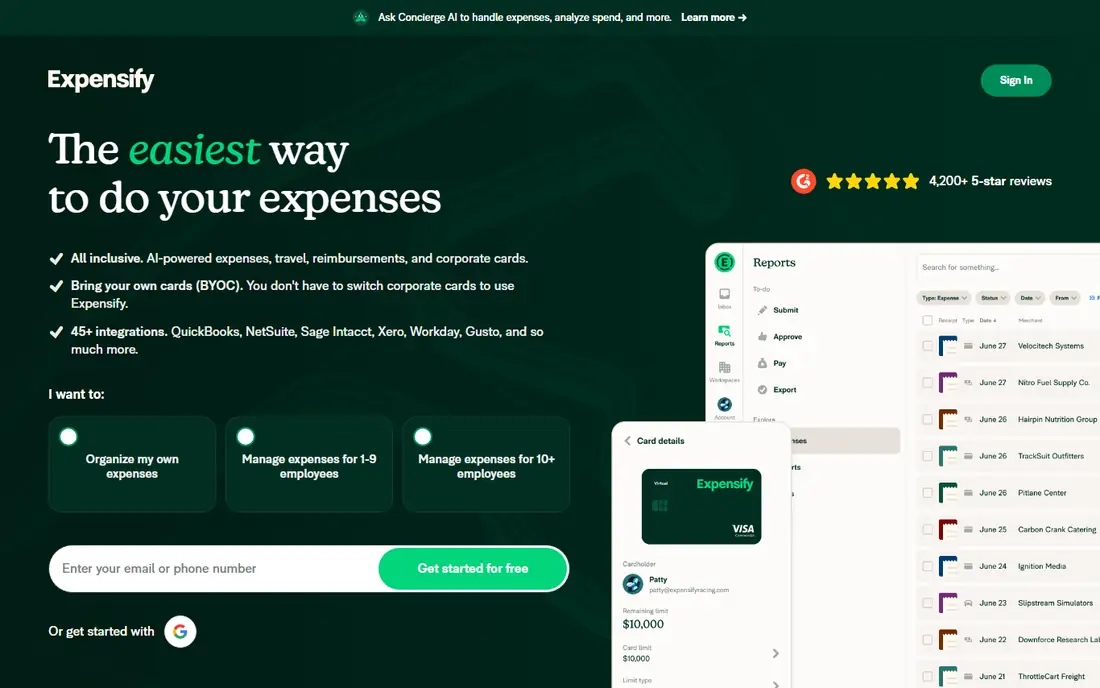
Expensify remains the most complete choice for a team that reimburses staff. You scan a receipt, the app reads the merchant, amount, and date, and it builds an expense report that can move through approvals without a spreadsheet in the middle. The company offers a free individual plan, with company plans starting at $5 per member per month, which keeps the entry cost low for a small team.
- Fast SmartScan capture
- Strong approval and reimbursement flow
- Syncs with QuickBooks, Xero, and NetSuite
- Per-member pricing adds up as teams grow
- Some advanced controls sit on higher plans
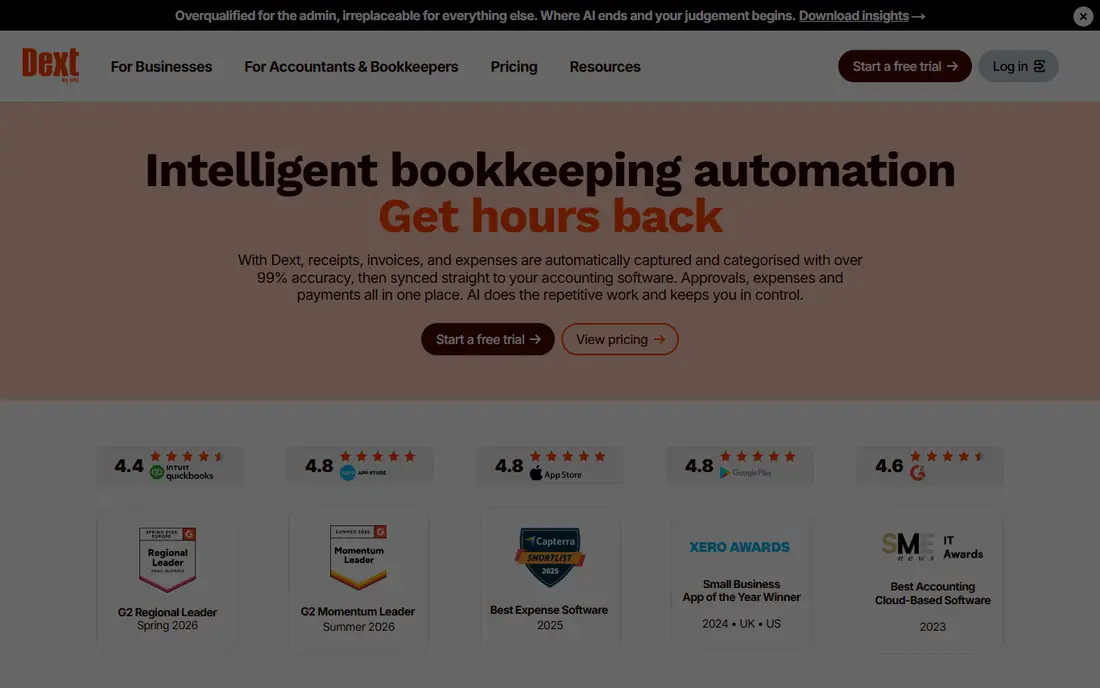
Dext, formerly Receipt Bank, is built for people who hand clean data to a bookkeeper or accountant. It captures receipts, invoices, and bank statements, extracts the line details, and publishes them to your accounting file with categories and supplier rules applied. That focus makes it less of a consumer app and more of a bookkeeping tool. The strength here is accuracy and volume. If you process dozens of receipts a month, automatic extraction and duplicate checks save real time, and your accountant gets consistent data instead of a folder of photos. Dext also handles bills and statements, so it can replace several manual steps at once.
- High-accuracy capture for receipts, bills, and statements
- Deep QuickBooks, Xero, and Sage connections
- Supplier rules save repeat work
- Pricing is built for businesses and accountants, not casual users
- Setup takes more care than a simple scanner
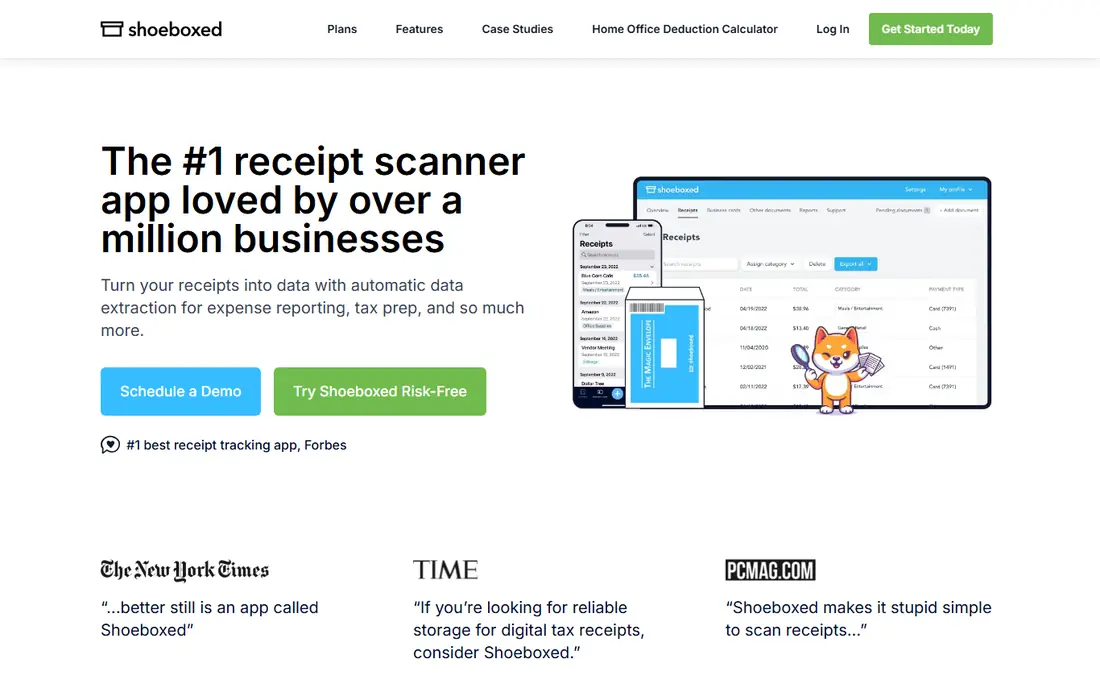
Shoeboxed solves a problem other apps ignore: a drawer full of paper receipts. You can scan with the mobile app, or you can stuff receipts into a prepaid envelope, mail them in, and let Shoeboxed scan, digitize, and categorize them for you. The result is a searchable record you can export for taxes or bookkeeping. That mail-in option makes Shoeboxed a strong pick for business owners, freelancers, and anyone clearing years of paper at once. It also tracks mileage and builds expense reports, so it covers more than storage. The digital copies are designed to serve as tax records, which adds value at filing time. The catch is speed and cost. Mailed receipts take days to appear, so this is not the tool for a receipt you need in your books today. It also costs more than a free scanner. If your receipts are already digital, pick a cheaper app. If paper is the bottleneck, Shoeboxed is the easiest way through it.
- Magic Envelope mail-in service for paper backlogs
- Searchable, categorized records
- Mileage and expense reports included
- Mail-in turnaround is slower than instant scanning
- Ongoing plans cost more than a free scanner
Zoho Expense gives small teams a genuine free starting point. The free plan covers up to three users, with receipt scanning, expense reports, and approvals included, and paid plans start at a low per-user rate. That makes it easy to test with a real team before paying anything. The app is straightforward in daily use. Staff scan receipts, submit reports, and managers approve them from a phone or a browser, and the data can flow into Zoho Books if you use that system. For a small business that already runs on Zoho, the fit is natural and the price is hard to beat.
- Free plan for up to three users
- Clean approval flow
- Strong value inside the Zoho suite
- Best value if you already use Zoho tools
- Some integrations are thinner than Expensify
Fetch Rewards is the simplest way to get something back from receipts you would keep anyway. Snap a photo of a grocery, gas, restaurant, or retail receipt, earn points, and redeem them for gift cards from major brands. There is no subscription, no coupon clipping before you shop, and no need to pick a store in advance. Earning is slow on plain receipts alone, with bonus offers on featured brands doing most of the heavy lifting. That is the honest math: Fetch is a nice perk, not a second income, and it takes many receipts to reach a gift card if you skip the bonus offers. The 14-day window for uploading receipts also means you need to scan fairly promptly. Keep Fetch in its lane. It does not organize receipts for taxes or bookkeeping, and it should not replace a business expense tool. For household shopping, though, it is free, easy, and genuinely useful over a year of regular scans.
- Free to use
- Accepts receipts from almost any store
- Points redeem for gift cards
- Points per plain receipt are small
- Points expire after 90 days of inactivity
- No cash back to a bank account
Ibotta works differently from Fetch, and that difference matters. Instead of points for any receipt, Ibotta centers on offers you activate before you shop, then verifies the purchase from your receipt or a linked account. The reward is cash back rather than points, which many shoppers prefer. The best results come from planning. Check the app for offers on items already on your list, buy them, and upload the receipt to claim the cash back. Shoppers who browse offers first earn far more than shoppers who scan at random, so a few minutes of planning pays off. Like Fetch, Ibotta is not for business records. It does not categorize spending for taxes, and it will not sync with your accounting file. For a household that wants cash back on groceries and everyday purchases, it is one of the strongest free options, and it pairs well with Fetch since the two reward different kinds of shopping.
- Cash back offers on groceries and retail
- In-app offers before you shop
- Withdrawals to common payout options
- You must activate offers before shopping for the best returns
- Receipt verification can take time
- Not a bookkeeping tool
QuickBooks Online is the right pick if your receipts already belong in QuickBooks. Snap a receipt in the mobile app, and the system reads the details, suggests a category, and matches it to a bank transaction. That tight link is the point: the receipt stops being a photo and becomes part of your books. For a small business already running QuickBooks, adding a separate scanner creates extra work and extra cost. Capture inside QuickBooks keeps everything in one place, with reports, tax categories, and accountant access included. It is also a solid choice for a business that plans to grow into full bookkeeping. The price is the obvious drawback. Starting at $38 per month, QuickBooks Online costs far more than a standalone scanner, so it only makes sense if you use the accounting features too. If you only need to store receipts, choose a cheaper tool and export when needed.
- Receipt capture built into full accounting
- Automatic matching to transactions
- Strong reporting for taxes
- Full accounting price is overkill if you only need scanning
- Learning curve for new bookkeepers
Wave appeals to freelancers and very small businesses that want free books without a monthly fee. The core accounting, invoicing, and receipt tools cover the basics, and the interface stays simple enough for someone without an accounting background. That simplicity is a real advantage for a solo operator. Receipt scanning sits on the Pro plan rather than the free plan, so check the current Pro price before you commit. Even with that cost, Wave usually undercuts full accounting suites, and the free core plan means you can run invoices and track income at no charge while you decide.
- Free accounting for small businesses
- Receipt scanning on paid plans
- Simple invoicing included
- Receipt scanning requires the Pro plan
- Fewer advanced features than QuickBooks
- Support is more limited
How we picked these
We compared official feature pages, pricing pages, app store listings, privacy policies, and public reviews for each app, and we favored tools that still work well in October 2026 with clear pricing and a real free or trial path where claimed. We did not claim hands-on testing. Instead, we checked what each app actually does with a scanned receipt, whether the data reaches an accounting file or a rewards balance, and what the ongoing cost looks like. Products that had closed, changed beyond recognition, or lacked a working official site were left out.
What to check before you choose
Bookkeeping or rewards first
Decide the job before you download anything. If the receipt is for taxes or a business expense, pick a capture tool that exports to your accounting software. If the receipt is for household shopping, pick a rewards app and accept that it will not help at tax time. Mixing the two jobs in one app usually means doing both badly.
Scan limits and export options
Free plans often cap scans, users, or storage, and those limits only show up after a busy month. Check how many receipts you can scan, whether you can export a full record, and whether the app keeps original images for audit purposes. A tool that locks your receipts inside its own system is a poor long-term home for tax records.
Privacy and data use
Receipts reveal where you shop, what you buy, and how much you spend. Read the privacy policy for any app that scans personal receipts, and note whether rewards apps share purchase data with brands. For business receipts, prefer tools with clear data controls and accountant access you can revoke.
Frequently asked questions
What is the best receipt app for small business?
Expensify is our pick for teams that need expense reports and reimbursements, while Dext suits businesses that hand capture to an accountant. If you already use QuickBooks, capture inside QuickBooks Online avoids a second system. Choose by how the receipt reaches your books, not by scanning speed alone.
What is the best app for scanning receipts for rewards?
Fetch Rewards is the easiest free option because it accepts receipts from almost any store and pays out in gift cards. Ibotta can pay more when you activate offers before shopping, since it pays cash back on specific items. Many shoppers use both, since Fetch rewards any receipt and Ibotta rewards planned purchases.
What is the best receipt scanning software for accountants?
Dext is built for accountant workflows, with supplier rules, bill capture, and direct publishing to QuickBooks, Xero, and Sage. It handles volume and repeat vendors better than a consumer scanner. Ask your accountant which tool they already use, since their workflow matters as much as the app itself.
Are receipt apps free?
Several are free at the entry level, including Fetch Rewards, Ibotta, Zoho Expense for up to three users, and Wave for core accounting. Paid plans usually add unlimited scans, team approvals, or full accounting features. Check scan limits and whether receipt capture itself is on the free tier or a paid add-on.
Can I use a rewards app for business taxes?
No, rewards apps are not a good tax record. They track points, not categories, vendors, and audit-ready images in a form your accountant can use. Keep business receipts in a bookkeeping or expense tool, and use rewards apps only for personal shopping where the reward is the point.
Do receipt apps work with QuickBooks and Xero?
Yes, most business receipt apps sync with QuickBooks Online and Xero, including Expensify, Dext, and Zoho Expense. Check the exact sync direction before you buy, since some tools export expenses while others offer a two-way connection. A trial with a handful of real receipts will reveal any gaps quickly.
Sources
See where you really rank - block by block
ProMapRanker scans Google Maps across a grid of your service area. Simple monthly plans from $19, white-label on every plan.
Start freeKeep reading
 zeffy payment processor stripe alternatives
Zeffy and Stripe Alternatives for Nonprofits in 2026
Explore zeffy payment processor stripe alternatives for nonprofits. We compare 8 fundraising platforms on fees, donor tools, and nonprofit focus. Check fees.
Read → workday alternatives
Workday Alternatives in 2026
Workday alternatives compared: we review 8 HR and payroll platforms that replace Workday, with pricing, strengths and honest limits for each team size.
Read → what's the best weather app
What's the Best Weather App in 2026
Wondering what's the best weather app? We compare 10 free and paid apps for forecasts, radar, alerts, and Colorado mountain weather for everyday and storm use.
Read →