 ProMapRanker
Best Producing Software in 2026


Electronic music and live performance · Pricing starts at: $99 one-time
Key takeaways
- FL Studio and Ableton Live are the most common starting points for beat makers and electronic producers, with different workflows for patterns and live clips.
- Logic Pro gives Mac users the best value in a paid DAW, with a large sound library for one purchase.
- REAPER and BandLab are the budget picks, with REAPER offering a full DAW for $60 and BandLab offering a free browser and mobile studio.
- Try the free trial or free edition first, since workflow matters more than a long instrument list.
Quick comparison
| Pick | Great for | Pricing starts at | Free tier | |
|---|---|---|---|---|
| Ableton Live | Electronic music and live performance | $99 one-time | Free trial | Visit |
 FL Studio | Beat making and pattern workflow | $99 one-time | Free trial | Visit |
 Logic Pro | All-round production on Mac | $199.99 one-time | Free trial | Visit |
 Pro Tools | Studio recording and mixing | $9.99 per month | Yes | Visit |
 Cubase | MIDI composition and scoring | See website | Free trial | Visit |
 Studio One | Fast drag-and-drop production | See website | Free trial | Visit |
 REAPER | Full DAW at a low price | $60 one-time | Free trial | Visit |
 Bitwig Studio | Sound design and modular work | $199 one-time | Free trial | Visit |
 GarageBand | Free production on Mac and iOS | Free | Yes | Visit |
 BandLab | Free beat making on web and mobile | Free | Yes | Visit |
The best producing software
We compared DAWs and beat-making studios on workflow, instruments, recording, mixing, and price. Our pick for most beginners is FL Studio for beats and Ableton Live for electronic music, with Logic Pro for Mac users who want one purchase.
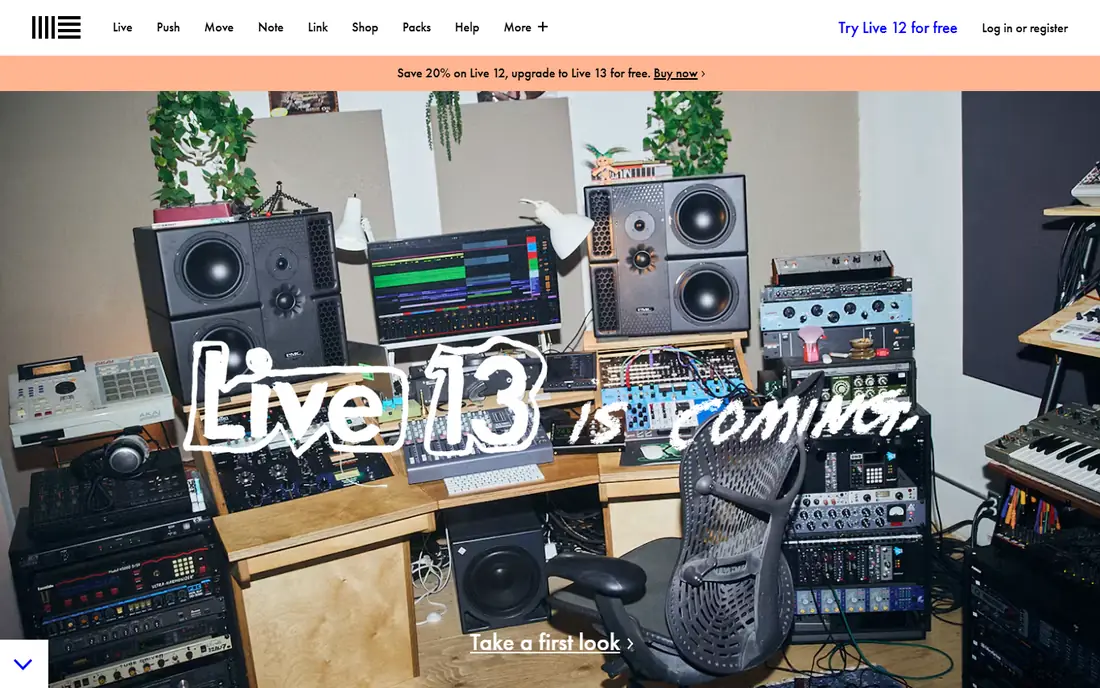
Ableton Live is built around two views that suit different stages of a track. Session View lets producers trigger loops and clips in real time, which helps with sketching ideas and live performance, while Arrangement View lays those ideas into a finished song. Sampling, warping, and MIDI tools are central, and the Suite edition adds a large set of instruments and effects.
The cost rises steeply from Intro to Suite, and the best features sit at the top tier. Traditional composers may also miss notation tools found in Cubase. For electronic producers and performers, the clip workflow is still a clear reason to choose Live.
- Session View for sketching clips and performing live
- Strong sampling and warping tools
- Large Suite instrument library at the top tier
- Suite price is high
- Less suited to traditional notation and scoring
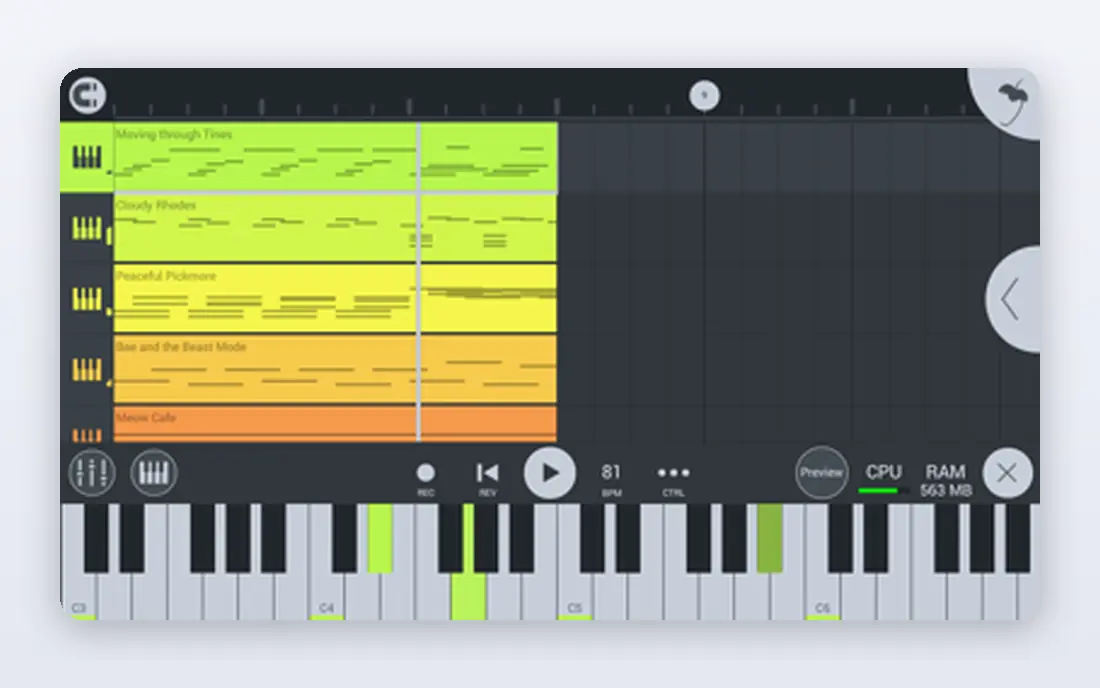
FL Studio grew from a step sequencer into a full DAW, and its pattern workflow still feels natural for hip-hop, trap, and electronic beats. The Channel Rack and piano roll make it easy to build drum patterns, melodies, and chords quickly, and lifetime free updates mean the edition bought keeps receiving updates. The free trial lets users test full features before buying, though saved projects need a license to reopen.
The interface packs in many panels, which can overwhelm beginners at first. Audio recording features also vary by edition, so vocal-heavy producers should check the edition carefully. For beat makers who start with patterns, FL Studio is a proven and lasting choice.
- Pattern-based workflow that suits beats
- Widely praised piano roll
- Lifetime free updates for the edition bought
- Interface can feel busy to new users
- Higher editions needed for full audio recording features
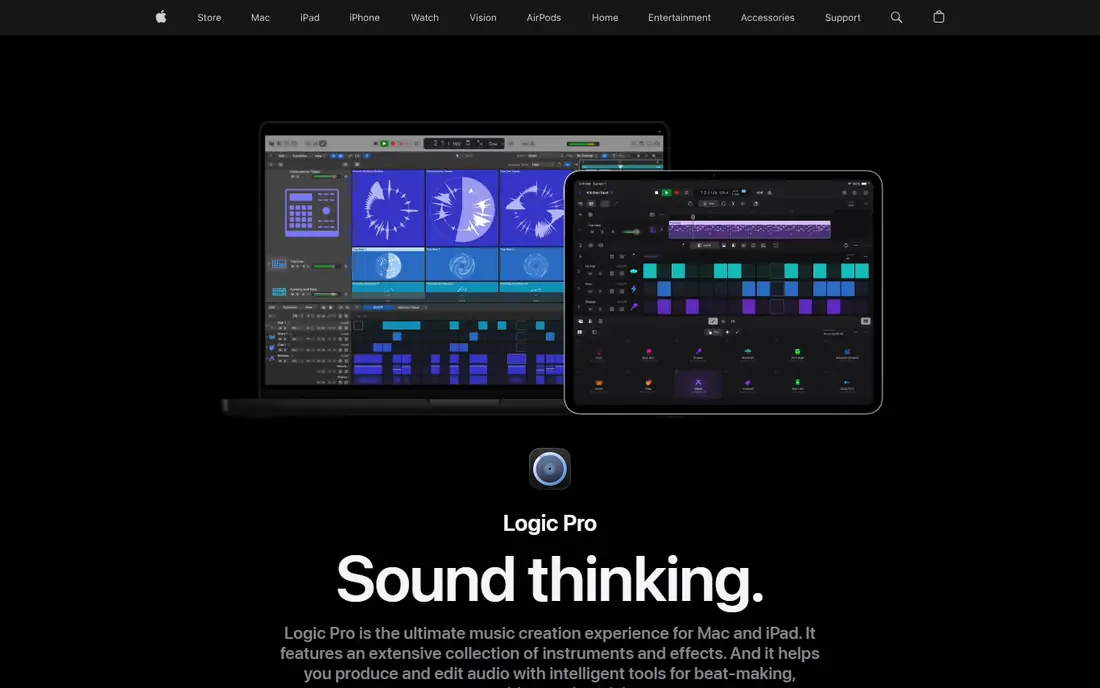
Logic Pro is the best value paid DAW for Mac users. One purchase covers recording, MIDI, mixing, and a large library of sounds, loops, and instruments, without a monthly fee. GarageBand projects open in Logic Pro, so Mac beginners can grow into it without starting over.
The limit is platform. Windows users cannot use it, and the iPad version is subscription-based rather than a one-time purchase. For Mac producers who want a complete studio in one buy, Logic Pro is hard to beat on value.
- Large included sound library and instruments
- One-time price with no subscription
- Smooth upgrade from GarageBand
- Mac only
- IPad version uses a subscription instead
Pro Tools remains the language of many commercial studios, especially for tracking and mixing live instruments and vocals. Editing, comping, and mixing tools are precise, and sessions from Pro Tools travel well between studios. The free Intro version gives newcomers a way to learn the workflow before paying.
Beat makers may find the workflow less immediate than FL Studio or Ableton Live, and full versions run on subscription. For producers who plan to work in commercial studios or record bands, Pro Tools is still the expected standard.
- Industry standard for studio recording and mixing
- Free Intro version for learning
- Strong editing for live audio
- Subscription model for full versions
- Workflow can feel traditional for beat makers
Cubase suits composers who work heavily with MIDI, virtual instruments, and scoring. Its MIDI editors, chord tools, and notation features support film, media, and complex arrangements better than many beat-focused DAWs. Audio recording and mixing are also strong, making it a complete studio for songwriters and media composers.
Casual beat makers may find it more complex than needed, and the Pro edition is costly. The trial helps users test whether the MIDI depth justifies the price. For composition-led producers, Cubase is a serious and mature choice.
- Deep MIDI editing and composition tools
- Scoring and notation support
- Long history in film and media music
- Top edition price is high
- Learning curve for casual beat makers
Studio One is known for a modern, drag-and-drop workflow that keeps recording, arranging, and mixing in one window. Producers can drag loops, instruments, and effects into a project quickly, and recent versions add stem separation and other production tools. That speed suits songwriters who want to finish tracks without switching views constantly.
The community and tutorial base is smaller than the biggest DAWs, so finding help for niche tasks can take longer. Pricing also varies by edition, so the vendor site is the reliable source. For producers who value a clean, fast workflow, Studio One is worth a trial.
- Fast drag-and-drop workflow
- Strong built-in instruments and effects
- Stem separation in recent versions
- Pricing and editions need checking on the vendor site
- Smaller tutorial community than FL Studio or Ableton
REAPER does nearly everything the costly DAWs do, for a fraction of the price. It records, edits, mixes, and automates across many tracks, runs efficiently on modest computers, and can be customized with themes and scripts. The trial is fully functional for a long period, so users can finish real projects before buying.
The catch is what is not included. Bundled instruments and loops are limited, so producers need third-party plugins for many sounds. The plain interface also needs setup to feel like a beat-making studio. For producers on a budget who do not mind adding plugins, REAPER is excellent value.
- Full DAW for a low discounted license
- Lightweight and highly customizable
- Runs on Windows, Mac, and Linux
- Plain interface with few bundled instruments
- Setup takes time for beginners
Bitwig Studio appeals to producers who enjoy building sounds from scratch. Modular routing, device nesting, and flexible modulation let users shape instruments and effects in ways that feel more like a synth workshop than a tape studio. Clip launching supports live use, and Linux support is a bonus for users outside Windows and Mac.
The included library is smaller than Logic Pro or Ableton Suite, so sound designers may need extra sample packs. The update plan also needs care, since major updates after the plan period may cost extra. For experimental producers, Bitwig is a creative and flexible DAW.
- Modular routing and device nesting for sound design
- Clip launching for performance
- Runs on Windows, Mac, and Linux
- Smaller preset and loop library than some rivals
- Update plan model needs reading before buying
GarageBand is the free on-ramp for Apple users who want to make beats and songs. Loops, software instruments, and simple recording cover first tracks without cost, and projects can move to Logic Pro later. The interface is friendly, which helps beginners finish a song instead of getting stuck on settings.
Professional producers will outgrow its mixing depth and plugin handling, and Windows users cannot use it at all. As a starting studio, though, it is generous and capable. Many producers learn arrangement and basic mixing here before paying for a full DAW.
- Free on Mac and iOS
- Simple loops, instruments, and recording
- Easy path to Logic Pro
- Apple devices only
- Limited mixing and plugin depth for professionals
BandLab is the best free beat making app for users who want to start on a phone or in a browser. The studio includes loops, instruments, and recording, and collaboration tools let producers share projects and work with others. For students and beginners, it removes cost and hardware barriers completely.
It is not a replacement for a desktop DAW when detailed mixing or large sessions are needed. The web focus also means offline work is limited. As a free starting point, and as a sketch pad for ideas, BandLab is a strong and accessible choice.
- Free studio on web, iOS, and Android
- Large loop library
- Collaboration and sharing built in
- Less depth for professional mixing than desktop DAWs
- Needs an internet connection for full use
How we picked these
We compared official pricing pages, feature pages, and public documentation for DAWs and beat-making studios that are live in 2026. We kept tools that truly produce music, from recording and MIDI to mixing, and we left out DJ software and simple loop apps with no full song workflow. Prices were checked against vendor listings, and unverified prices are marked as See website.
Choosing by workflow, not by brand
The best DAW is the one whose workflow matches how you make music. Pattern producers tend to enjoy FL Studio, clip performers tend to enjoy Ableton Live and Bitwig, and songwriters who record instruments tend to enjoy Logic Pro, Studio One, or Pro Tools. A famous producer using a tool does not mean it fits your habits, so a trial matters more than a recommendation list.
Free beat making without a bad start
BandLab and GarageBand cover free beat making well, and the free trials of FL Studio, Ableton Live, and REAPER let users test paid workflows before spending. Start with one free option, finish several tracks, and note where it slows you down. That list of friction points is the real shopping list for a paid DAW.
One-time purchase or subscription
One-time purchases such as FL Studio, Logic Pro, and REAPER suit producers who want stable costs and long-term use. Subscriptions such as Pro Tools suit producers who need studio compatibility for a limited period or who value continuous updates. Check whether updates, instruments, and support are included, since the headline price does not always tell the full cost.
Frequently asked questions
What is the best producing software for beginners?
FL Studio is a strong pick for beat makers, GarageBand is a strong free pick for Mac and iPhone users, and BandLab is a strong free pick for web and mobile users. Try the free options first, then test a paid trial once you know whether you prefer patterns, clips, or linear recording.
What is the best production software for making beats?
FL Studio, Ableton Live, and BandLab are the most common beat-making choices, with FL Studio favoring patterns and Ableton Live favoring clips. Logic Pro and REAPER also make beats well, but they suit producers who want a full song studio as well. The best pick depends on whether beats are the whole job or part of larger songs.
What is the best free beat making app?
BandLab is the best free beat making app for web, iOS, and Android, since it includes a studio, loops, and collaboration at no cost. GarageBand is the best free option on Apple devices. Both let beginners finish real tracks without paying, though professional mixing still benefits from a desktop DAW.
Is FL Studio or Ableton Live better?
Neither is better in general. FL Studio suits pattern-based beat making and has lifetime updates for the edition bought. Ableton Live suits clip-based electronic music and live performance, with a different arrangement workflow. Try both trials with the same idea and pick the one that gets you to a finished track faster.
Do I need a paid DAW to release music?
No. Free tools such as BandLab, GarageBand, and REAPER in trial can produce releasable tracks, and many producers release music made entirely in free software. Paid DAWs add depth, instruments, and workflow speed, but they do not by themselves make a track releasable. Good arrangement, mixing, and mastering matter more than the brand.
Can I switch DAWs later without losing songs?
You can export audio stems and MIDI from most DAWs, but full project files rarely open in another DAW. Keep exported stems, MIDI files, and notes on plugins used, so a song can be rebuilt if needed. Starting in a DAW you enjoy reduces the need to switch, but stems make a move possible.
Sources
See where you really rank - block by block
ProMapRanker scans Google Maps across a grid of your service area. Simple monthly plans from $19, white-label on every plan.
Start freeKeep reading
 zoho books alternatives
Best Zoho Books Alternatives in 2026
Compare the best zoho books alternatives for small business accounting, from QuickBooks Online and Xero to FreshBooks, Wave, and Sage in 2026, with pricing.
Read → zluri alternatives
Best Zluri Alternatives in 2026
Compare zluri alternatives for 2026, with SaaS management platforms for app discovery, spend tracking, renewals, and automation for IT, finance and procurement.
Read → zerobounce alternatives
Best ZeroBounce Alternatives in 2026
Best zerobounce alternatives for list hygiene: compare 8 email verification tools for bulk cleaning, real-time checks and catch-all handling in 2026 today.
Read →