 ProMapRanker
Best Platform for Data Science in 2026

Key takeaways
- Databricks is our pick for teams working at scale with big data, Spark and production machine learning.
- Dataiku suits governed teams that need analysts and data scientists working in one shared system.
- KNIME is the best free starting point, with a visual workflow builder and no license cost for the desktop app.
- Solo learners should start with Google Colab or KNIME, while Alteryx and H2O.ai suit funded analyst teams and AutoML work.
Quick comparison
| Pick | Great for | Pricing starts at | Free tier | |
|---|---|---|---|---|
 Databricks Databricks | Big data and production ML | See website | Yes | Visit |
 Dataiku Dataiku | Governed team data science | See website | Yes | Visit |
 KNIME KNIME | Free visual workflows | Free | Yes | Visit |
 Alteryx Alteryx | No-code analytics for analysts | $250 per user per month | Free trial | Visit |
 H2O.ai H2O.ai | Automated machine learning | See website | Free trial | Visit |
 Posit Posit | R and Python data science | See website | Yes | Visit |
 Google Colab Google Colab | Free cloud notebooks | Free | Yes | Visit |
 Deepnote Deepnote | Collaborative notebooks | Free | Yes | Visit |
The best platform for data science
Data science platforms differ in who they serve: engineers who write code, analysts who prefer visual tools, and teams that must govern models in production. The eight platforms below cover those users, from free notebooks to enterprise systems, so the right pick depends on your team and your data size.
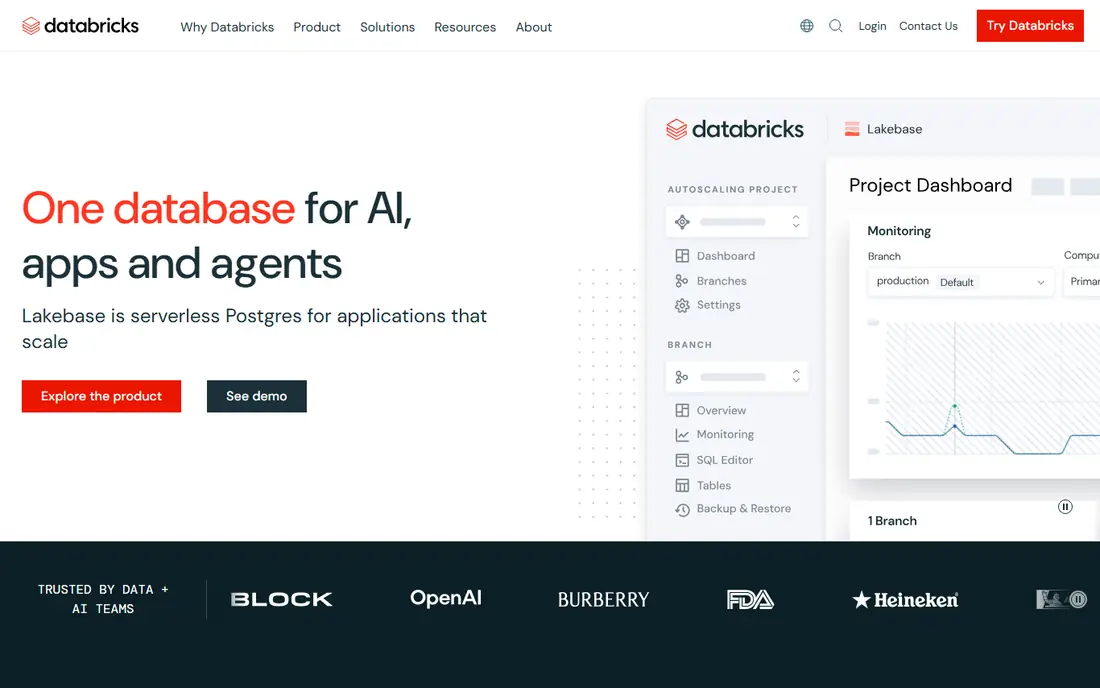
Databricks is the platform we point to when data size and production matter. It brings data engineering, notebooks, machine learning and model serving into one lakehouse system, so a team can move from raw data to a deployed model without stitching many tools together. Spark under the hood handles workloads that choke a laptop.
The pricing model needs care. Databricks charges by compute usage, and cloud infrastructure adds to the bill, so small teams should estimate a real workload before committing. For a solo analyst with a spreadsheet-sized dataset, it is far more platform than needed. For a team whose models must run reliably at scale, it is the best data science platform in this list.
- Built on Spark for large-scale data and ML
- Unified data, notebooks and model serving
- Free edition for individuals
- Usage-based pricing is hard to predict
- Cloud costs sit on top of platform charges
- Overkill for small datasets
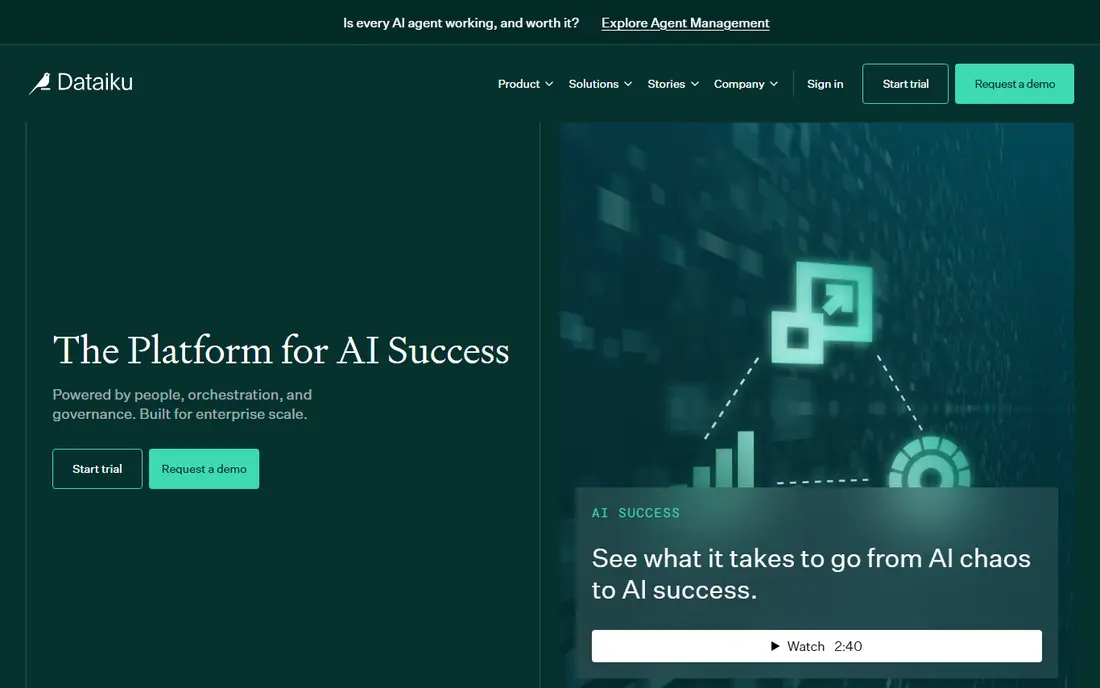
Dataiku suits organizations where many people touch the same data and models. Analysts can build visual recipes while data scientists write code in the same project Flow, and governance tools track who built what and which model went live. That shared system is the point: fewer handoffs, clearer ownership and auditable work.
The catch is cost transparency and weight. Paid plans are quoted by sales, and a small team may find the platform large for its needs. Dataiku offers a free edition and a trial, so a team can test the Flow on a real project first. If governance and collaboration matter more than a low entry price, Dataiku belongs at the top of the shortlist.
- Visual recipes plus Python, R and SQL in one Flow
- Strong governance and MLOps
- LLM Mesh for managing AI services
- Paid pricing is quote-only
- Heavy platform for simple analysis
- Learning curve for small teams
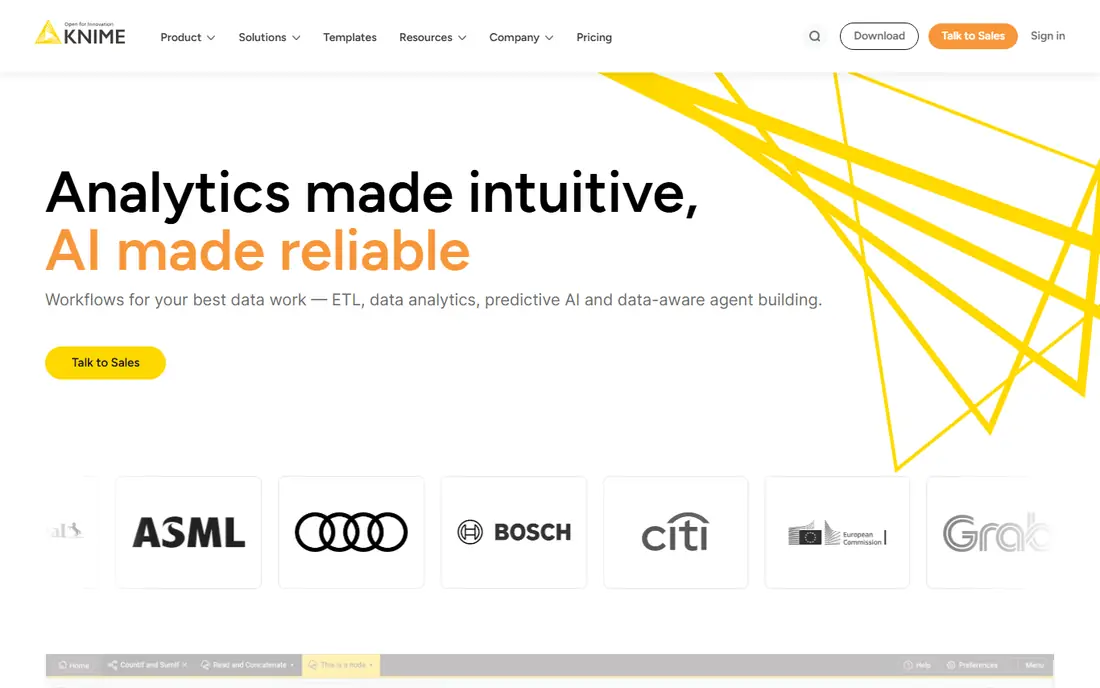
KNIME is the best data science software for anyone starting on a zero budget. The desktop Analytics Platform is free, and its visual workflow builder lets users clean data, join tables and train models without writing code for many tasks. Extensions cover text mining, images and common ML methods, and Python or R nodes add code where needed.
Teams that need scheduling, sharing and version control will pay for the Hub, which is where the price appears. Solo users and learners face no such bill. For teaching, prototyping and everyday analysis, KNIME gives more for free than any other platform here, and it is our pick for the first tool to try.
- Free and open-source desktop app
- Visual drag-and-drop workflows
- Large extension library for ML and data prep
- Paid collaboration features need the Hub
- Interface can feel technical for pure business users
- Heavy workflows need a capable machine
Alteryx, now sold as Alteryx One, targets business analysts who need serious data prep without learning to code. Its visual designer feels polished, and the tool library covers blending, parsing, spatial analysis and predictive methods in a way that stays approachable. Analyst teams in large companies often standardize on it for that reason.
The price is the barrier: $250 per user per month on the Starter edition, billed annually, is a serious commitment. Small teams and solo analysts will get similar prep power from KNIME for free. For a funded team whose analysts must move fast without engineering help, Alteryx earns its price in time saved.
- Polished visual workflow designer
- Strong data prep and spatial tools
- Well suited to business analysts
- High per-seat price
- Designer desktop is Windows-focused
- Higher tiers need a sales conversation
H2O.ai focuses on automated machine learning: given a dataset, it trains and compares many models and surfaces the strongest ones. That speed helps teams that need baseline models fast, and the open-source core lets technical users experiment without a contract. The enterprise platform adds deployment, monitoring and governance around those models.
Casual analysts may find the tooling more technical than a visual workflow builder, and pricing clarity varies by product line. For a team that asks which tool is best for data science when model building speed matters most, H2O.ai is a strong answer, especially where AutoML shortens the path from data to a usable model.
- Strong AutoML for fast model building
- Open-source H2O core available
- Enterprise platform for deployment and governance
- Pricing is not always published clearly
- Best value shows at enterprise scale
- Interface suits technical users more than casual analysts
Posit, formerly RStudio, serves the large community of R and Python users who live in notebooks and scripts. The free desktop IDE is a pleasure for analysis, reporting and visualization, and Quarto lets users publish documents and dashboards from the same work. For statisticians, researchers and analysts, it feels like home.
Teams that need shared publishing, scheduling and admin controls move to paid Posit products, which is where costs appear. Posit will not replace Databricks for big-data engineering, and it does not try to. For code-first analysis and teaching, it is one of the best data science tools in this list, and the free tier is genuinely useful.
- Home of RStudio, a much-loved IDE for R
- Supports Python and Quarto publishing
- Free desktop tools for individuals
- Team publishing and scheduling need paid products
- R focus may not suit Spark-scale engineering
- Pricing varies by product
Google Colab is the easiest way to start data science in a browser. Open a notebook, write Python, run it on Google hardware, and share the result with a link. Students and learners benefit most, since there is no installation and GPU access helps with machine learning coursework that would crawl on a laptop.
The free tier has limits on session length and resources, and Colab is not built for governed production work. Teams that need scheduling, permissions and model serving should look at Databricks or Dataiku instead. For learning, prototyping and small projects, Colab is the best platform for data science on a zero budget next to KNIME.
- Free cloud notebooks with GPU access
- No setup, runs in a browser
- Easy sharing for learning and collaboration
- Free tier limits compute and session length
- Not a governed production platform
- Heavy or long jobs need a paid plan
Deepnote suits teams that work together in notebooks and want the document to feel alive. Multiple people can explore data, comment and build on shared work in real time, which helps distributed teams and classrooms alike. The interface stays clean, and connections to common data sources keep the focus on analysis.
It is not a full production ML platform, so teams that need model serving and governance will pair it with other tools or choose a larger platform. For collaborative exploration and reporting, Deepnote offers a friendly middle path between a solo notebook and an enterprise system, with a free tier for trying it out.
- Real-time collaborative notebooks
- Clean interface for teams
- Integrates with data sources and apps
- Paid tiers needed for heavier team use
- Not a full MLOps platform
- Smaller ecosystem than Databricks or Posit
How we picked these
We compared official feature pages, pricing pages and documentation for data science platforms available in October 2026. We kept platforms that cover a real part of the data science workflow, from preparation and modeling to deployment or collaboration, and we left out pure visualization tools and single-purpose libraries. Each pick serves a different user, from learners to enterprise teams.
We did not claim hands-on testing. Where vendors publish prices, we used them, and where pricing is usage-based or quote-only, we wrote "See website" rather than inventing a figure. That honesty matters most in this category, where a headline price rarely equals the final bill.
How to choose a data science platform
Start with your data and your team, not with the feature list. A learner with small datasets needs a notebook. An analyst team needs visual prep and sharing. An engineering team needs scale, scheduling and model serving. The wrong platform usually fails on fit, not on quality.
Match the tool to the user
Code-first users thrive in Posit, Colab and Databricks notebooks. Visual users do better in KNIME, Dataiku and Alteryx. Mixed teams need a platform where both groups share projects, which points to Dataiku or Databricks rather than a solo notebook.
Estimate the true cost
Seat prices, compute usage, cloud bills and Hub or server fees all count. A free desktop tool can still cost money once a team needs sharing, and a usage-based platform can surprise a team that runs large jobs carelessly. Price a realistic month of work, not a demo.
Test governance early
If models affect customers or money, check versioning, permissions, audit trails and deployment controls during the trial. These features are hard to add later, and they separate team platforms from personal tools. A platform that cannot show who changed a model is a risk, not a saving.
Frequently asked questions
What is the best platform for data science for beginners?
KNIME and Google Colab are the best starting points for beginners, since both are free and let learners build real workflows or notebooks without a contract. KNIME suits visual learners, while Colab suits those learning Python. Both scale far enough to stay useful past the first course.
Which tool is best for data science at enterprise scale?
Databricks leads for enterprise scale, thanks to Spark, unified data and model serving in one system. Dataiku is the strongest alternative when governance and mixed analyst and scientist teams matter most. Both need a proper trial on real workloads, since pricing and fit depend on usage.
What are the best data science platforms with a free tier?
KNIME offers a full free desktop app, Google Colab offers free cloud notebooks, and Databricks, Dataiku, Posit and Deepnote all offer free editions or tiers. Free tiers usually limit collaboration, compute or production features, so they suit learning and prototyping best.
What is the best data science software for analysts who do not code?
Alteryx and KNIME lead for analysts who prefer visual tools, with Alteryx offering the more polished experience at a much higher price. Dataiku also serves non-coding analysts inside a team platform. For a solo analyst on a budget, KNIME is the clear first try.
Do I need a paid platform to learn data science?
No. KNIME, Google Colab and the free tiers of Posit and Deepnote cover learning, coursework and portfolio projects without payment. Paid platforms earn their price when teams need scale, collaboration, scheduling and governance, not when one person is learning.
Sources
See where you really rank - block by block
ProMapRanker scans Google Maps across a grid of your service area. Simple monthly plans from $19, white-label on every plan.
Start freeKeep reading
 zeffy payment processor stripe alternatives
Zeffy and Stripe Alternatives for Nonprofits in 2026
Explore zeffy payment processor stripe alternatives for nonprofits. We compare 8 fundraising platforms on fees, donor tools, and nonprofit focus. Check fees.
Read → workday alternatives
Workday Alternatives in 2026
Workday alternatives compared: we review 8 HR and payroll platforms that replace Workday, with pricing, strengths and honest limits for each team size.
Read → what's the best weather app
What's the Best Weather App in 2026
Wondering what's the best weather app? We compare 10 free and paid apps for forecasts, radar, alerts, and Colorado mountain weather for everyday and storm use.
Read →