 ProMapRanker
Best Pilates App in 2026: 8 Apps Compared

Key takeaways
- Alo Moves is the best all-round pilates app for home use, with mat, barre, and reformer classes plus yoga and meditation in one subscription.
- Pilates Anytime has the largest pilates-only library, with thousands of classes from many schools, but its app is plainer than rivals.
- Melissa Wood Health and The Pilates Class are the best picks for short, low-impact mat flows that fit a busy day.
- This is general fitness information, not medical advice; stop if a move causes pain, and check with a clinician before starting a new program if you are pregnant, injured, or managing a health condition.
Quick comparison
| Pick | Great for | Pricing starts at | Free tier | |
|---|---|---|---|---|
 Alo Moves Alo Moves | All-round home pilates and yoga | $20 per month | Free trial | Visit |
 Pilates Anytime Pilates Anytime | Largest pilates-only library | See website | Free trial | Visit |
 Melissa Wood Health Melissa Wood Health | Short low-impact mat flows | See website | Free trial | Visit |
 The Pilates Class The Pilates Class | Sculpt-style mat classes | See website | Free trial | Visit |
 Lindywell Lindywell | Beginner-friendly guided programs | See website | Free trial | Visit |
 Pilatesology Pilatesology | Classical pilates instruction | See website | Free trial | Visit |
 Club Pilates On Demand Club Pilates On Demand | Studio-style classes at home | See website | Free trial | Visit |
 FitOn FitOn | Free pilates alongside other workouts | Free | Yes | Visit |
The best pilates apps
We compared pilates apps that offer real pilates classes at home, with attention to mat versus reformer content, beginner guidance, class length, and trial options.
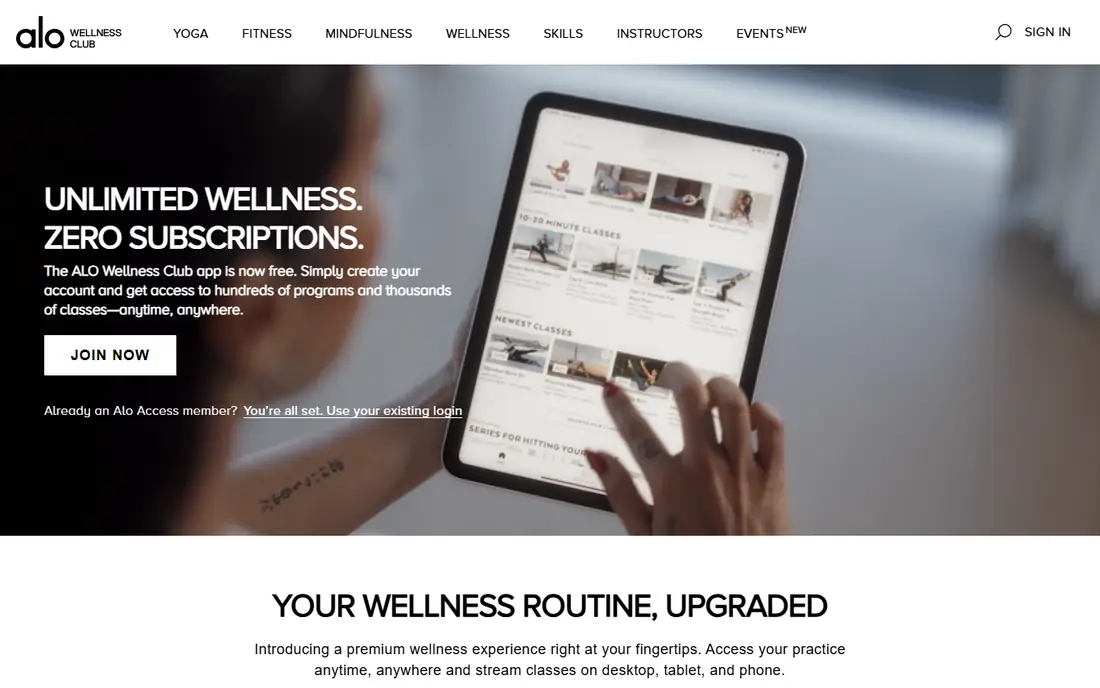
Alo Moves is our pick for most people because it covers more than pilates alone. Pilates classes include mat and reformer work, full-body sessions, and targeted work for arms and core, with programs for different levels. The same subscription also gives yoga, barre, meditation, and strength classes, so a home routine does not get stale after a few weeks.
The app is polished, with high-quality video and clear instruction, but it is not perfect. Some users find the filter too basic and class tracking awkward, which matters when you follow a program over time. If you only want pilates and nothing else, a pilates-only app may feel more focused. For a varied home practice, Alo Moves is hard to beat.
- Mat, barre, and reformer pilates in one library
- Yoga, meditation, and fitness classes included
- Classes from under 10 minutes to about 50 minutes
- Filter function is basic in some reviews
- Tracking completed classes can be awkward
- Price is higher than a pilates-only app for some users
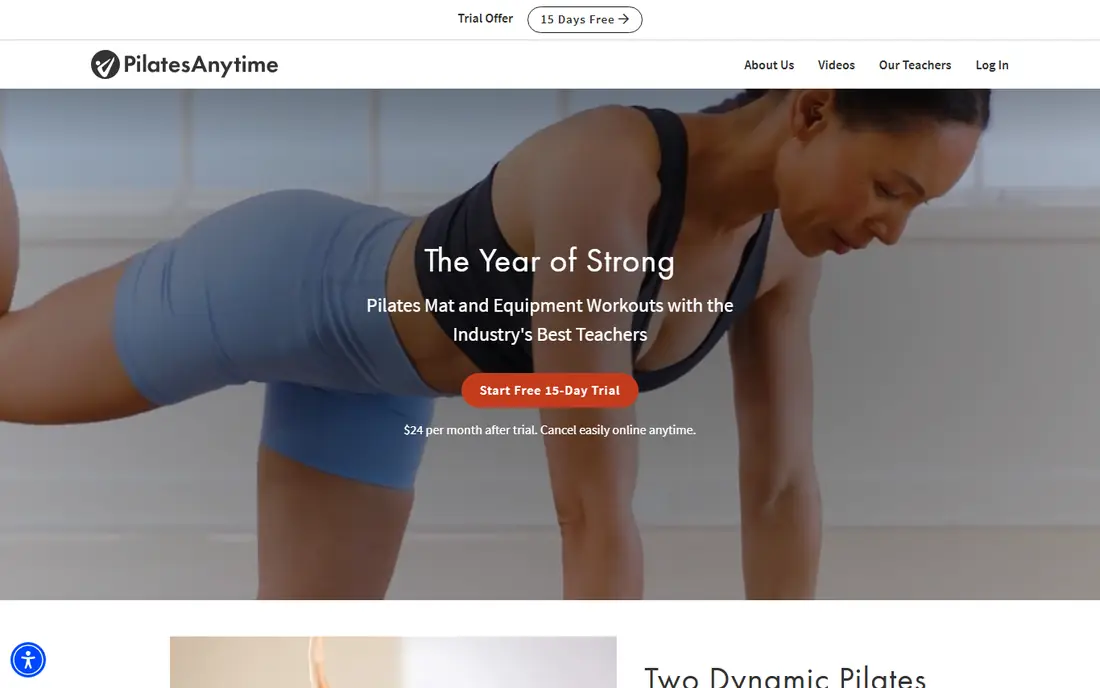
Pilates Anytime claims the largest pilates library available, with thousands of classes and instructors from many schools of pilates. That range is its strength: classical, contemporary, mat, reformer, wall, barre, and small-prop classes sit in one place, with new videos added each week. A 15-day trial gives enough time to test whether the teaching style suits you.
The downside is the app itself. Users praise the classes but rate the app experience lower, with some website features missing on mobile and Chromecast limits on some devices. Many classes also use a reformer, so home users without one should filter for mat classes first. If depth matters more than app polish, Pilates Anytime wins.
- Thousands of classes from over 200 instructors
- Mat, reformer, wall, and prop classes
- Programs and challenges
- Stream or download
- App functionality is weaker than the website in some reviews
- Many classes need a reformer
- Price can feel high for a basic app
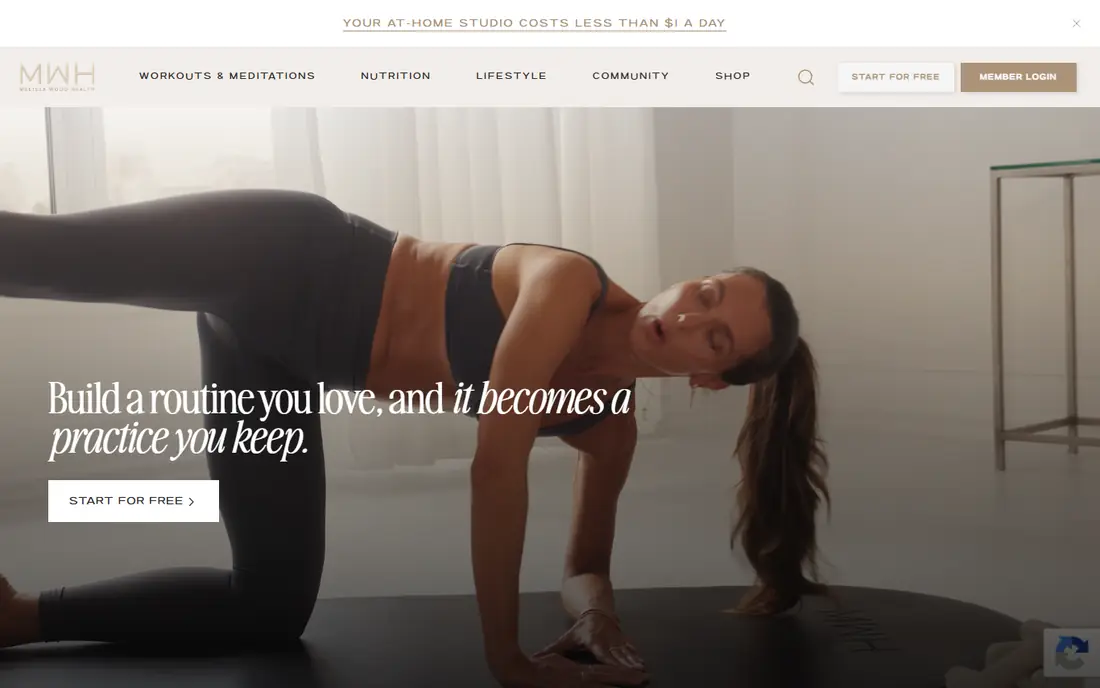
Melissa Wood Health suits people who want a short, calm mat practice that fits between work and family life. Classes are low-impact, focus on core, posture, and controlled movement, and often run in short formats that work in a living room with just a mat. The tone is steady and clear, which helps beginners learn form without feeling rushed.
It is not a reformer library, and it is not built for high-intensity training. Advanced pilates students may want Pilates Anytime or Alo Moves for harder progressions. For a daily mat habit, especially for beginners or for recovery days, Melissa Wood Health is a strong, focused pick.
- Short, low-impact mat pilates and yoga flows
- Clear, calm instruction
- Programs for busy schedules
- Less reformer content than larger libraries
- Class style is gentle, so advanced athletes may want more challenge
The Pilates Class is a good pick for people who like a modern, sculpt-style mat workout with music, flow, and a clear weekly structure. Classes target core, glutes, and full-body strength through controlled pilates-based movement, and live classes add a sense of schedule that on-demand-only apps lack. That structure helps people who struggle to pick a class each day.
Classical pilates purists may prefer Pilatesology or Pilates Anytime, since The Pilates Class leans toward contemporary sculpt work. It also needs a subscription for full access, so use the trial to test whether the pace and music suit you. For a motivating home mat routine, it earns its place here.
- Sculpt and mat classes with a clear program structure
- Live and on-demand options
- Strong community feel
- Style leans toward sculpt and flow, not classical pilates
- Subscription needed for full access
Lindywell is built for beginners who want guidance, not just a large library. Programs and calendars tell you what to do each day, and instructors give form and breath cues that help a new student learn safely. That hand-holding matters when pilates terms and positions are new.
The library is smaller than the largest apps, and reformer content is limited. Experienced students may outgrow it faster than Pilates Anytime. For a beginner who wants a clear path, a calm pace, and a program to follow, Lindywell is one of the best starting points.
- Guided programs and calendars for beginners
- Mat pilates with breath and form cues
- Supportive, low-pressure style
- Smaller library than Alo Moves or Pilates Anytime
- Less reformer content
Pilatesology is the pick for classical pilates. Classes follow the traditional method closely, with detailed cues on form, breath, and control, and teachers who explain why each move matters. That depth helps students who want to learn pilates as a discipline, not just as a workout, and it suits people training toward instructor knowledge.
Contemporary fans who want sculpt, music-driven flows may find it slower and more formal. The library and app are also smaller than Alo Moves. If you want classical instruction at home, with mat and apparatus work taught carefully, Pilatesology is the most focused choice on this list.
- Classical pilates taught by experienced teachers
- Mat and equipment classes
- Detailed form instruction
- Classical focus may feel strict for contemporary fans
- App and library are smaller than mass-market rivals
Club Pilates On Demand brings a studio brand into the home. Classes follow the studio style, with reformer-inspired and mat work, clear levels, and a familiar class format for people who already attend Club Pilates. That link is useful if you mix home classes with in-person sessions and want the same teaching approach in both places.
Home users without a reformer should check which classes are mat-only before subscribing, since some studio formats assume equipment. Pricing and trial terms vary by plan and location, so check the site for your area. For a studio fan who wants home backup classes, it is a natural pick.
- Studio-style pilates classes at home
- Mat and reformer-inspired work
- Ties into Club Pilates studios for in-person classes
- Full value depends on studio access in some plans
- Home reformer work needs equipment
FitOn is the best free starting point for pilates at home. The free plan includes pilates classes alongside cardio, strength, yoga, and stretching, so you can test whether pilates suits you without paying. Short classes fit a busy day, and challenges and social features help some users stay consistent.
Depth is the limit. FitOn does not match the pilates-only libraries on this list for progression, classical instruction, or reformer work, and some premium content needs a paid plan. Use FitOn to start for free, then move to Alo Moves, Pilates Anytime, or Lindywell when you want a deeper pilates program.
- Free plan with pilates and many other workout types
- Short classes for busy days
- Social and challenge features
- Pilates depth is thinner than pilates-only apps
- Some premium classes need a paid plan
How we picked these
We compared official product pages, pricing pages, and public app reviews, and we checked that each homepage loads and belongs to the product named. We kept only apps with real pilates classes in October 2026, a current trial or free plan, and mat or reformer content that fits home use. We favored apps with beginner guidance, clear class lengths, and a program structure, not just a large video list. Where a price could not be verified at the time of writing, we wrote See website rather than guessing. This article is general fitness information, not medical advice.
How to pick a pilates app for home use
Start with equipment. If you have only a mat, filter for mat classes and skip reformer-heavy libraries until you know you want that investment. A mat, a small ball, and light resistance bands cover most home pilates classes, while a reformer is a large purchase that should follow months of consistent mat practice, not precede it.
Next, match the style to your goal. Classical pilates suits form and control, sculpt-style classes suit strength and flow, and short low-impact flows suit busy days and recovery. Try the trial with a real week of classes, not just one session, and note whether cues are clear, whether levels are honest, and whether you actually look forward to the next class. The best pilates app is the one you will use three times a week, not the one with the largest library.
Beginner tips that help
Begin with beginner or level one classes, even if you are fit in other sports, since pilates form and breath control are specific skills. Keep sessions short at first, focus on core engagement and neutral spine cues, and stop if a move causes sharp pain. A mirror or a phone video can help you check alignment in the first weeks, and a consistent time of day makes a home habit easier to keep.
Frequently asked questions
What is the best pilates app for beginners?
Lindywell and Melissa Wood Health are the best beginner picks, thanks to guided programs, calm cues, and short mat classes. Alo Moves is also good for beginners, with programs for different levels and a wider class set to grow into.
What is the best at home pilates app?
Alo Moves is the best at home pilates app for most people, with mat, barre, and reformer classes plus yoga in one subscription. Pilates Anytime is the best choice if you want the largest pilates-only library at home.
What is the best mat pilates app?
Melissa Wood Health and The Pilates Class are strong mat pilates picks, with short, focused mat flows that need little equipment. Pilates Anytime also has thousands of mat classes, with filters to hide reformer work.
Is there a best free pilates app?
FitOn is the best free pilates app for starting out, with free pilates classes alongside other workouts. For deeper pilates, use a trial from Alo Moves, Pilates Anytime, or Lindywell before paying.
Do I need a reformer for a pilates app?
No, most home pilates apps offer plenty of mat classes that need only a mat. A reformer adds variety and resistance, but it is not needed to start, and many readers do well with mat work alone for months.
Sources
See where you really rank - block by block
ProMapRanker scans Google Maps across a grid of your service area. Simple monthly plans from $19, white-label on every plan.
Start freeKeep reading
 zeffy payment processor stripe alternatives
Zeffy and Stripe Alternatives for Nonprofits in 2026
Explore zeffy payment processor stripe alternatives for nonprofits. We compare 8 fundraising platforms on fees, donor tools, and nonprofit focus. Check fees.
Read → workday alternatives
Workday Alternatives in 2026
Workday alternatives compared: we review 8 HR and payroll platforms that replace Workday, with pricing, strengths and honest limits for each team size.
Read → what's the best weather app
What's the Best Weather App in 2026
Wondering what's the best weather app? We compare 10 free and paid apps for forecasts, radar, alerts, and Colorado mountain weather for everyday and storm use.
Read →