 ProMapRanker
Best PDF Summarizer Tool in 2026

Key takeaways
- ChatPDF is our pick for most people who want to ask questions about a PDF, not just get a short summary.
- QuillBot is best for quick, adjustable summaries of shorter documents and general text.
- Scholarcy, SciSpace, and SciSummary are the strongest choices for academic papers, because they keep structure and key findings visible.
- Always check a summary against the original before citing it, because AI summaries can miss caveats and numbers.
Quick comparison
| Pick | Great for | Pricing starts at | Free tier | |
|---|---|---|---|---|
 ChatPDF ChatPDF | Asking questions about PDFs | See website | Yes | Visit |
 Smallpdf AI PDF Summarizer Smallpdf AI PDF Summarizer | Everyday PDF work plus summaries | See website | Yes | Visit |
 QuillBot Summarizer QuillBot Summarizer | Adjustable short summaries | See website | Yes | Visit |
 Scholarcy Scholarcy | Academic paper flashcards | $4.99 per month | Yes | Visit |
 SciSpace SciSpace | Research explanations | See website | Yes | Visit |
 SciSummary SciSummary | Fast science summaries | See website | Yes | Visit |
 Adobe Acrobat AI Assistant Adobe Acrobat AI Assistant | Summaries inside Acrobat | See website | No | Visit |
 NoteGPT NoteGPT | Summaries plus notes | See website | Yes | Visit |
 TLDR This TLDR This | Ultra short web and PDF summaries | See website | Yes | Visit |
The best pdf summarizer tools
We compared PDF summarizers on upload handling, summary length control, question answering, citation support, and price. The tools below range from simple summarizers to research assistants that explain papers section by section.
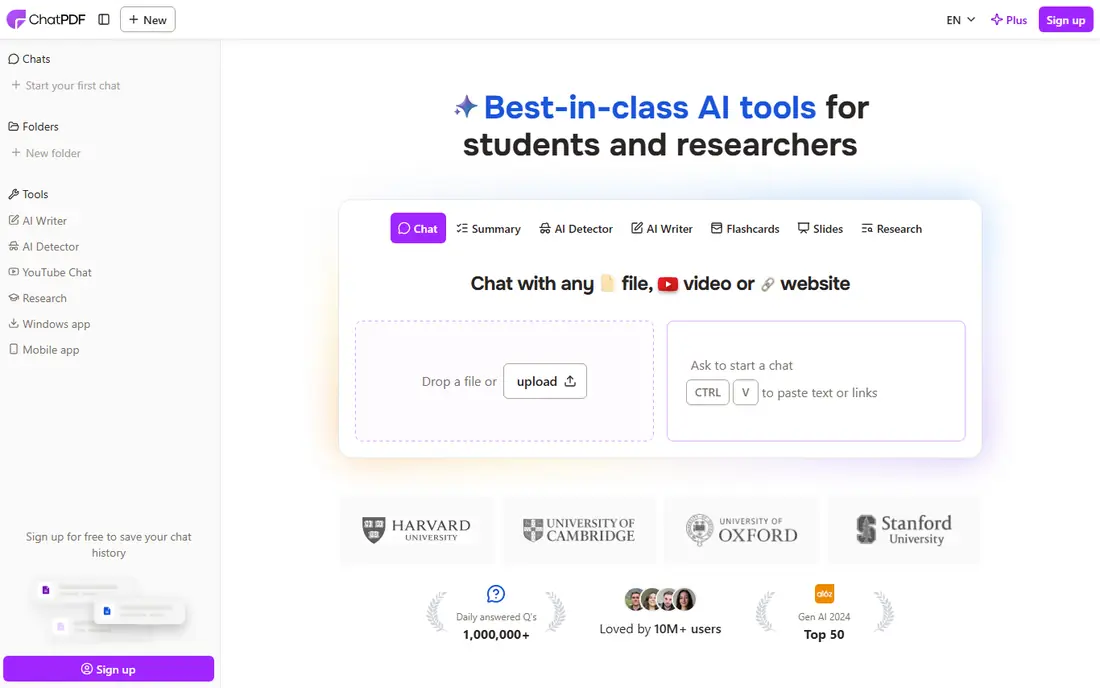
ChatPDF is the tool we reach for when a summary alone is not enough. You upload a PDF, get a summary, and then ask questions about specific sections, tables, or claims. That back and forth is useful for contracts, reports, and textbooks, where the detail you need is rarely in the first paragraph of a summary.
The free tier lets you test the workflow, but heavy users will hit limits and need a paid plan. Scanned or poorly formatted PDFs can also reduce accuracy, so check answers against the source pages. For most readers, ChatPDF is the most flexible starting point on this list.
- Chat with a PDF and ask follow up questions
- Handles long documents
- Summary plus question answering in one tool
- Free tier has usage limits
- Accuracy depends on document quality
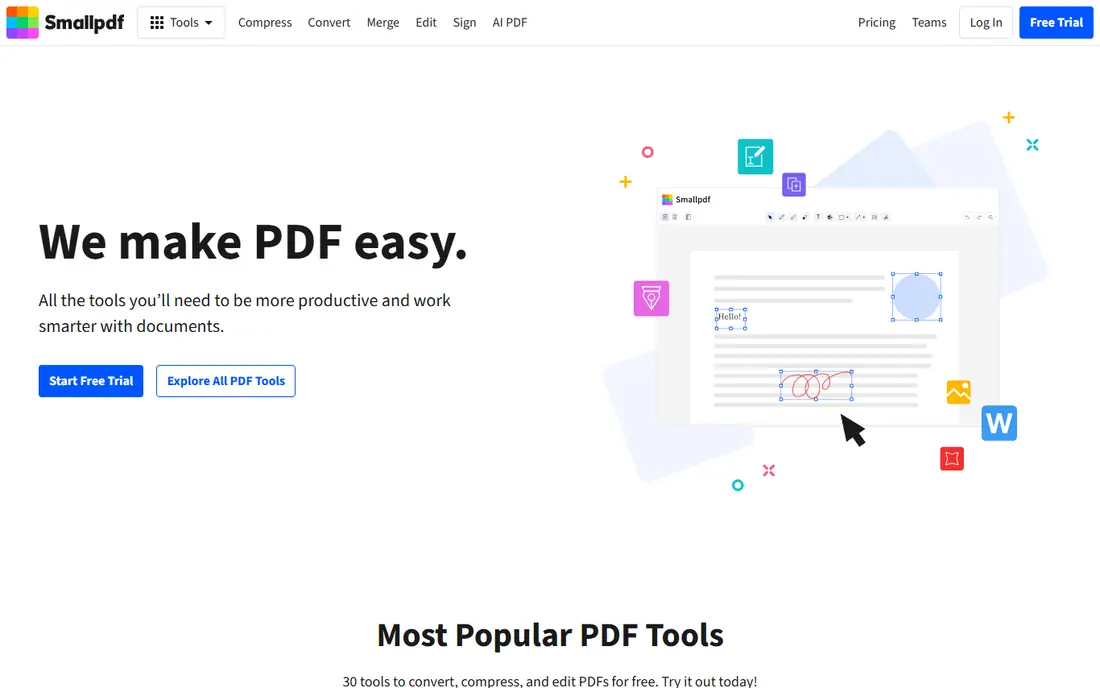
Smallpdf suits people who already work with PDFs all day. You can summarize a document, then compress it, convert it, sign it, or split it without switching tools. That all in one workflow saves time for office work, school admin, and client documents.
It is less of a research tool than Scholarcy or SciSpace, and its AI features sit inside paid plans for regular use. If your main need is a quick summary of a report you also need to edit or share, Smallpdf is a practical pick. If you need deep academic analysis, look at the research tools below.
- Summaries inside a full PDF toolkit
- Easy upload and sharing
- Strong file handling
- AI features are part of a broader paid plan
- Less research depth than Scholarcy
QuillBot is best for short, clear summaries. You paste text or upload a document, choose bullet or paragraph form, and adjust how long the summary should be. That control helps when you need a one paragraph brief for a meeting and a longer version for study notes.
The free plan caps word count, so long papers will need splitting or a paid plan. QuillBot also works best on clean, well written text, and it can flatten nuance in technical writing. For quick everyday summaries, it is fast and easy. For research papers, use a specialist tool instead.
- Adjustable summary length
- Bullet or paragraph output
- Simple interface
- Free word limit is low
- Less suited to very long or technical PDFs
Scholarcy turns a research paper into a structured flashcard with sections for the question, methods, findings, and references. That format is ideal for screening many papers quickly, because you learn to scan the same layout every time. Students and researchers who face a stack of PDFs will save hours with this approach.
It is less helpful for business reports or books, where the flashcard structure fits less well. Scanned PDFs with poor text can also cause errors, so verify key numbers in the original. For academic reading, Scholarcy is our top specialist pick.
- Structured summary flashcards
- Extracts key findings and references
- Good for literature screening
- Best for academic papers, less useful for general reports
- Some features need a paid plan
SciSpace is built for readers who want to understand a paper, not just shorten it. It explains dense sections, answers questions with citations, and helps you follow methods and results without rereading the whole paper. That explanation layer is valuable when you are outside your field or reading a technical methods section.
Free credits run out quickly if you work through many papers, so budget for a paid plan if you use it weekly. Like all AI tools, it can simplify a finding too far, so check important claims in the original text. For learning from research, SciSpace is a strong companion to Scholarcy.
- Explains papers in plain language
- Citation aware answers
- Chat with papers
- Free credits are limited
- Advanced features need a paid plan
SciSummary focuses on speed for scientific and technical papers. Upload a PDF and you get a clear summary with key points, plus a chat option for follow up questions. It is a good fit for lab groups, students, and professionals who need to triage papers before a full read.
The free tier limits monthly words, which matters if you summarize many papers. Its strength is science writing, so general business documents may be better served by ChatPDF or Smallpdf. For fast, readable science summaries, SciSummary earns its place.
- Fast summaries of science papers
- Section aware output
- Chat with documents
- Free tier limits monthly words
- Narrower focus than general tools
Adobe Acrobat AI Assistant is the natural choice if you already live in Acrobat. You can ask questions, get generative summaries, and follow citations back to the exact page in the document. That page link matters for contracts and reports, where you need to verify a claim before acting on it.
The drawback is cost and scope: you need an Acrobat plan, and this is not a cheap standalone summarizer for occasional use. If you already pay for Acrobat, the assistant adds real value. If you only need summaries, a free or low cost tool above will do the job for less.
- Summaries and answers inside Acrobat
- Citations linked to source pages
- Strong PDF editing alongside
- Requires an Acrobat plan
- Less of a standalone summarizer
NoteGPT suits students who want summaries, notes, and study material in one place. Beyond PDFs, it handles other content types, and it can turn a summary into notes you can review later. That study workflow is useful for exam preparation and course reading.
The breadth is also the drawback: if you only want a quick PDF summary, NoteGPT has more features than you need, and paid plans cost more than simpler tools. For students who will use notes and transcripts regularly, the extra tools justify the price. For one off summaries, start with ChatPDF or QuillBot.
- Summaries plus notes, transcripts, and study tools
- Handles multiple content types
- Free tier to try
- Paid plans are pricier than simple summarizers
- Interface covers many features
TLDR This is for readers who want the gist in seconds. It produces ultra concise summaries and key sentences, and its browser extension makes it easy to summarize articles as you browse. For news, blog posts, and short reports, it is the fastest tool here.
Short summaries lose detail by design, so do not use TLDR This for contracts, research findings, or any document where a missed caveat matters. Treat it as a screening tool: if the short version looks relevant, read the full document or use a deeper summarizer. For speed, nothing else on this list is quite as quick.
- Very short summaries
- Browser extension
- Quick for articles and PDFs
- Short format loses detail
- Less suited to academic or legal documents
How we picked these
We compared official feature and pricing pages, app listings, and public reviews, and we kept only tools that are live in October 2026 and that accept PDF uploads or document text. We favored tools that let you control summary length, ask follow up questions, or keep citations visible, because those features reduce errors. Where we could not verify a current price from the vendor, we wrote See website rather than repeating a third party figure.
How to get a useful summary, not just a short one
Start by choosing the right length for the job. A one paragraph summary suits a meeting brief, while a section by section summary suits study or review. Tools that let you adjust length or ask follow up questions give you more control than a single fixed output. If a tool only gives one short version, use it for screening, not for decisions.
Check the summary against the original, especially for numbers, dates, and conditions. AI summarizers can drop a caveat that changes the meaning of a finding, and they can mix up figures from different sections. Read the key section yourself before citing a summary in work, school, or a report. A summary saves time, but it does not replace reading the parts that matter.
Privacy matters too, because you upload documents to a third party service. Avoid uploading sensitive contracts, medical records, or unpublished research to a free tool without reading its data policy. For sensitive work, prefer tools with clear retention policies, or summarize locally where possible. Delete uploads when you are done if the tool offers that option.
Finally, match the tool to the document type. Academic papers suit Scholarcy, SciSpace, and SciSummary. Business reports suit ChatPDF, Smallpdf, and Acrobat. Short articles suit TLDR This and QuillBot. Using the right tool for the document gives you a better summary with less checking.
Frequently asked questions
What is the best pdf summarizer tool?
ChatPDF is our pick for most people, because it combines summaries with question answering. QuillBot is best for quick adjustable summaries, and Scholarcy is best for academic papers. The right tool depends on whether you need a short brief, a study aid, or a research assistant.
Is there a good best pdf summarizer app that is free?
Yes. ChatPDF, QuillBot, Smallpdf, SciSpace, NoteGPT, and TLDR This all offer free tiers. Free plans usually limit words, documents, or advanced features, so heavy users will need a paid plan. Start free and upgrade only when you hit limits regularly.
Can a PDF summarizer handle long documents?
Most tools on this list handle long PDFs, but limits vary by plan. ChatPDF and Adobe Acrobat AI Assistant handle long documents well, while QuillBot free is better for shorter text. For very long reports, split the document or use a tool with chat, so you can ask about specific sections.
Are AI PDF summaries accurate?
They are usually good for main points, but they can miss caveats, mix up numbers, or oversimplify findings. Always verify important details in the original document before citing or acting on a summary. For legal or medical documents, treat a summary as a guide, not a replacement for reading.
Which PDF summarizer is best for research papers?
Scholarcy is best for screening papers with structured flashcards, and SciSpace is best for explaining dense sections in plain language. SciSummary is a fast alternative for science papers. Use one of these rather than a general summarizer when findings and methods matter.
Sources
- https://www.chatpdf.com
- https://smallpdf.com
- https://quillbot.com
- https://www.scholarcy.com
- https://scispace.com
- https://scisummary.com
- https://www.adobe.com
- https://notegpt.io
- https://tldrthis.com
- https://www.jotform.com/ai/best-ai-summarizer/
- https://paperguide.ai/blog/ai-research-paper-summarizers/?ref=paperguide.ai
See where you really rank - block by block
ProMapRanker scans Google Maps across a grid of your service area. Simple monthly plans from $19, white-label on every plan.
Start freeKeep reading
 zeffy payment processor stripe alternatives
Zeffy and Stripe Alternatives for Nonprofits in 2026
Explore zeffy payment processor stripe alternatives for nonprofits. We compare 8 fundraising platforms on fees, donor tools, and nonprofit focus. Check fees.
Read → workday alternatives
Workday Alternatives in 2026
Workday alternatives compared: we review 8 HR and payroll platforms that replace Workday, with pricing, strengths and honest limits for each team size.
Read → what's the best weather app
What's the Best Weather App in 2026
Wondering what's the best weather app? We compare 10 free and paid apps for forecasts, radar, alerts, and Colorado mountain weather for everyday and storm use.
Read →