 ProMapRanker
Best PDF Merge Service With No Watermark in 2026

Key takeaways
- PDF24, PDFsam Basic, and Sejda are the safest no-watermark picks, with desktop options that keep files local.
- iLovePDF and Smallpdf merge without a watermark on free tiers, but daily and hourly limits apply.
- For sensitive documents, prefer a desktop app or a browser-local tool over uploading files to a server.
- Always check the merged file before sending it: page order, missing pages, and flattened forms are common merge errors.
Quick comparison
| Pick | Great for | Pricing starts at | Free tier | |
|---|---|---|---|---|
 PDF24 PDF24 | Free online and desktop merging | Free | Yes | Visit |
 iLovePDF iLovePDF | Easy online merging with many tools | Free | Yes | Visit |
 Sejda Sejda | Clean online merging with hourly limits | Free | Yes | Visit |
 PDFsam Basic PDFsam Basic | Free offline desktop merging | Free | Yes | Visit |
 Smallpdf Smallpdf | Simple online merging for light use | Free | Yes | Visit |
 PDF2Go PDF2Go | Online merging with editing tools | Free | Yes | Visit |
 PDF Candy PDF Candy | Free online tools with no ads claim | Free | Yes | Visit |
 Soda PDF Soda PDF | Online merging inside a full PDF suite | Free | Yes | Visit |
The best pdf merge service with no watermark
A merge service only belongs on this list if its free output has no watermark. We note limits honestly, since a no-watermark merge that stops after two files a day is not the same as unlimited merging.
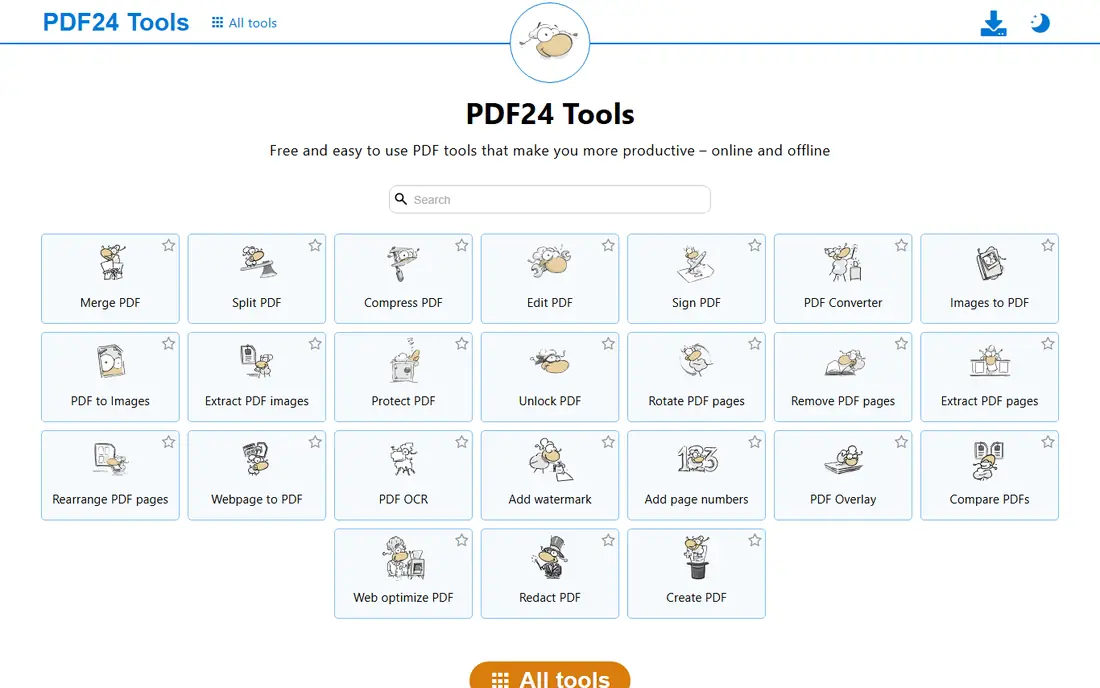
PDF24 is our top pick for most people. The online merge tool is free, needs no account for basic use, and produces merged files without a watermark. The Windows desktop app, PDF24 Creator, goes further by processing files locally, which is the safer choice for contracts, job applications, and other sensitive documents.
The online version still uploads files to a server, so use the desktop app when privacy matters most. For everyday merging, the online tool is fast and simple: upload, reorder, merge, and download. Few free services match PDF24 on the combination of no watermark, no account, and a local desktop option.
- Free online tools with no watermark on merged output
- Windows desktop app processes files locally
- No account needed for basic tools
- Online tools require uploads
- Desktop app is Windows only
- Interface is functional rather than polished
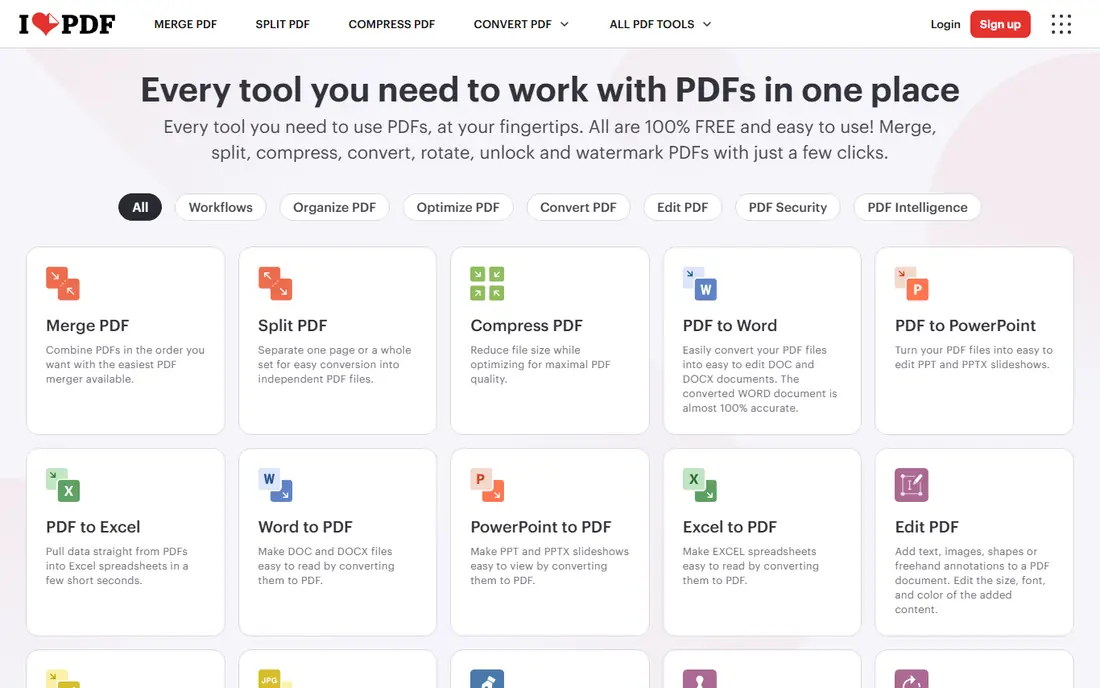
iLovePDF is the easiest online merger for occasional use. Upload PDFs, reorder them visually, merge, and download a clean file with no watermark. The wider toolset, including split, compress, convert, and sign, means one site can handle most PDF jobs without installing software.
Free limits are the catch. The free tier restricts the number of tasks per day and file sizes, so daily merging for work will push you toward Premium, priced from around $4 per month in some listings and higher in others, so check the current page. For light, occasional merging, iLovePDF is excellent; for heavy daily use, PDF24 or PDFsam Basic will frustrate you less.
- Clean drag-and-drop merging
- Merged output has no watermark on the free tier
- Large suite of PDF tools
- Free tier limits daily tasks and file sizes
- Files are uploaded to servers
- Heavy users need a paid plan
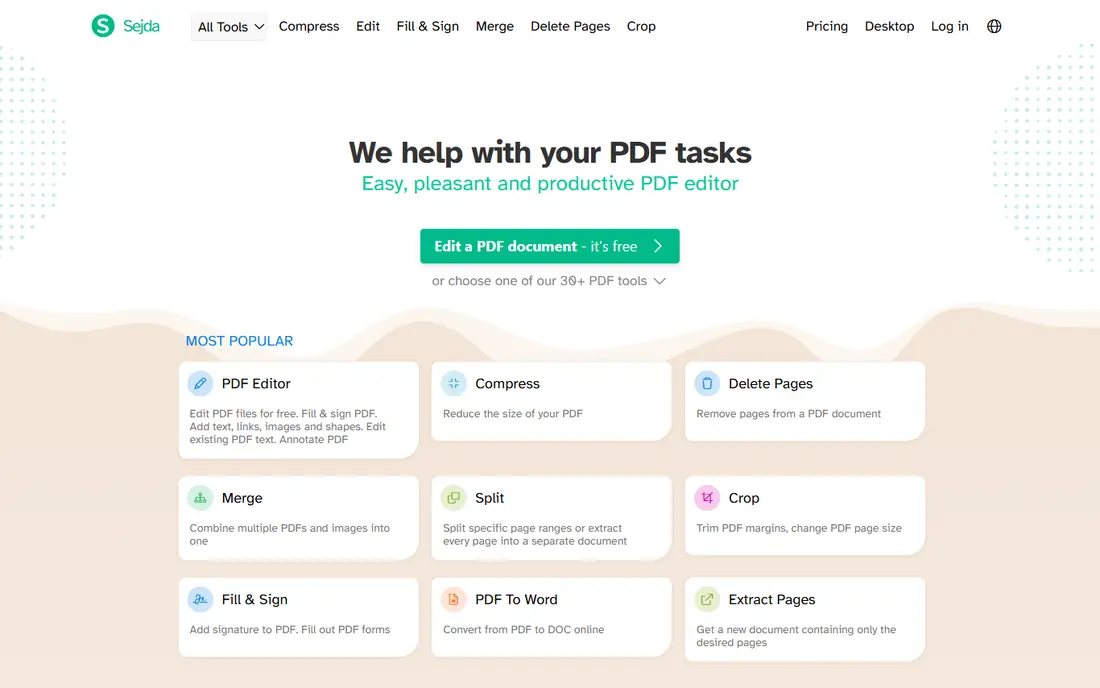
Sejda is a tidy online alternative with a clean interface and reliable output. Merged files carry no watermark, and the free allowance of around three tasks per hour resets more often than a daily cap, which suits people who merge once or twice at a time. Page reordering and file handling feel straightforward, even for first-time users.
The hourly limit and 50 MB total size cap will block larger jobs, and uploads go to Sejda servers, so sensitive files deserve a desktop tool instead. For small, occasional merges in a browser, Sejda is one of the most pleasant free options available.
- Clean interface and good output quality
- Merged files have no watermark
- Hourly free allowance resets often
- Free tier allows around three tasks per hour
- Total file size limit around 50 MB
- Files are uploaded to servers
PDFsam Basic is the best choice for privacy and for large files. It is a free, open-source desktop app for Windows, Mac, and Linux that merges, splits, extracts, and rotates pages entirely on your computer. There is no watermark, no daily limit, and no upload, since files never leave your device.
The interface is more technical than iLovePDF or Sejda, and beginners may need a few minutes to learn the merge modules. That learning curve is worth it for anyone handling sensitive or large documents regularly. If you merge PDFs weekly or daily, install PDFsam Basic and keep an online tool only as a backup.
- Free and open source
- Fully offline merging with no watermark
- Page-level merge, split, and extract tools
- Desktop only, no online tool
- Interface is technical for beginners
- No cloud sync or mobile app
Smallpdf is one of the most polished online PDF tools, and its merge tool is as simple as it gets: upload, reorder, merge, download. Free merges carry no watermark, and files are deleted from servers after processing, with a stated retention window of about one hour. For a single quick merge, it is hard to fault.
Light use is the key phrase. The free tier allows around two tasks per day in recent listings, with file size limits, so a second merge in the same day can hit a paywall at download. Paid plans start around $12 per month in some listings, so check the current price. Use Smallpdf for occasional merges, and use PDF24 or PDFsam Basic for regular work.
- Very simple drag-and-drop merging
- Merged output has no watermark
- Polished interface and clear privacy policy
- Free tier allows around two tasks per day
- File size limits on free tier
- Files are uploaded to servers
PDF2Go covers merging alongside a wider set of online PDF tools, including editing, conversion, compression, and protection. That breadth suits people who need to edit a file, merge it with others, and compress the result without switching sites. The browser-based workflow works on Windows, Mac, and mobile.
Free limits apply, and we could not verify every free export condition from a single source, so check the output file after your first merge and confirm there is no watermark before relying on it for client work. For non-sensitive, occasional merges, PDF2Go is a capable all-round online option.
- Free online merging
- Editing, conversion, and compression tools in one site
- Works on any device with a browser
- Free tier has file size and task limits
- Files are uploaded to servers
- No-watermark claim should be checked on each export
PDF Candy offers a free online merge tool as part of a large PDF toolset, with a desktop version for users who prefer local processing. The site presents its online tools as free, and merging is straightforward: upload, reorder, and download a combined file. The desktop app is useful when you want the same tools without repeated uploads.
Online free use has practical limits for heavy or large jobs, so test it with your typical file sizes before making it your default. For light online merging and for users who already use Icecream Apps tools, PDF Candy is a solid, easy option, with PDFsam Basic as the stronger offline backup.
- Free online merge tool
- Large toolset from the Icecream Apps team
- Desktop version available
- Free online use has limits for heavier tasks
- Files are uploaded for online tools
- Paid desktop features vary
Soda PDF is a full PDF suite with a free online merge tool, which suits users who also need editing, signing, or conversion in the same place. The online merge flow is simple, and the desktop app gives a local option for more regular work. That combination makes Soda PDF a reasonable single-vendor choice for mixed PDF tasks.
The free tier is more limited than the paid suite, and advanced features sit behind upsells, so do not expect a full desktop replacement for free. Check your first merged export for a watermark and for page order, as you should with any online tool. For occasional merging inside a broader PDF workflow, Soda PDF earns its place here.
- Free online merge tool
- Full PDF suite with editing, signing, and conversion
- Desktop app available
- Free tier is limited compared with the paid suite
- Files are uploaded for online tools
- Upsells for advanced features
How we picked these
We compared official product pages and recent free merge tool comparisons for services whose free merged output is reported to have no watermark. We favored services still available in October 2026, with a working merge tool and a clear free tier or free desktop app. Where sources disagreed on limits, we used the more cautious figure and noted that limits change, so readers should check the current tool page before a large job.
How to merge PDFs without a watermark or a surprise
Start by choosing the right type of tool. For sensitive files, use a desktop app such as PDFsam Basic or PDF24 Creator, since files stay on your computer. For quick, non-sensitive merges, an online tool such as iLovePDF, Sejda, or Smallpdf is faster and needs no install. Never upload IDs, contracts, or financial records to an online tool unless you have read its retention policy and accepted the risk.
Next, plan around free limits. Count your merges before you start a batch job, since a daily or hourly cap can block a download halfway through. If you merge often, a desktop app removes that problem entirely. If you merge rarely, an online tool with a small free allowance is enough, and you can rotate tools only as a last resort, not as a daily habit.
Finally, verify the output every time. Open the merged file, check page order, look for missing or blank pages, and confirm there is no watermark on any page. Merging can flatten forms or change page sizes in some tools, so keep the original files until you have checked the merged version. A two-minute check saves an embarrassing resend to a client or employer.
Frequently asked questions
Do free PDF merge tools add a watermark?
Some do, but the tools on this list are chosen because their free merged output is reported to have no watermark. Always check your first export, since free tiers and terms change, and some tools watermark other tools, such as editing or conversion, even when merging is clean.
Which PDF merge service is best for sensitive documents?
PDFsam Basic and PDF24 Creator are the safest picks, since they process files locally on your computer. Online tools upload files to servers, even when they delete them after processing, so they are less suited to highly sensitive documents.
Why did my free merge stop working after two files?
Most free online tools limit tasks per day or per hour. Smallpdf allows around two tasks per day on its free tier, Sejda allows around three per hour, and iLovePDF limits daily tasks. Wait for the reset, or switch to a desktop app for unlimited merging.
Can I merge PDFs on my phone?
Yes. Most online tools on this list work in a mobile browser, and several vendors offer mobile apps. Merging on a phone suits small files, while large or sensitive files are easier and safer on a desktop app.
What should I do if merged pages are in the wrong order?
Reopen the merge tool, drag files and pages into the correct order before merging, and check the preview if one is offered. Keep original files separate, merge again, and verify page numbers in the output before sending the file.
Sources
See where you really rank - block by block
ProMapRanker scans Google Maps across a grid of your service area. Simple monthly plans from $19, white-label on every plan.
Start freeKeep reading
 zeffy payment processor stripe alternatives
Zeffy and Stripe Alternatives for Nonprofits in 2026
Explore zeffy payment processor stripe alternatives for nonprofits. We compare 8 fundraising platforms on fees, donor tools, and nonprofit focus. Check fees.
Read → workday alternatives
Workday Alternatives in 2026
Workday alternatives compared: we review 8 HR and payroll platforms that replace Workday, with pricing, strengths and honest limits for each team size.
Read → what's the best weather app
What's the Best Weather App in 2026
Wondering what's the best weather app? We compare 10 free and paid apps for forecasts, radar, alerts, and Colorado mountain weather for everyday and storm use.
Read →