 ProMapRanker
Best Multistreaming Software in 2026

Key takeaways
- Cloud relays suit creators who want one feed on many platforms without running a powerful local computer.
- Browser studios suit guest shows, while encoder tools like OBS Studio suit creators who want full production control for free.
- Free multistreaming plans are real but capped, usually at one or two destinations, 720p, or limited monthly hours.
- Check each destination's simulcasting rules before you commit, since some platforms restrict streaming elsewhere at the same time.
Quick comparison
| Pick | Great for | Pricing starts at | Free tier | |
|---|---|---|---|---|
 Restream | Widest platform reach | $16 per month | Yes | Visit |
 StreamYard | Browser guest shows | $35.99 per month | Yes | Visit |
 Castr | 24/7 channels and playout | $16.67 per month | Free trial | Visit |
 Streamlabs | Gamers needing production tools | $15.75 per month | Yes | Visit |
 OneStream Live | Scheduled pre-recorded streams | $12 per month | Yes | Visit |
 Upstream | Free multistreaming with no watermark | $24 per month | Yes | Visit |
 Switchboard Live | Unlimited destination workflows | $35 per month | Free trial | Visit |
 Livepush | Pre-recorded live plus CDN delivery | $15 per month | Yes | Visit |
 OBS Studio | Free local multistreaming control | Free | Yes | Visit |
The best multistreaming software
Multistreaming sends one live feed to several platforms at once, so a show can reach YouTube, Twitch, Facebook, and other audiences without running a separate stream for each one. Some tools do this from the cloud, some from a browser studio, and some from your own computer. We compared official feature pages, pricing pages, and public reviews, and kept tools that work in October 2026 for real live distribution.
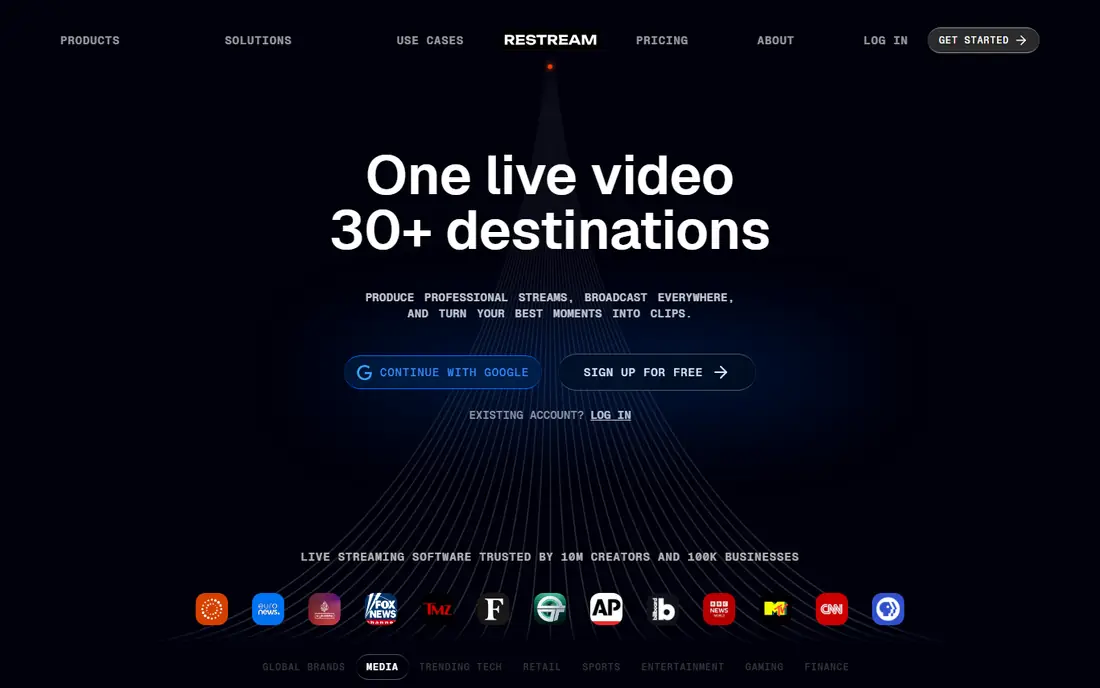
Restream is the default choice when reach is the main goal. One feed can go to many platforms, chat from those platforms lands in one window, and guests can join from the browser studio without installing software. For creators, churches, and businesses that already have audiences in several places, that distribution saves a lot of repeated work.
The limits are plan-based. The free plan covers two channels with branding, and higher destination counts sit on higher tiers. Restream also focuses on live distribution rather than always-on TV-style playout, so a 24/7 channel may fit better on Castr or Upstream.
- Streams to more than 30 platforms
- Browser studio with guests
- Unified chat across destinations
- Destination count rises with price
- 24/7 looping is not its core strength
- Free plan keeps branding
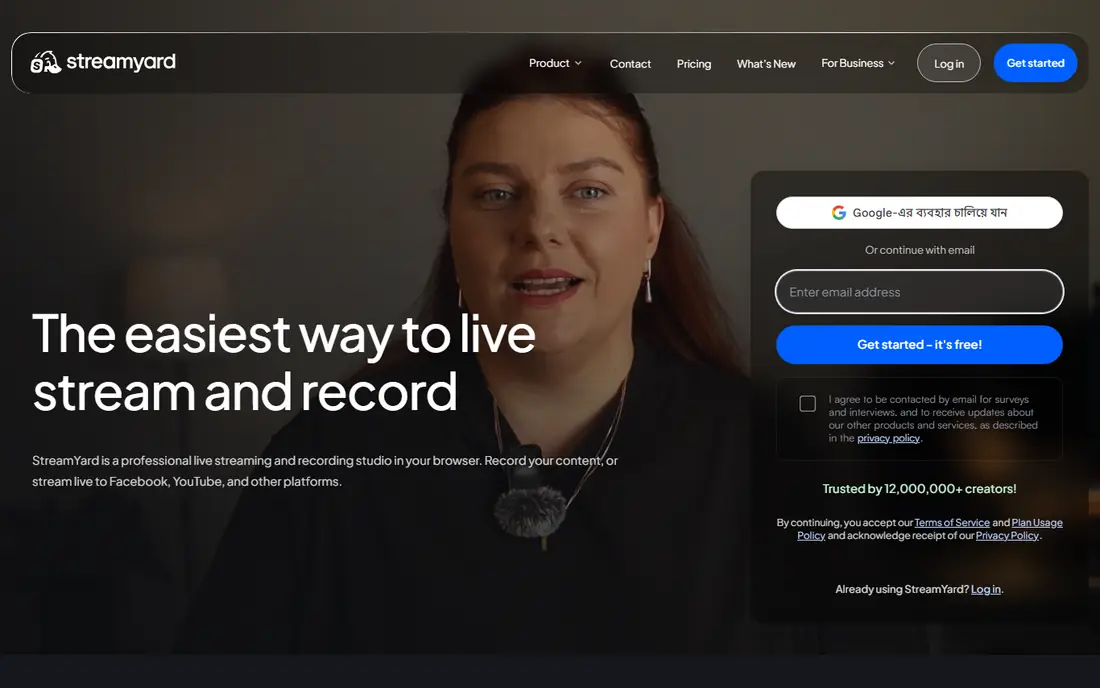
StreamYard suits shows where guests and presentation matter as much as distribution. Guests join from a browser link, the host controls layouts and banners, and paid plans send the show to several destinations at once. For interview shows, webinars, and live Q and A sessions, that combination is hard to beat for ease of use.
It costs more than a pure relay, and destination counts are capped at three on Core and eight on Advanced. If your show has no guests and you only need to relay an encoder feed, a cheaper relay may do the same distribution job for less money.
- Very easy guest handling
- Branding, banners, and layouts
- Multistreaming built into paid plans
- Higher price than relay-only tools
- Destination count capped by plan
- Free plan shows a logo

Castr is built for broadcasters who need more than a single live event. It handles scheduled pre-recorded streams, looping playlists, and 24/7 channels, plus video hosting and an embeddable player. Churches, sports groups, and media teams that run always-on channels will find this structure more useful than a simple relay.
The pricing needs care. There is a trial rather than a free plan, and lower tiers keep cloud recordings for only a short period. Adaptive transcoding and API access also sit on higher tiers, so check those limits if you serve viewers on slower connections or automate workflows.
- Scheduled and looping streams
- Multiple concurrent streams on higher plans
- Video hosting and player options
- No free plan, only a trial
- Cloud recordings are short-lived on lower tiers
- Paywall takes a commission on transactions
Streamlabs suits gamers and creators who already use its desktop production tools. Alerts, overlays, themes, and widgets sit next to streaming, and Dual Output lets Ultra users send one horizontal and one vertical feed at the same time. That vertical option matters for creators who serve both Twitch or YouTube and TikTok-style feeds.
It is less of a pure multistreaming relay than Restream or Castr. Free users get Dual Output only in a limited form, and the full toolset needs the Ultra subscription. Creators who do not need Streamlabs production tools may get wider destination support elsewhere for a similar price.
- Alerts, overlays, and themes for streamers
- Dual Output for horizontal and vertical platforms
- Desktop app included
- Multistreaming depth is limited on the free tier
- Ultra subscription needed for full features
- Desktop setup takes time
OneStream Live is for creators who want to schedule video as if it were live. You upload a video or pull it from cloud storage, set a time, and it goes out to connected platforms. That workflow suits product launches, replays, and regular shows that are recorded in advance but presented as live events.
Live-first creators should check the caps. Lower tiers cap resolution at 720p and cap pre-recorded duration, and always-on streaming costs extra unless you are on Enterprise. If your main need is a real live feed to many destinations, a relay may be simpler.
- Strong scheduling for pre-recorded video
- Imports from cloud storage
- Browser studio and hosted live pages
- Resolution capped at 720p on lower tiers
- Pre-recorded duration capped by plan
- 24/7 streaming is a paid add-on on most plans
Upstream stands out because its free plan is genuinely usable. One stream gets 24 hours a month, 1080p at 30 frames per second, multistreaming to 10 destinations, and no watermark, with no credit card required. That makes it a strong test for creators who want to try multistreaming and 24/7 playback without paying first.
Paid plans charge per stream, starting at $30 a month for one stream on monthly billing, or $24 a month on annual billing, with lower per-stream rates as you add streams. Creators who need many concurrent streams should price that total, since per-stream pricing behaves differently from a flat relay subscription.
- Free plan includes full features for one stream
- Multistreaming to 10 destinations
- No watermark on free plan
- Free plan capped at 24 hours a month
- Paid pricing is per stream
- Higher frame rates and 4K cost extra
Switchboard Live suits broadcasters who already run an encoder and want a cloud relay to many destinations. It is built around encoder workflows rather than a browser guest studio, which fits churches, sports, and event producers with existing production setups. Higher tiers add team members, watermarking, and an embeddable player.
The entry tier is limited to 25 hours a month at 720p, so heavy users need Pro or Business. It also does not replace a guest studio, so shows that need frequent remote guests may still want StreamYard or Restream Studio alongside it.
- Designed for encoder-driven multistreaming
- Unlimited destinations claimed on workflows
- Team and watermark options on higher tiers
- No free plan, only a trial
- Entry tier caps hours and resolution
- Less of a guest studio than StreamYard
Livepush combines multistreaming with pre-recorded live streams, looping playlists, and an embedded player for your own site. The free plan covers three destinations and 20 hours a month, which is more generous than many rivals. For creators who want both live distribution and website playback, that combination is useful.
Facebook streaming requires a paid plan, starting with Pro, so creators whose main audience is on Facebook should factor that in. Destination counts also rise by tier, from three on free and Pro to fifteen on Business, so check your actual destination list before choosing a tier.
- Free plan with three destinations
- Pre-recorded live and looping playlists
- Embedded player and CDN delivery
- Facebook streaming needs a paid plan
- Destination counts grow by tier
- Smaller community than Restream
OBS Studio is the free production base that many multistreaming setups still use. It handles scenes, cameras, screens, overlays, and encoding with deep control, and it can send to multiple destinations through plugins or by pairing it with a relay service. For technical creators, it is the cheapest way to control the look of a stream.
It does not multistream on its own out of the box in the same way a cloud relay does. You need to configure outputs, manage bandwidth, and handle failures yourself, and your local computer and internet connection become the weak point. Pair OBS Studio with a relay when reliability and destination count matter more than saving the relay fee.
- Free and open source
- Full scene and encoding control
- Multiple RTMP outputs with plugins or services
- No built-in multistreaming relay
- Setup and troubleshooting fall to you
- Local computer limits quality and reliability
How we picked these
We compared official feature pages, pricing pages, and public reviews, and kept only tools that work in October 2026 for sending one feed to several destinations. We favoured tools with clear destination limits, free or trial access, and a real live or scheduled workflow. We excluded single-platform streaming tools, video hosting tools without simulcasting, and tools that could not be verified as live.
What to check before you pay
Start with your destinations and your format. List every platform you actually stream to, check each platform's simulcasting rules, and decide whether you need a guest studio, an encoder relay, or a 24/7 channel. A guest show, a gaming stream, and an always-on channel need different tools, even though all three are called multistreaming.
Check the caps that affect your month. Destination count, streaming hours, resolution, concurrent streams, and recording retention all vary by plan, and a cheap plan can become expensive if you exceed them often. Test with a short real stream to each destination, because connection quality, chat handling, and branding show up only in a live test.
Plan for failure too. Keep a backup stream, a holding screen, or a pre-recorded loop ready for encoder or internet problems, especially for paid events. The cheapest tool is not cheap if a failed stream loses an audience you worked hard to build.
Frequently asked questions
What is the best multistreaming software?
Restream is a strong default for wide reach, StreamYard suits guest shows, and Castr or Upstream suit 24/7 channels. OBS Studio suits technical creators who want free production control, while Streamlabs suits gamers who need alerts and overlays. Pick by format first, then by destination count and price.
What is the best multistreaming platform for beginners?
StreamYard and Restream are the easiest starting points, because both run in a browser and handle guests and destinations without encoder setup. Upstream is also worth testing, since its free plan includes full features for one stream. OBS Studio is powerful but needs more setup and learning.
Can I multistream for free?
Yes, with limits. Restream, StreamYard, OneStream Live, Upstream, Livepush, and OBS Studio all offer a free tier or a free product, but most cap destinations, hours, or resolution. Upstream's free plan is the most generous in this list, with 10 destinations and no watermark for one stream up to 24 hours a month.
Does multistreaming hurt reach on YouTube or Twitch?
It can, depending on each platform's rules and on how viewers find you. Some platforms restrict simulcasting for certain partner or affiliate accounts, and chat becomes harder to follow across many destinations. Check the current rules for your account type before you multistream a show that matters for growth on one platform.
Do I need OBS Studio if I use Restream or StreamYard?
No, both include a browser studio that can run a show without OBS Studio. OBS Studio becomes useful when you want deeper scene control, local recording, or a custom production setup, and you can still send its output through a relay. Many creators start with a browser studio and add OBS Studio later as production needs grow.
Sources
See where you really rank - block by block
ProMapRanker scans Google Maps across a grid of your service area. Simple monthly plans from $19, white-label on every plan.
Start freeKeep reading
 zoho books alternatives
Best Zoho Books Alternatives in 2026
Compare the best zoho books alternatives for small business accounting, from QuickBooks Online and Xero to FreshBooks, Wave, and Sage in 2026, with pricing.
Read → zluri alternatives
Best Zluri Alternatives in 2026
Compare zluri alternatives for 2026, with SaaS management platforms for app discovery, spend tracking, renewals, and automation for IT, finance and procurement.
Read → zerobounce alternatives
Best ZeroBounce Alternatives in 2026
Best zerobounce alternatives for list hygiene: compare 8 email verification tools for bulk cleaning, real-time checks and catch-all handling in 2026 today.
Read →