 ProMapRanker
Best Mobile Video Editing Apps in 2026

Key takeaways
- VN Video Editor is the best free editor for most phones, with no watermark on core exports and 4K support.
- CapCut is the best pick for templates, effects, and trend formats for short form video.
- Adobe Premiere on mobile offers a full multi track timeline free, with paid AI credits for some tools.
- InShot and KineMaster suit fast social edits, but free exports carry watermarks or ads.
- LumaFusion is the best one time purchase for creators who dislike subscriptions.
Quick comparison
| Pick | Great for | Pricing starts at | Free tier | |
|---|---|---|---|---|
 CapCut CapCut | Templates and trend formats | Free | Yes | Visit |
 VN Video Editor VN Video Editor | Free editing with no watermark | Free | Yes | Visit |
 Adobe Premiere Adobe Premiere | Free multi track editing | Free | Yes | Visit |
 InShot InShot | Fast vertical social edits | Free | Yes | Visit |
 KineMaster KineMaster | Layered editing on phones | Free | Yes | Visit |
 PowerDirector PowerDirector | AI tools on a timeline | Free | Yes | Visit |
 LumaFusion LumaFusion | One time purchase pro editing | $29.99 one-time | No | Visit |
 iMovie iMovie | Simple free Apple editing | Free | Yes | Visit |
The best mobile video editing apps
We compared free features, watermarks, export quality, timeline tools, and pricing, focusing on editors that work well on a phone in October 2026.
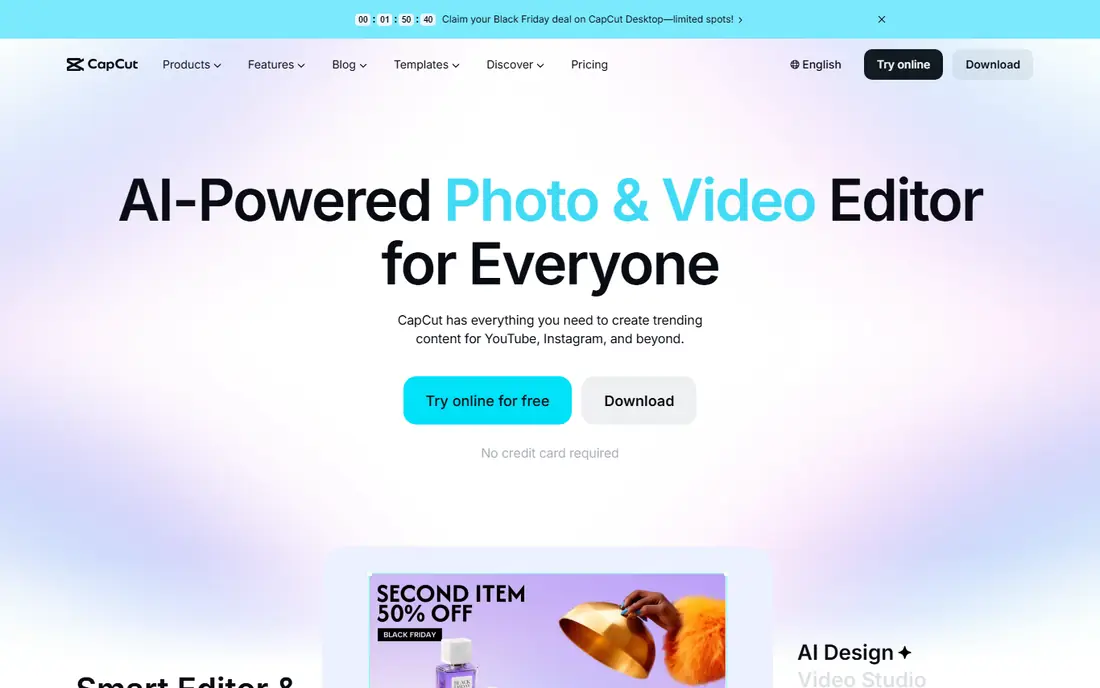
CapCut is the default editor for short form creators because it is built around trends. Templates, effects, auto captions, and music tools let you turn raw clips into a finished Reel, Short, or TikTok video quickly, and the same project can move between phone, desktop, and web. For creators who post daily and follow formats, that speed is hard to match with a traditional timeline editor. The free tier is generous, but Pro assets are woven through the library, and using them can add a watermark or require payment on export. Check each template and effect before you build around it, and delete the ending clip on free exports where it appears. If you want templates above all else, CapCut remains the strongest pick, while VN suits creators who want a clean free export above trend tools.
- Huge template and effect library
- Auto captions and trend formats
- Works on phone, desktop, and web
- Some templates and Pro features need a paid plan
- Free exports may include an ending clip you must delete
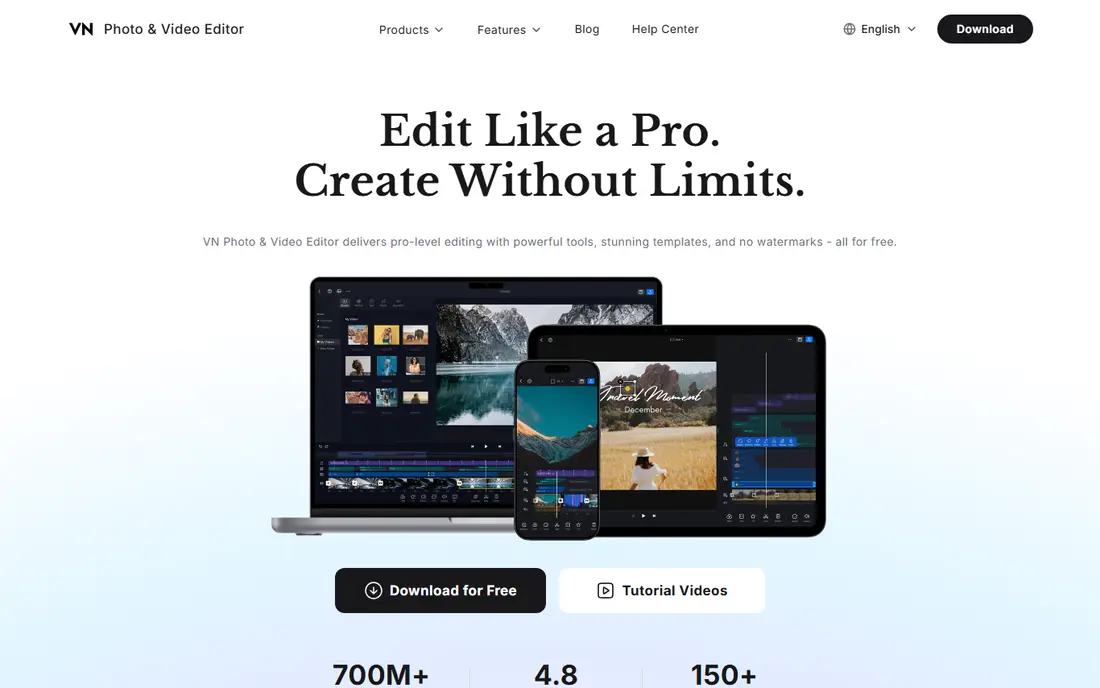
VN is the best free editor for creators who care about a clean export and real timeline control. It offers a multi track timeline, masks, keyframes with curves, speed ramps, and export up to 4K, without adding a watermark to core exports. That combination is rare at no cost, and it suits YouTube creators, short form editors, and anyone moving beyond simple trims and filters. The free tier has limits that matter for heavy users. Published reviews note ads during some actions, a cap near 100 projects, and AI features that run on credits, with Pro including a monthly credit allowance. VN Pro is listed near 7.99 dollars in some store listings, though terms vary. For most casual and mid level creators, the free tier covers real projects, and VN is the first app to try if you dislike watermarks.
- No watermark on core exports
- Multi track timeline, keyframes, and speed curves
- 4K export in the free tier in published reviews
- Free users see ads during some actions and face a project cap in reviews
- AI captions use credits
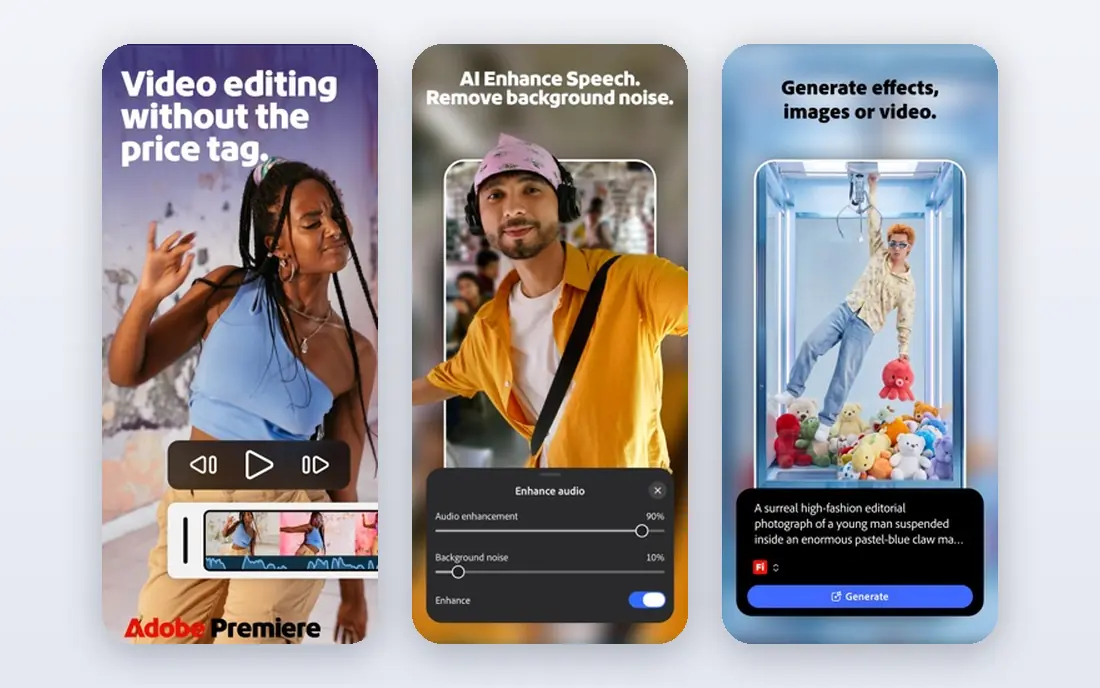
Adobe Premiere on mobile gives phone creators a serious timeline without a subscription for core editing. Published reviews in October 2026 describe unlimited track editing, 4K exports, and no watermark on free exports, with payment only for generative AI credits. That makes it a strong choice for creators who want desktop style control on a phone, and who already work in the Adobe system. The mobile app is not yet a full desktop replacement. Some features, such as keyframes and auto captions on certain Android versions, were still limited in reviews, and AI heavy workflows can add cost through credits. For straightforward multi track edits, captions done manually, and clean exports, Premiere on mobile is excellent. For AI captions and effects at scale, compare CapCut or PowerDirector as well.
- Full multi track timeline free on mobile
- Unlimited 4K exports in published reviews
- No watermark on free exports
- Generative AI tools use paid credits
- Some advanced features are still maturing on mobile compared with desktop
InShot is the pick when speed matters more than depth. You can trim clips, add filters, text, transitions, and music, and export a vertical video for social platforms in minutes, without learning a multi track timeline. That simplicity suits casual creators, small businesses, and anyone editing phone footage for Instagram or TikTok on the go. The free version is honest about its limits: exports carry a watermark, ads appear, and effect packs sit behind Pro. Published listings place Pro near 4.99 dollars per month, with yearly and lifetime options in some stores. If you edit often and hate watermarks, VN or Adobe Premiere will save money. If you edit rarely and want the fastest path to a post, InShot is still a good free start.
- Very fast for trims, filters, text, and music
- Simple interface for vertical video
- Works on iPhone and Android
- Free exports carry a watermark and ads
- Many effect packs and features need Pro
KineMaster has long been a favorite for mobile creators who want layers, chroma key, and precise control without a desktop. You can stack video, images, text, and effects, adjust blending, and build more complex edits than a simple trim app allows. That layer system suits YouTubers, educators, and creators who reuse intros, overlays, and graphics across videos. The free tier adds a watermark and ads, which limits its use for client work or a polished channel. Published listings place premium near 7.99 dollars per month in some stores, though prices vary. KineMaster is best for creators who need layers and are willing to pay to remove the watermark, or who use the free tier to learn layer editing before moving to VN or LumaFusion.
- Multi layer timeline with chroma key and blending
- 4K export options
- Works on phones, tablets, and Chromebooks
- Free exports carry a watermark and ads
- Premium features and asset store items need payment
PowerDirector suits creators who want AI help inside a traditional timeline. Auto captions, effects, and templates speed up edits that would take longer by hand, and the timeline structure keeps longer projects organized. Phone and desktop versions share a workflow, which helps creators who start on a phone and finish on a computer. The catch is that AI features are not all free. Published reviews note that auto captions and some AI tools sit behind paid plans, with Pro plans listed near 5.99 dollars per month in some stores. Check which AI tools you actually need before paying, since CapCut and Adobe Premiere cover many of the same needs free or through credits. PowerDirector is strongest for creators who want a desktop style timeline with AI assistance in one app.
- Timeline editing with AI tools including captions and effects
- Templates and stock content
- Works on phone and desktop
- Some AI features such as auto captions are paid in reviews
- Free tier limits and pricing vary by store
LumaFusion is the best pick for creators who would rather pay once than subscribe forever. For 29.99 dollars in published listings, you get a multi track editor with strong timeline, color, and audio tools, and no watermark on exports. That pricing model suits professionals, educators, and serious hobbyists who edit weekly and want predictable cost. There is no free version, so you buy on reputation and reviews rather than a trial. Some advanced features, including certain speed and caption workflows, need extra purchases or workarounds in reviews. If you edit on iPad or Android tablets as well as phones, LumaFusion scales better than most phone first apps. For casual creators, start free with VN or Adobe Premiere, and move to LumaFusion when you edit often enough to justify the one time cost.
- One time purchase with no subscription
- Multi track timeline with strong color and audio tools
- No watermark
- No free version to try first
- Some features such as speed ramping and auto captions need extras or workarounds in reviews
iMovie remains the simplest free editor for Apple users, and simplicity is its strength. You can trim clips, add titles, transitions, and music, and export a clean video without a watermark or a subscription. For family videos, school projects, and first YouTube edits, that is often all you need, and the learning curve is minutes rather than hours. Advanced creators will hit limits fast. iMovie lacks the multi track depth, keyframes, and color tools of VN, Premiere, or LumaFusion, and it does not run on Android or Windows. Use iMovie when you want a quick, clean edit on an iPhone or iPad, and move to another app on this list when a project needs layers, precise pacing, or advanced audio work.
- Free on Apple devices
- Very simple timeline for trims, titles, and music
- Clean exports with no watermark
- Apple only
- Limited multi track and advanced editing compared with VN, Premiere, or LumaFusion
How we picked these
We compared official feature pages, app store listings, and public reviews from October 2026, focusing on editors still available on iOS and Android. We favored apps with a usable free tier or a clear one time price, real timeline tools, and export quality that suits social and YouTube publishing. We did not claim hands on testing, and where store prices varied we noted the variation rather than presenting one figure as fixed.
How to choose a mobile editor for your videos
Start with where you publish and how often you edit. Short form creators who follow trends need templates and captions, so CapCut or PowerDirector fit. Long form or YouTube creators who need clean exports and timeline control need VN, Adobe Premiere, or LumaFusion. Casual creators who edit rarely need the fastest simple app, such as InShot or iMovie, not the most powerful one.
Watermarks, exports, and storage
Check watermark rules before you build a project around an app, since a watermark can force a rebuild elsewhere. Confirm export resolution, frame rate, and file size on your phone, since 4K exports need storage and processing power. Export a short test clip first, and check how it looks on the platform where you will publish, before editing a full project.
When to pay
Pay when a limit blocks real work, such as a watermark on client videos, missing captions, or a project cap. Do not pay for a template library you have not used, or for AI tools you can do by hand in a few minutes. Most creators here can start free, learn which features they miss after a month, and then choose one paid upgrade that solves a specific problem.
Frequently asked questions
What is the best mobile video editing app?
VN Video Editor is the best free mobile editor for most creators, thanks to no watermark on core exports and a strong timeline. CapCut is best for templates and trends, while Adobe Premiere on mobile is best for a free multi track timeline. Your publishing style decides the winner.
What is the best video editing app for mobile with no watermark?
VN, Adobe Premiere on mobile, LumaFusion, and iMovie all offer exports without a watermark, though LumaFusion is paid and iMovie is Apple only. VN is the best free cross platform pick for no watermark exports. CapCut free exports can avoid a watermark on standard clips, but Pro assets may change that.
What is the best free editing app for phone videos?
VN is the best free editing app for phone videos when you want timeline control and clean exports. Adobe Premiere on mobile is a close second for multi track work, while InShot is best for fast simple edits. Try VN first if you dislike watermarks, and InShot first if you want the simplest interface.
What are the best phone video editing apps for TikTok and Reels?
CapCut is the best app for TikTok and Reels templates, effects, and trend formats. InShot is best for fast vertical edits, while VN suits creators who want precise pacing for short videos. Check each template for Pro locks before building a post around it.
What is the best video editing app for mobile for beginners?
iMovie on Apple devices and InShot on both platforms are the easiest starts for beginners, with simple timelines and fast exports. VN is the best next step when beginners want more control without paying. Start simple, and move to a timeline editor only when simple edits feel limiting.
Is there a best free editing app without a subscription?
Yes. VN and Adobe Premiere on mobile offer strong free tiers without a subscription for core editing, and iMovie is free on Apple devices. LumaFusion offers a one time purchase instead of a subscription. Avoid apps that lock basic exports behind a monthly plan if you edit only occasionally.
Sources
See where you really rank - block by block
ProMapRanker scans Google Maps across a grid of your service area. Simple monthly plans from $19, white-label on every plan.
Start freeKeep reading
 zeffy payment processor stripe alternatives
Zeffy and Stripe Alternatives for Nonprofits in 2026
Explore zeffy payment processor stripe alternatives for nonprofits. We compare 8 fundraising platforms on fees, donor tools, and nonprofit focus. Check fees.
Read → workday alternatives
Workday Alternatives in 2026
Workday alternatives compared: we review 8 HR and payroll platforms that replace Workday, with pricing, strengths and honest limits for each team size.
Read → what's the best weather app
What's the Best Weather App in 2026
Wondering what's the best weather app? We compare 10 free and paid apps for forecasts, radar, alerts, and Colorado mountain weather for everyday and storm use.
Read →