 ProMapRanker
Best Mileage Tracker App in 2026

Key takeaways
- MileIQ suits solo drivers who want automatic detection and simple swipe classification.
- Everlance suits freelancers who want mileage plus expenses and bank sync in one app.
- TripLog suits companies reimbursing teams, with per-user plans and admin controls.
- Hurdlr, Stride and Driversnote cover tax estimates, free tracking and international logs respectively.
- Free tiers are capped by trips or drives per month, so count your business drives before choosing a plan.
Quick comparison
| Pick | Great for | Pricing starts at | Free tier | |
|---|---|---|---|---|
 MileIQ MileIQ | Automatic drive detection | $5.99 per month | Yes | Visit |
 Everlance Everlance | Mileage plus expenses | $5 per month | Yes | Visit |
 TripLog TripLog | Team reimbursement | $8 per user per month | Yes | Visit |
 Hurdlr Hurdlr | Self-employed tax estimates | $9.99 per month | Yes | Visit |
 Driversnote Driversnote | Simple compliant logs | $11 per month | Yes | Visit |
 Stride Stride | Free gig driver tracking | Free | Yes | Visit |
 MileageWise MileageWise | Audit-proof logs and reconstruction | $6.99 per month | Free trial | Visit |
 Zoho Expense Zoho Expense | Mileage inside Zoho expenses | $3 per user per month | Yes | Visit |
 Timeero Timeero | Field teams with GPS time tracking | $6 per user per month | Free trial | Visit |
The best mileage tracker apps
We compared official pricing pages, feature documentation and public reviews for mileage apps in October 2026. Automatic tracking, manual logging and team reimbursement solve different needs, so this list covers all three. A log is only useful if it records date, start and end points, distance and business purpose, so check those fields in your trial. This is general information, not tax advice.
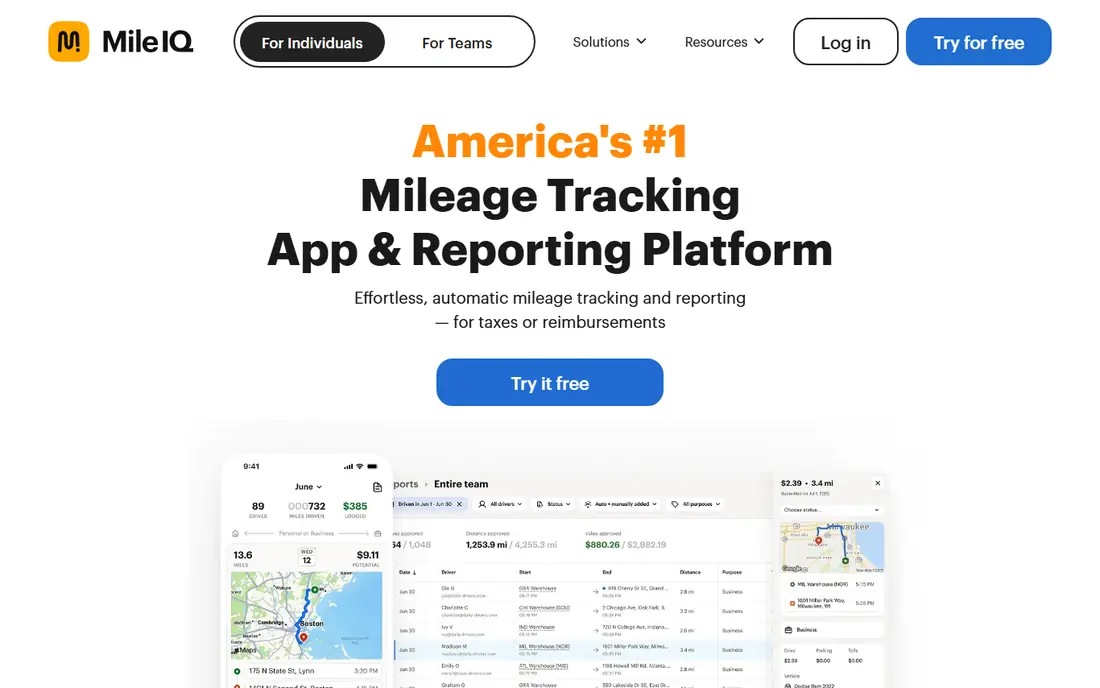
MileIQ is the simplest hands-off pick for a solo owner. The app detects drives automatically, and you swipe each drive as business or personal. That two-step habit replaces manual logs and memory at tax time, and reports export in a clean format for accountants.
The free plan covers 40 drives a month, which suits occasional drivers but not daily field work. MileIQ also focuses on mileage alone, so expense receipts need another app. For drivers who want the best mileage tracker app for business with least daily effort, MileIQ is a strong default.
- Automatic drive detection with swipe classification
- Simple reports
- Works for individuals and small teams
- Free plan caps at 40 drives a month
- No built-in expense tracking
- Annual billing gives the lower monthly rate
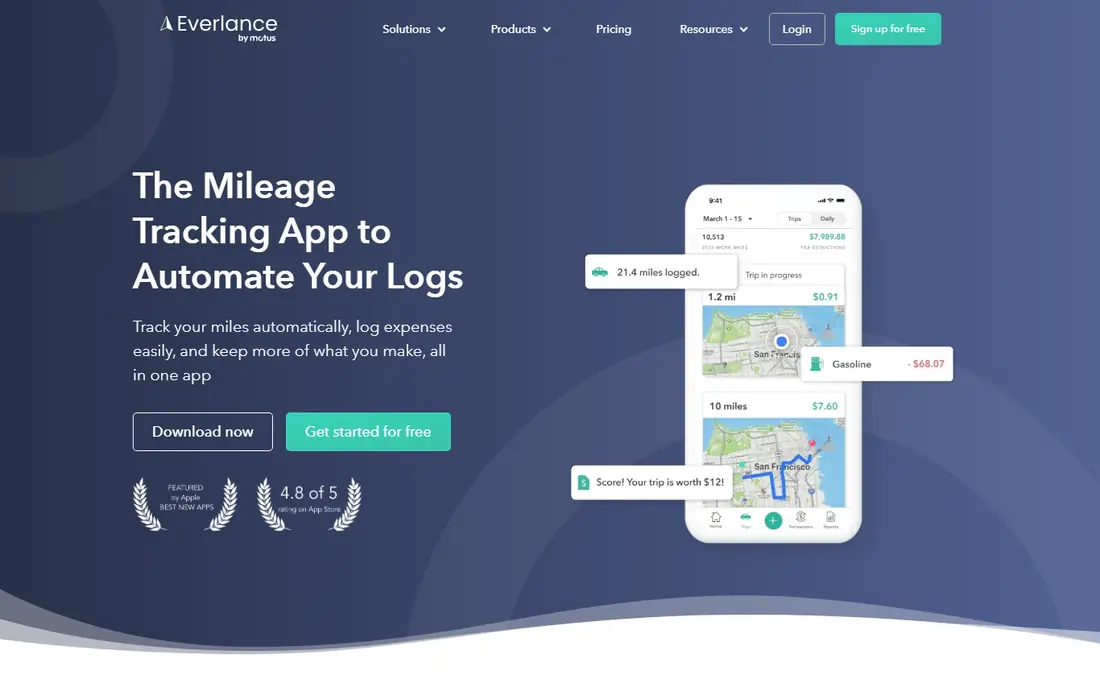
Everlance suits freelancers who want mileage and expenses together. Automatic trip detection handles driving, while expense tracking and card sync handle spending in the same app. That combination gives a clearer picture of business costs than a mileage-only log.
The free tier allows 30 automatic trips a month, with unlimited manual trips, so heavy drivers will need a paid plan. Pricing also differs between monthly and annual billing, so check the current annual rate. For self-employed workers who track both miles and money, Everlance is a practical all-in-one pick.
- Automatic trips plus expense tracking
- Bank and card sync on paid plans
- Team features for small businesses
- Free plan caps automatic trips at 30 a month
- Paid price varies by billing period
- Some features need higher tiers
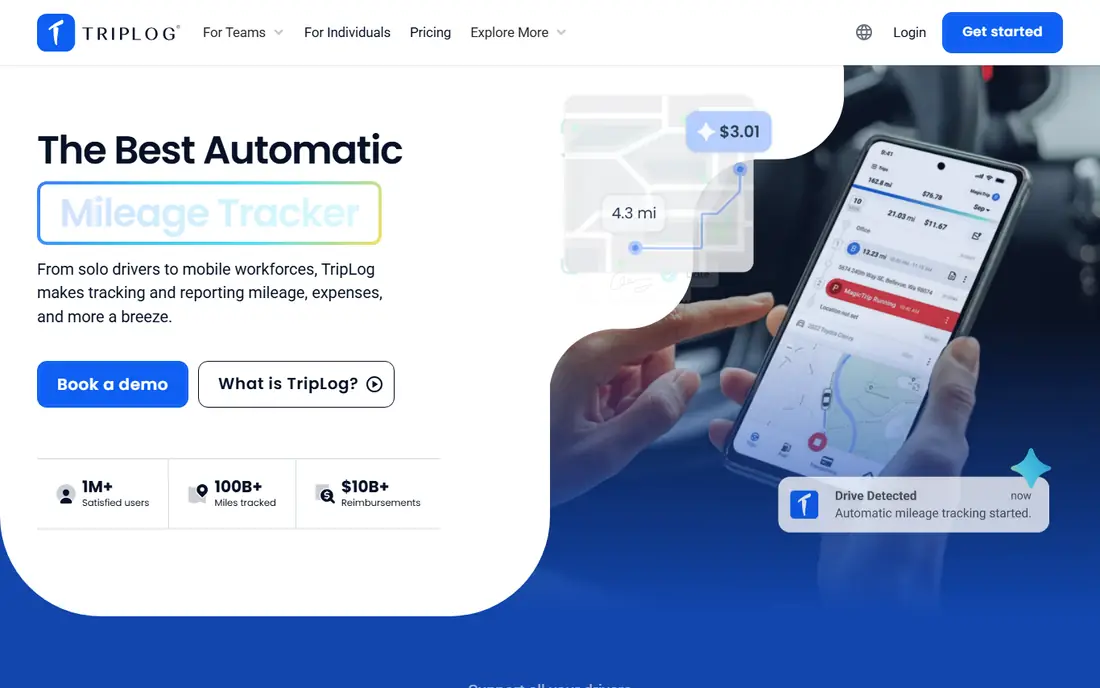
TripLog is built for employers reimbursing drivers. Admins can set rates, review trips, manage teams and run reimbursement programs, including FAVR plans for larger fleets. Drivers can track by GPS, manual entry or other methods, and the app also covers fuel, tolls and parking.
Solo drivers may find TripLog more structured than they need, and the team price is per user. For a small business with several drivers, that structure prevents disputes and speeds payroll. Test the admin dashboard with a small team before rolling it out company-wide.
- Team plans with admin controls
- Mileage, fuel, tolls and time tracking
- FAVR and cents-per-mile reimbursement options
- Feature depth can feel complex for solo users
- Team pricing adds up
- Free version has limits
Hurdlr helps self-employed workers see tax impact as they work. Mileage, income and expenses feed a running tax estimate, which helps with quarterly payments and year-end planning. Manual mileage tracking is free, so occasional drivers can start without paying.
Full automatic tracking and advanced features sit on paid plans, so check what the free tier covers for your drive volume. Hurdlr is less suited to large team reimbursement than TripLog. For gig workers and freelancers who want the best mile tracker app with tax estimates, Hurdlr is a strong fit.
- Real-time tax estimates
- Mileage plus income and expense tracking
- Free manual mileage tracking
- Automatic tracking needs the paid plan for full use
- Interface focuses on tax, not team admin
- Pricing varies by plan
Driversnote suits employees and drivers who need a clean, compliant log without extra features. Automatic GPS logging records trips, you classify them, and reports export for reimbursement or tax use. Support for log rules in many countries helps drivers who work across borders.
The free plan covers only 15 trips a month, so regular drivers need a paid plan. The price is also higher than MileIQ or Everlance entry rates in some summaries. For a driver whose main need is an accurate, audit-ready log, Driversnote keeps the workflow simple.
- Automatic GPS logging
- Compliant logs across many countries
- Simple trip classification and reports
- Free plan caps at 15 trips a month
- Higher price than some rivals
- No full expense suite
Stride is the best free starting point for gig and delivery drivers. There is no paid tier needed for core tracking, and the app covers mileage and expenses for 1099 workers. That simplicity suits drivers who want a clean log without a monthly bill.
Tracking starts manually, with reminders to help you remember, rather than fully automatic detection. Team reimbursement and advanced reporting are also limited. For occasional or gig driving where cost matters most, Stride is hard to beat.
- Completely free mileage and expense tracking
- Simple interface for gig workers
- No subscription needed
- Manual start with reminders, not fully automatic
- Limited team features
- Expense features are basic
MileageWise serves drivers who need more than a current log. Its reconstruction tools help rebuild past mileage from calendars, maps and other records, which matters when a log has gaps before an audit or tax filing. Detailed reports and vehicle expense tracking support that audit-ready goal.
There is no free plan, only a trial, and the detailed interface needs more learning than MileIQ. Drivers with a complete, current log may not need reconstruction tools. For drivers facing a missing log or an audit risk, MileageWise is the specialist pick.
- Reconstruction tools for past mileage
- Detailed, audit-ready logs
- Vehicle expense tracking
- No free plan, trial only
- Interface is detailed and takes learning
- Best value for drivers with log gaps
Zoho Expense suits businesses already running on Zoho. Mileage entries flow into expense reports alongside receipts, approvals and accounting sync, so drivers and finance teams use one system. The free tier for up to 3 users makes it easy to test.
Mileage alone is not as deep as MileIQ or TripLog, since Zoho Expense is an expense platform first. Teams outside Zoho still benefit, but integrations are strongest inside Zoho. For a small business that already uses Zoho Books, adding mileage there avoids another subscription.
- Mileage tracking inside expense reports
- Free tier for up to 3 users
- Integrates with Zoho Books and accounting tools
- Mileage is one feature, not the core focus
- Best value inside Zoho
- Advanced team controls need paid plans
Timeero suits field service, delivery and sales teams that need time and mileage together. GPS tracking segments trips by job or client, and managers can review time, location and mileage in one dashboard. That detail helps with billing, payroll and route review.
Solo drivers do not need that depth, and per-user pricing makes Timeero a team purchase. There is no free plan, only a trial, so test with a small crew first. For managers who need proof of field work plus mileage, Timeero is the best car mileage tracker app for teams in this list.
- Segmented GPS mileage for field teams
- Time tracking alongside mileage
- Admin controls for managers
- No free plan, trial only
- Per-user pricing adds up
- Overkill for solo drivers
How we picked these
We compared official pricing pages, feature documentation and public reviews for mileage apps in October 2026. We favoured apps with clear trip fields, exportable reports and a current free tier or trial. We included solo, freelance and team options, plus a reconstruction specialist, since mileage needs differ by work type. Prices reflect vendor pricing summaries at the time of writing, including annual billing rates where published, and they can change. We did not claim hands-on testing. This is general information, not tax advice.
What to check before you choose
Count your monthly business drives first. Free caps range from 15 to 40 trips, so a daily driver will outgrow a free tier fast. Check whether tracking is automatic, manual or both, and test battery use on your phone for a week. Automatic tracking is convenient, but it must not drain the battery on long field days.
Check export and reimbursement rules next. Confirm the log includes date, distance, start and end points and business purpose, and that reports export to PDF or spreadsheet formats your accountant accepts. For teams, check admin approval, rate settings and payroll integration. The best mileage app for business is the one whose reports pass review without manual fixes.
Frequently asked questions
What is the best mileage tracking app for small business?
MileIQ suits solo owners, Everlance suits freelancers with expenses, and TripLog suits teams with reimbursement needs. Zoho Expense suits Zoho users, while Timeero suits field teams with time tracking. Match the pick to team size and whether expenses or time tracking also matter.
What is the best mileage tracker app for business reimbursement?
TripLog leads for team reimbursement, with admin controls, rate settings and FAVR options. Timeero also suits field teams that need time plus mileage proof. For a single owner, MileIQ or Everlance reports are usually enough for an accountant or payroll review.
Is there a free best mileage tracker app?
Stride is free for mileage and expense tracking, while MileIQ, Everlance, TripLog, Hurdlr, Driversnote and Zoho Expense offer capped free tiers. Free tiers suit occasional drivers, but daily drivers usually need a paid plan for unlimited automatic trips. Check trip caps before relying on a free tier.
How do mileage tracker apps work for taxes?
The app records trips with date, distance, locations and business purpose, then exports a log you or your accountant can use for deductions or reimbursement. Keep business and personal trips separate, and review logs regularly. Tax rules and mileage rates change, so confirm current rules with a tax professional.
What is the best app for tracking mileage automatically?
MileIQ and Everlance offer automatic detection with swipe or classification review, while Driversnote offers automatic GPS logging. Stride uses manual start with reminders, which is less automatic but still simple. Test automatic detection on your usual routes, since GPS accuracy varies by phone and area.
Can I reconstruct past mileage if I forgot to track it?
MileageWise specialises in reconstruction, using calendars, maps and other records to rebuild a past log. Reconstruction takes effort and needs supporting records, so it is not a substitute for ongoing tracking. Start automatic tracking now, even if you also rebuild past months.
Sources
See where you really rank - block by block
ProMapRanker scans Google Maps across a grid of your service area. Simple monthly plans from $19, white-label on every plan.
Start freeKeep reading
 zeffy payment processor stripe alternatives
Zeffy and Stripe Alternatives for Nonprofits in 2026
Explore zeffy payment processor stripe alternatives for nonprofits. We compare 8 fundraising platforms on fees, donor tools, and nonprofit focus. Check fees.
Read → workday alternatives
Workday Alternatives in 2026
Workday alternatives compared: we review 8 HR and payroll platforms that replace Workday, with pricing, strengths and honest limits for each team size.
Read → what's the best weather app
What's the Best Weather App in 2026
Wondering what's the best weather app? We compare 10 free and paid apps for forecasts, radar, alerts, and Colorado mountain weather for everyday and storm use.
Read →