 ProMapRanker
Best Math Apps for Kids in 2026

Key takeaways
- Khan Academy Kids and Zearn offer strong free maths for younger children, with no ads in Khan Academy Kids.
- Prodigy suits children who need motivation through games, while DreamBox suits children who need patient, adaptive teaching.
- IXL covers the widest skill range, but its price and drill style suit families who want detailed progress reports.
- Check age range, ads, in-app purchases, and privacy settings before handing any app to a child, and keep sessions short.
Quick comparison
| Pick | Great for | Pricing starts at | Free tier | |
|---|---|---|---|---|
 Khan Academy Kids Khan Academy Kids | Free early learning | Free | Yes | Visit |
 Zearn Zearn | Free curriculum lessons | Free | Yes | Visit |
 Prodigy Math Prodigy Math | Game-based practice | Free | Yes | Visit |
 DreamBox DreamBox | Adaptive teaching | $12.95 per month | No | Visit |
 IXL Math IXL Math | Skill coverage | $9.95 per month | No | Visit |
 SplashLearn SplashLearn | Game-based early maths | Free | Yes | Visit |
 Mathseeds Mathseeds | Gentle kindergarten start | See website | No | Visit |
 DragonBox Numbers DragonBox Numbers | Number sense play | See website | No | Visit |
The best math apps for kids
Children learn maths best when an app matches their age, teaches rather than only drills, and keeps frustration low. We compared official feature pages, pricing, app store listings, privacy policies, and public reviews to find apps that fit kindergarten and elementary children in October 2026. Note on safety: check each app for age-appropriateness, ads, chat features, and privacy settings, and supervise younger children during use.
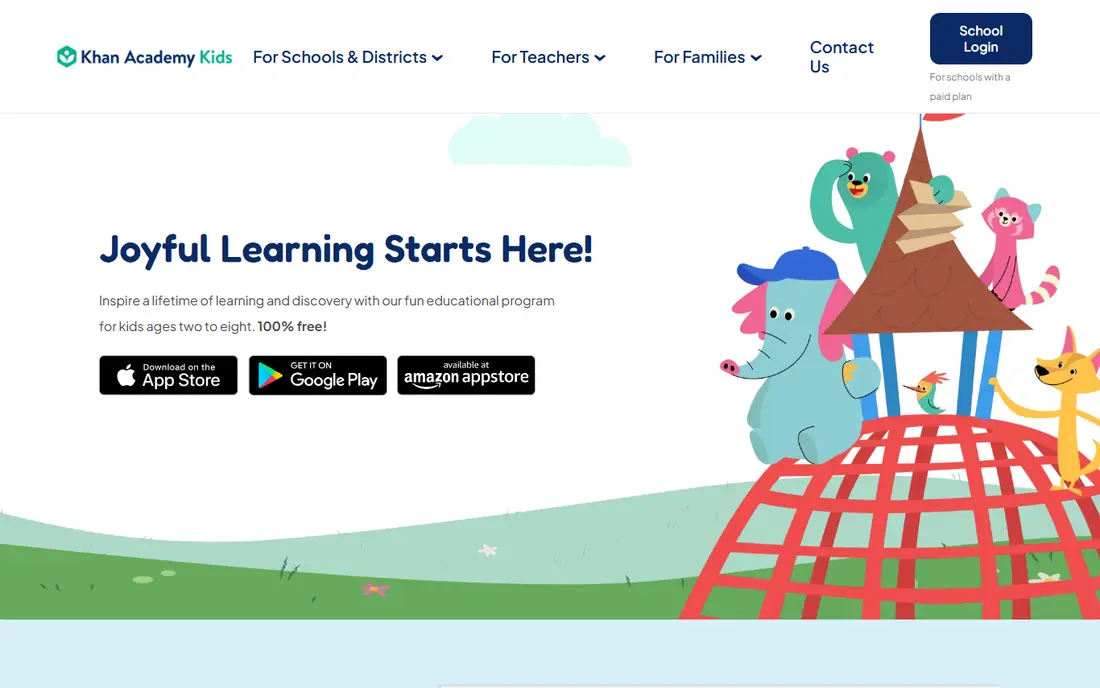
Khan Academy Kids is the easiest recommendation for families with young children. It is free, it carries no ads and no in-app purchases, and it covers early maths alongside reading and social skills. Lessons use characters, songs, and short activities that suit short attention spans, which helps a kindergarten child practise counting, shapes, and simple addition without pressure.
The limit is age. Once a child moves past about second grade, the content runs out, and families need a next step such as Zearn or Prodigy. For ages 2 to 8, though, few apps match this mix of quality, safety, and price. It is a calm, trustworthy starting point for early maths.
- Completely free with no ads
- Covers ages 2 to 8
- Includes reading and early maths together
- Content ends around second grade
- No web version for full use
- Older children outgrow it fast
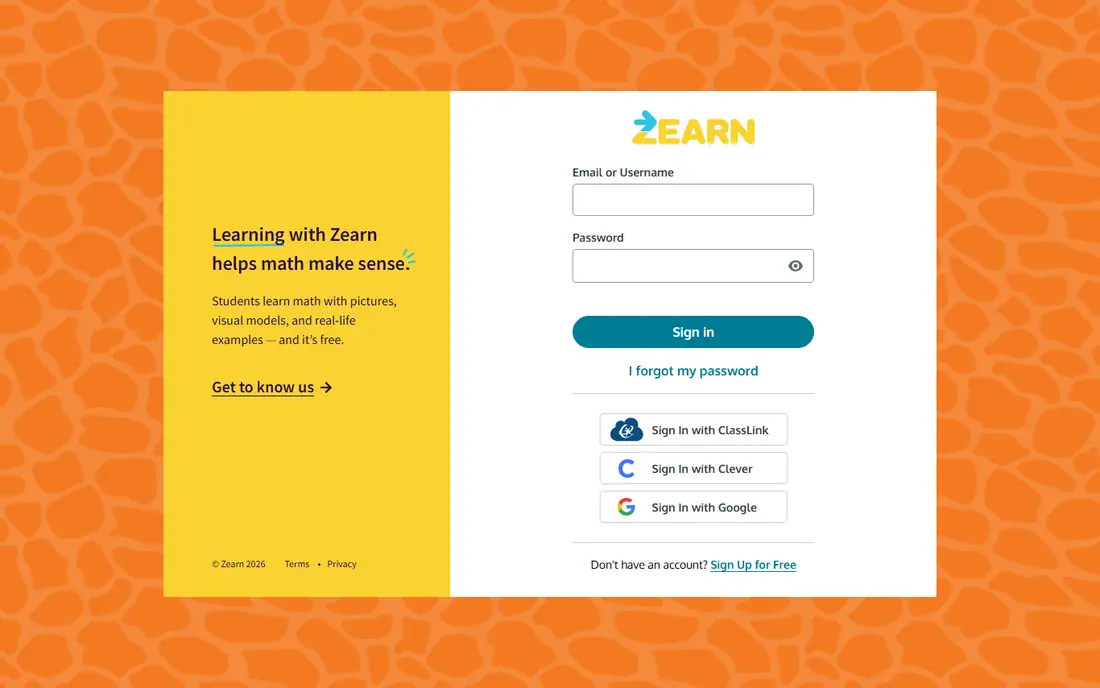
Zearn takes a classroom approach and does it well. Lessons teach a concept with short videos and guided practice, then check understanding before moving on. That structure helps children who need clear steps rather than open play, and parents can see which skills are secure and which need more work.
Children who love games may find Zearn less exciting than Prodigy or SplashLearn, and the design feels more like school than play. That is also its strength for homework support, since lessons line up with school maths. For a free, serious, curriculum-based option, Zearn is hard to beat.
- Full K to 8 curriculum free for families
- Structured lessons with teaching
- Tracks progress by skill
- Interface feels school-like
- Needs a stable internet connection
- Less game-like than Prodigy
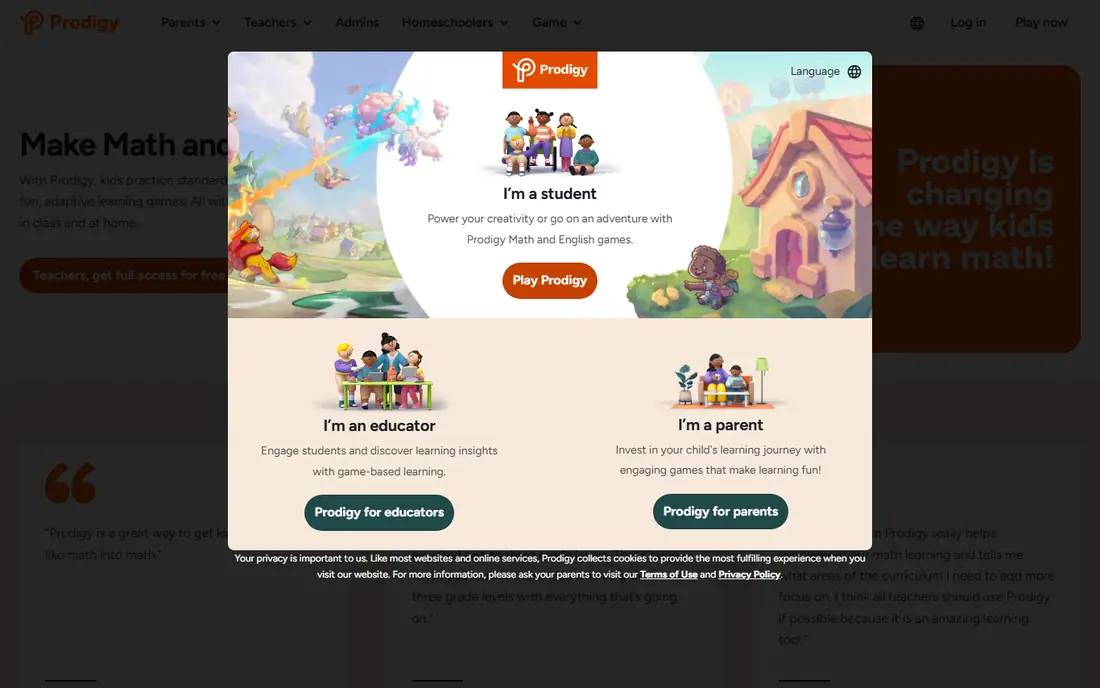
Prodigy turns maths practice into a fantasy adventure, where answering questions powers battles and earns rewards. That game loop motivates many children who resist worksheets, and the core educational content is free. Questions adapt to grade level, so a child practises at a level that fits school work.
Parents should know what paying does and does not buy. Premium membership adds pets, rewards, and game extras, but the maths questions themselves stay free. Purchase prompts inside a game can also distract younger players, so check settings and talk with your child about them. Used with those limits in mind, Prodigy is a strong motivator.
- Core maths questions are free
- Fantasy game keeps children playing
- Adapts to grade level
- Premium membership adds game perks, not learning
- In-game purchase prompts can distract
- Game can overshadow maths
DreamBox is less a game and more a patient tutor. It watches how a child answers, adjusts the next lesson, and uses visual models to explain why an answer works. That approach helps children who have gaps from earlier grades, because it can step back and rebuild a concept instead of pushing ahead.
The price, at $12.95 per month, is higher than free rivals, and some younger children may find the lessons serious compared with a game. Parents also need time to set up accounts and review reports. For a child who needs teaching rather than more drill, DreamBox justifies its cost more clearly than a game-only app.
- Adapts in real time to fill gaps
- Visual lessons teach concepts
- Covers kindergarten to grade 8
- Monthly price adds up
- Can feel demanding for younger children
- Setup takes time for parents
IXL covers maths skill by skill, with short questions, instant feedback, and reports that show exactly where a child is strong or stuck. That detail helps parents and tutors target practice, and the range runs from early counting to high school topics. For homework support and gap-finding, it is a practical tool.
The style is practice, not teaching, so a child who does not understand a concept may need a lesson elsewhere first. Repetition can also tire children if sessions run too long. Keep IXL sessions short, use its reports to pick a few skills at a time, and pair it with a teaching app when a concept is new.
- Huge skill library from pre-kindergarten to grade 12
- Instant feedback
- Detailed parent reports
- Drill style can feel repetitive
- No live teaching
- Price rises for multi-subject plans
SplashLearn sits between a game and a curriculum app. Its colourful games cover early counting, addition, subtraction, fractions, and more, with practice that adapts as a child improves. A parent dashboard shows progress, which helps adults see whether play is turning into learning.
The free version gives a useful taste, but full access needs payment, and prices should be checked on the official site before subscribing. Game rewards can also pull attention away from the maths itself for some children. For pre-kindergarten to grade 5 families who want playful practice, SplashLearn is a solid middle option.
- Game-based lessons for pre-kindergarten to grade 5
- Adaptive practice
- Parent dashboard
- Full features need a paid plan
- Game rewards can distract
- Content thins after grade 5
Mathseeds is designed for the youngest learners, with short lessons, songs, and rewards that build number skills step by step. Its gentle pace suits a kindergarten child who is just meeting numbers, counting, and simple addition. Families who also use Reading Eggs may find the bundle convenient, since both tools share an account system.
Older children will outgrow it quickly, and pricing varies by bundle and region, so check the official site for the current family price. Mathseeds is not a long-term maths home, but as a first app for ages 4 to 7, its calm progression and clear structure work well.
- Gentle progression for kindergarten to grade 3
- Rewards and songs
- Pairs with Reading Eggs
- Range ends around grade 3
- Pricing is bundled in some regions
- Less depth for older children
DragonBox Numbers teaches number sense through play rather than drills. Children move, combine, and compare number creatures, building an intuitive feel for how numbers work before formal sums appear. Because core play needs little reading, it suits pre-readers and early readers alike.
Its scope is narrower than Zearn or IXL, so it works best as a supplement, not a full curriculum. It is also a paid app, with store pricing that varies, so confirm the price before buying. For a child who needs to feel numbers rather than memorise facts, DragonBox offers a different and valuable angle.
- Visual, play-based number sense
- No reading needed for core play
- Suits ages 4 to 8
- Narrower scope than a full curriculum app
- Paid app, not free
- Parents need to check current store price
How we picked these
We compared official feature pages, pricing pages, app store listings, privacy policies, and public reviews for maths apps available in October 2026. We kept apps made for children, with current versions, clear age ranges, and content that fits kindergarten or elementary maths. Where a price could not be verified on the vendor site, we wrote See website rather than guessing. We did not claim hands-on testing, and we treated review scores as a guide, not as proof.
How to choose a maths app for your child
Start with age and school level, not with popularity. A kindergarten child needs counting, shapes, and simple addition, while a third grader needs multiplication, fractions, and problem solving. An app that is too hard will frustrate, and one that is too easy will bore, so check the stated grade range and try the first lessons together.
Next, decide if your child needs teaching, practice, or motivation. DreamBox and Zearn teach concepts, IXL and Prodigy practise skills, and Prodigy and SplashLearn motivate through games. Many families use two apps: one for teaching and one for fun practice. Keep total screen time modest, with short regular sessions rather than long weekend bursts.
Finally, check safety settings before first use. Look for ads, in-app purchases, chat or friend features, and data collection rules in the privacy policy. Turn off purchases where possible, use a parent account, and sit with younger children for early sessions. The best app is one your child enjoys, you can monitor, and your budget can sustain.
Frequently asked questions
What is the best math app for kindergarten?
Khan Academy Kids is a strong free pick for kindergarten, thanks to its ad-free design and early maths and reading content. Mathseeds and DragonBox Numbers also suit this age with gentle, play-based lessons. Try one app at a time and watch if your child understands the ideas, not just taps through games.
What are the best free math apps for kids?
Khan Academy Kids and Zearn lead the free options, with Prodigy offering free core maths questions inside a game. Khan Academy Kids suits ages 2 to 8, Zearn suits kindergarten to grade 8, and Prodigy suits grades 1 to 8. Free plans differ, so check what each one includes before relying on it for homework.
What is the best kids math app for games?
Prodigy Math is the most game-focused pick, with a fantasy adventure built around maths questions. SplashLearn also uses games for early grades, with a softer, more curriculum-like feel. If game rewards distract your child, try a teaching app such as DreamBox or Zearn alongside shorter game sessions.
How much time should a child spend on a maths app?
Short, regular sessions work best, often 15 to 20 minutes, a few times a week, alongside school work. Long sessions can turn practice into tapping without thinking. Stop when frustration rises, and use the app as a supplement to conversation, homework, and hands-on play with real objects.
Do maths apps replace school maths lessons?
No. Apps support school learning by adding practice, teaching, or motivation, but they do not replace a teacher, classroom discussion, or homework review. If a child is falling behind, talk with the teacher and use app reports to spot gaps. A tutor or school support may help more than a new app alone.
Sources
See where you really rank - block by block
ProMapRanker scans Google Maps across a grid of your service area. Simple monthly plans from $19, white-label on every plan.
Start freeKeep reading
 zeffy payment processor stripe alternatives
Zeffy and Stripe Alternatives for Nonprofits in 2026
Explore zeffy payment processor stripe alternatives for nonprofits. We compare 8 fundraising platforms on fees, donor tools, and nonprofit focus. Check fees.
Read → workday alternatives
Workday Alternatives in 2026
Workday alternatives compared: we review 8 HR and payroll platforms that replace Workday, with pricing, strengths and honest limits for each team size.
Read → what's the best weather app
What's the Best Weather App in 2026
Wondering what's the best weather app? We compare 10 free and paid apps for forecasts, radar, alerts, and Colorado mountain weather for everyday and storm use.
Read →