 ProMapRanker
Best Market Research Tools in 2026

Key takeaways
- SurveyMonkey is the fastest way to field a structured survey, with templates and a free tier that cover basic research needs.
- Qualtrics leads for enterprise research programs, with deep methodology support and experience management across touchpoints.
- Attest and Pollfish suit teams that need real consumers fast, through panels and pay-per-response pricing.
- Statista and Brandwatch cover secondary research and social signals, which pair well with survey data rather than replacing it.
Quick comparison
| Pick | Great for | Pricing starts at | Free tier | |
|---|---|---|---|---|
 SurveyMonkey SurveyMonkey | Fast structured surveys | See website | Yes | Visit |
 Qualtrics Qualtrics | Enterprise research programs | See website | Free trial | Visit |
 Typeform Typeform | Surveys people complete | See website | Yes | Visit |
 Attest Attest | Consumer answers fast | See website | Free trial | Visit |
 Pollfish Pollfish | Fast panel surveys | See website | Free trial | Visit |
 GWI GWI | Audience profiling at depth | See website | Free trial | Visit |
 Statista Statista | Secondary research and statistics | See website | Yes | Visit |
 Brandwatch Brandwatch | Social and brand signals | See website | Free trial | Visit |
The best market research tools
Market research splits into asking people questions, reaching the right respondents, and reading data that already exists. The eight tools below cover all three jobs, from quick surveys to audience platforms, so you can pair a survey tool with a data source rather than forcing one tool to do everything.
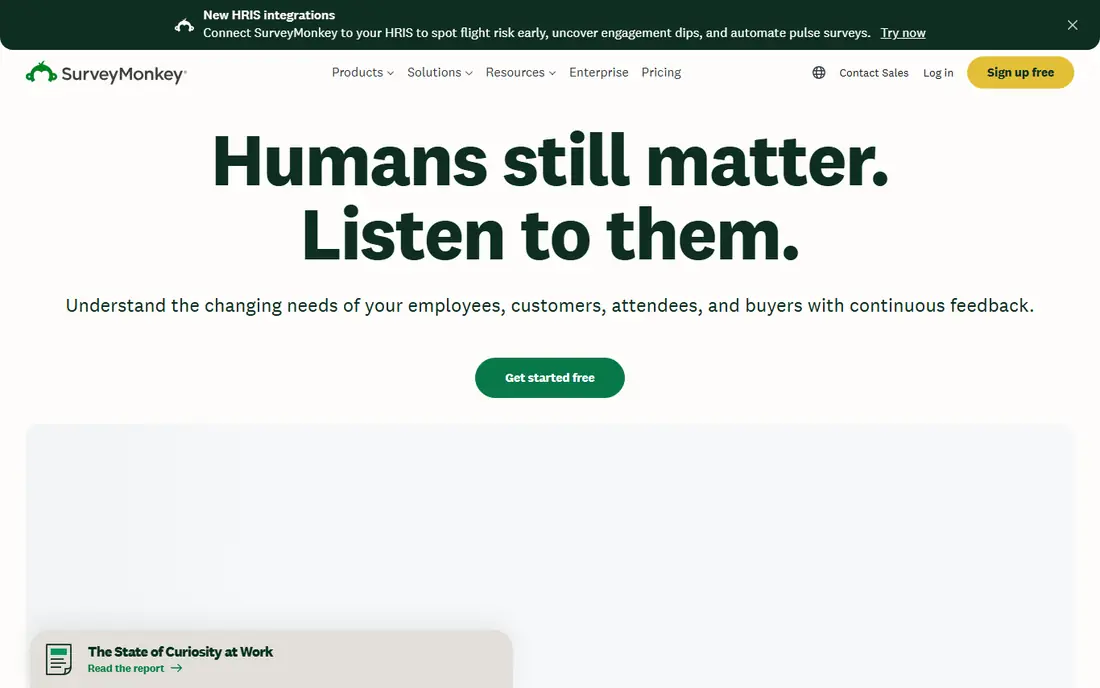
SurveyMonkey remains the default when a team needs a survey out today. The builder is fast, templates cover the standard research needs from satisfaction to concept testing, and the free tier handles basic surveys without a credit card. For quantitative surveys at any scale, from a product team validating a pricing change to a charity checking donor sentiment, it gets the job done with minimal fuss.
Limits appear at the analysis stage. The free plan caps responses and features, and serious work such as significance testing and deeper cuts needs paid tiers. It will not replace Qualtrics for a full enterprise research program, but for speed and simplicity it is still the tool most teams reach for first. The respondent panel also helps when your own list is too small.
- Fastest survey setup
- Large template library
- Respondent panel available for purchase
- Free plan caps responses
- Advanced analysis needs paid tiers
- Depth trails enterprise platforms
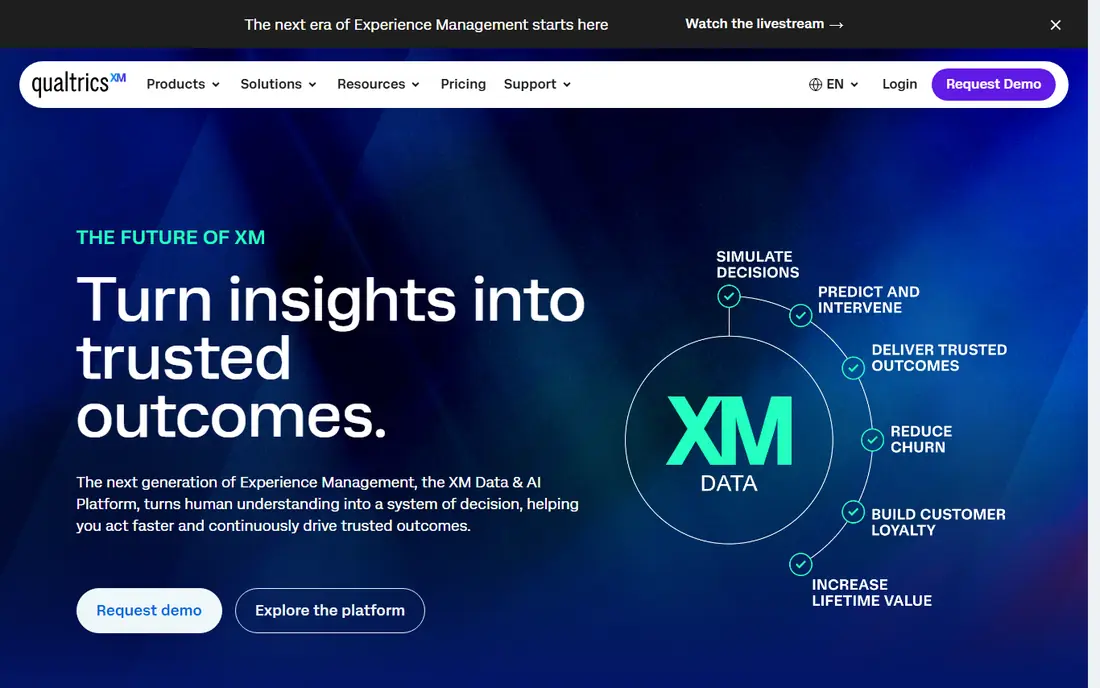
Qualtrics is what research looks like at enterprise scale. Sophisticated survey logic, conjoint and MaxDiff methods, panel management, and experience management connect customer, employee, product, and brand feedback in one system. Large organizations run their entire insights function on it, with governance, permissions, and reporting that smaller tools cannot match.
That power comes with enterprise pricing behind a sales process and a learning curve that demands trained researchers. There is no simple self-serve path for casual use, and small teams will pay for depth they never touch. Buy Qualtrics when research is a program with ongoing studies, not a one-off task. For a single survey, SurveyMonkey or Typeform will serve you better and faster.
- Deepest methodology support
- Experience management across touchpoints
- Enterprise panel operations
- Quote-only pricing
- Steep learning curve
- Overkill for simple surveys
Typeform earns its place on completion rates. Its one-question-at-a-time design feels more like a conversation than a form, and respondents finish surveys they would abandon elsewhere. That matters for customer research, where a long grid of questions produces drop-offs and thin data. Templates cover feedback, onboarding, and concept checks, and integrations send results to CRMs and sheets.
The free plan caps monthly responses tightly, so growing teams move to paid plans quickly, and analysis stays lighter than enterprise platforms. Typeform also suits shorter surveys better than long research questionnaires with complex logic. If your main problem is getting people to finish, Typeform is the best survey tool here. If your main problem is analysis depth, pair it with a stronger analytics tool.
- Conversational design lifts completion rates
- Attractive templates
- Good integrations
- Free plan caps monthly responses
- Per-response costs add up at scale
- Analysis is lighter than Qualtrics
Attest suits consumer brands that need credible answers within days, not weeks. Surveys run through partner panels covering many millions of consumers across dozens of countries, and AI-assisted interviews add qualitative depth to the numbers. For a brand team testing a pack design or a price point, that speed turns research from a quarterly event into a weekly habit.
Pricing runs on credit subscriptions and often needs a sales conversation, so small teams should confirm costs before planning a study calendar. B2B niche audiences are also harder to reach through consumer panels than through a specialist panel. Still, for consumer questions with a clear target audience, Attest delivers fast, usable answers with less fieldwork hassle than building a panel yourself.
- Access to large consumer panels
- Fast turnaround on surveys
- AI-assisted analysis and interviews
- Pricing is credit-based and needs a quote
- Best for consumer brands, less for B2B niches
- Depth varies by study type
Pollfish appeals to teams that want panel research without an enterprise contract. You pay per completed response, set targeting by age, location, and other traits, and field a survey in hours. Reviewers often praise the transparent pricing and ease of setup, which makes Pollfish a good fit for startups and small brands testing ideas on a tight budget.
The trade-off is depth. Survey design and analysis are simpler than Qualtrics, and panel quality can vary for narrow audiences, so results need a careful read on sample size and screening. For broad consumer questions with a clear target, Pollfish is fast and cost-effective. For complex methodology or hard-to-reach professionals, a specialist panel or Qualtrics will serve you better.
- Pay only for survey completions
- Fast setup
- Transparent pricing per response
- Survey design is simpler than enterprise tools
- Panel quality varies by audience
- Analysis features are basic
GWI, formerly GlobalWebIndex, answers a different question than survey tools: who is this audience, what do they care about, and how are they changing. Its panel data profiles consumers across attitudes, media habits, and buying behavior in many markets, with brand tracking that shows movement over time. Strategy and media teams use it to size audiences and shape positioning before writing a single survey question.
GWI is not a tool for fielding your own survey, and pricing is quote-based at a level that suits agencies and larger brands more than startups. New users also need time to learn the data structure. Pair GWI with a survey tool: use GWI to understand the audience, then field a focused survey to test the specific decision in front of you.
- Deep audience data across many markets
- Brand tracking and profiling
- Trend data over time
- Pricing is quote-based and high for small teams
- Not a survey fielding tool
- Learning curve for new users
Statista is the fastest route to secondary research. Its library holds charts, forecasts, and industry statistics across thousands of topics, drawn from public sources and its own surveys. When a team needs market size, category growth, or a credible chart for a pitch deck by tomorrow, Statista saves days of hunting through reports.
Free access is limited, with fuller data behind paid plans, and every statistic deserves a check against its original source before it goes into a board document. Statista also answers what the market looks like, not why buyers choose you, so it complements rather than replaces primary survey work. Used that way, it is one of the most practical tools on this list.
- Huge library of charts and industry statistics
- Fast secondary research
- Useful for decks and sizing
- Free access is limited
- Deeper data needs paid plans
- Statistics need checking against original sources
Brandwatch tracks what people say about brands, categories, and competitors across social and web sources, turning that chatter into brand health, sentiment, and trend signals. For a team monitoring a launch or a reputation issue, it surfaces movement faster than the next survey wave will. Coverage is broad, and dashboards suit teams that report brand health regularly.
Pricing is quote-based and aimed at larger teams, and good queries take skill to design, since noisy keywords produce noisy results. Social data also skews toward vocal users rather than the full buyer base, so treat it as a signal to investigate, not a final verdict. Paired with survey data, Brandwatch gives a fuller picture of both what people say and what they tell you when asked directly.
- Social listening at scale
- Brand health and sentiment tracking
- Large data coverage
- Pricing is quote-based
- Setup and query design take skill
- Social data skews toward vocal audiences
How we picked these
We compared official feature pages, pricing pages, and public reviews for each tool, and we favored products still operating in October 2026 across the three research jobs: surveying, reaching respondents, and reading existing data. We weighted panel access, analysis depth, and pricing transparency over marketing claims. We did not run hands-on research studies for this guide, and where pricing was gated, we say so rather than guessing.
Building a research stack that fits
Start with the decision, not the tool. If you need to test a concept with real buyers, field a survey through SurveyMonkey or Pollfish and buy panel responses only if your own list is too small. If you need to understand an audience before you ask anything, open GWI or Statista first and let the data shape your questions. If you track brand health over time, add Brandwatch for signals between survey waves. Keep sample sizes honest, screen respondents carefully, and write questions in plain language, since a good tool cannot rescue a biased question.
Frequently asked questions
What is the best tool for market research for a small business?
SurveyMonkey is the best starting point for small teams, with fast setup, templates, and a free tier. Add Pollfish when you need panel respondents, and Statista when you need market statistics.
What is the best market research platform for enterprise teams?
Qualtrics leads for enterprise research, with deep methodology support and experience management in one system. GWI and Brandwatch complement it for audience data and social signals.
What is the best market research survey tool?
SurveyMonkey leads for structured surveys at speed, while Typeform leads when completion rates matter most. Qualtrics leads when the study needs complex logic or advanced methods.
Do I need a panel to do market research?
Only if you lack respondents. Customer and employee research uses your own audience through email or web links. General population studies need a panel, and tools such as Pollfish and Attest sell responses per completion.
How much do market research tools cost?
Costs vary widely, from free tiers for basic surveys to quote-based enterprise contracts. Panel responses add a per-completion cost on top of platform fees, so model your sample size before you budget.
What is the best tool for market research on competitors?
Brandwatch leads for social and brand signals about competitors, while Statista covers market size and category data. Pair both with a survey that asks buyers directly about rival brands.
Sources
See where you really rank - block by block
ProMapRanker scans Google Maps across a grid of your service area. Simple monthly plans from $19, white-label on every plan.
Start freeKeep reading
 zeffy payment processor stripe alternatives
Zeffy and Stripe Alternatives for Nonprofits in 2026
Explore zeffy payment processor stripe alternatives for nonprofits. We compare 8 fundraising platforms on fees, donor tools, and nonprofit focus. Check fees.
Read → workday alternatives
Workday Alternatives in 2026
Workday alternatives compared: we review 8 HR and payroll platforms that replace Workday, with pricing, strengths and honest limits for each team size.
Read → what's the best weather app
What's the Best Weather App in 2026
Wondering what's the best weather app? We compare 10 free and paid apps for forecasts, radar, alerts, and Colorado mountain weather for everyday and storm use.
Read →