 ProMapRanker
Best Logo Maker App in 2026: 10 Apps Compared

Key takeaways
- Canva and Adobe Express suit people who need a logo plus social posts, presentations and other content in one app.
- Looka, Tailor Brands and BrandCrowd suit people who want a dedicated logo and brand kit, with a one-time or subscription package.
- Hatchful, now part of Shopify tools, and Logo.com offer genuinely free starting points, but file formats and rights differ.
- Check what you can download before you pay: vector files, commercial rights and trademark use vary a lot between free and paid tiers.
- Template logos are rarely exclusive, so customize colors, fonts and icons if you want a logo that stands out.
Quick comparison
| Pick | Great for | Pricing starts at | Free tier | |
|---|---|---|---|---|
 Canva Canva | Logo plus content design | Free | Yes | Visit |
 Looka Looka | Logo plus brand kit | See website | No | Visit |
 Adobe Express Adobe Express | Adobe users and content | Free | Yes | Visit |
 Hatchful by Shopify Hatchful by Shopify | Free logo starter | Free | Yes | Visit |
 Tailor Brands Tailor Brands | Logo plus business tools | See website | No | Visit |
 Wix Logo Maker Wix Logo Maker | Logo plus Wix website | See website | No | Visit |
 DesignEvo DesignEvo | Simple template logos | See website | Yes | Visit |
 BrandCrowd BrandCrowd | Template logo library | See website | No | Visit |
 LogoMakr LogoMakr | Simple custom logos | See website | Yes | Visit |
 Logo.com Logo.com | Low-cost logo starter | Free | Yes | Visit |
The best logo maker apps
A logo maker app should do more than generate a pretty image. It should let you edit colors and fonts, download files you can actually use for print and web, and give you clear rights to use the logo commercially. The apps below differ on all three points, so check downloads and rights before you pay.
Canva is the most flexible logo tool for most small businesses, because the logo is only the start. Once you design a mark, you can reuse its colors and fonts across social posts, business cards, presentations and a website, all in the same app. The editor is easy for non-designers, and the template library gives a strong starting point.
The limits are file format and exclusivity. Vector SVG export is generally a paid feature, and Canva library content is shared, so a logo built from stock icons cannot be treated as a fully exclusive trademark asset. If you need a logo for print at large sizes, check the export options on your plan. For a logo plus everyday content, Canva is hard to beat.
- Huge template and element library
- Easy editor for non-designers
- Brand kit and social content in the same app
- Vector export needs a paid plan for most users
- Template content cannot be trademarked in the same way as a custom mark
- Free downloads are mainly raster files
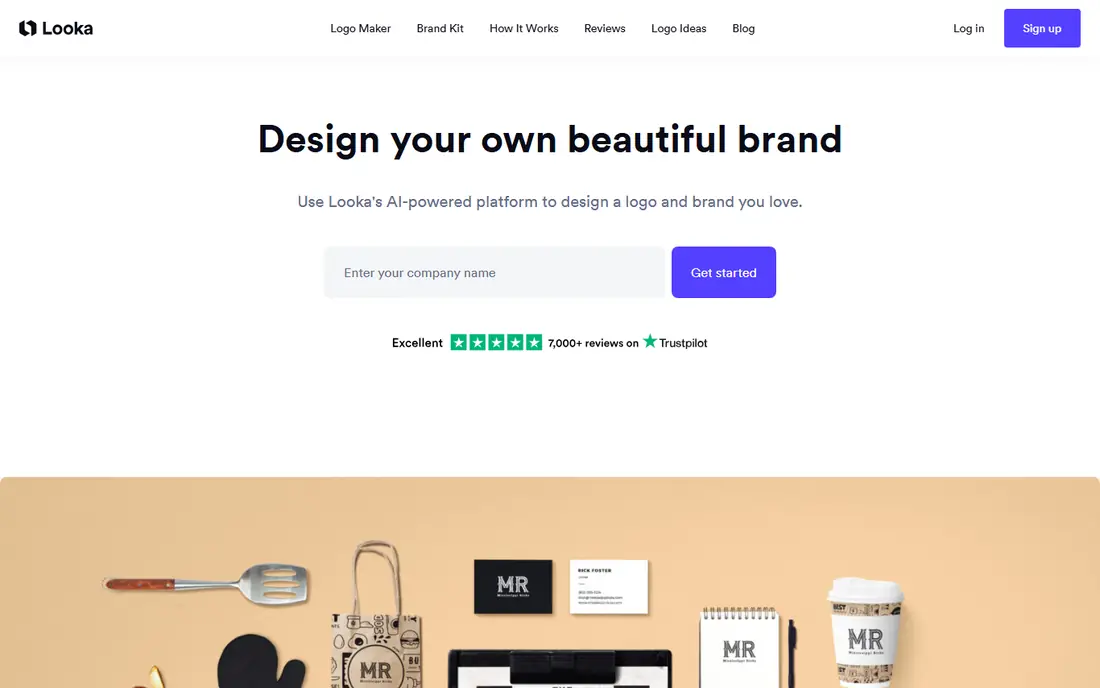
Looka starts with your business name, industry and style preferences, then generates logo options you can edit. Paid packages add vector files, social templates and a brand kit, which makes Looka useful when you want a complete brand set rather than a single image. Paid packages also transfer ownership of the logo files to you.
The catch is that designing is free, but downloading a usable logo requires payment, and prices vary by package. Icons from the Looka library are also licensed non-exclusively, so another business could use a similar icon. Customize the mark and check the package contents before checkout. For a dedicated logo and brand kit, Looka is a strong pick.
- Dedicated logo workflow with brand kit options
- Paid packages include vector files
- Full ownership on paid packages
- Design is free but downloads require payment
- Icons are not exclusive to you
- Subscription may be more than a one-time logo needs
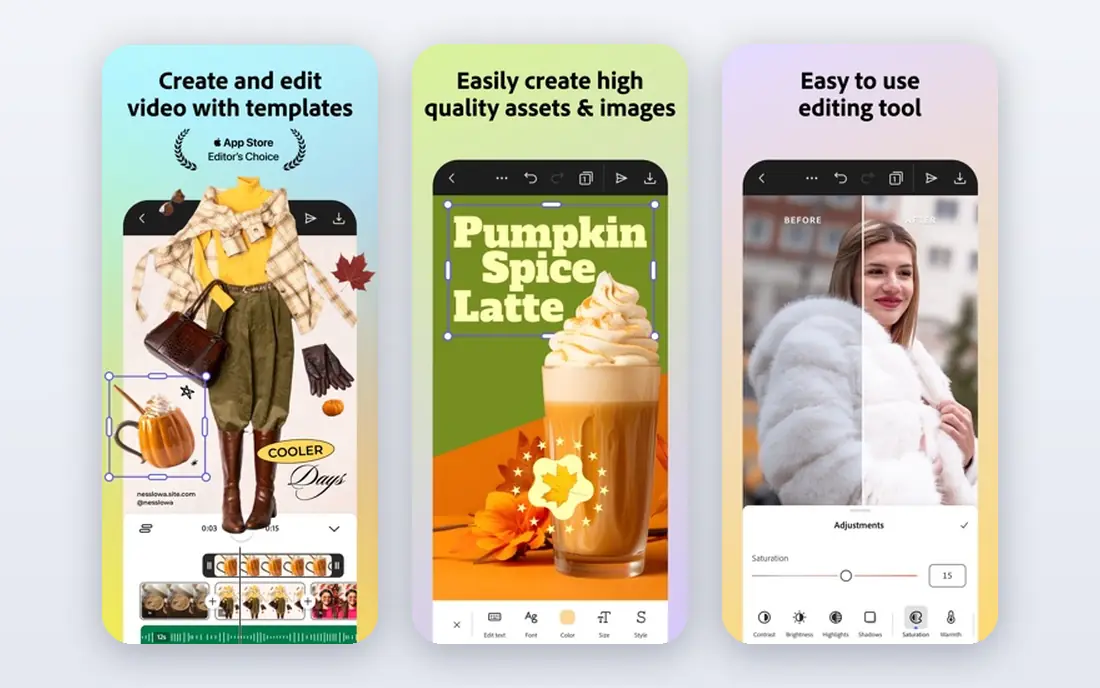
Adobe Express suits people who already use Adobe tools or who want a logo plus a wide range of content. Its free tier covers basic logo design and downloads, and its templates and fonts give a polished starting point. You can move from a logo to social posts, flyers and video clips without learning a new app.
It is less specialized than a dedicated logo maker. The logo workflow is simpler, and vector export options for logos need checking on your plan before you rely on them for print. Premium features, including some templates and assets, need a paid subscription, listed at $9.99 per month in recent pricing checks. For logo plus content in the Adobe world, Express is a practical choice.
- Free tier covers basic logo design
- Templates and Adobe fonts
- Easy move to other Adobe tools and content types
- Less logo-specialized than Looka or Tailor Brands
- Vector export for logos needs checking on your plan
- Premium features need a subscription
Hatchful, from Shopify, is one of the few logo makers that lets you download a usable high-resolution logo for free. The guided workflow asks about your industry and style, then offers logo options you can edit for colors and fonts. Shopify states that the logo is yours to own, which is a clear advantage over tools that only offer watermarked previews for free.
The limit is file format. Hatchful does not offer vector SVG files, so large print work may need a designer to redraw the logo later. The template range is also smaller than larger design platforms. For a new business that needs a clean logo for a website and social profiles at no cost, Hatchful is an excellent starting point.
- Free high-resolution downloads
- Simple guided workflow
- Logo ownership stated by Shopify
- No vector SVG files
- Template range is smaller than Canva or Looka
- No full brand kit
Tailor Brands goes beyond a logo maker into business formation, websites and branding tools. Its logo workflow generates options from your business details, and paid plans add high-resolution and vector files with full commercial rights. That breadth suits new businesses that also need a website, domain or LLC help.
If you only need a logo, the subscription model can feel costly, and the free tier only gives a low-resolution sample. Check the plan that includes the files you need, and do not pay for business tools you will not use. For a startup that wants logo plus launch tools in one place, Tailor Brands is worth considering.
- Logo design plus LLC, website and business tools
- Paid plans include vector files
- Full commercial rights on paid plans
- Free tier offers only a low-resolution sample
- Subscription model can be costly if you only need a logo
- Business tools may go unused
Wix Logo Maker, now linked with Wixel branding in some Wix materials, builds a logo from your business details and style choices, then lets you edit it before download. It works best when you also plan to build a Wix website, because the logo, colors and fonts can carry across the site. Paid options add higher-resolution and scalable files.
The free experience is mainly a preview, and the files you can download depend on the plan you choose, so check the checkout details carefully. Like other template tools, its icons and fonts are not exclusive to you. For a Wix website owner who wants a matching logo, Wix Logo Maker is a natural fit.
- AI-assisted logo builder
- Works smoothly with a Wix website
- Paid downloads include scalable files on higher options
- Free option is mainly a preview
- Pricing and file access vary by plan
- Template choices can feel similar across businesses
DesignEvo offers a large library of logo templates across many industries, with a simple editor for colors, fonts and layout. The free tier lets you download a small logo with credit to DesignEvo, which is enough to test an idea. Paid plans add larger files, vector formats and copyright ownership, with one-time pricing rather than a subscription.
The free file is too small for most professional use, and full ownership sits on higher paid plans, so check which plan covers your needs. The editor is also simpler than Canva, with fewer content tools beyond logos. For a quick, low-cost template logo with one-time pricing, DesignEvo is a practical option.
- Large template library
- Free low-resolution download with credit
- Simple editor for beginners
- Free download is small and needs credit
- Vector and copyright ownership need a paid plan
- Interface feels basic next to Canva
BrandCrowd is built around a huge library of designer-made logo templates, which gives more starting points than a pure AI generator. You can search by industry, customize a template, and add brand kit items such as business cards and social templates. That library depth suits businesses that know the style they want and need many options.
Free access is mainly watermarked previews, so a usable download requires payment, and pricing varies by plan and file set. Template logos are also not exclusive, so customization matters. For a business that wants to browse many templates before choosing, BrandCrowd offers a wide range to explore.
- Very large logo template library
- Brand kit and business card options
- Easy customization
- Free tier is mainly watermarked previews
- Paid pricing varies by plan
- Template logos are not exclusive
LogoMakr takes a hands-on approach: you build a logo from icons, shapes and text in a simple editor, rather than answering questions for an AI generator. That control suits people who have a clear idea and want to place elements themselves. A free small download with credit is available, and paid one-time plans add larger files and vector formats with commercial ownership.
The library is smaller than Canva or BrandCrowd, and there are no brand kit or social content tools. The free file is also too small for professional print use. For a simple, custom logo built by hand at low cost, LogoMakr is a straightforward choice.
- Simple drag-and-drop editor
- Free small download with credit
- One-time paid plans with vector files
- Free file is small and needs credit
- Design library is smaller than Canva
- No brand kit or content tools
Logo.com offers a free starter logo in PNG format, which makes it one of the lowest-cost ways to get a usable logo quickly. Its AI-assisted workflow generates options from your business name and preferences, and you can edit colors and layout before downloading. For a new business on a tight budget, that free starting point is useful.
Advanced formats such as SVG and AI, plus broader brand tools, require a paid plan, so check what your plan includes before relying on the logo for print. The template range is also narrower than Canva or BrandCrowd. For a free or low-cost starter logo, Logo.com is a solid first stop.
- Free starter logo in PNG format
- Simple AI-assisted workflow
- Low-cost entry for new businesses
- Vector and advanced formats need a paid plan
- Brand tools move into a subscription
- Template range is narrower than larger rivals
How we picked these
We compared official pricing pages, download terms and licence information, plus app store listings where relevant. We favored tools that are active in October 2026, that state clearly what you can download for free, and that cover the main use cases: free starters, dedicated logo packages, and logo plus content apps. We did not claim hands-on testing, and we listed prices as See website where pricing varied by package, plan or region.
How to choose a logo maker
Start by deciding where the logo will be used. A website and social profiles can work with a high-resolution PNG, while print, signage and merchandise need a vector file such as SVG, EPS or PDF. Check the download list before you pay, and confirm whether commercial use and trademark plans are covered by your tier.
Next, think about exclusivity. Template and AI logos are rarely exclusive, so change the icon, colors and fonts enough to make the mark your own. If trademark protection matters, consider a custom designer for the final mark, and use a logo maker for early ideas. Finally, test the logo at small sizes and in black and white, because a mark that only works large and in color will fail on packaging and favicons.
Frequently asked questions
What is the best logo maker app for free?
Hatchful by Shopify and Logo.com offer the strongest free starting points, with usable downloads at no cost. Canva and Adobe Express also offer free tiers, but vector files generally need a paid plan. Check the file format and licence on the free tier before you rely on it for business use.
What is the best logo design app for small businesses?
Canva suits most small businesses, because it covers logos plus social posts, cards and presentations in one app. Looka suits businesses that want a dedicated logo and brand kit, while Hatchful suits new businesses that need a free logo quickly. Choose by if you need content tools or just a logo.
Can I trademark a logo made with a logo maker?
It depends on the tool and the tier. Paid tiers often transfer ownership of the logo files, but template icons and fonts are usually licensed non-exclusively, which can limit trademark protection. For a trademark-critical mark, customize heavily or hire a designer, and check the licence terms for your plan.
What file format should a logo be in?
Use a vector file such as SVG, EPS or PDF for print and large sizes, because it scales without losing quality. Use PNG with a transparent background for websites and social profiles. A good logo package includes both vector and raster files, plus color and black-and-white versions.
Is a logo maker better than hiring a designer?
A logo maker is faster and cheaper for a new business that needs a clean logo quickly. A designer is better for a distinctive, trademark-ready mark, complex branding, or a business where the logo is central to its identity. Many businesses start with a maker, then hire a designer when the brand grows.
Do logo makers include commercial rights?
Most paid tiers include commercial use rights for the logo files you download, while free tiers vary. Some free downloads allow personal use only, or require credit to the tool. Always read the licence for your plan, especially if you plan to use the logo on products or in advertising.
Sources
See where you really rank - block by block
ProMapRanker scans Google Maps across a grid of your service area. Simple monthly plans from $19, white-label on every plan.
Start freeKeep reading
 zeffy payment processor stripe alternatives
Zeffy and Stripe Alternatives for Nonprofits in 2026
Explore zeffy payment processor stripe alternatives for nonprofits. We compare 8 fundraising platforms on fees, donor tools, and nonprofit focus. Check fees.
Read → workday alternatives
Workday Alternatives in 2026
Workday alternatives compared: we review 8 HR and payroll platforms that replace Workday, with pricing, strengths and honest limits for each team size.
Read → what's the best weather app
What's the Best Weather App in 2026
Wondering what's the best weather app? We compare 10 free and paid apps for forecasts, radar, alerts, and Colorado mountain weather for everyday and storm use.
Read →