 ProMapRanker
Best Live Chat Software for Small Business in 2026

Key takeaways
- tawk.to and Crisp are the cheapest ways to start, with tawk.to free for unlimited agents and Crisp offering a genuine free plan.
- LiveChat and Tidio suit small teams that want a dedicated chat widget without buying a full helpdesk.
- Intercom and Zendesk are stronger for larger teams, but seat prices and AI charges can push the total well above the headline figure.
- AI pricing is almost always separate, so check per-resolution or per-conversation charges before you compare seat prices alone.
Quick comparison
| Pick | Great for | Pricing starts at | Free tier | |
|---|---|---|---|---|
 tawk.to tawk.to | Free unlimited-agent chat | Free | Yes | Visit |
 Crisp Crisp | Budget-friendly flat-rate inbox | Free | Yes | Visit |
 LiveChat LiveChat | Dedicated small business chat | $20 per agent per month | Free trial | Visit |
 Tidio Tidio | Small stores and startups | $29 per month | Yes | Visit |
 HubSpot Live Chat HubSpot Live Chat | Free CRM-native chat | Free | Yes | Visit |
 Freshchat Freshchat | Small to mid-size omnichannel | Free | Yes | Visit |
 Intercom Intercom | AI-first SaaS messaging | $29 per seat per month | Free trial | Visit |
 Zendesk Zendesk | Full helpdesk with chat | $55 per agent per month | Free trial | Visit |
 Gorgias Gorgias | Ecommerce helpdesk with chat | $10 per month | Free trial | Visit |
The best live chat software for small business
Live chat software is a website widget plus an agent inbox, and increasingly an AI layer that answers routine questions first. We compared official pricing pages, free plan limits, and public user reviews for tools that are live in October 2026, with a focus on what a small team actually pays.
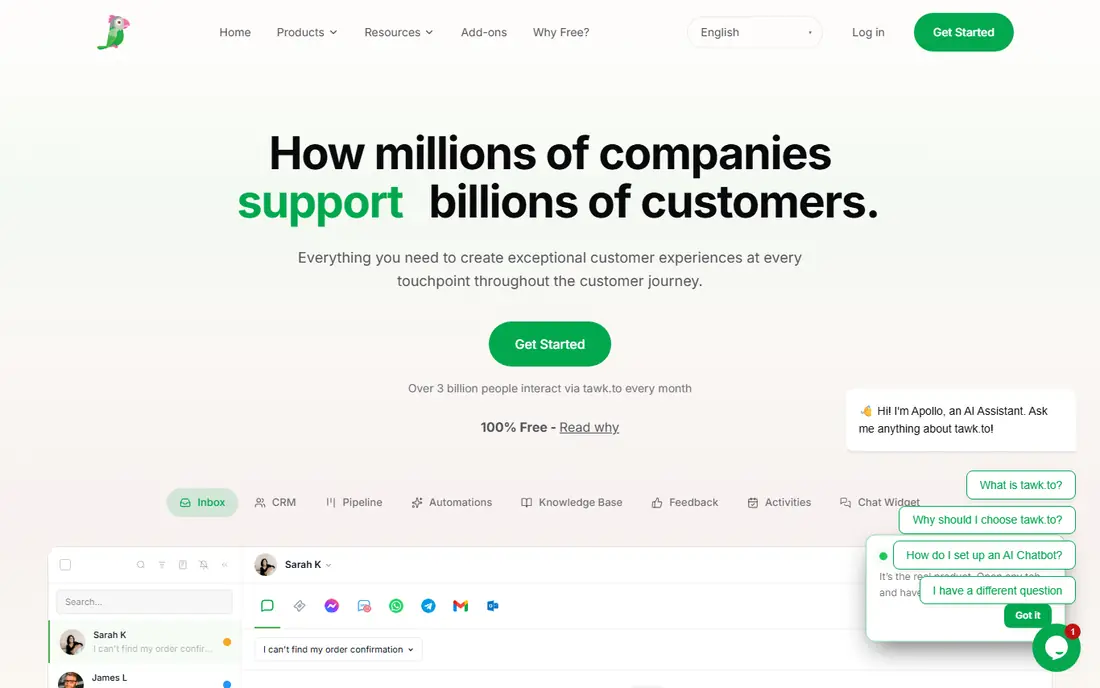
tawk.to is the cheapest credible way to add live chat to a small business site. It is free for unlimited agents, with a simple widget, visitor monitoring, and canned replies that cover the basics well. For a new business, a freelancer, or a small shop testing whether visitors even use chat, that price is hard to argue with.
The free plan shows tawk.to branding on the widget, and removing it costs a reported $29 per month. Advanced helpdesk features, ticketing depth, and AI tools are also thinner than in paid rivals. If you need a simple, always-on chat bubble and you can live with branding or pay to remove it, tawk.to is the best free live chat software on this list. If you need deep ticketing or AI, look at a paid tool instead.
- Free for unlimited agents
- Simple widget setup
- Live monitoring and canned replies
- Branding on free plan unless you pay to remove it
- Fewer advanced helpdesk features
- Support is community-led for free users
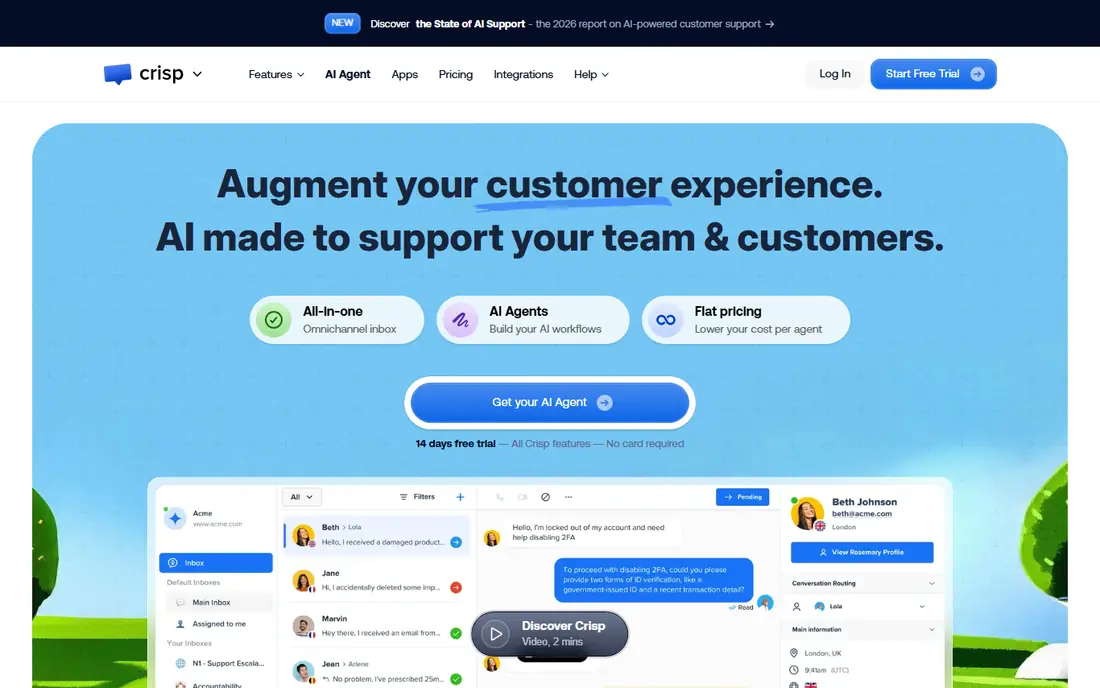
Crisp suits a small team that hates per-seat pricing. Its free plan covers basic chat, and paid plans are priced per workspace rather than per agent, which helps a team that grows from two to six people without a sudden bill jump. The shared inbox also handles chat and email together, so a small team does not need two tools for two channels.
AI features are capped on lower tiers, with unlimited AI sitting on a much higher plan, so check that limit if AI answers matter to you. The integration library is also smaller than Zendesk or HubSpot. For a founder-led team that wants a clean, affordable inbox with a real free start, Crisp is one of the best live chat companies for small businesses. For a team that needs deep CRM or helpdesk integrations, a larger platform may fit better.
- Genuine free plan
- Flat workspace pricing instead of per-seat on paid tiers
- Shared inbox for chat and email
- AI features are capped on lower tiers
- Higher tiers cost much more
- Smaller integration library than Zendesk
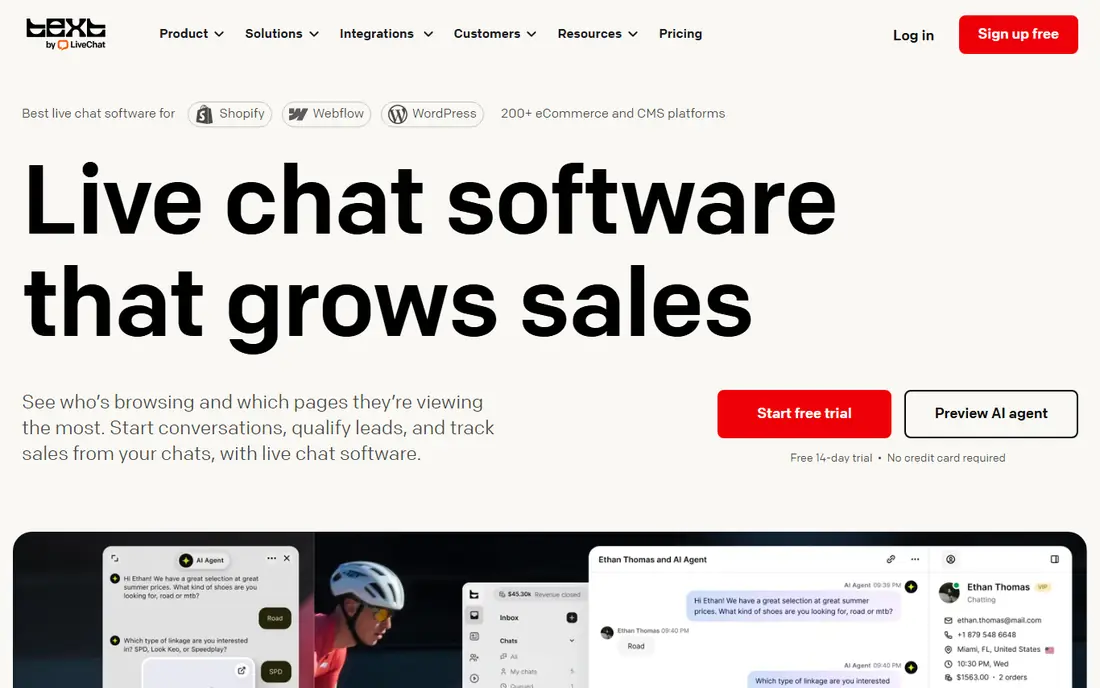
LiveChat is the dedicated chat pick for teams that want chat done well and nothing else. Its agent app is polished, its widget is fast, and its integrations with ecommerce platforms help stores answer product and shipping questions in context. For a small business where chat is the main support channel, that focus is a strength, not a limit.
The trade-off is that AI and full ticketing live in separate products that cost extra, so the total can rise above the $20 per agent per month Starter figure. There is no ongoing free plan, only a trial, so budget for paid seats from the start. LiveChat suits small teams that live in chat all day and want the best dedicated console. Teams that also handle heavy email and social volume may prefer a helpdesk with chat built in.
- Polished agent app
- Fast dedicated chat widget
- Good ecommerce integrations
- AI and ticketing are separate products
- Per-agent pricing adds up
- No free plan, trial only
Tidio is a popular pick for small online stores and startups because it pairs live chat with chatbot automation and templates for common shop questions. The free tier lets a new store test chat and basic automation without paying, and the Starter plan is reported from $29 per month. That combination helps a store answer shipping, returns, and product questions even when no agent is online.
Pricing varies by conversation volume on higher tiers, so a busy store can see the bill climb from the Starter figure. The AI assistant, Lyro, is also a separate add-on, reported from $39 per month, which matters if you want AI to resolve questions automatically. Tidio suits small stores that want chat plus simple automation at a low entry price. Busy stores should model conversation volume before they commit.
- Free starter tier
- Chatbot automation for small stores
- Ecommerce-friendly templates
- Pricing varies by conversation volume
- AI add-on costs extra
- Higher tiers climb fast for busy stores
HubSpot Live Chat is the obvious pick if you already use HubSpot CRM. The free chat tool sits inside the CRM, so visitor history, contact records, and conversation context live in one place without an integration project. Small teams can start free, add a Starter seat plan reported from around $15 per seat per month, and grow into Service Hub as needs increase.
The catch is ecosystem fit. HubSpot chat shines inside HubSpot and feels less compelling as a standalone tool if you use a different CRM. Full Service Hub features, automation, and AI agents also cost more, with AI conversations billed separately on some tiers. For a HubSpot shop, this is the best free live chat software to start with. For a non-HubSpot shop, a dedicated chat tool will usually be simpler.
- Free live chat inside HubSpot CRM
- Visitor history and contact records
- Easy upgrade path
- Full Service Hub features cost much more
- Best inside HubSpot ecosystem
- AI agent charges apply on higher tiers
Freshchat, from Freshworks, suits a small team that expects to grow into omnichannel support. The free tier is reported for up to 10 agents, which is generous for a startup, and paid tiers add more channels, automation, and reporting. The inbox handles chat alongside other channels, so a team that also answers email and social messages can keep one queue.
Paid growth tiers and the Freddy AI Copilot, reported around $29 per agent per month as an add-on, raise the total for teams that want AI help. The Freshworks ecosystem is also broad, which can feel like more product than a tiny team needs. Freshchat suits small to mid-size teams that want a free start and a clear path to a full support suite. Teams that only need a widget should start with LiveChat or tawk.to.
- Free tier for up to 10 agents in some plans
- Omnichannel inbox
- Freddy AI assistant options
- Higher tiers and AI copilot cost extra
- Freshworks ecosystem is broad
- Setup takes time for full omnichannel use
Intercom, now closely associated with its Fin AI product, is built for SaaS and product-led companies. In-app messaging, behavior triggers, and targeted messages help a software team onboard users, announce features, and support customers inside the product, not just on a marketing site. Fin AI can resolve routine questions automatically, which helps a small support team punch above its size.
Pricing needs careful reading. The Essential tier is reported at $29 per seat per month, while Fin AI is billed at $0.99 per resolution, with minimums on some plans. That usage meter can surprise a small team during a busy month. Intercom suits SaaS teams that value in-app messaging and AI resolution and can model AI volume. Small website-only businesses will usually get better value from LiveChat, Crisp, or Tidio.
- Strong in-app messaging
- Fin AI for automated resolutions
- Good product-led SaaS fit
- AI billed per resolution
- Pricing has changed often
- Can be costly for small teams at scale
Zendesk is the helpdesk pick, with live chat bundled inside the Suite rather than sold as a standalone widget. That bundle gives a team ticketing, chat, email, and reporting in one system, with a large integration library and enterprise-grade controls. For a growing support department that needs SLAs, routing, and reporting, Zendesk is a proven and scalable choice.
For a small business, Zendesk is often more than needed. Suite Team is reported at $55 per agent per month, and AI Copilot is a separate flat add-on reported at $50 per agent per month, so the total climbs fast. There is no free plan, only a trial. Zendesk suits small businesses that are already growing into a real support operation and want one system for every channel. A two-person team should start cheaper and move to Zendesk when ticket volume justifies it.
- Full ticketing suite with chat
- Strong enterprise reporting
- Large integration library
- Highest entry price here
- AI add-ons cost extra
- More than most small teams need
Gorgias is the ecommerce pick on this list. It unifies chat, email, and social messages in one helpdesk, and agents can view, edit, and refund Shopify orders without leaving the conversation. That order context turns support chats into sales support, and Gorgias reports revenue attributed to conversations, which helps a store owner judge return on the tool.
Pricing is ticket-based, reported from $10 per month for a small ticket allowance, with higher tiers as volume grows, so busy stores should model ticket counts carefully. Gorgias is also most at home on Shopify, and its fit outside ecommerce is weaker. For a Shopify store that wants chat plus order-aware support, Gorgias is a strong choice. For a non-ecommerce small business, a dedicated chat tool will be simpler and cheaper.
- Chat, email, and social in one helpdesk
- Shopify order actions inside conversations
- Revenue reporting
- Ticket-based pricing can climb with volume
- Best for Shopify stores
- Smaller fit outside ecommerce
How we picked these
We compared official pricing pages, free plan limits, and public user reviews for live chat tools that are live in October 2026. We favored tools with a real small business tier, not just an enterprise plan, and we noted where AI pricing is separate from seat pricing. Where vendors have changed prices recently, we used the most recent reported figures and labeled uncertain totals for checking on the vendor site before purchase.
How to choose live chat software for a small business
Start with volume and channels. If you get a handful of chats a week, a free tool such as tawk.to or Crisp is enough. If chat is your main sales channel, a dedicated tool such as LiveChat or Tidio will feel faster day to day. If you also handle email, social, and returns, a helpdesk such as Gorgias, Freshchat, or Zendesk will save time by keeping one queue.
Next, price the total, not the seat. Add AI per-resolution or per-conversation charges, extra seats, and any branding removal fees, then test the widget on mobile, since many visitors chat from a phone. Finally, assign ownership: decide who answers chats, what hours you promise, and what happens when no agent is online. A chat widget with no one behind it hurts more than no widget at all.
Frequently asked questions
What is the best live chat software for small businesses?
For most small businesses, LiveChat, Tidio, and Crisp are the strongest starting points, with tawk.to as the best free option. LiveChat suits dedicated chat teams, Tidio suits small stores, Crisp suits budget teams that want flat workspace pricing, and tawk.to suits businesses that want free unlimited-agent chat.
What is the best free live chat software?
tawk.to is the best free live chat software for ongoing use, since it is free for unlimited agents, with a paid option to remove branding. Crisp and HubSpot also offer genuine free plans, while LiveChat, Intercom, and Zendesk offer trials rather than ongoing free tiers.
What is the best live chat software for websites?
LiveChat and tawk.to are strong website picks, with fast widgets and simple setup. Crisp and HubSpot also work well on websites, especially when you want a shared inbox or CRM context. Choose based on whether you need a dedicated widget, a free plan, or CRM integration.
How much does live chat software cost for a small business?
Entry costs range from free for tawk.to and Crisp free plans, to $10 per month for Gorgias ticket pricing, $20 per agent per month for LiveChat, and $29 per seat per month for Intercom. AI add-ons, extra seats, and conversation overages can raise the total, so check those charges before you buy.
Do I need a helpdesk or just live chat?
Choose a dedicated chat tool such as LiveChat if chat is your dominant channel and you want the fastest agent console. Choose a helpdesk such as Gorgias, Freshchat, or Zendesk if your team also handles email, social, and returns, since one inbox stops tickets falling between tools.
Can live chat software increase sales?
Yes, when it is staffed well. Shoppers who chat often convert better than silent browsers, because a fast answer removes doubt before checkout. Product details, proactive cart messages, and order help inside Gorgias, LiveChat, and Tidio turn support conversations into orders, but only if replies are fast and helpful.
Sources
See where you really rank - block by block
ProMapRanker scans Google Maps across a grid of your service area. Simple monthly plans from $19, white-label on every plan.
Start freeKeep reading
 zeffy payment processor stripe alternatives
Zeffy and Stripe Alternatives for Nonprofits in 2026
Explore zeffy payment processor stripe alternatives for nonprofits. We compare 8 fundraising platforms on fees, donor tools, and nonprofit focus. Check fees.
Read → workday alternatives
Workday Alternatives in 2026
Workday alternatives compared: we review 8 HR and payroll platforms that replace Workday, with pricing, strengths and honest limits for each team size.
Read → what's the best weather app
What's the Best Weather App in 2026
Wondering what's the best weather app? We compare 10 free and paid apps for forecasts, radar, alerts, and Colorado mountain weather for everyday and storm use.
Read →