 ProMapRanker
Best Legal Writing Software for Law Firms


Contract drafting and review in Word · Pricing starts at: quote only
Key takeaways
- Spellbook is the strongest pick for contract work, running inside Microsoft Word, but it publishes no list price and offers a free seven-day trial instead.
- BriefCatch is the only tool here with a published seat rate, from $60 per seat per month on annual billing, and it focuses on editing rather than drafting.
- PerfectIt is the cheapest option, from $10 per user per month, but it only proofreads for consistency and house style.
- TypeLaw is the only tool that prepares court-rule compliant filings, at $895 per filing, with no subscription to manage.
- CoCounsel Legal and Harvey suit large firms that want drafting plus research, while DraftWise and WordRake suit firms that want a Word add-in without a full platform switch.
Quick comparison
| Pick | Great for | Pricing starts at | Free tier | |
|---|---|---|---|---|
| Spellbook | Contract drafting and review in Word | quote only | Free trial (7 days) | Visit |
 BriefCatch | Legal editing and citation checks | $60 per seat per month | No | Visit |
 PerfectIt | Consistency proofreading | $10 per user per month | No | Visit |
 TypeLaw | Court-rule compliant filings | $895 per filing | No | Visit |
 DraftWise | First drafts from firm precedents | quote only | No | Visit |
 CoCounsel Legal | Drafting plus research in one platform | quote only | No | Visit |
 Harvey | Large-firm drafting and review | quote only | No | Visit |
 WordRake | Light editing for clarity in Word | quote only | No | Visit |
The best legal writing software for law firms
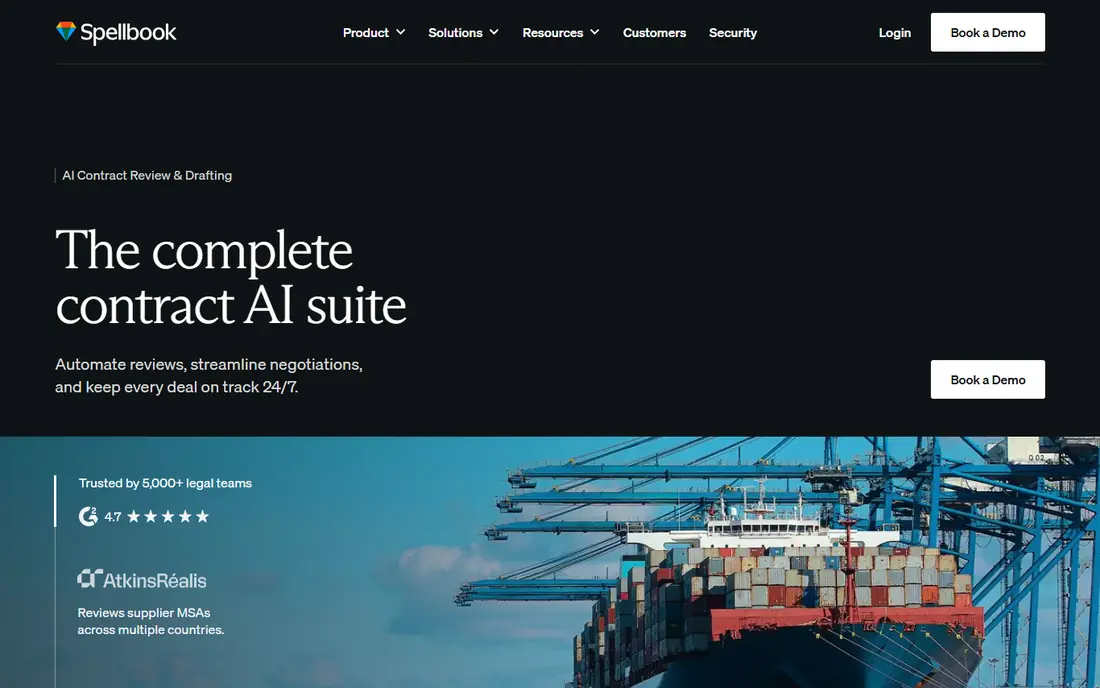
Spellbook is an AI suite for transactional legal work that runs inside Microsoft Word as an add-in, so contract drafting, review and redlining happen in the document rather than in a separate web application. It drafts commercial agreements and clauses, reviews incoming contracts against the firm's playbook, and benchmarks language against market norms. The system learns from the team's own precedents, playbooks and clause library, which means the drafts reflect how the firm actually writes, not a generic template.
The vendor reports that more than 5,000 in-house teams and law firms use the product, and it offers a free seven-day trial that starts without a sales call. Pricing is custom per seat by team size, and the vendor publishes no dollar figure, so a firm cannot size a budget without a quote. Third-party estimates vary widely, which is why this guide lists Spellbook as quote only. Its reach also stops at the contract: the product does not prepare a court filing to local rules and it is not a legal research platform, so a litigation team will need another tool alongside it.
- AI drafting and review inside Microsoft Word
- Learns from the firm's own precedents and playbooks
- No published list price, so budgeting needs a quote
- Contract work only, no litigation filings
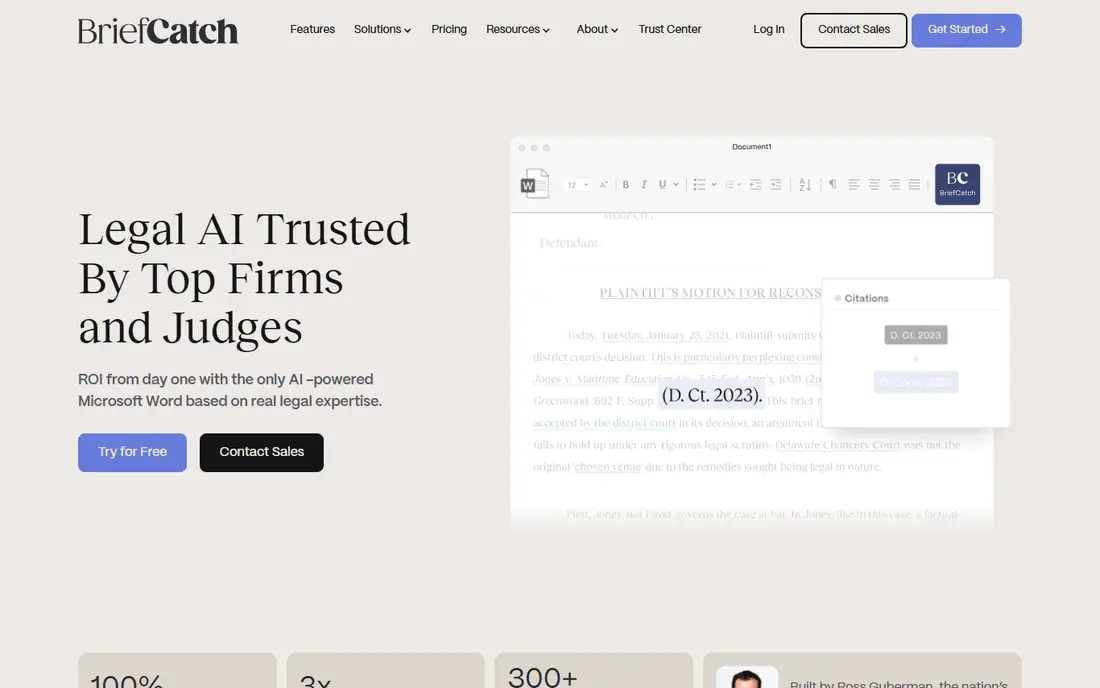
BriefCatch is a Word add-in built by the legal-writing author Ross Guberman, and it improves a draft that already exists rather than writing a new one. It suggests edits for clarity, flow and concision, flags wordy or vague phrasing, and checks citations, which makes it a good fit for a litigation team that writes briefs and motions and wants the writing to read cleanly. It runs inside Word, so the lawyer never leaves the document to use it.
BriefCatch is the exception in this guide because it publishes a seat rate. Its pricing sits in the $60 to $75 per seat per month range on annual billing, with the lower rate applying to a single seat and the higher one to the multi-seat plan. That transparency makes it easy to budget, and it is the cheapest published-price drafting aid here after PerfectIt. The limits are scope and credits. BriefCatch revises rather than drafts, so it will not write a new clause or agreement, and the credit-based allowance caps heavy use, so a firm with high volume should check the credit terms before buying.
- Published price from $60 per seat per month
- Citation checker and style edits in Word
- Revises drafts rather than writing new clauses
- Credit-based allowance caps heavy use
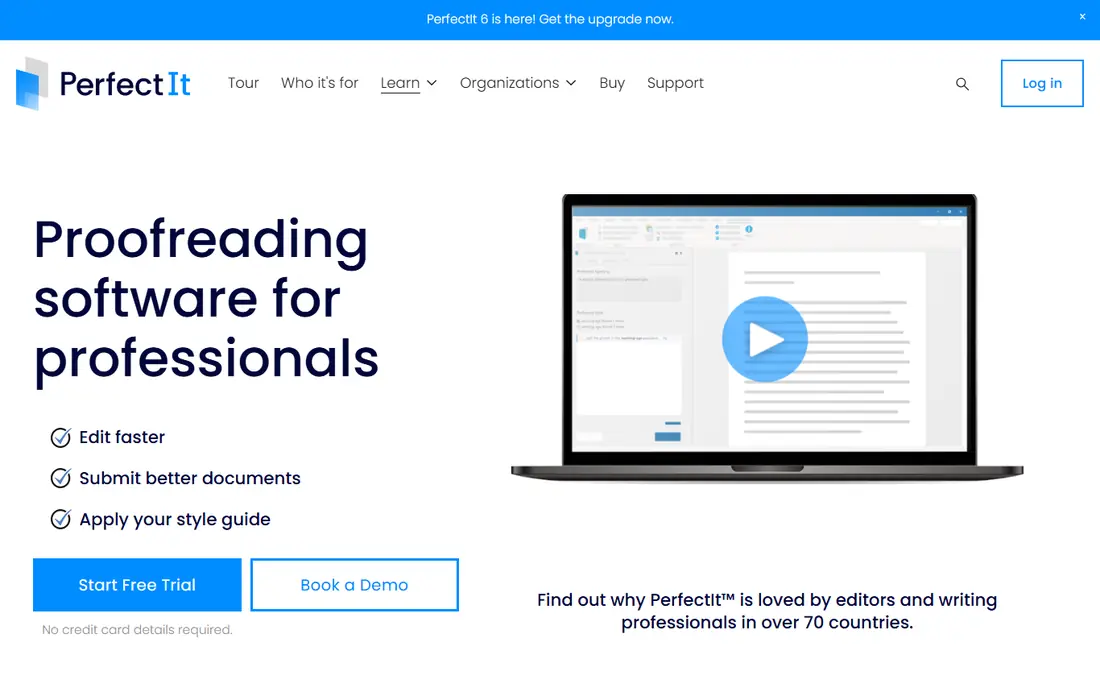
PerfectIt is a consistency proofreading add-in for Microsoft Word, and it is the cheapest tool in this guide, from $10 per user per month. It checks a document against the firm's house style, catching inconsistent abbreviations, numbering, hyphenation, capitalization and cross-references that a tired eye misses at the end of a long draft. A firm can set its own style rules, so the tool enforces the firm's standards rather than a generic list.
The price makes it an easy add-on for a whole firm, and it works on any document type, from contracts to briefs to client letters. The limit is scope. PerfectIt proofreads, and it does not draft, so a lawyer still writes every clause by hand. It also has no AI clause generation and no research features, so it suits a firm that wants cleaner documents rather than faster first drafts. For a small firm that wants a quick win on document quality without a large subscription, it is a sensible first purchase.
- Consistency and house-style proofreading in Word
- Low price from $10 per user per month
- Proofreading only, no drafting
- No AI clause generation
TypeLaw is different from the other tools here because it is a preparation service rather than a writing tool. A litigation team sends its brief, and TypeLaw returns a court-rule compliant filing with the table of contents, table of authorities and appendix built to the court's rules. The price starts at $895 per filing, with no subscription to manage, which makes the cost easy to predict for a single case.
That fixed price is the attraction and the limit. A firm that files occasionally can pay per filing and skip a monthly subscription entirely, but a busy litigation team that files every week will see the cost add up fast, and $895 per filing soon passes the cost of a monthly tool. TypeLaw also does not write or edit the argument, so the lawyer still needs a drafting or editing tool alongside it. For a firm that files in many courts with different local rules, the compliance check alone can justify the price on a complex filing.
- Court-rule compliant briefs and appendices
- Fixed price per filing, no subscription
- A preparation service, not a writing tool
- Cost adds up fast for a busy litigation team
DraftWise is an AI drafting tool for transactional work that builds first drafts and redlines from the firm's own signed agreements. It learns from the firm's precedent set and from past negotiation outcomes, so a draft reflects the positions the firm has actually taken, not a generic market form. It runs inside Microsoft Word as an add-in, which means the lawyer works in the document the counterparty sent, without copying text into a separate application.
The vendor does not publish a standard price, and estimates vary by firm size, seat count and deployment scope, so a buyer should request a quote based on the number of lawyers who will use it. DraftWise works best for a firm with a large precedent set, because the quality of the draft depends on the quality and size of the agreements it learns from. A small firm with a thin precedent library will get less value than a mid-size firm with years of signed deals to draw on.
- First drafts from the firm's signed agreement set
- Tracks past negotiation outcomes
- No published rate
- Needs a large precedent set to work well
CoCounsel Legal is Thomson Reuters' AI assistant for legal work, and it combines drafting with research in one platform. A lawyer can draft a document, ask a research question and review a set of documents without leaving the tool, and the answers draw on Westlaw content, which is the research source many firms already trust. That combination is the reason large firms choose it: the drafting help sits next to the research that supports it, rather than in a separate tool.
The vendor does not publish a price, and CoCounsel is usually sold as part of a broader Thomson Reuters relationship, which means the cost depends on what the firm already buys from the vendor. Third-party reports place it at the higher end of this list, and a small firm is unlikely to find it affordable as a standalone purchase. For a firm that already uses Westlaw and wants AI drafting on top of its research, the bundle makes sense, but a firm that only needs drafting will get better value from Spellbook or BriefCatch.
- Drafting plus research inside one platform
- Backed by Westlaw content and tools
- Quote based and usually part of a broader Thomson Reuters deal
- Price is out of reach for small firms
Harvey is an AI platform built for large law firms, and it handles research, drafting and document review in one place. It is designed for the kind of work a large firm does every day: reviewing a large set of documents, drafting a memo from the findings, and checking the result against the firm's own documents. The platform is backed by a partnership with OpenAI, and it is used by large firms that need a single AI system across many practice groups.
Harvey does not publish a price, and industry reports place it at the top of this list, with enterprise pricing that a small firm cannot justify. It is also aimed at large firms, which means the setup, the training and the support model assume a large user base and an IT team to manage it. A small or mid-size firm that wants AI drafting will get a faster result from Spellbook or DraftWise, while a large firm that wants one AI platform for research, drafting and review should ask Harvey for a quote and a pilot.
- Built for large firms with deep document work
- Handles research, drafting and review in one place
- No published price
- Aimed at large firms, not small practices
WordRake is a Word add-in that suggests edits for clarity and concision, and it is the lightest tool in this guide. It scans a draft, highlights wordy phrases and weak constructions, and suggests tighter wording in a sidebar, so a lawyer can accept or reject each change without leaving the document. It is built for legal writing, so its suggestions fit the tone of a brief or a contract rather than a general business letter.
The add-in stays out of the way, which suits a lawyer who wants help with the writing without a new platform to learn. The drawbacks are scope and price transparency. WordRake edits only, so it will not draft a clause, check a citation or run a research query, and the vendor does not publish a price on its site, so a buyer has to request a quote. For a firm that already drafts well and wants cleaner sentences, it is a useful add-on, but it is not a drafting tool on its own.
- Editing suggestions for clarity and concision in Word
- Lightweight add-in that stays out of the way
- No published price on its site
- Editing only, no drafting or research
How we chose
We compared vendor pricing pages, product documentation and feature lists for eight legal writing tools, and we checked each vendor's homepage to confirm the product is still sold. Prices in this guide come from the vendor's own pricing page where the vendor publishes one, and we mark the rest as quote only rather than repeating a third-party figure as fact. We gave weight to whether the tool drafts or only edits, to how it runs inside Microsoft Word, to whether it learns from the firm's own documents, and to whether the price is published or hidden. We did not test any tool on a live matter, and we did not count review-site ratings as evidence, because those scores mix products, regions and years.
What to check before you buy
Start with the work, not the tool. A contract team needs drafting and redlining, so Spellbook or DraftWise fits, while a litigation team needs editing and filing help, so BriefCatch and TypeLaw fit better. A firm that does both needs two tools, or a platform such as CoCounsel Legal or Harvey that covers drafting and research together. Buying a drafting tool for a litigation team, or an editing tool for a contract team, wastes the subscription.
Next, check the price at the firm's real seat count. BriefCatch at $60 per seat per month is $720 a year for one lawyer and $7,200 for ten, while PerfectIt at $10 per user per month is $120 a year for one lawyer and $1,200 for ten. Spellbook, DraftWise, CoCounsel Legal, Harvey and WordRake publish no price, so a firm should request quotes from all of them on the same seat count and the same term, in writing, before deciding.
| Firm size | Best starting point | Yearly cost to expect | | Solo lawyer | BriefCatch, one seat, plus PerfectIt | Around $840 | | Small firm, 5 lawyers | Spellbook trial, then quote; BriefCatch for editing | Quote plus around $3,600 | | Mid-size firm, 20 lawyers | DraftWise or Spellbook, quoted; BriefCatch firm-wide | Quote plus around $14,400 | | Large firm, 100 lawyers | CoCounsel Legal or Harvey, quoted | Quote only, enterprise pricing | | Litigation team, frequent filings | BriefCatch plus TypeLaw per filing | Around $720 per seat plus $895 per filing |
Finally, check confidentiality and data handling. Legal writing tools read the firm's documents, so the firm should confirm where the documents are processed, whether the vendor trains its models on client data, and what the contract says about data retention and deletion. A tool that keeps client documents for training is a poor fit for a firm with strict confidentiality duties, however good its drafting looks in a demo. Ask for the data processing terms in writing before the trial starts.
Frequently asked questions
What is legal writing software?
Legal writing software helps lawyers draft, edit and check legal documents. It covers AI drafting tools that write first drafts from the firm's precedents, editing tools that improve clarity and check citations, and filing tools that prepare court-rule compliant briefs. Most of the tools in this guide run inside Microsoft Word as an add-in, so the lawyer works in the document rather than in a separate application.
Which legal writing tool is best for contract drafting?
Spellbook is the strongest pick for contract work, because it drafts, reviews and redlines commercial agreements inside Word and learns from the firm's own precedents and playbooks. DraftWise is the closest rival, with first drafts built from the firm's signed agreement set and past negotiation outcomes. Both publish no list price, so a firm should request quotes for both and run the free seven-day Spellbook trial before deciding.
How much does legal writing software cost?
Published prices in this guide run from $10 per user per month for PerfectIt to $60 per seat per month for BriefCatch, with TypeLaw charging $895 per filing instead of a subscription. Five tools here publish no price, so a buyer should request quotes from Spellbook, DraftWise, CoCounsel Legal, Harvey and WordRake on the same seat count and compare the written figures before signing.
Does legal writing software replace a lawyer?
No. These tools draft, edit and check, but they do not take responsibility for the advice in a document. A lawyer still has to check the law, the facts and the client's instructions, and the tool's output needs review before it goes to a client or a court. The value is speed and consistency: a first draft in minutes, a cleaner final document, and fewer missed inconsistencies, with the lawyer's judgment still in charge.
Can I try legal writing software before buying?
Yes, for some tools. Spellbook offers a free seven-day trial that starts without a sales call, which is the best way to test an AI drafting tool on the firm's real precedents. BriefCatch, PerfectIt, TypeLaw and WordRake do not offer a public free trial in the same way, so a firm should ask each vendor for a demo on a real document and a written quote before committing to a subscription.
Sources
See where you really rank - block by block
ProMapRanker scans Google Maps across a grid of your service area. Simple monthly plans from $19, white-label on every plan.
Start freeKeep reading
 best local marketing software for franchises
Best Local Marketing Software for Franchises
Compare the best local marketing software for franchises, with real 2026 prices, so every location can run reviews, listings, and ads that stay on brand.
Read → best local competitor analysis software
9 Best Local Competitor Analysis Software for 2026
Compare the best local competitor analysis software for local SEO, with real prices, rival rank tracking, review and citation gaps, and map pack checks.
Read → best link management platform for sms at scale
Best Link Management Platform for SMS at Scale
Compare the best link management platform for sms at scale, with branded short links, click tracking, APIs and bulk tools for high-volume text campaigns.
Read →