 ProMapRanker
5 Lead Magnet Software for Solo Consultants Ranked for 2026
Direct answer
Mailchimp comes first here, mainly for email and SMS list growth. Listed starting prices: Mailchimp from $13 a month, Leadpages from $25 per month and Teachable from $39 a month. Canva is the stronger choice for general design of lead magnets, while Leadpages suits fast AI-assisted landing pages. Details, prices and limits for the rest of the 5 tools are below.
Choosing lead magnet software for solo consultants usually comes down to price, fit and limits. This ProMapRanker guide sets 5 tools side by side on those three points, with the facts kept short and checkable.
Key takeaways
- Top of the list is Mailchimp, which targets email and SMS list growth.
- Beacon is the one to check for designer-free ebooks and workbooks.
- Mailchimp comes with a trade-off: page building is secondary to email.
- The cheapest monthly starting price in the list is $13 per month, offered by Mailchimp.
- Only 2 of the 5 tools have a free plan (Mailchimp, Beacon), so check the caps.
Quick comparison
| Pick | Great for | Pricing starts at | Free tier | |
|---|---|---|---|---|
 Mailchimp | Email and SMS list growth | $13 a month | Yes | Visit |
 Canva | General design of lead magnets | See website | Not stated | Visit |
 Leadpages | Quick AI-assisted landing pages | $25 per month | Free trial | Visit |
 Teachable | Courses, coaching and digital products | $39 a month | Free trial | Visit |
 Beacon | Designer-free ebooks and workbooks | $19 a month | Yes | Visit |
Every option for lead magnet software for solo consultants explained
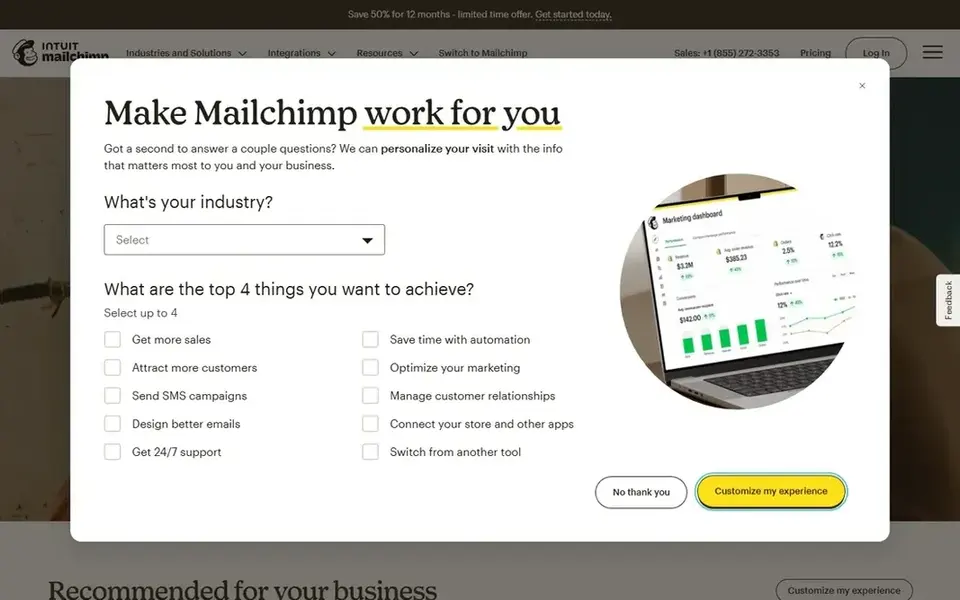
In short, Mailchimp is for email and SMS list growth. Mailchimp is an email and SMS marketing product that uses live user behavior data and artificial intelligence to help convert more customers, with an emphasis on simplicity.
Mailchimp is built around messaging instead of dedicated lead magnet creation, so consultants who require refined landing pages or downloadable design assets will likely pair it with another tool. Its automation is usually less elaborate than specialist automation systems, which matters if complicated multi-step sequences are central to your funnel. Mailchimp pricing: $13 per month. Mailchimp offers a free plan.
Points against: Page building is secondary to email.
- AI-assisted conversion features
- Email and SMS marketing in one place
- Feature depth varies by account type
Canva is built with general design of lead magnets in mind. Canva is a visual suite and online graphic design tool for creating social media posts, presentations, posters, videos, logos and more. Solo consultants can use it to design a checklist, guide or workbook and export it as a lead magnet, or to build promotional graphics that drive opt-ins.
Watch-outs: Needs design decisions from you.
More specifically, Canva does not capture leads, send email or host opt-in pages. So it is a design layer instead of a complete lead magnet system. In practice, choose Canva when visual adaptability across plenty of asset types matters more than funnel features. This comparison lists no price for Canva; ask the vendor. Free plan details: Not stated.
- Online graphic design tool
- Handy for social and presentation assets
- Not a lead capture or email tool
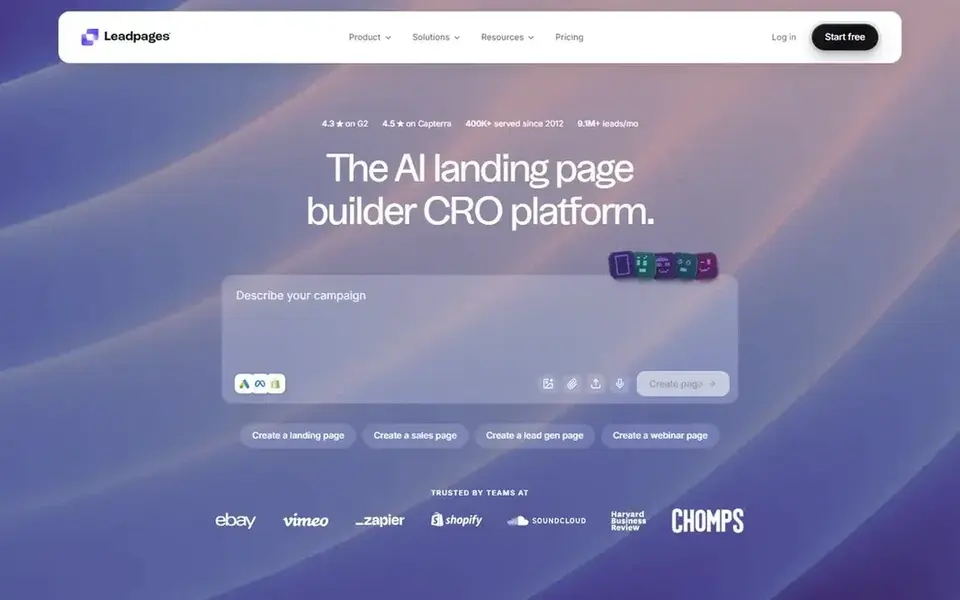
Leadpages is designed for quick AI-assisted landing pages. For solo consultants, that makes it a natural home for a lead magnet opt-in page that needs to launch rapidly and link to the tools already in use.
It suits consultants who want a dedicated page builder instead of a full marketing suite. Entry price for Leadpages: $25 per month. Free access: Free trial.
Limits to weigh: Concentrated on pages.
- Templates and built-in analytics
- AI landing page builder
- Not full email marketing
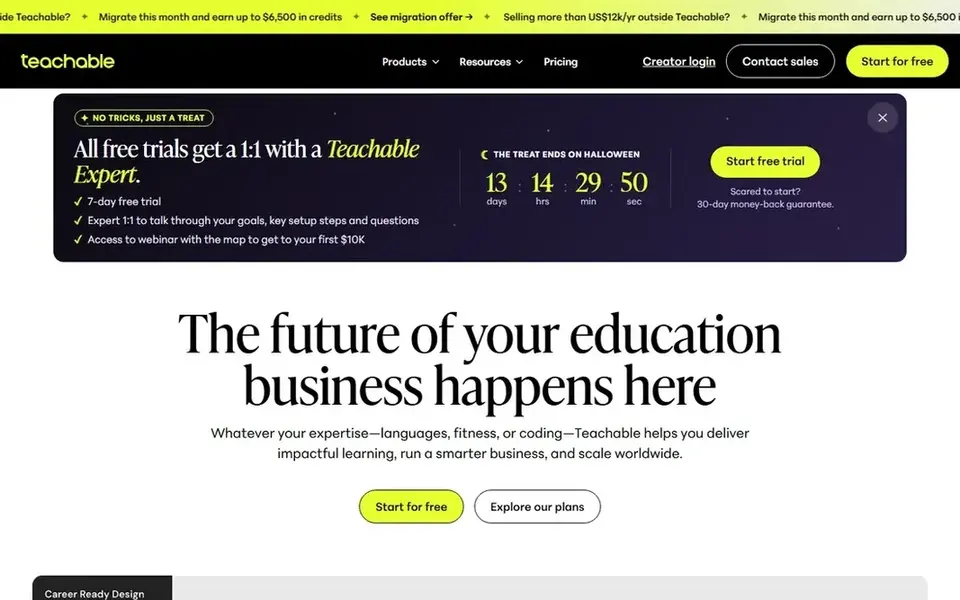
Teachable is designed for courses, coaching and digital products. Teachable is a product for building and selling online courses, coaching, memberships and more, geared toward creators and firms.
Watch-outs: Not a dedicated page builder.
Teachable is designed around course delivery and sales instead of standalone lead capture, so opt-in page design and email marketing may need separate tools. Choose Teachable when the lead magnet is part of a course business. The starting price for Teachable: $39 per month. Trial and free access: Free trial.
- Supports memberships and digital products
- Designed for courses and coaching
- Lead magnets are a secondary use
Think of Beacon for designer-free ebooks and workbooks. Beacon is lead magnet software for creating professional assets for example ebooks and workbooks in minutes without hiring a designer, with the goal of generating more leads and improving conversion. Beacon concentrates on producing the lead magnet asset, so landing pages, email delivery and automation usually come from other tools.
Its template approach also means less bespoke design control than general design software. In practice, for solo consultants, that means turning expertise into a refined downloadable guide without wrestling with layout tools. Beacon starts at: $19 per month. Beacon offers a free plan.
Watch-outs: Narrower than full marketing suites.
Where it shines: Pitched at lead generation.
- Workbooks and similar assets
- Produces ebooks
- Template-driven output
How these tools were picked
Pricing pages, product documentation and feature lists were the main sources, and every entry carries at least one honest drawback. Treat prices as a snapshot: vendors change plans often, so check the vendor site for the figure that applies today. Tools are placed by general fit for lead magnet software for solo consultants, with price clarity and free access as tie-breakers. A different team can reasonably rank them differently.
Things to verify first
- Confirm the entry price on the vendor page. For Canva that means a quote rather than a fixed price.
- Look at free plan limits closely: Mailchimp and Beacon have one, and the caps decide whether it is usable for real work.
- Use real work to test the free trial from Leadpages and Teachable, rather than a demo project.
- Read the limits listed for Mailchimp first: page building is secondary to email.
- Find out whether the entry plan of Teachable covers your must-haves or only a trimmed-down version.
- Add up seats, add-ons and usage charges for Mailchimp before comparing it with cheaper entries.
Frequently asked questions
Which tool is best if I mainly want to grow an email list?
Start with Mailchimp if you need email and SMS list growth. Canva is the better match for general design of lead magnets, and Leadpages for quick AI-assisted landing pages. The best choice depends on budget, team size and workflow.
Do these tools publish their prices?
Not all of them. Canva publishes no starting price, so expect a quote request for it. The rest, Mailchimp included, show a starting price, though seats and billing terms still change the final cost.
Which options for lead magnet software for solo consultants have a free plan?
Mailchimp and Beacon offer a free plan in this list. Free plans usually cap users, projects or features, so check the limits on the vendor page. Several others offer a trial instead.
Can I try these tools before paying?
Often, yes. Mailchimp and Beacon have a free plan and Leadpages and Teachable offer a free trial. Use your own data and a real task during the test, and check what the free tier or trial limits before you rely on it.
How are the tools for lead magnet software for solo consultants ordered?
The order follows typical fit for lead magnet software for solo consultants, with Mailchimp first and Beacon last, then price clarity and free access. It is editorial judgement, not a score, so another team could rank the tools differently.
Sources
See where you really rank - block by block
ProMapRanker scans Google Maps across a grid of your service area. Simple monthly plans from $19, white-label on every plan.
Start freeBrowse all guides
← Lead Generation Tools for Hotels: Best Picks of 2026Lead Nurture Software for Agencies: Best Picks of 2026 →
 best lead generation tools for event planners
6 Top Lead Generation Tools for Event Planners Compared (2026)
Compare 6 best lead generation tools for event planners, with prices, free plans and who each fits. Weak spots flagged for every entry. See the full list.
Read → best lead generation tools for contractors
Lead Generation Tools for Contractors: Best Picks of 2026
Comparing the best lead generation tools for contractors? 6 contenders, each with entry cost, free tier and best-fit buyer. With pricing notes and limits.
Read → best lead generation tools for coaches
Lead Generation Tools for Coaches: Best Picks of 2026
Compare 5 best lead generation tools for coaches, with prices, free plans and who each fits. Trade-offs are spelled out for each entry. Refreshed for 2026.
Read → best crm software for real estate
Best CRM Software for Real Estate in 2026
Compare the best CRM software for real estate, from lead routing to IDX websites, with current pricing, free trials, and honest trade-offs for agents and teams.
Read → best outbound sales automation tools
7 Outbound Sales Automation Tools Ranked for 2026
Best outbound sales automation tools in 2026: 7 contenders with entry costs and free tiers. Strengths and weak spots are spelled out. Prices included.
Read → copper crm alternatives
6 Best Copper CRM Alternatives for 2026
Shortlisting Copper CRM alternatives? 6 products compared on cost, free access and ideal buyer. Price notes and drawbacks come with each one. Read the profiles.
Read →More in Sales & CRM · All guides A to Z by date · Latest guides