 ProMapRanker
Best KPI Software in 2026: 8 Tools Compared

Key takeaways
- Databox is the easiest KPI scorecard for marketing and sales teams, with a free plan and many pre built integrations.
- SimpleKPI offers the clearest flat pricing, at $79 per month for unlimited users, dashboards, and KPIs, with no per seat fees.
- Geckoboard suits teams that want live KPIs on office screens, while Klipfolio suits teams that want formula level control over custom dashboards.
- Looker Studio is free and strong for Google data, while Power BI and Zoho Analytics suit teams already inside Microsoft or Zoho systems.
Quick comparison
| Pick | Great for | Pricing starts at | Free tier | |
|---|---|---|---|---|
 Databox Databox | Simple KPI scorecards | Free | Yes | Visit |
 Klipfolio Klipfolio | Custom KPI dashboards | $120 per month | Free trial | Visit |
 Geckoboard Geckoboard | Live KPI TV boards | $79 per month | Free trial | Visit |
 SimpleKPI SimpleKPI | Flat price KPI tracking | $79 per month | Free trial | Visit |
 Looker Studio Looker Studio | Free Google dashboards | Free | Yes | Visit |
 Power BI Power BI | Microsoft teams | $14 per month | Yes | Visit |
 Zoho Analytics Zoho Analytics | Budget business analytics | $30 per month | Yes | Visit |
 Perdoo Perdoo | OKR and KPI alignment | Free | Yes | Visit |
The best KPI software
We compared KPI tracking, dashboard design, targets and alerts, integrations, and current pricing for tools live in October 2026.
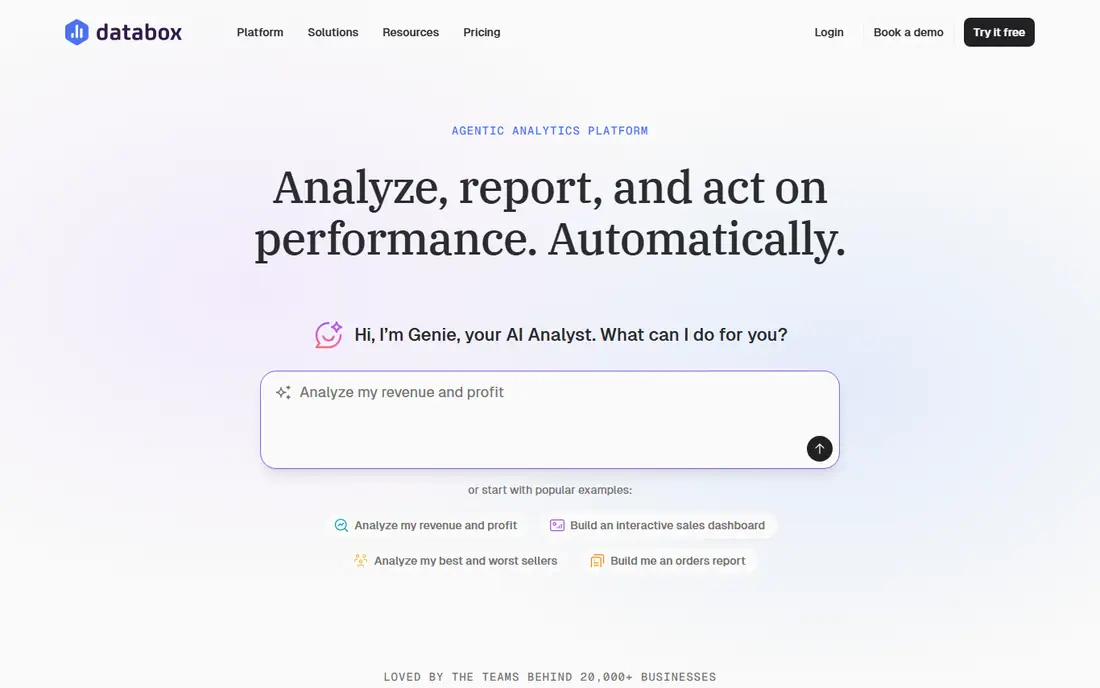
Databox makes KPI tracking readable for the whole company, not just analysts. Connect a marketing, sales, or finance tool, pick a KPI, and it appears on a scorecard with progress toward a goal, trend, and comparison to a previous period. That simplicity is why many small teams adopt it before they need a full business intelligence platform. The free plan covers one user, three sources, and one dashboard, which is enough to test the workflow. Paid Analyst plans are listed at $89 per month monthly or $71 per month annually in recent comparisons, with Team plans higher. If your main need is a clear scorecard that non technical staff will actually read, Databox is the first tool to try.
- Free plan with 3 data sources
- More than 100 pre built integrations
- Mobile scorecards and goal tracking
- Paid plans start at $89 per month monthly, or $71 annually, in recent comparisons
- Advanced features need higher tiers
- Custom calculations are limited
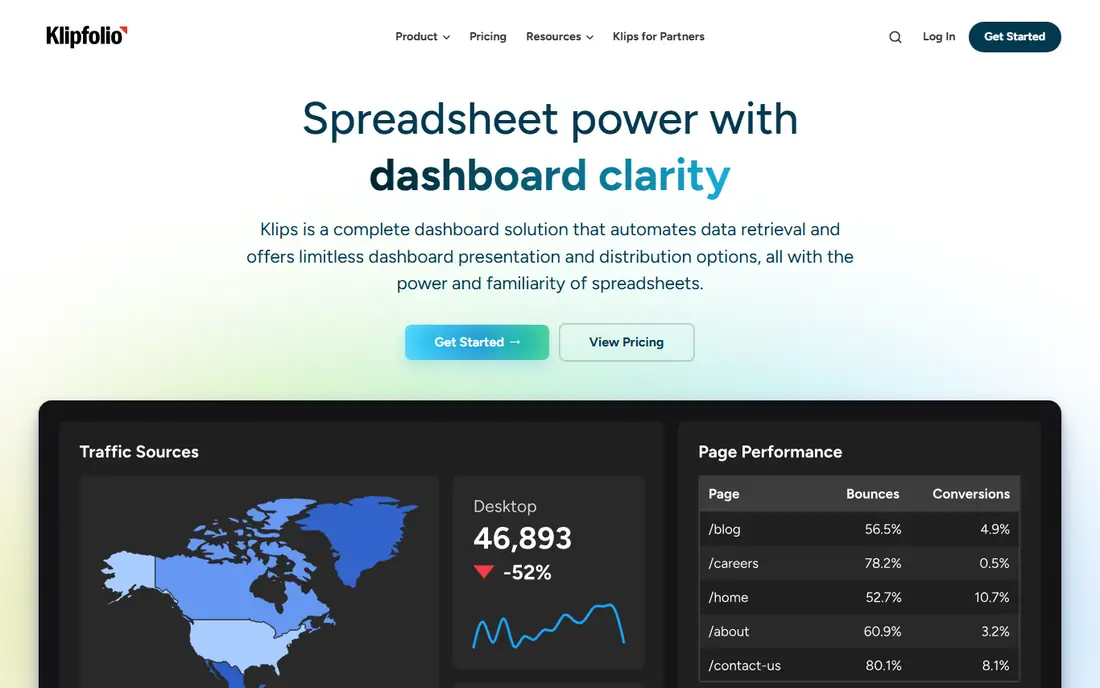
Klipfolio suits teams that want to define metrics exactly, not just display a vendor template. Its dashboard builder supports formulas, custom calculations, and data blending, so a KPI can combine sources and logic that a simple scorecard cannot. That control appeals to agencies, operations teams, and companies with custom definitions of revenue, churn, or efficiency. Base dashboard pricing is listed at $120 per month billed annually, or $140 monthly, with a 14 day free trial. Klipfolio PowerMetrics, a separate metric catalog product, is priced per user from $30 per month monthly. Pick Klipfolio when metric definitions matter more than speed, and Databox when speed matters more than custom formulas.
- Formula level control over metrics
- Many integrations and templates
- Flat pricing for dashboard plans
- Learning curve is steeper than Databox
- PowerMetrics pricing is separate and per user
- Building polished dashboards takes time
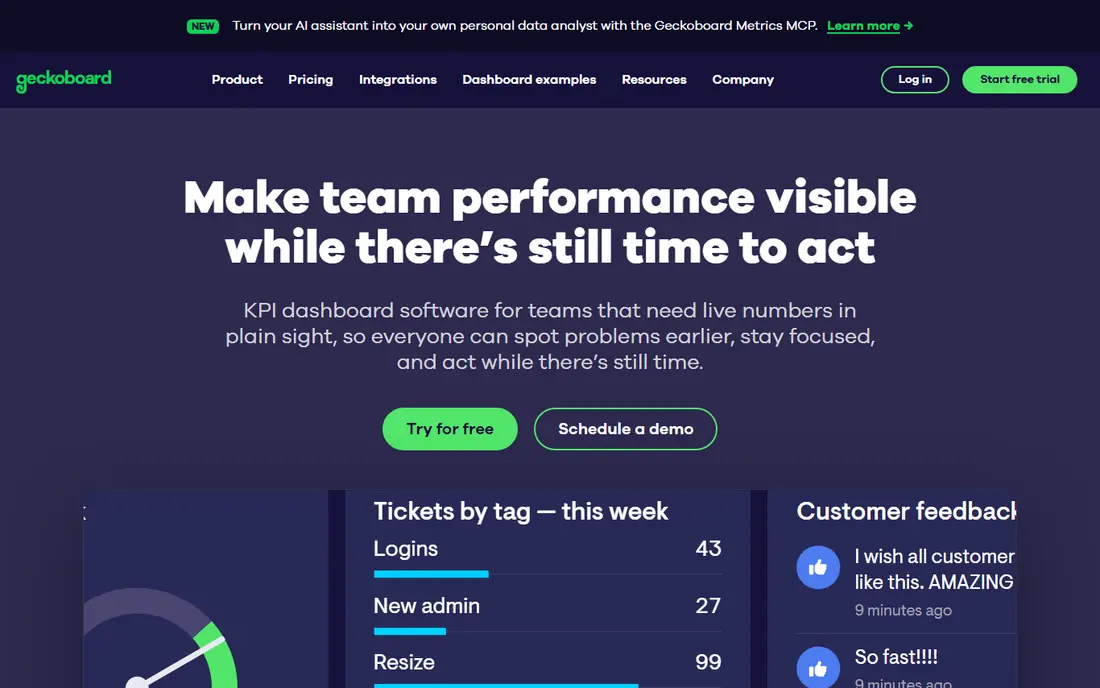
Geckoboard is built for visibility. Dashboards are designed to sit on office TVs and team screens, updating live so sales, support, and operations teams see the same numbers without opening a report. That shared view changes behaviour in a way a private dashboard does not, since everyone sees when a target slips. Essentials pricing is listed at $79 per month billed annually, or $99 monthly, with a 14 day trial and no free plan. Higher tiers add more dashboards, editors, and features. If your goal is a wallboard that a whole team glances at all day, Geckoboard is the most focused tool here. If you need deep analysis, pair it with a BI tool rather than forcing it to do both jobs.
- TV ready live dashboards
- Unlimited viewers on paid plans
- Snapshots and alerts for teams
- No free plan, only a 14 day trial
- Essentials pricing varies by billing term
- Less deep analysis than Power BI or Zoho Analytics
SimpleKPI removes the usual pricing puzzle. One flat price of $79 per month billed monthly, or $63 per month billed annually at $758 per year, covers every feature, unlimited users, dashboards, reports, and KPIs, with no per seat fees or AI credit meters. That predictability suits small businesses and non profits that want the whole team to see KPIs without counting seats. Features include KPI dashboards, scheduled reports, data connections from apps and spreadsheets, and AI tools that help build dashboards and explain changes. A free trial with full access and no card required lets you test it properly. For a small team that wants KPI tracking without a data team, SimpleKPI is the clearest value pick here.
- One flat price with unlimited users, dashboards, and KPIs
- KPI templates and library
- Scheduled PDF reports
- Fewer deep BI features than Power BI or Tableau
- Integrations rely on native connectors, Zapier, and API
- Design is functional rather than flashy
Looker Studio, formerly Google Data Studio, is the free starting point for any team already in Google Workspace. Connect Sheets, Analytics, Ads, BigQuery, and other Google sources, build a KPI report with charts and scorecards, and share it with unlimited free viewers. For many small businesses, that covers the whole KPI job at no cost. Looker Studio Pro costs $9 per user per project per month and adds team features and faster support. The main limits are non Google data, which often needs a third party connector, and performance on very large datasets. If your KPIs live mostly in Google tools, start here before paying for anything else.
- Free for creators and viewers
- Deep Google Sheets, Analytics, and Ads connections
- Easy sharing
- Pro features cost $9 per user per project
- Performance can lag on large data
- Non Google sources need connectors
Power BI is the natural KPI tool for Microsoft centric teams. It connects to Excel, SharePoint, Dynamics, and hundreds of other sources, lets analysts build data models with DAX calculations, and produces polished dashboards and reports. That depth makes it far more than a scorecard tool, which is both its strength and its learning curve. Pro pricing is $14 per user per month billed annually, with a free Desktop edition for personal use that does not allow sharing. Every person who shares or views shared content in the cloud generally needs Pro, so costs scale with team size. Pick Power BI when your data lives in Microsoft tools and you have someone comfortable with modelling.
- Deep Excel and Microsoft 365 integration
- Strong data modelling and visuals
- Large community and templates
- Sharing needs Pro for viewers and creators
- Learning curve for data modelling
- Costs rise with many licensed users
Zoho Analytics gives small and mid sized businesses a full analytics platform at a lower price than Power BI or Tableau. Dashboards, KPI widgets, reports, and data blending cover sales, finance, marketing, and operations, with especially strong connections to Zoho CRM, Books, and other Zoho apps. The AI assistant Zia helps build reports and explain trends on higher plans. Basic pricing is listed at $30 per month in some 2026 comparisons, with lower annual equivalents around $24 per month in others, and a free plan for 2 users and 10,000 rows. That variation is why we recommend checking the live pricing page for your region. For a Zoho shop on a budget, Zoho Analytics is hard to beat.
- Free plan for 2 users and 10,000 rows
- Deep Zoho app connections
- AI assistant on higher plans
- Pricing varies by region and plan
- Interface can feel dense
- Advanced AI and features need higher tiers
Perdoo approaches KPIs from strategy rather than charts. Teams set objectives and key results, link KPIs to those goals, and check in regularly on progress, so everyone sees how a number connects to a company goal. That alignment helps leadership teams that struggle with dashboards full of numbers but no clear priorities. Starter is free for up to 10 people, with Premium listed around $7.60 per user per month at larger licence counts in third party listings, though pricing varies. Perdoo is not a replacement for a visual dashboard tool, and many teams pair it with Databox or Power BI. Pick Perdoo when the problem is alignment and accountability, not just display.
- Free Starter plan for up to 10 people
- Links KPIs to OKRs and strategy
- Check ins and progress tracking
- KPI dashboards are less visual than Databox or Geckoboard
- Premium pricing varies by licence count
- Focus is strategy, not pure BI
How we picked these
We compared official feature pages, pricing pages, and public reviews for tools live in October 2026, focusing on software that tracks KPIs against targets, not only general dashboards with no goal features. We weighted KPI definitions, target and alert options, integrations, sharing, and published pricing, and we used See website where a vendor does not publish a clear list price. Prices vary by billing term and region, so check the live pricing page before budgeting.
How to set KPIs people actually use
Pick fewer KPIs, not more. A dashboard with 30 numbers gets ignored, while a scorecard with five numbers, each with an owner and a target, gets discussed in meetings. Start with revenue, one customer metric, one operations metric, and one team metric, then add only when a decision needs it.
Make targets and owners visible
Every KPI needs a target, a time period, and a named owner, otherwise it is just a chart. Databox, SimpleKPI, and Perdoo all support goals and check ins, so use those features rather than leaving targets in a spreadsheet.
Review weekly, not just monthly
A KPI reviewed only at month end is a history lesson. Review live dashboards weekly, ask why a number moved, and record the action agreed. That habit matters more than which tool you choose.
Frequently asked questions
What is the best software for KPIs for a small business?
Databox and SimpleKPI are the strongest small business picks. Databox is easiest for scorecards, while SimpleKPI offers flat pricing for unlimited users, which suits teams that want everyone to see the numbers.
What is the best KPI dashboard software with a free plan?
Looker Studio and Databox both offer free plans, with Looker Studio strongest for Google data and Databox strongest for pre built SaaS integrations. Zoho Analytics and Perdoo also offer free tiers for small teams.
How much does KPI software cost?
KPI software ranges from free for Looker Studio and basic Databox, through $79 per month for SimpleKPI and Geckoboard Essentials, to $14 per user per month for Power BI Pro and quote based pricing for enterprise BI. Per seat costs matter most for larger teams.
Can KPI software connect to Google Sheets and Excel?
Yes, most tools here connect to Sheets and Excel, with Looker Studio and Power BI strongest for Google and Microsoft data respectively. SimpleKPI, Databox, and Zoho Analytics also support spreadsheet imports and live connections.
What is the difference between KPI software and business intelligence software?
KPI software focuses on tracking a small set of numbers against targets with alerts and scorecards, while business intelligence software covers deeper analysis, modelling, and exploration. Power BI and Zoho Analytics bridge both, while Databox and SimpleKPI stay closer to KPI tracking.
Should KPIs be linked to OKRs?
Linking KPIs to OKRs helps when strategy alignment is the problem, since each KPI then supports a stated objective. Perdoo is built for that link, while Databox and SimpleKPI focus more on tracking the numbers themselves.
Sources
See where you really rank - block by block
ProMapRanker scans Google Maps across a grid of your service area. Simple monthly plans from $19, white-label on every plan.
Start freeKeep reading
 zeffy payment processor stripe alternatives
Zeffy and Stripe Alternatives for Nonprofits in 2026
Explore zeffy payment processor stripe alternatives for nonprofits. We compare 8 fundraising platforms on fees, donor tools, and nonprofit focus. Check fees.
Read → workday alternatives
Workday Alternatives in 2026
Workday alternatives compared: we review 8 HR and payroll platforms that replace Workday, with pricing, strengths and honest limits for each team size.
Read → what's the best weather app
What's the Best Weather App in 2026
Wondering what's the best weather app? We compare 10 free and paid apps for forecasts, radar, alerts, and Colorado mountain weather for everyday and storm use.
Read →