 ProMapRanker
Best Intranet Software in 2026

Key takeaways
- SharePoint suits Microsoft 365 teams, while Happeo suits Google Workspace teams that want a social intranet.
- Workvivo, Staffbase and Blink suit frontline and deskless staff who rarely open email or a desktop intranet.
- Simpplr, Unily and LumApps suit larger organizations that need a designed, governed intranet destination.
- Most enterprise intranets price by quote, so Blink is the clearest published-price option on this list.
- Free intranet options are limited: most free tools are general collaboration apps, not full governed intranets.
Quick comparison
| Pick | Great for | Pricing starts at | Free tier | |
|---|---|---|---|---|
 SharePoint SharePoint | Microsoft 365 teams | See website | No | Visit |
 Workvivo Workvivo | Frontline community | See website | No | Visit |
 Simpplr Simpplr | Modern intranet destination | See website | Free trial | Visit |
 Staffbase Staffbase | Frontline and desk intranets | See website | No | Visit |
 Unily Unily | Designed enterprise intranets | See website | No | Visit |
 LumApps LumApps | Google and Microsoft intranets | See website | No | Visit |
 Happeo Happeo | Google Workspace intranets | See website | Free trial | Visit |
 Jostle Jostle | Small and mid-size intranets | See website | Free trial | Visit |
 Blink Blink | Frontline mobile intranet | $3.75 per user per month | Free trial | Visit |
 Haiilo Haiilo | Employee engagement intranet | See website | No | Visit |
The best intranet software
An intranet is not just a place to store documents. For most companies, it is the front door to news, policies, people and tools, and it must work for desk staff and frontline staff alike. The best platform depends on your existing tools, your workforce mix, and how much design and governance you need.
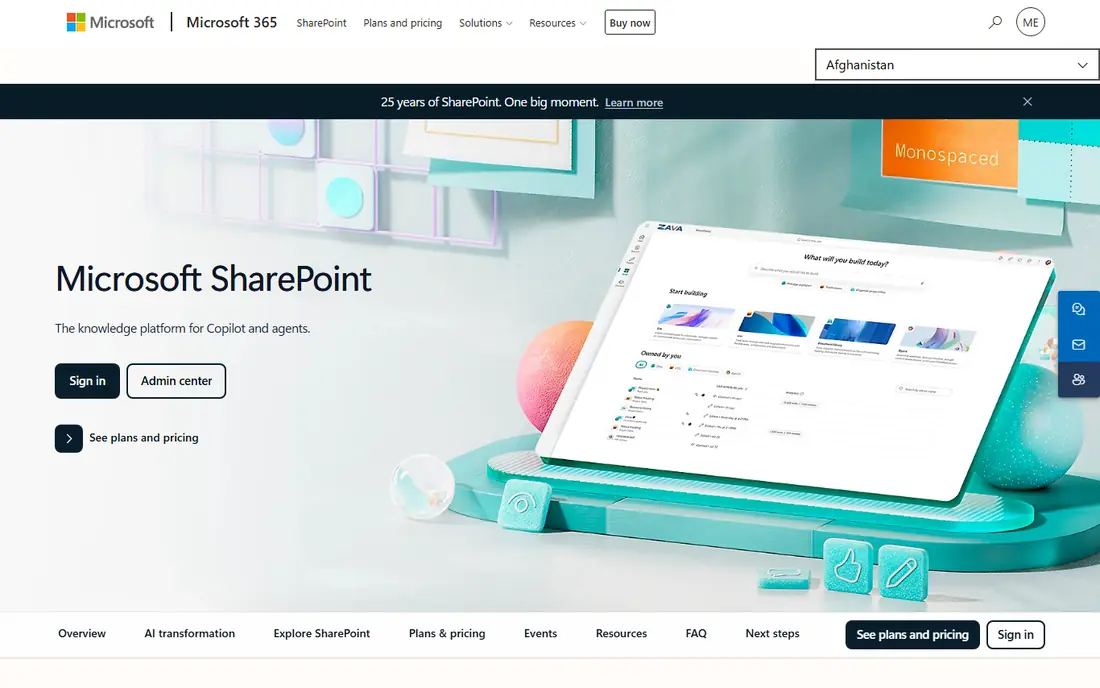
SharePoint is the default intranet for many Microsoft 365 organizations, because it is already in their licence. It offers strong document libraries, permissions, search and version control, and it connects closely with Teams, Outlook and Office apps. For document-heavy teams, that integration is hard to beat.
The challenge is experience design. Out of the box, SharePoint can feel like a document system rather than a welcoming intranet, and building a modern, mobile-friendly front page takes planning. Frontline staff without corporate email also need extra setup. If your company already lives in Microsoft 365 and has IT support, SharePoint is often the most cost-effective intranet.
- Included in many Microsoft 365 plans
- Strong document management and permissions
- Deep Teams and Office integration
- Design and setup can be complex without help
- Intranet experience needs planning to feel modern
- Frontline access needs extra work
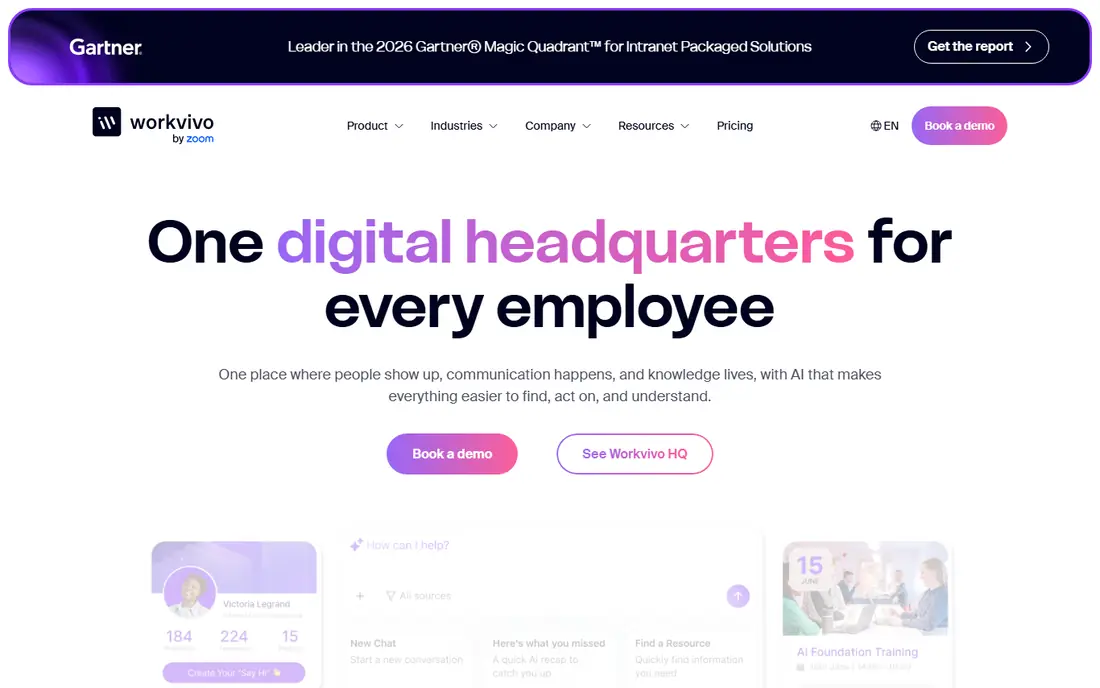
Workvivo, now owned by Zoom, is built around a social feed that works for desk and frontline staff alike. Employees can see company news, celebrate colleagues, join communities and find people, all from a phone app. That community focus helps companies where email never reaches a large share of the workforce.
Quote-based pricing means you cannot budget from a price list, and the platform is stronger on community and communication than on deep document management. Teams that need strict document governance may pair Workvivo with SharePoint or another document system. For building a shared company culture across sites and shifts, Workvivo is a strong pick.
- Social feed built for all staff
- Mobile app for frontline workers
- Owned by Zoom, with chat and video options
- Pricing is quote-based
- Analytics and measurement vary by plan
- Less suited to deep document governance
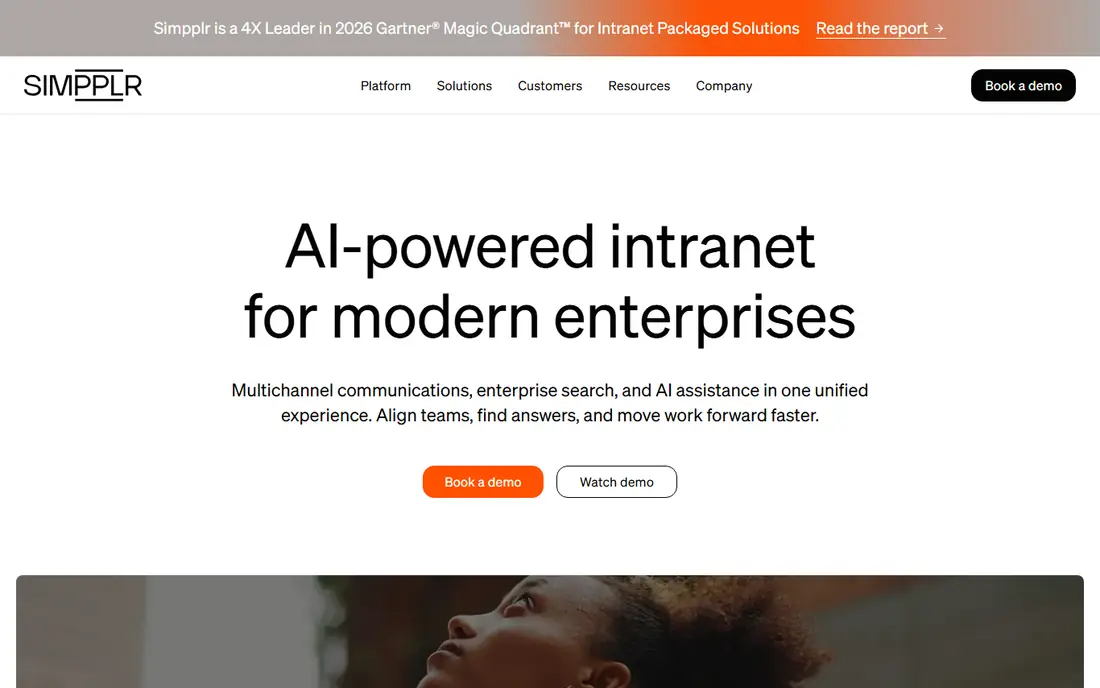
Simpplr positions itself as a modern intranet that employees actually visit, with personalized news, search and content recommendations. Its design feels closer to a consumer app than a traditional portal, which helps adoption. Governance, analytics and integrations suit larger organizations that need to manage content across departments.
The main barrier is price transparency. Simpplr prices by volume and quote, so small teams cannot estimate cost without a sales conversation. A trial is available, but it runs through sales rather than self-serve signup. For mid-size and large companies that want a polished intranet destination, Simpplr is a leading option.
- Clean, modern intranet design
- AI-assisted search and personalization
- Strong governance and analytics for larger teams
- Pricing is quote-based and volume-based
- Trial is offered through sales
- Smaller teams may find it costly
Staffbase combines an intranet, an employee app, email and digital signage, which suits large employers with mixed workforces. Frontline workers can access news and tools without a corporate email address, while desk staff get a fuller intranet experience. That split pricing and access model is a real advantage for retail, healthcare and manufacturing employers.
Rollout length is the honest drawback. Large Staffbase deployments can take months, so it is less suited to a team that needs an intranet live in a few weeks. Quote-based pricing also makes early budgeting hard. For large organizations with many deskless staff, Staffbase is one of the most complete platforms.
- Separate frontline pricing
- Intranet, employee app, email and signage in one contract
- Strong for large employers
- Pricing is quote-based
- Rollout can take months for large deployments
- Small teams may find it too enterprise-focused
Unily gives large organizations deep control over intranet design, which matters when the intranet must match a strong brand and serve many audiences. It supports complex structures, targeted content and integrations with Microsoft and Google ecosystems. Enterprises that outgrow a simple intranet often choose Unily for that design freedom.
That power comes with enterprise cost and complexity. Pricing is quote-based, with a base package plus add-ons, and the platform is built for larger organizations rather than small teams. Implementation takes planning and internal ownership. For a large company that wants a fully branded digital workplace, Unily is a serious contender.
- Deep design control for branded intranets
- Strong for large, complex organizations
- Integrations with Microsoft and Google tools
- Pricing is quote-based with add-ons
- Built for larger organizations
- Smaller teams may find setup heavy
LumApps offers an employee hub that works with both Google Workspace and Microsoft 365, which helps companies that do not want to switch ecosystems to get a modern intranet. Its AI features help employees find people, content and answers, and its frontline access, now linked with Beekeeper, extends reach to deskless staff.
Pricing transparency is weak, with no published price list, so budgeting requires a sales conversation. Frontline coverage also depends on how the Beekeeper part is packaged, so check exactly what is included in your quote. For companies that want a modern hub on top of Google or Microsoft tools, LumApps is worth shortlisting.
- Works with Google Workspace and Microsoft 365
- AI employee hub features
- Frontline access through Beekeeper integration
- No published price list
- Frontline features depend on the Beekeeper part of the offer
- Setup needs planning
Happeo is a social and collaborative intranet built for Google Workspace teams. It brings together channels, announcements, pages and search in a familiar Google-like experience, so adoption is often easier than with a platform that forces a new ecosystem. Teams can publish news, run communities and find documents without leaving their Google tools.
Outside Google Workspace, Happeo loses some of its advantage, and pricing is quoted per organization rather than published. A trial is available, which helps teams test the fit. For a company already committed to Google Workspace, Happeo is one of the most natural intranet choices.
- Built around Google Workspace
- Channels, announcements and social features
- Easy implementation for Google teams
- Pricing is quoted per organization
- Less strong outside Google Workspace
- Advanced governance varies by plan
Jostle suits small and mid-size companies that want a real intranet without enterprise complexity. It covers company news, people directories, documents and libraries in a simple structure, with mobile apps for staff on the go. Tiered pricing, rather than a fully custom quote, makes budgeting clearer than with many rivals.
The catch is that per-user pricing can feel high for very small teams, and its campaign and analytics tools are lighter than enterprise platforms. Still, for a company that needs an intranet live quickly and does not need deep customization, Jostle is a practical middle ground between a free collaboration app and an enterprise platform.
- Published tiered pricing model
- Simple intranet for news, people and documents
- Mobile apps for staff
- Per-user cost can rise for small teams
- Campaign tooling is lighter than enterprise rivals
- Fewer advanced integrations
Blink is built for frontline workers who do not sit at desks, including retail, healthcare, logistics and hospitality staff. Employees can join by phone number or QR code, without a corporate email address, and use one app for news, chat, documents, surveys and forms. Core pricing is listed at $3.75 per user per month when billed annually, with Pro at $5.00, which makes Blink the most price-transparent option on this list.
Blink is a communications-first intranet, not a deep document-management system. Teams that need complex wikis or file governance should look at SharePoint or Simpplr instead. For frontline-heavy companies that need to reach every employee on a phone, Blink is a strong and affordable pick.
- Published per-user pricing
- Mobile-first for staff without email
- Feed, chat, hub, surveys and forms in one app
- Less suited to deep document wikis
- Knowledge management is not the lead use case
- Smaller vendor than platform giants
Haiilo combines an intranet with employee engagement and advocacy tools, so companies can publish news, run surveys and support employee sharing from one platform. Its mobile apps suit mixed workforces, and volume-tiered pricing means cost per user falls as headcount grows, which helps larger employers.
The platform is broad, and that breadth needs careful scoping. Modules are sold in tiers, and a quote is required to know the full cost for your headcount and modules. Smaller teams may find simpler tools easier to launch. For mid-size and large companies that want intranet and engagement together, Haiilo is a solid option.
- Intranet, engagement and advocacy in one platform
- Mobile apps
- Volume-tiered pricing that falls as headcount rises
- Pricing is quote-based
- Modules are sold in tiers that need careful scoping
- Smaller teams may find it broad
How we picked these
We compared official feature pages, pricing information and public information about frontline access, integrations and governance. We favored platforms that are active in October 2026, that cover desk and frontline use cases, and that state clearly whether pricing is published or quote-based. We did not claim hands-on testing, and we listed most enterprise prices as See website because vendors do not publish them.
How to choose an intranet
Start with your workforce, not with features. Count how many staff have corporate email and a desk, and how many do not, because that split decides if you need frontline access, mobile apps and phone-based signup. Next, check your existing ecosystem: Microsoft 365 teams usually get the best value from SharePoint, while Google Workspace teams suit Happeo or LumApps.
Then ask what the intranet must do every week. If the job is news and community, Workvivo, Blink or Haiilo may fit. If the job is a governed document destination, SharePoint, Simpplr or Unily may fit better. Get quotes on the same headcount and modules, ask about rollout time, and run a pilot with one department and one frontline team before rolling out company-wide.
Frequently asked questions
What is the best intranet software for small business?
Jostle and Blink are practical starting points for small and mid-size companies, because they are simpler to launch than enterprise platforms. Blink suits frontline-heavy teams, while Jostle suits office-based teams that need news, people and documents. SharePoint may also be low cost if it is already included in your Microsoft 365 plan.
What is the best free intranet software?
There is no full, governed intranet that is free for most companies. Free collaboration tools such as Google Sites, Notion or Teams can act as a simple intranet, but they lack the governance, permissions and frontline features of a dedicated platform. Treat free tools as a starting point, not as a replacement for a real intranet at scale.
What is the best intranet platform for frontline employees?
Blink, Workvivo and Staffbase are the strongest for frontline staff, because they offer mobile apps and access without corporate email. Blink offers the clearest published pricing, while Staffbase and Workvivo offer broader enterprise features. Test signup and daily use with real frontline staff before choosing.
How much does intranet software cost?
Costs vary widely, because most enterprise vendors price by quote based on headcount, modules and support. Blink lists Core at $3.75 per user per month billed annually, which gives a useful floor for comparison. Always divide a quote by licensed headcount and check what modules are included.
Is SharePoint an intranet?
Yes, SharePoint is a widely used intranet platform, especially for Microsoft 365 organizations. It offers document management, pages, news and search, and it integrates with Teams and Office apps. It needs planning to feel like a modern intranet, and frontline access may need extra setup.
What is the difference between an intranet and an employee app?
An intranet is usually a web destination for news, documents and people, while an employee app is a mobile tool for frontline staff. Many modern platforms combine both, with a web intranet for desk staff and an app for frontline staff. Choose a platform that covers both audiences if your workforce is mixed.
Sources
See where you really rank - block by block
ProMapRanker scans Google Maps across a grid of your service area. Simple monthly plans from $19, white-label on every plan.
Start freeKeep reading
 zeffy payment processor stripe alternatives
Zeffy and Stripe Alternatives for Nonprofits in 2026
Explore zeffy payment processor stripe alternatives for nonprofits. We compare 8 fundraising platforms on fees, donor tools, and nonprofit focus. Check fees.
Read → workday alternatives
Workday Alternatives in 2026
Workday alternatives compared: we review 8 HR and payroll platforms that replace Workday, with pricing, strengths and honest limits for each team size.
Read → what's the best weather app
What's the Best Weather App in 2026
Wondering what's the best weather app? We compare 10 free and paid apps for forecasts, radar, alerts, and Colorado mountain weather for everyday and storm use.
Read →