 ProMapRanker
Best Internal Communication Tools in 2026


Daily team chat and integrations · Pricing starts at: $7.25 per user per month
Key takeaways
- Slack and Microsoft Teams cover daily team chat best, with Slack winning on integrations and Teams winning inside Microsoft 365.
- Google Chat and Zoho Cliq are the low-friction picks for teams already on Google Workspace or Zoho, since chat arrives with the suite.
- Staffbase and Workvivo suit larger employers that need to reach frontline staff who rarely open email, with targeting and read tracking.
- Connecteam suits deskless teams that also need scheduling and task checklists beside messaging, while Mattermost suits teams that must host chat themselves.
Quick comparison
| Pick | Great for | Pricing starts at | Free tier | |
|---|---|---|---|---|
| Slack | Daily team chat and integrations | $7.25 per user per month | Yes | Visit |
 Microsoft Teams Microsoft Teams | Microsoft 365 teams and meetings | $4 per user per month | Yes | Visit |
 Google Chat Google Chat | Google Workspace teams | See website | Yes | Visit |
 Zoho Cliq Zoho Cliq | Zoho teams and low cost chat | See website | Yes | Visit |
 Mattermost Mattermost | Self-hosted secure team chat | $10 per user per month | Yes | Visit |
 Staffbase Staffbase | Frontline and enterprise announcements | See website | No | Visit |
 Workvivo Workvivo | Employee app for frontline staff | See website | No | Visit |
 Connecteam Connecteam | Deskless teams with scheduling and chat | $29 per month | Free trial (14 days) | Visit |
The best internal communication tools
Internal communication covers two jobs that often get mixed up: fast team chat, and company announcements that must reach everyone. We compared official pricing pages, product documentation and recent comparisons, keeping tools that serve one or both jobs well for US businesses.
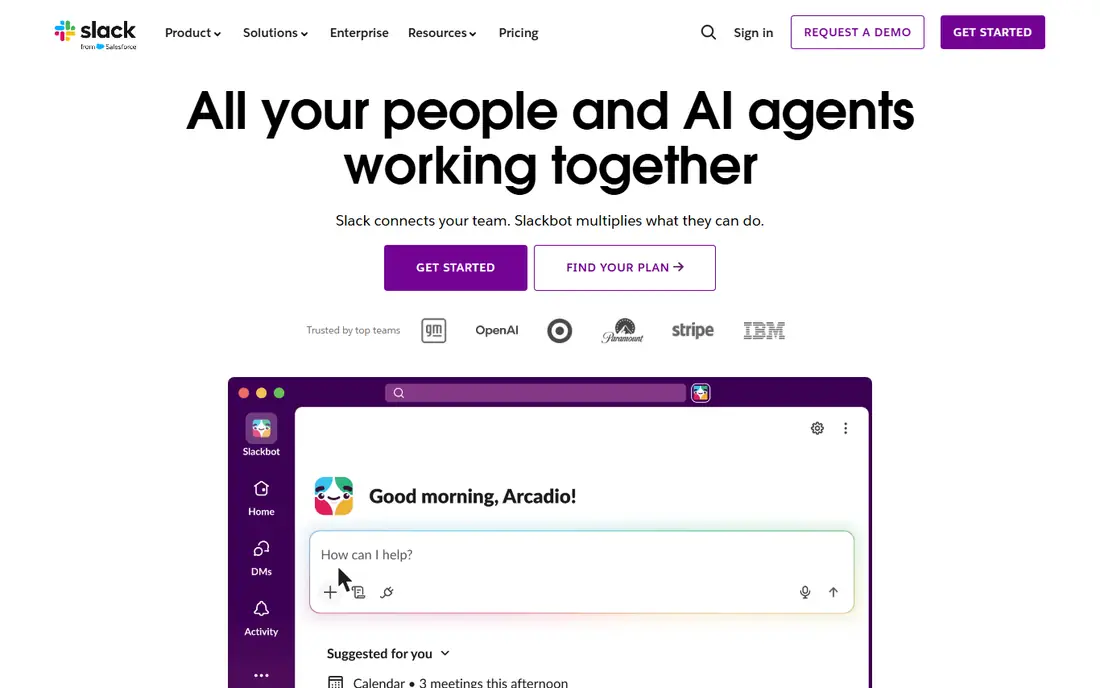
Slack remains the default team chat tool for many companies. Channels organise work by team or project, threads keep replies tidy, and huddles give quick voice chats without a meeting link. Integrations with project tools, docs, code tools and support desks mean updates can flow into chat instead of sitting in email.
The free plan is a good trial, but the 90-day history limit makes it a poor long-term archive. Paid plans start at $7.25 per user per month billed annually, and a large company should model that per-user cost across all staff, not just heavy users.
- Huge integration library
- Channels, threads and huddles in one place
- Strong search on paid plans
- Free plan limits message history to 90 days
- Per-user cost grows quickly with large teams
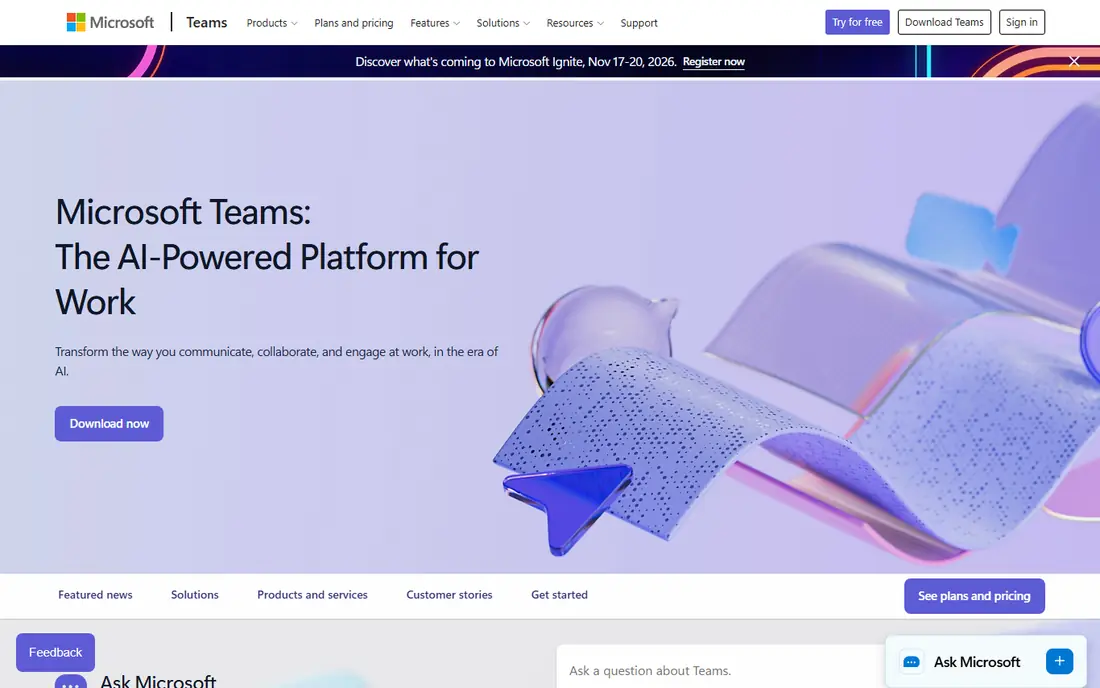
Microsoft Teams suits a company already invested in Microsoft 365. Chat, video meetings, file sharing through SharePoint and OneDrive, and Office apps sit in one login, which reduces the number of tools staff must learn. For hybrid teams that meet often, the meeting quality and calendar fit are genuine strengths.
The interface packs a lot into one window, and new users can find it noisy at first. Standalone Teams Essentials starts at $4 per user per month, but most teams get Teams as part of a Microsoft 365 plan, so the real comparison is the suite price, not the chat price alone.
- Meetings, chat, files and Office apps in one suite
- Strong video and screen sharing
- Enterprise controls
- Interface can feel busy
- Best value only when the team already pays for Microsoft 365
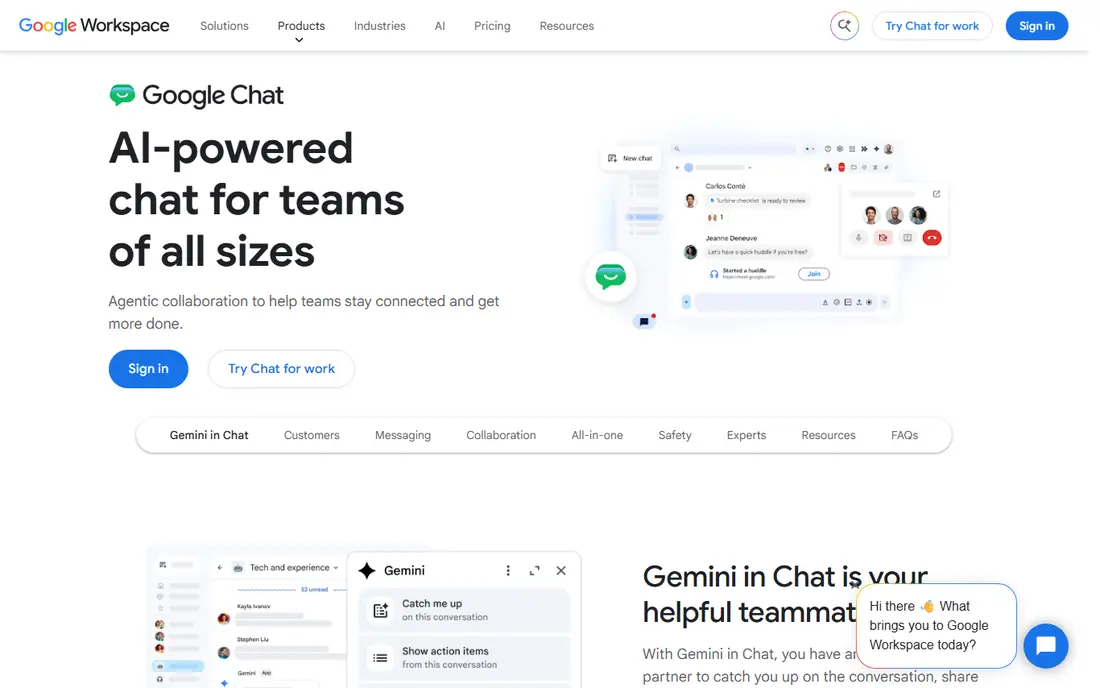
Google Chat is the natural pick for a team already on Google Workspace. Direct messages and Spaces cover daily chat, files open from Drive without leaving the conversation, and search across Gmail and Drive helps staff find past decisions. The simple interface is a strength for teams that do not want another complex tool.
Chat alone is thinner than Slack for workflow automation and third-party apps, so a team that lives in many external tools may miss Slack integrations. For a Workspace-first team, though, the low friction and included pricing make Google Chat hard to argue against.
- Simple chat inside Google Workspace
- Spaces for team rooms
- Strong search across Gmail and Drive
- Fewer integrations and workflow features than Slack
- Advanced controls need a Workspace plan
Zoho Cliq gives Zoho users a capable team chat tool without a second vendor. Channels, direct messages, calls and file sharing cover daily work, and connections to Zoho Projects, People and other Zoho apps keep project updates in one place. A free edition lets small teams start without a purchase decision.
Outside Zoho, the integration story is thinner than Slack or Teams, so a team using many non-Zoho tools should check the specific apps it needs. Inside Zoho, Cliq is a sensible, low-cost internal communication platform that staff can adopt quickly.
- Channels, audio and video calls
- Zoho app integrations
- Unlimited message history on listed plans
- Smaller third-party integration library than Slack
- Best fit is inside the Zoho ecosystem
Mattermost is the pick when data control is a hard requirement. Teams can host chat on their own servers, keep full message history, and control retention and access policies directly. Channels, threads, file sharing and integrations cover the core chat job, and the open source core gives an exit path that closed tools do not offer.
Self-hosting is not free in effort. A team needs someone to run updates, backups and security, and cloud plans start at $10 per user per month for the Professional tier. For regulated industries, government work or privacy-sensitive teams, that control is worth the effort.
- Self-hosted option for full data control
- Unlimited history on self-hosted plans
- Open source core
- Cloud pricing is higher than some rivals
- Setup and maintenance need technical time
Staffbase is built for the announcement job that chat tools handle poorly. It gives large employers a branded employee app and intranet, with news targeted by location, role or site, and read tracking for policy updates. Frontline staff can read updates on a phone without a company email account, which is the point for retail, manufacturing and healthcare teams.
Pricing is quoted per organisation, and deployment is an enterprise project rather than a quick signup. Small teams should not shortlist Staffbase, but a large employer with many deskless staff will find it far more effective than sending announcements through chat channels that many staff never open.
- Reaches staff without corporate email
- Targeting by location and role
- Read tracking and analytics
- Quote-only pricing
- Enterprise rollout takes longer than a chat signup
Workvivo, now part of Zoom, gives employees a single app for company news, recognition, communities and essential updates. The social-style feed feels familiar to staff, which helps adoption among frontline workers who ignore email. Managers can post updates, celebrate wins and share documents without asking staff to learn an intranet.
Pricing is quoted by licence count and add-ons, and there is no self-serve trial in the pages we checked, so budgeting needs a sales conversation. For a mid-size or large employer that wants one employee home base, Workvivo is a strong shortlist pick beside Staffbase.
- Social-style employee app
- News, recognition and communities in one feed
- Mobile-first for frontline staff
- Quote-only pricing
- Engagement measurement features vary by plan and add-ons
Connecteam suits deskless teams that need more than chat. Alongside messaging and a company news feed, it offers shift scheduling, time tracking, forms, checklists and training, all in a mobile app built for staff without desks. A retail, cleaning or construction team can run daily operations and communication from one app.
The breadth is also the limit. A team that only needs announcements may find the extra modules distracting, and very complex scheduling rules may still need a dedicated workforce tool. For a small or mid-size deskless team, the combined price and simplicity are hard to beat.
- Chat plus scheduling, forms and checklists
- Mobile-first for non-desk staff
- Flat price for the first 30 users
- Internal communication is one module among many
- Complex scheduling rules may need a specialist tool
How we picked these
We compared official pricing pages, product documentation and recent independent comparisons, and we kept tools that support internal communication for a whole company, not just one team. That includes daily chat tools, suite chat tools and frontline announcement platforms. We did not test these tools hands-on, and we did not invent prices or features. Where a vendor does not publish a price, we wrote See website.
How to choose an internal communication tool
Start with who is not being reached today. If office staff miss messages, a chat tool such as Slack or Teams may fix the problem. If frontline staff never see email, a platform such as Staffbase, Workvivo or Connecteam is the right category, and no chat tool will solve it.
Next, decide whether announcements need proof. Policy updates, safety notices and compliance messages need read tracking and targeting, while casual team chat does not. Buying a chat tool for a compliance job, or an enterprise announcement platform for casual chat, both waste money.
Finally, test with the hardest audience first. Give the tool to a small group of frontline staff or a busy team, check whether they open it without reminders, and only then roll it out company-wide. Adoption by the people who ignore email is the real test, not a demo for managers.
Frequently asked questions
What are the best internal communication tools?
Slack and Microsoft Teams lead for daily chat, while Staffbase and Workvivo lead for company-wide announcements to frontline staff. Google Chat and Zoho Cliq are the best suite picks for teams already on those platforms. Match the tool to the audience first, then compare price and integrations.
What is the best internal communication platform for frontline workers?
Staffbase, Workvivo and Connecteam are the strongest picks for frontline workers, since all three offer mobile apps that do not require a corporate email account. Staffbase and Workvivo suit larger employers with formal communications teams, while Connecteam suits smaller deskless teams that also need scheduling. Trial with real frontline staff before committing.
What is the best team communication software for small businesses?
Slack and Google Chat suit most small businesses, with Slack winning on integrations and Google Chat winning on simplicity inside Workspace. Zoho Cliq is the best low-cost pick for Zoho users, and Connecteam suits small deskless teams. Start on a free plan, and pay only when history limits or admin controls become a problem.
What is the best business communication app for remote teams?
Microsoft Teams and Slack both suit remote teams, with Teams stronger for meetings and Slack stronger for integrations and async chat. Google Chat also works well for remote Workspace teams that prefer a simpler tool. The deciding factor is usually which suite the team already pays for, not the chat features alone.
Do internal communication tools replace email?
No, they reduce email for daily updates and announcements, but email still suits formal notices, external messages and long documents. The best setup uses chat for fast work, an announcement platform for company news, and email for formal records. A tool that promises to replace email entirely usually creates a new inbox instead.
Sources
See where you really rank - block by block
ProMapRanker scans Google Maps across a grid of your service area. Simple monthly plans from $19, white-label on every plan.
Start freeKeep reading
 zeffy payment processor stripe alternatives
Zeffy and Stripe Alternatives for Nonprofits in 2026
Explore zeffy payment processor stripe alternatives for nonprofits. We compare 8 fundraising platforms on fees, donor tools, and nonprofit focus. Check fees.
Read → workday alternatives
Workday Alternatives in 2026
Workday alternatives compared: we review 8 HR and payroll platforms that replace Workday, with pricing, strengths and honest limits for each team size.
Read → what's the best weather app
What's the Best Weather App in 2026
Wondering what's the best weather app? We compare 10 free and paid apps for forecasts, radar, alerts, and Colorado mountain weather for everyday and storm use.
Read →