 ProMapRanker
Best Home Design Software in 2026

Key takeaways
- SketchUp is the most capable all-round pick, with a free web version for personal use and paid plans from one hundred twenty-nine dollars per year.
- Planner 5D is the easiest start for beginners, with a free tier and simple drag-and-drop rooms on web and mobile.
- Home Designer suits DIY builders who need construction detail such as framing and materials lists.
- Sweet Home 3D is the best free option for offline use, with no subscription and solid 2D and 3D planning.
Quick comparison
| Pick | Great for | Pricing starts at | Free tier | |
|---|---|---|---|---|
 SketchUp SketchUp | Serious 3D modeling and remodels | $129 per year | Yes | Visit |
 Planner 5D Planner 5D | Easy room decorating for beginners | $4.99 per month | Yes | Visit |
 Home Designer Home Designer | Construction-level DIY building | See website | Free trial | Visit |
 RoomSketcher RoomSketcher | Measured floor plans plus 3D visuals | $12 per month | Yes | Visit |
 Sweet Home 3D Sweet Home 3D | Free offline home design | Free | Yes | Visit |
 Floorplanner Floorplanner | Quick floor plans in a browser | Free | Yes | Visit |
 Live Home 3D Live Home 3D | Polished 3D visuals on Apple devices | See website | Yes | Visit |
 Homestyler Homestyler | Browser-based design with renders | $6.80 per month | Yes | Visit |
The best home design software
Home design software splits into quick room planners, measured floor-plan tools, and full 3D modelers, and the right pick depends on the job: decorating a room, planning a remodel, or handing a plan to a builder. The eight tools below cover all three jobs, with free options for testing before you pay.
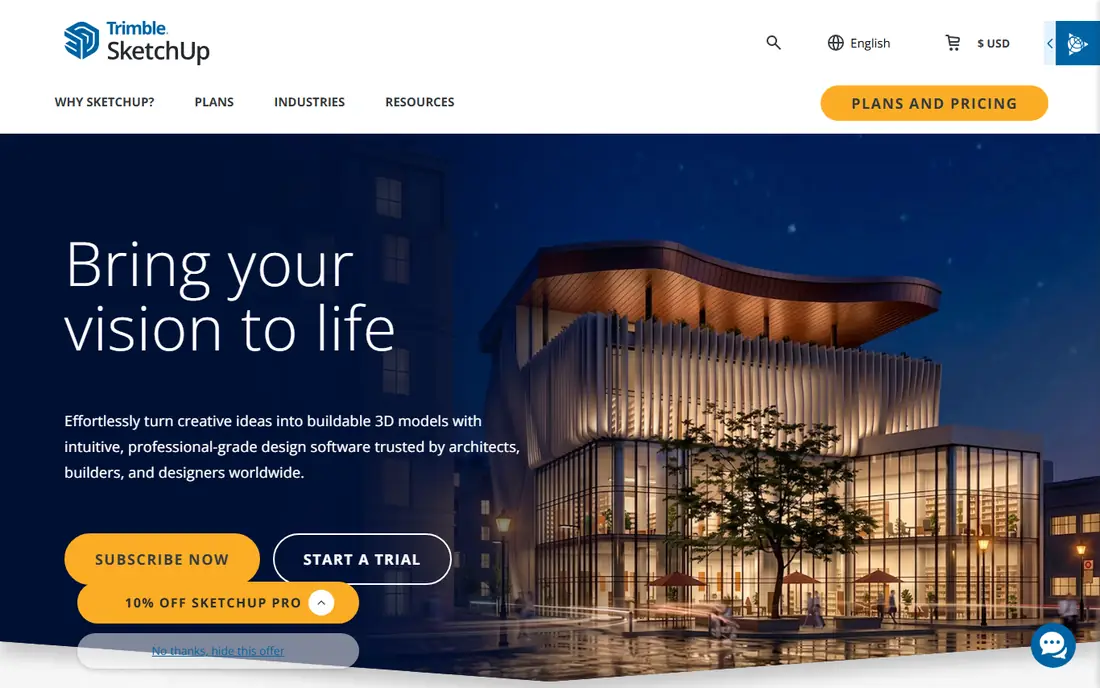
SketchUp tops most home design lists because it teaches you to think in 3D instead of just dragging furniture clip art around a plan. The free web version runs in a browser with nothing to install, and the push-and-pull tool turns a flat rectangle into a wall in one motion. When you need a sofa or a staircase, the built-in 3D Warehouse offers millions of ready-made models from users and manufacturers.
The catch is that SketchUp is a general 3D modeler, not a house wizard, so it will not auto-generate roofs, stairs, or materials lists. Paid plans start at one hundred twenty-nine dollars per year for Go, with Pro at three hundred ninety-nine dollars per year for the desktop app and documentation tools. Start free, and pay only when you hit the limits of the web version.
- Free web version for personal use
- Push-and-pull modeling is easy to learn
- Huge library of ready-made models
- No auto-generated roofs or stairs
- Photoreal rendering needs extensions
- Desktop app needs a paid plan
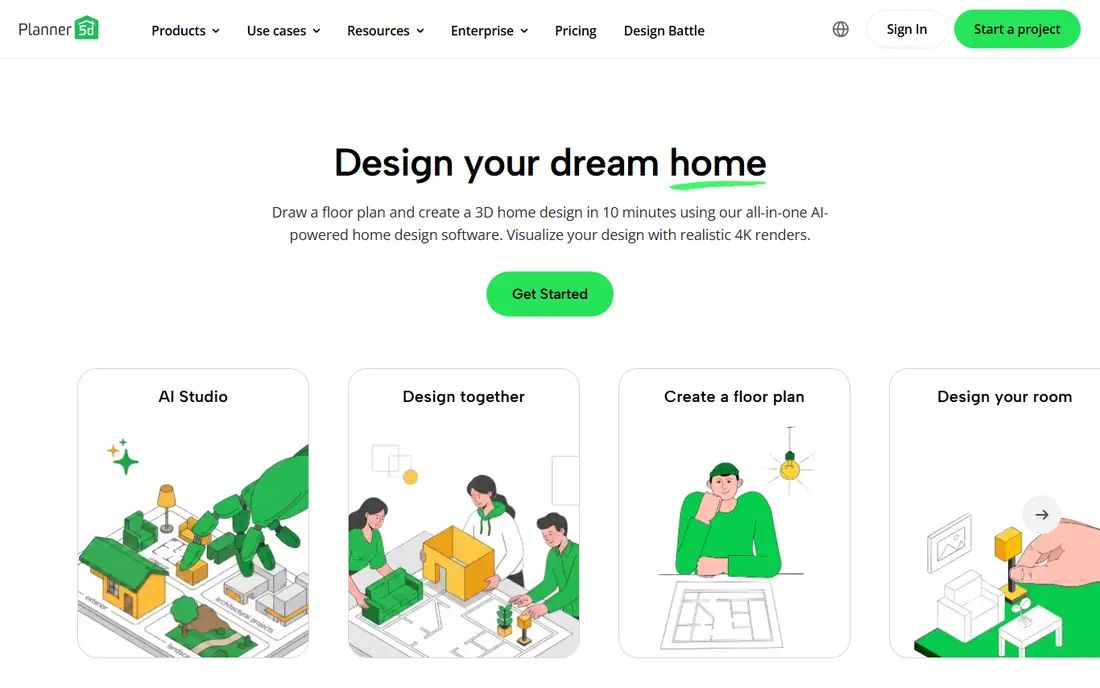
Planner 5D is the easiest tool on this list to open and use. Rooms take shape by dragging walls and furniture into place, and the same account works on web, phone, tablet, and desktop, so you can sketch on the couch and refine on a computer. AI-assisted floor plans on paid plans speed up the first draft, and 4K renders show how a room could look with new furniture.
The free tier limits the furniture catalog and render quality, and Premium plans start near four dollars and ninety-nine cents per month on annual billing. Planner 5D also suits decorating better than construction, since it does not produce builder-ready documents. For most homeowners testing layouts and colors, though, it is the friendliest place to start.
- Easiest drag-and-drop design
- Works on web, mobile, and desktop
- AI-assisted floor plans on paid plans
- Free catalog is limited
- High-quality renders need paid plans
- Less suited to construction documents
Home Designer, from Chief Architect, is the pick when a remodel needs real construction detail. It builds walls with framing, tracks materials, and produces lists a builder can price from, which room planners cannot do. DIY builders planning an addition, a kitchen gut, or a new garage get a plan that survives contact with a contractor, not just a pretty picture.
That detail costs more in money and learning time than Planner 5D or RoomSketcher, and the software runs on desktop rather than in a browser. Pricing sits behind a plan check, with a trial to test the workflow. If you only need to arrange furniture, pick a simpler tool. If you need to hand a credible plan to a builder, Home Designer is worth the effort.
- Real construction detail including framing
- Materials lists for builders
- Strong for remodels and additions
- Higher price and learning curve than room planners
- Desktop only
- Trial limits need checking
RoomSketcher bridges floor plans and visuals in a way that suits sellers, landlords, and remodelers alike. Draw a measured 2D plan, then switch to interactive 3D views and walkthroughs that help buyers and contractors understand the space. Sharing links make it easy to send a plan to an agent or a builder without exporting files back and forth.
Pro plans start near twelve dollars per month on annual billing, and the free tier limits projects and features, so regular users will pay. Free-form 3D modeling is also thinner than SketchUp, since RoomSketcher favors accurate plans over sculpting. If your priority is a measured plan with polished visuals, RoomSketcher is a strong middle ground.
- Measured 2D plans plus interactive 3D walkthroughs
- Good for real-estate listings
- Easy sharing
- Pro plans cost more for full features
- Free tier limits projects
- Less free-form modeling than SketchUp
Sweet Home 3D is the best free option for anyone who dislikes subscriptions. The desktop app costs nothing, works offline, and covers the core job: draw a 2D floor plan, furnish it from a built-in catalog or imported models, and view the result in 3D. Students, renters, and homeowners on a tight budget can plan a whole home without paying a cent.
The interface looks dated next to Planner 5D, and rendering quality is basic, so presentation images will not match a paid renderer. Mobile and web versions are also limited compared with the desktop app. Still, for measured planning at zero cost, Sweet Home 3D is hard to beat, and it pairs well with a paid renderer if you later need polished images.
- Fully free desktop app
- Works offline
- 2D plans with 3D views and furniture import
- Interface looks dated
- Rendering quality is basic
- Mobile and web versions are limited
Floorplanner suits anyone who wants a floor plan fast without installing software. Open a browser, draw walls to scale, add doors and furniture, and export images for a listing or a contractor. The free plan covers a handful of projects, which is enough to test the workflow, and paid credits allow higher-resolution renders.
Project caps on the free tier mean regular users will pay, and 3D depth trails SketchUp or Live Home 3D, since Floorplanner favors plans over sculpting. Credit pricing also needs a quick check before a large project. For quick, accurate plans in a browser, though, Floorplanner is one of the fastest tools here.
- Nothing to install
- Quick measured plans
- Renders up to high resolution on paid credits
- Free plan caps projects
- 3D depth trails full modelers
- Credit pricing needs care
Live Home 3D suits households that live on Apple devices. Native apps for Mac, iPad, and iPhone share projects cleanly, and the 3D visuals and walkthroughs look polished enough to share with family or a contractor. A one-time Pro purchase option appeals to buyers who dislike subscriptions, with the free app covering basic two-story designs.
Windows and Android support is thinner than the Apple apps, and the free tier limits features, so check the platform you actually use before buying. Advanced tools need the Pro version. If your home runs on Apple hardware and you want a polished, native design app, Live Home 3D is an easy recommendation.
- Polished native apps for Mac, iPad, and iPhone
- Good 3D visuals and walkthroughs
- One-time Pro purchase option
- Windows and Android versions are thinner
- Free app limits stories
- Advanced features need Pro
Homestyler is a browser-based designer that stands out for rendering. The free Basic plan includes unlimited low-resolution renders, which is generous for testing ideas, while paid Pro plans start near six dollars and eighty cents per month for higher quality. A catalog with brand-name furniture helps shoppers see real products in a room rather than generic shapes.
Modeling depth trails desktop tools such as SketchUp, and the best renders sit behind paid plans. Homestyler also works best in a browser, with the app covering a subset of features. For homeowners who want good-looking room visuals without installing software, Homestyler is a strong, affordable pick.
- Browser-based with cloud rendering
- Unlimited basic renders on the free tier
- Brand-name furniture catalog
- Advanced renders need paid plans
- Desktop modeling depth is limited
- Some features need the app
How we picked these
We compared official feature pages, pricing pages, app store listings, and public reviews for each tool, and we favored products still operating in October 2026 across the three design jobs: room decorating, measured planning, and full 3D modeling. We weighted free-tier usefulness, pricing clarity, and fit for beginners alongside power for advanced users. We did not run hands-on design tests for this guide.
Picking by the job, not the pictures
Start with what the plan must do. If you are decorating, pick Planner 5D or Homestyler for speed and renders. If you need a measured plan for a listing or a contractor, pick RoomSketcher or Floorplanner for accuracy. If you are remodeling with a builder, pick Home Designer or SketchUp for detail and documentation. Measure your rooms before you start, since a plan built on guesses will mislead every later decision. Save versions as you go, so a bold layout change never destroys the working plan underneath it.
Frequently asked questions
What is the best home design app for beginners?
Planner 5D is the easiest start, with drag-and-drop rooms and a free tier on web and mobile. SketchUp Free suits beginners who want to learn real 3D modeling rather than just decorating.
What is the best free house design software?
Sweet Home 3D is the best fully free option, with offline desktop planning at no cost. Planner 5D, Floorplanner, and SketchUp Free also offer useful free tiers, though each limits some features.
What is the best software for home design with construction detail?
Home Designer leads for construction detail, with framing and materials lists a builder can use. SketchUp Pro is the alternative for custom 3D modeling with documentation tools.
Can home design software produce plans for a builder?
Some can, with limits. Home Designer produces the most builder-ready detail here, while RoomSketcher and Floorplanner produce measured plans a contractor can work from. Always confirm local permit rules, since a design app plan may still need a licensed professional for approval.
Do I need a powerful computer for home design software?
Browser tools such as Planner 5D, Floorplanner, and Homestyler run on modest hardware, since rendering happens in the cloud or at low resolution. Desktop modelers such as SketchUp Pro and Home Designer benefit from a stronger machine, especially for large homes.
Which home design software works on a phone?
Planner 5D, RoomSketcher, and Live Home 3D all offer mobile apps, with Planner 5D the most complete on phones. Complex modeling still works better on a computer, so use the phone for sketches and the desktop for final plans.
Sources
See where you really rank - block by block
ProMapRanker scans Google Maps across a grid of your service area. Simple monthly plans from $19, white-label on every plan.
Start freeKeep reading
 zeffy payment processor stripe alternatives
Zeffy and Stripe Alternatives for Nonprofits in 2026
Explore zeffy payment processor stripe alternatives for nonprofits. We compare 8 fundraising platforms on fees, donor tools, and nonprofit focus. Check fees.
Read → workday alternatives
Workday Alternatives in 2026
Workday alternatives compared: we review 8 HR and payroll platforms that replace Workday, with pricing, strengths and honest limits for each team size.
Read → what's the best weather app
What's the Best Weather App in 2026
Wondering what's the best weather app? We compare 10 free and paid apps for forecasts, radar, alerts, and Colorado mountain weather for everyday and storm use.
Read →