 ProMapRanker
Best Free Video Transcription Tool in 2026

Key takeaways
- Only tools with a genuine free tier are listed here: trial-only tools such as Happy Scribe, Trint, Sonix, and Riverside are left out, even though they offer short trials.
- Free limits vary a lot: Otter gives 300 minutes a month, TurboScribe gives three files a day up to 30 minutes each, and VEED gives only 2 minutes of auto-subtitles a month.
- For video files, TurboScribe, Descript, and VEED are the most direct picks, while Otter, Fireflies, and Fathom suit live meetings more than uploaded video.
- Always check export formats and watermarks on the free plan, since a transcript you cannot export cleanly is of limited use.
Quick comparison
| Pick | Great for | Pricing starts at | Free tier | |
|---|---|---|---|---|
 Otter.ai | Free meeting transcription | Free | Yes | Visit |
 Descript | Editing video from a transcript | Free | Yes | Visit |
 VEED | Quick captions for social video | Free | Yes | Visit |
 Notta | Multilingual meeting notes | Free | Yes | Visit |
 Fireflies.ai | Searchable meeting transcripts | Free | Yes | Visit |
 TurboScribe | Free video and audio file transcription | Free | Yes | Visit |
 Kapwing | Short captioned clips | Free | Yes | Visit |
 Fathom | Free meeting capture and summaries | Free | Yes | Visit |
 Tactiq | Live meeting transcripts in the browser | Free | Yes | Visit |
The best free video transcription tools
These tools all offer a free tier you can use without paying, based on official pricing pages and public comparisons checked in October 2026. Limits are stated plainly, since they decide whether a free plan is useful for real work.
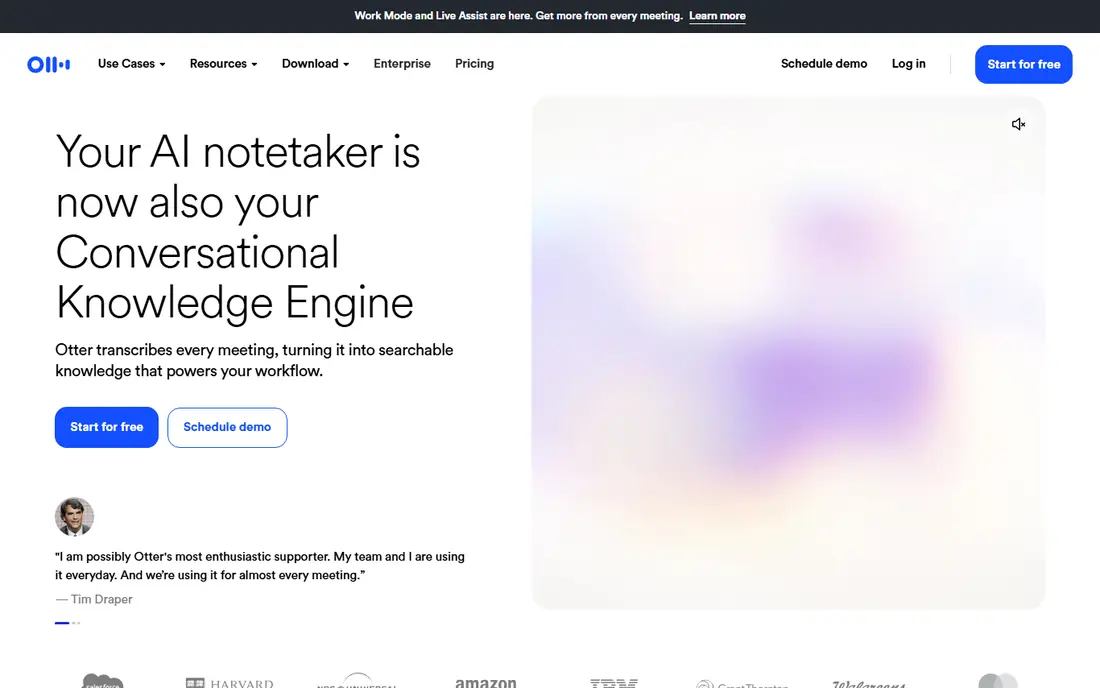
Otter is the strongest free pick for live meetings and calls. The free plan gives 300 transcription minutes a month, with a bot that can join Zoom, Google Meet, and Teams, plus speaker labels and searchable transcripts. For a normal client call or class session, that allowance covers real work at no cost.
The limits matter for video files. Imported files are capped at three for the life of a free account, and exports on free are limited to audio and TXT, with SRT and DOCX behind Pro at $8.33 per user per month billed annually. If you mainly transcribe uploaded video, TurboScribe below is a better free fit.
- 300 free minutes a month
- Live transcription for Zoom, Meet, and Teams
- Speaker identification
- Conversations cap at 30 minutes
- Only three imported files for the life of a free account
- SRT and DOCX exports need Pro
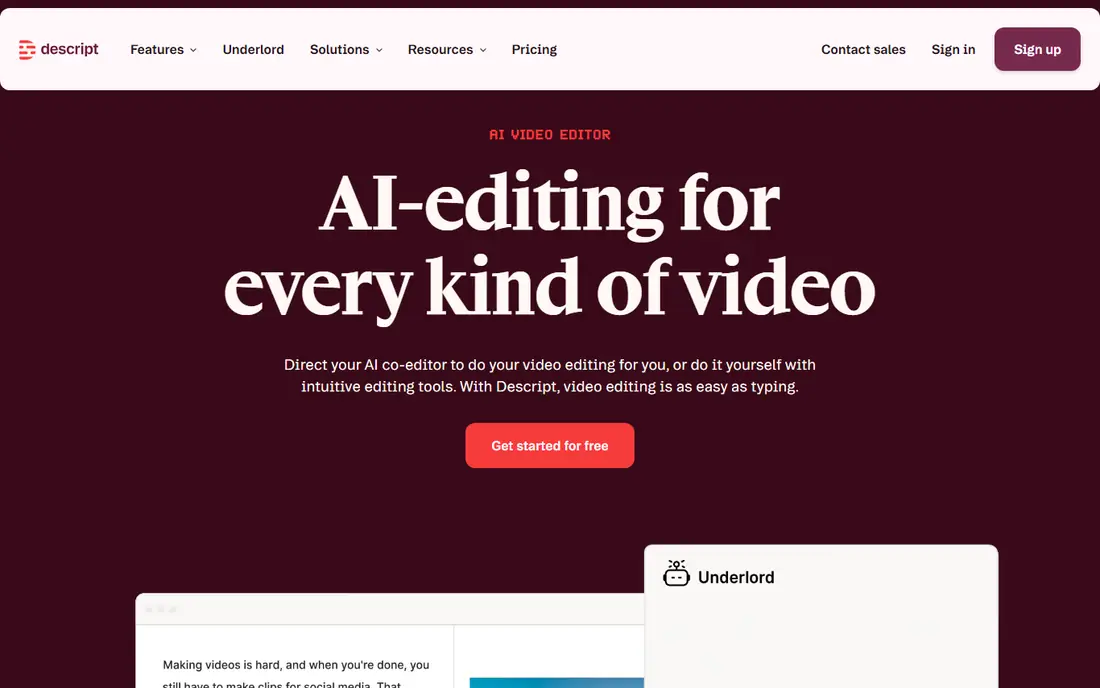
Descript is different from a plain transcriber: you edit the transcript, and the video edits itself to match. That makes it ideal for a creator who wants to cut filler, remove a section, or tidy a talk without learning a timeline editor. The free plan processes 60 media minutes a month, counting imports and recordings together, and transcribes 25 languages.
The free export is the catch. Video renders at 720p with a watermark, and watermark-free output starts at Hobbyist, $16 per month billed annually. For drafting and editing, the free plan is genuinely useful. For a finished, publish-ready video, budget for a paid month or export the transcript and finish elsewhere.
- Edit video by editing text
- 60 free media minutes a month
- Transcription in 25 languages
- Free video exports are 720p with a watermark
- Desktop only, no phone app
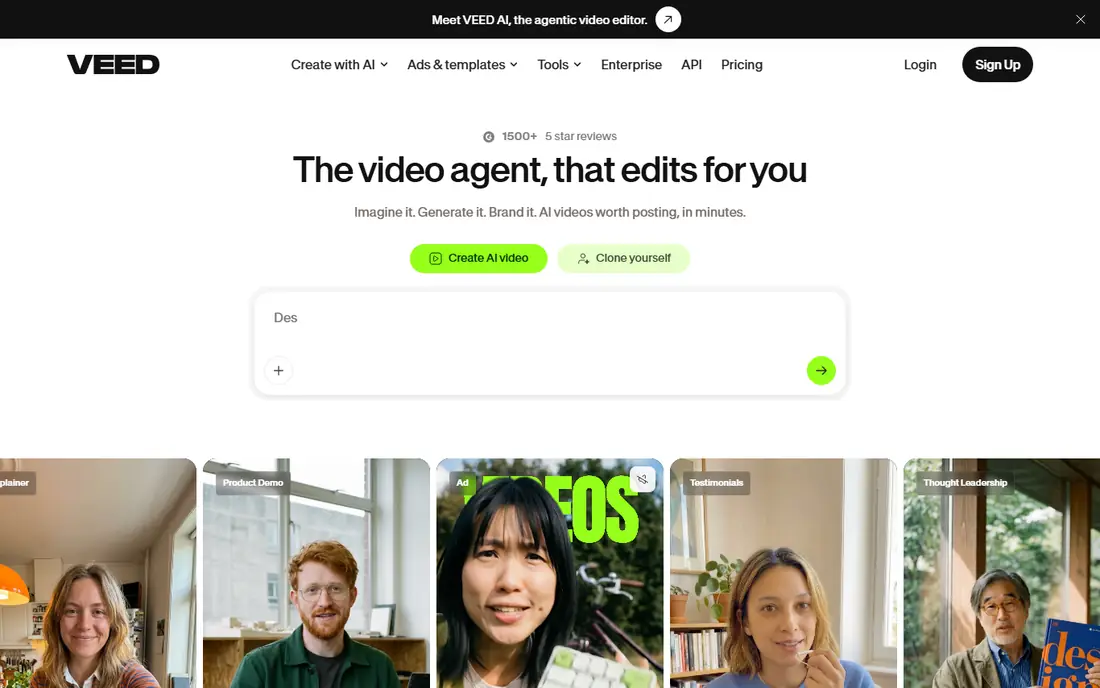
VEED suits a creator who wants captions fast in a browser, without installing software. You upload or record video, generate subtitles, style them, and export a captioned clip, with translation to many languages. The editor also covers trimming, text, and basic video polish in the same window.
Free use is very limited for subtitles: 2 minutes of auto-subtitles a month on the free plan, with paid plans from about $9 per month opening up far more subtitle hours. That makes VEED a good free test for short clips, but not a free workhorse for long videos. Test it with one short clip before you plan a series around it.
- Browser-based video editor
- Auto-subtitles in many languages
- TXT, VTT, and SRT export options on paid tiers
- Free plan gives only 2 minutes of auto-subtitles a month
- Fuller export and subtitle hours need a paid plan
Notta offers a free plan with 120 minutes a month and support for many languages, which looks generous until you read the fine print. Free recordings cap at 3 minutes each, so a normal meeting, interview, or lecture will not fit in one recording. That makes the free tier useful for voice notes and short demos, not for full conversations.
Paid Pro, at about $8.17 per month billed annually, lifts the cap to recordings up to five hours and adds fuller export. If your videos are short clips under three minutes, Notta free can work. If they are longer, Otter or TurboScribe will serve you better without paying.
- 120 free minutes a month
- Many languages
- Meeting and file transcription in one place
- Free recordings cap at 3 minutes each
- Transcript export is limited on the free plan
Fireflies stands out because its free plan offers unlimited transcription, with the limit placed on storage rather than minutes: 800 minutes of storage per seat. It can join meetings, transcribe in many languages, and let you search across past meetings, with links to tools such as HubSpot, Salesforce, Slack, and Notion. For meeting-heavy work, that search is a real gain.
The storage cap is the practical limit. A few meetings a week will fill 800 minutes quickly, and downloading transcripts and fuller AI summaries need Pro at $10 per seat per month billed annually. For video files rather than meetings, Fireflies is less direct than TurboScribe, but for searchable meeting notes at no cost, it is strong.
- Unlimited transcription on free
- 800 minutes of storage per seat
- Search across meetings and many integrations
- Storage cap fills fast for heavy users
- Downloads and fuller AI summaries need Pro
TurboScribe is our pick for most people who want to transcribe video files for free. The free plan allows three transcripts every day, each up to 30 minutes long, with speaker recognition and translation to many languages. That daily allowance covers a surprising amount of real work: interviews, lectures, and creator videos under half an hour each.
Free files wait longer than paid files, and you upload one file at a time. Unlimited costs $10 per month billed annually and lifts files to 10 hours, with batch uploads and highest priority. If your videos are longer than 30 minutes, split them or budget for one paid month, but for short and medium videos, the free tier is the most usable file transcriber here.
- Three free transcripts a day, each up to 30 minutes
- Supports 98 plus languages
- SRT, VTT, and document exports
- Free files run at lower priority
- One file at a time
- Longer files need Unlimited
Kapwing suits a creator making short social clips who wants captions and light editing in a browser. You upload a video, generate subtitles, style them, trim the clip, and export, all without desktop software. That speed helps when a clip needs to go out the same day.
Free exports are the limit: published comparisons note exports up to about a minute with a watermark on free, and longer, watermark-free work needs a paid plan. For a short teaser or a test caption, Kapwing free is handy. For a full video series, pair it with TurboScribe for the transcript and finish in a fuller editor.
- Browser video editor with auto-subtitles
- Easy caption styling
- No install needed
- Free exports are limited and watermarked
- Longer videos need a paid plan
Fathom is a meeting tool with a genuinely free plan, not just a trial. It records and transcribes Zoom, Google Meet, and Teams calls, then produces summaries, highlights, and action items you can share. For a team that lives in meetings and wants notes without paying, that free tier is easy to recommend.
It is less useful for a folder of video files, since its strength is live meeting capture. Premium costs $16 per user per month billed annually in published comparisons and adds fuller features. If your need is meeting notes, start with Fathom or Fireflies. If your need is video files, start with TurboScribe.
- Free forever plan for meetings
- Automatic summaries and highlights
- Works with Zoom, Meet, and Teams
- Built for meetings, not uploaded video files
- Fuller features need Premium
Tactiq runs as a browser extension that transcribes live meetings in Google Meet, Zoom, and Microsoft Teams, turning spoken discussion into searchable text with highlights and summaries. That browser-first approach suits someone who wants notes without inviting a bot into every call, and without switching apps mid-meeting.
As with other meeting tools, the free tier has limits, and uploaded video is not its main job. For a student, researcher, or remote worker who needs a transcript of a live session, Tactiq free is a practical, low-friction option. For archived video, use TurboScribe or Descript alongside it.
- Browser extension for live meeting transcripts
- Works with Meet, Zoom, and Teams
- Searchable notes and summaries
- Free tier limits apply
- Best for live meetings rather than uploaded video
How we picked these
We compared official pricing pages and public transcription comparisons checked in October 2026, and we kept only tools with a real free tier, not a short trial. Trial-only tools such as Happy Scribe, Trint, Sonix, and Riverside were left out for that reason, even though they transcribe video well on paid plans. We favored tools that let you export a usable transcript on free, and we stated export and watermark limits plainly.
What to check before you buy
Start with your file type: live meeting or uploaded video, and short clip or long recording. Then check three limits on the free plan: minutes or files per month, maximum length per file, and export formats. A tool that passes all three for your typical video is a keeper. One that fails any of them will push you to paid sooner than the headline free claim suggests.
Check accuracy with your own audio
Run the same test clip through two shortlisted tools and compare names, numbers, and technical terms against the recording. Accuracy varies with accents, background noise, and overlapping speech, and a vendor claim does not predict your audio. Check the transcript before you publish captions, since errors in names and figures are easy to miss.
Check privacy before you upload sensitive video
Free tools usually process files on their servers, so avoid uploading private, medical, or legally sensitive recordings to a free tier without reading the privacy policy. For sensitive work, a local tool or a paid plan with clearer data controls is safer. Delete files you no longer need, and check retention settings where the tool offers them.
Frequently asked questions
What is the best free video transcription tool?
For uploaded video files, TurboScribe free is our pick, with three files a day up to 30 minutes each. For live meetings, Otter free at 300 minutes a month is strong. For editing video from text, Descript free at 60 media minutes a month is the best starting point.
Are there really free video transcription tools, or just trials?
Yes, the tools here offer real free tiers, not just trials. The difference is that free tiers have lasting limits, such as minutes, file counts, or watermarks, while trials end after a set period. Trial-only tools such as Happy Scribe, Trint, and Riverside are not listed here for that reason.
What is the best free video transcription software for subtitles?
TurboScribe exports SRT and VTT captions from video files on its free tier, which suits subtitle work. VEED and Kapwing also generate subtitles in a browser editor, but their free subtitle minutes and exports are more limited. For a full subtitled video, generate the transcript free, then check timing and styling before export.
How accurate is free transcription?
Accuracy depends on audio quality, accents, background noise, and overlapping speech. Clean, single-speaker audio usually transcribes well, while noisy or multi-speaker audio needs checking. Always review names, numbers, and technical terms against the recording before you publish.
Can I transcribe a video longer than 30 minutes for free?
Yes, but with workarounds. You can split a long video into parts under the free limit, or use Otter for a live session up to its monthly allowance. For regular long videos, a paid plan such as TurboScribe Unlimited at $10 per month billed annually is usually cheaper than splitting every file.
Sources
See where you really rank - block by block
ProMapRanker scans Google Maps across a grid of your service area. Simple monthly plans from $19, white-label on every plan.
Start freeKeep reading
 zoho books alternatives
Best Zoho Books Alternatives in 2026
Compare the best zoho books alternatives for small business accounting, from QuickBooks Online and Xero to FreshBooks, Wave, and Sage in 2026, with pricing.
Read → zluri alternatives
Best Zluri Alternatives in 2026
Compare zluri alternatives for 2026, with SaaS management platforms for app discovery, spend tracking, renewals, and automation for IT, finance and procurement.
Read → zerobounce alternatives
Best ZeroBounce Alternatives in 2026
Best zerobounce alternatives for list hygiene: compare 8 email verification tools for bulk cleaning, real-time checks and catch-all handling in 2026 today.
Read →