 ProMapRanker
Best Free Note Taking Apps in 2026

Key takeaways
- OneNote and Google Keep are the easiest free starting points, with no paid plan needed for everyday notes.
- Obsidian is the best free choice for people who want local files they fully own, with optional paid sync.
- Notion suits people who want notes, databases, and team pages in one workspace, though its free plan has collaboration limits.
- Joplin and Logseq are strong open-source picks for privacy-minded users who accept a plainer interface.
Quick comparison
| Pick | Great for | Pricing starts at | Free tier | |
|---|---|---|---|---|
 Microsoft OneNote Microsoft OneNote | Free-form notebooks | Free | Yes | Visit |
 Notion Notion | Notes plus databases | Free | Yes | Visit |
 Obsidian Obsidian | Local linked notes | Free | Yes | Visit |
 Google Keep Google Keep | Quick capture | Free | Yes | Visit |
 Joplin Joplin | Open-source privacy | Free | Yes | Visit |
 Simplenote Simplenote | Minimal text notes | Free | Yes | Visit |
 Evernote Evernote | Research clipping | Free | Yes | Visit |
 Logseq Logseq | Outliner and daily notes | Free | Yes | Visit |
The best free note taking apps
We compared official feature pages, pricing pages, app store listings, privacy policies, and public reviews. Every app here has a genuinely free tier, not only a trial, though paid upgrades add storage, sync, or collaboration features.
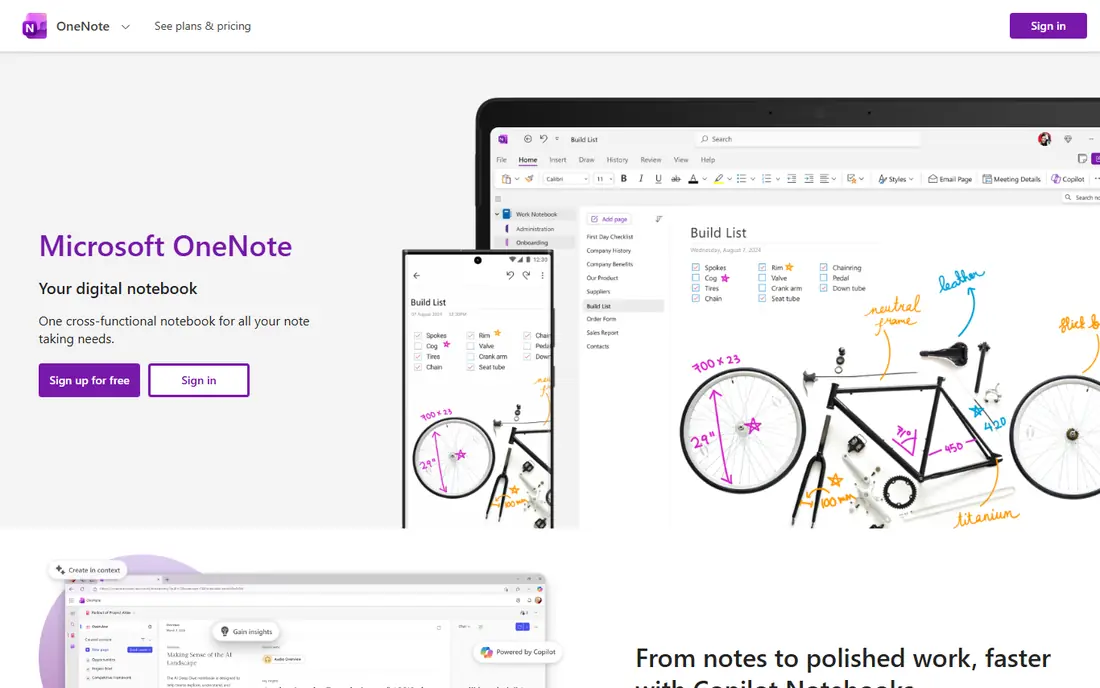
OneNote feels closest to a paper notebook, with free-form pages where you can type, draw, paste images, and drop in audio. That freedom suits students and meeting notes, where ideas do not always arrive in neat order. It runs on Windows, Mac, iOS, Android, and the web, and the core app is free with a Microsoft account.
The main limit is storage. Notes sync through OneDrive, so heavy users with many images and attachments need to watch their OneDrive space. Large notebooks can also become hard to search if sections grow without a clear structure. For most personal and study use, though, OneNote is the most capable fully free option here.
- Free on all major platforms
- Handwriting and drawing support
- Large canvas pages
- Sync relies on OneDrive
- Organisation can get messy in large notebooks
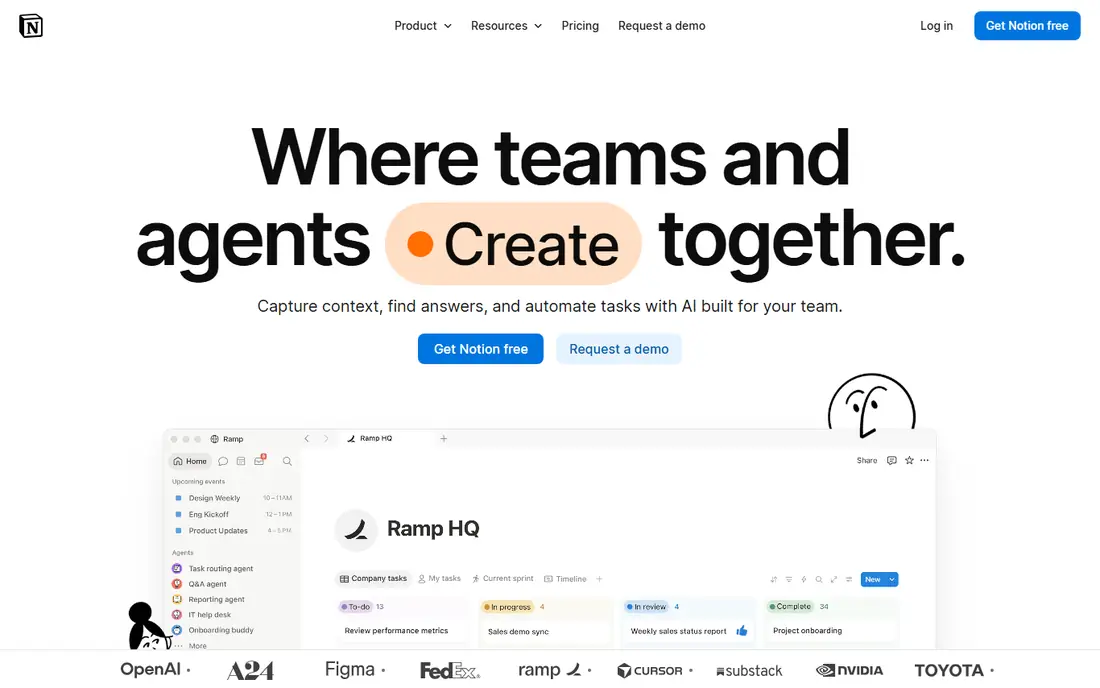
Notion turns notes into a workspace, with pages, tables, calendars, and databases that link together. That flexibility suits project notes, reading lists, and small team wikis, where a simple text note is not enough. Templates cover meeting notes, habit trackers, and course plans, which helps new users start quickly.
The trade-off is weight. For a quick shopping list or a single idea, Notion can feel slower than Keep or Simplenote, and offline access is not as strong as local-first apps. Paid plans add more guests, version history, and automation. If you want one place for notes and light project work, Notion is hard to beat.
- Flexible pages and databases
- Many templates
- Good for team wikis
- Can feel complex for simple notes
- Offline use is limited
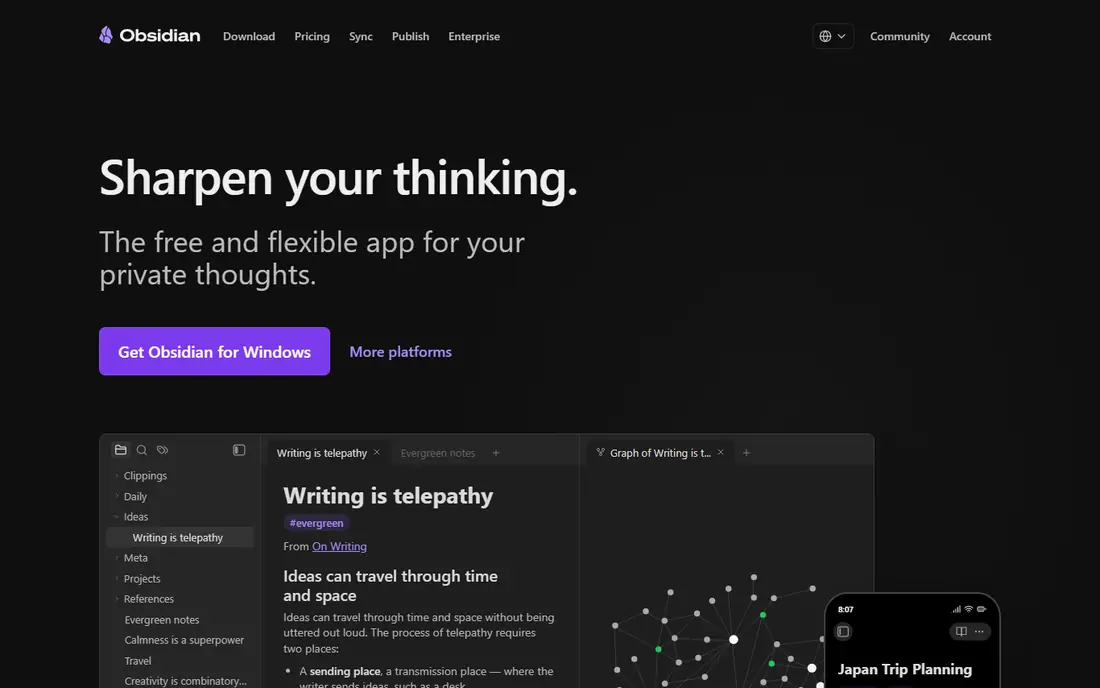
Obsidian stores notes as plain Markdown files on your own device, which gives you full control and easy export. Links between notes build a personal knowledge base, and the graph view shows how ideas connect. A large community plugin library adds calendars, tasks, and daily notes, so the app can grow with your habits.
The catch is sync. The core app is free for personal use, but the official sync service costs extra, so multi-device users often use their own cloud folder or a third-party method. New users may also spend time choosing plugins before they settle into a routine. For writers and researchers who value ownership, Obsidian is the strongest free pick.
- Local Markdown files you own
- Links and graph view
- Large plugin library
- Built-in sync is paid
- Setup takes time for new users
Google Keep is built for speed. Open it, type a note, set a reminder, and move on. Colour labels, checklists, and voice notes cover most daily capture needs, and notes sync with a Google account across phone and web. It is the app we reach for when an idea needs saving in seconds.
The limit is depth. Keep uses labels instead of folders, and long notes with rich formatting are awkward. It is not a good home for a research library or a long writing project. As a companion to a deeper tool, though, Keep is excellent, and many people pair it with Obsidian or Notion for that reason.
- Very fast to open and save
- Reminders and labels
- Works well on Android and web
- No folders or notebooks
- Limited formatting and long-note tools
Joplin is a free, open-source note app with notebooks, tags, Markdown editing, and a web clipper for saving pages. It supports end-to-end encryption and lets you sync through several services, including Joplin Cloud, Dropbox, or your own server. That control appeals to users who want privacy without paying for a premium plan.
The interface is functional rather than beautiful, and first setup takes a few more steps than Keep or OneNote. Mobile editing is solid but not as polished as the big commercial apps. For users who value open source and control over polish, Joplin offers a lot for no cost.
- Open source
- End-to-end encryption option
- Flexible sync choices
- Plainer interface
- Some features need setup
Simplenote does one job well: fast, plain text notes that sync instantly across devices. Tags keep notes organised, search is quick, and note history lets you recover earlier versions. There are no paywalls for core features, which makes it a calm choice for writers and list makers.
The trade-off is scope. Simplenote lacks notebooks, handwriting, and rich media tools, so it is not suited to visual notes or research collections. If your notes are mostly text and you want zero friction, that simplicity is a strength. Pair it with a separate tool only if you need images, sketches, or databases.
- Completely free
- Instant sync
- Tags and note history
- No notebooks or rich media tools
- Limited formatting
Evernote built its name on clipping and organising research, and its web clipper remains one of the best for saving articles, PDFs, and pages. Notes support checklists, attachments, and tags, and paid plans add searchable PDFs and larger uploads. Long-time users often stay for the familiar notebook structure.
The free plan is now narrow, limited to 50 notes, one notebook, and one connected device, which makes it hard to use as a main free app. Paid plans are also more expensive than many rivals here. Evernote still fits researchers who clip heavily and are willing to pay, but free users will find better value elsewhere on this list.
- Strong web clipper
- Searchable notes and PDFs on paid plans
- Good organisation tools
- Free plan is limited to 50 notes, one notebook, and one device
- Paid plans are costly
Logseq is an outliner-first note app built around daily journal pages and linked blocks. Each day gets its own page, and tasks, ideas, and references link together as you write. Notes are stored locally, which suits users who want ownership, and the app is free and open source.
The style takes getting used to. If you think in documents rather than bullet outlines, Logseq can feel restrictive at first. It also has fewer polished templates than Notion. For daily journaling, task-linked notes, and a growing personal knowledge base, Logseq is a strong free alternative to Obsidian.
- Free and open source
- Daily journal pages
- Local files
- Outliner style does not suit everyone
- Learning curve for new users
How we picked these
We compared official feature pages and pricing pages, app store listings, privacy policies, and public reviews. We required a real free tier, current availability in October 2026, and support for at least two major platforms or the web. We weighed capture speed, organisation, sync options, export, and the limits that matter most on free plans. We did not claim hands-on testing beyond that comparison.
How to choose a free note app
Start with how you capture notes. If speed matters most, pick Keep or Simplenote. If you write long notes or study material, OneNote or Obsidian will serve you better. If notes feed into team work or databases, Notion is the natural fit. Privacy-minded users should weigh Joplin and Logseq, which keep files local or open source.
Check sync and export before you invest months of notes. Local-first apps give you files you can move anywhere, while cloud apps depend on their own service. Also check free plan limits, such as device counts and storage, since those limits decide whether a free plan stays free in practice. Try two apps for a week with real notes, then keep the one you actually open.
Frequently asked questions
What is the best free note taking app overall?
OneNote is our pick for most people, because it is free, works on all major platforms, and handles typing, drawing, and images. Obsidian is better for linked notes you own, while Google Keep is better for quick capture. The best app is the one that matches how you take notes day to day.
What is the best free notetaking app for students?
OneNote suits students for lecture notes and handwriting, while Notion suits course planning and group projects. Obsidian helps students who build linked study notes over a term. Keep is useful for reminders and short lists between classes.
Is Obsidian really free?
Yes, the core Obsidian app is free for personal use, with unlimited local notes. Paid services cover official sync and publishing, which are optional. You can sync vaults with your own cloud folder, though that setup needs more care than the official service.
What is the best note-taking software for privacy?
Joplin and Obsidian lead here, because Joplin offers end-to-end encryption and open-source code, while Obsidian stores notes as local files. Logseq is another local-first option. Always check the privacy policy and sync settings for any app you choose.
Can I switch note apps later?
Most apps export to Markdown, PDF, or plain text, but formatting and links do not always transfer cleanly. Obsidian, Joplin, and Logseq use Markdown files, which move most easily. Before switching, export a small notebook and test the import in the new app.
Does Evernote still have a free plan?
Yes, Evernote still offers a free plan, but it is limited to 50 notes, one notebook, and one connected device. That limit suits a small trial, but most users will need a paid plan or a different free app for everyday use.
Sources
See where you really rank - block by block
ProMapRanker scans Google Maps across a grid of your service area. Simple monthly plans from $19, white-label on every plan.
Start freeKeep reading
 zeffy payment processor stripe alternatives
Zeffy and Stripe Alternatives for Nonprofits in 2026
Explore zeffy payment processor stripe alternatives for nonprofits. We compare 8 fundraising platforms on fees, donor tools, and nonprofit focus. Check fees.
Read → workday alternatives
Workday Alternatives in 2026
Workday alternatives compared: we review 8 HR and payroll platforms that replace Workday, with pricing, strengths and honest limits for each team size.
Read → what's the best weather app
What's the Best Weather App in 2026
Wondering what's the best weather app? We compare 10 free and paid apps for forecasts, radar, alerts, and Colorado mountain weather for everyday and storm use.
Read →