 ProMapRanker
Best Free AI Tools for SEO in 2026

Key takeaways
- Ahrefs Webmaster Tools and Google Search Console give the most useful free SEO data, because they report on your own site and search performance.
- ChatGPT and Claude help with outlines, titles, and rewrites, but they do not replace keyword data or rank tracking.
- Surfer and Frase offer strong content optimisation, but their free access is limited, so budget for a paid plan if you publish often.
- Free AI tools work best as a stack: one tool for data, one for writing help, and one for audits, rather than one tool for everything.
Quick comparison
| Pick | Great for | Pricing starts at | Free tier | |
|---|---|---|---|---|
 Google Search Console Google Search Console | Free site data | Free | Yes | Visit |
 Ahrefs Webmaster Tools Ahrefs Webmaster Tools | Free site audits | Free | Yes | Visit |
 ChatGPT ChatGPT | Drafts and outlines | Free | Yes | Visit |
 Claude Claude | Rewrites and long pages | Free | Yes | Visit |
 Perplexity Perplexity | Research with sources | Free | Yes | Visit |
 Surfer SEO Surfer SEO | Content optimisation | See website | No | Visit |
 Frase Frase | Content briefs | See website | No | Visit |
 Ubersuggest Ubersuggest | Beginner keyword ideas | Free | Yes | Visit |
The best free ai tools for seo
Free AI tools for SEO fall into three groups: data tools that show what search engines see, writing tools that help draft and improve pages, and content tools that score a draft against top results. No free tool does all three well. We compared official feature pages, pricing, and public reviews to build a free stack that covers each job in October 2026.
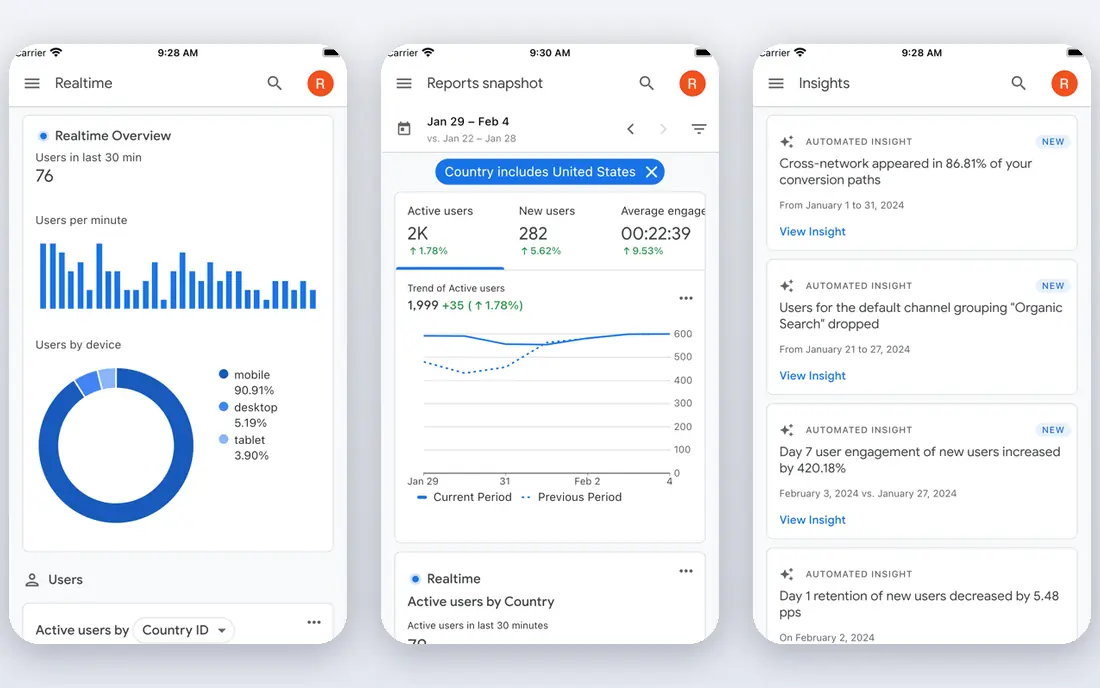
Google Search Console is the foundation of any free SEO stack. It shows which search queries bring clicks, which pages rank, and which pages have indexing or mobile issues. Because the data comes from Google itself, it beats any third-party estimate for your own site. Every site owner should set it up before buying another tool.
Its limits are clear. It does not show competitor keyword volumes, it does not write content, and it only reports on sites you verify. Pair it with a keyword tool for ideas and a writing tool for drafts. Used alone, it tells you what happened. Used in a stack, it tells you what to fix next.
- Free and official Google data
- Shows queries, clicks, and indexing issues
- No guesswork about your own site
- No competitor keyword volumes
- No AI writing help
- Data is limited to your verified sites
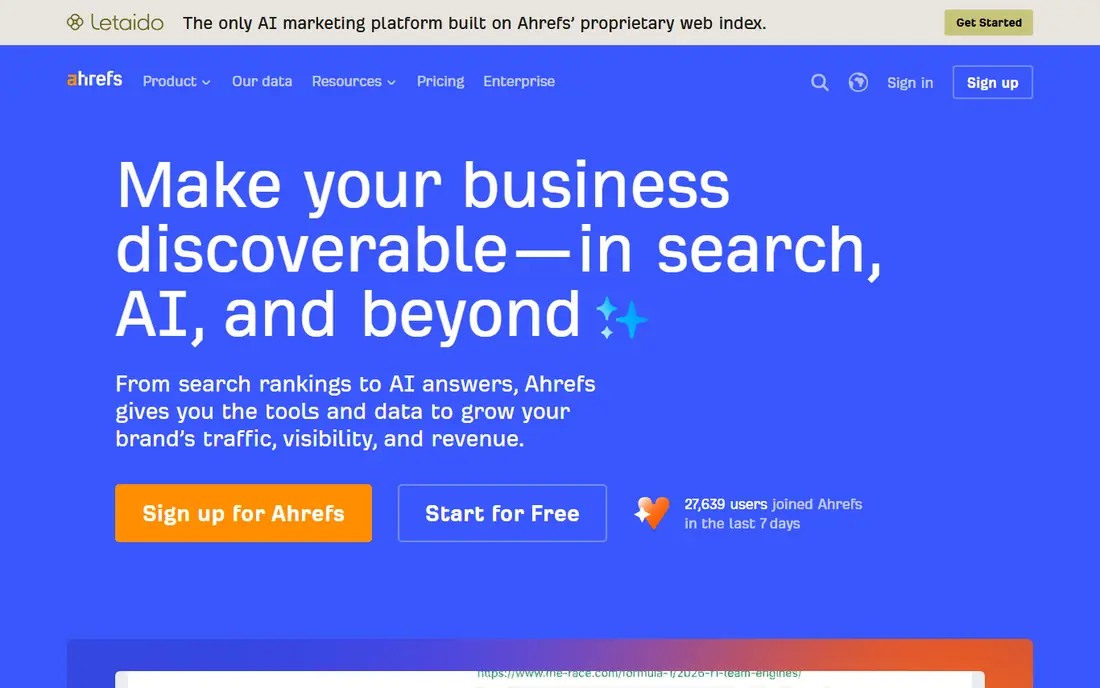
Ahrefs Webmaster Tools gives verified site owners free access to site audits, backlink data, and keyword data for their own sites. That makes it a strong partner to Search Console, since it flags technical issues and shows which pages attract links. Beginners can learn a lot from its audit reports without paying.
Competitor research and full keyword volumes sit behind paid plans, with Starter at $29 per month in public pricing summaries. That is still a fair price for a small site that outgrows free tools. Start free, fix audit issues, and only pay when you need competitor data or larger limits.
- Free audits for your verified sites
- Backlink and keyword data for your own site
- Clear issue reports
- Full competitor data needs a paid plan
- Starter plan costs $29 per month
- Learning curve for beginners
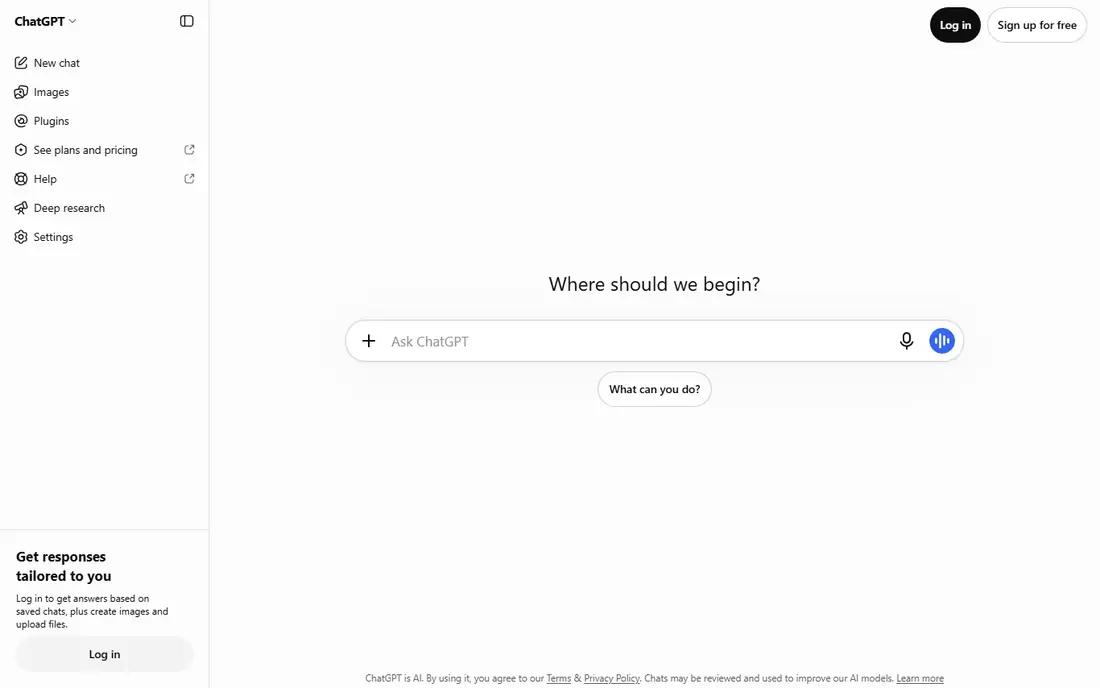
ChatGPT helps SEO work most as a drafting partner. It can turn a keyword list into an outline, suggest titles and meta descriptions, rewrite a dense paragraph, and draft schema markup. That speed helps small teams publish more, provided a human checks facts, adds real expertise, and edits for quality.
It does not know your rankings, and it can invent statistics, links, or search volumes, so never copy its claims without checking a data source. The free plan also has usage limits, and paid plans add capacity. Use ChatGPT to shape content, then use Search Console and Ahrefs data to decide what deserves to rank.
- Free plan for drafting and brainstorming
- Strong for titles, meta descriptions, and outlines
- Fast for first drafts
- Can invent facts and search data
- Free plan has usage limits
- Needs human checking and editing
Claude suits longer SEO pages that need a careful rewrite rather than a quick draft. Paste a rough draft, ask for clearer structure, tighter sentences, or a more direct tone, and it often returns a cleaner version that keeps the original meaning. That makes it useful for turning expert notes into readable guides.
Like ChatGPT, Claude has no keyword or ranking data, so it cannot tell you what to write about. Its free plan has limits, and Pro costs $20 per month in public summaries. Use Claude after research, not instead of it, and always check facts, links, and claims before publishing.
- Free plan for writing help
- Strong for long rewrites and tone control
- Careful, readable drafts
- No SEO data or rank tracking
- Free plan has usage limits
- Pro costs $20 per month
Perplexity helps SEO research by answering questions with links to sources, which makes fact-checking faster than a plain chatbot. Use it to learn how competitors cover a topic, what recent guidance says, and which sources a page should cite. That research step improves content depth, which matters for ranking.
Answers still need checking, since summaries can miss nuance or cite a weak source. The free plan has limits, and Pro costs $20 per month in public summaries. Treat Perplexity as a research shortcut, then open the sources it cites and verify the key facts yourself before writing.
- Free research with cited sources
- Good for fresh topics and competitor pages
- Fast summaries
- Answers can still contain errors
- Free plan has limits
- Pro costs $20 per month
Surfer SEO is the content optimisation tool many SEO writers know best. Paste a draft, and it compares the page with top results for a keyword, suggesting terms, headings, and a target length. That guidance helps a writer cover a topic fully without guessing what searchers expect.
There is no ongoing free plan, and paid pricing has varied in public summaries, so check the official site before buying. Scores also need judgment: adding every suggested term can make a page read badly. Use Surfer to check coverage, then edit for readers first and scores second.
- Scores drafts against top-ranking pages
- Suggests terms, headings, and length
- Browser extension for writing
- No ongoing free plan
- Paid plans are costly for small sites
- Scores can tempt writers to stuff terms
Frase builds content briefs by studying top-ranking pages for a keyword, pulling headings, questions, and key terms into an outline. That saves hours of manual research for a new article, and its AI drafting tools can turn a brief into a first draft. Small content teams often use Frase as the starting point for each post.
Free access is limited to trials, and plan prices and document limits should be checked on the official site. A brief is only as good as the keyword behind it, so pair Frase with Search Console and Ahrefs data. Use it to plan, then write with real expertise rather than copying competitor structure alone.
- Builds briefs from top search results
- Outlines and questions from real searchers
- AI drafting help
- No ongoing free plan
- Document limits vary by plan
- Brief quality depends on the keyword
Ubersuggest suits beginners who want keyword ideas without learning a complex suite. Type a seed keyword, and it returns related ideas, rough volumes, and content suggestions in a simple layout. A free site overview also gives a quick sense of traffic and top pages for a domain.
Free searches are limited each day, and deeper data needs a paid plan, with pricing that should be checked on the official site. Estimates are also less detailed than Ahrefs or Semrush. For a beginner building a first keyword list, Ubersuggest is friendly and useful. For serious competitor work, upgrade to a fuller data tool.
- Free keyword ideas and site overview
- Simple interface for beginners
- Content ideas included
- Free searches are limited per day
- Full data needs a paid plan
- Estimates are less deep than Ahrefs
How we picked these
We compared official feature pages, pricing pages, and public reviews for AI and SEO tools with a usable free plan or free tier in October 2026. We kept tools that help with data, research, writing, or optimisation, and we favoured a mix that forms a complete free stack. Where a price could not be verified on the vendor site, we wrote See website rather than guessing. We did not claim hands-on testing, and we treated review scores as a guide, not as proof.
How to build a free SEO stack
Start with data, not with writing. Set up Google Search Console and Ahrefs Webmaster Tools for your site, fix audit issues, and note which queries already bring clicks. Those two free tools tell you where to focus, and they stop you from writing pages no one searches for. Check them weekly, not daily, so you act on trends rather than noise.
Next, use one research tool and one writing tool per article. Research the topic in Perplexity, check competitor pages, then draft an outline in ChatGPT or Claude. Write the full draft yourself or with AI help, adding facts, examples, and sources that competitors lack. That human layer is what separates a useful page from a generic AI page.
Finally, add optimisation only when you publish often. Surfer or Frase can check coverage and structure, but a free stack can rank without them if the content is strong and the site is technically sound. Track results in Search Console for a few weeks after publishing, then update the page based on real queries. Free tools reward patience and steady updates more than any single score.
Frequently asked questions
What are the best free AI tools for SEO?
Google Search Console and Ahrefs Webmaster Tools lead on free data, while ChatGPT, Claude, and Perplexity lead on free writing and research help. Ubersuggest adds free keyword ideas for beginners. Together they form a free stack that covers data, research, and drafting without a paid subscription.
What is the best free AI SEO tool for keyword research?
Ahrefs Webmaster Tools gives the strongest free data for your own verified site, while Ubersuggest gives simpler free keyword ideas for new topics. Search Console shows which queries already bring you traffic, which is often more useful than a new keyword list. Combine all three for a fuller picture.
Can free AI tools replace paid SEO tools?
For a small site, a free stack can cover most needs, including audits, research, and drafting. Paid tools add competitor data, larger limits, rank tracking, and content scoring that free tools lack. Upgrade when free limits slow your publishing or when competitor research becomes a regular job.
Is AI-generated content bad for SEO?
AI content alone is not automatically bad, but thin, generic, or inaccurate AI pages rarely rank well. Search engines reward pages that answer a query fully, with real expertise and trustworthy sources. Use AI for drafts and structure, then edit heavily, add original insight, and check every fact before publishing.
How do I check if my SEO changes worked?
Use Google Search Console to track clicks, impressions, and average position for target queries over several weeks. Note the date of each change, and avoid judging a page after only a few days. Pair ranking data with real outcomes, such as enquiries or sales, since traffic alone does not prove success.
Sources
See where you really rank - block by block
ProMapRanker scans Google Maps across a grid of your service area. Simple monthly plans from $19, white-label on every plan.
Start freeKeep reading
 zeffy payment processor stripe alternatives
Zeffy and Stripe Alternatives for Nonprofits in 2026
Explore zeffy payment processor stripe alternatives for nonprofits. We compare 8 fundraising platforms on fees, donor tools, and nonprofit focus. Check fees.
Read → workday alternatives
Workday Alternatives in 2026
Workday alternatives compared: we review 8 HR and payroll platforms that replace Workday, with pricing, strengths and honest limits for each team size.
Read → what's the best weather app
What's the Best Weather App in 2026
Wondering what's the best weather app? We compare 10 free and paid apps for forecasts, radar, alerts, and Colorado mountain weather for everyday and storm use.
Read →