 ProMapRanker
Best Free AI Face Swap Tools in 2026

Key takeaways
- Only use face swap tools for your own face, for people who have given clear consent, or for fictional and licensed material, and never for non-consensual images.
- WaveSpeed Face Swapper and FaceSwapper.ai are the simplest free photo options, with no sign-up needed for a basic swap in some workflows.
- Reface and Magic Hour suit short video and GIF swaps, but free outputs may carry a watermark or a daily limit.
- Faceswap and DeepFaceLab are free open-source tools for users who want full control and local processing, with a steeper learning curve.
- Free means free tier here, not unlimited free use: check daily credits, file size, watermark, and resolution before starting a project.
Quick comparison
| Pick | Great for | Pricing starts at | Free tier | |
|---|---|---|---|---|
 WaveSpeed Face Swapper | No sign-up photo swaps | Free | Yes | Visit |
 FaceSwapper.ai | Quick browser photo swaps | Free | Yes | Visit |
 Reface | Mobile video and GIF swaps | Free | Yes | Visit |
 Faceswap | Free open-source control | Free | Yes | Visit |
 DeepFaceLab | Advanced local face swaps | Free | Yes | Visit |
 Remaker AI | Photo and video swaps in browser | Free | Yes | Visit |
 PixNova | Fast browser photo swaps | Free | Yes | Visit |
 Swapface | Real-time video face swaps | Free | Yes | Visit |
 Magic Hour | Photo, video, and GIF swaps | Free | Yes | Visit |
The best free ai face swap tools
This list covers legitimate creative tools only, and it is a current 2026 list, not a March-only list. We included only tools with a genuinely free tier or a free open-source version, and we left out undressing tools and tools built for non-consensual use. A plain warning applies to every tool here: only swap faces with consent from every real person shown, and do not use these tools to impersonate, deceive, or harass anyone.
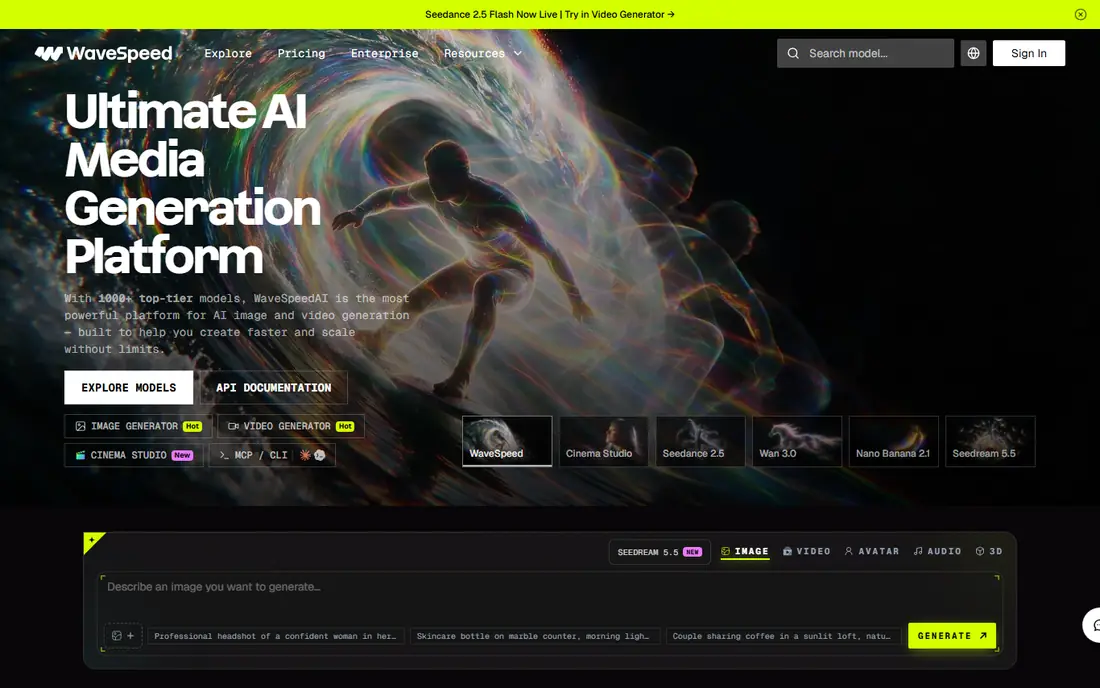
WaveSpeed Face Swapper is the simplest starting point for a photo swap. The free web tool lets you swap a face in a photo without signing up, and recent reports describe the photo output as watermark-free. That low friction makes it useful for a quick creative test, such as seeing how your own face looks in a licensed template or a fictional scene.
It is a photo tool first, not a full video studio. API access is priced per run, so developers who need bulk swaps should check API rates separately. For a one-off creative photo with your own face or a consenting friend, WaveSpeed is our pick for most people because it removes the account barrier without hiding the free tier behind a paywall.
- No sign-up for basic web tool
- No watermark reported for photo tool
- Fast browser workflow
- API use is paid per run
- Advanced features need an account or payment
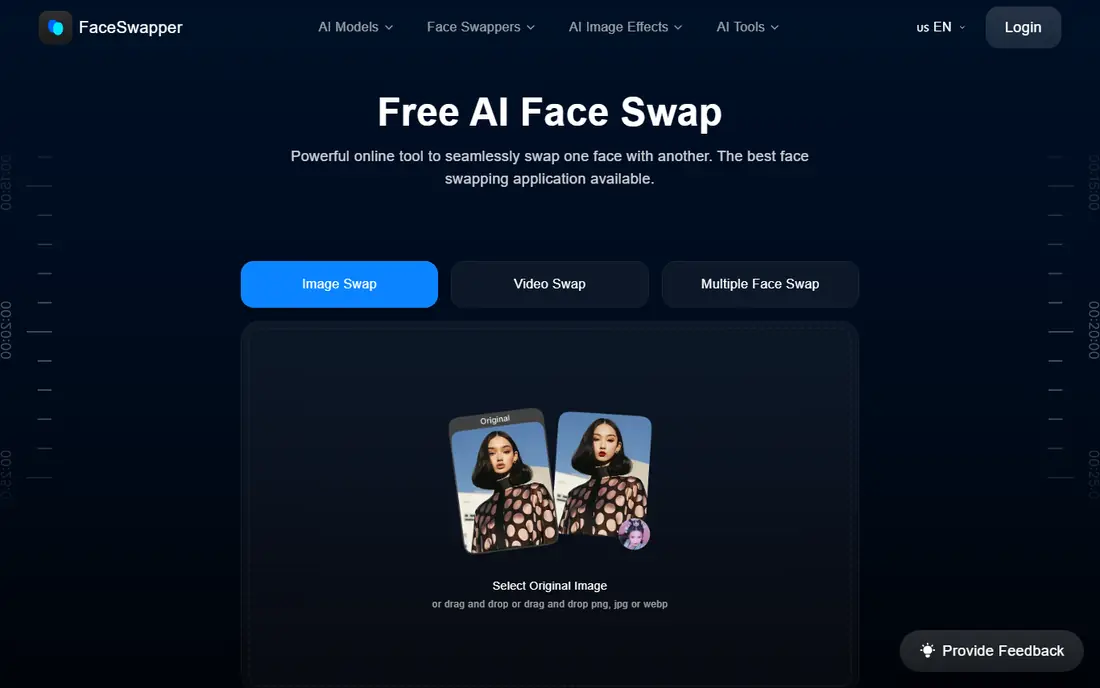
FaceSwapper.ai is another browser-first photo tool that keeps the workflow to two uploads and a result. Reports describe basic use without sign-up and without a watermark in some listings, though limits on file size and swap count apply. That makes it a good second test when WaveSpeed output does not suit a particular photo.
The limits are the catch. Larger files may need resizing, and free swaps are not unlimited, so a batch project will hit a ceiling quickly. For a handful of creative photos, FaceSwapper.ai is fast and approachable. For video or for dozens of images, a desktop open-source tool or a paid plan will work better.
- Simple upload workflow
- No sign-up reported for basic use
- Fast results
- File size limits apply
- Free swaps may be limited per day or month
Reface is a mobile app built for placing your face into video templates, memes, and GIFs. It is the most polished option in this list for social sharing, with templates that handle motion and blending in a way browser photo tools do not. The free tier gives a selection of templates, which is enough to test whether the style suits your content.
Free exports may carry a watermark, and file size and template access are limited, so check the app listing for current terms. Reface is best for fun, consented swaps with your own face or friends who agree to take part. Do not use it to place a real person into a video they did not agree to appear in.
- Mobile app
- Video, GIF, and photo templates
- Polished social output
- Free outputs may be watermarked
- Free templates and file size are limited
Faceswap is a free, open-source face swap tool that runs locally on your own computer. That local processing is a privacy advantage, since photos do not need to go to a web service, and the community provides guides for training and improving results. You control the model, the data, and the output, which suits creators who want to learn the process properly.
Setup is the barrier. You need a capable graphics card for reasonable speed, and the workflow takes longer to learn than a browser tool. Faceswap is not a quick meme maker. For users who want free, unlimited local swaps and are willing to invest setup time, it is the most capable free option in this list.
- Free and open source
- Local processing
- Active community and guides
- Needs a capable computer and setup time
- Learning curve for beginners
DeepFaceLab is another free, open-source tool, and it is widely regarded as a professional-grade option for local face swapping. It offers detailed control over training, alignment, and blending, and it supports custom model training for a specific face. That control is why many commercial tools trace their roots to this kind of workflow.
It is also the hardest tool in this list to learn. Setup, training time, and hardware needs are significant, and the workflow assumes technical comfort. Use DeepFaceLab only for consented creative or research work with your own material, and keep records of consent where other people are involved. For advanced users, the free price and local control are unmatched.
- Free and open source
- Professional-grade control
- Custom model training
- Steep learning curve
- Needs strong hardware
- Windows-focused workflow
Remaker AI offers face swap for photos and videos from a browser, with single, multiple, and batch options. That breadth makes it useful for a small creative project that mixes stills and short clips, without installing desktop software. The interface is simple enough for beginners, and results are generally clean for well-lit, front-facing photos.
Free use is limited to a trial credit allowance, after which paid plans or pay-as-you-go credits are needed. That makes Remaker AI a good test tool rather than a free unlimited service. Start with the free credits on your best photos, and only pay if the quality and workflow fit your project.
- Photo and video face swap in browser
- Batch options
- Simple interface
- Free credits are limited
- Paid plans needed for larger volumes
PixNova is a fast browser tool for instant photo swaps, with reports of no login needed for basic use and no watermark on some photo outputs. It suits a quick creative idea, such as testing a look or a character concept, without creating an account first. Light video support is reported, though photo swaps are its main strength.
Angle, lighting, and face clarity affect results more here than in a trained desktop tool. Side profiles, low light, and group photos will produce weaker blends. For a single well-lit photo with consent from everyone shown, PixNova is a fast and low-friction choice.
- Instant browser swaps
- No login reported for basic use
- Photo and light video support
- Free limits apply
- Quality varies with angle and lighting
Swapface is a desktop app for real-time video face swapping, which suits livestreams and video calls where the swap must happen live. It processes video from a camera feed and applies a chosen face in real time, rather than rendering a clip after upload. That live use case sets it apart from most browser tools in this list.
Real-time quality depends heavily on camera quality, lighting, and computer power, so results vary. It is also a tool that must be used with care in live settings: only use it with consent, and do not use it to impersonate another person in a call or stream. For consented live creative work, Swapface offers a free desktop route that browser tools do not.
- Real-time video face swap
- Desktop app
- No watermark reported for desktop use
- Needs a capable computer
- Real-time quality depends on camera and lighting
Magic Hour covers photo, video, and GIF face swap in one platform, with a free guest workflow and free credits for signed-in users. Recent guides describe three daily video or GIF creations on the free guest route, up to ten seconds at 480p for video, with a watermark. That makes it a useful test tool for short video swaps.
Paid plans remove watermarks and raise limits, with Creator pricing reported around $12 per month on annual billing in some guides, so check the current pricing page before planning a larger project. Magic Hour also offers an API for developers. For short, consented video swaps, it is the most complete free starting point in this list.
- Photo, video, and GIF face swap
- Free credits and guest workflow
- API available
- Free video outputs may be watermarked
- Daily limits apply to free guest use
How we picked these
We compared vendor pages, free tier descriptions, and recent 2026 roundups, and we kept only tools with a genuinely free tier or a free open-source version. We excluded undressing tools, tools built for non-consensual use, and tools with no usable free tier. We did not claim hands-on testing, and we used vendor and review descriptions for watermark, file size, and daily limit details, since free terms change often.
How to use face swap tools safely
Only swap faces with clear consent from every real person in the image or video. That means your own face, friends who agree to take part, or licensed and fictional material. Do not swap a real person into content they did not agree to, do not use face swaps to impersonate someone, and do not share a swap in a way that could mislead viewers about who is shown.
Check the platform rules before posting, since social platforms now flag detected face swaps and may label AI-generated content. Keep the original files, keep a note of consent where other people are involved, and delete uploads you no longer need. If a tool asks for a face and you are unsure about its data handling, use a local open-source tool instead, or do not upload the photo at all.
Frequently asked questions
What is the best free ai face swap tool?
WaveSpeed Face Swapper is our pick for a quick free photo swap because the basic web tool needs no sign-up. Reface is the pick for mobile video templates, and Faceswap is the pick for free local control. The best choice depends on photo or video, mobile or desktop, and how much setup time you accept.
What is the best free ai face swap tool for video?
Reface and Magic Hour suit short video and GIF swaps from a phone or browser, with free limits and possible watermarks. Swapface suits real-time video, while DeepFaceLab suits rendered video with full control. For a short consented clip, start with Magic Hour or Reface and check the free limits first.
Are free face swap tools really free?
Free tier tools are free for a limited number of swaps, a limited file size, or a limited resolution, and some add a watermark. Open-source tools such as Faceswap and DeepFaceLab are free to use, but they need a capable computer and setup time. Always read the free terms before starting a project, since unlimited free use is rare.
Is face swapping legal?
It depends on consent, purpose, and local law. Swapping your own face or a consenting friend face for creative fun is very different from swapping a real person without consent, impersonating someone, or creating misleading content. Many jurisdictions restrict non-consensual intimate imagery and deceptive impersonation. When in doubt, do not create or share the swap.
Do face swap tools work without sign-up?
Some do for basic photo swaps. WaveSpeed and PixNova are reported to allow basic use without login, and FaceSwapper.ai is reported to allow basic use without sign-up. Video tools and API access usually need an account, and free guest workflows often have daily limits and watermarks.
Sources
- https://wavespeed.ai
- https://faceswapper.ai
- https://reface.ai
- https://faceswap.dev
- https://github.com
- https://remaker.ai
- https://pixnova.ai
- https://swapface.org
- https://magichour.ai
- https://wavespeed.ai/blog/posts/best-free-ai-face-swapper-2026/
- https://magichour.ai/blog/how-to-create-a-face-swap-video-with-magic-hour-ai-step-by-step-2026
See where you really rank - block by block
ProMapRanker scans Google Maps across a grid of your service area. Simple monthly plans from $19, white-label on every plan.
Start freeKeep reading
 zoho books alternatives
Best Zoho Books Alternatives in 2026
Compare the best zoho books alternatives for small business accounting, from QuickBooks Online and Xero to FreshBooks, Wave, and Sage in 2026, with pricing.
Read → zluri alternatives
Best Zluri Alternatives in 2026
Compare zluri alternatives for 2026, with SaaS management platforms for app discovery, spend tracking, renewals, and automation for IT, finance and procurement.
Read → zerobounce alternatives
Best ZeroBounce Alternatives in 2026
Best zerobounce alternatives for list hygiene: compare 8 email verification tools for bulk cleaning, real-time checks and catch-all handling in 2026 today.
Read →