 ProMapRanker
Best Floor Plan Software for Real Estate Marketing (2026)


Field capture connected to office workflows · Pricing starts at: See website
Direct answer
MagicPlan comes first here, mainly for field capture connected to office workflows. Listed starting prices: Planner 5D from $19.99 per month and RoomSketcher from $12 per month. For a different need, Planner 5D covers accessible 2D and 3D house design and HomeByMe covers Furnished 3D home design visuals. The remaining 3 options are covered below with prices and limits.
This ProMapRanker guide covers 6 options for floor plan software for real estate marketing. Each profile lists a starting price, free plan details, strengths and drawbacks, so you can drop poor fits quickly.
Key takeaways
- This list starts with MagicPlan, which is built for field capture connected to office workflows.
- The lowest published monthly entry price here is $12 per month, from RoomSketcher.
- Planner 5D, RoomSketcher, Floorplanner: these are the 3 tools out of 6 that offer a free plan.
- For online 2D and 3D plan creation, Floorplanner is worth a look.
Quick comparison
| Pick | Great for | Pricing starts at | Free tier | |
|---|---|---|---|---|
| MagicPlan | Field capture connected to office workflows | See website | Not stated | Visit |
 Planner 5D | Accessible 2D and 3D house design | $19.99 per month | Yes | Visit |
 HomeByMe | Furnished 3D home design visuals | See website | Not stated | Visit |
 RoomSketcher | Professional 2D and 3D plan visualization | $12 per month | Yes | Visit |
 Canva | Designing marketing collateral around plans | See website | Not stated | Visit |
 Floorplanner | Online 2D and 3D plan creation | See website | Yes | Visit |
6 options for floor plan software for real estate marketing in detail
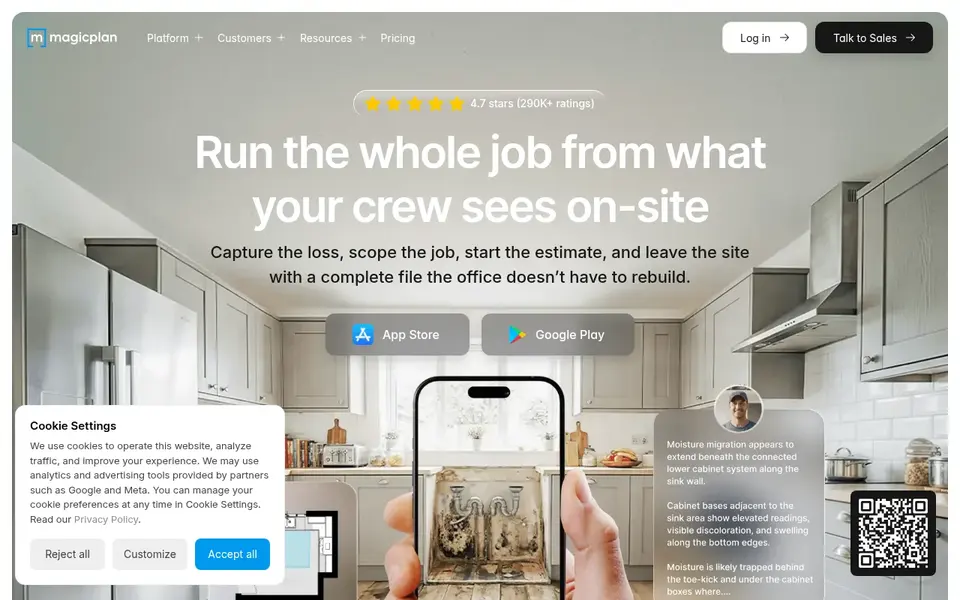
For field capture connected to office workflows, MagicPlan is a natural candidate. Marketing polish typically comes from a separate design tool. MagicPlan is restoration workflow software that links field and office, capturing scopes, photos, and documents in one place with no re-entry, plus Xactimate integration.
What MagicPlan does well: Records scopes, photos.
Where it falls short: Less concentrated on marketing design. For real estate marketing, it is most relevant when plan capture is part of a broader documentation process. Its positioning is restoration and documentation instead of marketing visuals, so it may be more than a listing agent needs. No starting price is listed for MagicPlan here; confirm pricing on the vendor site. Free options: Not stated.
- Documents in one place
- Links field data to the office without re-entry
- Framed around restoration workflows
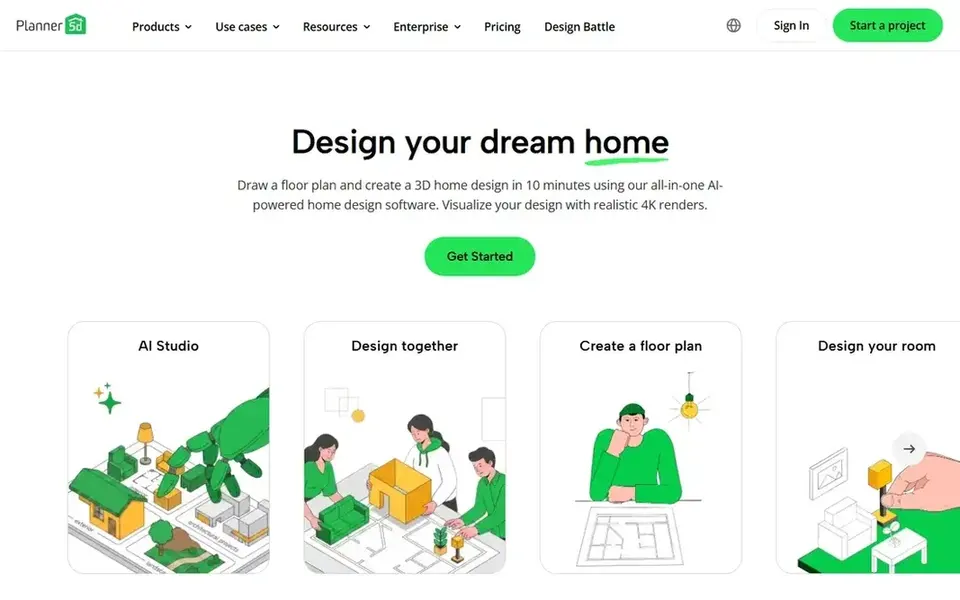
Planner 5D is aimed squarely at accessible 2D and 3D house design. As-built precision is not its central focus.
Drawbacks to consider: Precise as-built accuracy is not the focus.
Worth adding: pick it when simple concept visualization matters more than measured documentation. Planner 5D cost at the entry level: $19.99 per month. A free plan is available with Planner 5D.
- Merges 2D and 3D house design
- Described as feature-rich but simple to use
- Not a dedicated real estate marketing suite
Think of HomeByMe for Furnished 3D home design visuals. HomeByMe is free 3D design software for floor plans and home design. It lets users produce a floor plan in 2D and furnish the home in 3D with real brand-name furniture.
Its home design orientation means it may not match the documentation needs of a busy listing workflow. Consider it for showcase visuals, and pair it with a capture or drafting tool for the base plan. Furnished 3D scenes can also take time to set up. HomeByMe shows no starting price here, so confirm the cost on the vendor site. Trial and free access: Not stated.
Limits to weigh: Brand furniture focus may not suit every market.
- Furnishes homes in 3D with brand-name furniture
- Described as easy-to-learn and straightforward to use
- Geared toward home design instead of listing workflows
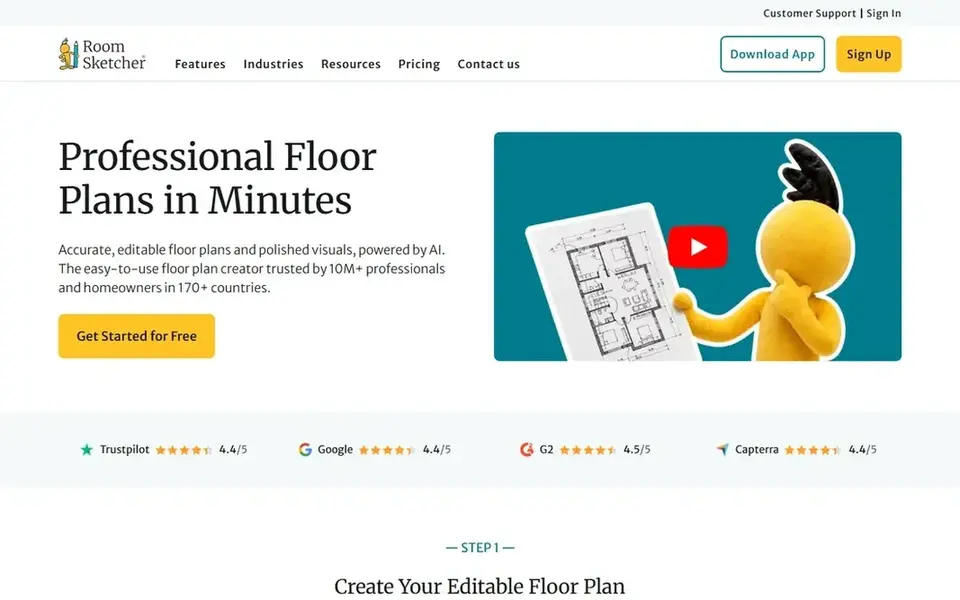
RoomSketcher makes the most sense for professional 2D and 3D plan visualization. Also, if speed on site is the priority, a scanning app may be a better first step.
Where it falls short: Not a smartphone scanning app.
Choose RoomSketcher when plan quality and 3D presentation carry more weight than capture speed. From a buyer's view, the focus on visualization makes it useful for listings, flyers, and client presentations. What you pay to start with RoomSketcher: $12 per month. Free access exists with RoomSketcher.
Upsides: Produces and edits in-depth 2D and 3D floor plans.
- Emphasizes quick
- Professional-looking results
- Ramp-up time for in-depth edits
Canva makes the most sense for designing marketing collateral around plans. Canva is an online graphic design tool for social media posts, presentations, posters, videos, logos, and more. Pick a dedicated planner or scanner first, then bring the output into Canva for marketing pieces.
Downsides: Not a dedicated floor plan drawing tool.
For real estate marketing, it suits the presentation layer: turning a finished floor plan into listing graphics, open house flyers, and slide decks. Its strength is layout and branding, not measurement accuracy. This comparison lists no price for Canva; ask the vendor. As for free access: Not stated.
- Wide template library for social posts and presentations
- Browser-based visual suite for everyone
- Precise architectural drafting is restricted
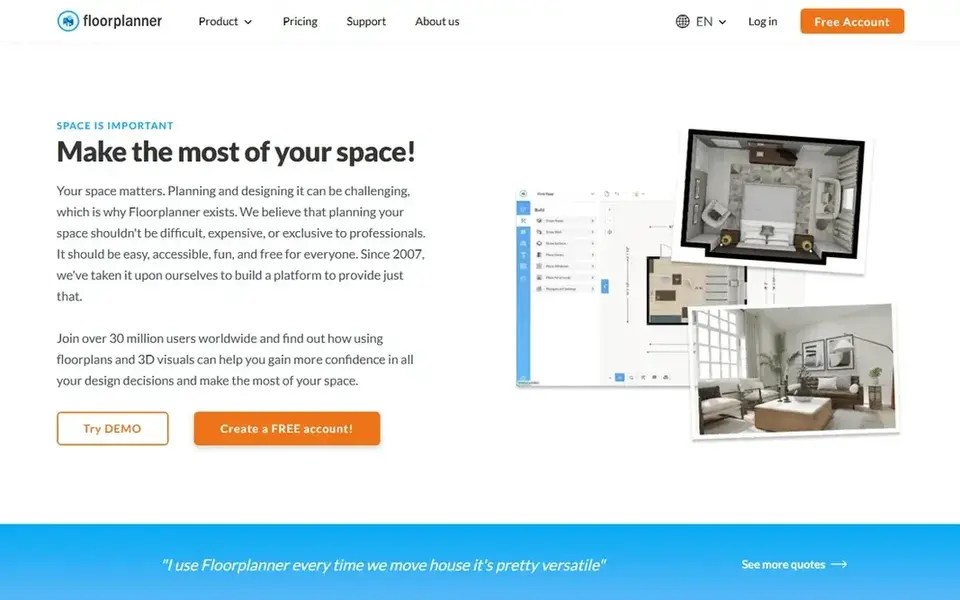
Floorplanner is designed for online 2D and 3D plan creation. Floorplanner is an online floor planner and 3D room planner for creating 2D floor plans and 3D room designs.
The main drawbacks: Output quality relies on careful input.
Choose it when you need adaptable online drawing instead of on-site scanning. The vendor describes it as simple home design software for personal use, retail, real estate, and more. Floorplanner does not show a starting price in this comparison, so check the vendor site for current pricing. Floorplanner offers a free plan.
- Positioned for real estate and retail use
- Builds 2D floor plans and 3D room designs online
- Advanced detailing may need another tool
How we built this list
Each tool was reviewed on what its vendor publishes: price, plan limits, core features and stated drawbacks. We did not run hands-on tests. Prices and plan limits come from vendor pages and can change, so confirm them on the vendor site before you buy. The order reflects how well each tool fits the most common buying scenario for floor plan software for real estate marketing, then price clarity, then free plan access. It is a starting point, not a verdict.
What to confirm before you sign up
- Ask MagicPlan, HomeByMe, Canva and Floorplanner for a written quote, since no starting price is shown.
- Check what the free option really includes: Planner 5D, RoomSketcher and Floorplanner offer a free plan, and usage caps differ.
- Read the limits listed for MagicPlan first: framed around restoration workflows.
- Check whether the features you need in RoomSketcher sit on the entry plan or only on higher tiers.
- Look at the help docs and support options for Floorplanner before you commit.
Frequently asked questions
Can I try these tools before paying?
Often, yes. Planner 5D, RoomSketcher and Floorplanner have a free plan. Use your own data and a real task during the test, and check what the free tier or trial limits before you rely on it.
What is the cheapest option for floor plan software for real estate marketing in this list?
On published monthly entry prices, RoomSketcher is the lowest here at $12 per month. Entry price is only part of the cost, because seats, add-ons and billing terms can change the total.
Which floor plan software is a good match for real estate marketing visuals?
MagicPlan is the pick this page puts first, mainly for field capture connected to office workflows. If your situation differs, Planner 5D suits accessible 2D and 3D house design, and HomeByMe suits Furnished 3D home design visuals. Compare price and limits before you decide.
How are the tools for floor plan software for real estate marketing ordered?
MagicPlan sits first and Floorplanner last because the order follows typical fit for floor plan software for real estate marketing, then price clarity and free access. It is a judgement call, so read each profile for fit and limits.
Do these tools publish their prices?
Not all of them. MagicPlan, HomeByMe, Canva and Floorplanner publish no starting price, so expect a quote request for those. The rest, Planner 5D included, show a starting price, though seats and billing terms still change the final cost.
Sources
See where you really rank - block by block
ProMapRanker scans Google Maps across a grid of your service area. Simple monthly plans from $19, white-label on every plan.
Start freeBrowse all guides
← Best Cookie Tracking Software for Remote Teams in 20266 Best Multichannel Marketing platform for 2026 →
 best community marketing platform
Community Marketing Platform in 2026: Top 6 Compared
Best community marketing platform: 6 contenders ranked by fit, with entry costs and free tiers. Each tool gets a one-line verdict. Budget notes included.
Read → refersion alternatives
5 Refersion Alternatives Compared (2026)
Refersion alternatives in 2026: 5 tools with starting prices, free plans and limits. Short, factual notes on every option. A comparison table is included.
Read → hubspot marketing hub alternatives
Best HubSpot Marketing Hub Alternatives in 2026
Weighing HubSpot Marketing Hub alternatives? We lined up 5 products by cost, free access and fit. Every entry states what it lacks. Pricing and limits included.
Read → carrd alternatives
Carrd Alternatives in 2026
We compared the best carrd alternatives for one-page sites, portfolios and landing pages, with current prices, free plans and the trade-offs to check.
Read → best pc company
Best PC Company in 2026: 9 Companies Compared
We compared the best pc company brands for work, school, gaming, and creative use, covering range, support, value, and long term ownership costs in 2026.
Read → best conversational marketing software
Conversational Marketing Software in 2026
Shortlisting the best conversational marketing software? 6 products compared on cost, free access and ideal buyer. Every entry states what it lacks. Facts only.
Read →More in Marketing Software · All guides A to Z by date · Latest guides